-
-
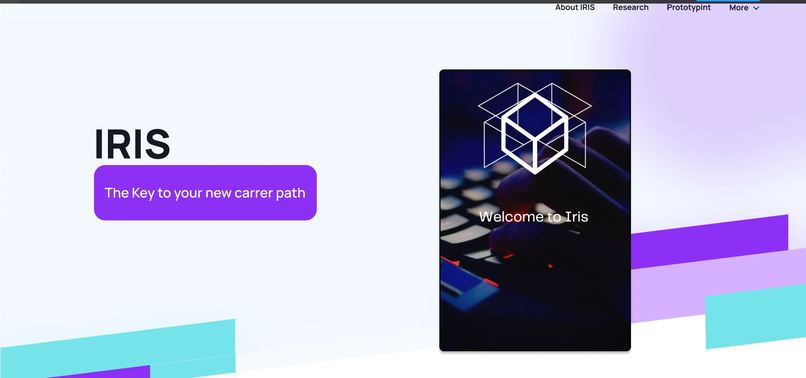
Landing page
-
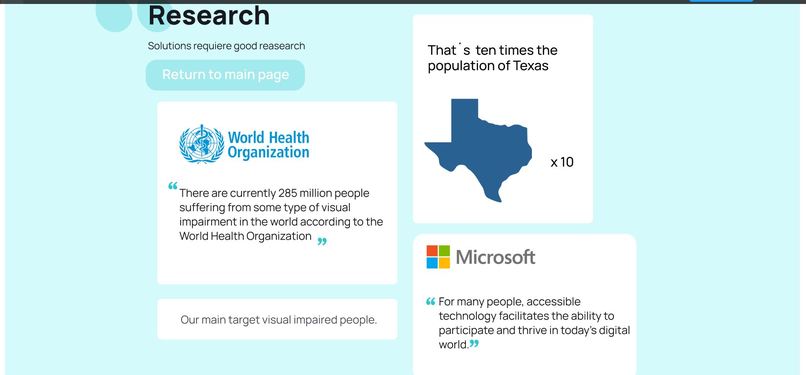
Research / our purpose
-
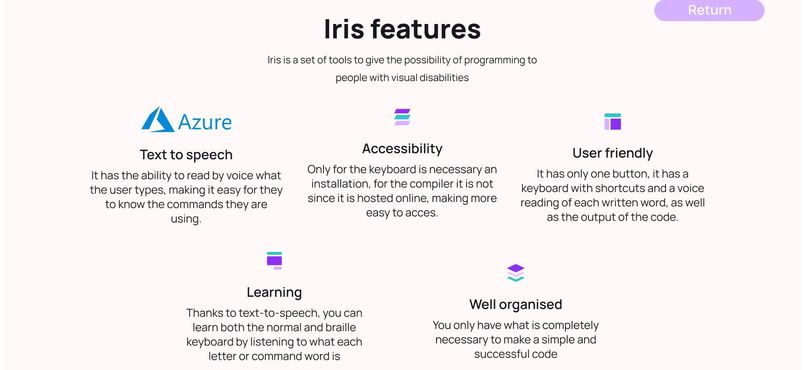
Features
-
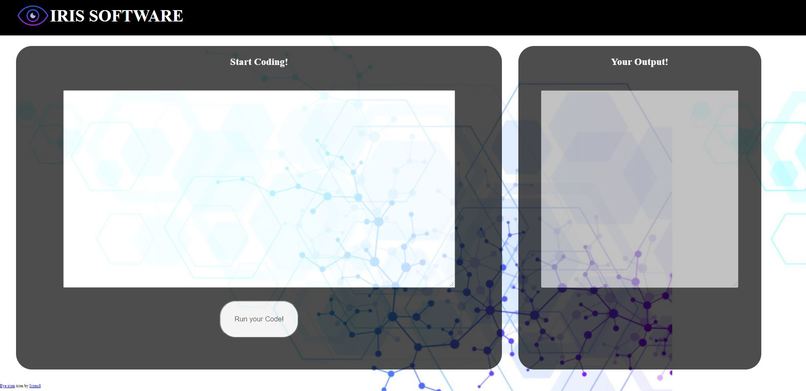
UI
Inspiration
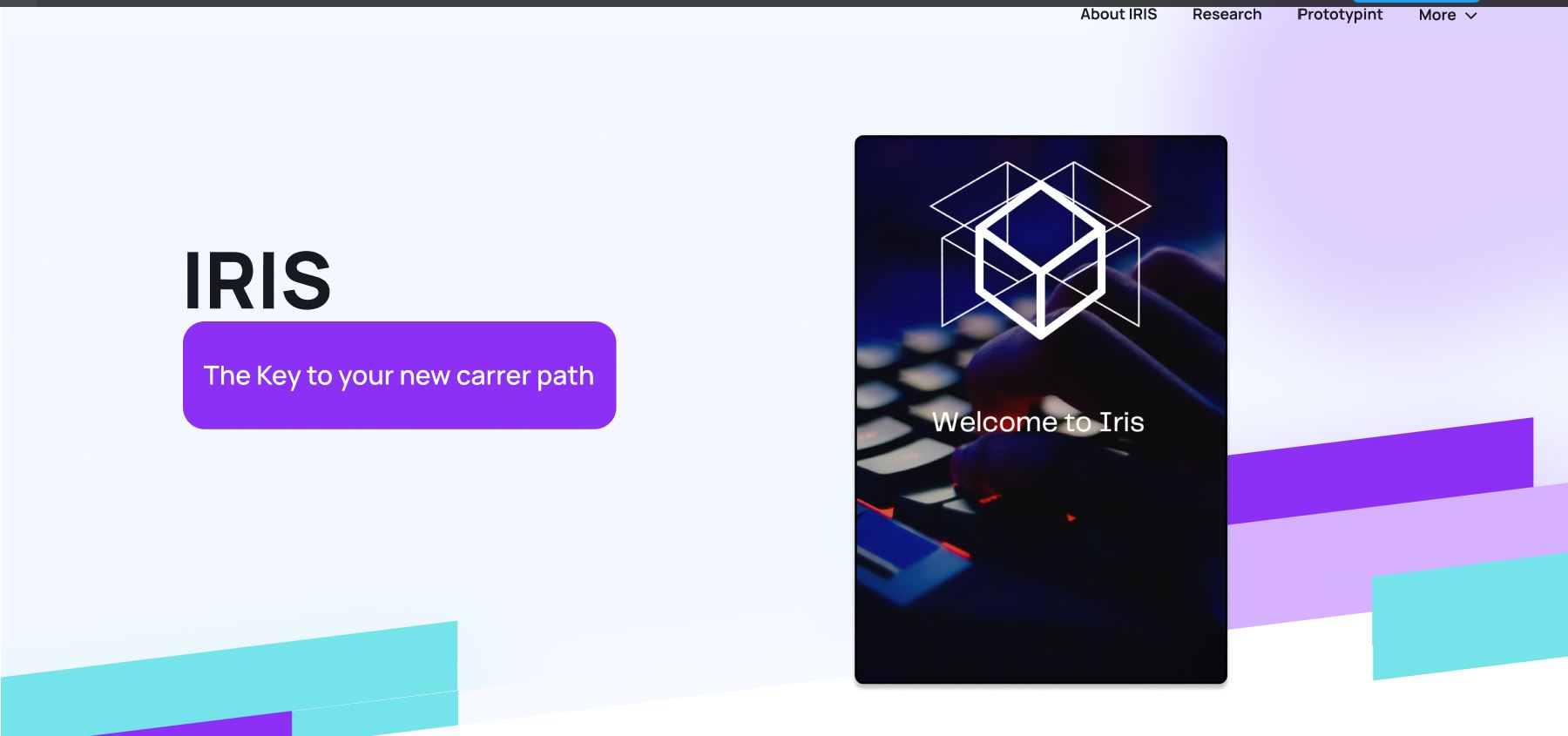
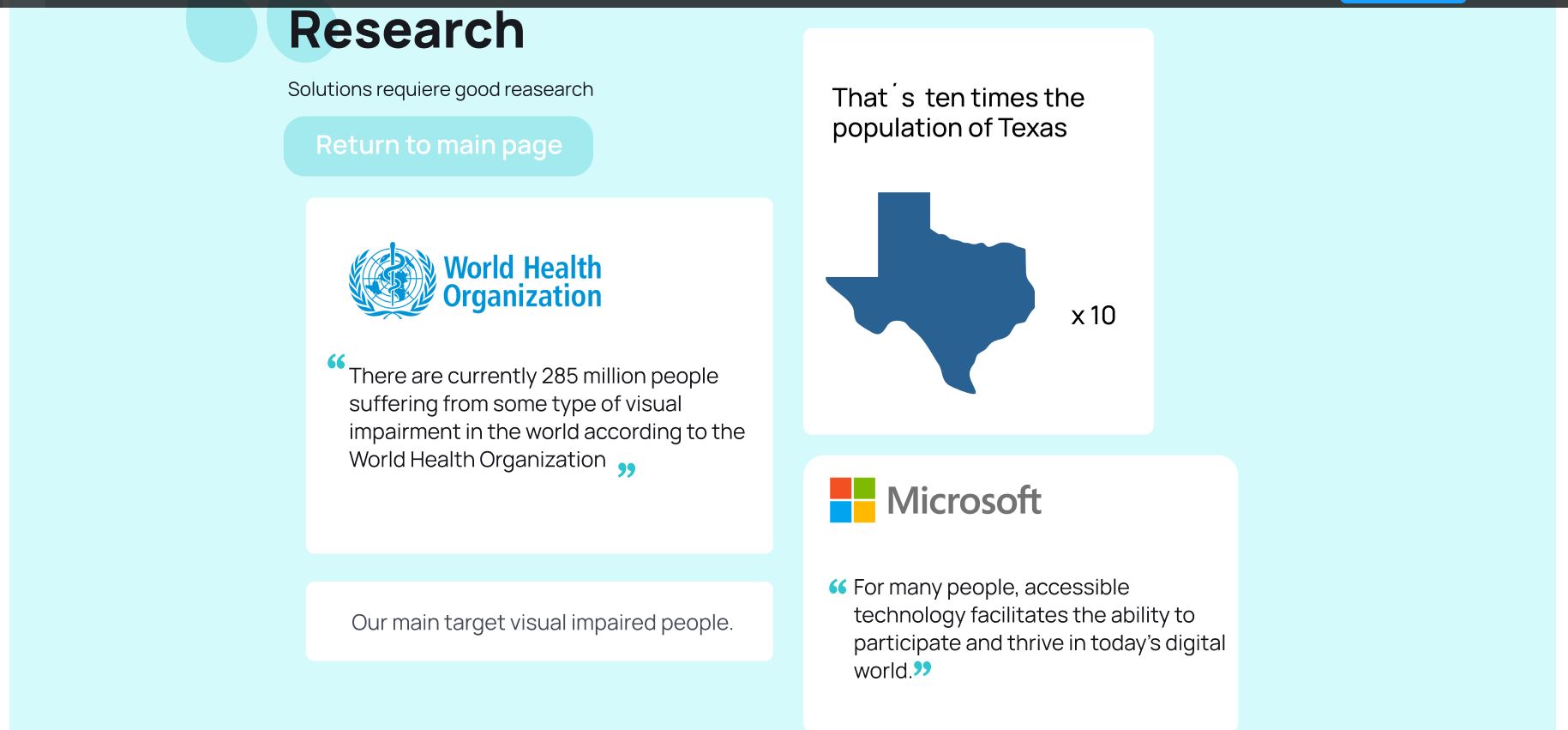
From our love for the technological area, specifically the art of programming, Iris is born, a project that is inspired by supporting the community, in this case people with visual disabilities, and motivated with the idea that inclusion in the areas of Programming are fundamental aspects for the world to progress both humanly and technologically.
What it does
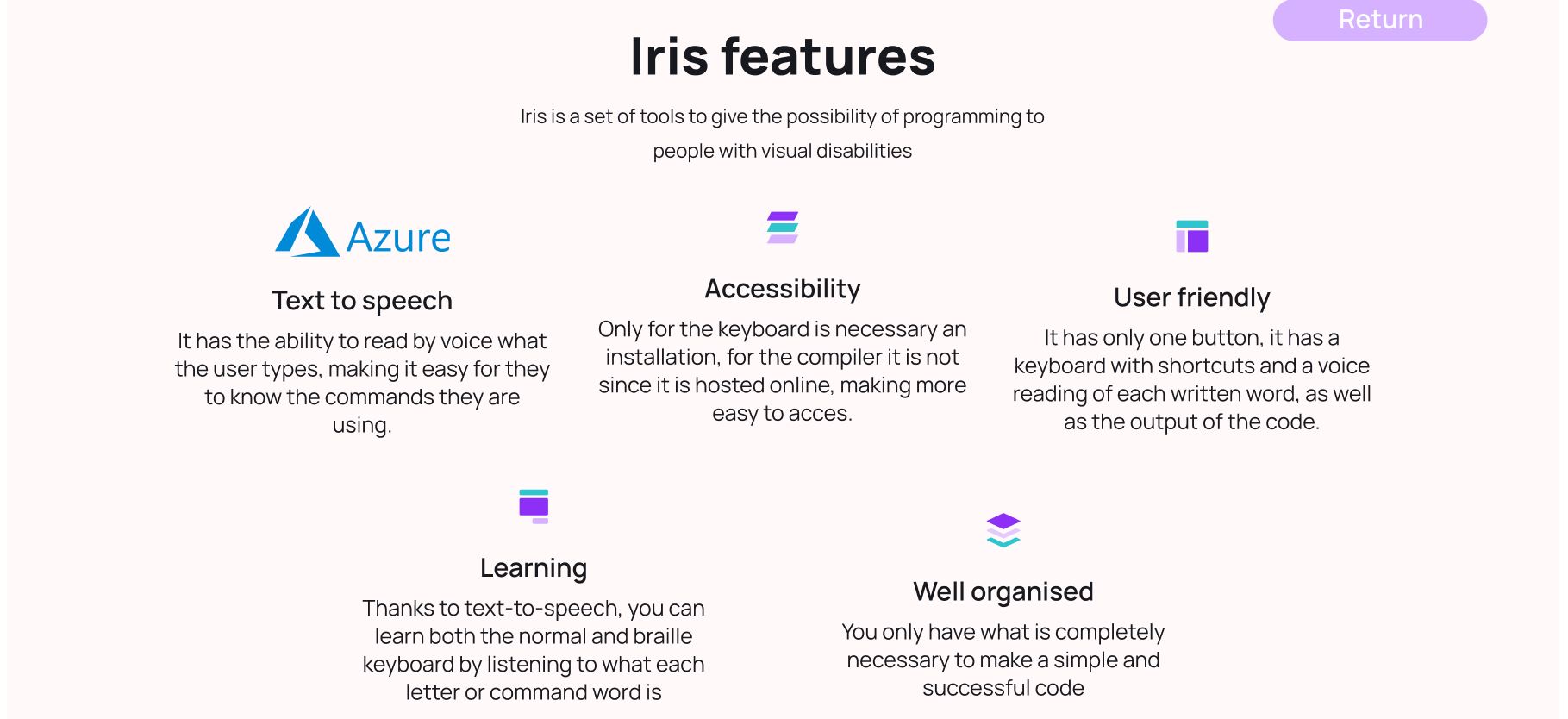
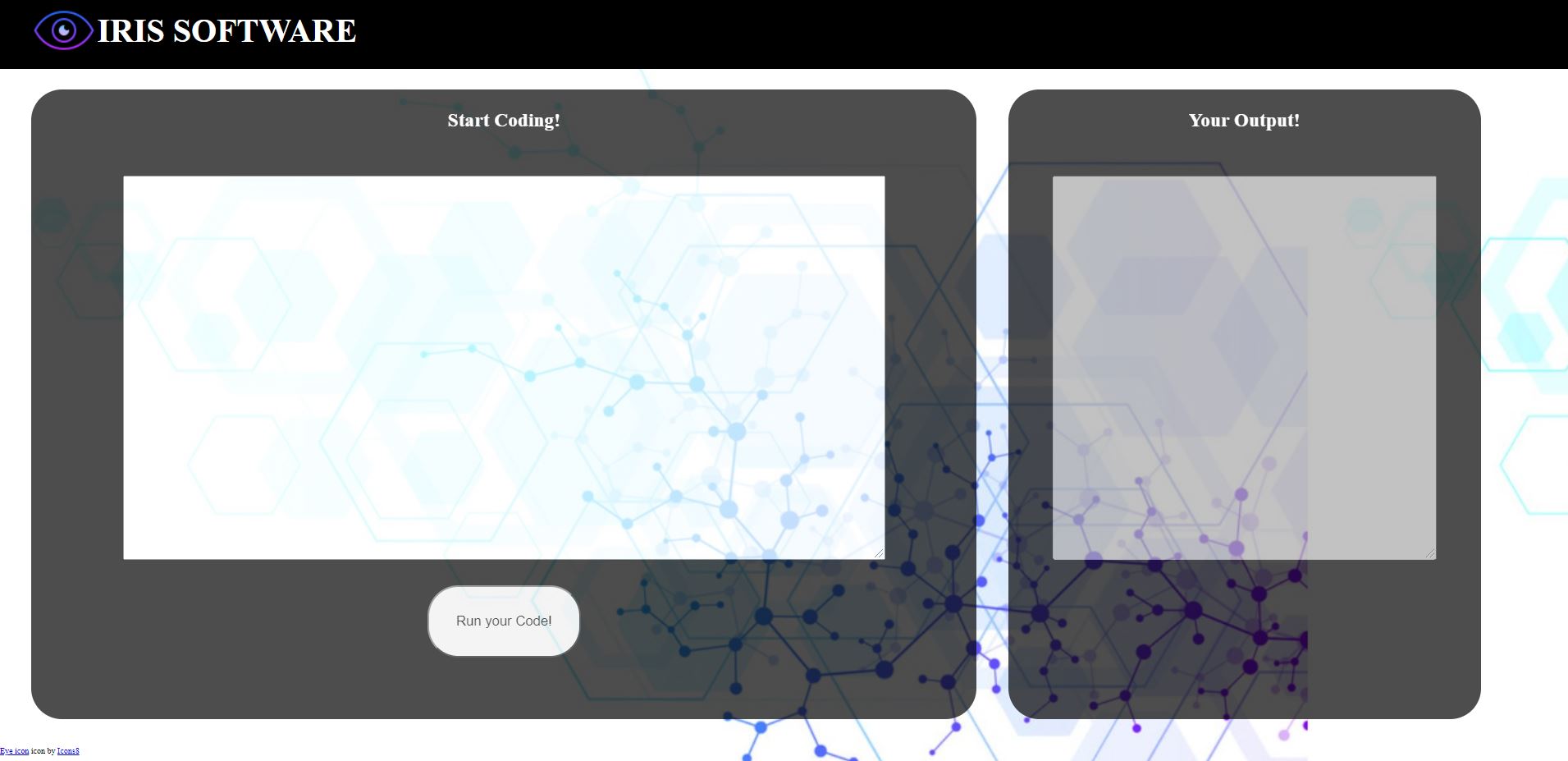
Iris makes the coding experience to people with visual impairments more friendly, because with a single key you can type some of the most used commands and operations. Some of the commands we use in the configuration are cin, cout, ==, that are commands commonly used in c++. It also has the text to speech feature that allows the users to hear what they are writing while they are typing to know if they are using the right keys. Iris also transforms the output into an audio so the users know what is the result of their code.
How I built it
For the Keyboard we use Microsoft Keyboard Layout Creator, which allows us to create a Keyboard configuration where when we type a key, instead of writing a number, we write code, but if they want to write the number they just have to use shift and the key.
Before programming we made a prototype using Canva to see how we wanted the page to look like, then we used React and Javascript to create the webpage.
We try to use Azure cognitive services to talk to speech functionality (in the final result of the app that would be the objective) but as we were having a problem while importing and could not find how to correct that, we use the SpeechSynthesisUtterance() function.
Challenges I ran into
Among several drawbacks that came across the competition, the main one was implementing Azure to a page developed with React. Most of the team was not familiarized with development in React
Accomplishments that I'm proud of
The team is proud of creating a prototype of a page that could facilitate coding, knowing that this could allow more people to develop software or to learn more things.
What I learned
We did not know we could create our own Keyboard configurations. We also learned about Microsoft internships thanks to the events we had online, how to apply and how to deal with the impostor syndrome. Finally we learned that Azure is a tool that has some incredible solutions to create more complete software solutions. Unfortunately we were not able to implement this solution, but for future projects we know we can use this tool.
What's next for Iris
This is just a prototype, so in first place we would need to implement the read-run code logic. The next thing in list would be to use Azure cognitive services instead of the solution we are currently implementing. The implementation of a button that can run the code instead of using the button should also be into consideration since this app should be easily used by all the people with visual impairments. We can also look for a way to accept different programming languages and find the way to make easier to the user to choose in which programming language we want´s to code.


Log in or sign up for Devpost to join the conversation.