-
-
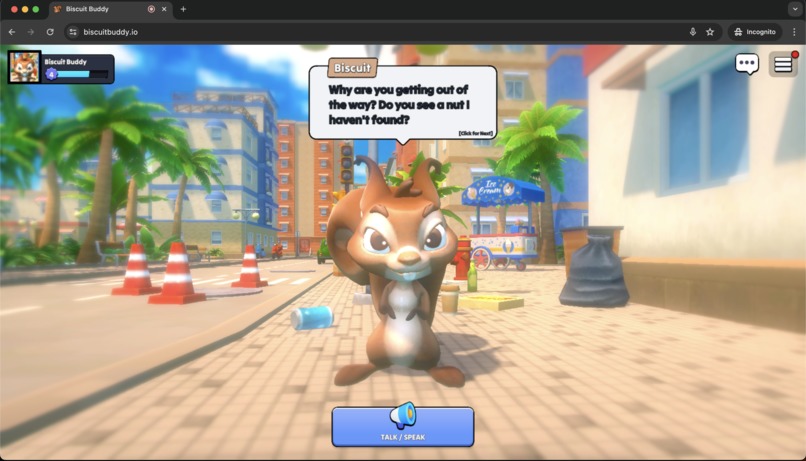
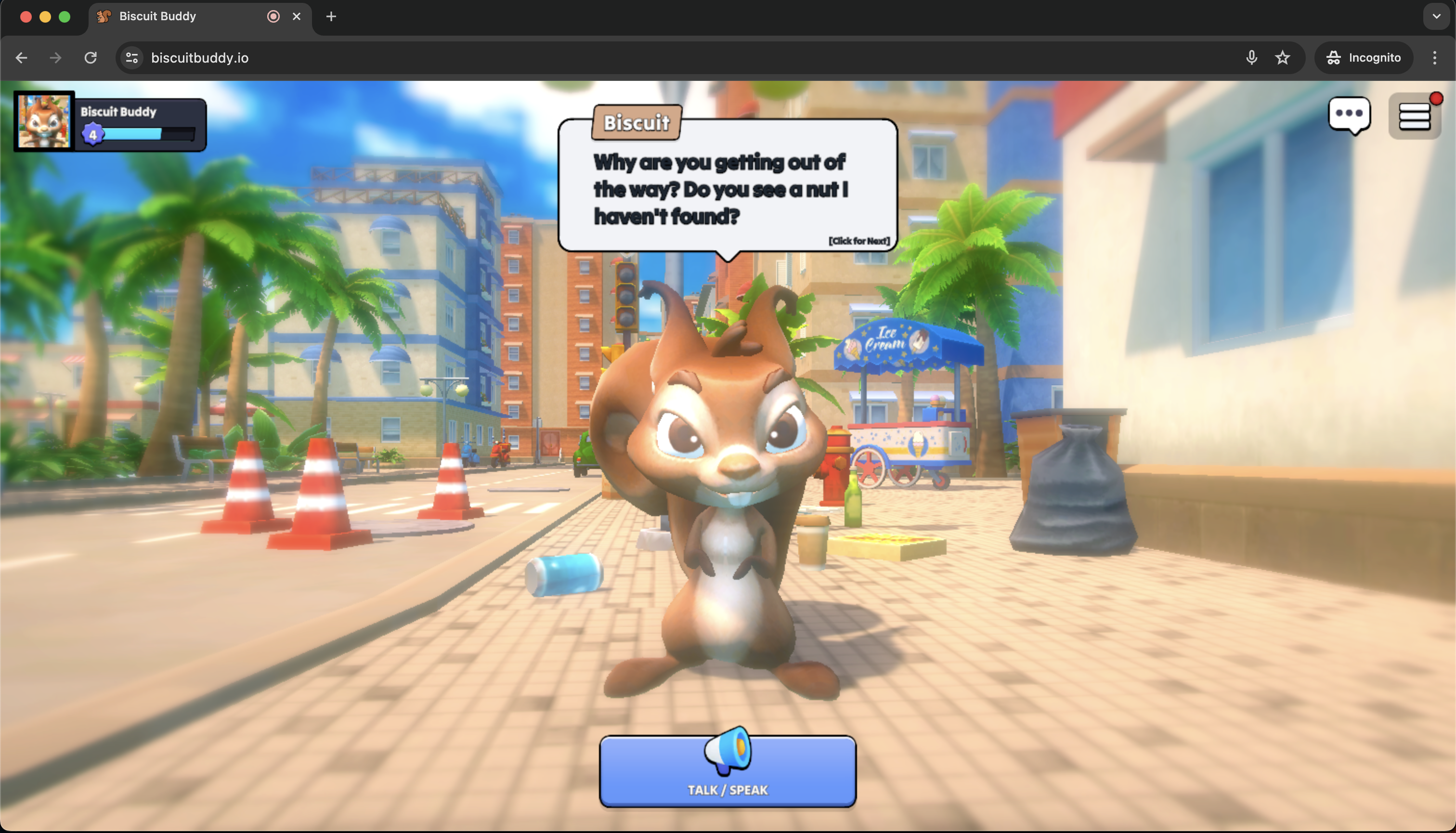
Biscuit Talking
-
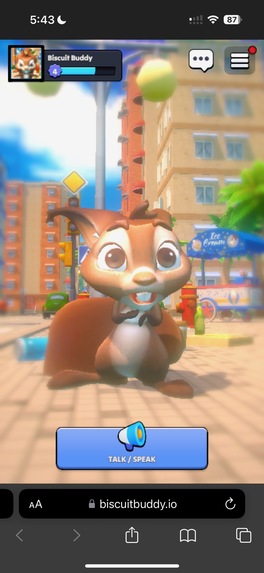
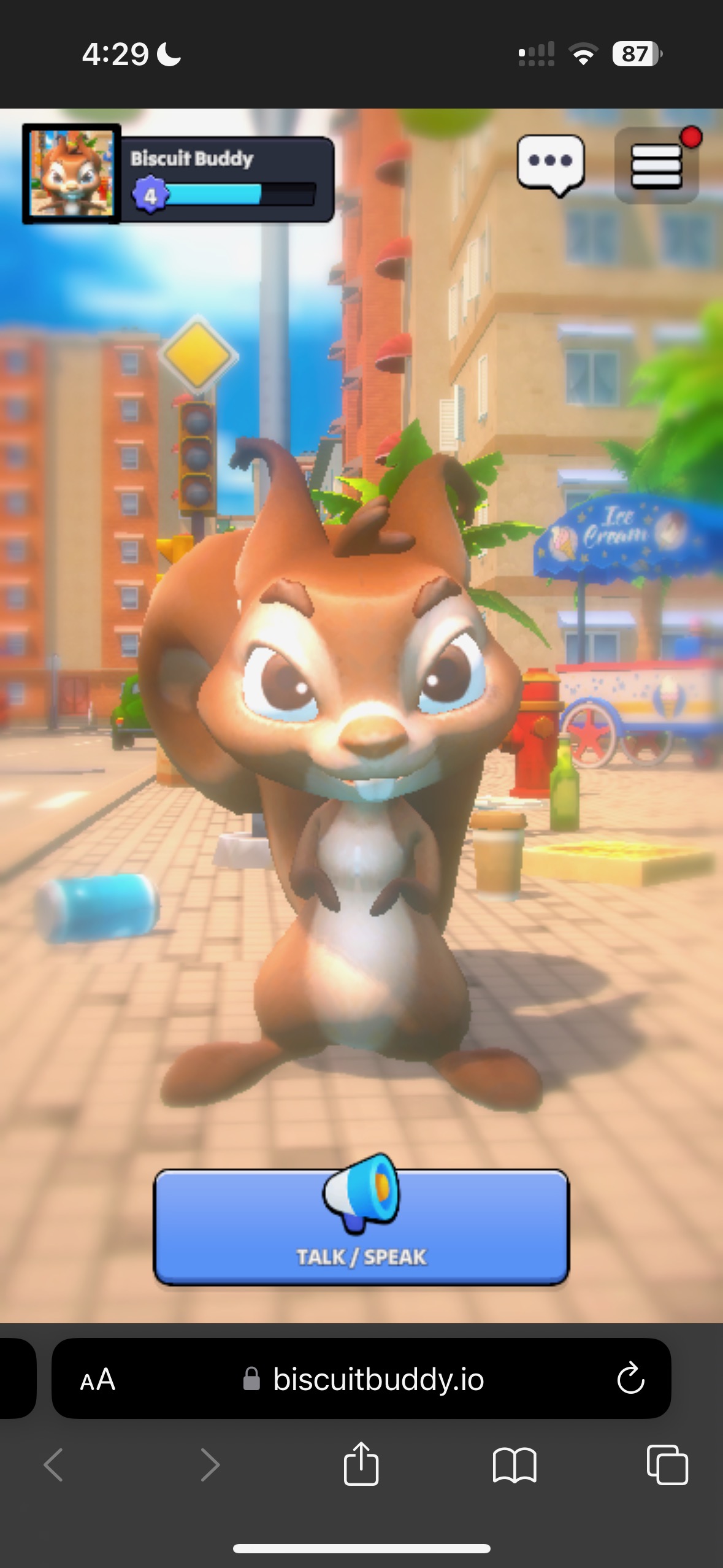
Biscuit Scared Emotion
-
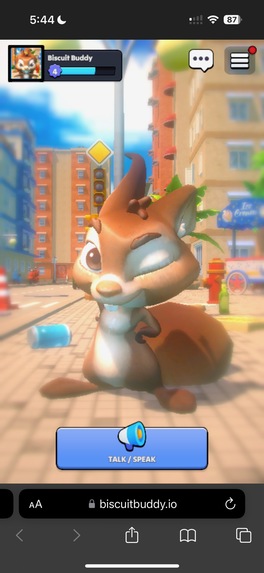
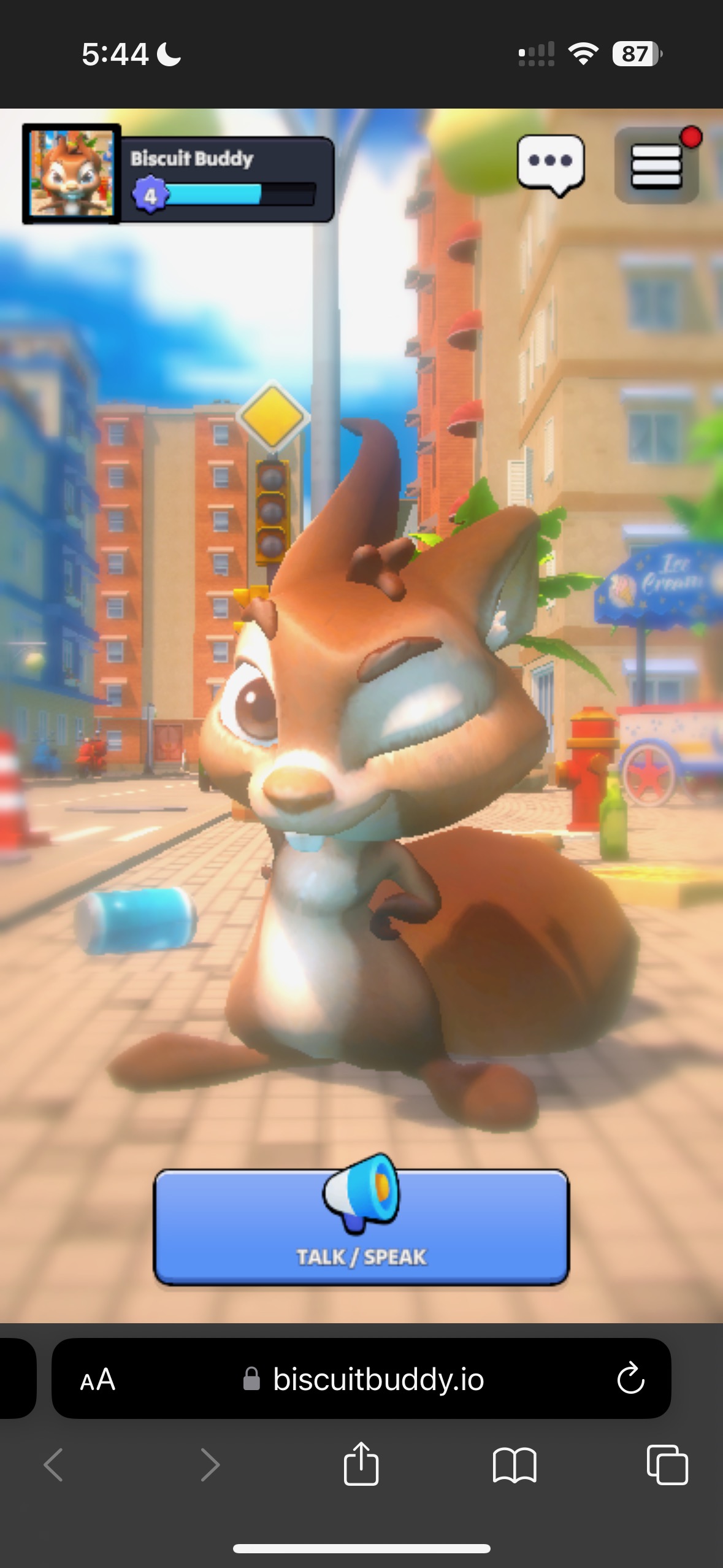
Biscuit Cheeky Emotion
-
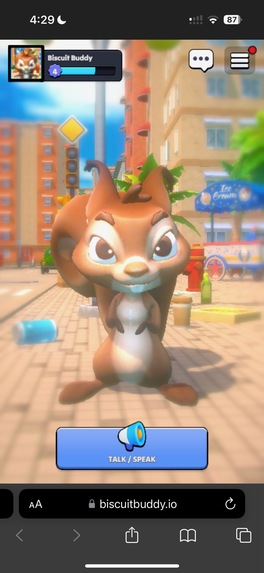
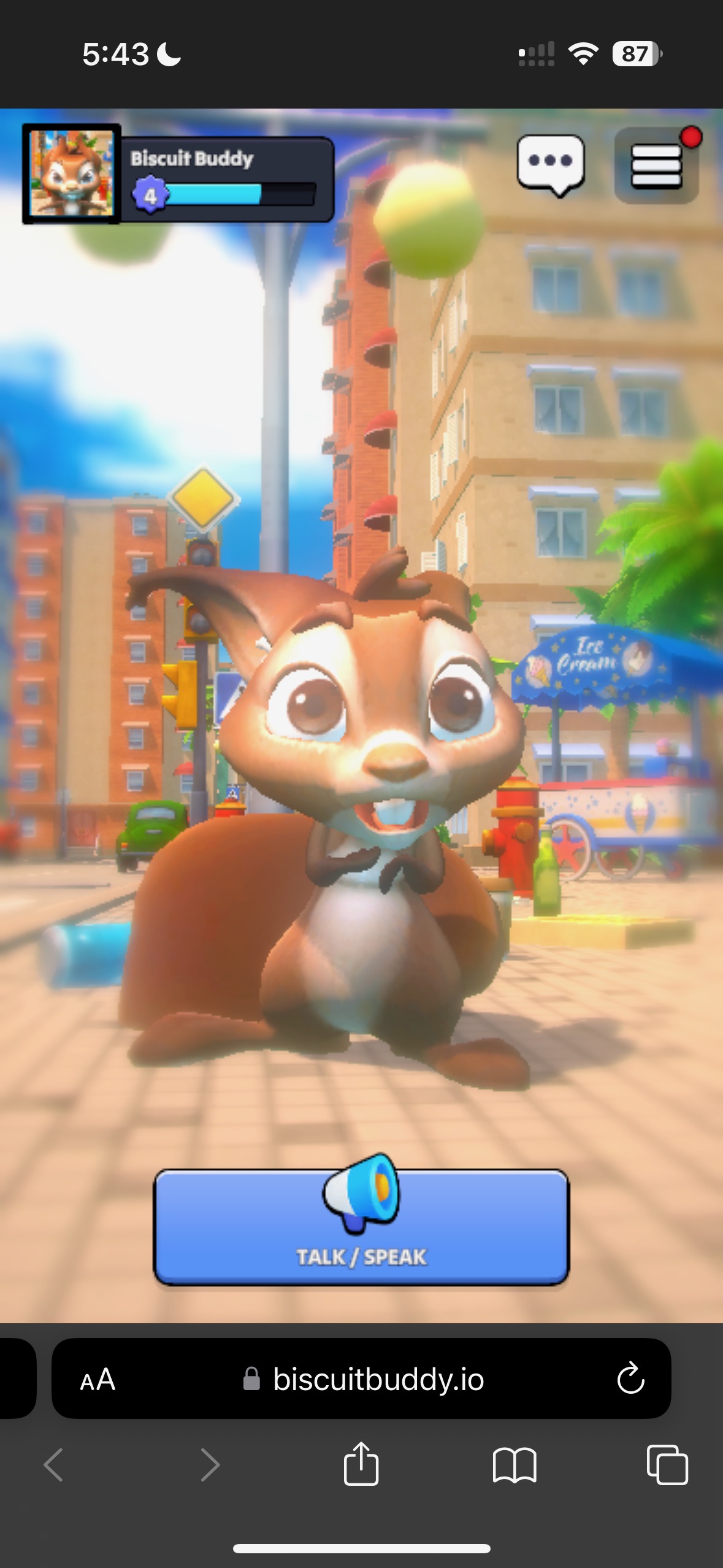
BiscuitBuddy working in mobile web browser
SEE GITHUB FOR MORE DETAILED INFO
Inspiration
Combating the loneliness that arises as the result of coding all day, but also not wanting to commit the emotional energy of talking to a human.
What it does
PLAY NOW: https://biscuitbuddy.io
Biscuit Buddy is an interactive 3D Web Browser game which lets users verbally ask a squirrel, Biscuit, any question they'd like. Biscuit will respond with an animated reaction in game based on the sentiment of the current conversation, as well as a customized text.
How we built it
The first step in our building process was setting up a visually pleasing scene in Unity3D. We started by acquiring a well-made 3d character model, a biscuit created by the 3D artist Jose Diaz, found on CG Trader. To set the stage, we found an immersive map from the Unity Asset Store, serving as the perfect backdrop for our scene. With these two elements as the foundation, we developed interactive components that brought the character to life, such as mouse-tracking, bone animator, and reactive animations. The combination of these elements, complemented by additional scripts and plugins, allowed us to create a visually stunning and engaging base scene.
The second step in our building process was setting our backend. We bought an $8 digital ocean droplet and setup our repository on there. We used NGINX as our webserver to serve static content and loadbalance the player to the FastAPI endpoints. We also purchased and linked up a GoDaddy domain, biscuitbuddy.io, and gave it a TLS certifcate using Certbot and LetsEncrypt.
The third step was setting up the Biscuit's AI. Initially, we focused on enabling audio input from the user's microphone, which we successfully tested and integrated using OpenAI Whisper. While we initially employed GPT-3 as Biscuit's "brain," we ultimately switched to Gemini due to its more intuitive API and the added flexibility of its model. Gemini's model allows for greater freedom of expression, enabling us to lower safety restrictions and achieve more human-like interactions (you can, for example, engage in playful banter or even mild cursing). Additionally, we found Gemini's tools feature particularly intriguing, and we plan to explore its potential in future versions of the experience.
So, to recap: 1) Frontend (Unity) design 2) Backend (NGINX + FastAPI) design 3) AI Brain for Biscuit using Google Gemini
The fourth step was optimizing! We got the build size down to 8MB, making the game load nearly instantly on all devices.
Challenges we ran into
- Having troubles getting TLS certifcate. We need TLS in order to access mic on website (otherwise Chrome blocks it if not running on HTTPS)
- Not having time to completely bring our vision into reality.
Accomplishments that we're proud of
- Getting the application running on a mobile browser with full 3D graphics, at super high frame rate
- Getting microphone access permissions for first time (neat!)
- Using and implementing the Google Gemini function calls
- The friends made along the way, especially biscuit!
What we learned
- How to optimize amount of calls from GPU->CPU in a given frame in Unity (batch count)
- Using AI function calls, and conceptualizing what they can do
- Setting up NGINX, setting up TLS cert
What's next for Biscuit Buddy
- Fix bugs !!
- Further research into different Gemini function tools and determine features to advance the project
- Adding settings, leaderboards, and player accounts
- Summarize key points at the end of conversations, and add that to all future prompts that user has with biscuit.
- Add more characters to the game that players can swap in and out in place of biscuit
- Setup messaging functionality with Biscuit, for those that don't like using their microphone
- View past conversations with biscuit
Built With
- fastapi
- googlegemini
- html
- javascript
- nginx
- openai
- python
- unity


Log in or sign up for Devpost to join the conversation.