-
-
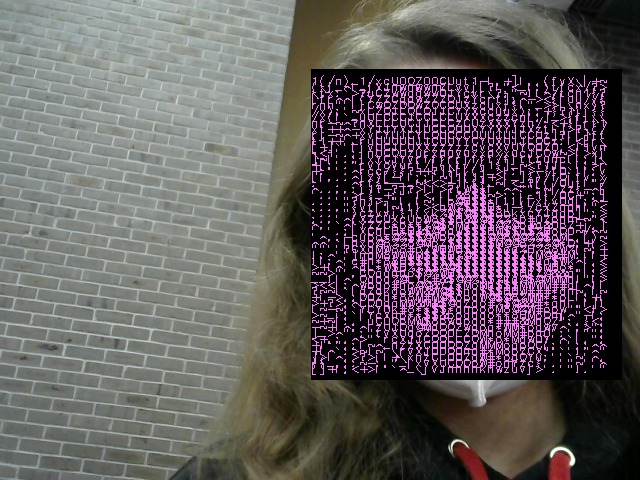
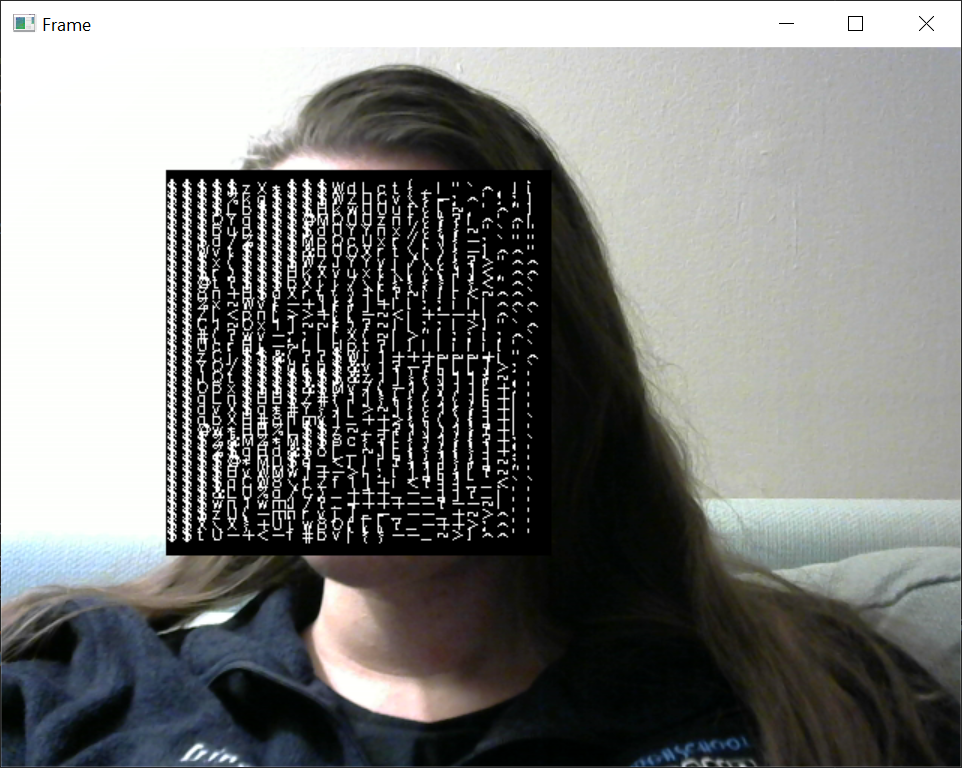
Frame used for the thumbnail
-
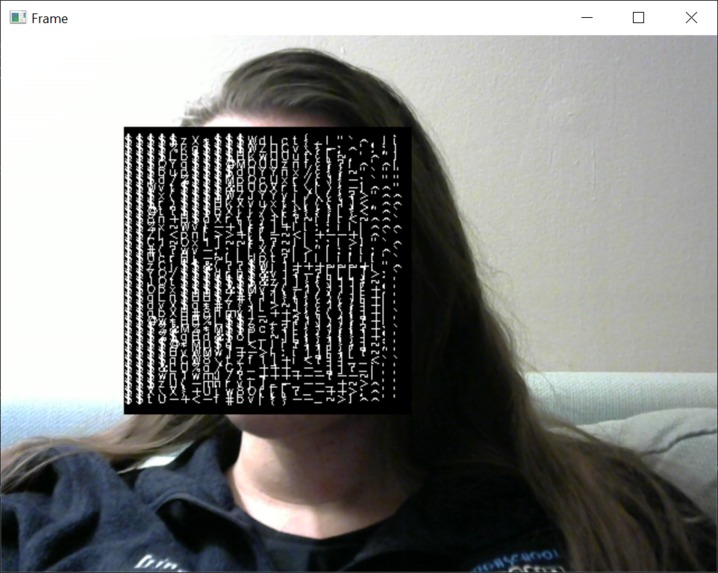
Early trials
-
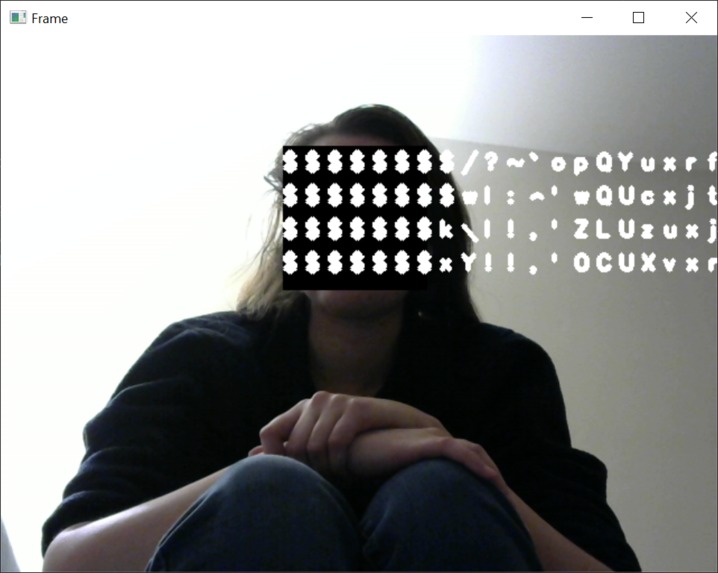
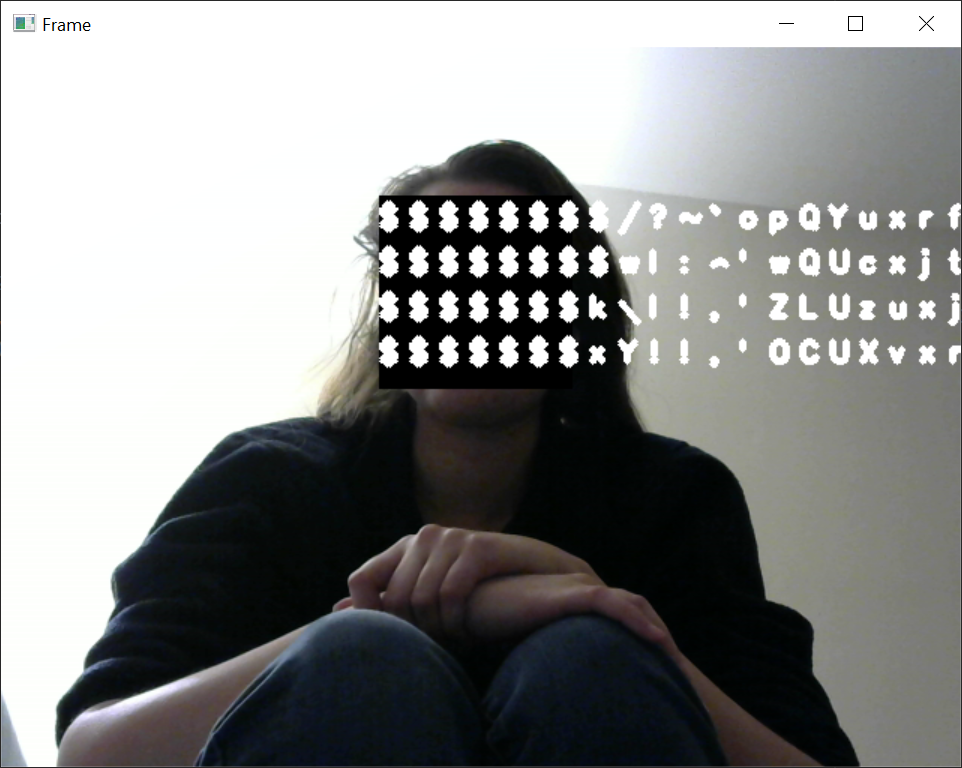
Failed test that looked really cool
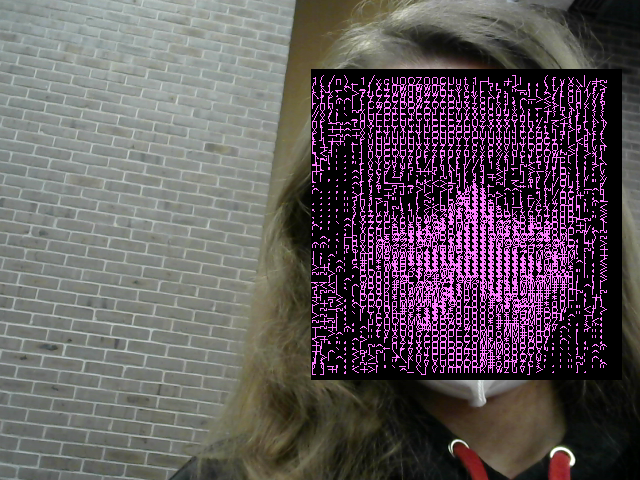
Inspiration
When I came to the hackathon, I honestly had no idea what to do. As such, I ended up just messing around with Python in Pycharm. After a couple hours of noodling around, I remembered a library that I used multiple times in the past - OpenCV. After testing with face detection for the next hour, I realized that I could make something like a Snapchat filter (except, probably, not as good :)). When deciding what filter I can make, I remembered that I was fascinated with how people use ASCII symbols to create images. With those two realizations in mind, this project - "ASCII-ng for trouble" - was born!
What it does
The program opens your camera feed and displays it back to you. If it detects a face, it changes that face to its ASCII representation - like "drawing" it with letters, symbols, numbers, etc.. You can also change the ASCII's and the blocking square's color, as well as save the current frame anywhere on your PC.
How I built it
First, I tested if I can use OpenCV's face detection algorithm - in this case, I used the Harr cascade method, as it is simpler and slightly more accurate. I decided that I would rather have a more accurate, although slightly slower face detection. Then, I used the regions that the cascade detected to convert some of the frame's pixels into symbols and draw the strings of symbols back on the frame. There was a lot of scaling involved, and the image had to be grayscaled first to allow for mapping from 0-255 to 0-70 (there are 70 symbols that I've used). Finally, after the basics were implemented, I added error/info messages, color pickers for regions and ASCII, and the option to save the image to the PC.
Challenges I ran into
Obviously, when you try to convert many, many pixels into symbols in real-time, the program would run much slower, and the video feed would slow down. As such, I scaled down the part of the image where a face was detected and used that smaller number of pixels to work with. However, when it was time to display the ASCII on screen in its original location, it frequently went out of the blocking square's bounds, or the symbols were too "packed". So, I had to find a way to space the symbols apart dynamically, with the face's region.
Accomplishments that I'm proud of
One accomplishment that I'm proud of is finding a way to speed up the program by using less pixels for analysis. Another accomplishment is that I was able to change the colors of the ASCII and the blocking square - it is always nicer when the user has at least some control of the interface.
What I learned
OpenCV is really good for learning face detection due to how simple it is to set up and use. It took only a few lines of code to be able to show the regions where the Harr cascade algorithm detected faces.
What's next for ASCII-ng for trouble
I would like to add region selection - like when you select a region, the program converts in into ASCII along with the faces. I also would have liked to test it on other PCs and with other cameras, which I was unable to do. As such, it works with my webcam, but might not work with more advanced ones.

Log in or sign up for Devpost to join the conversation.