-
-
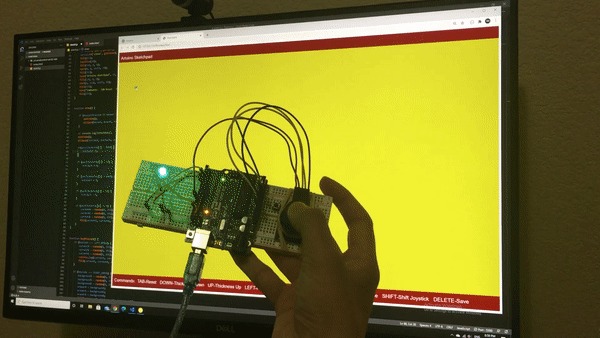 GIF
GIF
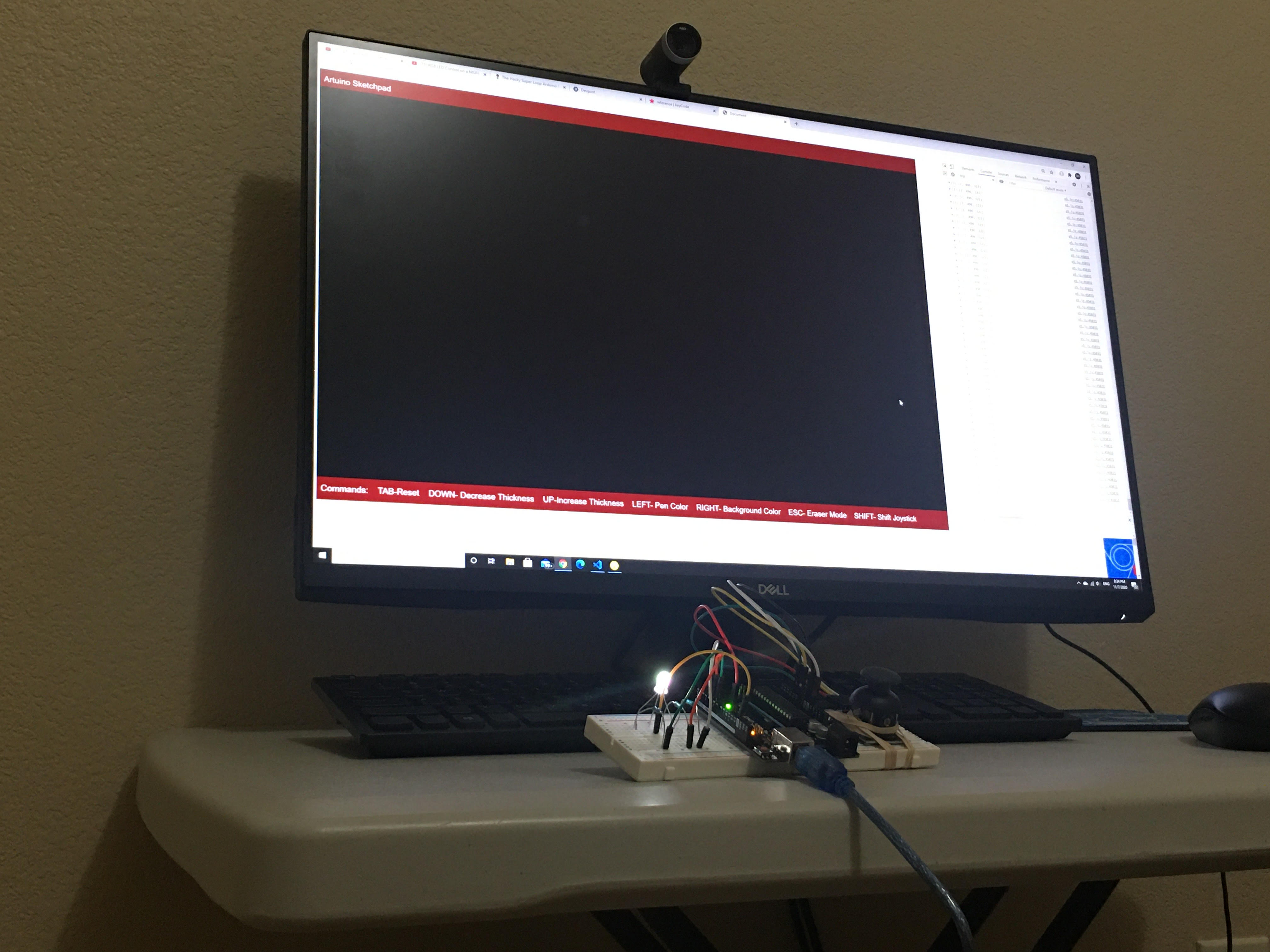
The sketchpad controller. The light changes as the brush color changes!
-
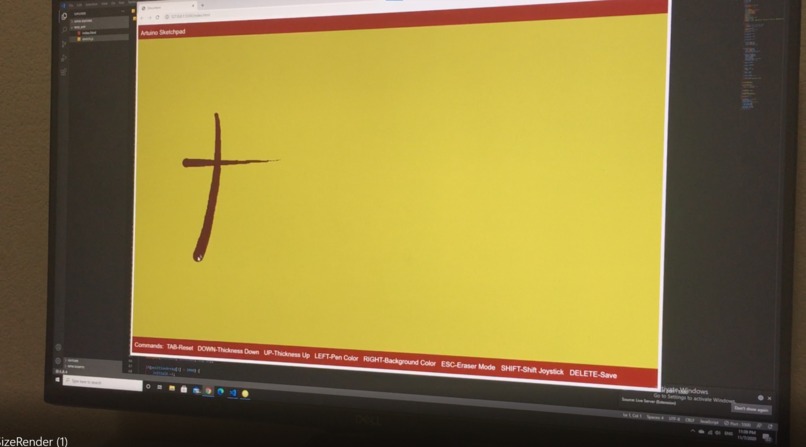
All the features of a standard sketchpad, like changing brush thickness, changing brush color, changing background color, etc.
-
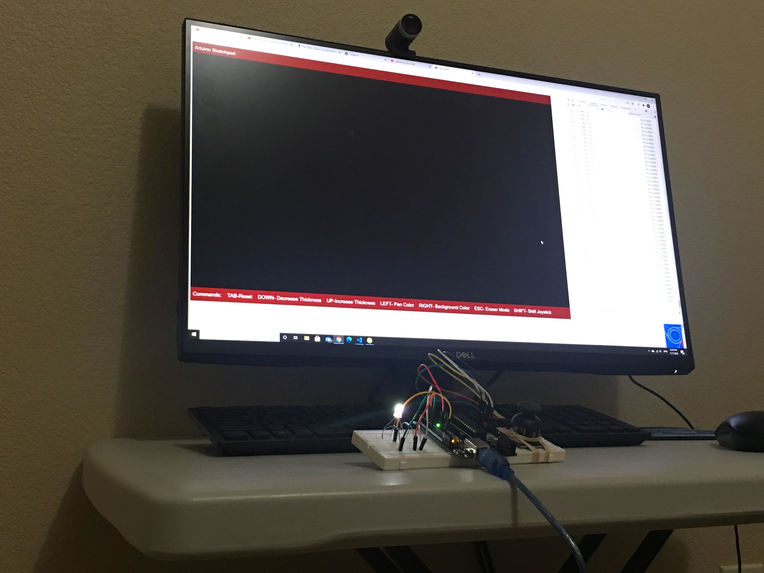
Web app interface and the ARTuino controller board.
-
 GIF
GIF
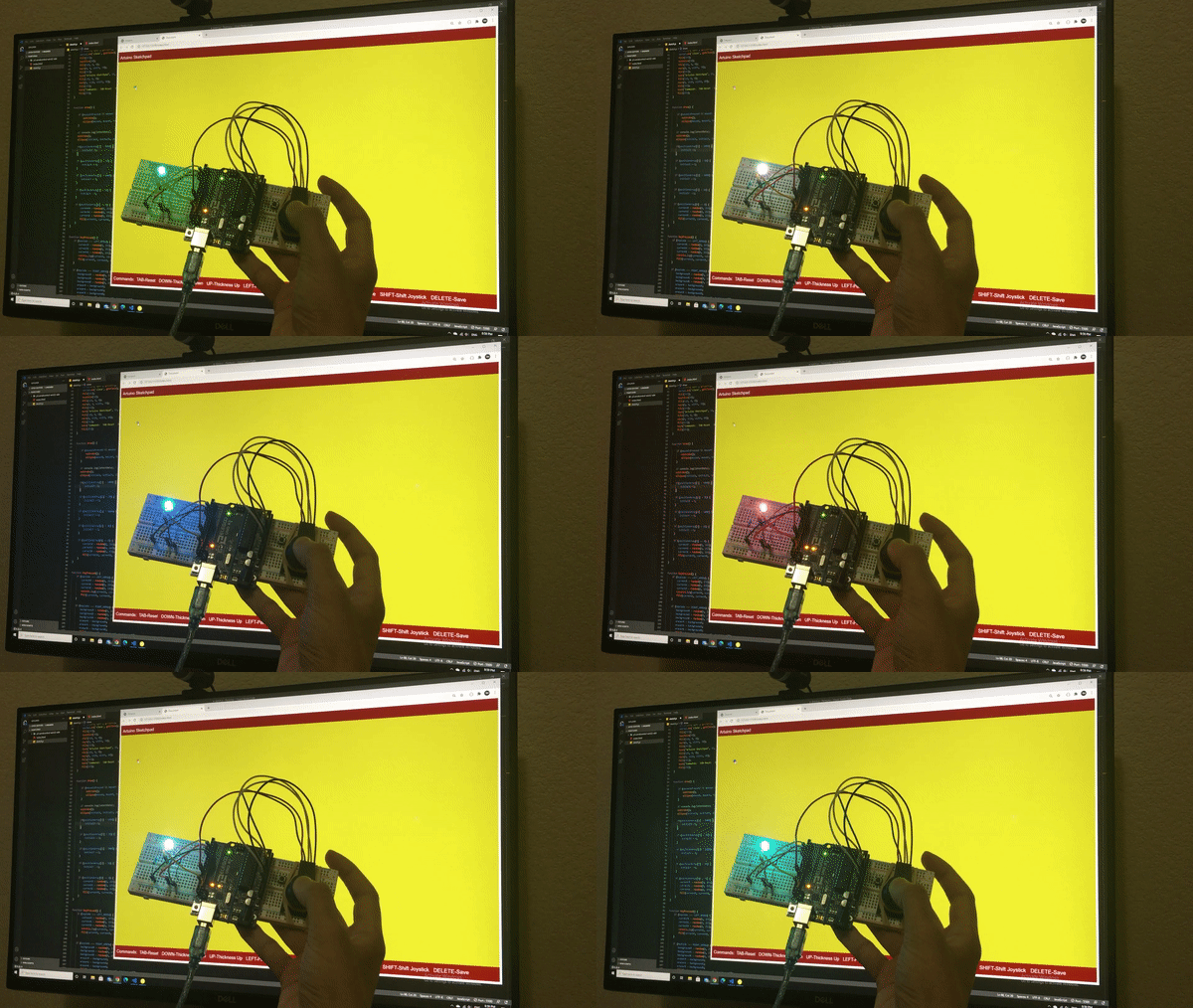
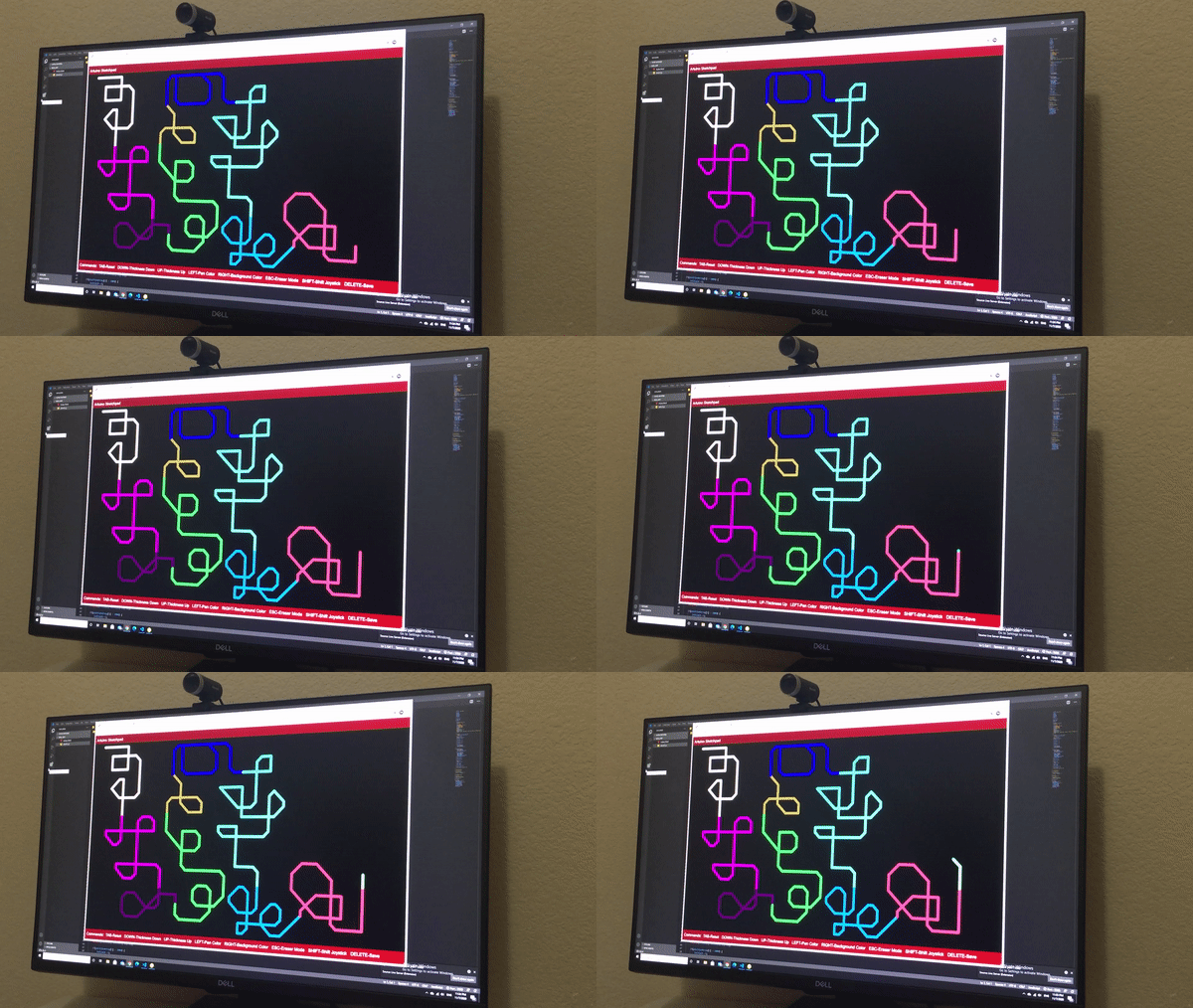
Joystick control model patterns. You can also change color on the go, and make rainbow multicolored lines by holding down the joystick.

Inspiration
As coding blokes with terrible artistic ability, we had to look deep within ourselves to find the inspiration to create something even remotely artistic. However, we eventually found a pretty neat idea in hardware. We wanted to make art more fun and customizable by allowing a method by which to draw continuous lines that we could change the thickness, color, and direction of at any instant in time. Thus was born the idea of the Artuino Sketchpad. By using an Arduino microcontroller and an interface of joystick and buttons, we could control the sketching mechanism in a more streamlined, careful, and enjoyable manner, and easily create patterns which would not be possible with a touchscreen or a computer mouse based sketching interface.
What it does
The Artuino Sketchpad harnesses the power of microcontrollers, onboard sensors, and LEDs to add additional pattern drawing features in our sketchpad software, in addition to those possible with a traditional computer mouse sketchpad setup. Additionally, its equipped RGB LED makes computer sketching feel more "alive" by changing color in response to your selected brush color.
How we built it
Firstly, we built the Arduino microcontroller apparatus (which we named the Artuino Sketchpad controller) used to control the sketchpad pen of our web application. We created the controller on a breadboard using an Arduino Uno, an analog joystick, a RGB led, some resistors, and some buttons. Next, we created the p5.js web application which served as our actual sketchpad. We added features that allow the user to change background color, change brush thickness, erase, etc.
The next part was the tricky part. We somehow had to interface our C++ based Arduino hardware with JavaScript on the client side. We eventually came up with a clever setup in which we used Node.js and a locally hosted server to serially communicate between our sensors and the p5.js sketch. This allowed us to take joystick input data and use it to control our sketchpad pen, and simultaneously send color data to the LED equipped on the microcontroller (it dynamically changes color as the brush color changes, which we thought was pretty neat).
Finally, we debugged the program, added some more features for smooth interfacing between the computer mouse, the Arduino controller, and the sketchpad, and gave it a test run. It all worked pretty smoothly from there.
Challenges we ran into
The most challenging part of this project was definitely interfacing Arduino with client side JavaScript. Using Node.js to serially communicate between them was a creative idea, and I definitely think that expands our creative possibilities in future hackathons. Additionally, both of the members of our team are new to the Arduino platform (only our second Arduino project), so learning about the hardware was a little tricky, but we managed to handle it well.
Accomplishments that we're proud of
Honestly we are amazed that we were able to create an artistic hack in the first place, but we really wanted to step out of our comfort zone with this hackathon. I think we were able to succeed in this goal, and that's something we're definitely proud of. Thanks for giving us this opportunity to develop!
What we learned
We learned a lot about how to send and receive data to and from an Arduino. Using a locally hosted server via Node.js was pretty new to us, since neither of us have really worked with it in the past.
What's next for Artuino Sketchpad
Artuino Sketchpad, while complete, has room for lots of additional features (adding shapes, a speed setting for joystick control, and autofill feature). I think we can also apply the Artuino Sketchpad controller we made to other projects, such as for use in controlling browser based video games. Overall, this project gave us lots of insight into other creative horizons that combine Arduino with client-side JavaScript, and we're excited to test them out!


Log in or sign up for Devpost to join the conversation.