-
-
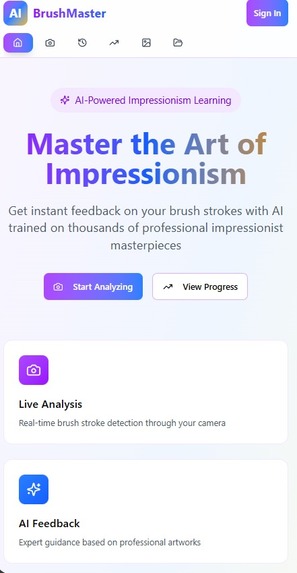
Main landing Image
-
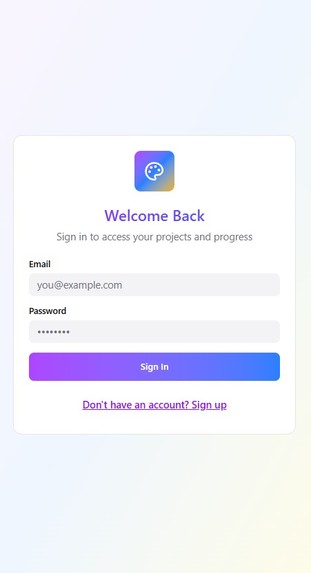
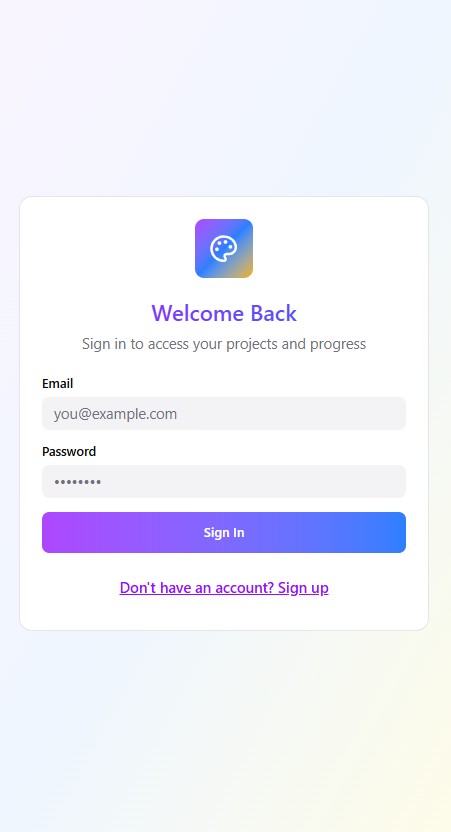
Login Page
-
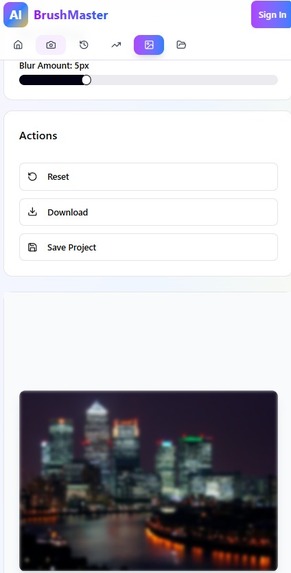
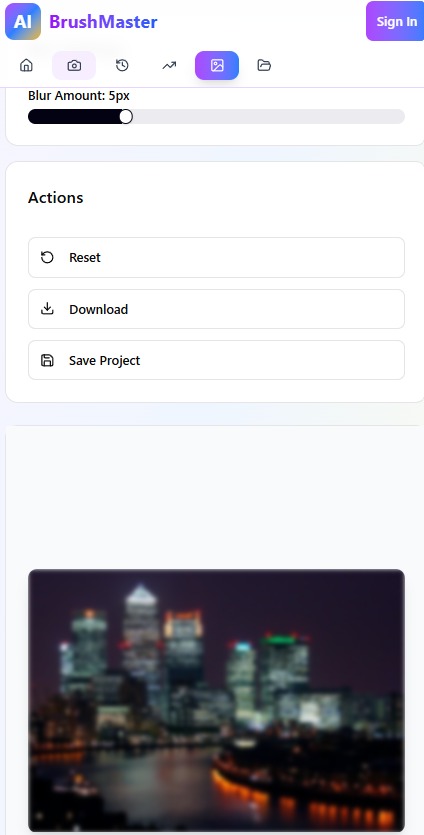
Functionality: Blur
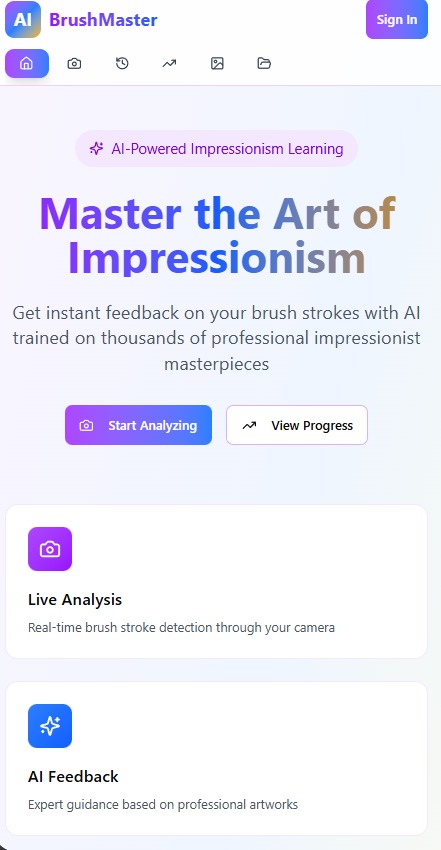
AI-Powered Impressionist Painting Coach
This application is a full-stack educational tool designed to help beginner artists master the techniques of Impressionism. By combining real-time computer vision with a vibrant, user-friendly interface, the app acts as a personalized digital art tutor. It leverages a Python backend and a neural network trained on thousands of professional impressionist pieces to analyze user technique and provide actionable, in-the-moment guidance.
Core Learning Experience
The app is built around an engaging user experience that prioritizes learning without feeling overly technical. Instead of complex jargon, users receive visual cues and straightforward advice on how to adjust their painting style. The entire ecosystem is designed to build confidence, establish consistency in brushwork, and track artistic growth over time.
Primary Features: Real-Time AR Feedback
The core of the application is an augmented reality camera interface that overlays directly onto the user's physical canvas.
- The system continuously scans the canvas to detect the size, type, and direction of individual brush strokes.
- It compares the user's strokes against professional impressionist data to calculate a real-time rating for specific sections of the painting.
- The camera interface can zoom in, draw circles around problem areas, or crop out distracting elements to focus the user's attention.
- The app delivers specific AI-generated prompts to correct technique, such as encouraging more consistent stroke sizes or altering stroke direction.
Secondary Features: Reference Image Processing
To help users transition from a blank canvas to a structured painting, the app includes a robust suite of image manipulation tools. Users can upload any reference photo and apply mathematical filters to simplify the composition.
- Tonal simplification converts images to black and white or applies finite value quantization to group similar tones together.
- Smoothing effects use mathematical evening and blurring to reduce overwhelming details.
- Structural tools overlay customizable drawing grids and outline defined boundaries to assist with accurate proportions.
- Trace projection scales the processed reference image to match different physical canvas sizes for easy tracing and alignment.
Tertiary Features: Color and Tone Utilities
Supporting the main drawing and painting phases are built-in color management tools.
- A digital color picker allows users to sample exact colors from their uploaded reference images or live camera feed.
- Tone matching features help users translate digital values into physical paint mixtures to ensure accurate light and shadow replication.
Progress Tracking and Analytics
The app includes a dedicated database system to store user profiles and track long-term artistic development.
- Session history saves past feedback and snapshots of the artwork at various stages of completion.
- Skill analytics identify key development areas and recurring weaknesses, such as inconsistent stroke directions.
- A progress dashboard visualizes rating improvements over time to keep the user motivated.
Built With
- python
- react.js


Log in or sign up for Devpost to join the conversation.