-
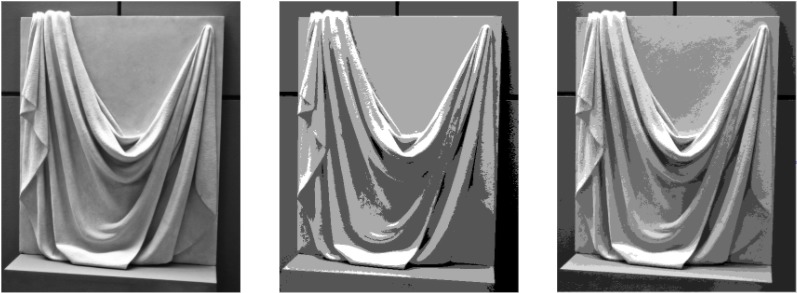
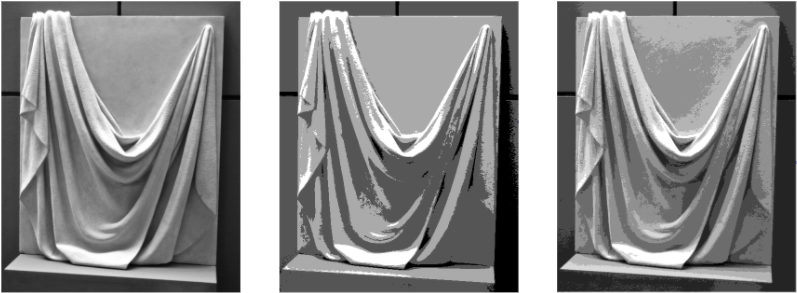
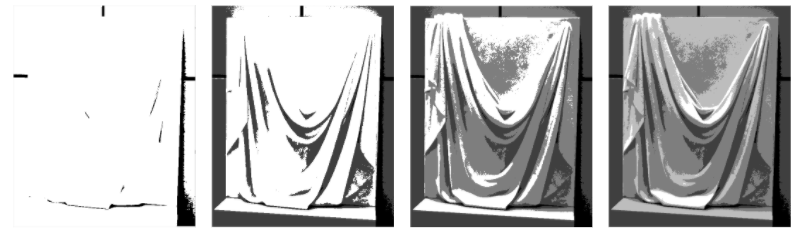
Different Value Scales
-
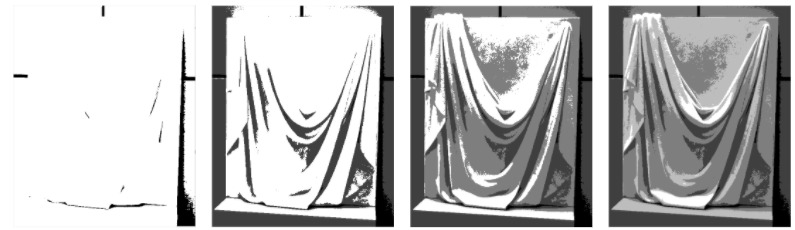
Step-by-Step Layering
-
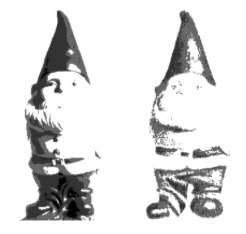
Comparing Reference to Drawing
Inspiration
I was inspired by my own struggles with art. It was hard for me to get my drawings to look like the reference photo. I created ArtSee to take away the guessing and show you how to layer value in easy steps.
What it does
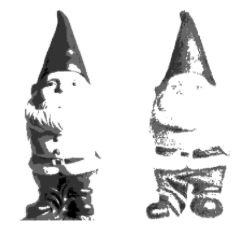
Just like some students struggle with math anxiety, some students face art anxiety. Given a reference photo, it can be hard to draw it out. ArtSee makes drawing from a reference easy by breaking down a complicated photo into a few simple shades. ArtSee is a step-by-step guide that helps you layer values in your drawing. Whether you're a beginner looking to block out basic values, or an expert looking to perfect intricate details, ArtSee can be modified to help you.
How I built it
I built it in Java. The basic structure of the program is taking in a photo, modifying its pixels and then displaying the photo with the changes.
Challenges I ran into
For a while, every time I ran my program, something different would happen. Sometimes images would change, and sometimes they wouldn't. Who doesn't love having to guess at what your program is going to do? It took a lot of searching to finally realise that my frame had to be refreshed to display the new images correctly.
Accomplishments that I'm proud of
I spent a long time learning about turning images into arrays and vice versa. I experimented with altering the arrays in many different ways until I was happy with results. I'm proud of the fact that I created a program that I will actually use.
What I learned
I learnt a lot about image processing through this project. I had previously never worked with images in Java before, so this was all new for me.
What's next for ArtSee
I want to expand ArtSee to automatically compare reference photos to drawings. I also want ArtSee to be able to take an outline of a user's drawing and fill it in with the correct shades, so users can see exactly what their own drawing will look like.


Log in or sign up for Devpost to join the conversation.