Inspiration
Have you ever gone to a new city, seen an incredible monument or piece of art and thought “Wooow, that’s so cool”… and then, (because you don’t have context or info), you just shrug and keep walking?
That’s a shame, when you’re standing in front of something that has taken hundreds of years to build.
The classic solution is a guided city tour – but that means planning ahead, booking a spot, arriving on time, walking 2–3 hours in a herd of 50 people and feeling like a slightly confused sheep. We can do better in 2025. We have XR now.
Landmarks XR is our attempt to bring the magic of a great human guide into a flexible, on-demand, tech-powered experience you can use from your living room, and at the real monument.
(Visually, it’s lightly inspired by Snow Crash and sci-fi “metaverse” vibes.)
What it does
Landmarks XR lets you visit iconic places – Landmarks – with a virtual guide:
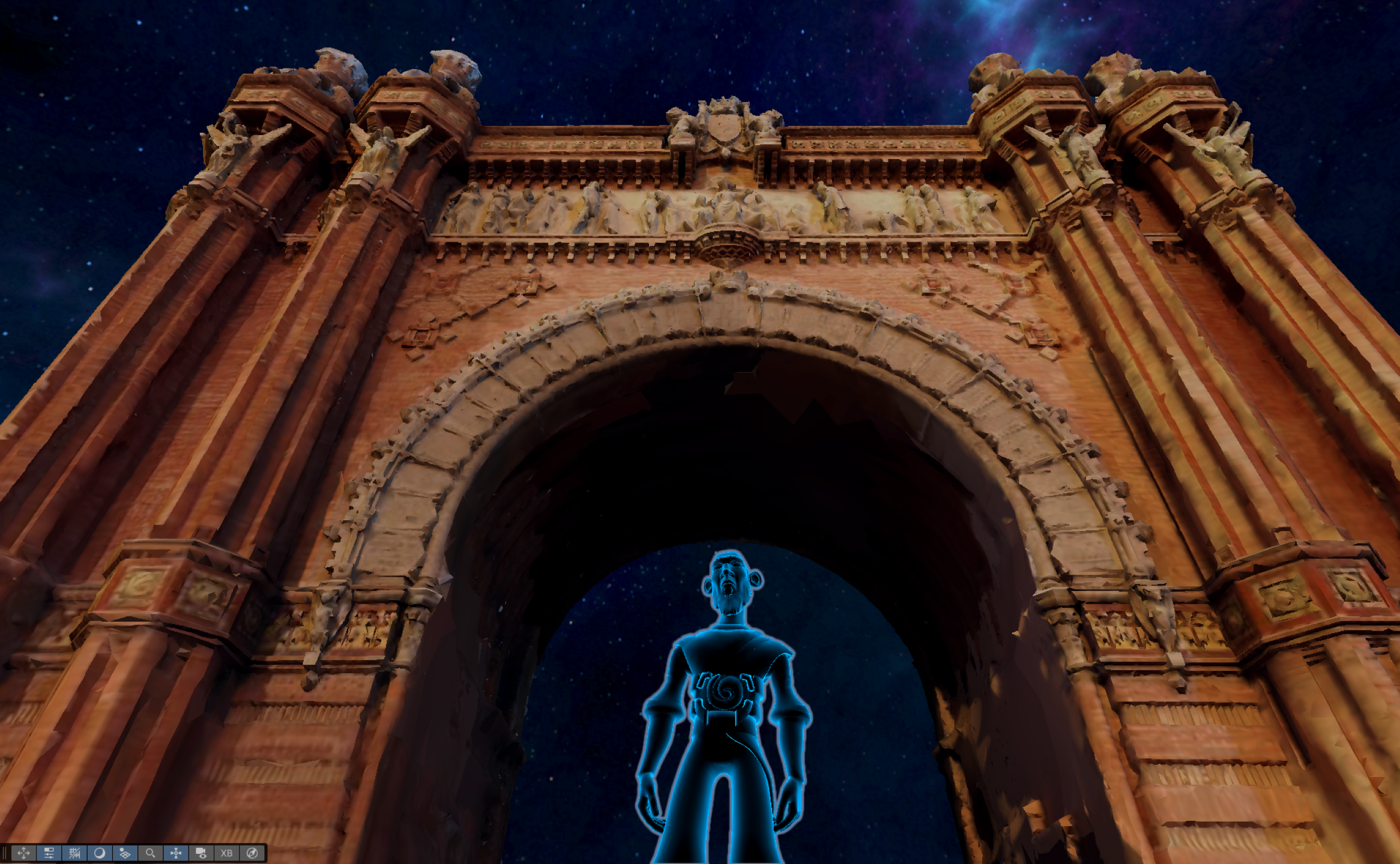
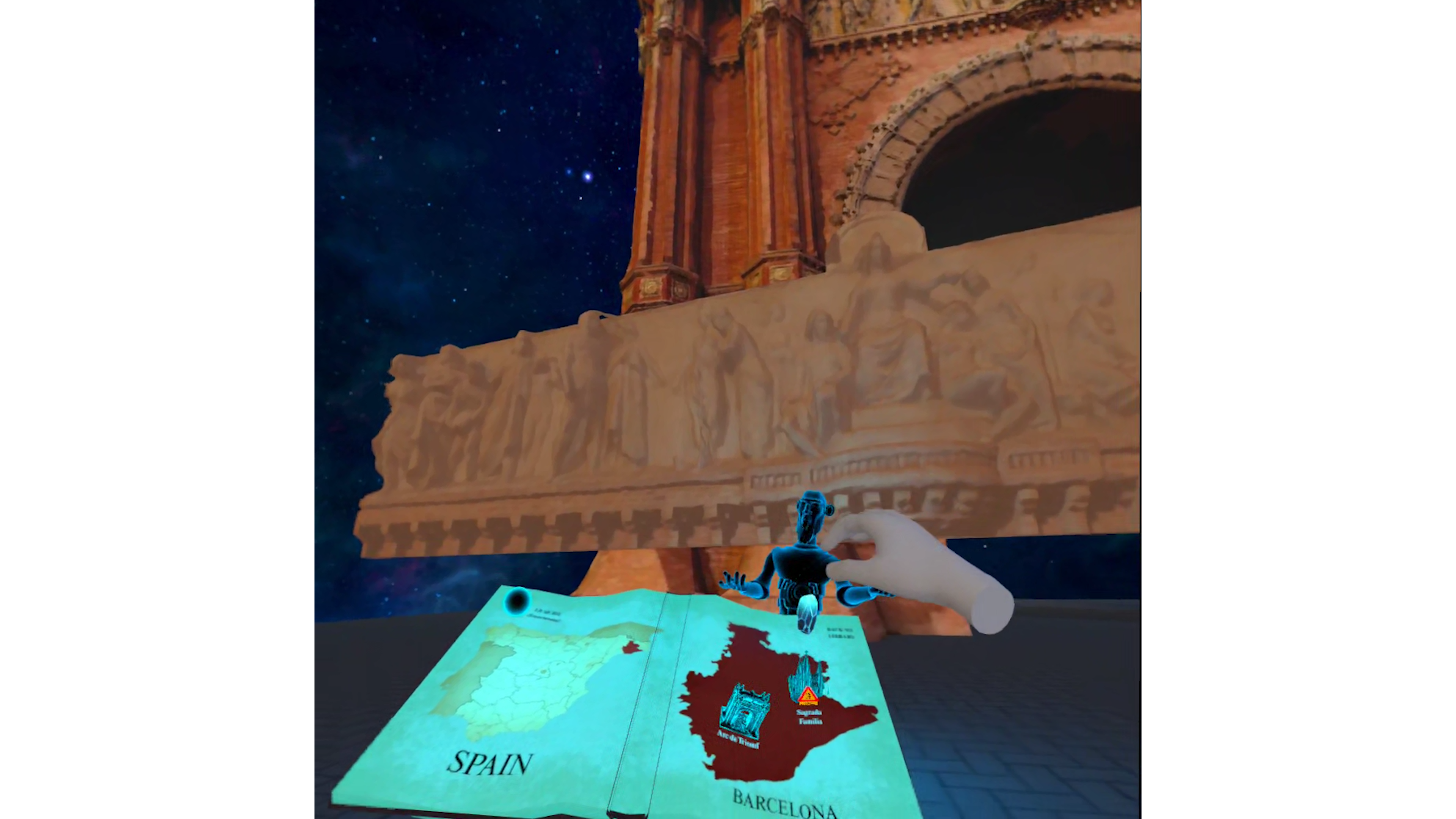
- In VR, remotely – explore the landmark from anywhere, in a fully lit, photogrammetry-based scene.
- In mixed reality (prototype) – on site – at the real Arc de Triomf you can switch to passthrough and keep the guide and highlights around the monument as you walk.
Your guide:
- Explains the history and details of the place.
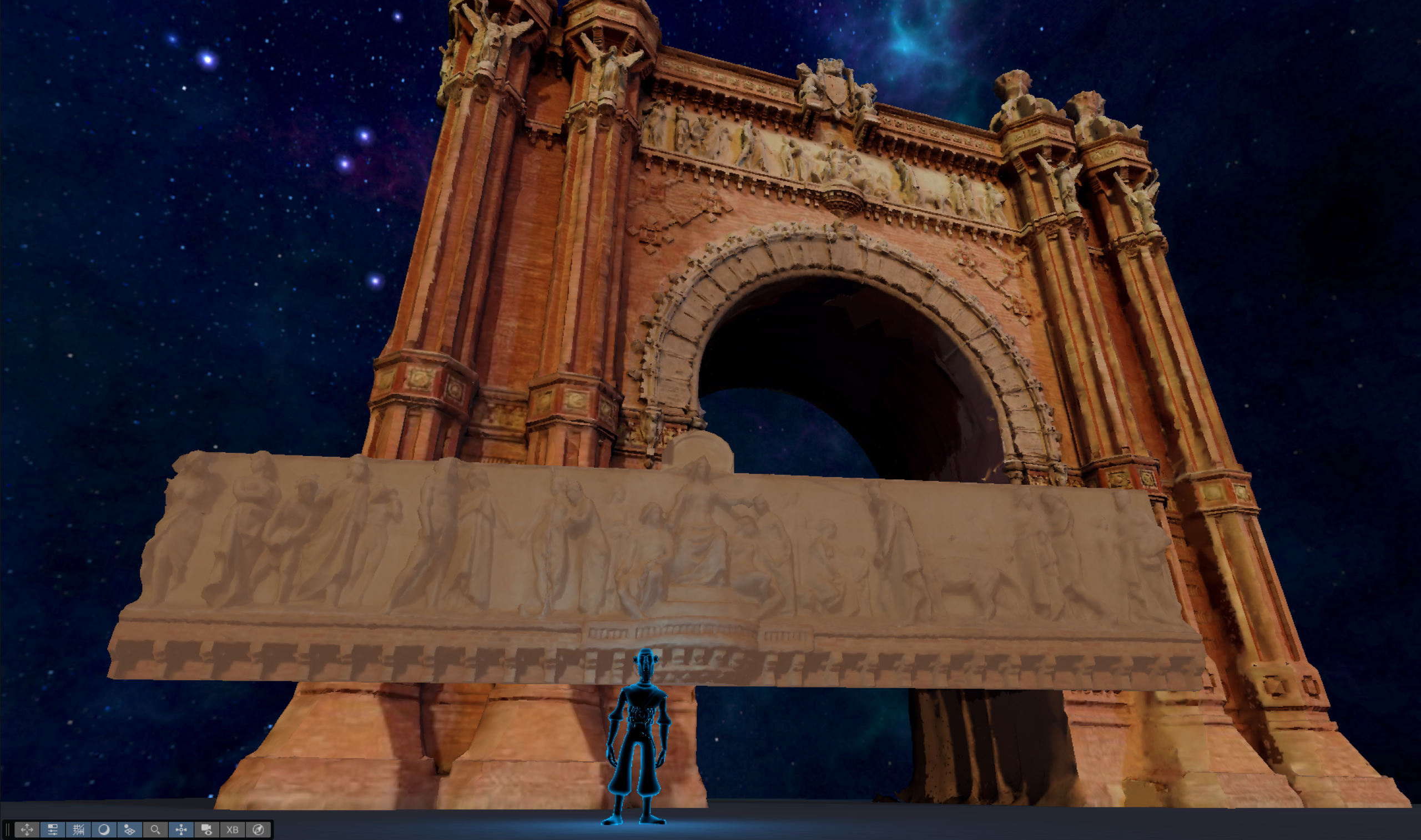
- Triggers animations, close-ups and highlights for important features.
- Reacts to hand gestures: raise your hand to ask a question, pinch-and-twist for volume, T-pose for time/pause, etc.
- Uses AI to understand your question (speech-to-text), answer it (chat), and reply out loud (text-to-speech).
You can enjoy it alone or together with friends. (Multiplayer in progress)
How we built it
Tech stack
- Unity (URP)
- Meta XR SDK & hand tracking
- Custom C# interaction + gesture system
- OpenAI (STT, chat, TTS)
- RealityScan + Blender for 3D
Content pipeline
Capture
- We flew a DJI Mini 4K drone around the Arc de Triomf in Barcelona and recorded a circular video pass.
Reconstruction
- Processed the footage in RealityScan to generate a high-density textured mesh.
Optimization
- Imported the mesh into Blender, decimated it heavily, cleaned noise, and created several versions:
- Full Arc
- Detailed subsets for specific highlighted features
- Full Arc
- Imported the mesh into Blender, decimated it heavily, cleaned noise, and created several versions:
In-experience hub
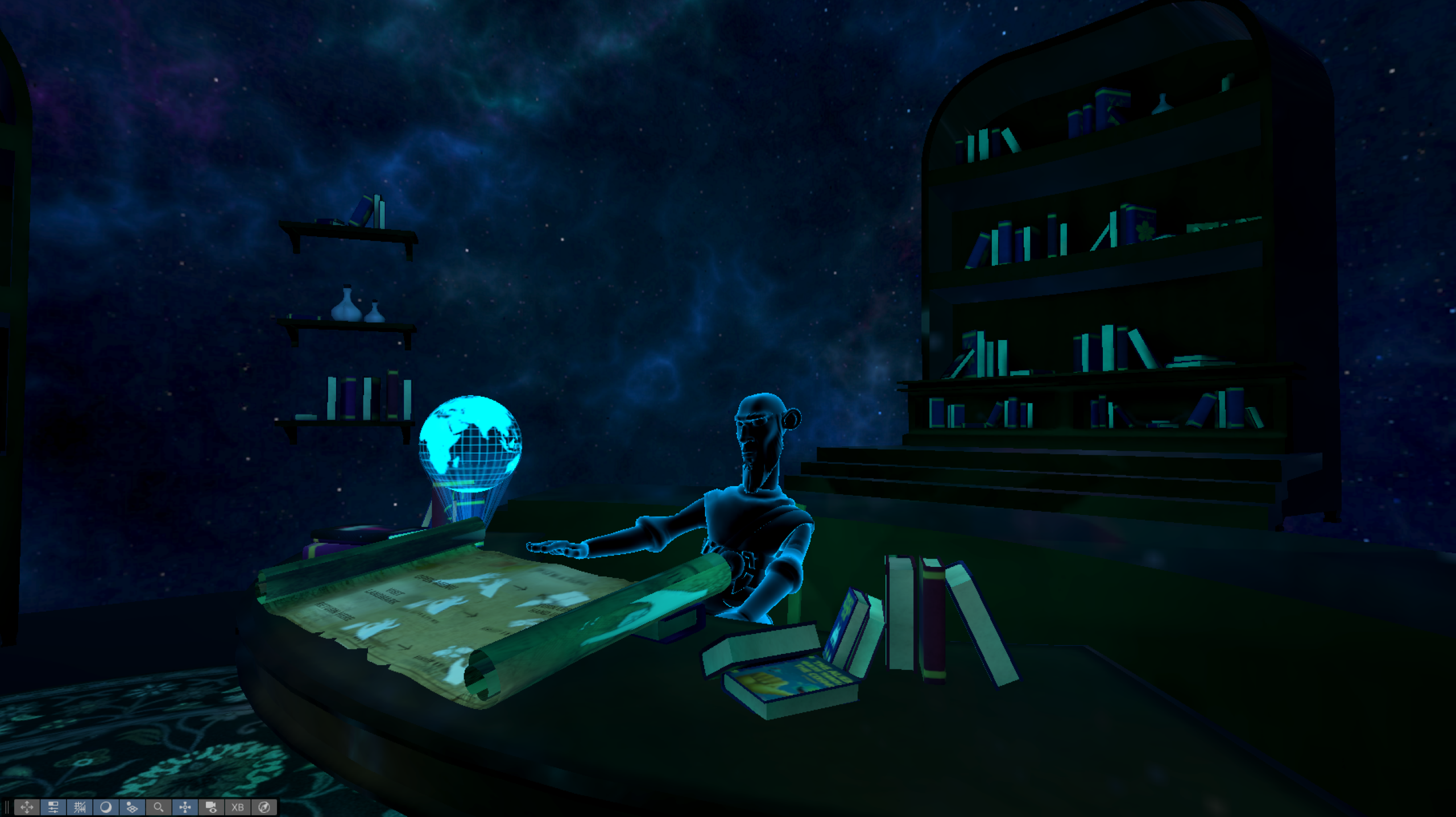
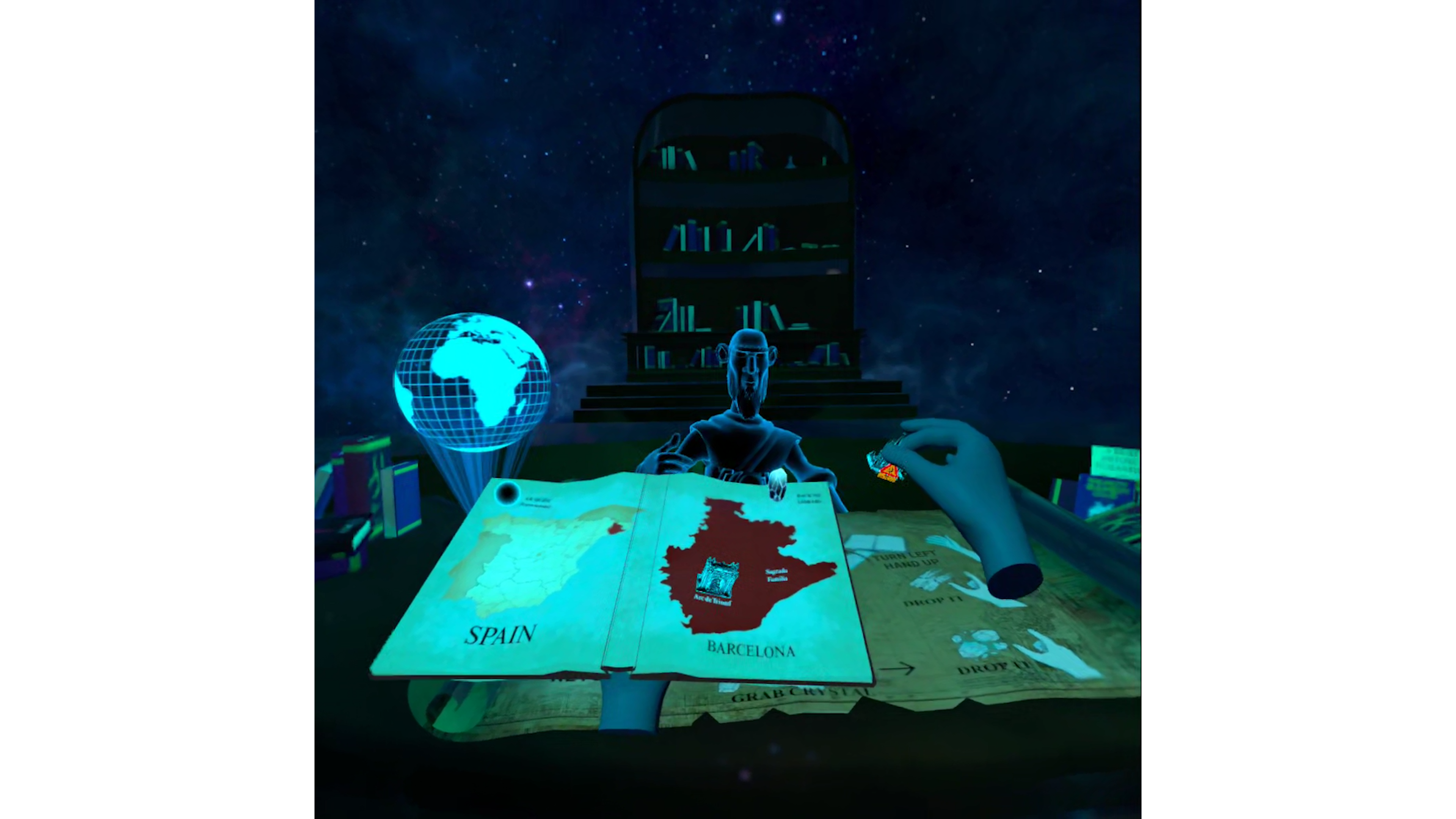
- Built a hub scene in Unity to welcome the user and quickly teach hand gestures:
- Open/close book
- Pinch & twist (volume)
- Raise hand (questions)
- T-shape (pause time)
- Grab / drop interactions
- Open/close book
- Built a hub scene in Unity to welcome the user and quickly teach hand gestures:
AI Guide
- STT: microphone capture → audio processing → OpenAI Whisper.
- Chat: send the transcript plus context about the current landmark to an assistant.
- TTS: generate a spoken answer and play it through the guide character, synced with the narration flow.
- STT: microphone capture → audio processing → OpenAI Whisper.
Challenges we ran into
Nothing completely catastrophic, but a lot of small dragons to slay:
- Gesture tuning – making hand poses feel intentional, not noisy. Avoiding accidental triggers while still being comfortable and natural.
- Lighting and baking – getting a good look on a dense photogrammetry mesh in VR: baked lightmaps, reflection probes, and balancing performance with visual quality.
- AI integration in real time – wiring STT → chat → TTS into a single smooth interaction loop, dealing with latencies and occasional API quirks.
- Narration + animation sync – coordinating the guide’s narration, idle animations, pauses for questions, and resuming the main storyline without it feeling janky.
Accomplishments that we're proud of
The overall feel.
This is the first time I fully owned the look & feel of an environment – and it actually feels like a place you want to hang out in, not just a tech demo.A working, polished loop.
The app:- Starts cleanly in a hub
- Teaches gestures
- Lets you explore a landmark
- Lets you ask questions
- And hear meaningful answers
- Starts cleanly in a hub
…and it all works reliably, in surprisingly little time.
- A real platform, not a one-off.
The architecture is built so we can:- Plug in new landmarks (new scenes + meshes)
- Reuse the same guide, gestures and AI pipeline
- Target more devices later (mobile, AI glasses)
- Plug in new landmarks (new scenes + meshes)
What we learned
Photogrammetry is amazing but heavy.
You must clean, decimate and light carefully for standalone VR if you don’t want to kill your framerate.Hand gestures are subtle UX.
Little things like thresholds, timings and feedback (“Listening…” / “Thinking…”) make the difference between magic and frustration.AI is powerful, but context is everything.
With good prompts and constraints, the guide feels relevant and “on topic”; without them, it happily hallucinates about bats on the Arc de Triomf.Build the platform early.
Abstracting the AI and interaction layers from the start made it much easier to iterate on content without rewriting core logic.
What's next for Landmarks XR
- More landmarks.
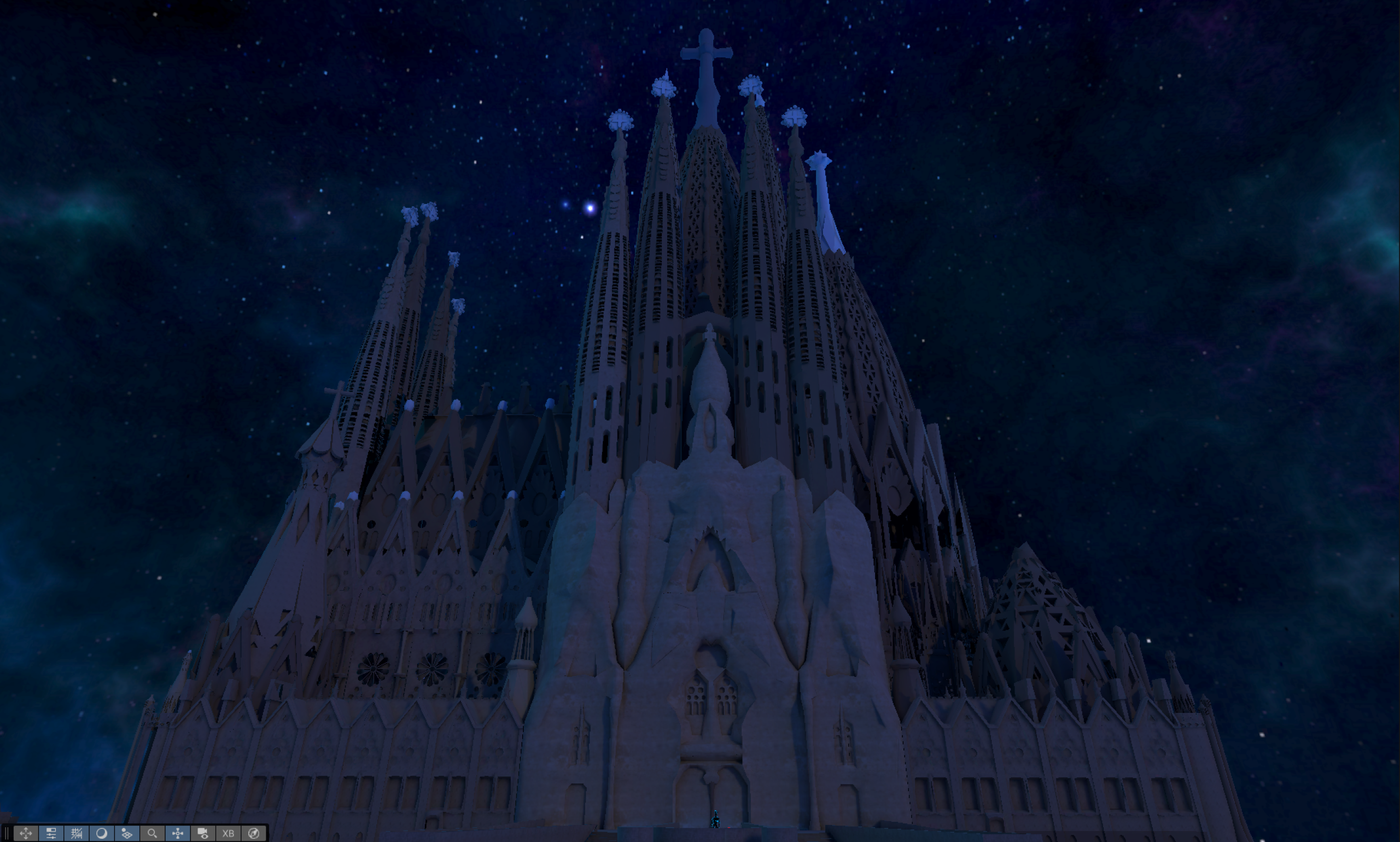
Start by finishing Barcelona:- Sagrada Família
- Casa Batlló
- Park Güell
- Sagrada Família
Then expand to:
- Rest of Spain
- Italy, France, UK, US, Egypt…
Ultimately, a global catalog of iconic sites.
- Mobile & AI glasses versions.
Bring the same guided experience to:
- Mobile & AI glasses versions.
Mobile AR
Mixed reality headsets and AR/AI glasses (Ray-Ban Meta/Meta Displays).
- A real world stand (booth), on site (Arc of Triumph, Barcelona, to start). Show people what we built, sell collocated AR guided tours there. (Preparing to start a pilot before the end of 2025)
- Meta Avatars SDK implementation for multiplayer (in progress).
- Move from 3d meshes to Gaussian Splats for the Landmarks.
- A deeper narrative arc.
Long-term, we’d love to build a continuous story through human history, connecting different landmarks into one coherent journey. - More guide styles - open the platform for real tour guides to create narratives
- A real world stand (booth), on site (Arc of Triumph, Barcelona, to start). Show people what we built, sell collocated AR guided tours there. (Preparing to start a pilot before the end of 2025)
Updates made
(This project was started during SensAI Hack Barcelona (Nov 05–07) and continued during this hack.)
Hand gestures
- T-shape = Time / Pause
Pause/resume the guide and related animations. - Raise hand = Question
Triggers the “Yes? Any questions?” prompt and starts STT recording. - Pinch & Twist = Volume
Adjusts the guide’s narration and AI response volume.
AI connection
- Added a full conversational loop:
- Listen via microphone
- Speech-to-Text (OpenAI Whisper)
- Chat with an AI guide aware of the current landmark
- Text-to-Speech so the guide answers out loud
- Listen via microphone
Augmented reality mode
- New AR mode:
When you are physically on site, we’re experimenting with PCA / AI to detect the landmark’s position and align:- The guide
- Overlays & animations
- Highlighted features
- The guide
turning it into an on-location AR guided tour.
Visual & UX overhaul
We basically rebuilt the experience:
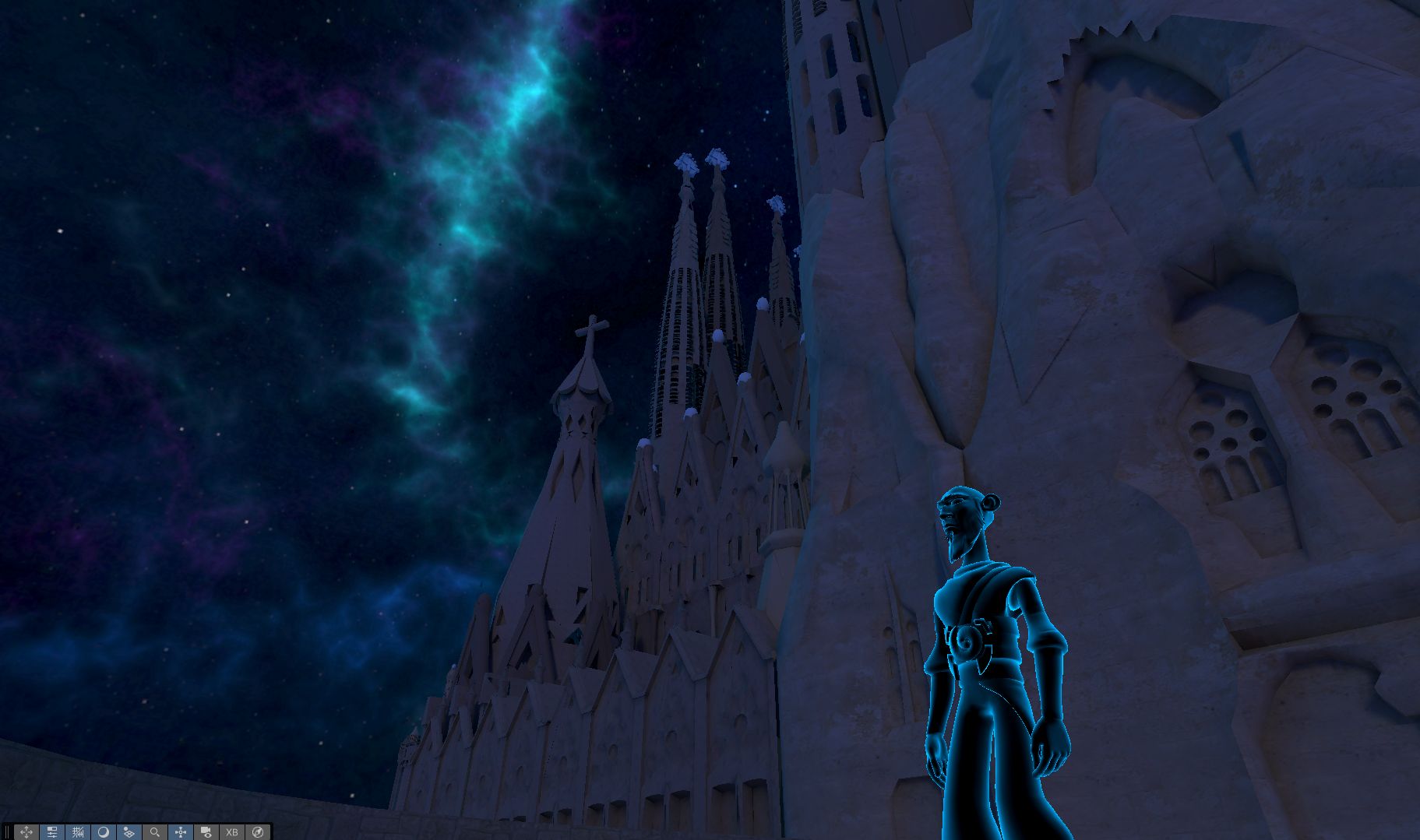
- Switched from a cartoony look to a more polished, intergalactic theme
- New skybox and atmospheric lighting
- New materials, custom shaders and scene layout
- New sound design
- New UI, interactions and logic
- New Tutorial/User Onboarding
- Baked lightmaps for better performance
- Redesigned the book UI and miniatures
- Cleaned and polished the 3D models
In practice, the base we started from was very small; this feels like a new app built on top of that original prototype, but since it was born in the previous hack (within this hack’s timeframe), we’re listing it as an update 😄


Log in or sign up for Devpost to join the conversation.