-
-
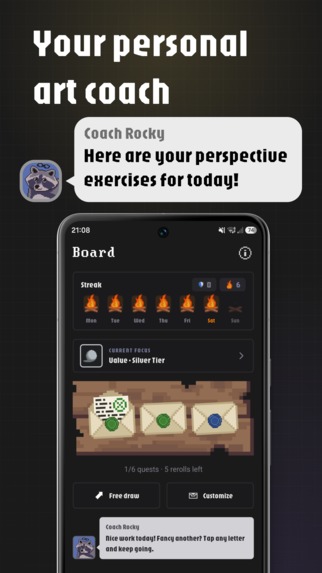
Art Coach Rocky
-
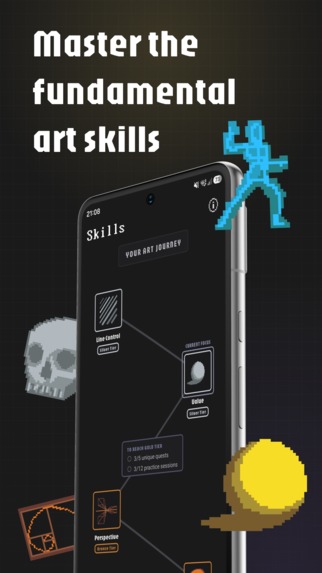
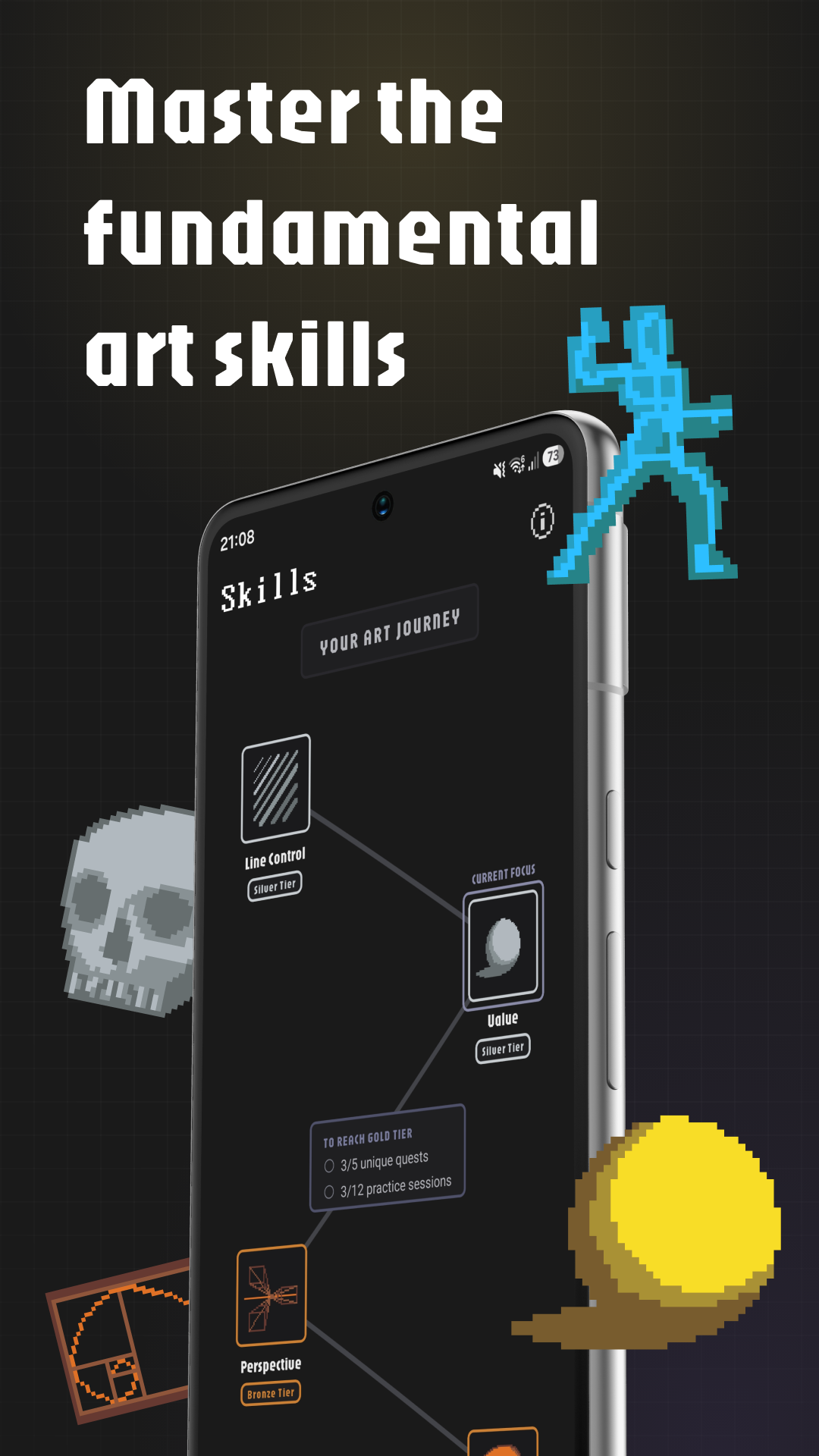
Fundamental Art Skills
-
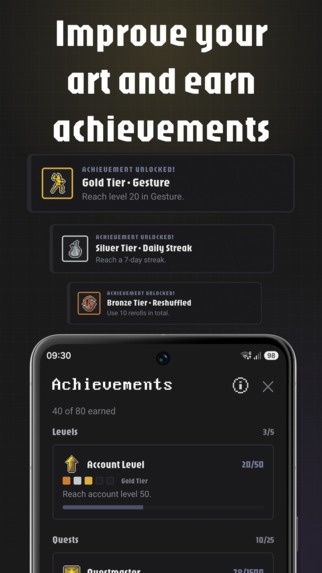
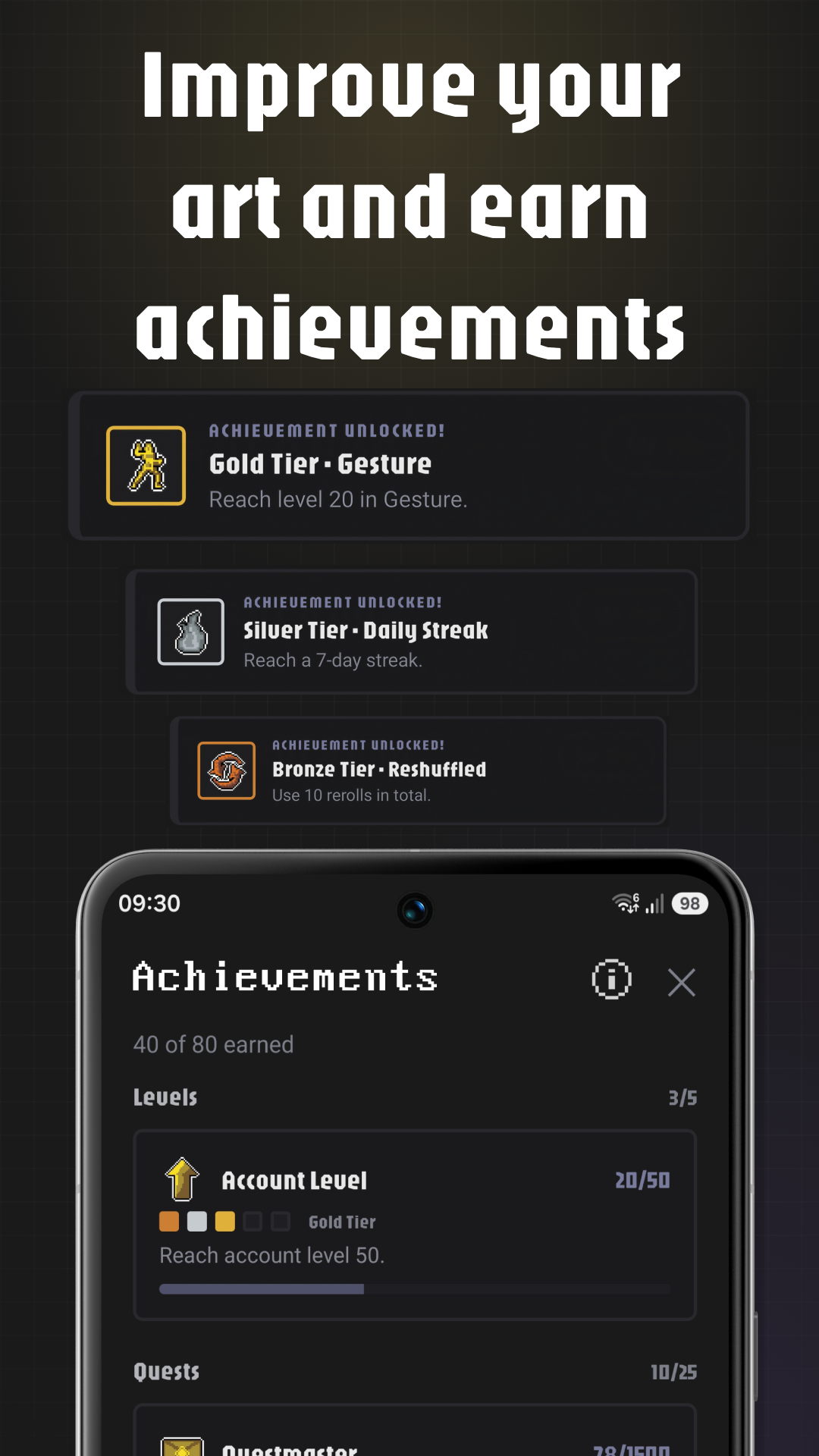
Achievements
-
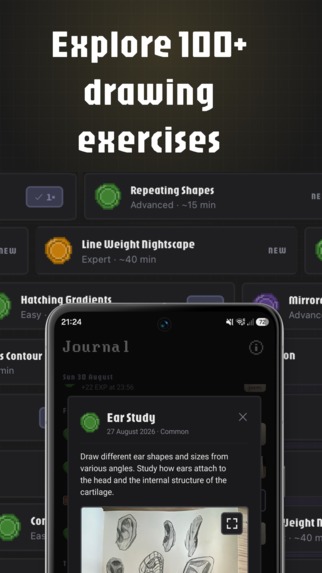
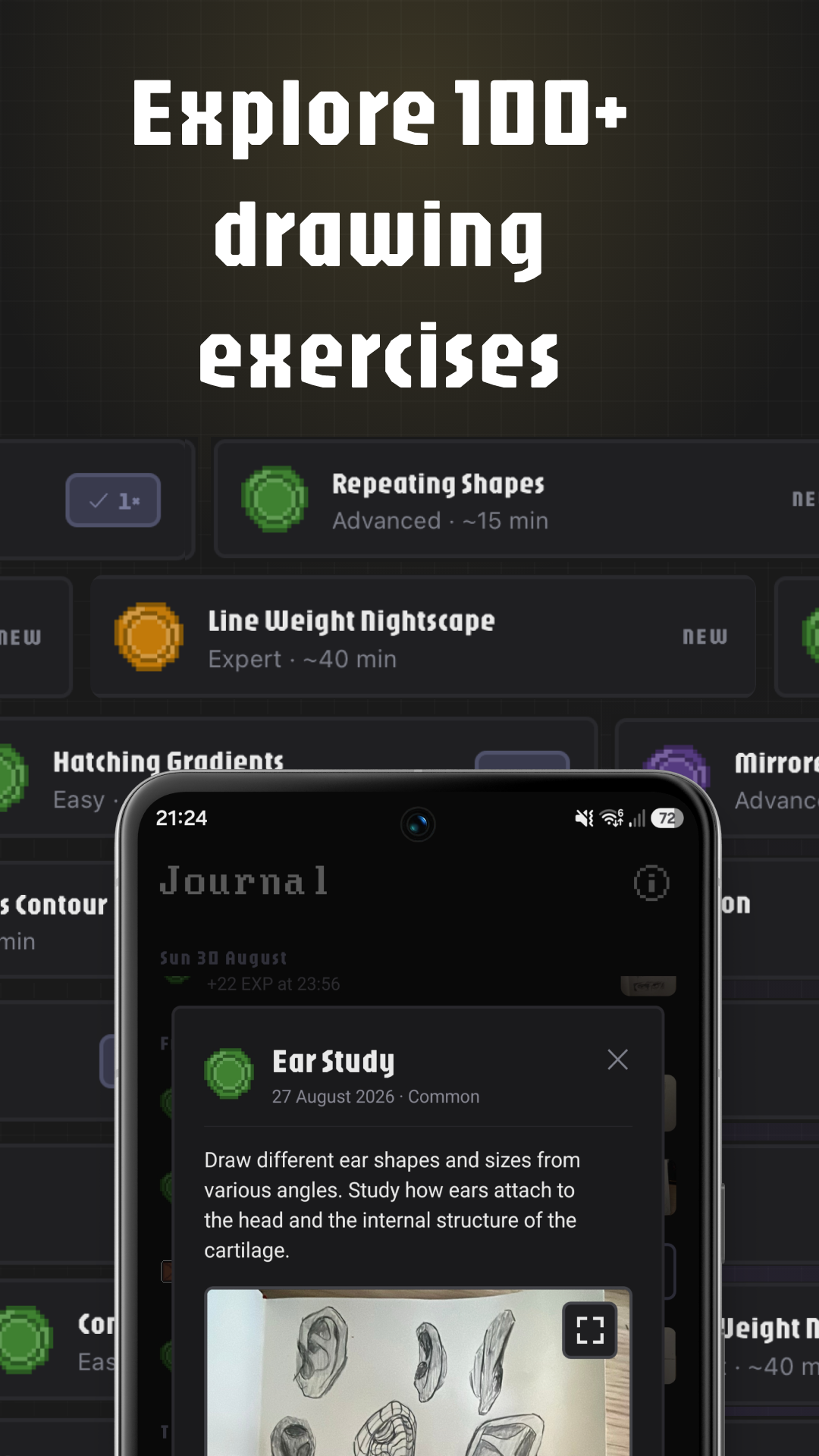
100+ Quests
-
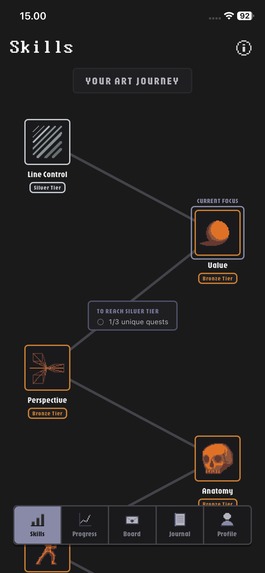
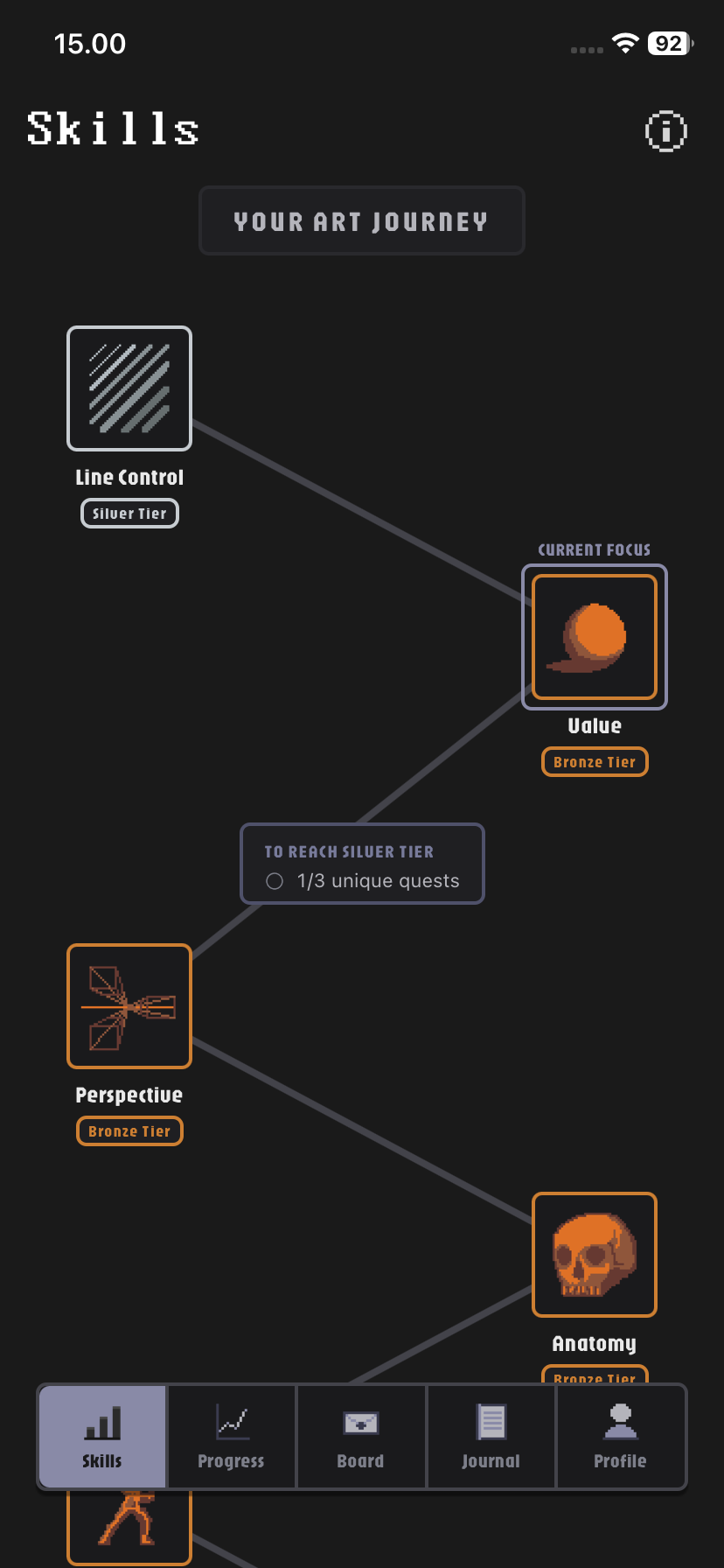
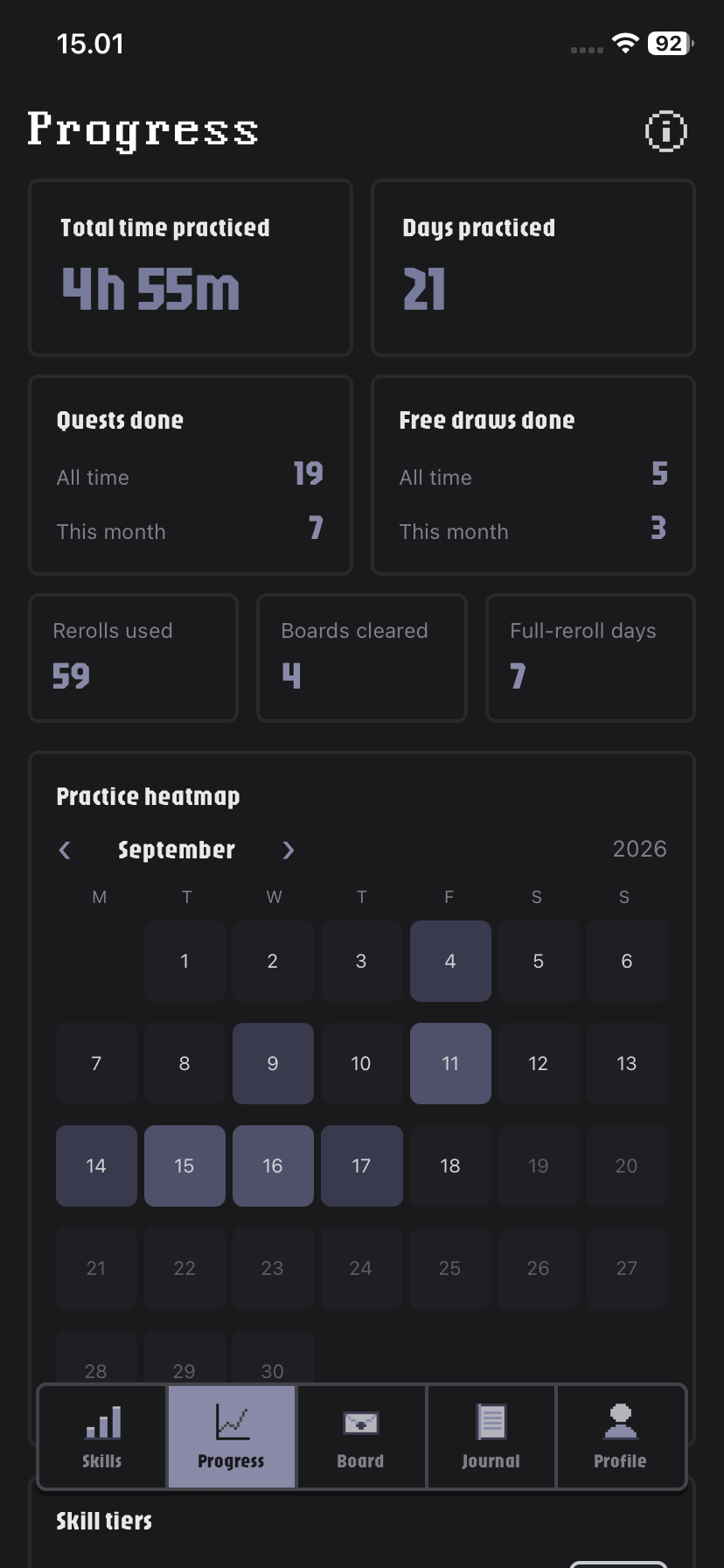
Skill tab (no frame)
-
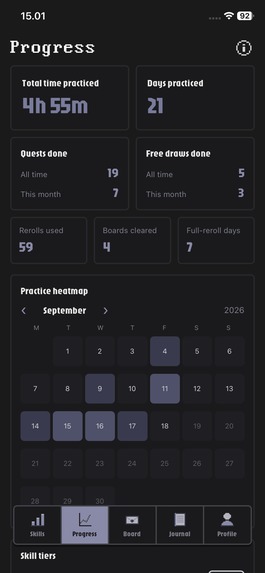
Progress tab (no frame)
-
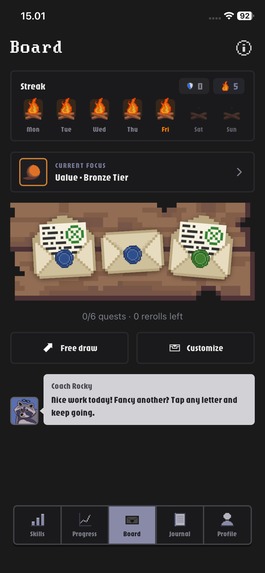
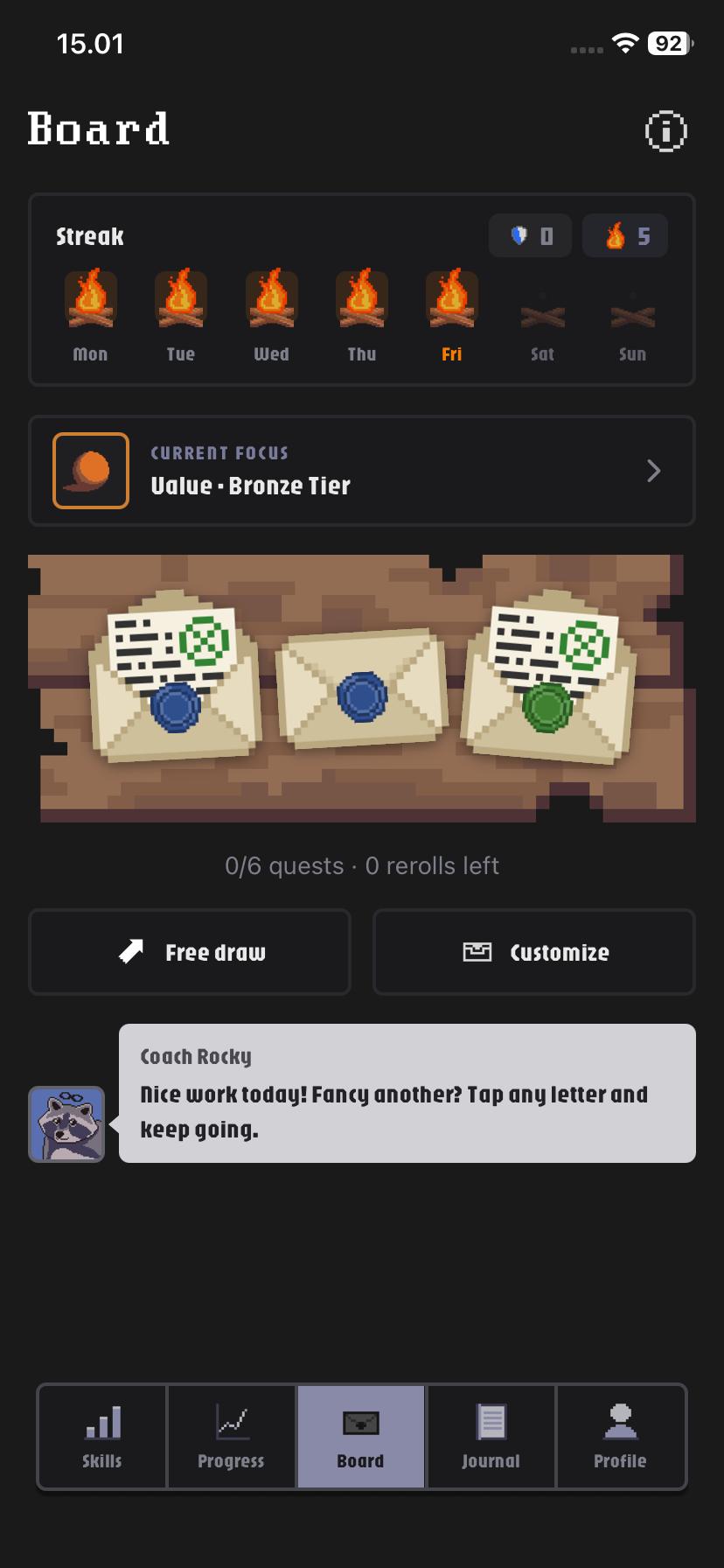
Quest board (no frame)
-
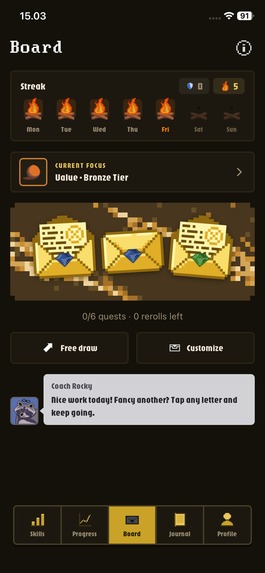
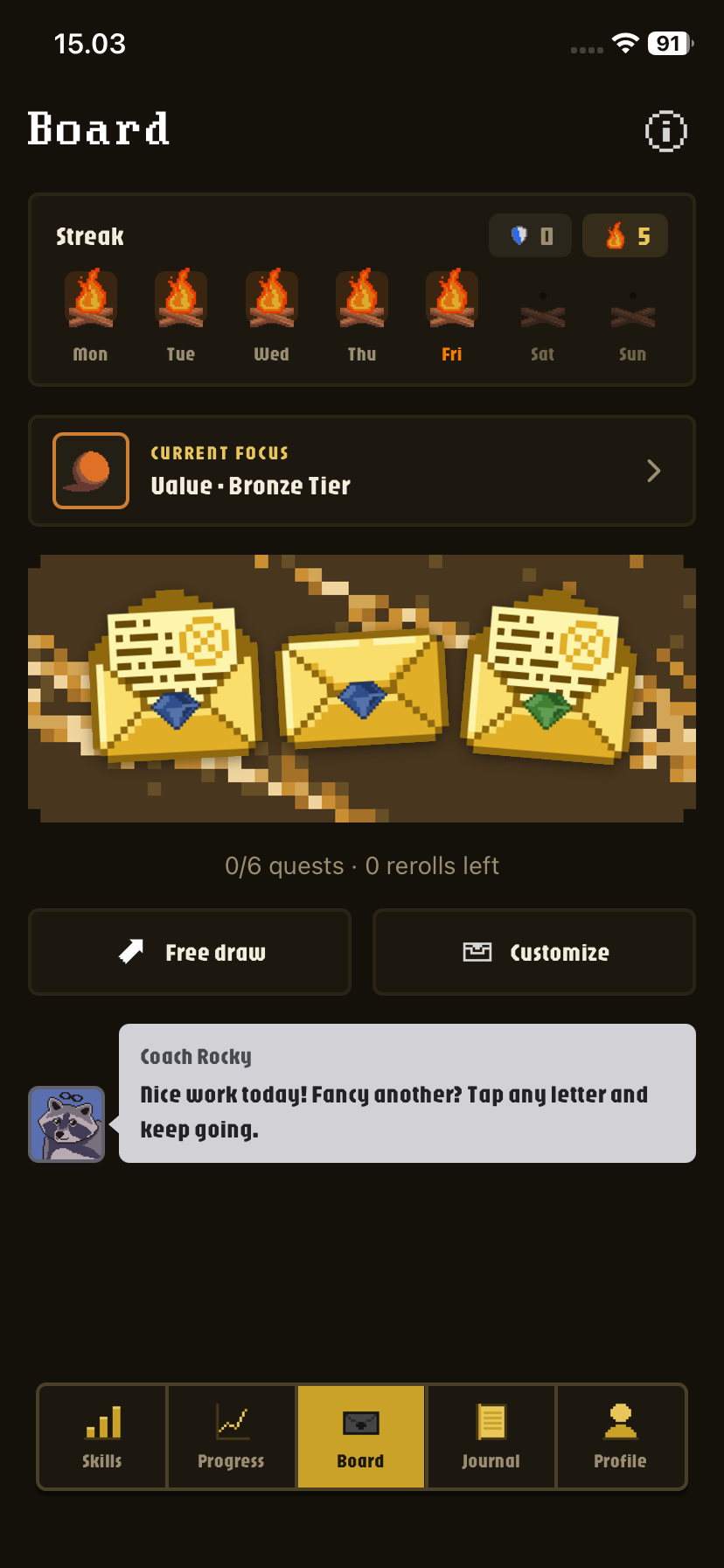
Gilded Skin (no frame)
-
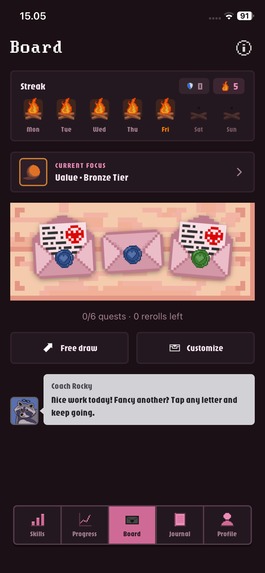
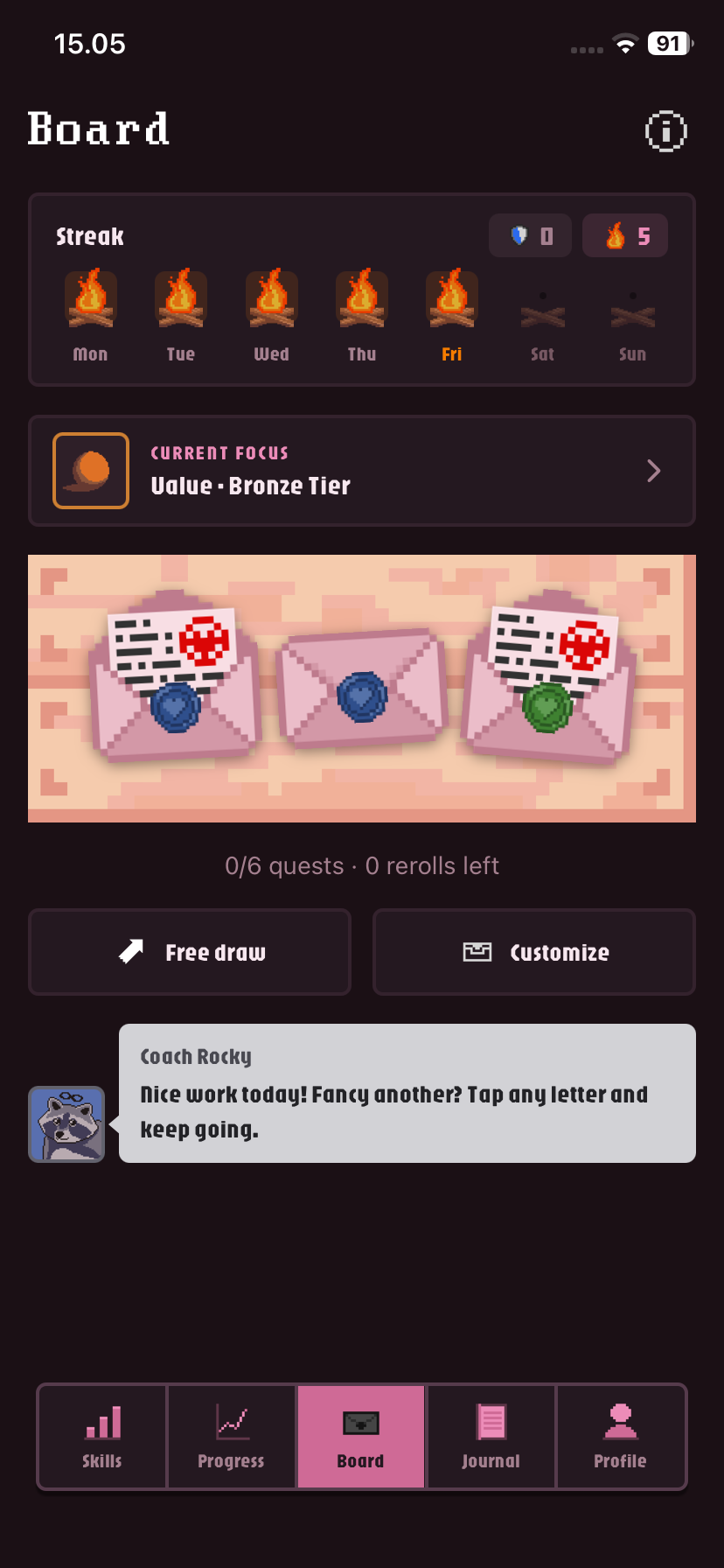
Love Skin (no frame)
-
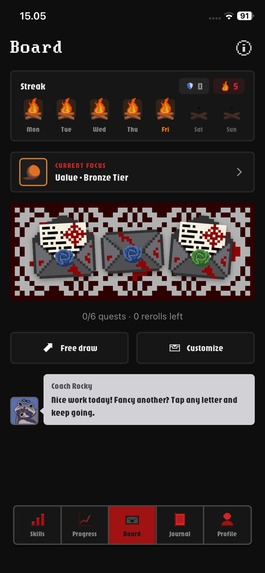
Dracula Skin (no frame)
-
App Icon
Inspiration
I've always drawn and painted as a hobby, and as a DevOps engineer who loves games and automation, I wanted to gamify my own art practice so I'd stay consistent. I kept seeing artists online doing exactly that by hand, with spreadsheets, habit trackers and pen-and-paper "level up your art" systems, and people in the comments asking for an app that did it for them. There wasn't one, so I built it: a drawing coach that feels like an old-school pixel-art RPG.
What it does
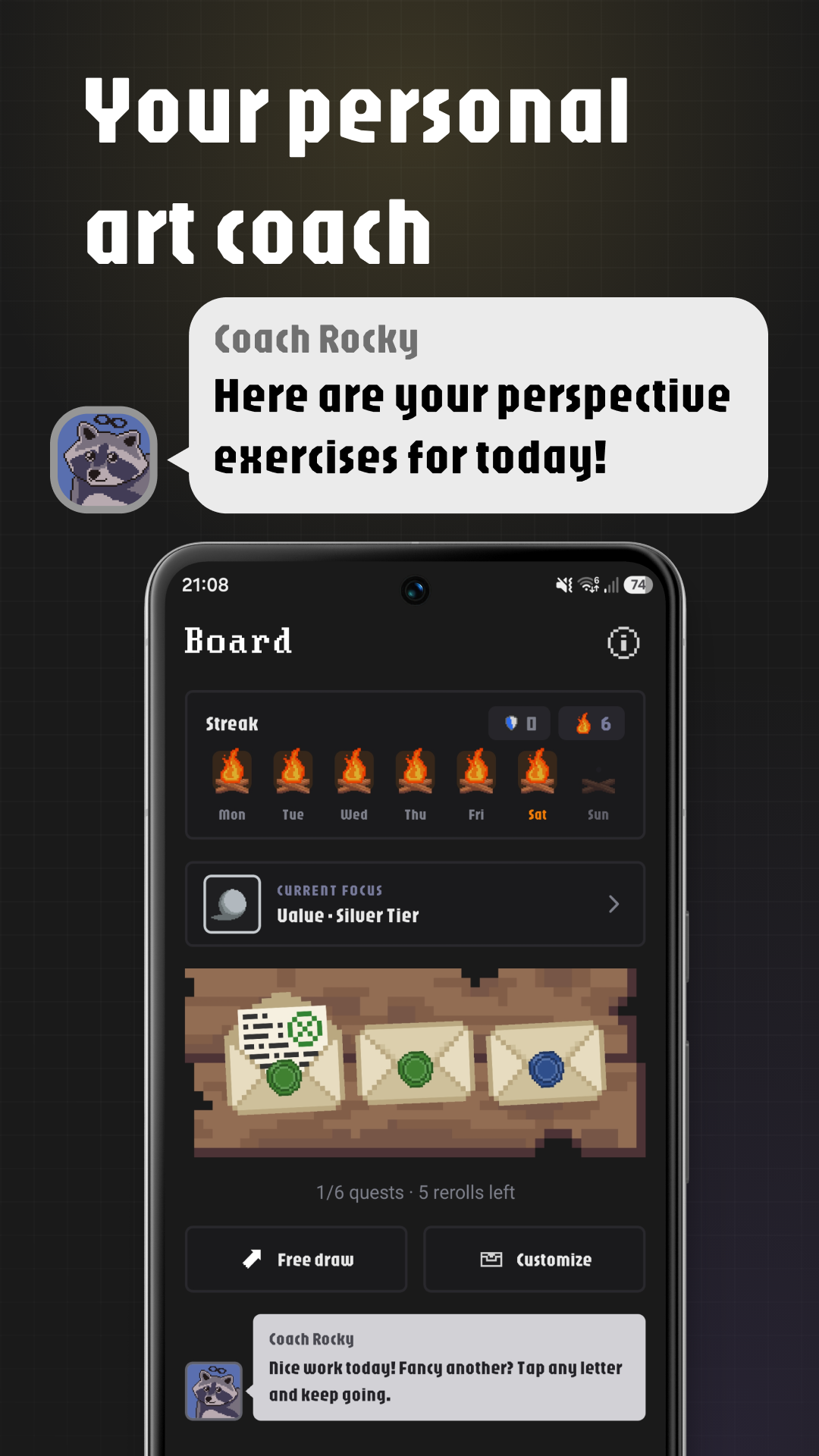
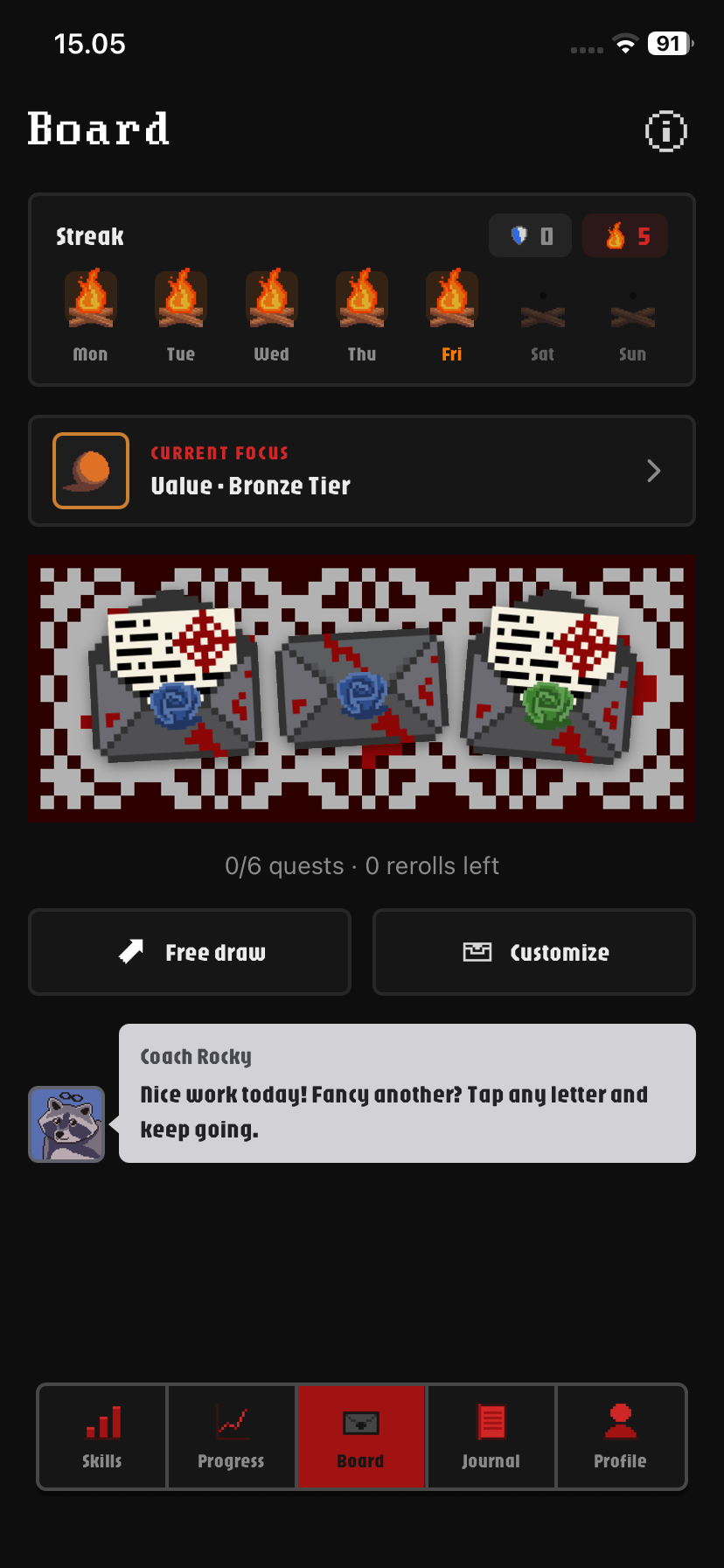
ArtLevelUp turns getting better at drawing into a game. Every day, Coach Rocky hands you a board of sealed letters, each one a real drawing exercise targeting one of seven fundamental skills: line control, value, perspective, anatomy, gesture, composition and color.
- Daily quests: 100+ hand written drawing practice quests in four rarities, from quick warm-ups to legendary challenges. Open a letter, draw, snap a photo if you like, and log it.
- Guided or Random: follow a guided path that builds one skill at a time, easiest exercises first, or switch to Random for a fresh mix from every skill.
- Level up: earn EXP to level each skill and climb five hand-drawn tiers, from Bronze to Diamond.
- Free draw: log your own drawings too, with an inspiration prompt when you're stuck.
- Streaks and achievements: a bonfire streak with shields for busy days, and 80 achievements that unlock collectible themes, boards, letters and wax seals.
- Journal and progress: every quest and drawing lands in your journal, with stats, a practice heatmap and a sortable gallery of your drawings.
How I built it
ArtLevelUp is a React Native app built with Expo and TypeScript, shipped to Android and iOS. The backend runs on Firebase: Auth, Firestore, Storage for drawing photos, App Check, and Cloud Functions (also TypeScript) that handle quest completion, EXP and rewards server-side so progress can't be faked. Subscriptions go through RevenueCat on top of Google Play and App Store billing, and the animations run on Reanimated.
I hand-drew every piece of pixel art in the app myself using Aseprite, more than 180 sprites, to give it a nostalgic video game look: skill medals for every tier, achievement icons, wax seals, letters, boards and four full themes.
Challenges I ran into
The biggest one was designing the practice itself. V1 handed out random daily quests across every skill. Early testers on Bluesky and TikTok loved the pixel art and the variety, but beginners felt lost: the quests felt disconnected, some were too hard, and one asked why a beginner was suddenly studying composition. So in v2 I built a guided path and added Coach Rocky to lead the way.
Then a dedicated user left a three-star review: they liked the guidance but missed the variety of V1. A week later, v2.1 brought Random back alongside Guided, both free, and I replied to let them know. They updated their review to five stars.
Balancing the free and paid tiers was the other hard part. I want anyone to be able to build a daily drawing habit for free, so both practice modes and every skill are free. Plus is for dedicated users who want more control and headroom: hand-picking any exercise, focusing the guided path on any skill, a bigger board with more quests and rerolls, their full journal history and more photos, plus an exclusive gilded cosmetic set.
Accomplishments that I'm proud of
- Shipping a complete app on both stores, with the full core loop: quests, skills, journal, streaks, achievements, gallery and progression.
- Drawing all 180+ pixel-art assets by hand, so the app has its own visual identity.
- Building in public and letting real feedback reshape the product, turning a three-star review into a five-star one within a week.
- 144 new users in the last 28 days and 3 paying Plus subscribers so far.
- A lean, efficient backend that keeps operating costs extremely low.
What I learned
As a DevOps engineer, I treated this app as a system design project too. I kept the architecture clean, scalable and efficient from day one, with every feature built with responsiveness, performance and cloud costs in mind, and optimistic updates and caching wherever possible to keep it snappy.
I also learned that shipping a product is very different from "just" programming: store reviews, release management and over-the-air updates, pricing, and above all listening to users. Talking to testers and reviewers shaped the app more than any plan I started with, and navigating the business side has been an exciting journey.
What's next for ArtLevelUp - Drawing Practice
- Inktober, the first seasonal event: daily Inktober prompts you can complete and share, with cosmetic rewards like new letters, wax seals, boards and themes.
- Social: sharing drawings in the app, viewing other artists' profiles, leaderboards and multiplayer challenges.
- Questlines: multi-step guided lessons that build on each other.
- Gesture drawing timer with tracking.
- Reference library.
Built With
- aseprite
- expo.io
- firebase
- react-native
- revenuecat
- typescript


Log in or sign up for Devpost to join the conversation.