-
-
Logo
-
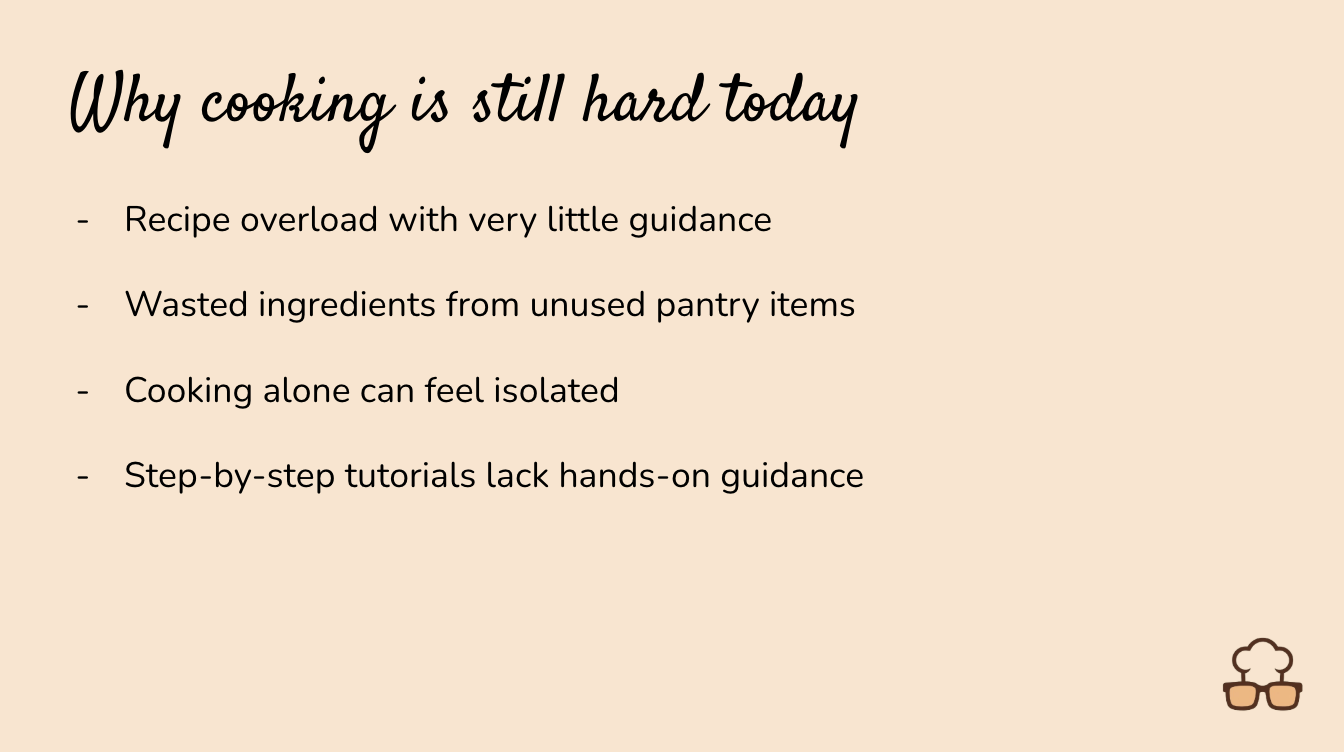
Motivation
-
Our Solution
-
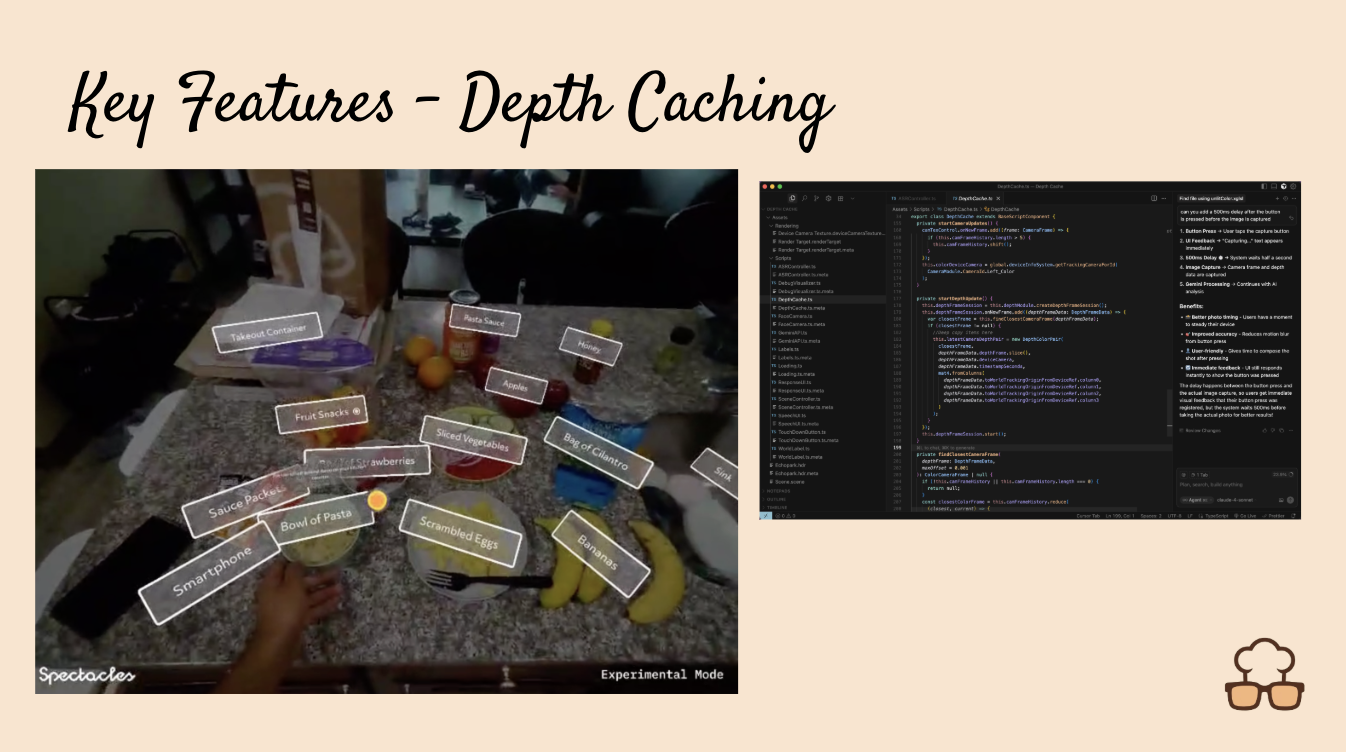
Depth Caching and Labeling Demo
-
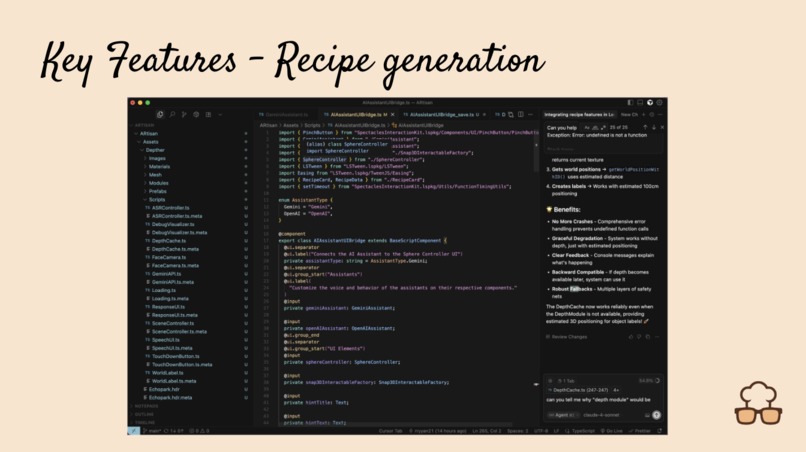
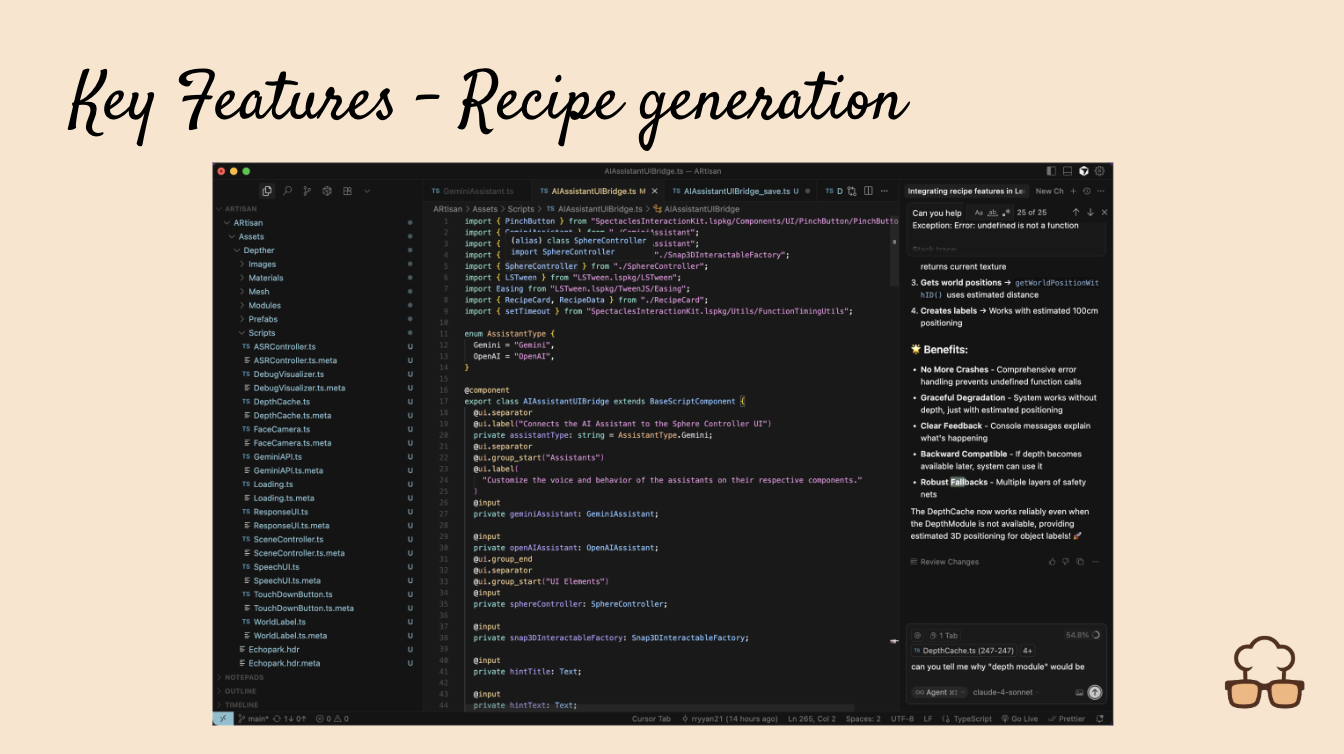
Gemini Live generating recipe based on ingredients
-
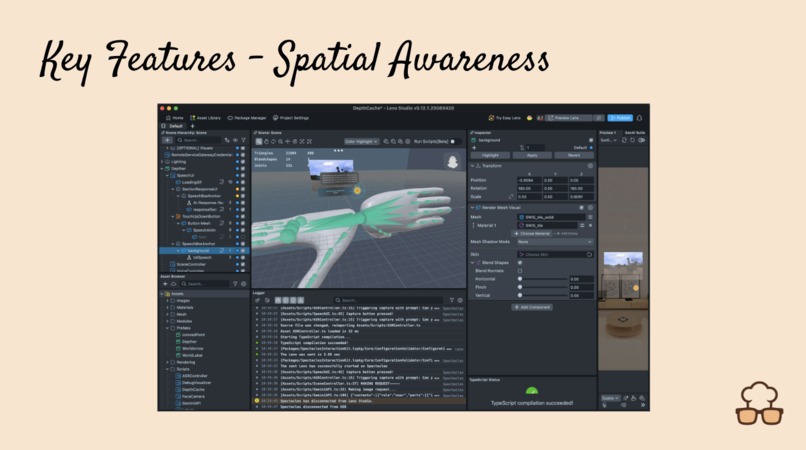
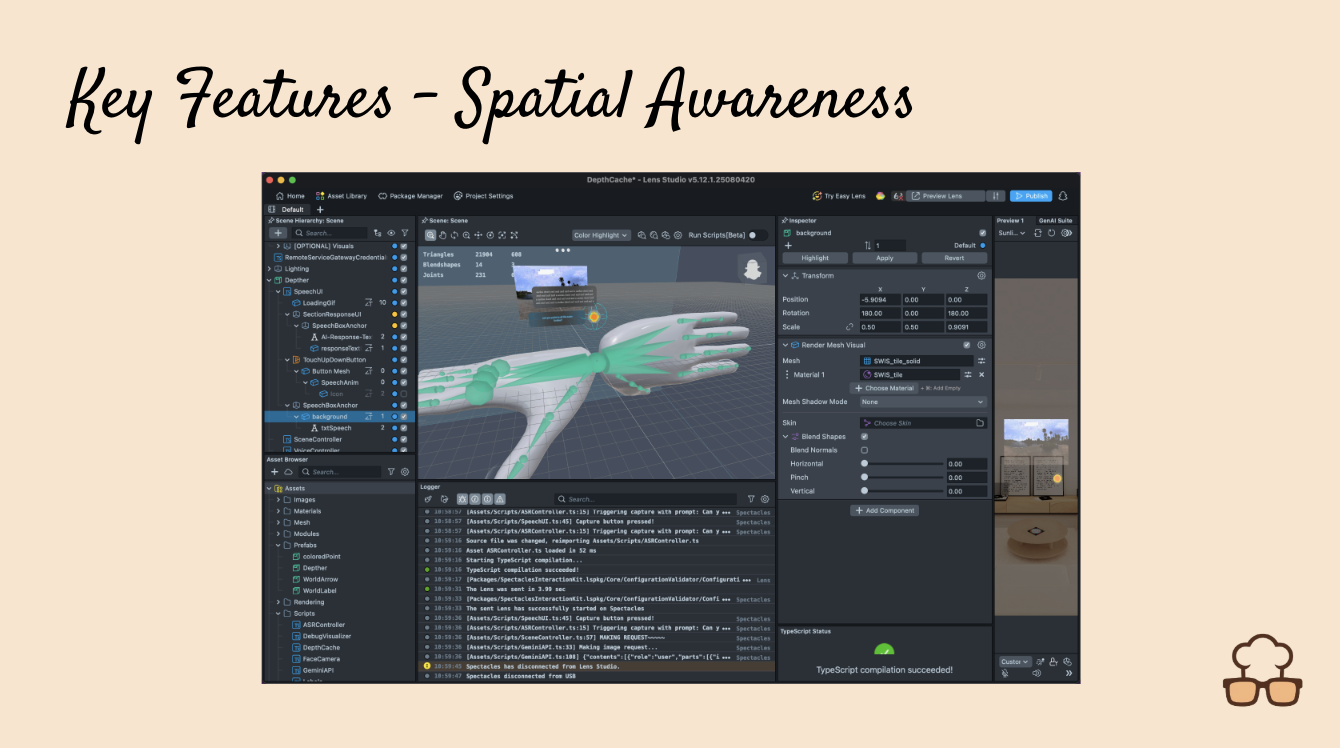
Understanding interactions the objects around you
-
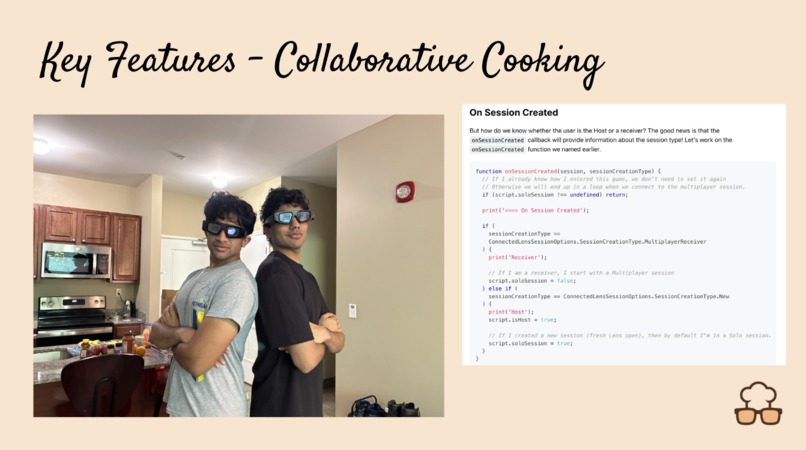
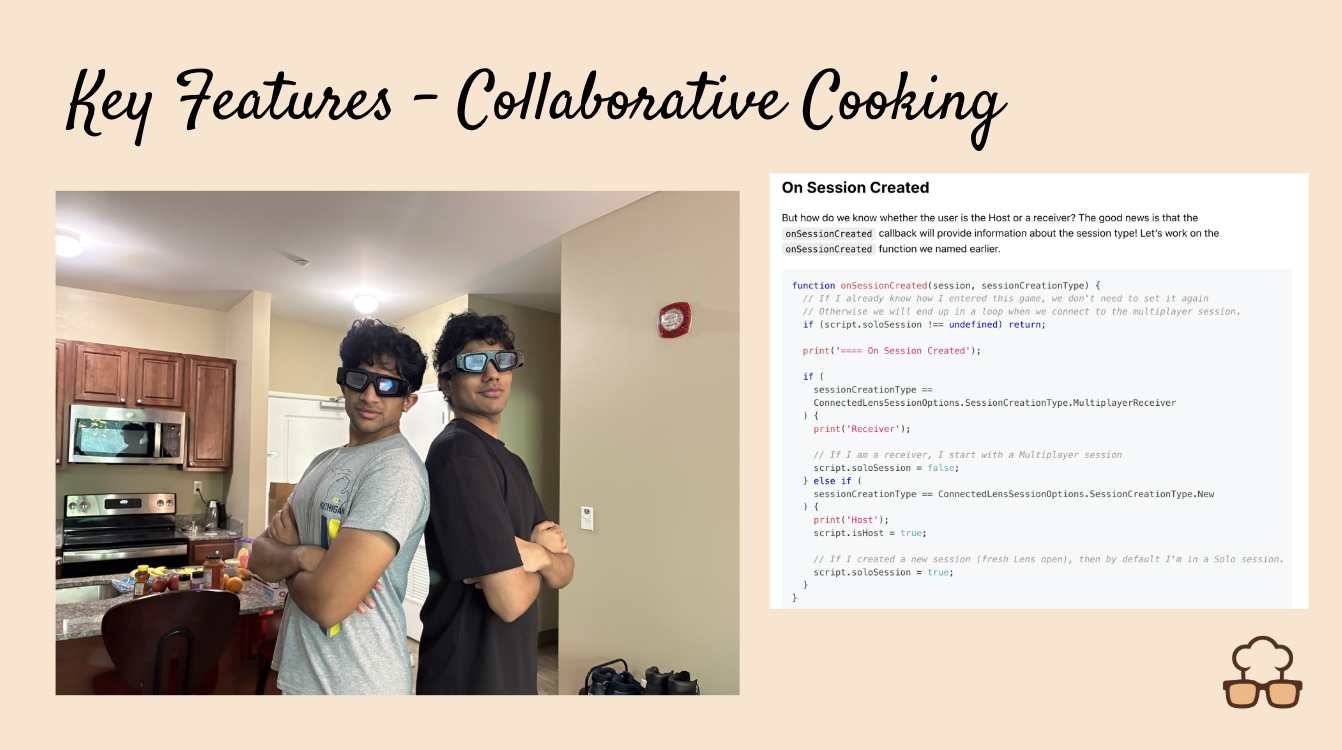
Multiplayer mode
-
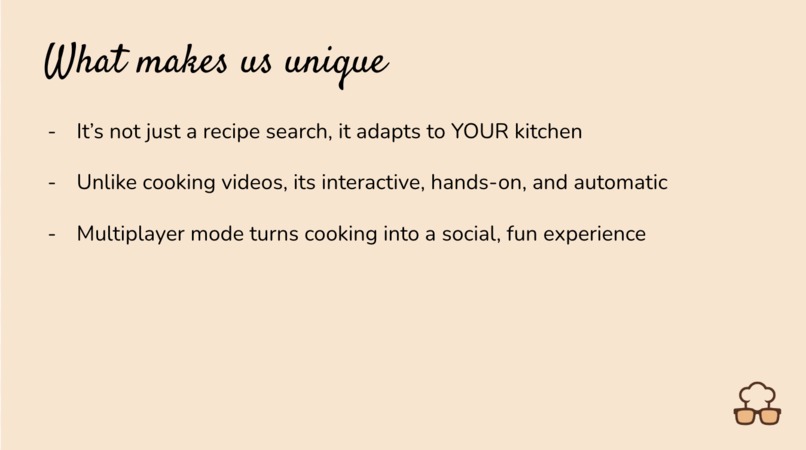
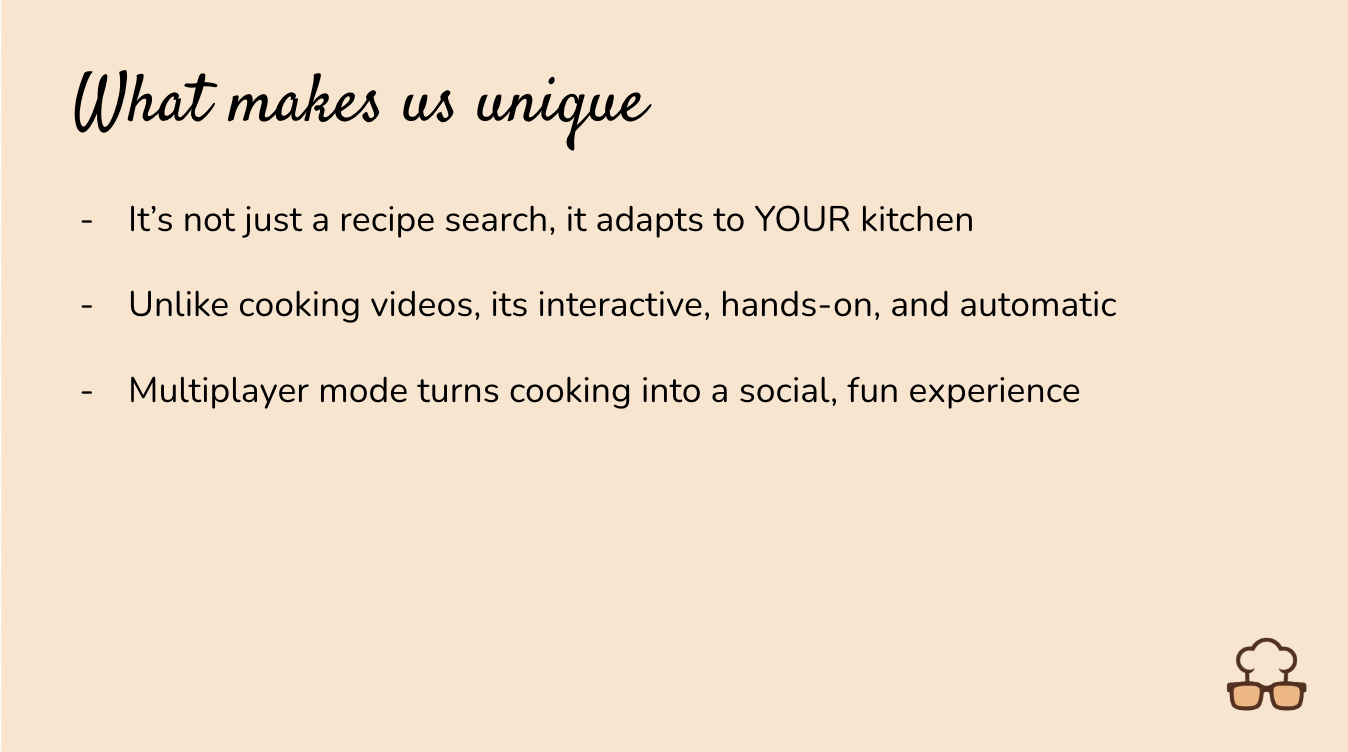
Differentiating factor
-
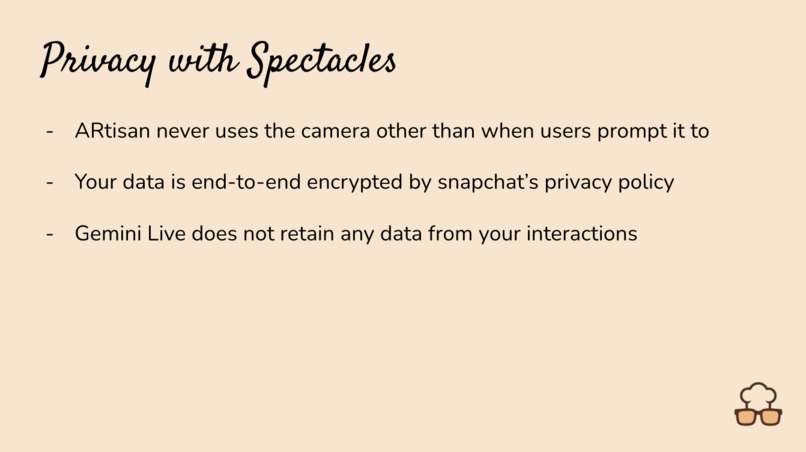
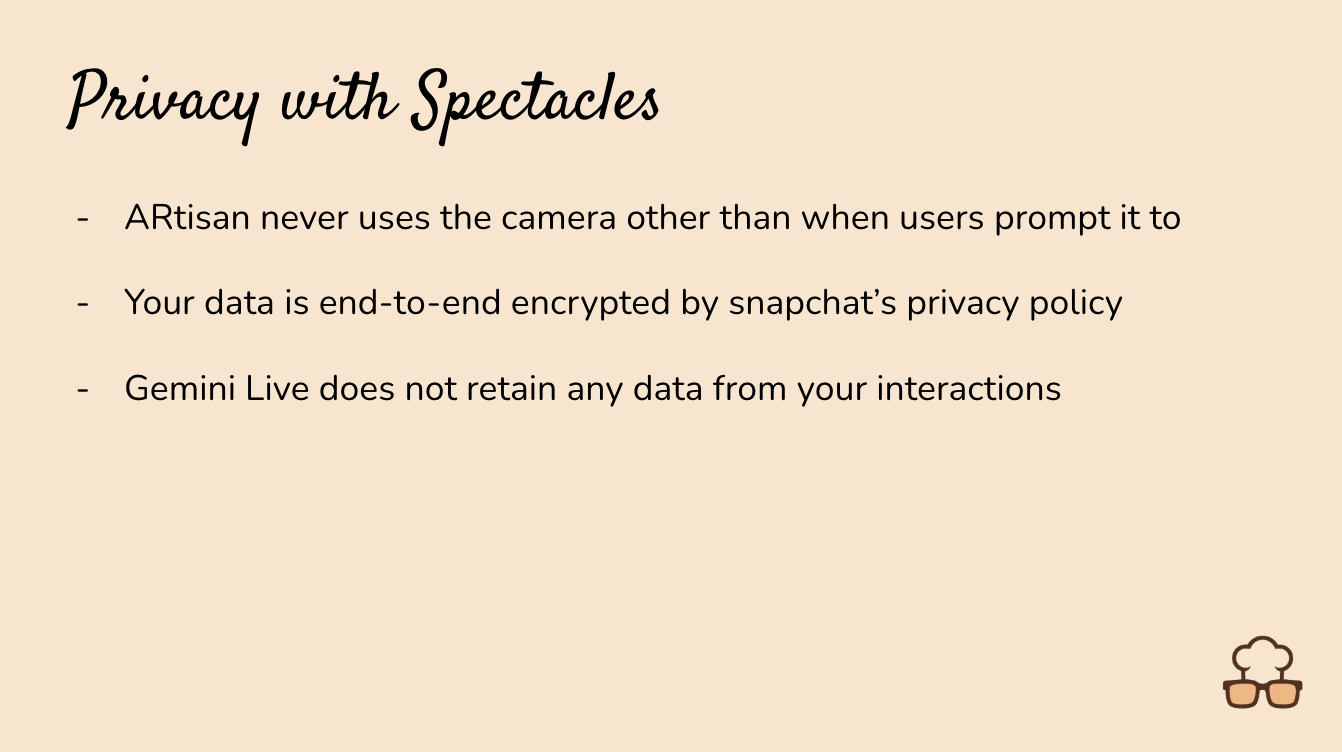
Your data is safe with us
-
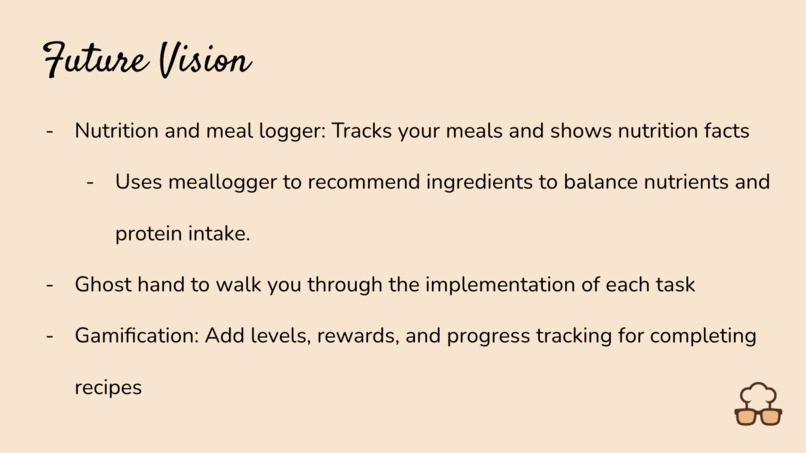
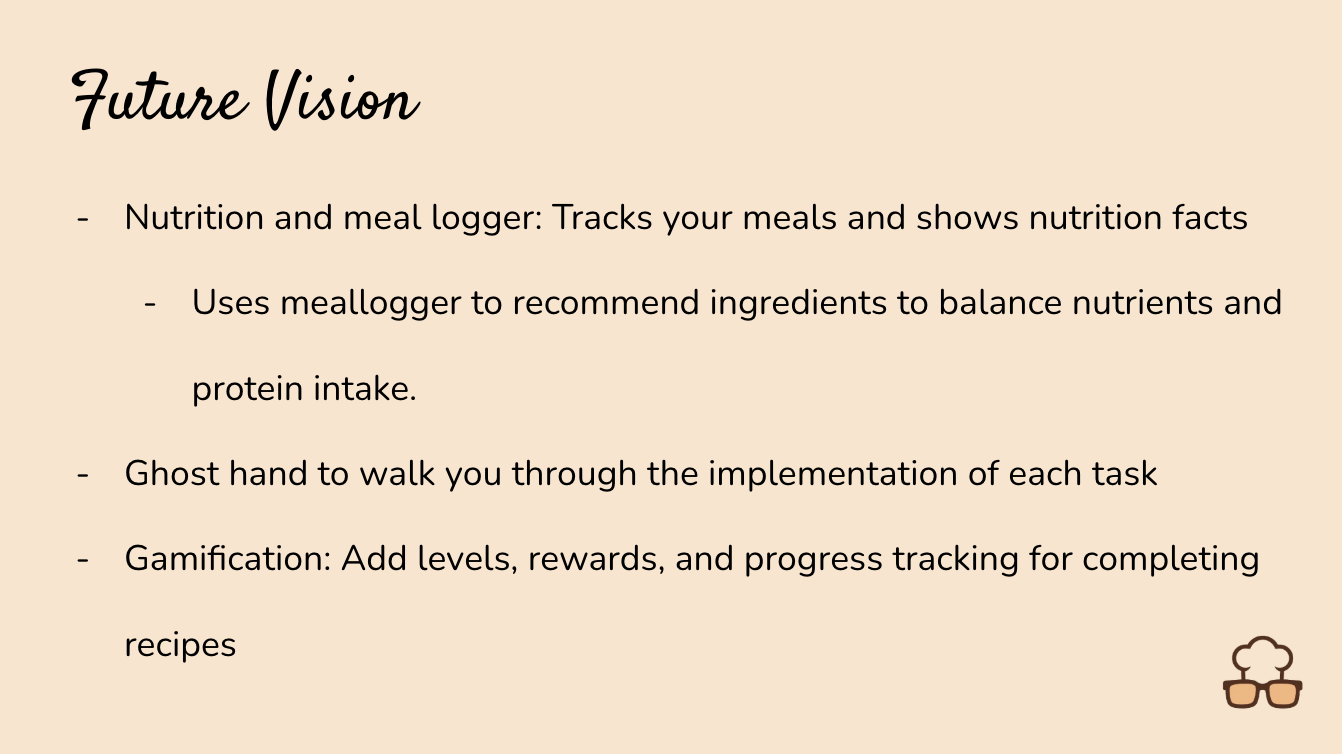
Future Steps
-

Thank you

Inspiration
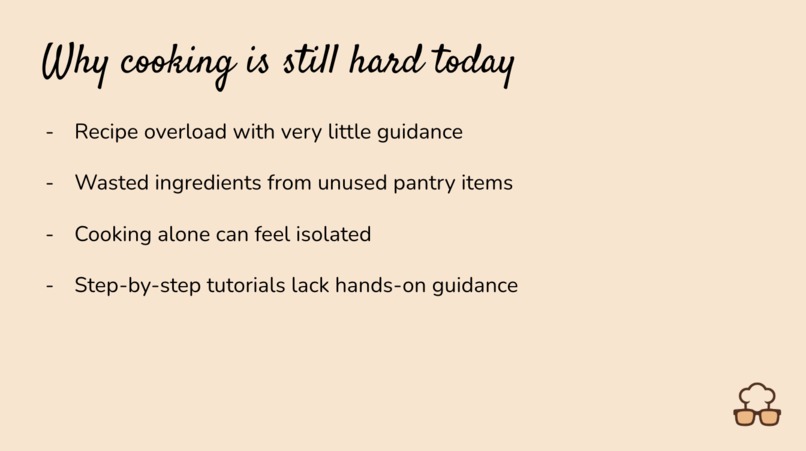
The inspiration for ARtisan came from the everyday struggle of standing in a kitchen, staring at random ingredients, and asking "what can I actually make with this?" We've all been there - you have tomatoes, some pasta, maybe basil in the fridge, but translating those ingredients into an actual meal feels overwhelming. Traditional recipe apps require you to manually input what you have or scroll through endless lists that don't match your pantry. We realized that with Spectacles' computer vision capabilities and advanced AI models like Gemini Live, we could create an assistant that literally sees your kitchen and understands your cooking situation in real-time, making meal planning as simple as asking "what should I cook?"
What it does
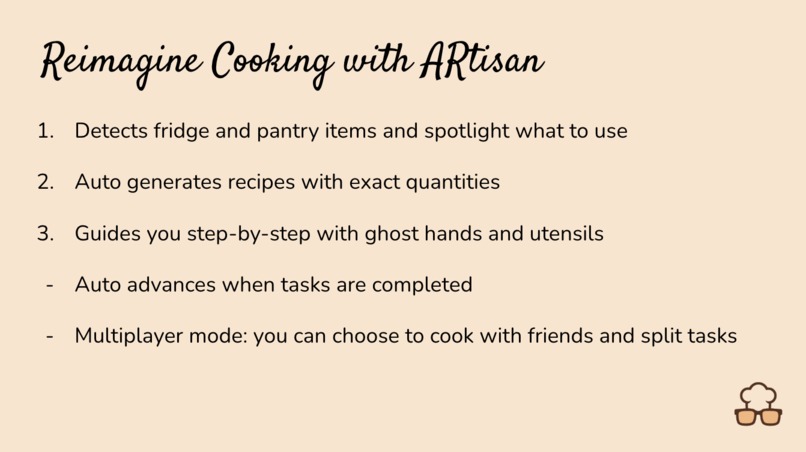
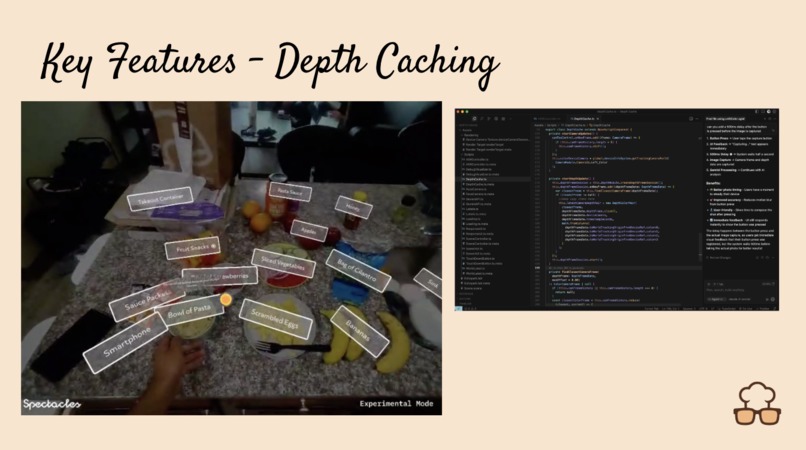
ARtisan transforms your kitchen into an interactive AI-powered cooking experience through Spectacles AR glasses. When you ask "what can I cook with these ingredients?", the app uses computer vision to analyze your kitchen in real-time, identifying available ingredients like fresh tomatoes, basil, or pasta on your counters. Gemini Live processes both your voice and camera feed simultaneously, then generates beautiful floating recipe cards that appear in AR space with complete cooking instructions, prep times, and ingredient lists that show green checkmarks for items it spotted in your view. The spatial interface uses a hand-tracking sphere that follows your movements, letting you control the AI conversation through natural gestures while recipe cards animate smoothly into your field of view with all the details you need to start cooking.
How we built it
We built ARtisan using (Lens Studio v5.10.0+) as our primary development environment, leveraging the Remote Service Gateway package for cloud API connectivity and Spectacles Interaction Kit (SIK) for spatial AR interfaces. The core architecture uses (TypeScript) components that inherit from (BaseScriptComponent) with (@component) decorators, creating a modular system where each script handles specific functionality. Our AI integration centers around the (GeminiAssistant.ts) component that manages (WebSocket) connections to Gemini Live, using the (MicrophoneRecorder) and (AudioProcessor) classes from Remote Service Gateway to convert voice input to Base64-encoded (PCM16) format at 16kHz. For computer vision, we implemented the (VideoController) framework to capture and encode camera frames that stream directly to Gemini's multimodal API. The recipe card system uses (LSTween.lspkg) animation library with (Easing) functions to create smooth scaling transitions, while our (RecipeCard.ts) component dynamically generates (Text) components using Lens Studio's built-in UI framework. The spatial interface leverages SIK's (Interactable), (PinchButton), and (InteractableManipulation) components for hand tracking, with (HandInputData) and (WorldCameraFinderProvider) enabling (6DOF) interaction. Our (AIAssistantUIBridge.ts) orchestrates communication between components using SIK's (Event) system, while the (DynamicAudioOutput) class handles real-time audio playback of Gemini's voice responses. The entire project structure follows Lens Studio's (.lspkg) package system, importing frameworks like (SpectaclesInteractionKit.lspkg/Utils/Event) and managing dependencies through the built-in asset system rather than traditional package managers like (npm).
Challenges we ran into
The biggest challenge was synchronizing real-time multimodal AI processing with smooth AR interactions - we needed Gemini to simultaneously analyze camera footage for ingredients while processing voice commands and generating coherent responses without lag. Managing the (WebSocket) streaming pipeline proved complex, especially converting audio to the right (PCM16) format while maintaining quality and preventing feedback loops in the Lens Studio editor. Another major hurdle was designing the function calling system where Gemini could execute our (TypeScript) functions like (generate_recipe_card()) without breaking conversation flow - we had to carefully architect the AI prompts to call functions naturally while speaking conversationally. The dynamic UI generation for recipe cards was tricky since we needed to create and destroy text components based on varying recipe data lengths, requiring careful memory management to prevent performance issues during extended cooking sessions.
Accomplishments that we're proud of
We're incredibly proud of achieving true multimodal AI interaction in AR space - watching Gemini simultaneously see your ingredients and respond to your voice while generating perfectly contextual recipe suggestions feels like magic. The seamless integration between computer vision and function calling means the app doesn't just recognize ingredients, it intelligently marks them as "available" in recipe cards and suggests meals that actually match what's visible in your kitchen. Our spatial UI design creates an intuitive cooking experience where recipe cards feel naturally integrated into your kitchen environment rather than overlaid awkwardly. The real-time performance we achieved - from voice input to ingredient analysis to recipe card generation - happens fast enough to maintain natural conversation flow, making it feel like you're talking to a knowledgeable cooking assistant who can actually see and understand your kitchen setup.
What we learned
Building ARtisan taught us that multimodal AI in AR requires completely rethinking traditional app architecture - instead of sequential user interactions, everything happens simultaneously and contextually. We learned that Gemini Live's computer vision capabilities are remarkably sophisticated when properly integrated with real-time streaming, able to identify not just individual ingredients but understand cooking contexts and suggest appropriate recipes. The importance of function calling design became clear - AI assistants work best when they can execute specific actions (like generating recipe cards) while maintaining natural conversation, requiring careful prompt engineering to balance technical functionality with human-like interaction. We also discovered that AR interfaces need to feel spatial and natural rather than ported from 2D screens, leading us to design hand-tracking controls and floating cards that integrate seamlessly with physical cooking workflows.
What's next for ARtisan
The future of ARtisan involves expanding beyond ingredient recognition to full cooking guidance - imagine step-by-step AR overlays showing exactly where to chop, how long to stir, or visual timers floating above your stove. We're planning to integrate nutritional analysis and dietary restriction awareness, so the AI can suggest heart-healthy recipes for users with specific needs or automatically avoid allergens. Smart kitchen integration is another exciting direction - connecting with IoT devices so ARtisan can preheat your oven, start timers, or adjust cooking temperatures through voice commands. We also want to add social features where successful recipes can be shared with friends through AR demonstrations, and implement learning capabilities so the AI remembers your cooking preferences and skill level to provide increasingly personalized suggestions. The ultimate vision is transforming ARtisan into a comprehensive culinary mentor that guides you from ingredient selection through cooking techniques to presentation, making anyone feel like a confident chef in their own kitchen.
Built With
- gemini
- spectacles
- typescript


Log in or sign up for Devpost to join the conversation.