Inspiration
Our team recognized that working with AI and ML can be intimidating and inaccessible, especially for learners and individuals with disabilities. Drawing from block-based programming environments like Scratch, we envisioned a tool that allowed anyone to build and play with machine learning models through a visual, drag-and-drop interface.
What it does
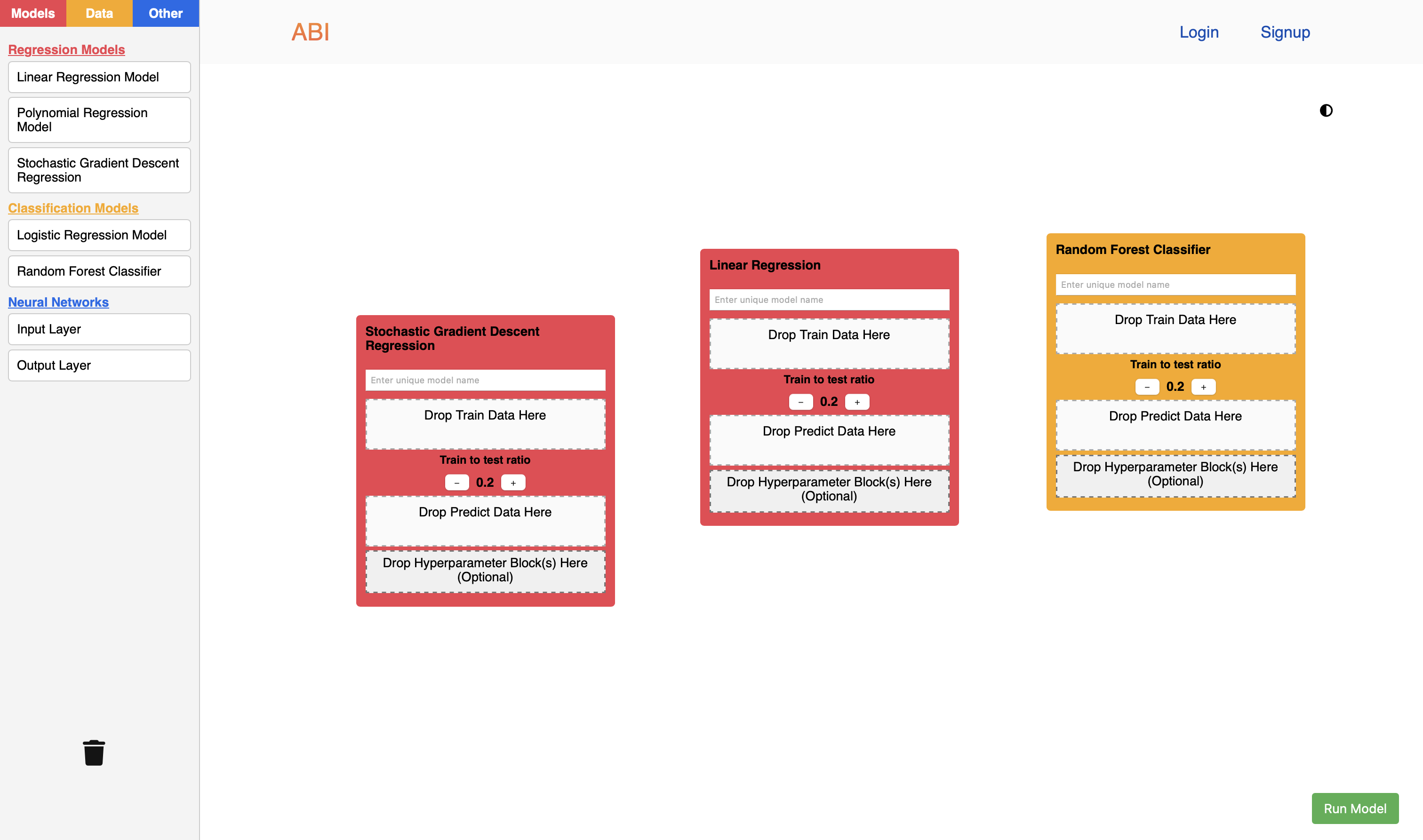
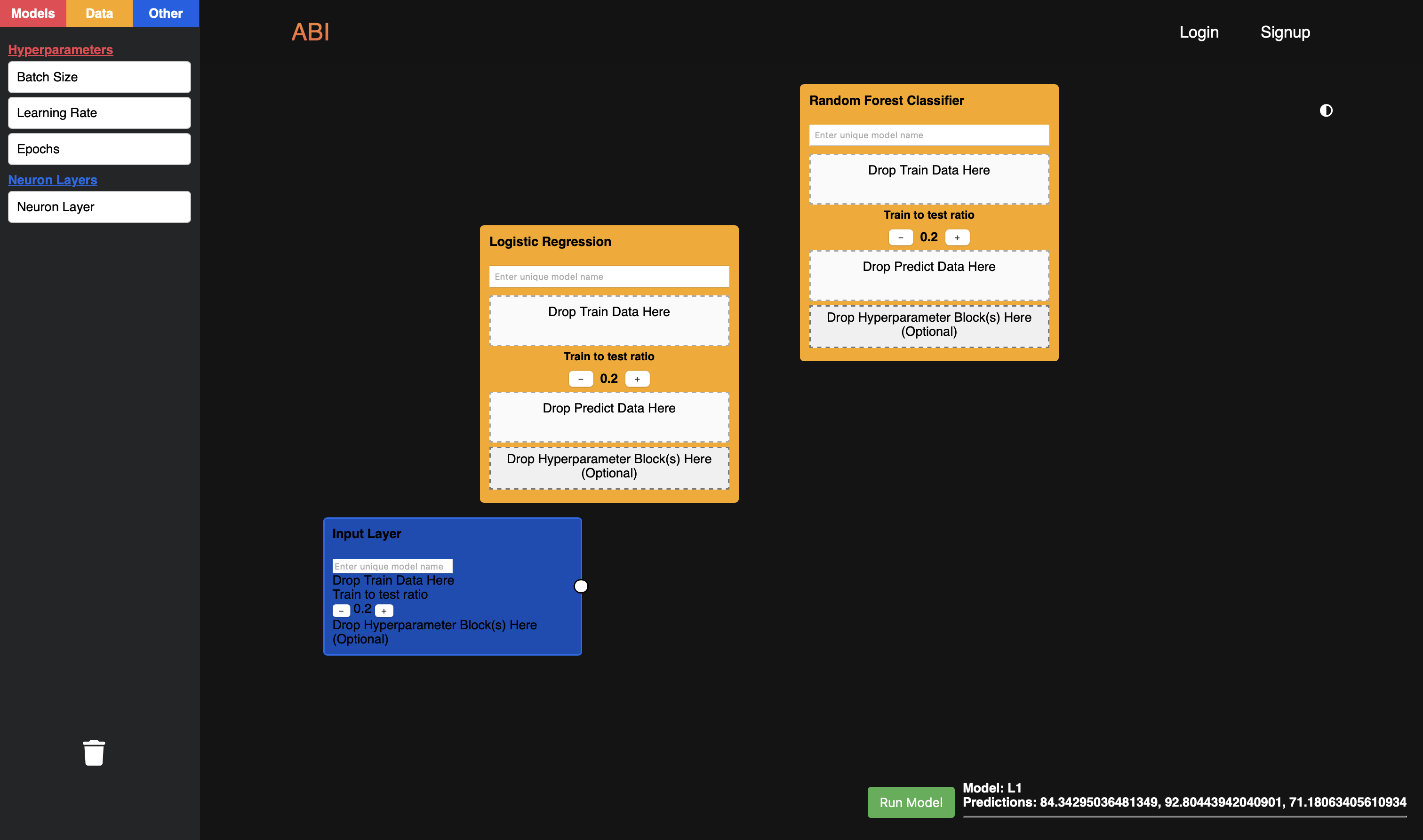
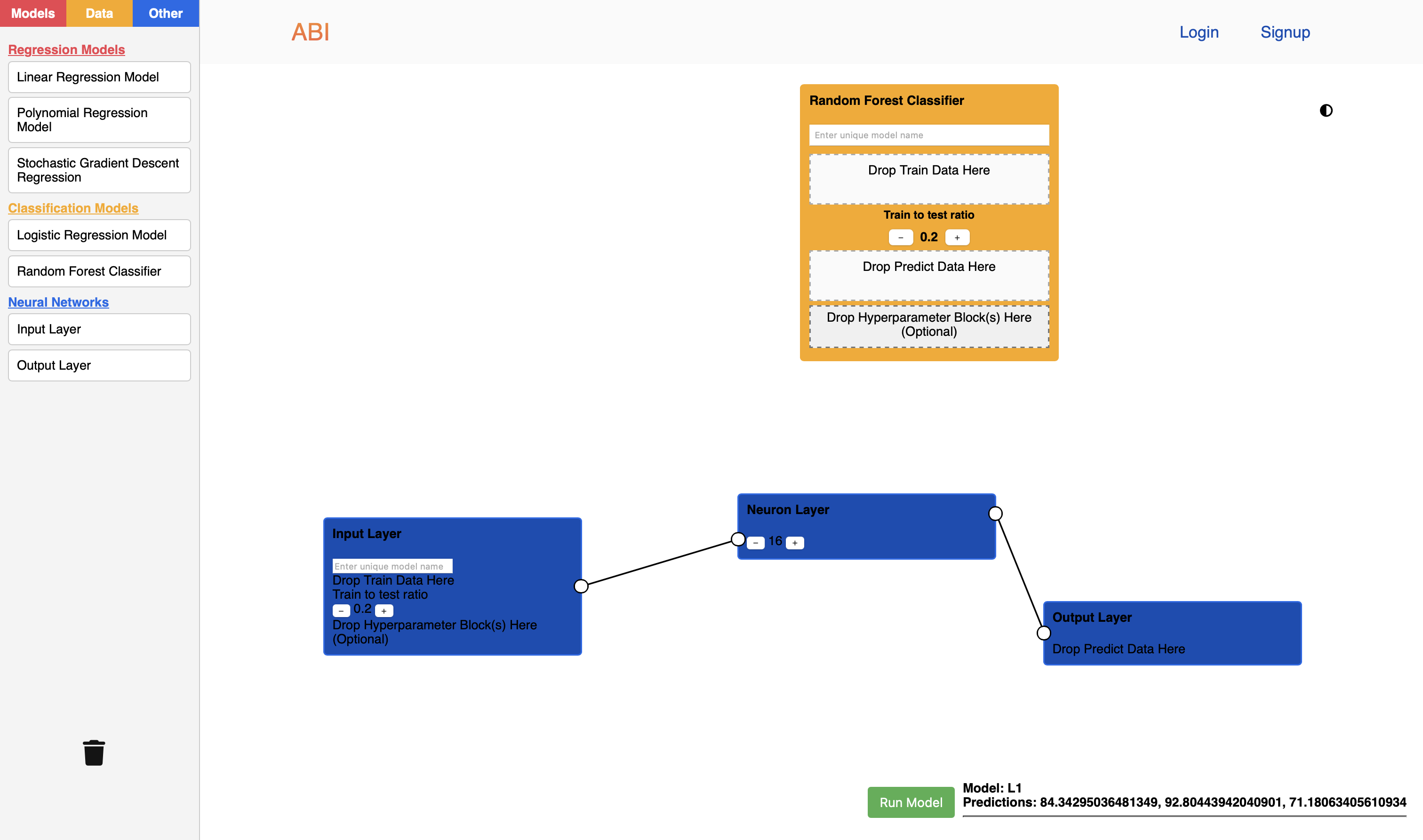
The product features an interface where users can drag-and-drop block model components from a sidebar into an adjacent workspace, which includes regression models, classification models, and neural network components.
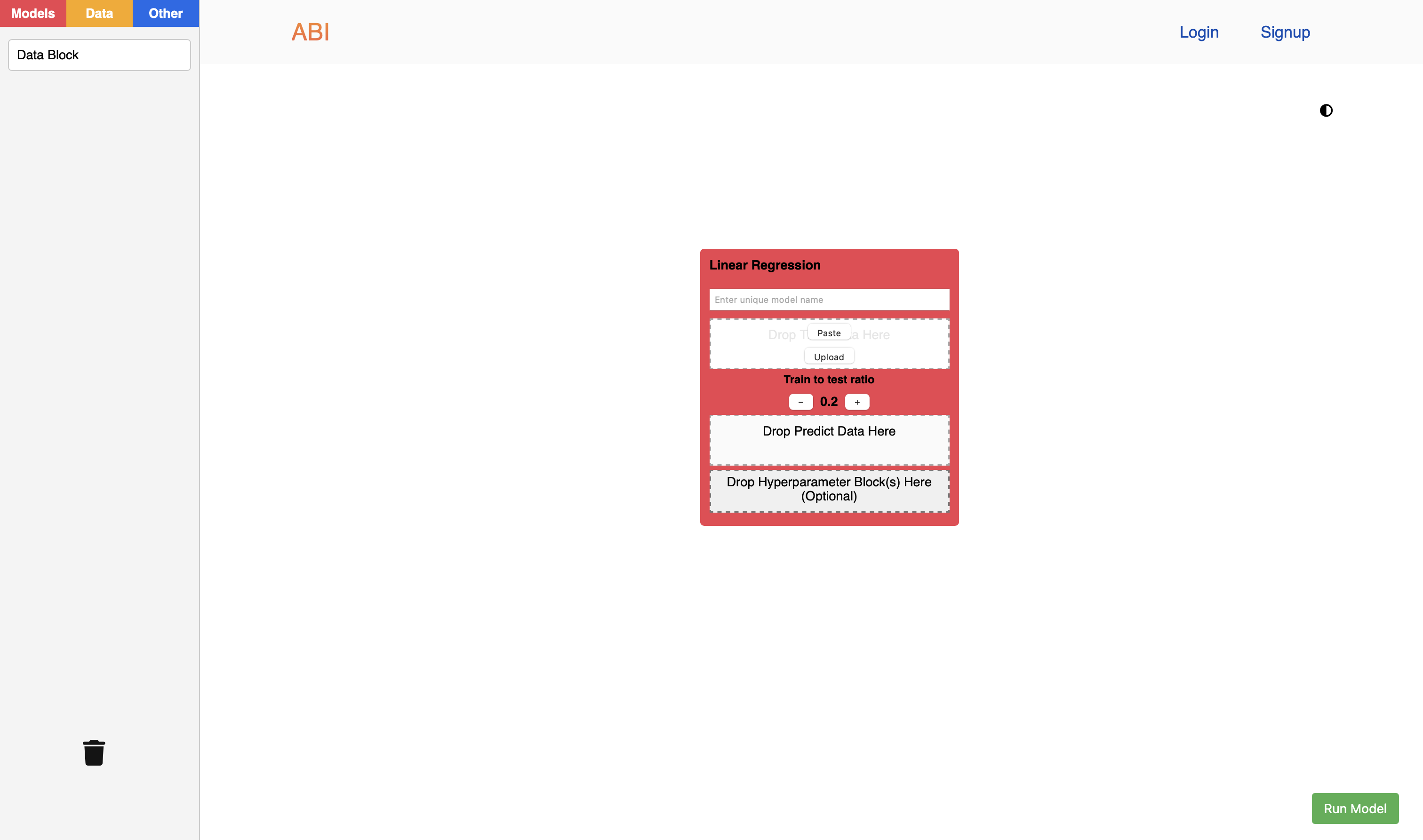
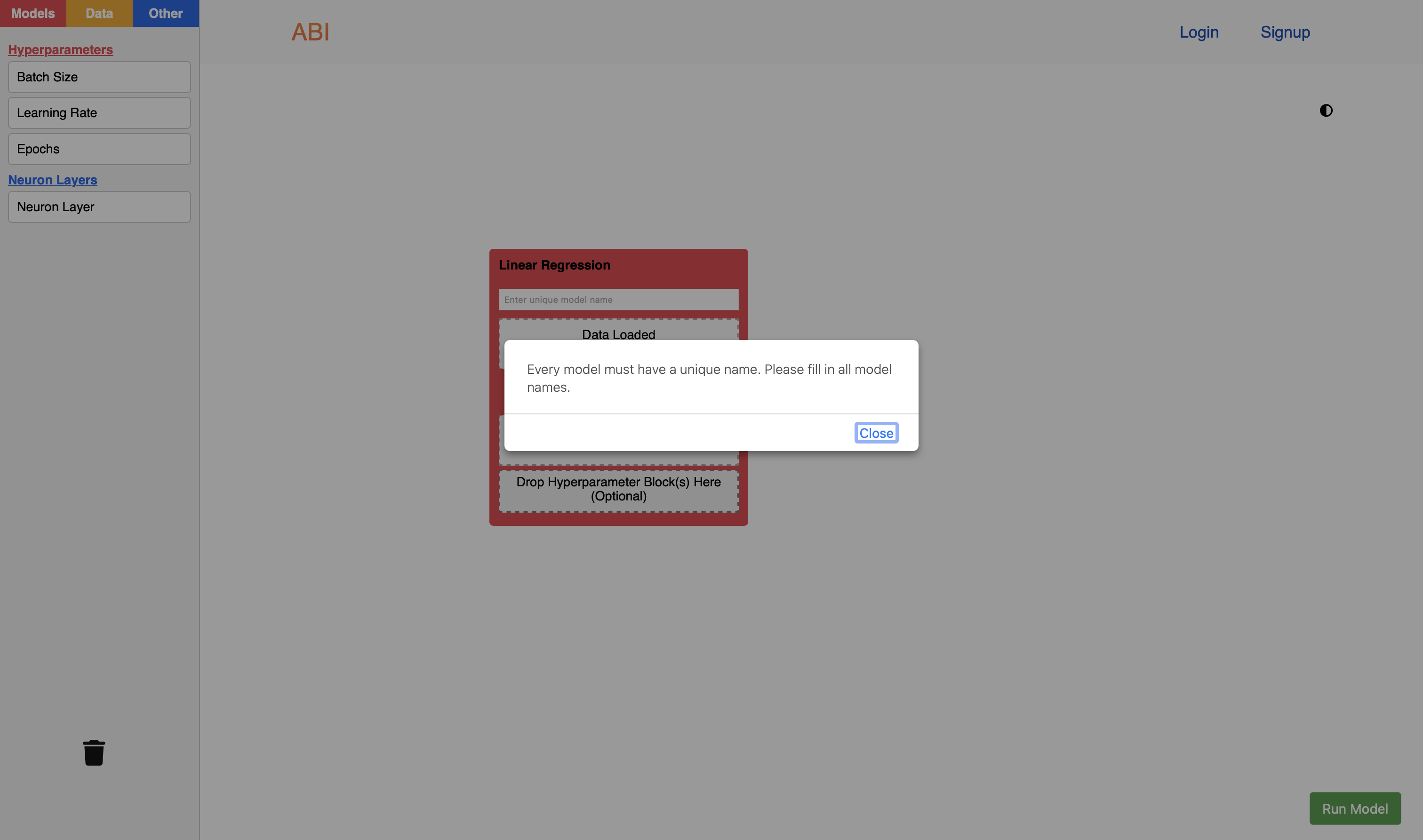
Each model block includes data drop areas where users can upload or paste CSV data to train the model, then use the model to predict output values. Users can modify the fraction of the input data to be used for training or testing. When hovering over different blocks in the sidebar, a description is displayed to explain the function of each component.
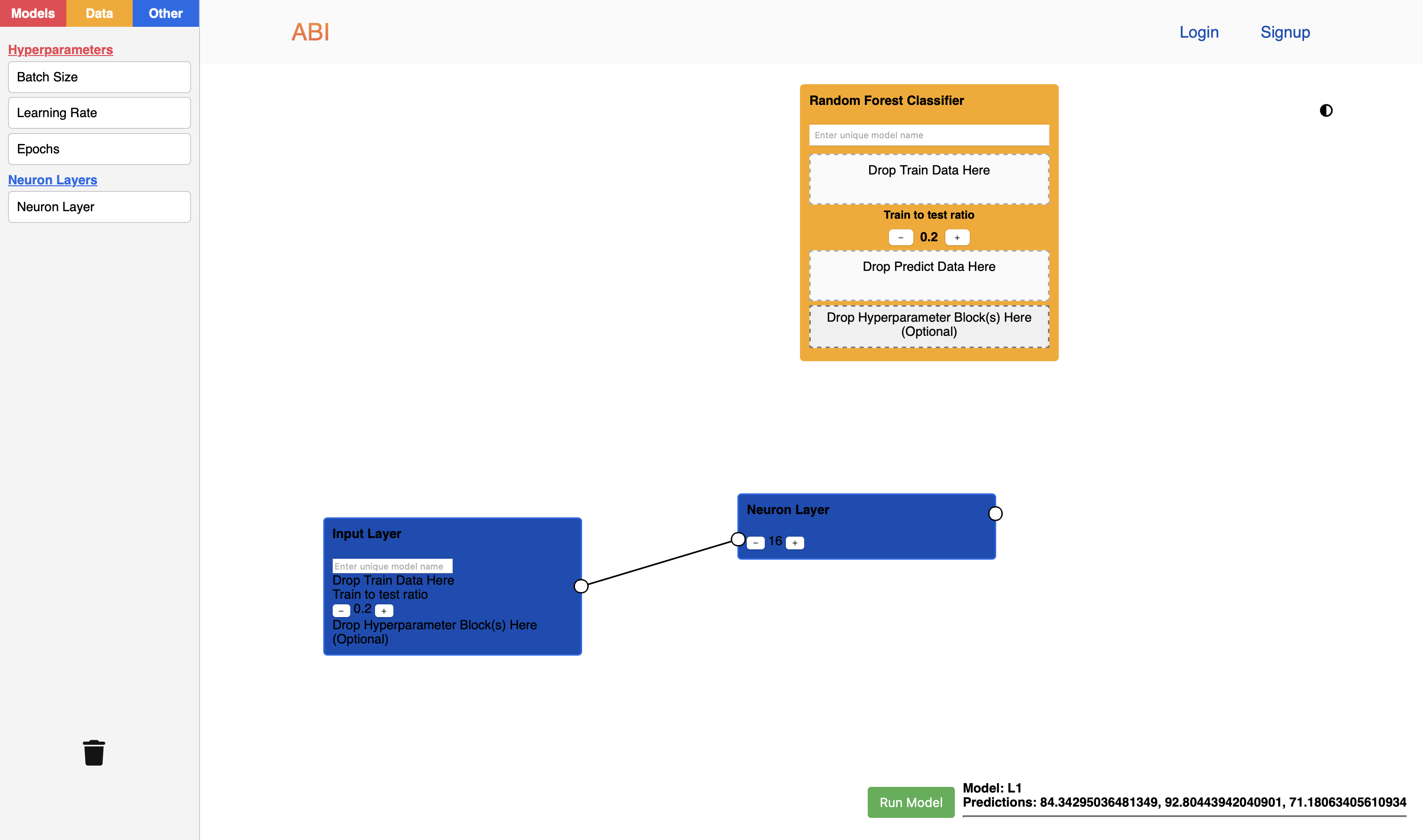
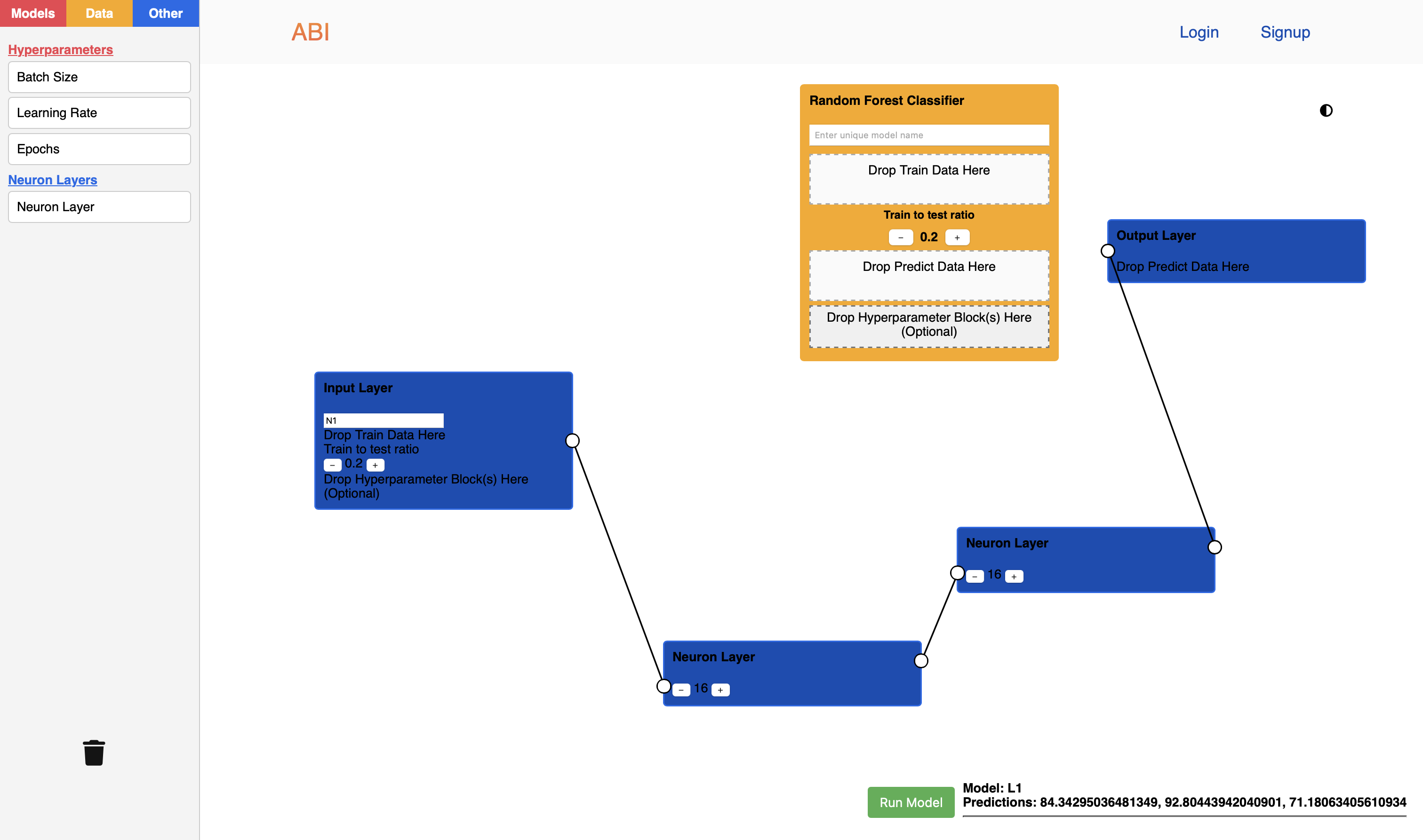
For neural networks, users can visually link layers using connection points and adjust parameters like the number of neurons within a layer with intuitive increment/decrement controls.
How we built it
We designed a responsive HTML/CSS/JavaScript interface that mimics a block-based programming environment. The interface features a draggable workspace, a sidebar with categorized blocks, and dynamic drop areas for data and other parameters.
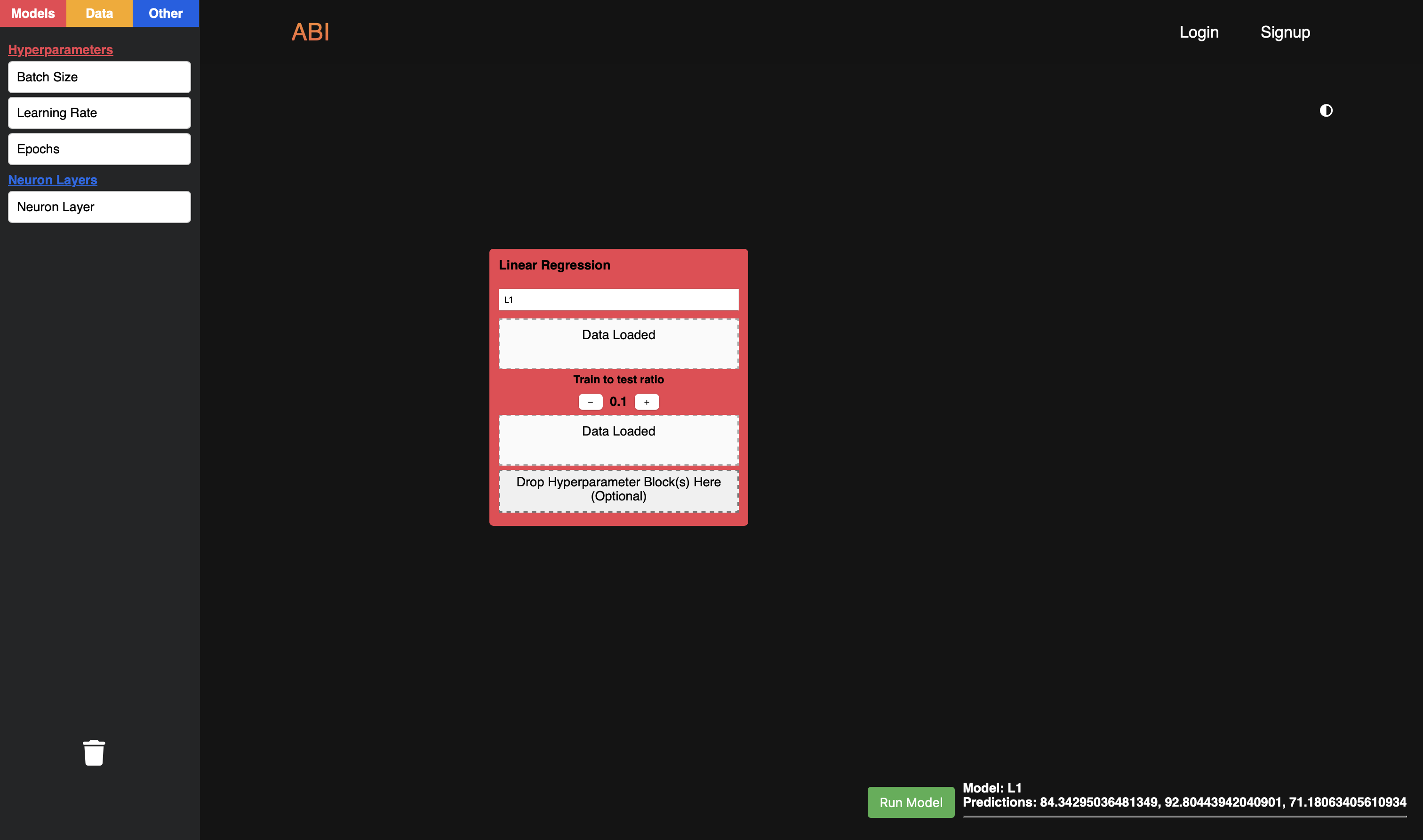
A lightweight Flask server processes user submissions. It receives parameters and CSV data from the front end, where it calls the OpenAI API to produce the model code. This is run to train/test and predict the values which is outputted to the UI.
Challenges we ran into
When dealing with the UI for the neural network components, we encountered a bug where the connection points and links between neuron layers would disable the data input area on the block. When we fixed the data input area, the links and connections would disappear. Due to this, we were unable to finish the programming for some other blocks.
Accomplishments that we're proud of
We managed to create a clean and responsive UI, with light and dark modes for accessibilty. Thus simplifiying the learning process about AI Models without cumbersome syntax and code.
By utilising the dynamic workspace, we developed a queue system so all valid model blocks in the workspace can be run all together.
What we learned
This project strengthed our knowledge of using the OpenAI API, along with learning what compromises a functional UI/UX.
What's next for Artificial Block Intelligence (ABI)
Allowing more complexity in the model blocks to enable further tuning of the model. Additionally, we would like to add a save feature in tandem with a accounts system so previous creations can be reloaded for the user.


Log in or sign up for Devpost to join the conversation.