-
-
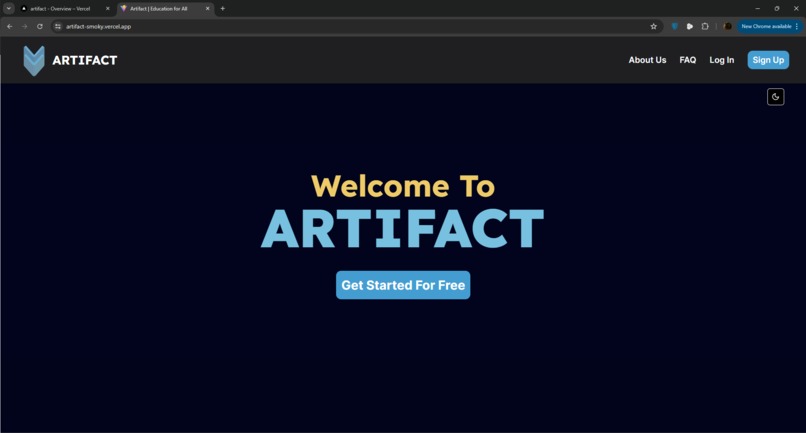
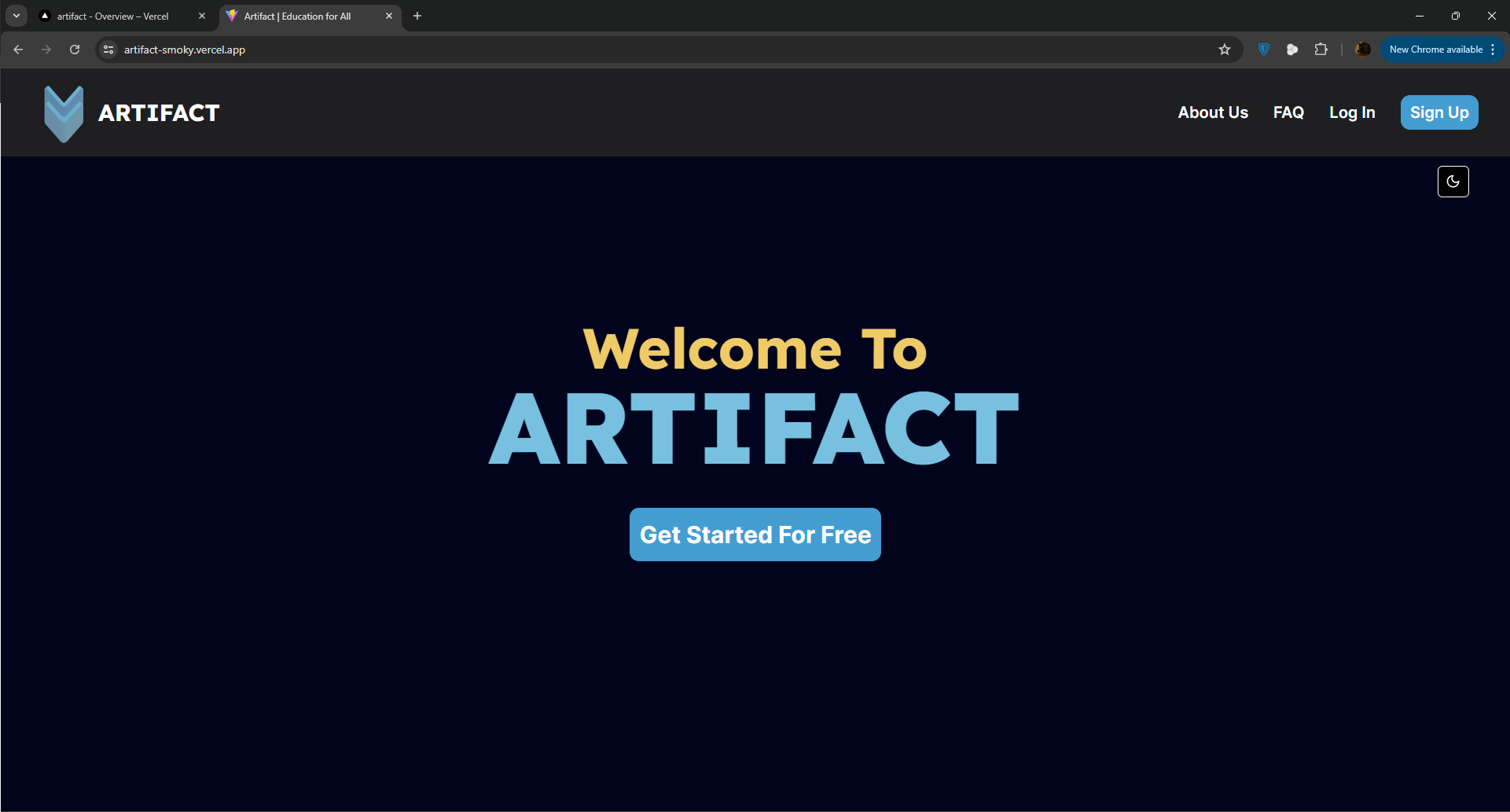
Home Page
-
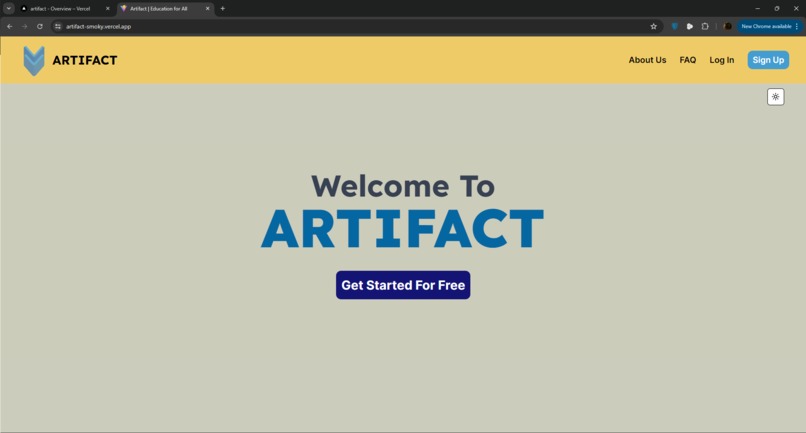
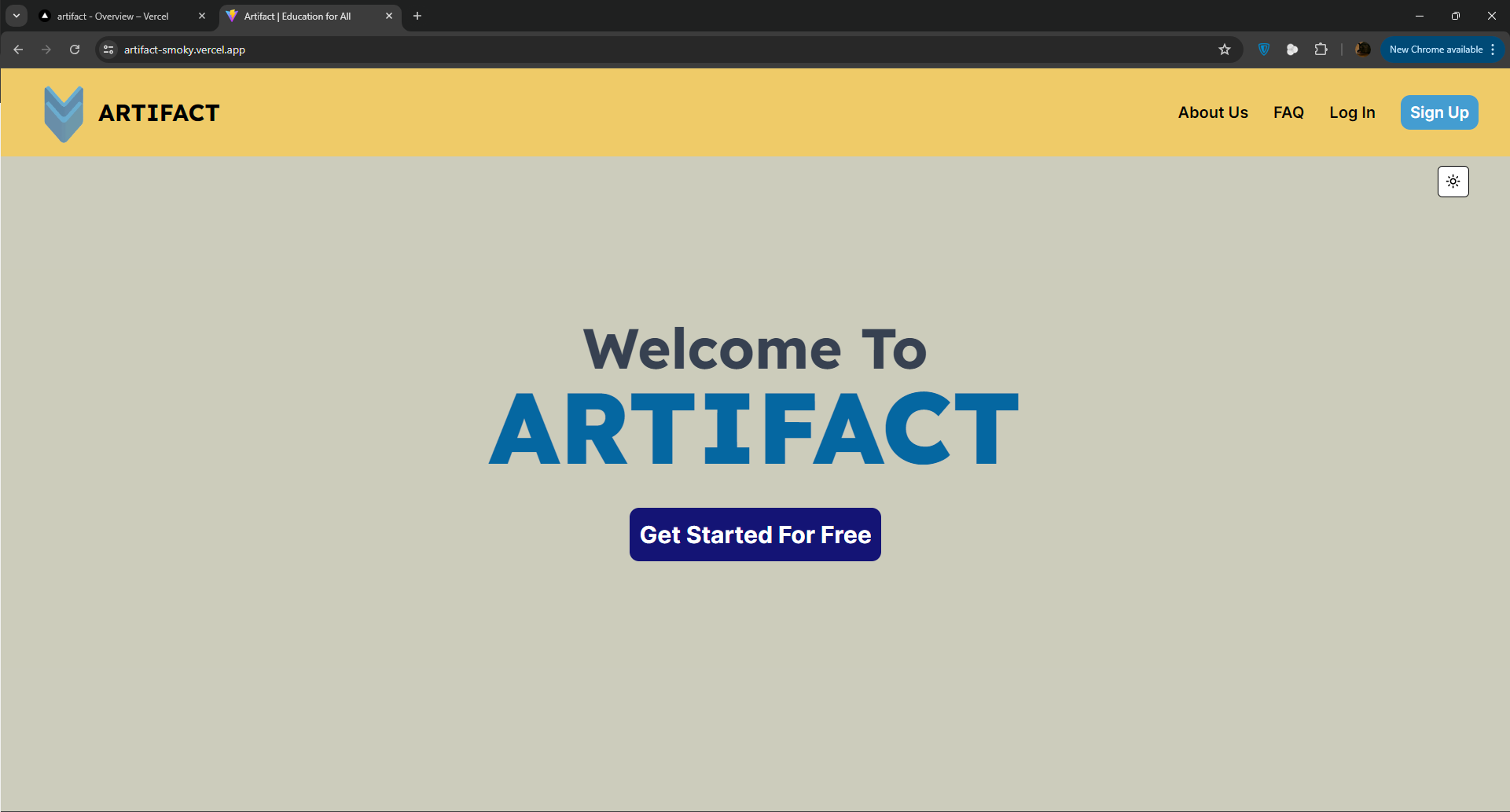
Home Page Light Mode
-
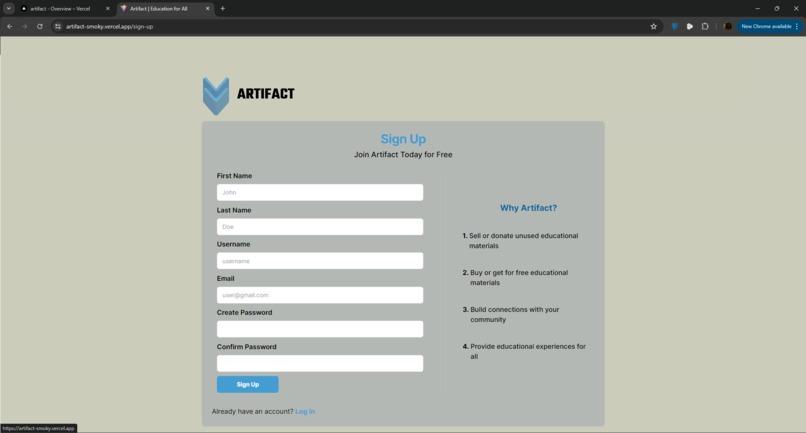
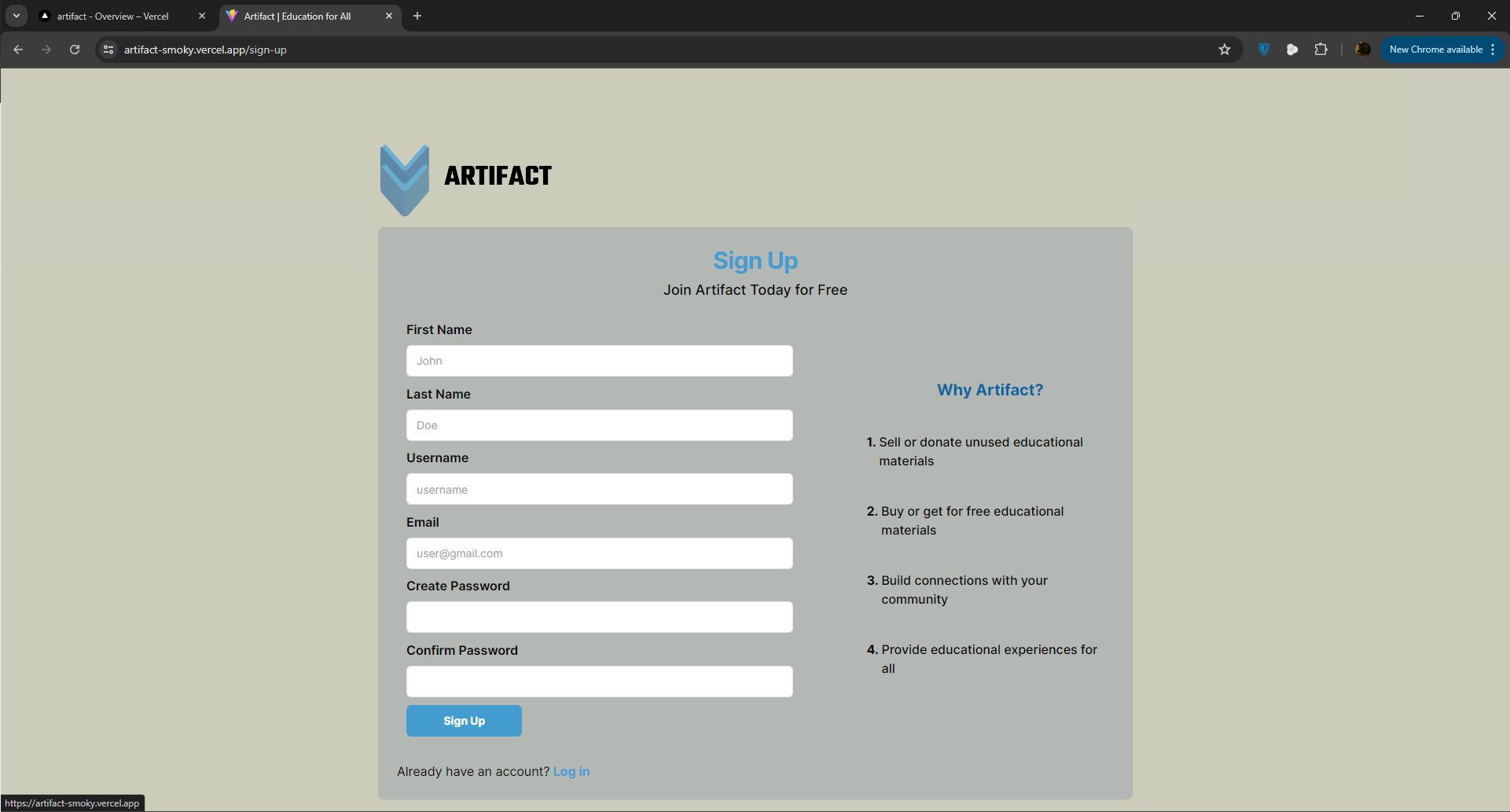
Sign Up Page
-
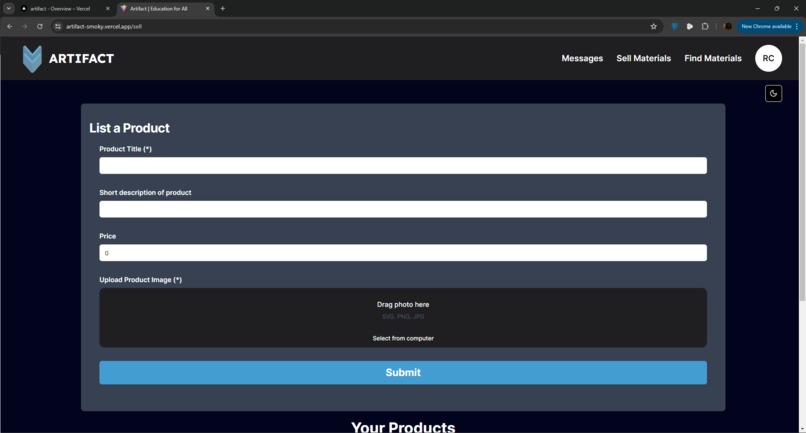
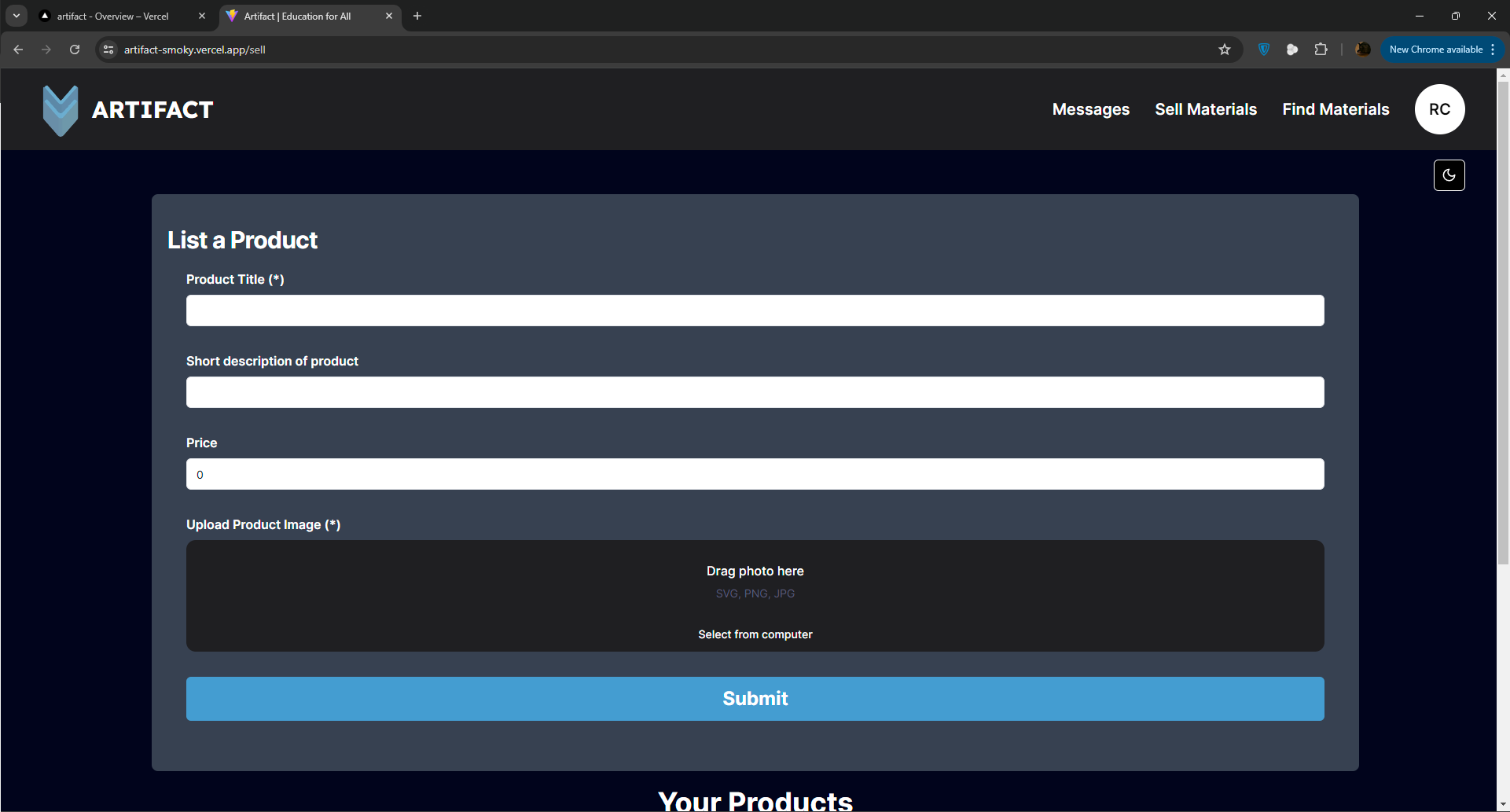
List Products
-
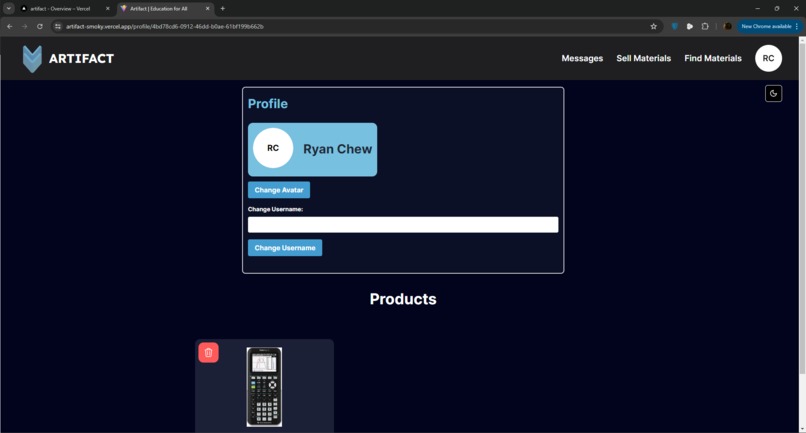
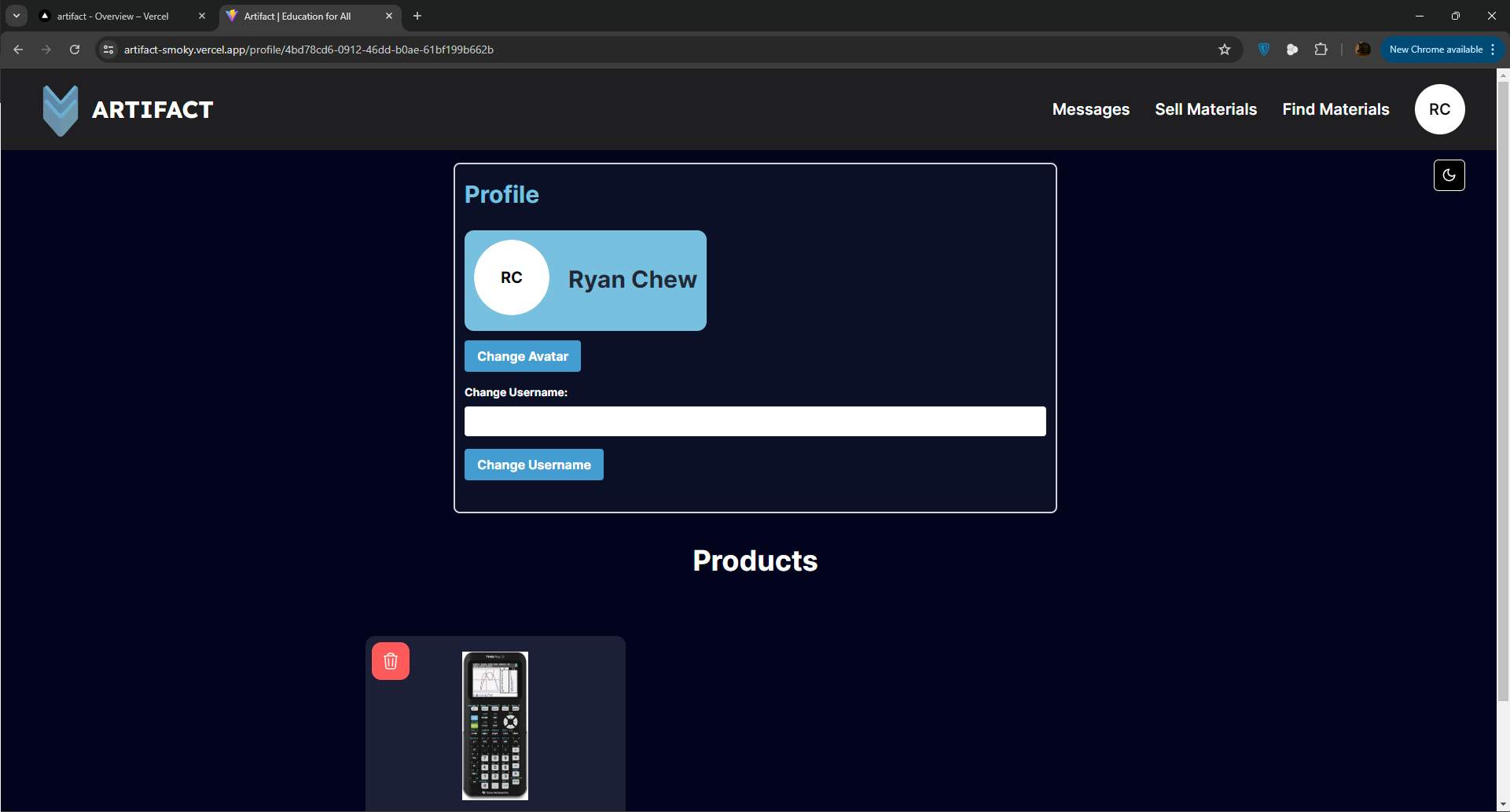
Your Profile
💡 Inspiration
Education powers the next generation that will contribute to our society. However, so many students are limited by their access to materials. We believe that all students regardless of background deserve the best educational experience. This is why we built Artifact, not only to help students access materials but also to allow used materials to not go to waste. This platform was inspired by students in my community who ask classmates for AP textbooks to avoid purchasing them themselves. I also noticed that much of that material goes untouched after I complete my classes.
❓ What it does
Artifact is a platform that allows users to sign up to buy and sell educational materials. There is a chat feature to negotiate and resolve shipping issues and allows all users to list products that provide product description and images.
⚙️ How we built it
The website front-end was built in React with react-router-dom to navigate between pages. The UI is entirely built with TailwindCSS with many components being taken from ShadCN. The database I chose was Supabase as it offers a great free tier for storage, and relational databases using Postgres SQL and authentication. Using react-query, I was able to query information such as products and messages for a seamless user experience. The entire backend was built with NodeJS. There is also a Stripe API set up, however, as Stripe Connect requires users to be over 18, I could not set up an account and therefore it is left as a branch in the GitHub. This allows for a quick setup of Stripe once an account is created. The website is hosted on Vercel connected to the GitHub Repo.
🚧 Challenges we ran into
One of the biggest challenges was allowing for image uploads on Supabase. As this is the first time we have worked with Supabase, we couldn't figure out how to format the path correctly. On top of that, there was difficulty keeping an imported file as a file. In the end, we looked up a tutorial to resolve the issue. Another challenge was setting up Stripe, since we are under 18 we legally cannot use Stripe Connect, so it was decided that the Stripe would be set up in the code without a valid key in a separate branch. This means that once a Stripe account is activated, we only have to update the API keys to have a functional payment system.
🎊 Accomplishments that we're proud of
We are proud of completing a product in a short period of time, especially in terms of UI, I think we chose a good color theme and the interface looks good. As we have not used Supabase before, this project introduced us to Supabase's features and we are proud to have been able to understand, set up, and build a project with Supabase in such a limited amount of time.
🧠 What we learned
We learned to use react-query, Supabase, and Stripe API to build a website. In specific, we used react-query to make API calls to our Supabase database and have results stored in the cache for a better user experience. We also learned to use the Stripe API to set up payment where a business account set up by us would function as the middleman, receiving payments from the buyer before forwarding the payment to the seller.
⏩ What's next for Artifact
The potential of Artifact is endless, there are still functionalities that we wanted to add that weren't completed on time. This includes reporting features, a search feature, filters, and uploading multiple images and images within the messaging system. Going forward, we are going to legally set up a business account for Stripe to accept payments. We will also create a recommendation system using matrix factorization techniques. I wanted to implement a ResNet with OCR to automatically detect product images that may seem irrelevant to the post in order to filter out inappropriate posts. We will also expand to have shipping handled on our end, perhaps receiving a shipping fee from the buyer and having the buyer enter a shipping address.


Log in or sign up for Devpost to join the conversation.