-
-
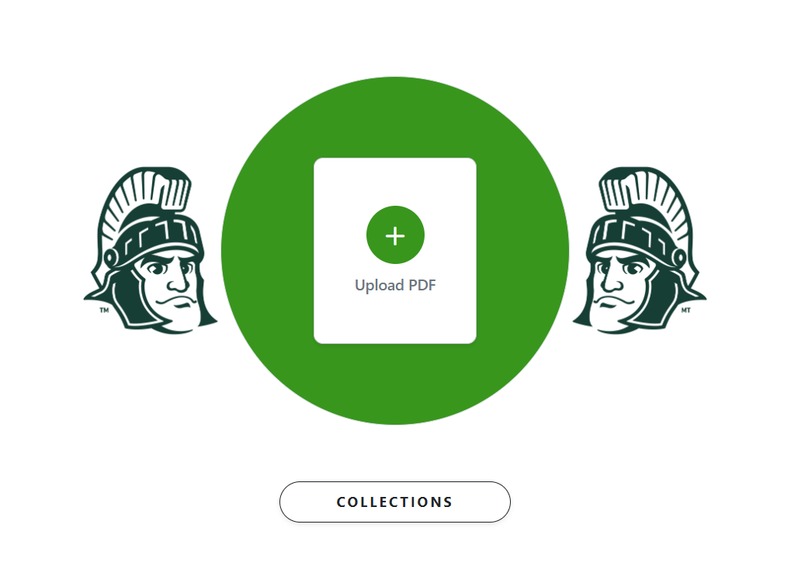
home page
-
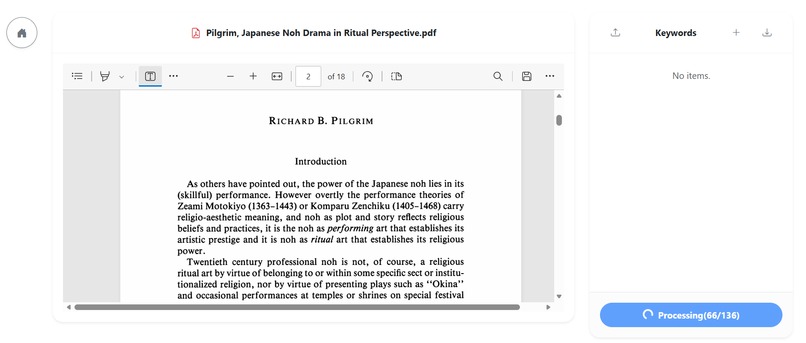
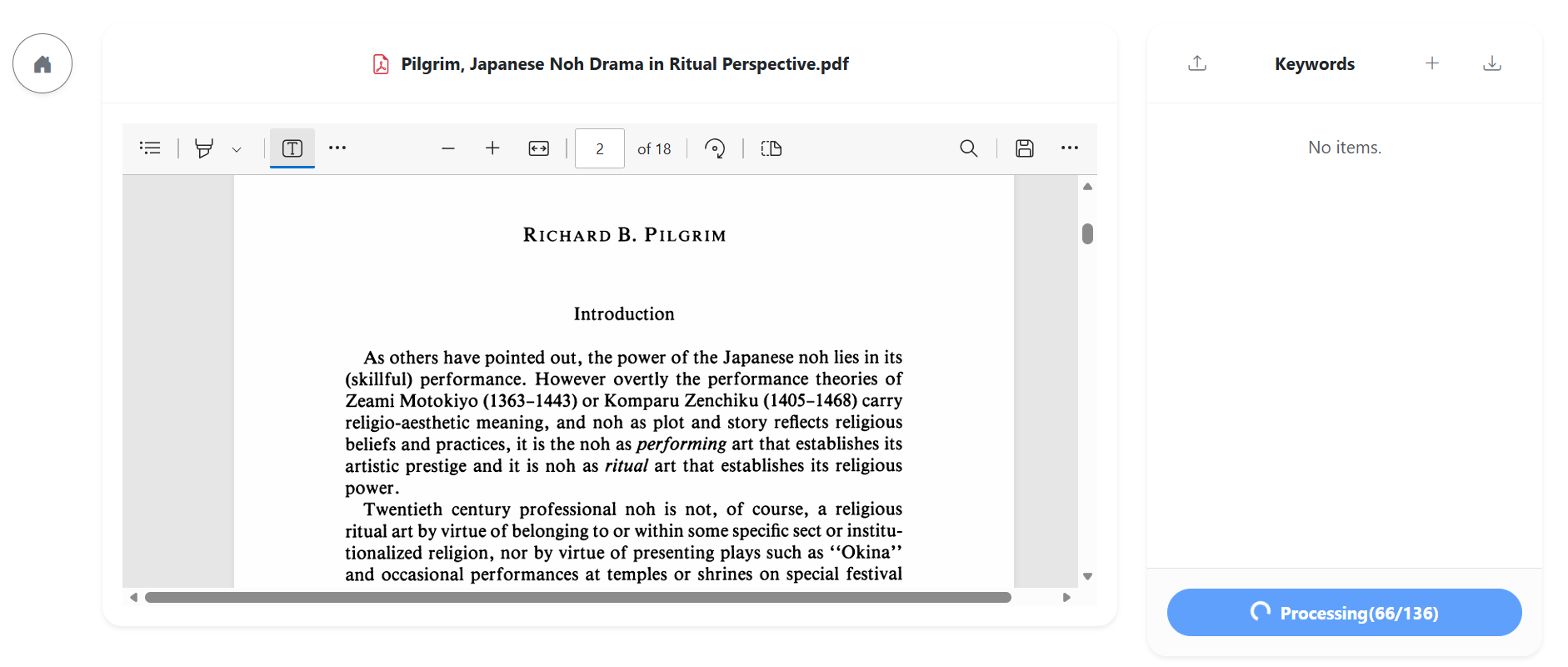
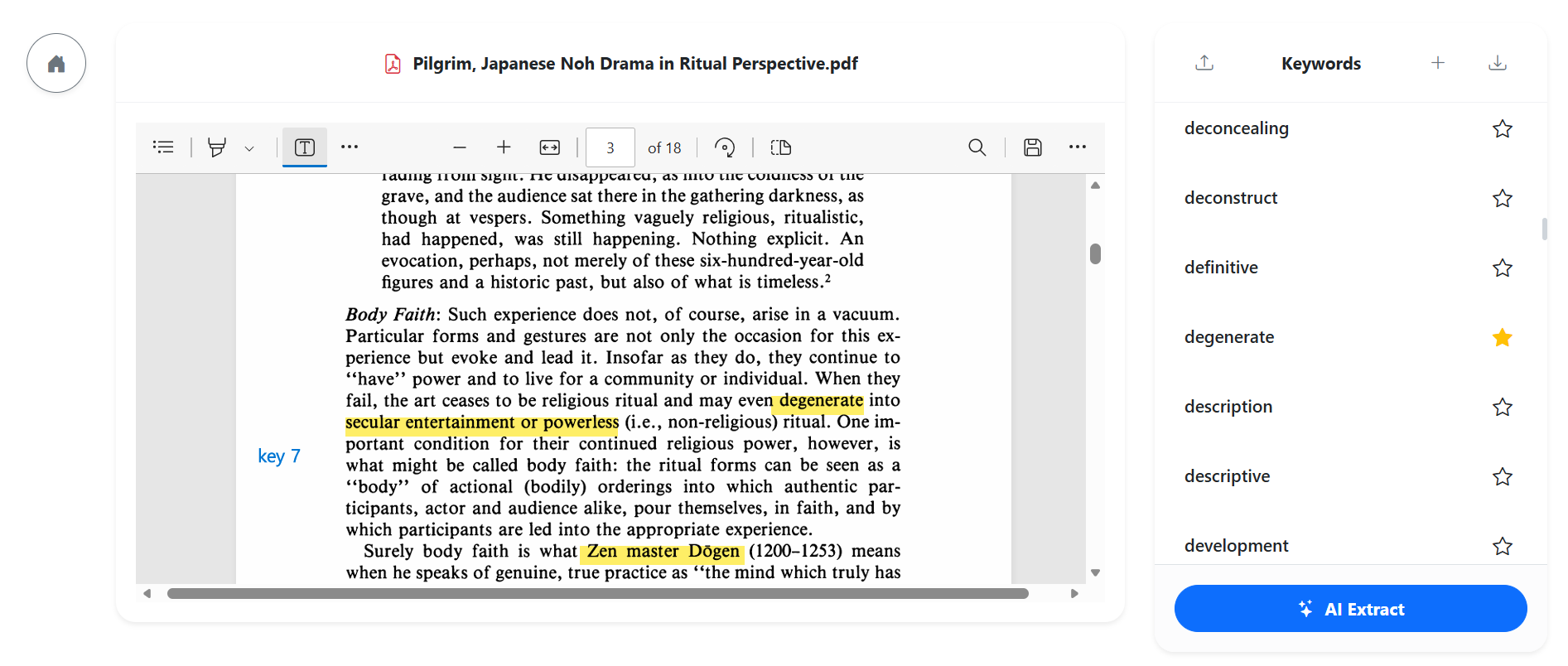
Article page-AI detection in progress
-
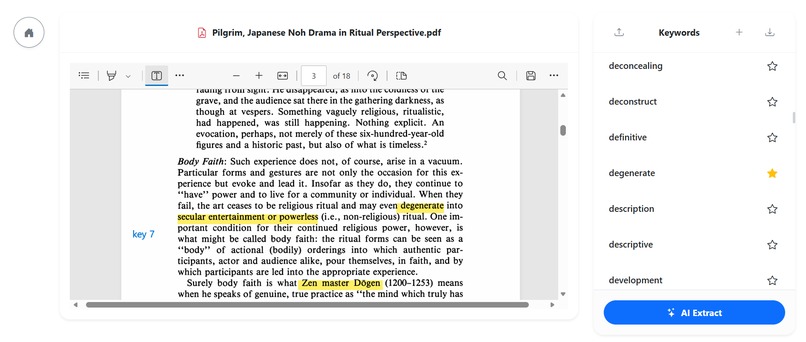
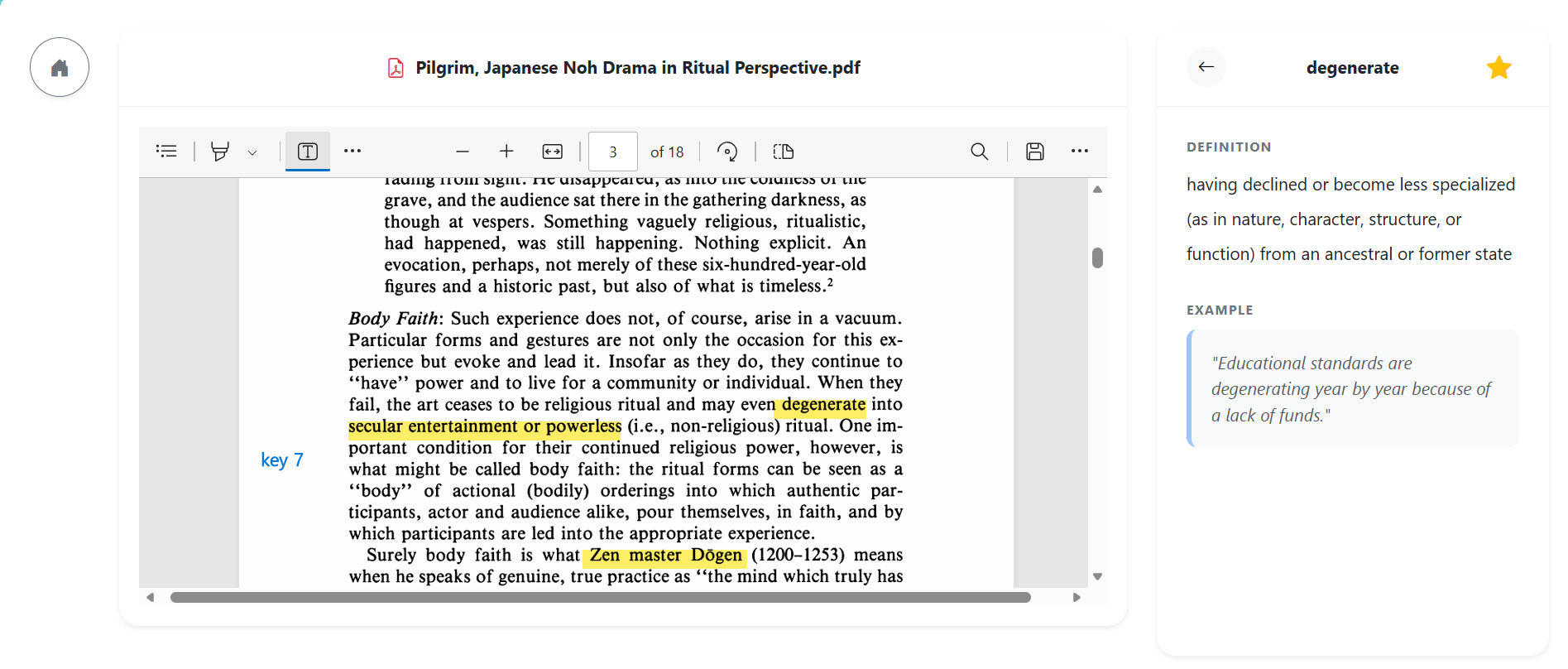
Article page-AI detection result
-
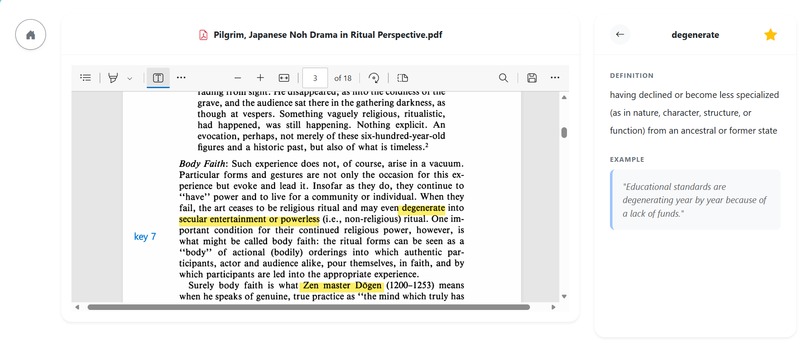
Article page-AI detection result2
-
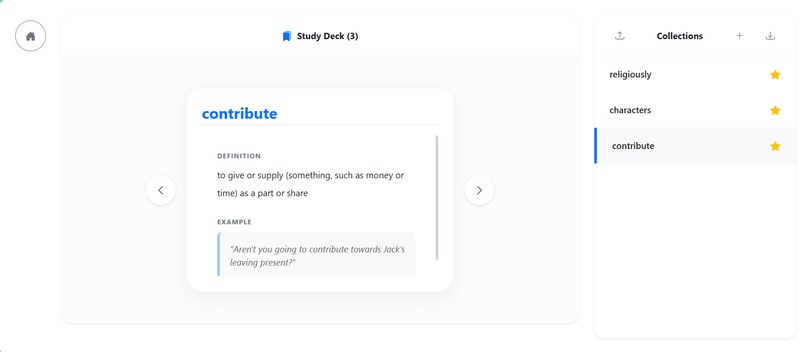
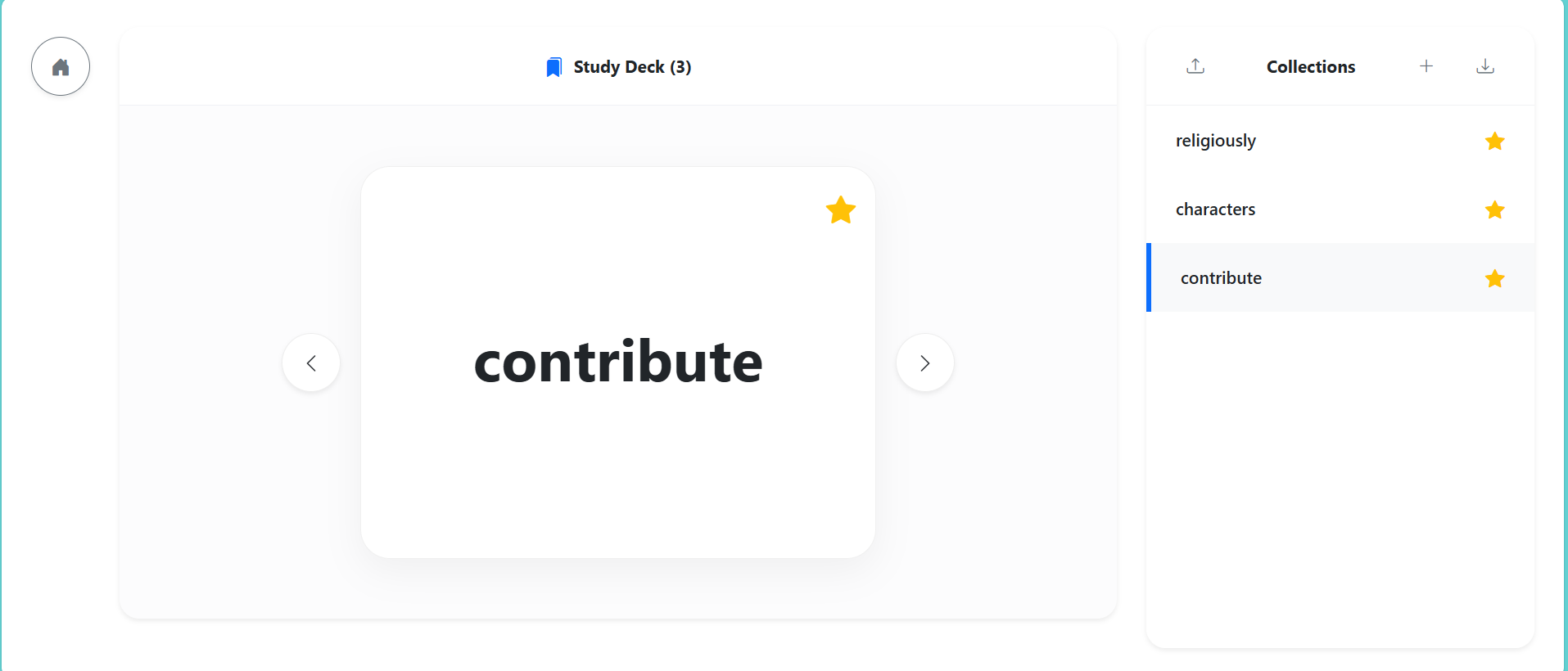
Collections-flashcard
-
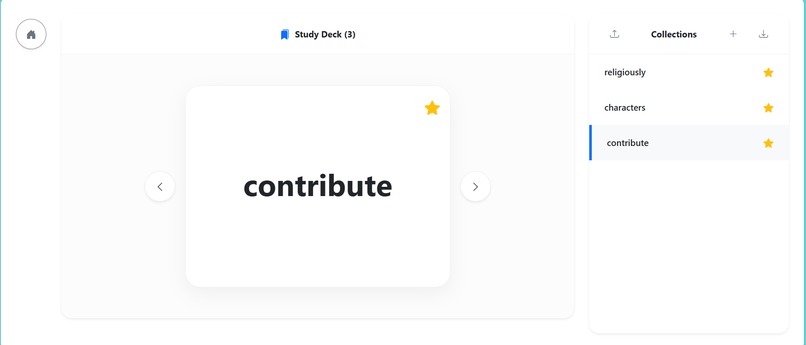
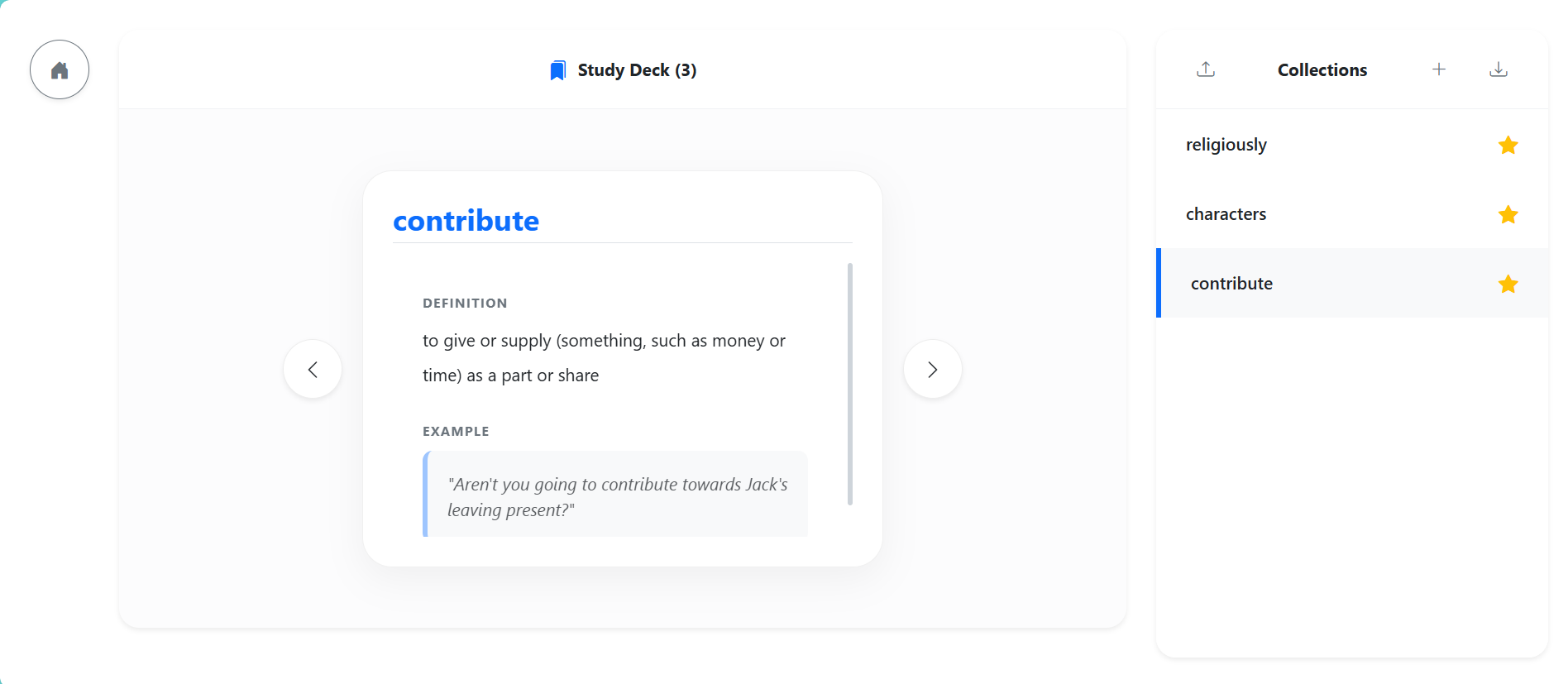
Collections
Inspiration
For many students—international students, immigrant/ESL learners, local students, and SAT/AP test takers—reading long academic passages has become harder in the past few years. After COVID, many teachers noticed a common pattern: students struggle to stay focused on long, dense readings. This shows up everywhere: school assignments and research PDFs SAT Reading/Writing passages AP readings and document-based questions any long article where comprehension depends on vocabulary and context Even when students can read English, long PDFs still create friction: attention breaks every few minutes, unfamiliar vocabulary interrupts comprehension, and students constantly switch between the PDF, dictionary tabs, translation tools, and scattered notes. Reading turns into a tiring stop-and-go process. We built Article Reading Helper to make reading smoother and support both comprehension now and review later—especially for students preparing for SAT/AP or catching up on academic reading skills.
What it does
Users upload a PDF and click AI Extract to get: high-impact vocabulary (words that matter for understanding, not every rare word) concise definitions and example sentences a fallback explanation using the original context if a dictionary can’t find the word saved Collections that can be reviewed like flashcards CSV/JSON export for later review or importing into tools like Anki The key idea is: we don’t just “look up words.” We help learners stay in the reading flow and build a reusable study set.
How we built it
We designed an end-to-end learning loop: PDF upload + viewer (read inside the app) AI keyword extraction (select important vocabulary without overwhelming users) Definition + examples (quick understanding without leaving the page) Collections / Study Deck UI (review like flashcards) Export to CSV/JSON (reuse anywhere) Our goal was a workflow even non-CS students can understand: upload → extract → study → export.
Challenges we ran into
Choosing the right words: We focused on vocabulary that improves comprehension and test performance, not distracting edge cases. Dictionary coverage: Some words (names, forms, niche terms) aren’t found, so we added context-based fallback explanations. Keeping it simple: We aimed for minimal clicks and a clean UI so students can stay focused while reading.
What we learned
Reading tools work best when they reduce friction during reading, not add extra steps. Students need both: help while reading and a way to review later. Structured outputs (Collections + exports) make studying more consistent—useful for SAT/AP prep and classroom learning.
What's next for article-reading-helper
personalization based on user level and known words better review modes (spaced repetition, quick quizzes) domain-specific decks (STEM/AP subjects/IELTS) improved extraction quality for different PDF formats
Built With
- html
- javascript
- pypdf
- python
- transformer


Log in or sign up for Devpost to join the conversation.