-
Your architecture collaboration pal
-
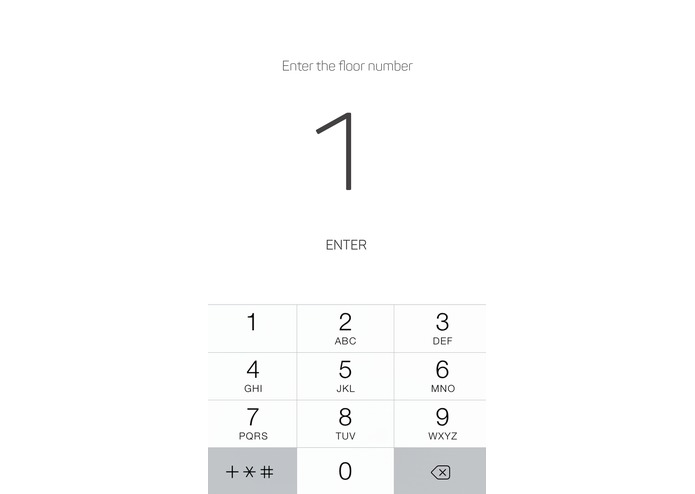
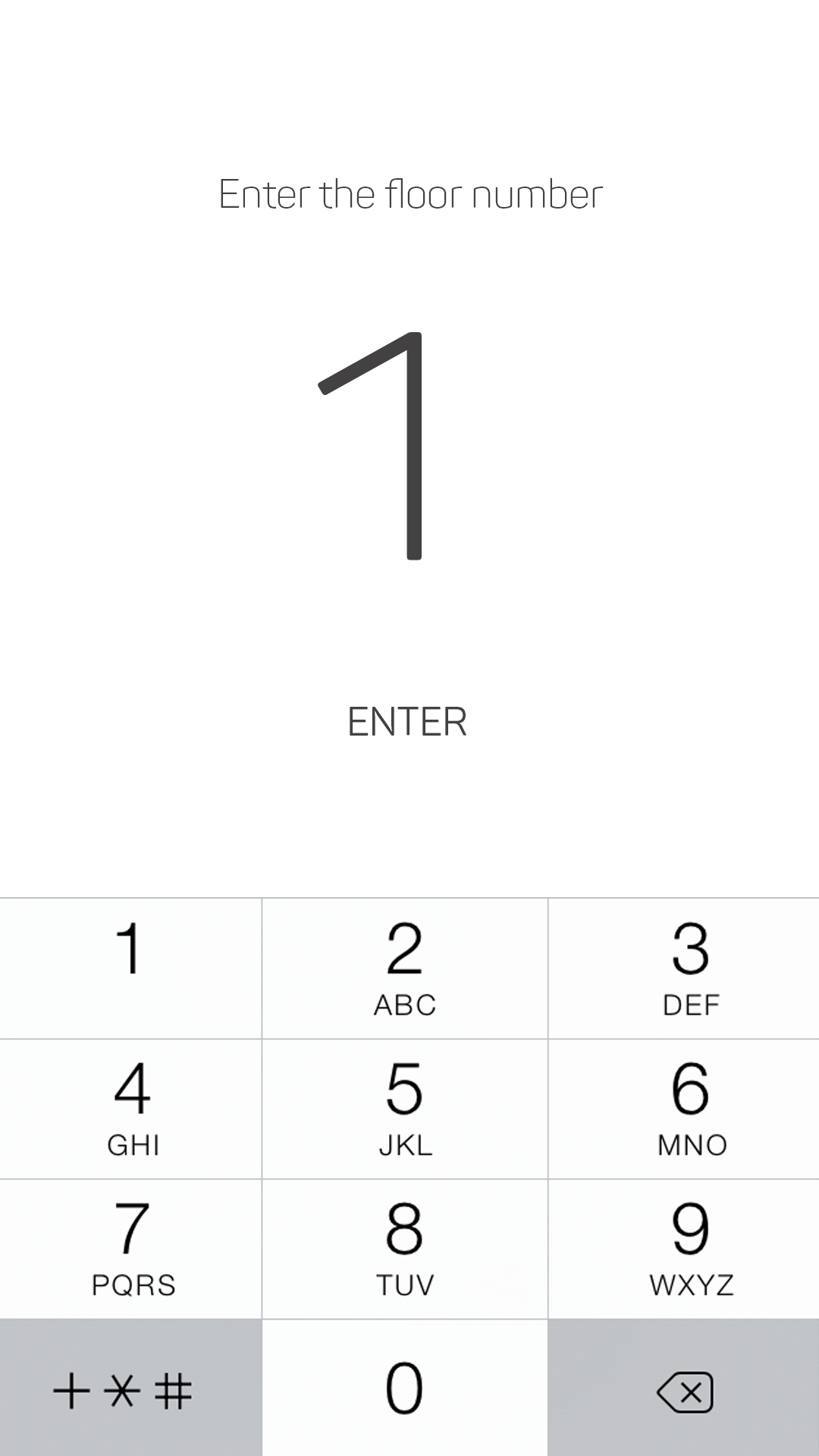
To access the plan database user has to enter the floor number
-
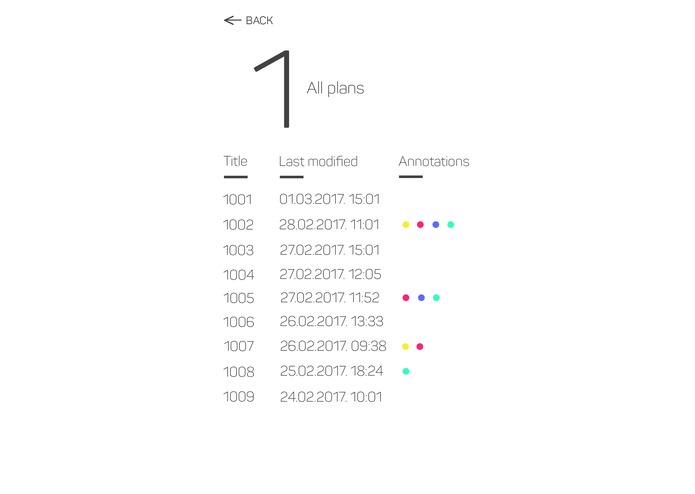
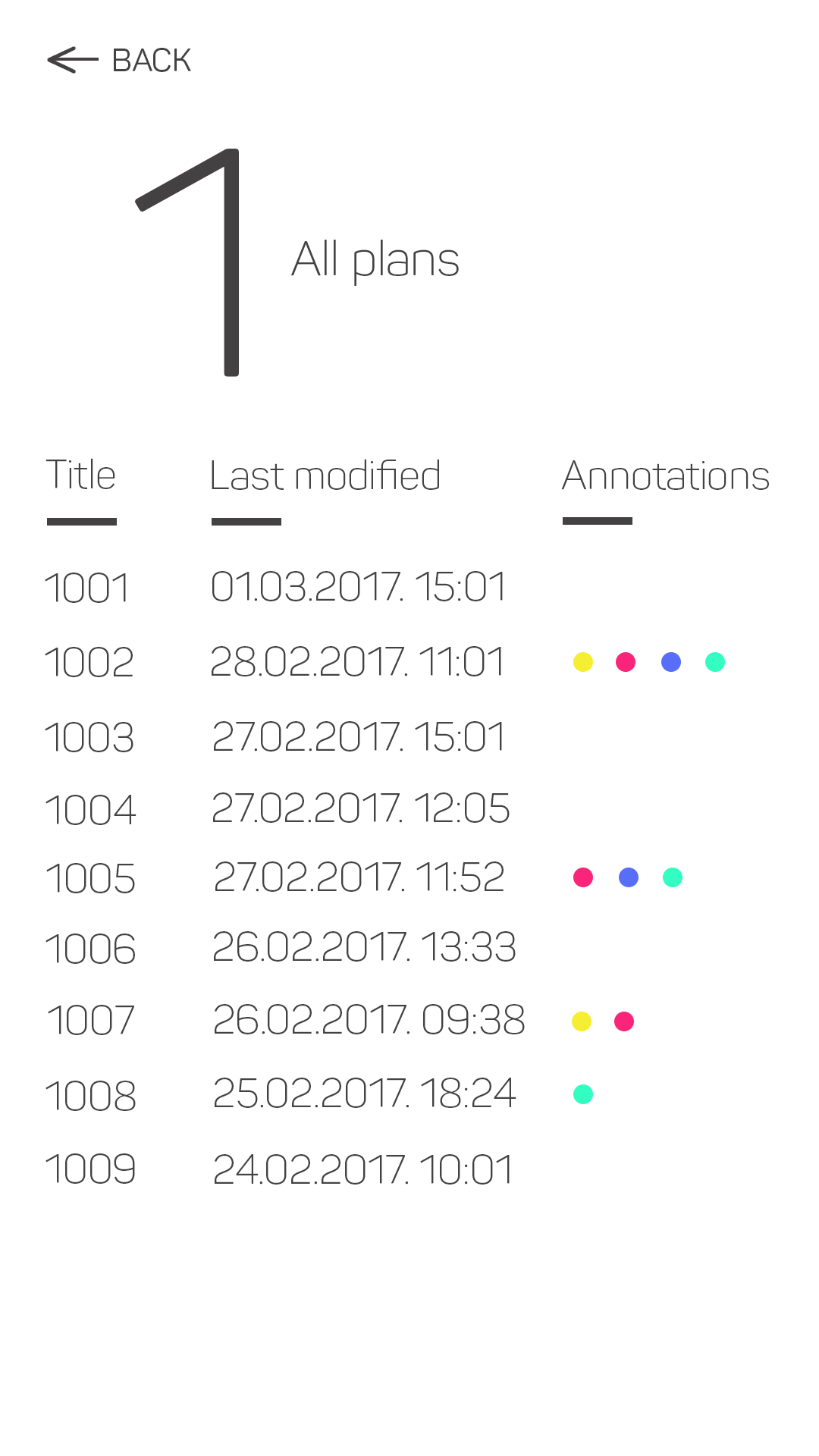
After he selected the 1st floor, he can see the latest plan version and older ones (for reference). On the right is list of all annotations
-
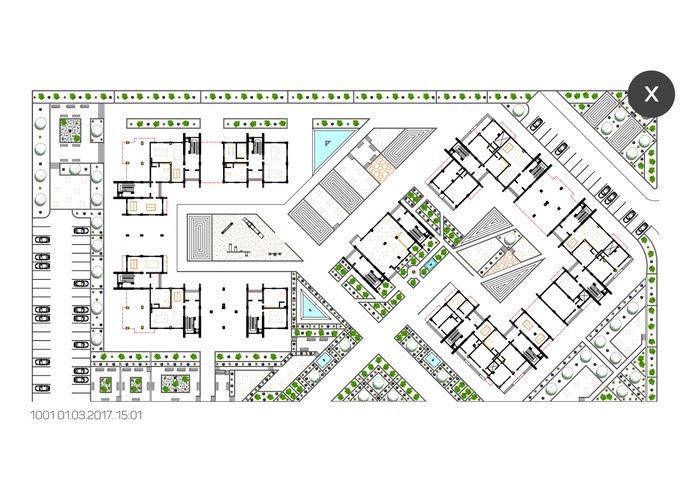
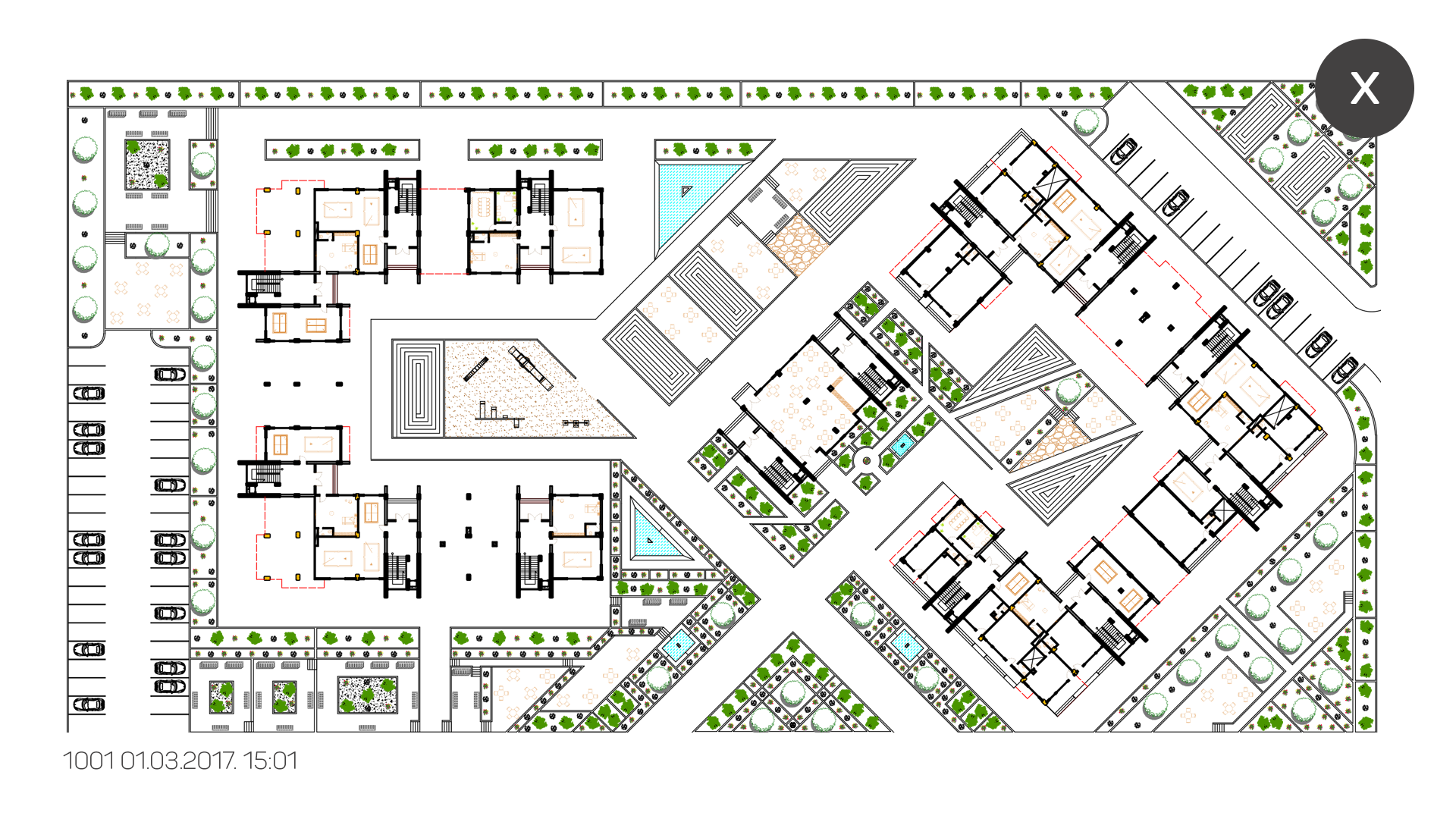
Viewing the plan - can be pinched (zoom in and out) and annotated (marked) for different issues and observations
-
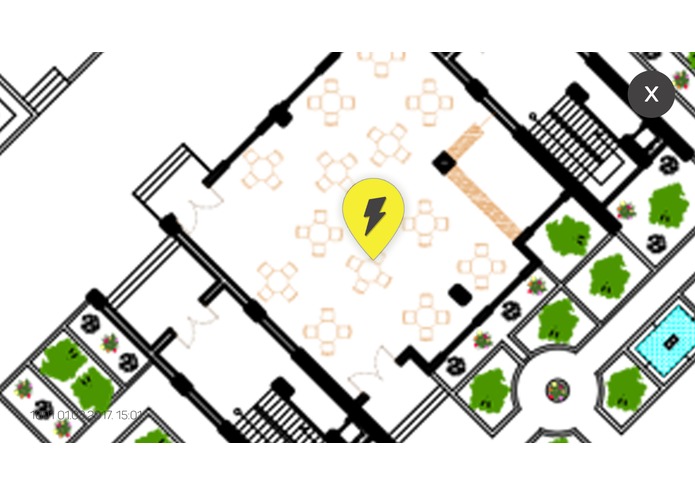
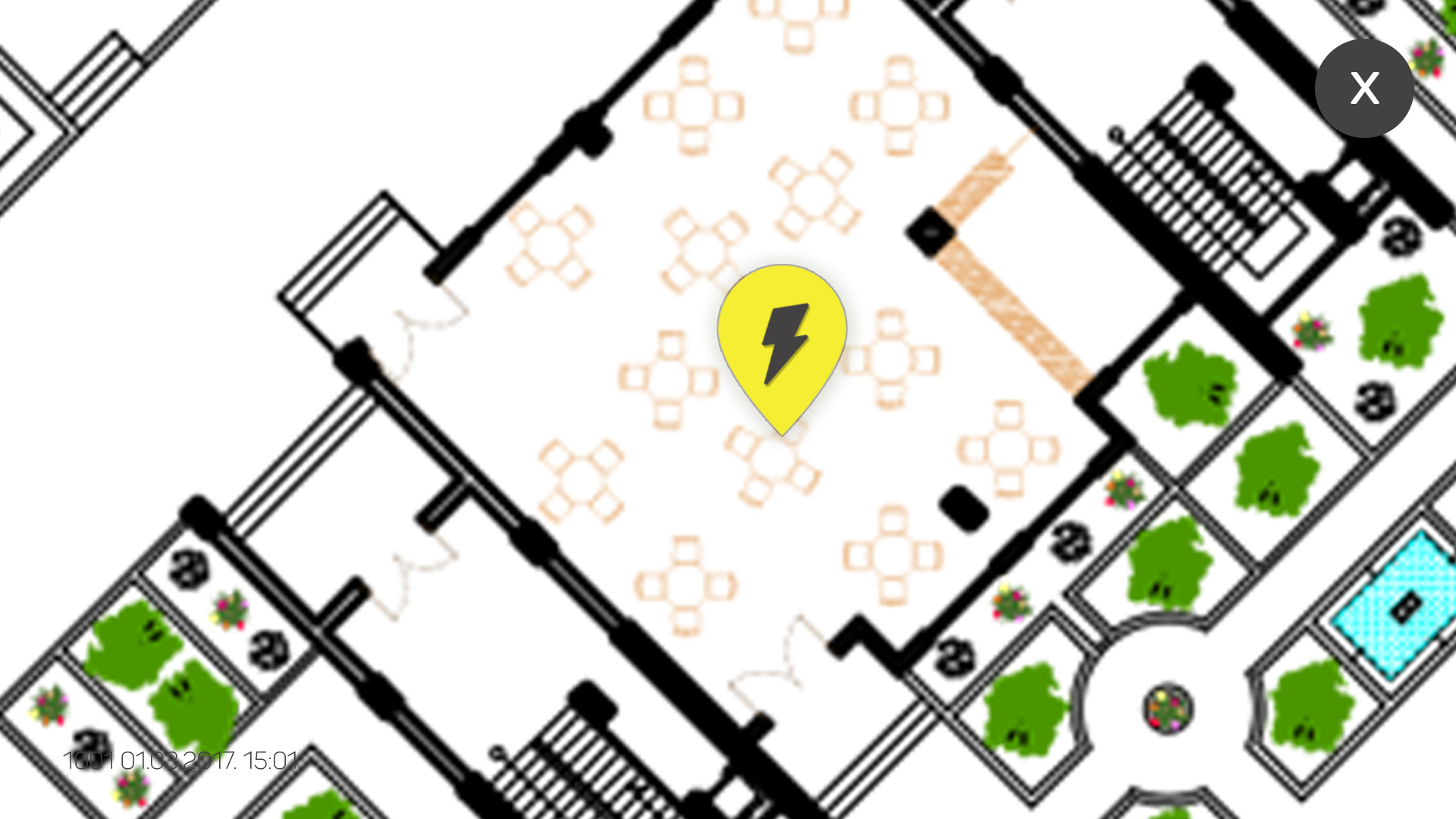
Zoomed view with an eletricity annotation
-
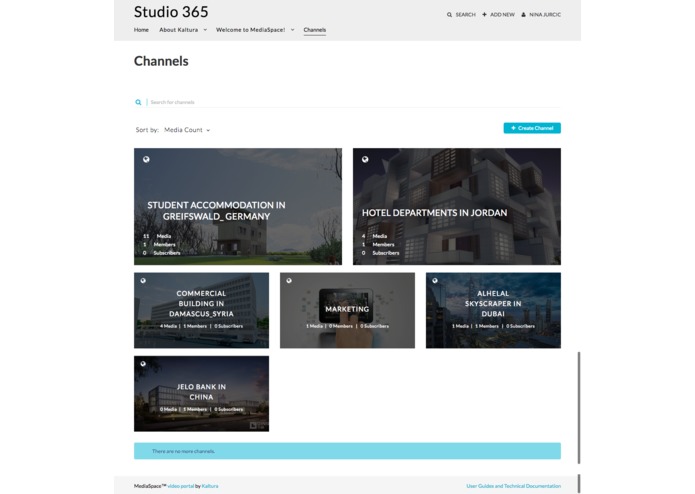
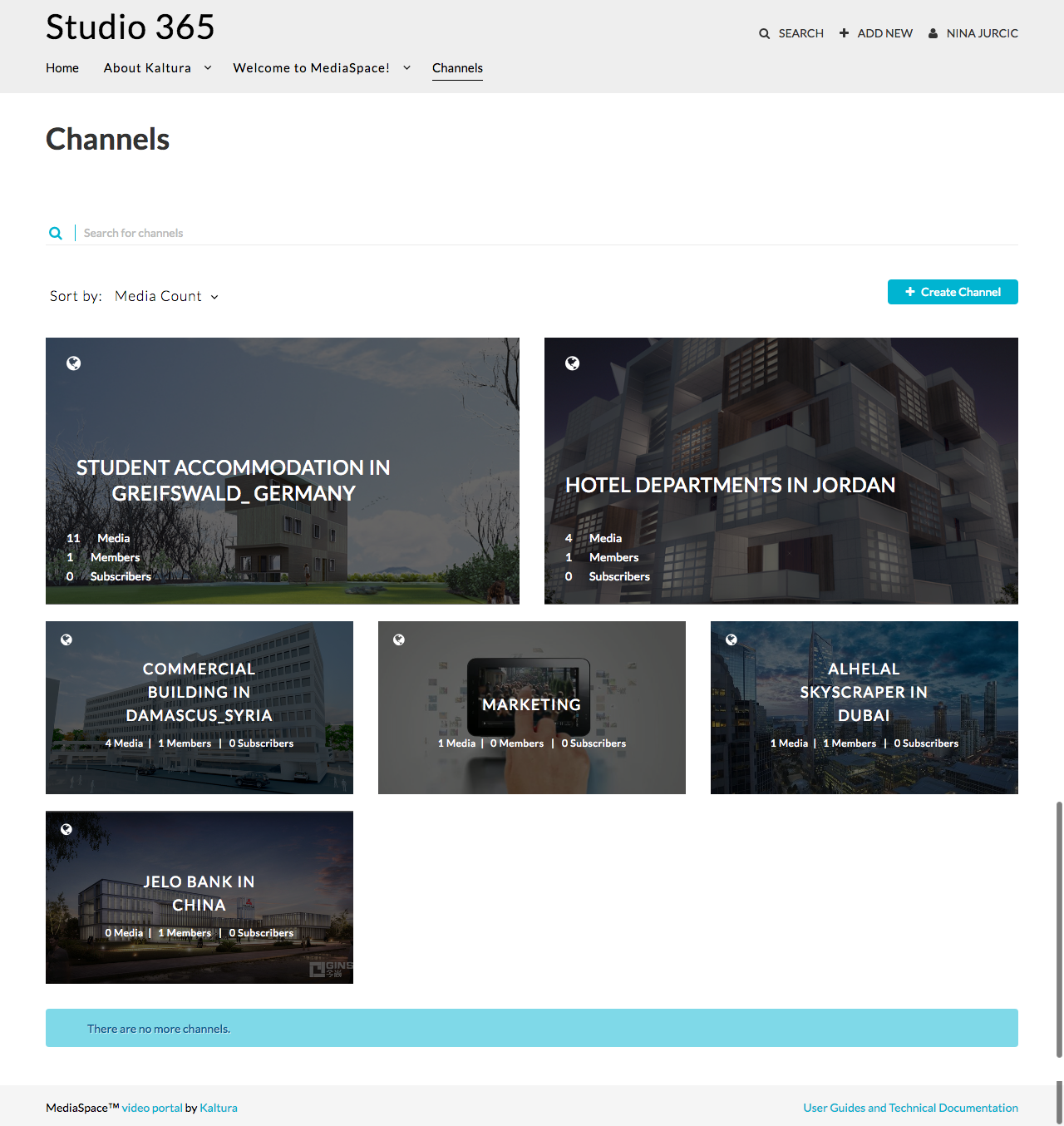
Studio 365 (architecture company) - visual and media content profile / library on MediaSpace
-
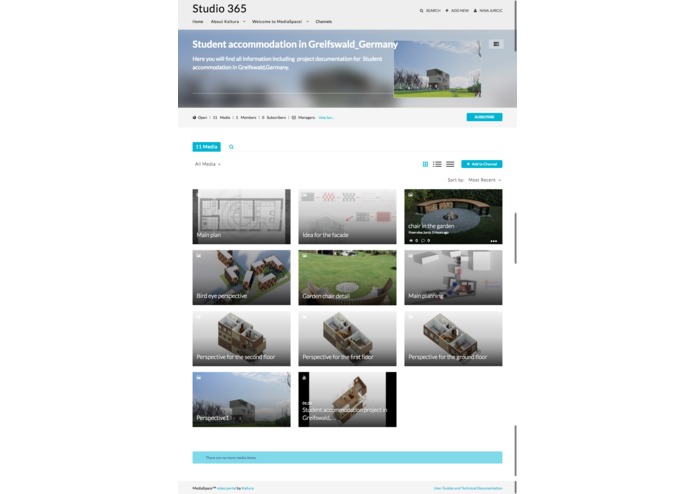
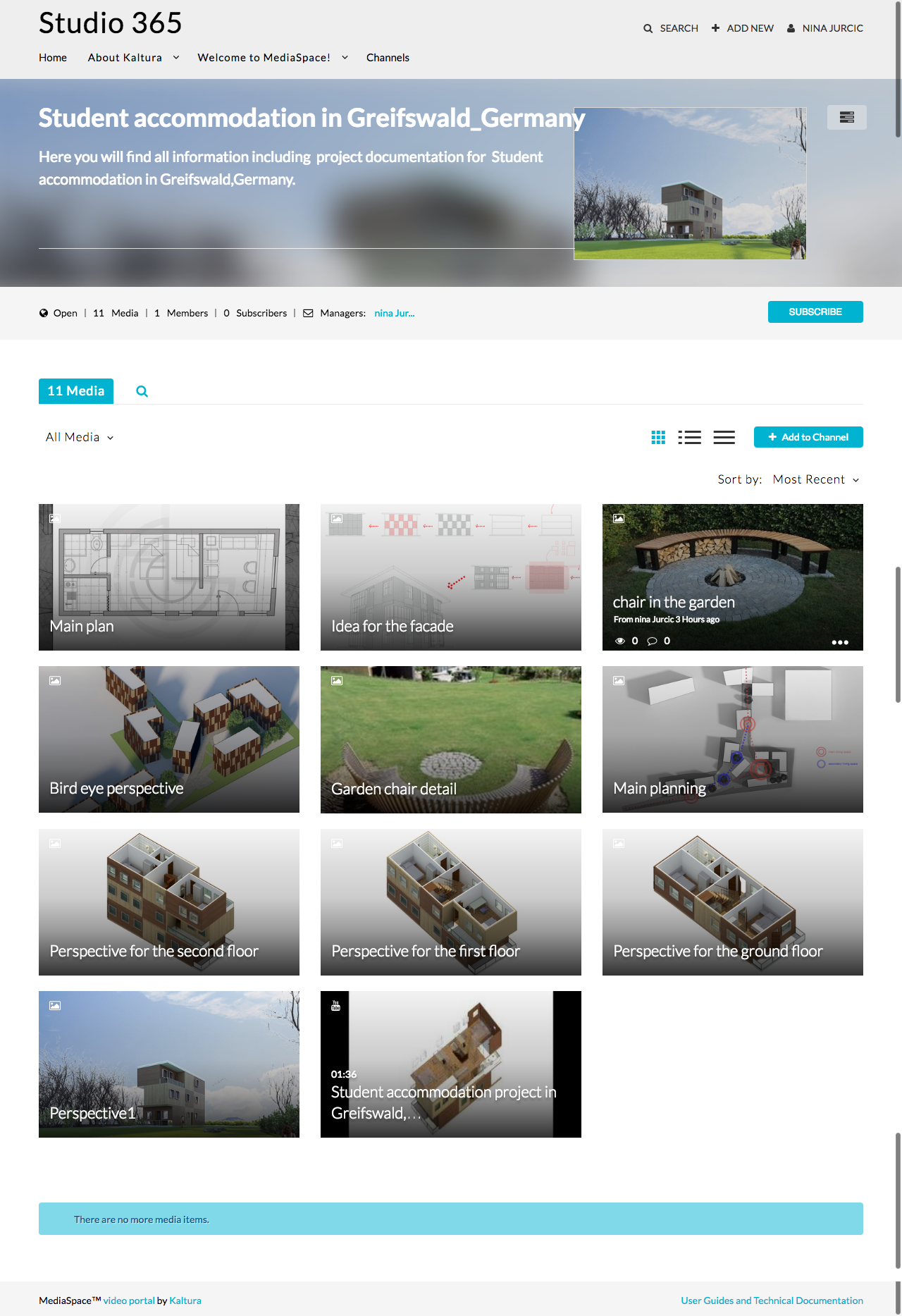
Project overview from Studio's portfolio
-
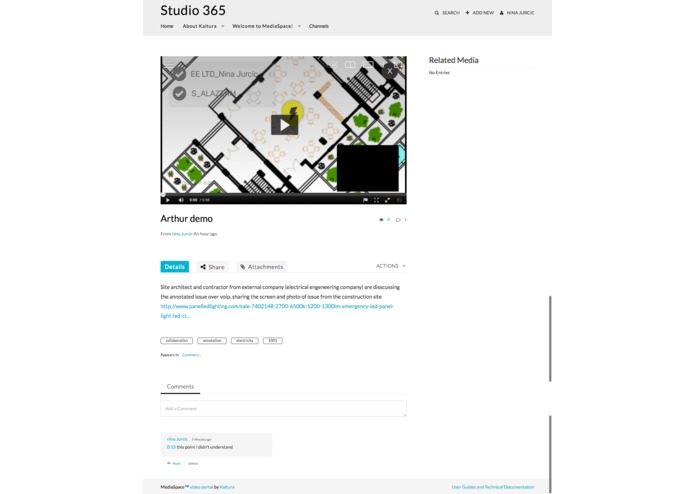
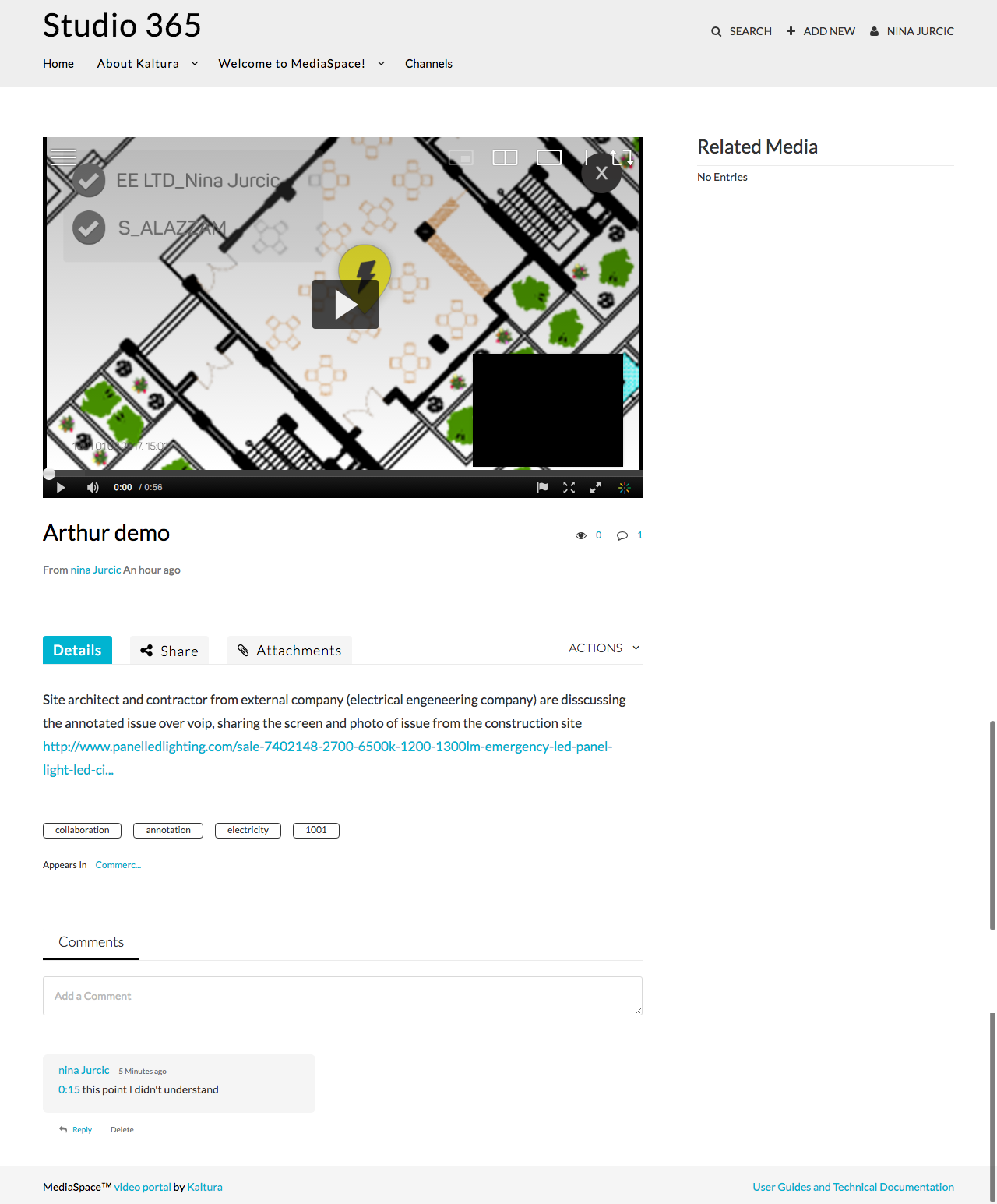
Demo - example of improved communication between internal employee (site architect) and external provider (electrical engineering company)
-
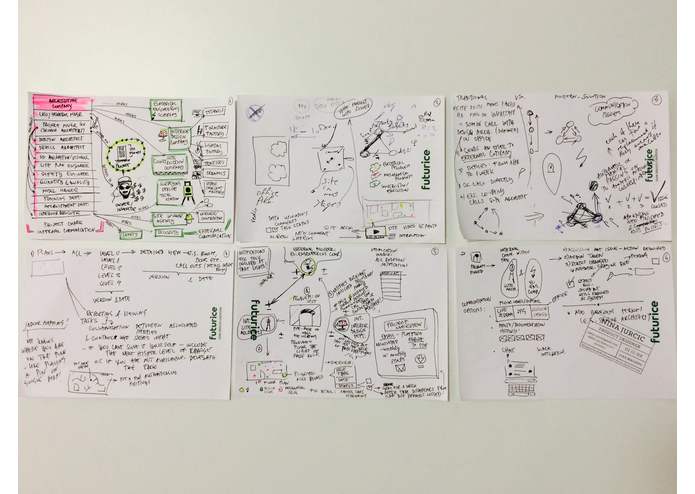
idea and concept development
-
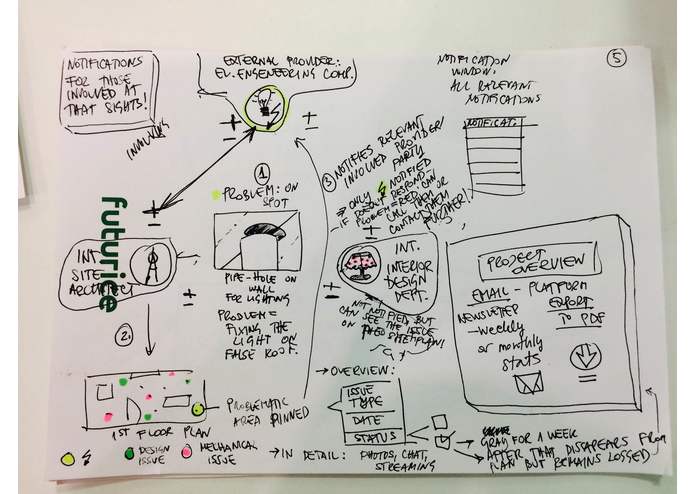
mapping the communication experience
-
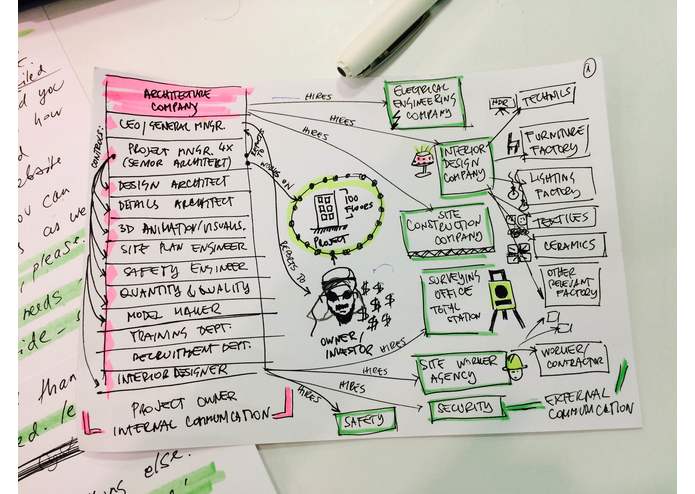
mapping the architecture collaboration environment


Problem
Working as an architect across many departments Sam experienced trouble when it comes to communication with colleagues from other departments working together on the same project and with coworkers from external companies involved in a specific phase of the project. Site architect, the one that physically walks around the construction site, runs frequent check-ups and detects issues or any situation that has to be reported to further internal departments (e.g. interior design dept.) and to external companies in charge for that part (e.g. electrical engineering company). This process is usually very time consuming for all the parties and not efficient at all.
Apart from the time consumption, to describe the problem they spend from 20min to 1hour over phone, and take photos that are usually being sent via email, whatsapp or slack. Communication would be much more precise if they used videos, but those would than have to be stored and organised well. All the media files, such as plans, CAD drawings, photos and even videos are usually stored in different folders on desktop computers or sincronised via dropbox. Everytime architect need to access a specific file he has to look it up among dozens of folders and different versions, which also takes time. Not to mention that not all of them have the latest version of plan syncronised on their devices and plans can be updated daily.
User scenario
Sam is a site architect and detects an issue with implementation of the lighting on the 2nd floor od 100-floor skyscraper in Dubai due to incompatibility with electricity adapters. First he calls his fellow interior designer Lucas, who developed the lighting concept and explains the issue over phone in high detail. He may take photo and send him over email or slack. Afterwards, Lucas delegates the task to his colleague who calls the other company in charge for all electrical installations. This call is also time consuming and afterwards, his remark is awaiting to be processed. After several hours or next day the company contacts their on-site workers to check out the issue. After they fix the issue they update the interior design department who removes this task from their pipeline and site architect checks the site again wether the problem has been solved. If neccessary, site plan is updated with new changes and now all the parties have to have the latest version of the plan.
Solution
In order to cut off the uneccessary waste of time of all of the parties involved, and to make their intersecting workflows more efficient, they can use Arthur, a collaboration cross-platform app that enables project management team and associated architects to upload of all project documentation including site plans and detailed plans. Each plan can be marked with current updates and issues to be examined and resolved. All internal and external parties can collaborate by directly communicating about parts of the project they are involved in. This way each party doesn't need a mediator nor to wait for days until the issue is addressed by third party. Each party is instantly notified on relevant issue. Each marking is described by tags, date, status and appropriate content (photos and videos), with the ability to live stream the position of particular problematic area during the conversation.
Arthur is syncronised with the media destination portal of the architectural company (build on top of MediaSpace platform). There could be found all company's media files and project documentation for each project. Such platform makes their content organised and enables collaboration with many contributors, moderators and viewers in a multitude of channels, projects and departments. All their contend is safely stored and site is to authorized to company employees but some channels are made public to gain visibility or to be accessible by other external contributors.
Challenges we ran into
- detecting all the pain points architects are facing during the project management and operations, narrowing them down to the ones that cause delay and reduce efficiency
- maping the tipical flow of information and lenght of the process in traditional environment when a certain issue occurs
- looking for the ways to optimize internal and external comunication while remaining on operation level
- looking for the ways to integrate the Kaltura platform within our solution
Business model
- Subscription plans, depending of the size of the company and storage used
- Partnerships with various IT service providers (e.g. CDNs)
- Kaltura subscription could be integrated within our subscription plans and therefore reach more corporate customers within architecture and planning industry
Possibitilites for integration with other apps
- with HERE positioning system that enables to position the architect within the plan (a CAD drawing) so he can easily navigate himself inside the plan and allows hybrid and offline navigation to save the battery / in places where the signal has been interrupted
- with Slack for communication (chat)
- with Dropbox or any backup storage system
- with Trello or other project management app
- with Google calendar for important dates
Prototype
Prototype stimulates the way Arthur app is being used to improve collaboration between internal company employee (site architect) and external provider (eectrical engineering company), enabling them clear and direct communication and to instantly resolve the issue found on construction site. It shows an example of collaboration within a specific plan. It was uploaded on MediaSpace platform. Users can make and upload a short video explaining the issue / progress on specific site that is related to specific plan and below the video they can create a discussion, instead of a physical meeting that requires time and their schedule syncronisation.
Demo:
http://2276601.mediaspace.kaltura.com/media/Arthur+demo/1_sktco83n/69789571 -> requires login, give us your username to grant you an access or ask for the username / pwd.
Built With
- invision
- invisionapp
- mediaspace
- photoshop


Log in or sign up for Devpost to join the conversation.