-
-
-
-
-
-
-
-
-
App Icon
Inspiration
As an avid art lover, I've always admired an artist’s ability to draw a recognizable portrait. I've tried countless times, but I just can’t do it. This made me realize, how many other people like me have stepped away from art due to the lack of structured guidance ?
What if an app could break down your friend's face into simple shapes and lines through a step-by-step walkthrough ? My goal is to make art feel approachable, so that confidence is never what keeps someone from drawing, and more people can enjoy the craft and the community around it.
Anyone, including you, can draw. And hopefully, so can I now.
What it does
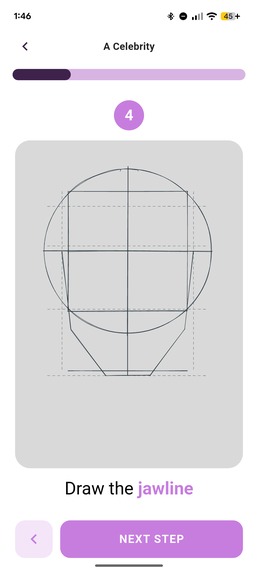
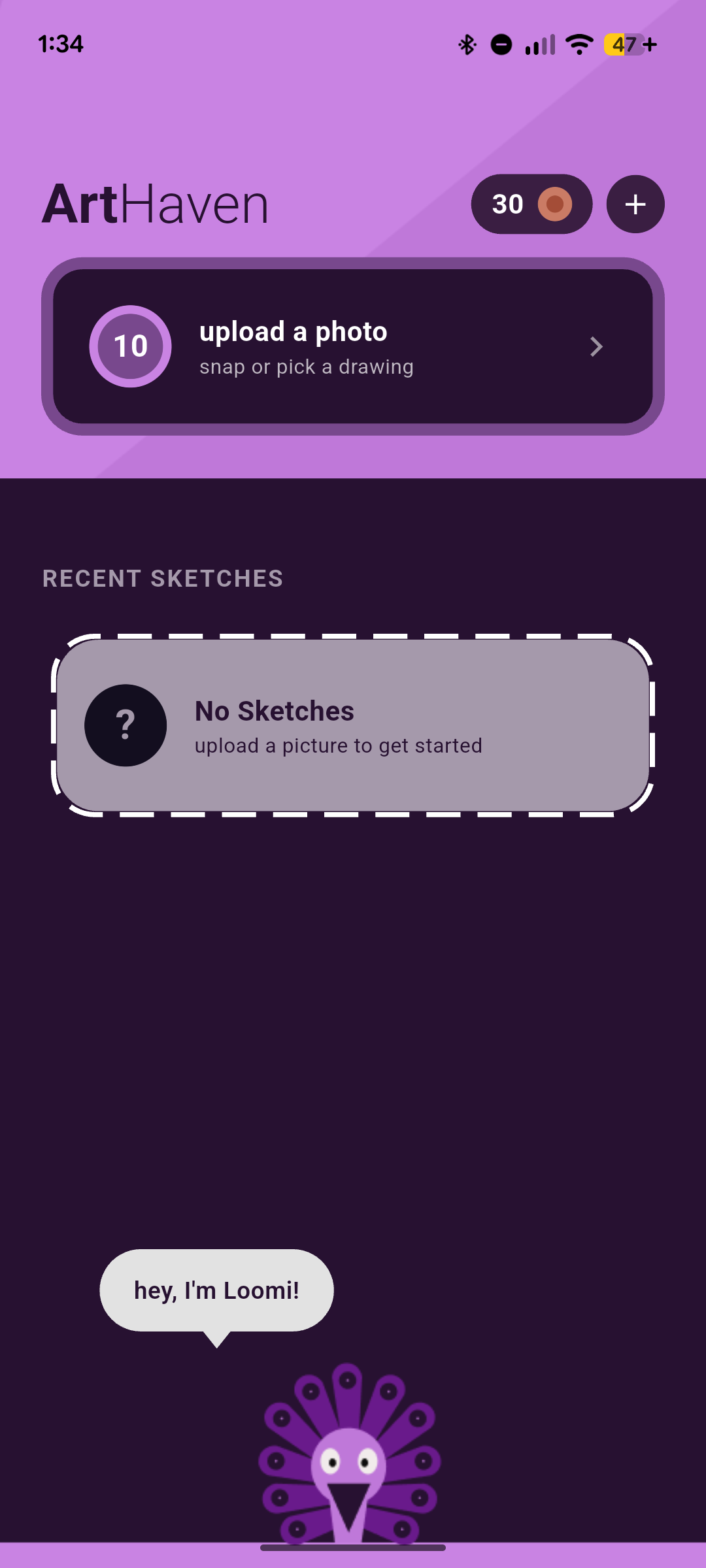
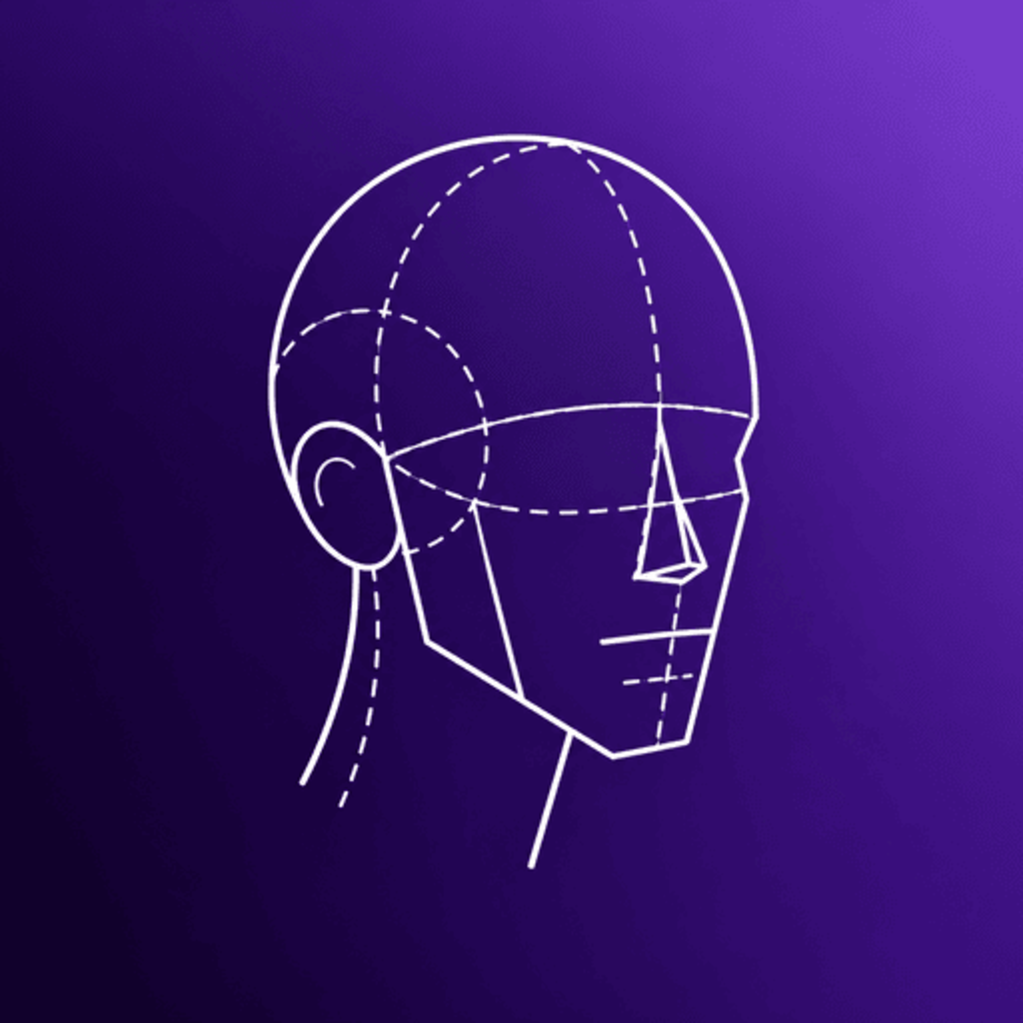
At its core, ArtHaven transforms a portrait photo into a step-by-step offline walkthrough using the classic Loomis Model, along with some other artsy methods.
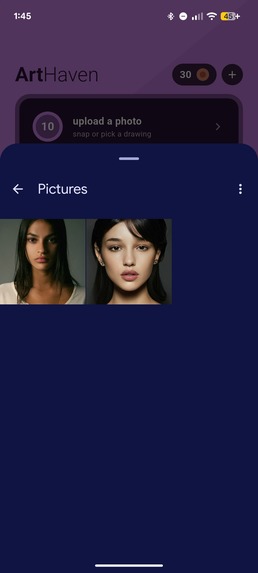
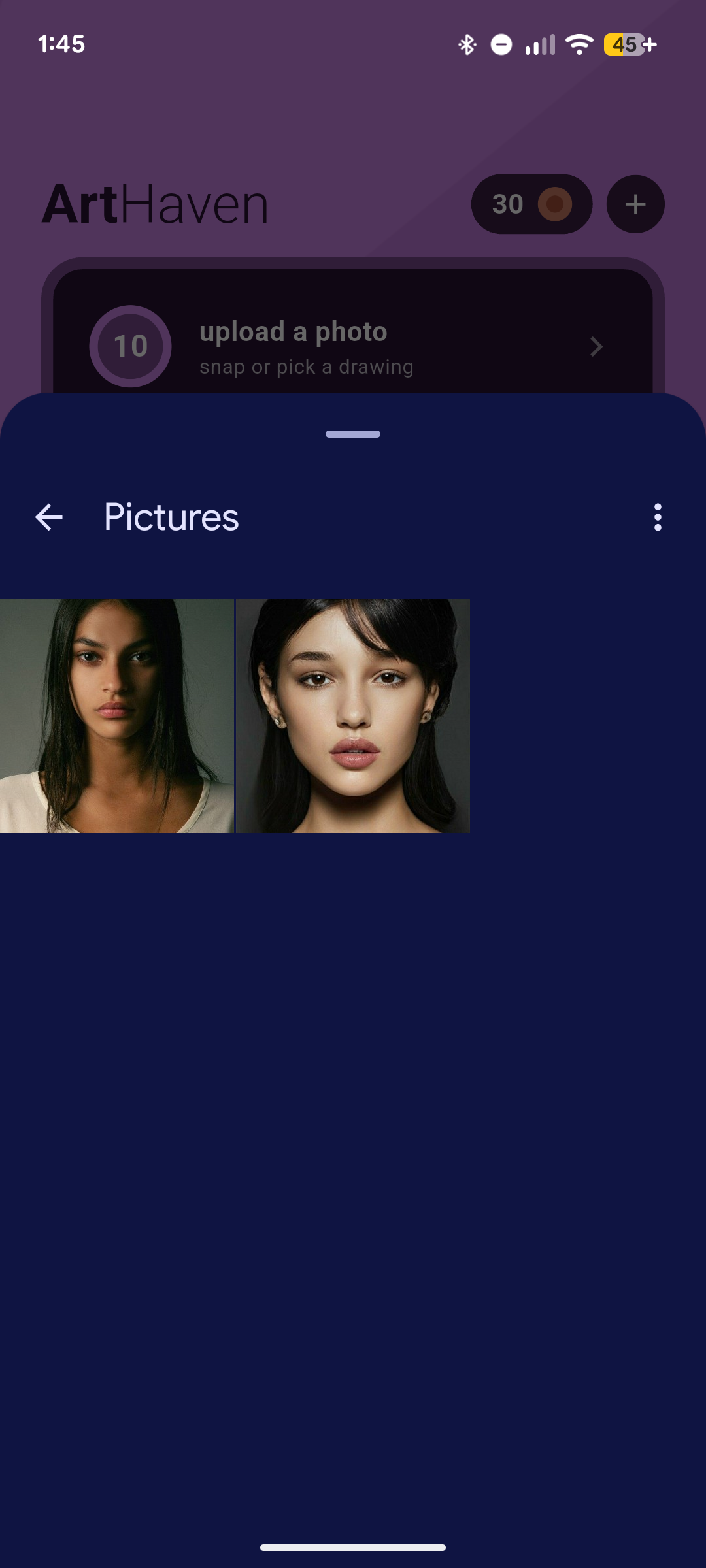
- Loomis Breakdown: Pick any face photo from your gallery as your reference. Front-facing ones work best. The app finds the face's landmarks and builds a Loomis construction guide.
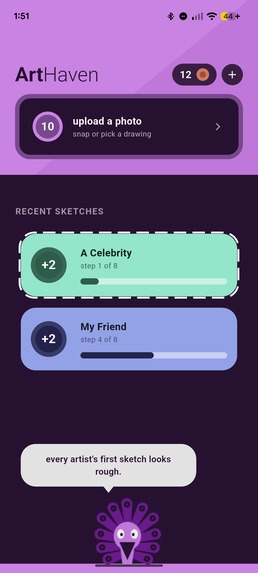
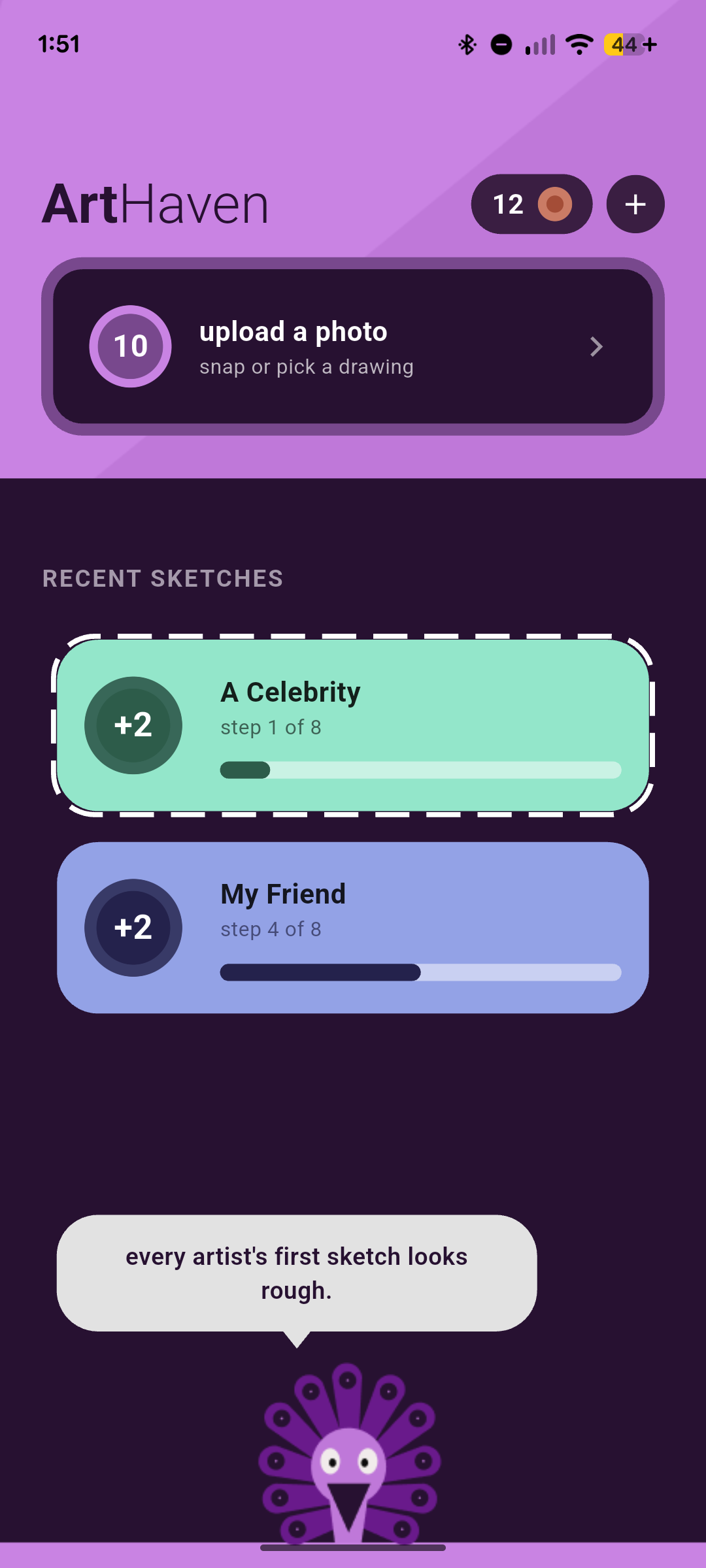
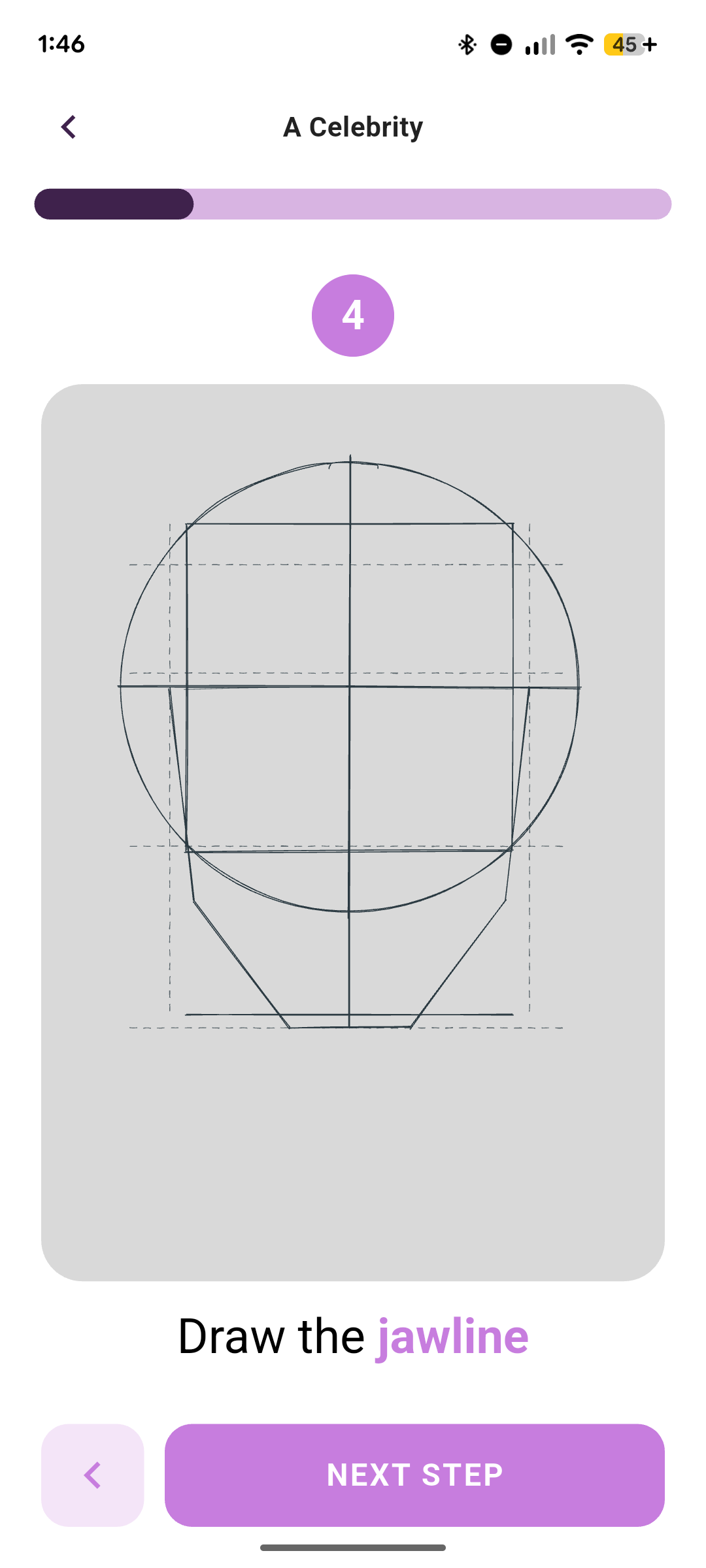
- Step-by-Step Guide: The guide is revealed one stage at a time, so you can draw along on paper and understand why each line is there before moving to the next.
- Hand-Sketched Look: Guides are drawn with organic, curved construction lines like an artist's own sketchbook, not cold geometric shapes. The lines wobble differently every time you scroll. I'd love to say that was a deliberate anti-tracing feature, and honestly, it is now.
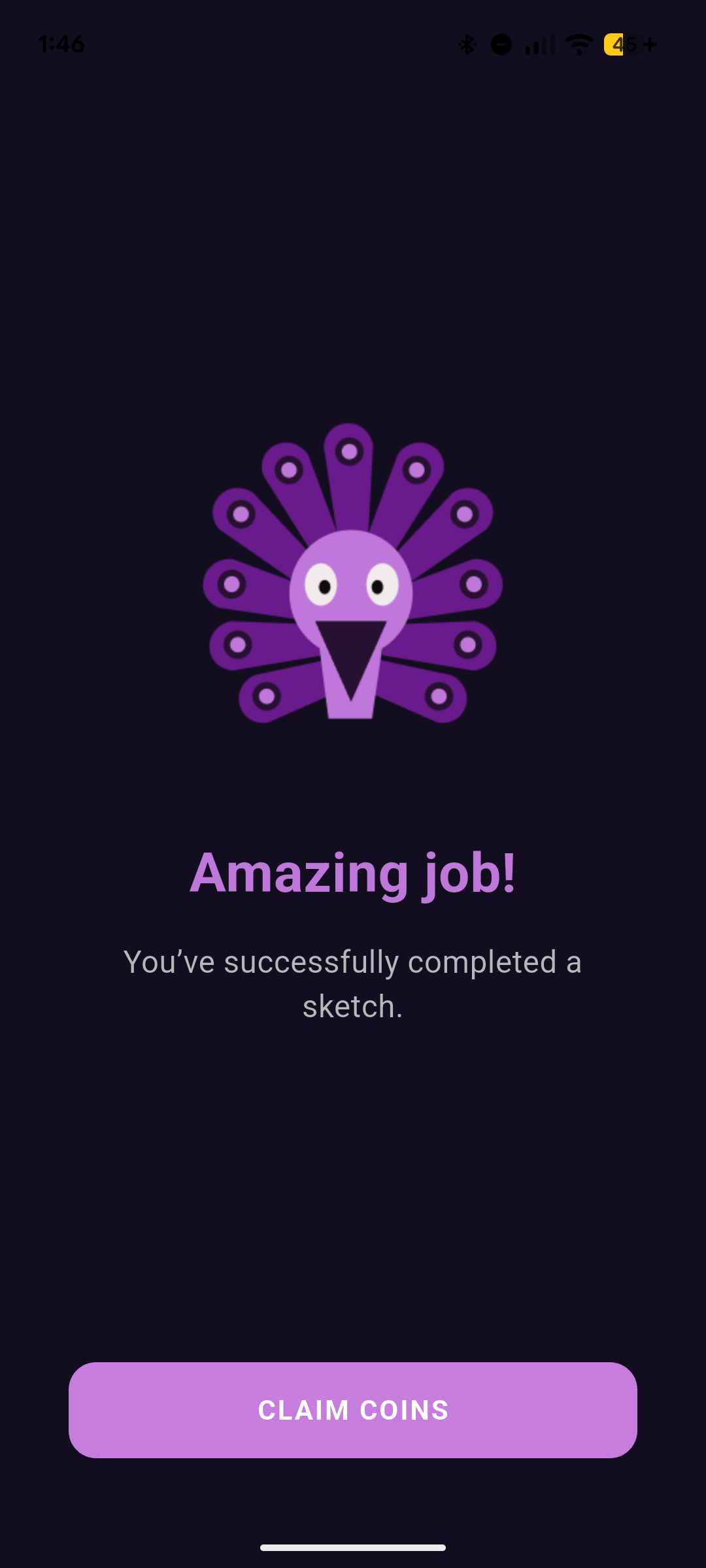
- Loomi, Your Drawing Buddy: Tap the mascot for a random drawing tip whenever you need a nudge or get stuck.
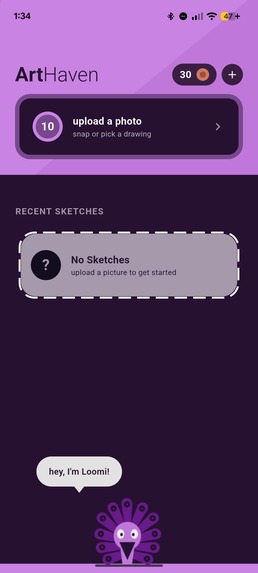
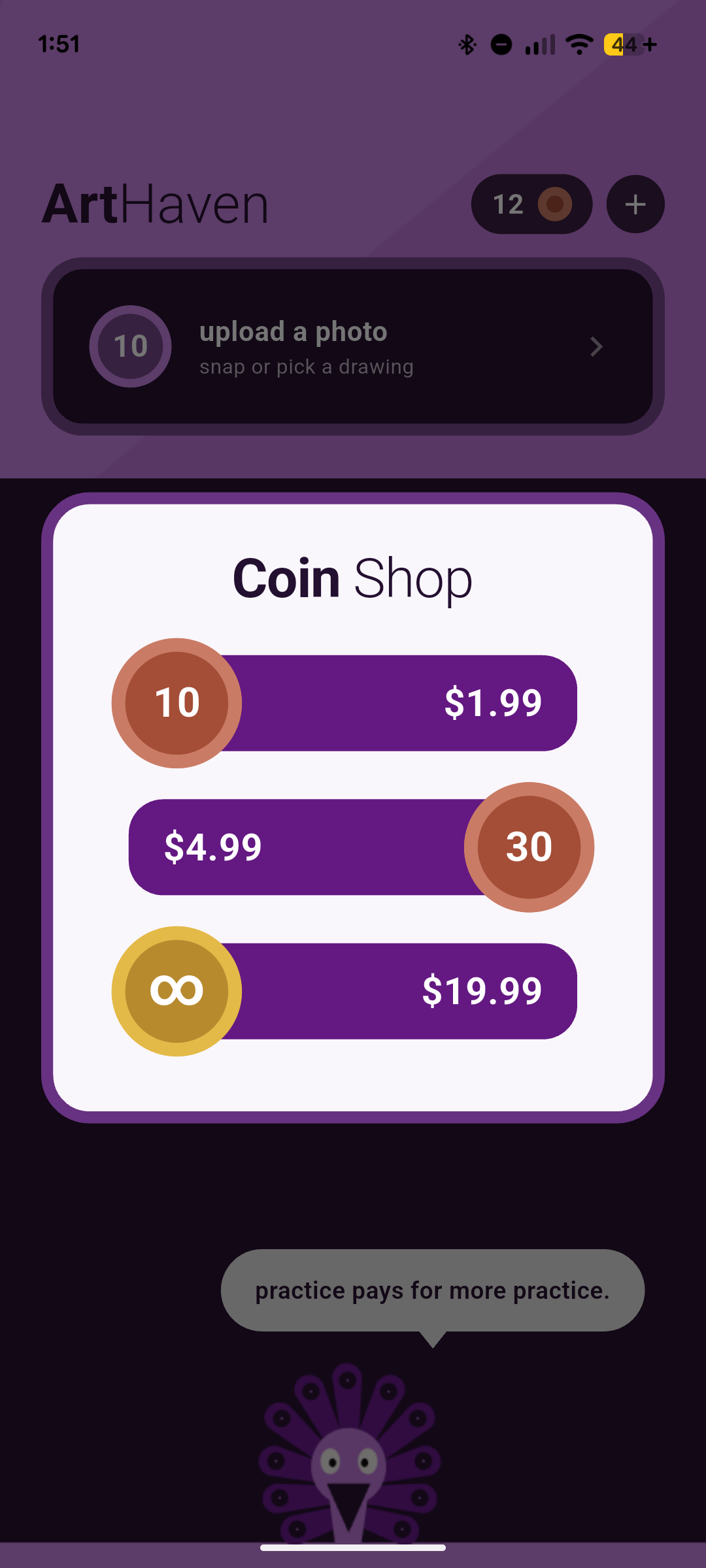
- Gamified Loop: Earn coins as you complete sketches, bringing you closer to a free one.
How I built it
I've experimented with vision technology, yet combining it with app development was extremely new territory.
- Claude Code + Google Gemini: I was able to bring my ideas to life with tools like Claude and Gemini, who did much of the hard work.
- Figma: I used Figma to solidify my vision and design ideas.
- Google Colab: I prototyped the initial geometry in Google Colab, adjusting proportions until the guides matched how artists actually construct a head, before it went into the app.
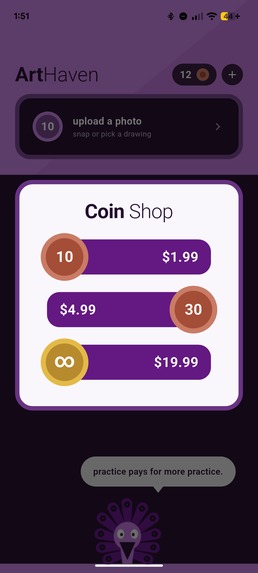
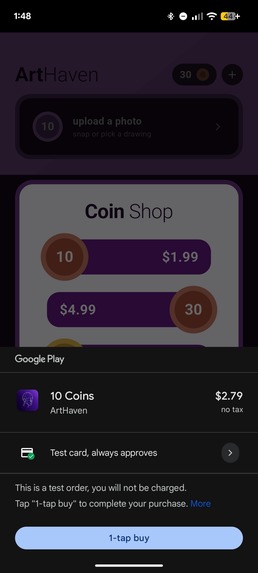
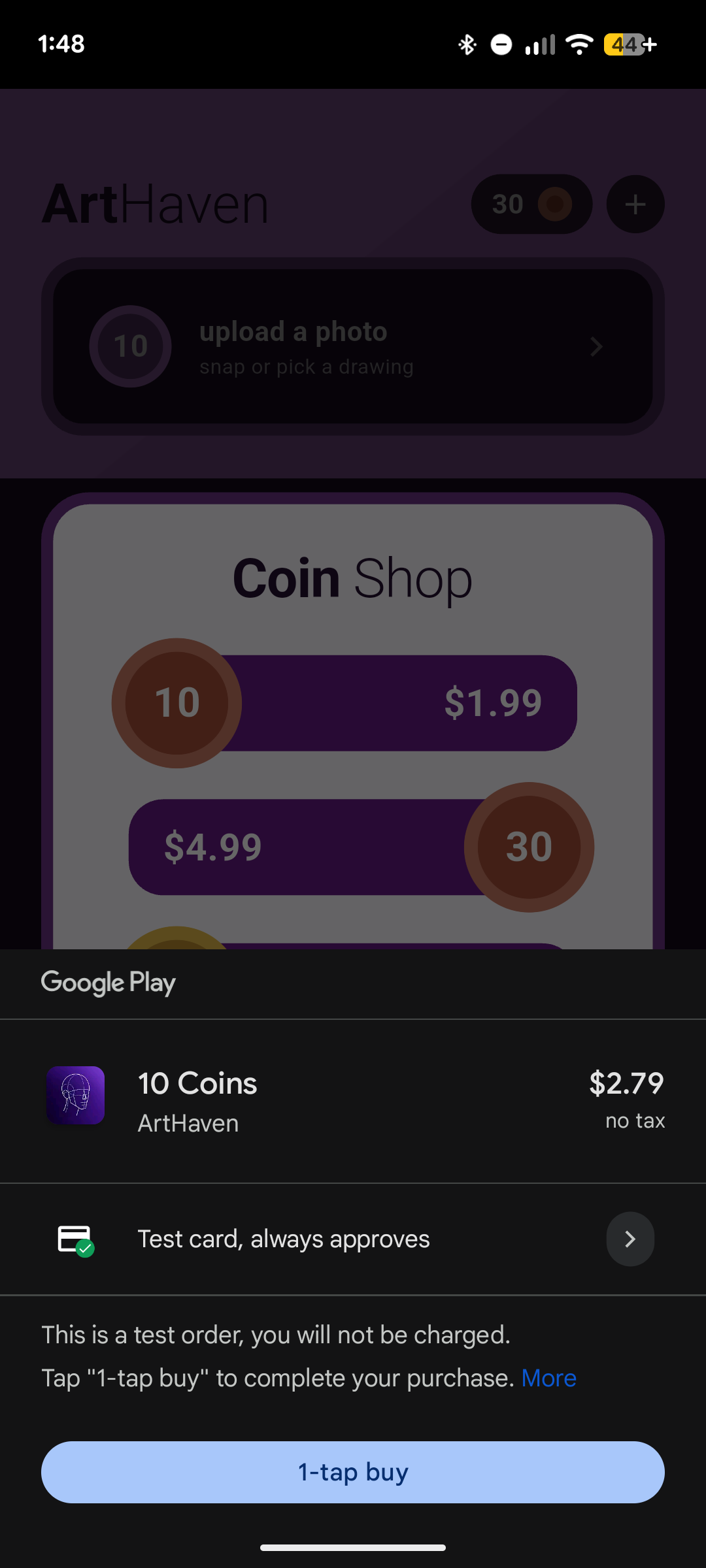
- RevenueCat: I used RevenueCat to power coin-based in-app purchases.
I really focused on creating a clean, intuitive Flutter experience designed to feel like a natural part of your creative workflow.
Challenges I ran into
Doubting I could build it. The biggest hurdle was internal. I was a complete beginner to app development, and even with AI tools I wasn't sure I could develop a working app.
Avoiding AI servers. Many tools that analyze images rely on cloud AI, which means ongoing server costs. I didn't want to go down that road, so I built everything to run on-device with pre-trained models. That keeps the app affordable, works offline, and means photos never leave the phone.
Accurate, but not traced. I wanted the guides to be precise without turning into a tracing tool, because I want users to focus on the overall shape of the head, not copy lines. This is why I kept the construction lines simple and sketchy, using dashed lines for ideal proportions and solid lines for measurements from the face, so the guide shows where things go without handing over every outline. Finding that balance took many rounds of adjusting proportions.
Accomplishments that I'm proud of
I built a working app with integrated purchases in just two months, as a 17-year-old who first downloaded Android Studio in July. Along the way I battled my inner critic, and I'd like to think I won.
The best part about the journey, though, was the feedback I received from testers. People who had never touched a sketchbook before were able to create an admittedly rough, yet recognizable, sketch of a face.
What I learned
Being a clueless beginner is not a limit, but a starting point. With time and effort, anything is possible. I look forward to sharing my experience with other students afraid of stepping into an unfamiliar field.
My journey shines a spotlight on the remarkable ability of AI to lower the barrier of entry into app development, just as ArtHaven strives to lower the barrier to drawing. Yet, while AI gets you some of the way, building an app that truly resonates with your audience is still inherently a human task. I learned this fact the hard way, prompting me to stop and define my own approach, vision, and design before continuing development.
As a bonus, I’m weirdly educated about portrait sketching now. I had to research various methods to develop an effective walkthrough.
What's next for ArtHaven
Art is a never-ending lesson, and ArtHaven has only just begun. Because of the time limit, I focused on one thing, front-facing portraits, and tried to do it well. For my next steps, I plan to:
- Extend the engine to every head angle, using the face mesh's 3D geometry to build an accurate Loomis breakdown for each.
- Extend the walkthrough to include shading
- Support photos with more than one face
- Add a home widget
Dreams
- Adding support for fictional human-like characters, such as fantasy and cartoon faces
- An engine for animal faces
Built With
- android-studio
- bisenet
- claude
- colab
- dart
- flutter
- gemini
- mediapipe
- onnx
- opencv
- python
- revenuecat
- rough-flutter

Log in or sign up for Devpost to join the conversation.