
Inspiration
Everyone has had this experience. When you’re trying to post an image on social media, but your last 3 posts have all been in the same outfit. Easy, we thought that if we could make an app that shows yourself with the clothes that you want. Also, nowadays, there are so many apps that are using this technology. A lot of social media apps that involve cameras use AR filters, which map some image to the target. Another piece of inspiration was the pre-existing Nike Metaverse compatible hoodie where you could display NFT art onto the hoody through the use of an app.
What it does
ARt is an app on your phone that uses AR to map any image onto any shirt or other apparel and accessories. It can be used by graphic designers trying to get a feel for how an image may look on a shirt. It's also a social media app for anyone who wants to collaborate with the ARt community and be a part of the single tee mission. A user of the ARt app would be posting one of two things: a pattern which is a graphic that can be placed on a shirt, or a picture of the pattern on a piece of clothing or accessory. Once you post your pattern is now free for any other user to map on to a piece of clothes. In a nutshell ARt makes clothes open-source.
How we built it
ARt’s first evidence of existence was on the back of the M&T challenge through free hand sketches. Then it was taken over to Adobe XD where the idea became substance, it utilized 10 different pages, 3 overlays, and too many connections, buttons, and components.
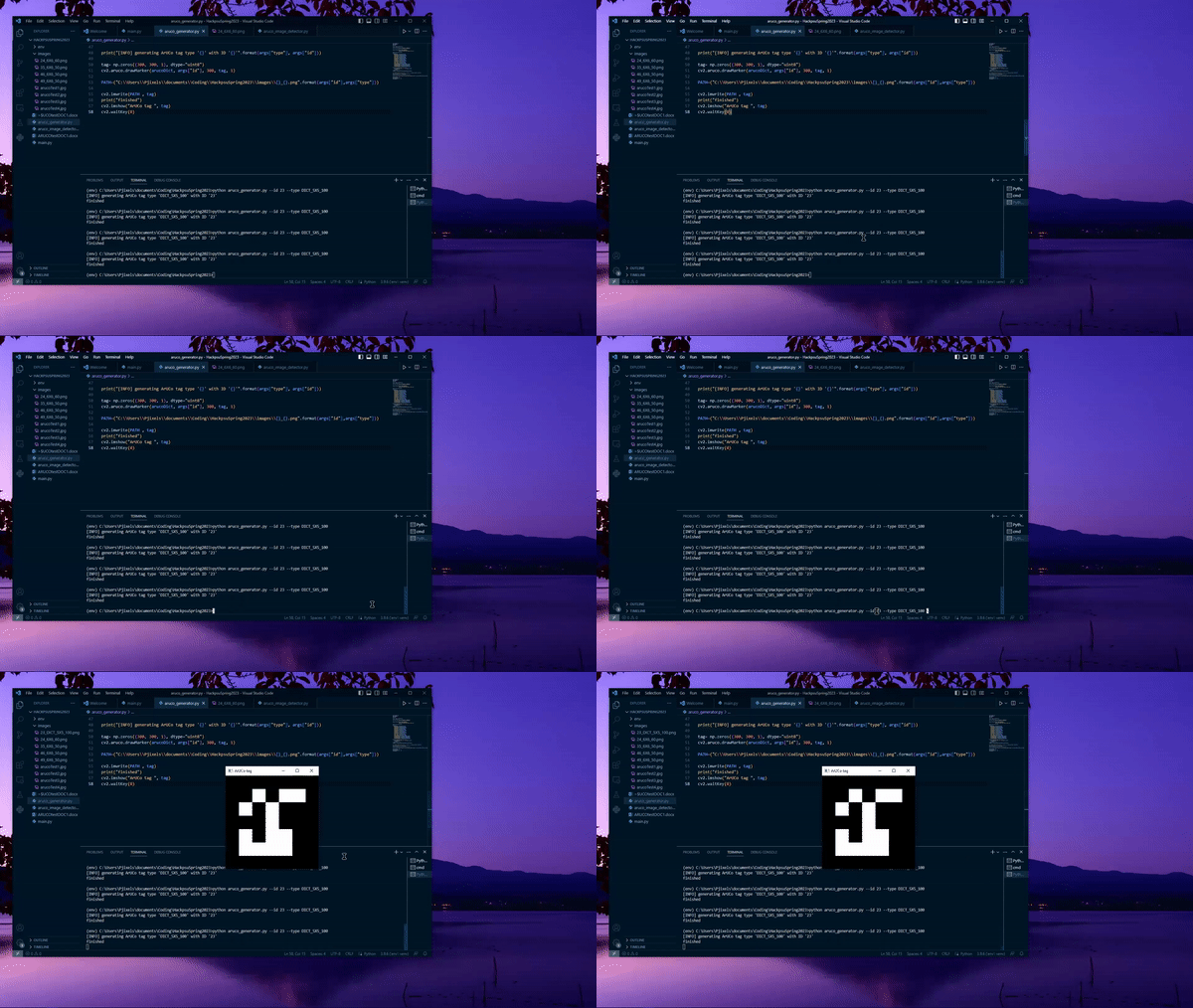
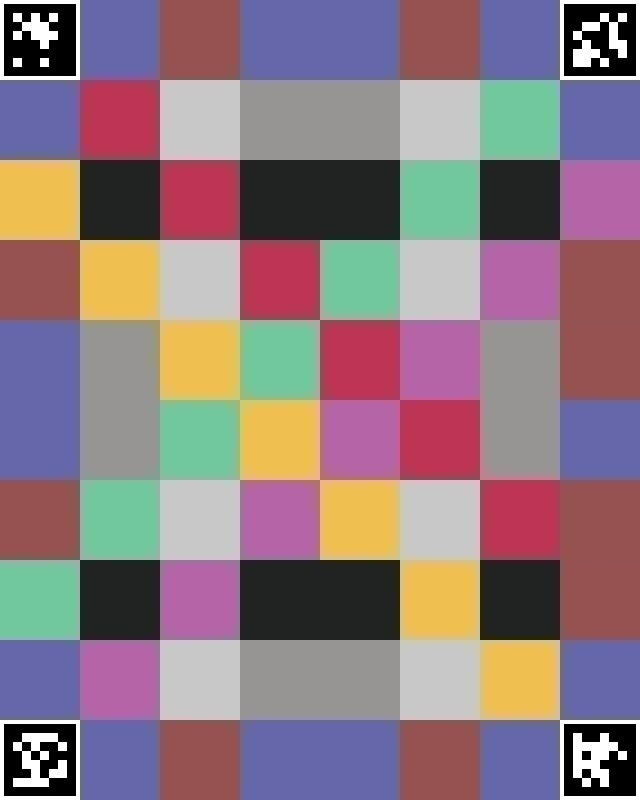
In terms of the creation of the actual AR program. We first started by learning how to develop the ArUCo tags that we could later use for the purpose of determining the relative position of our camera from the tags. After this initial generation, we then focused on how to actually track and detect the ArUCo tags from images and then later live video. Following this we then began the process of creating a special tag that consisted of ArUCo to allocate a rectangular space that we would then overlay our images on. It was important that we had ArUCo tags in the corners of our custom tag for the purpose of mapping out how our image would sit along with the masking algorithm that we would use to shift our AR to reflect the perspective of the camera.
Challenges we ran into
The biggest issue was going into many of these tools with no prior experience, and teaching ourselves how to do each task with the help of online resources and each other. Additionally we found that even with our programs working, the current OpenCV struggled with fast movements in which it wouldn’t be able to measure all 4 corners of our tags. This is the reason why in our video demonstration of the final algorithm the image on the tag appears to flicker in and out as we move it in 3D space. Some of the Adobe articles about XD were a couple years out of date so some time was lost trying to chase the capability of a live preview with a connected phone, and instead had to be saved, exported and uploaded everytime we wanted to view it on a phone. And being tired.
Accomplishments that we're proud of
For half of us, this is our second time participating in HackPSU, and for the other half it was their first time doing it. Despite having no prior experience in AR technology, we persevered and learned more than just the basics along the way. Another new tool we learned from scratch was Adobe XD and made our first functional UI. At the beginning of the competition, we were so excited about the competition, but after we faced the challenges, our excitement turned into worries. After all that, our biggest accomplishment was fully completing ARt.
What we learned
How to use AR software specifically the use of OpenCV ArUCo modules to determine the following How to use AdobeXD and adjacent creative cloud apps. And a little bit of color theory.
What's next for Art
The next steps for ARt are to go beyond the prototype to a more flushed interface with the camera software built-in. Then beyond that is making it a proper app and social media, so servers and users.
Built With
- adobe
- adobe-xd
- python


Log in or sign up for Devpost to join the conversation.