Inspiration
Transferring a reference image onto paper, canvas, or a large wall can be surprisingly difficult. Even when the reference is clear, getting the proportions right takes time. Artists may need to draw a grid by hand, calculate scaling ratios, adjust the layout, and repeat the process whenever their working dimensions change.
I wanted to make these practical steps easier without requiring artists to learn complicated design software or install another application.
That idea became Art Grid Maker: a collection of focused browser tools designed to help artists prepare references and plan their work.
What It Does
Art Grid Maker combines a customizable drawing grid with a broader set of tools for drawing, scaling, printing, and visual planning.
Customizable Grid Overlay
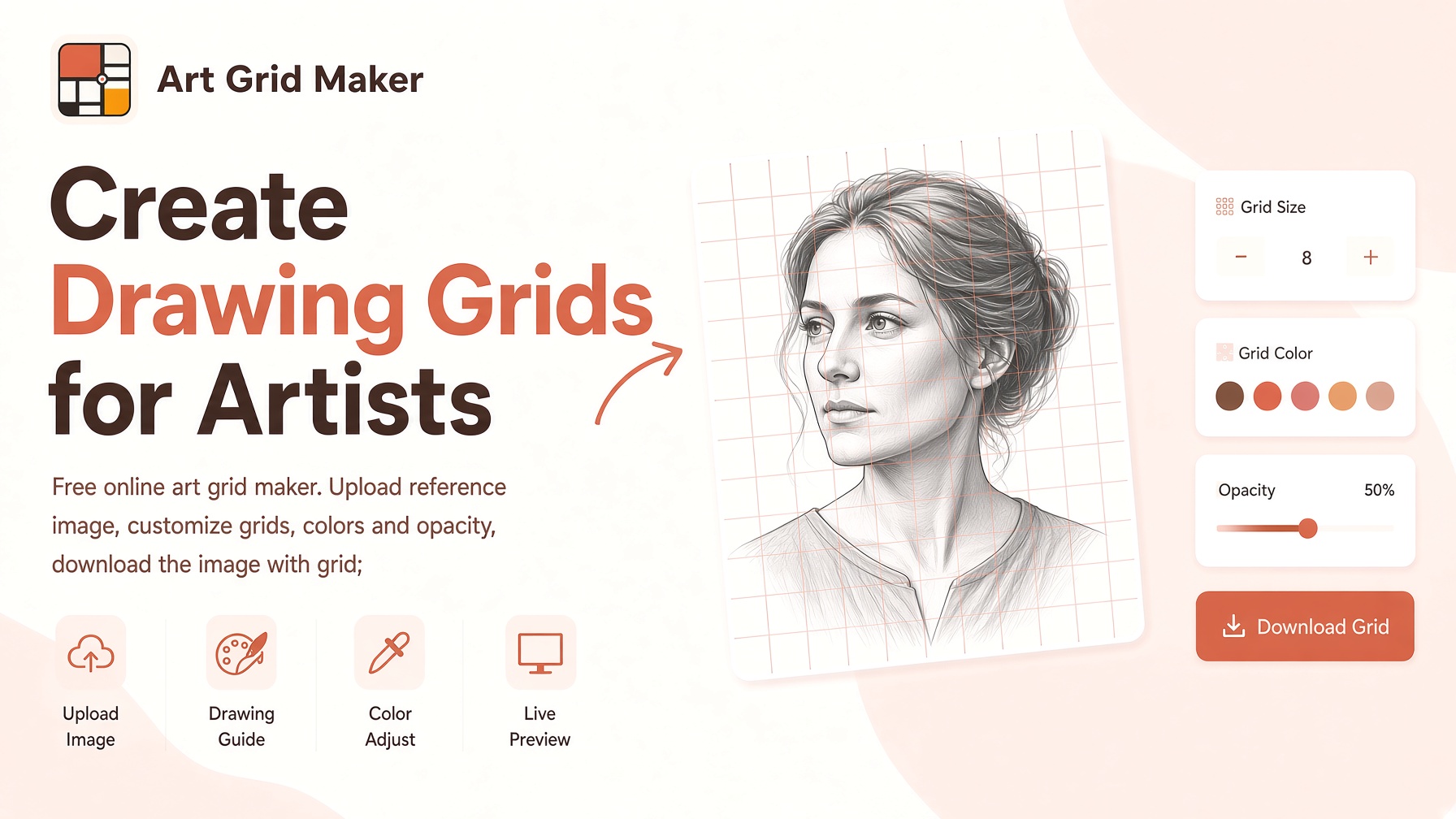
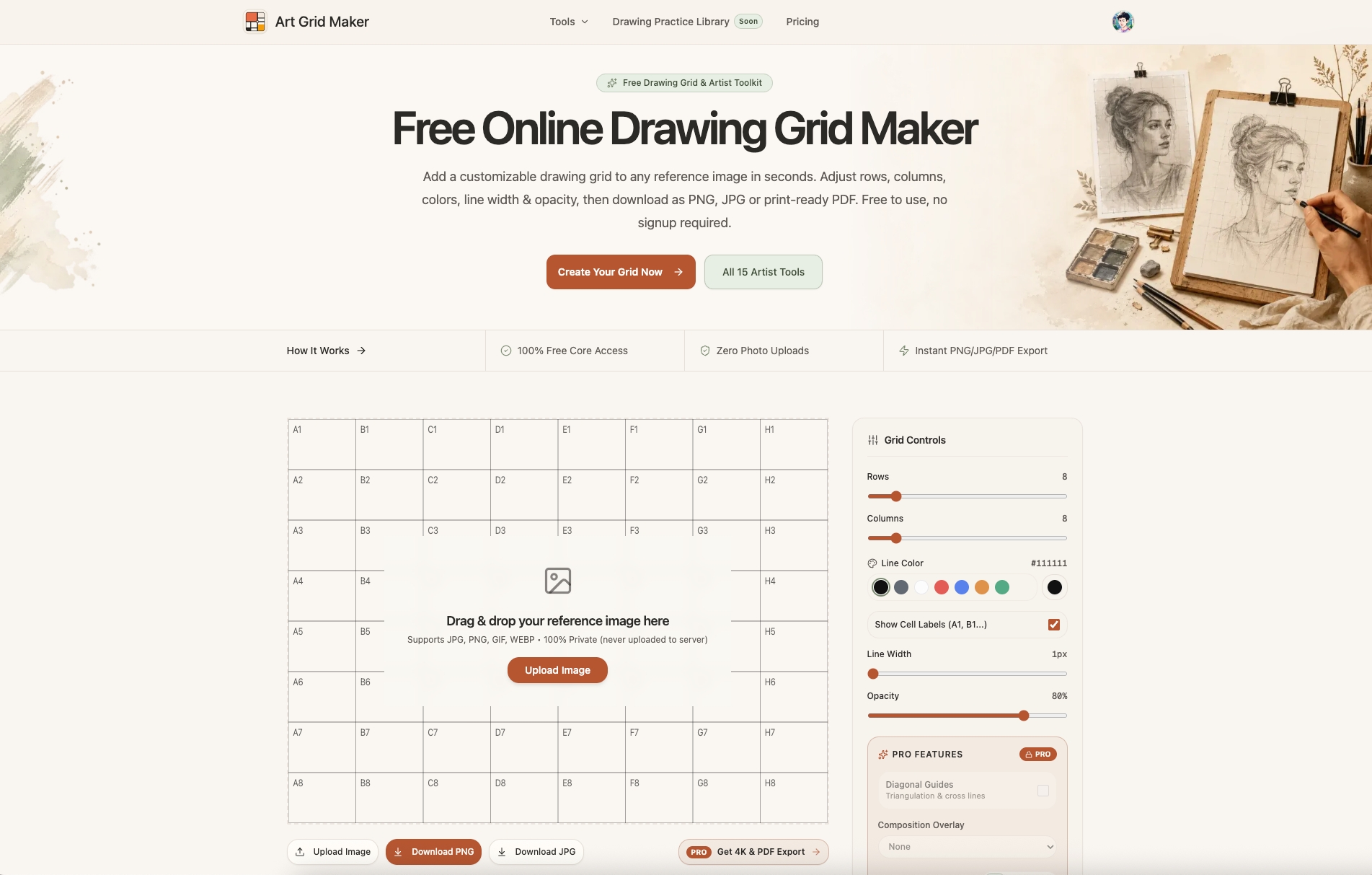
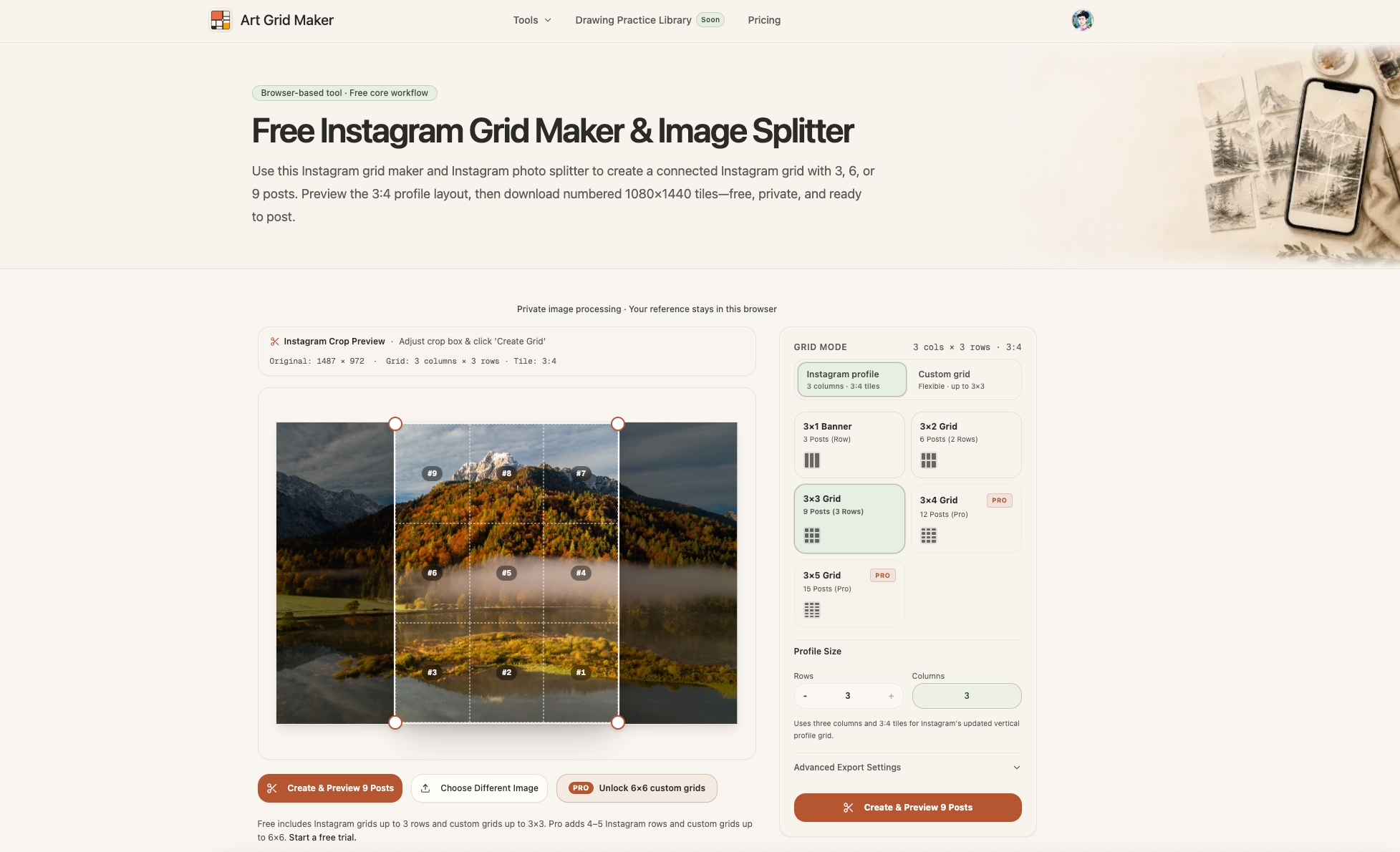
Load a reference image and add a grid with adjustable rows, columns, line colors, line widths, and opacity. Optional diagonal guides and coordinate labels help artists locate details and transfer proportions more accurately.
Printable Grid Paper
Generate grid paper for drawing exercises, practice, and physical artwork. Artists can prepare a guide that matches their intended workflow instead of drawing every line manually.
Proportion and Scaling Calculators
Calculate dimensions when transferring an image to a different canvas or surface. These tools help artists preserve aspect ratios and plan larger drawings, including mural projects.
Specialized Art Tools
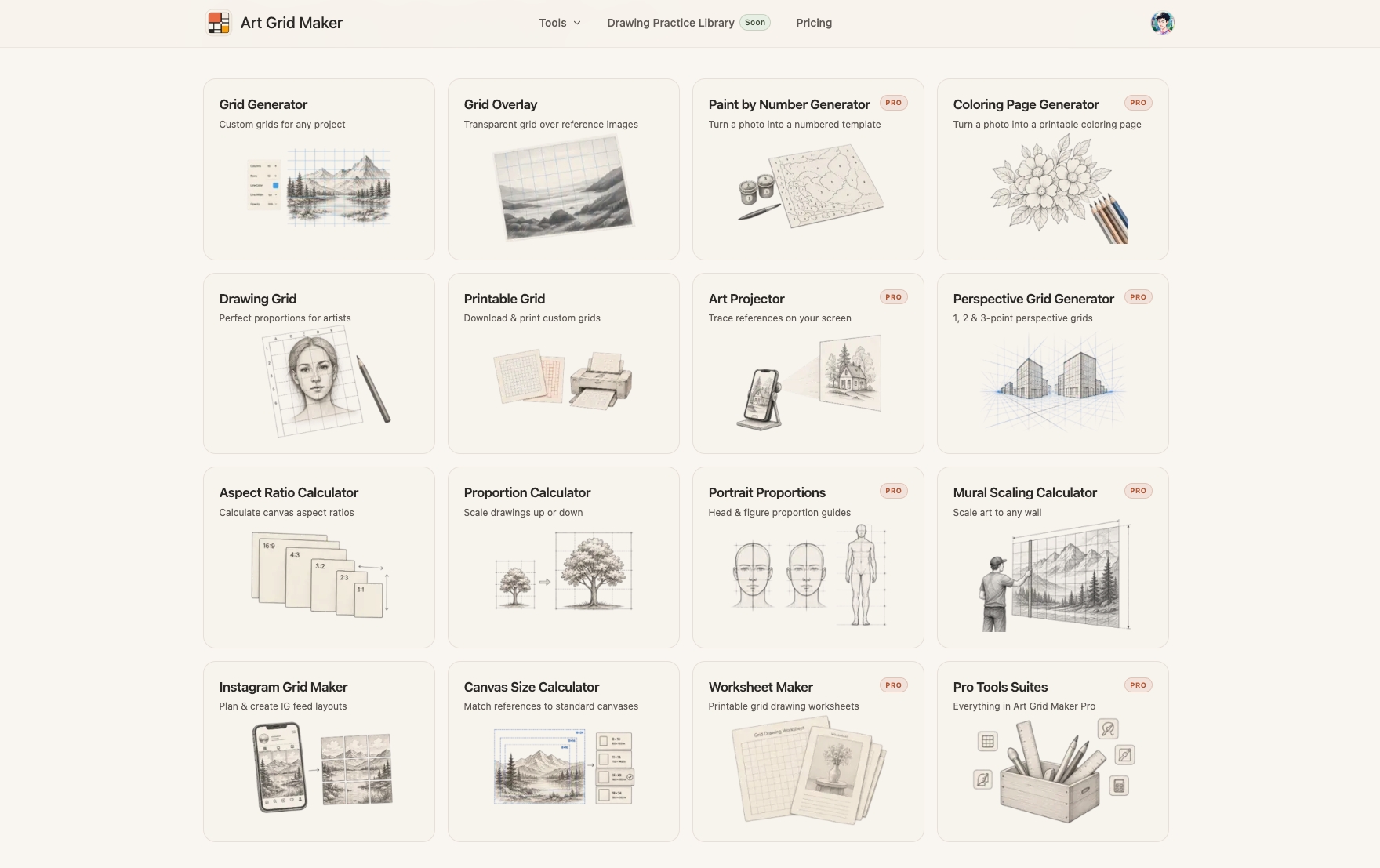
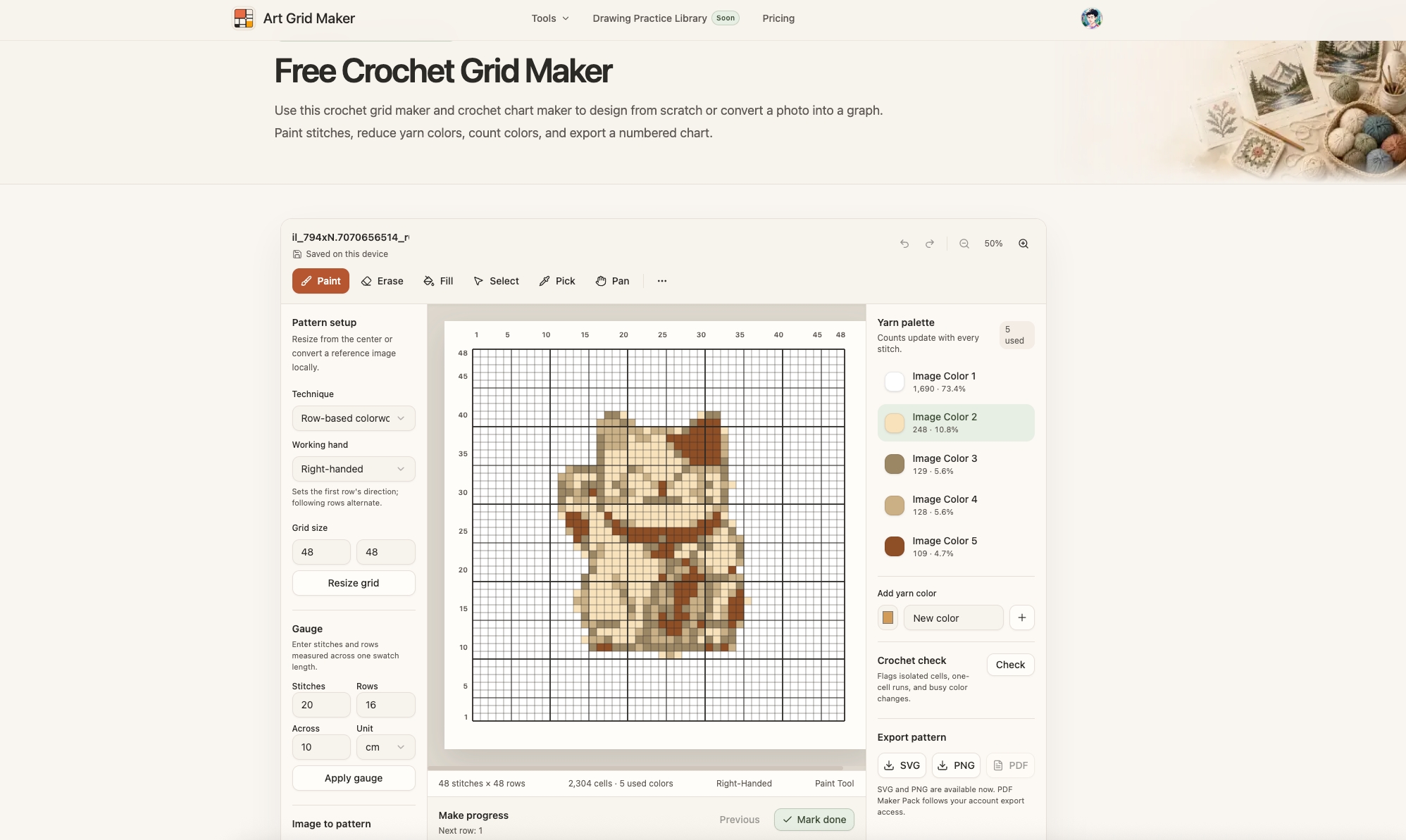
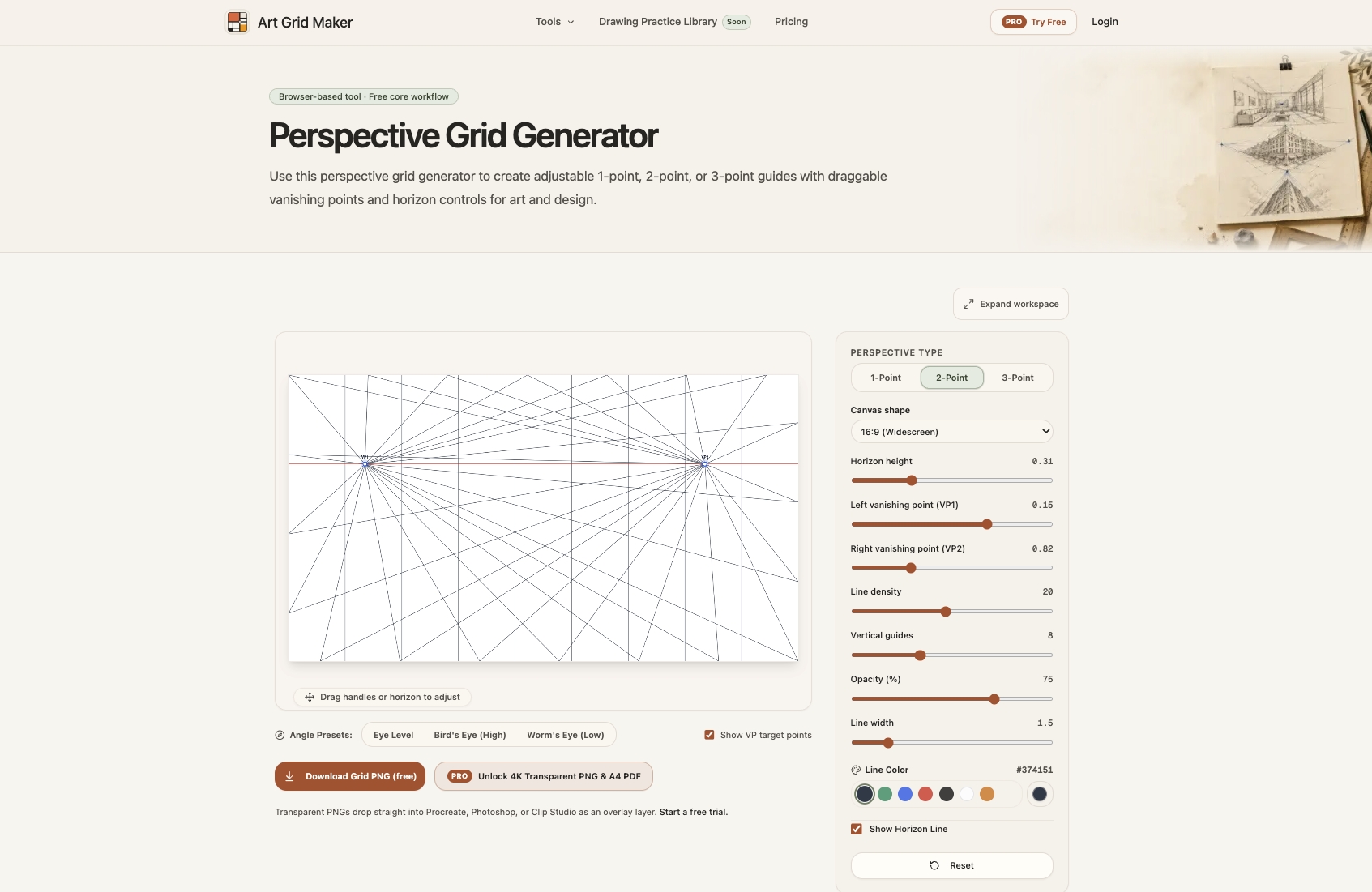
The toolkit also includes perspective grids, composition guides, color palette tools, value studies, photo-to-line-drawing conversion, paint-by-number templates, crochet grids, and worksheet makers.
Browser-Based Privacy
Reference images are processed locally in the browser during normal image-tool workflows. This means artists can work with personal photos and reference artwork without uploading those images to Art Grid Maker's servers.
How It Works
The main workflow is simple:
- Choose a reference image from your device.
- Adjust the grid to match your drawing process, including the number of rows and columns and the appearance of the lines.
- Export the result as a usable reference image.
For larger projects, users can combine the grid with proportion and mural-scaling calculators to plan the transfer to a physical surface.
The tools run in the browser, and the core grid-making workflow is available without creating an account. Free exports are available in standard image formats, while Pro adds options such as high-resolution exports, transparent PNGs, and print-ready PDFs.
Challenges
One challenge was making the tools useful for different types of artists without overwhelming users with unnecessary controls.
Someone practicing portrait drawing may only need a simple grid. A muralist may need accurate scaling calculations and a printable guide. An art teacher may need worksheets, while a fiber artist may need a grid suitable for a crochet pattern.
Rather than forcing every workflow into one complicated editor, Art Grid Maker organizes these tasks into focused tools with their own controls and export options.
Another important consideration is privacy. Reference images can be personal or unpublished, so image processing is designed to happen locally in the browser rather than requiring users to upload their artwork.
What's Next
I plan to continue improving the existing tools, refining their workflows, and adding practical features based on feedback from artists and educators.
The goal is to make the preparation side of drawing less tedious, so people can spend more time observing, practicing, and creating.
Try It Out
Visit Art Grid Maker: https://artgridmaker.com/
Built With
- next.js
- react
- typescript

Log in or sign up for Devpost to join the conversation.