-
-
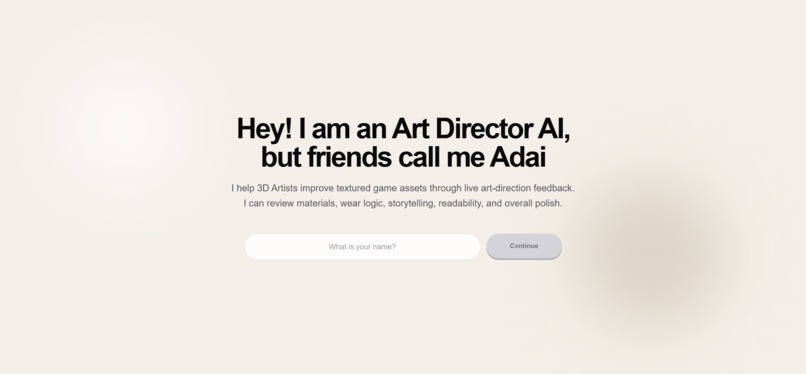
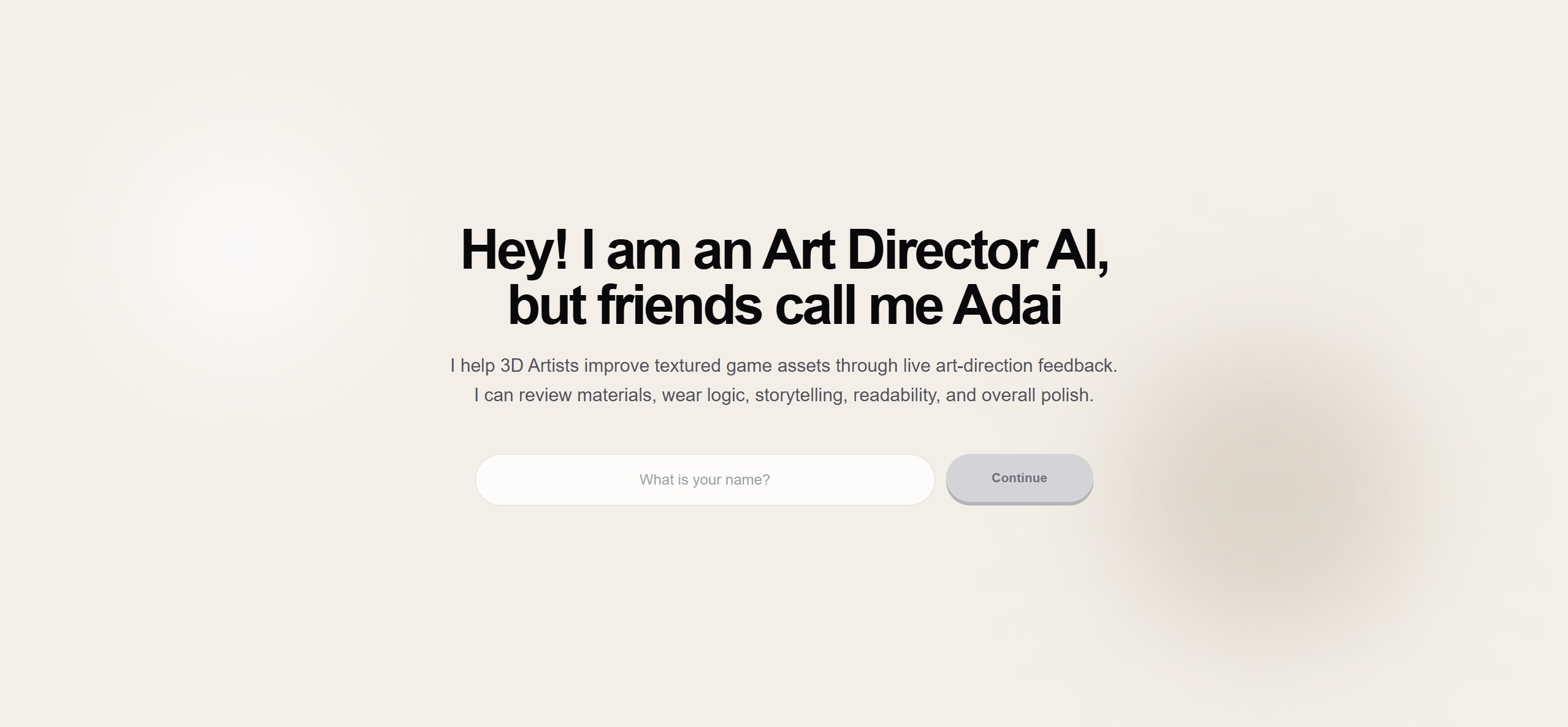
Welcome screen of Art Director AI
-
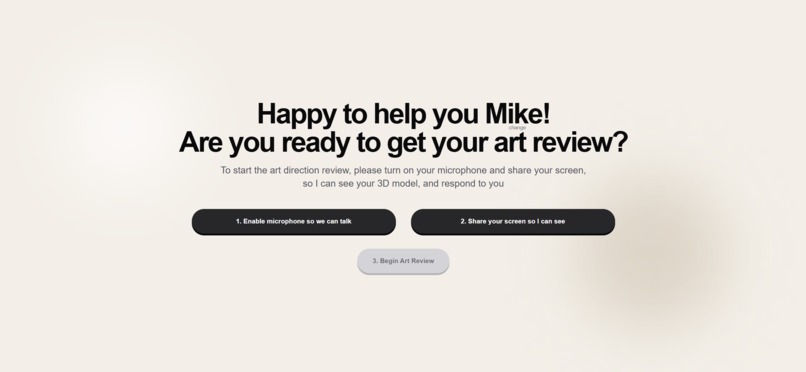
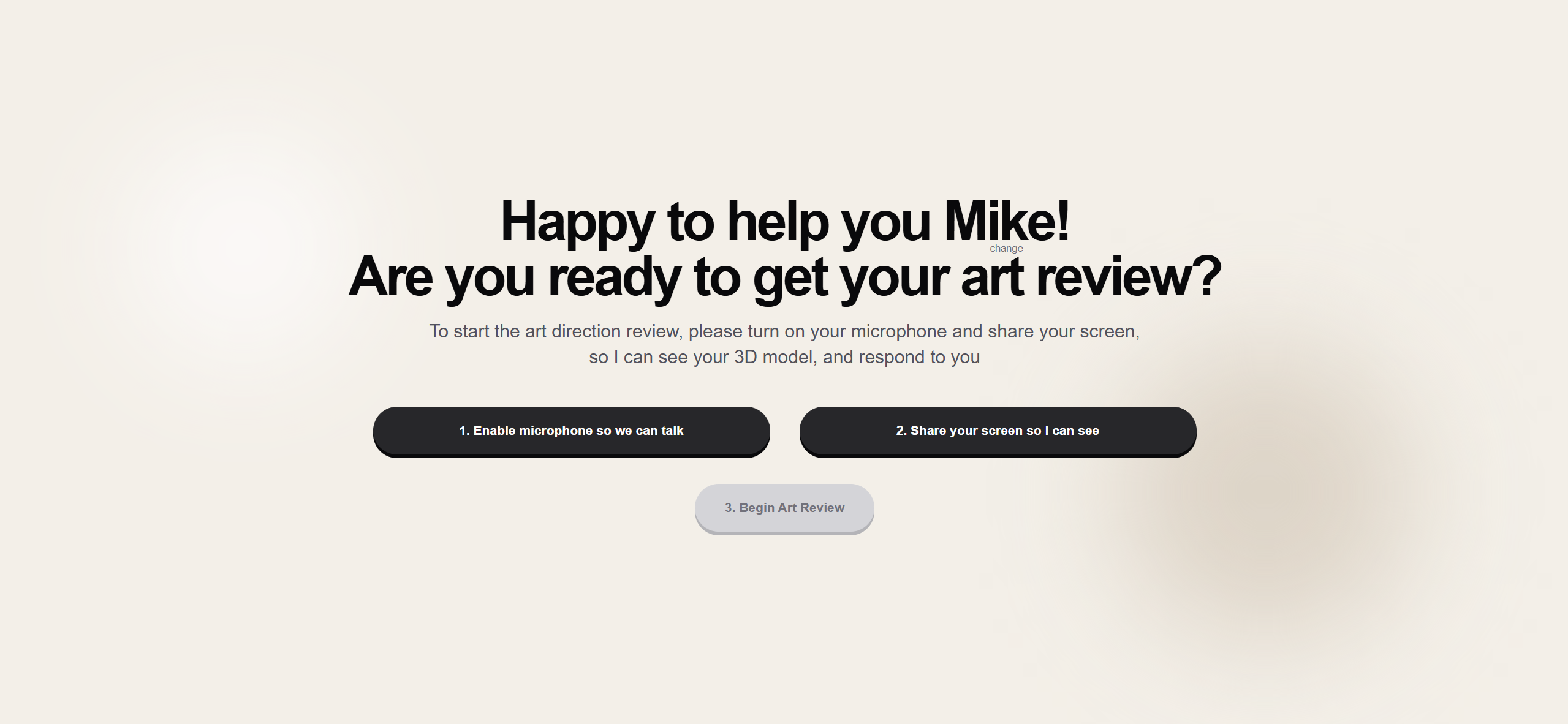
Start review screen of Art Director AI
-
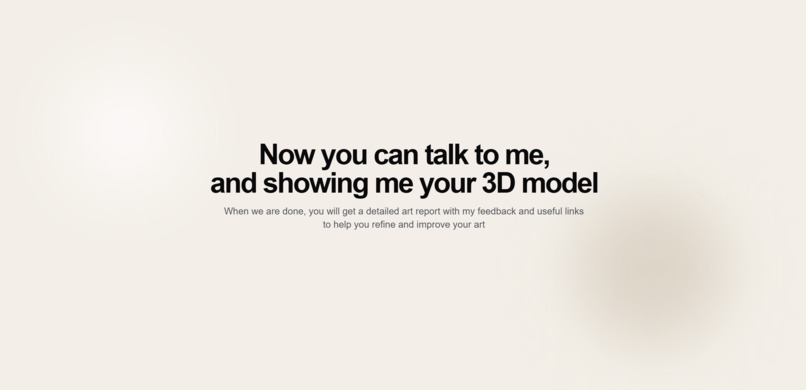
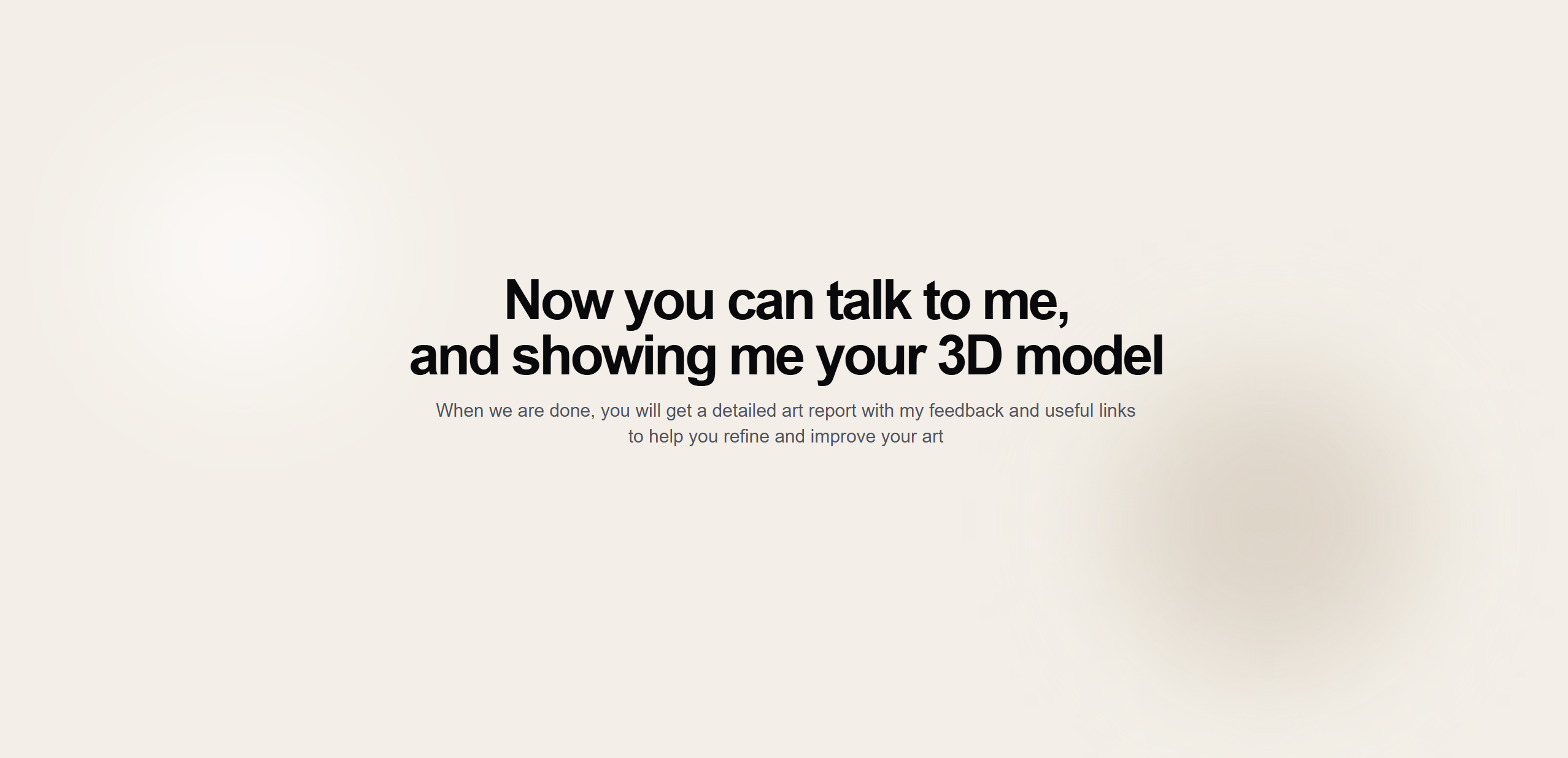
Review screen of Art Director AI
-
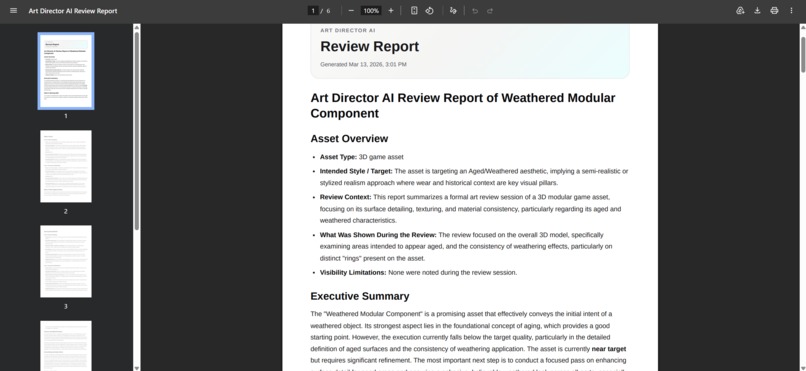
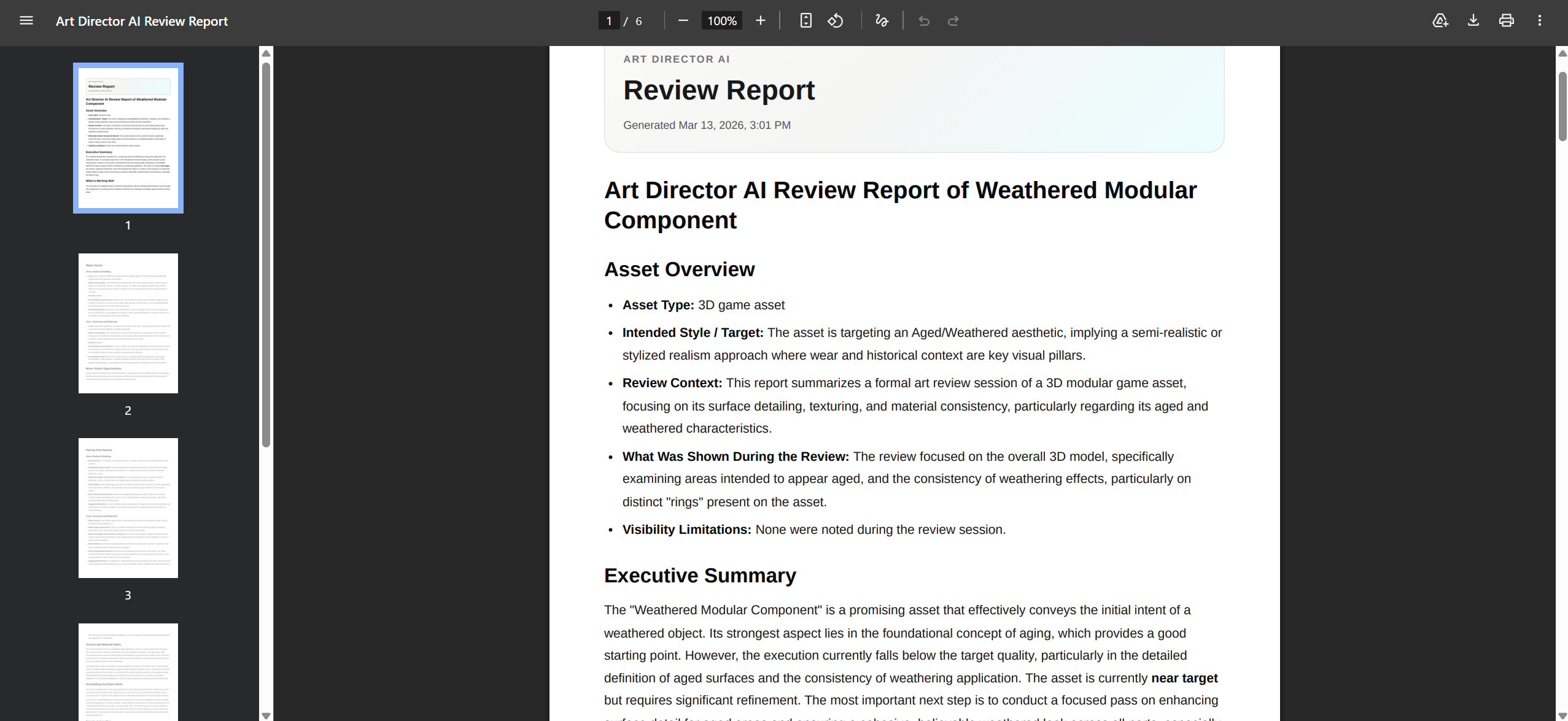
Final PDF report prepared by Art Director AI
-
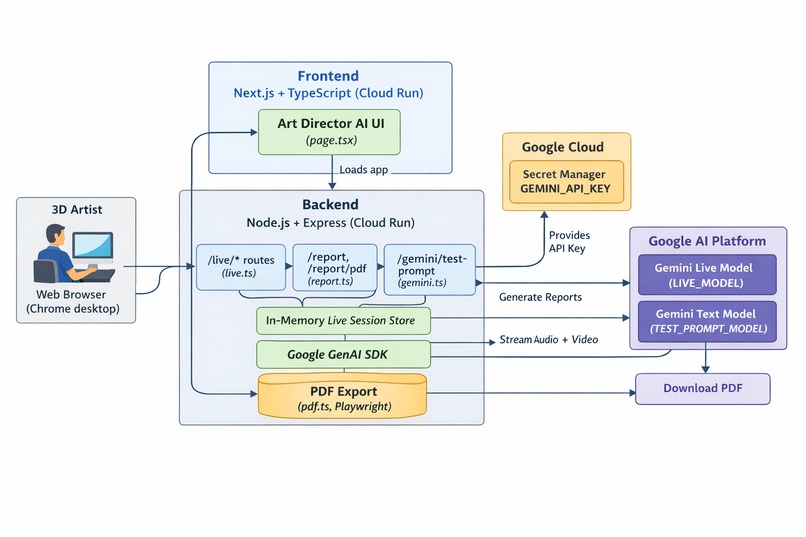
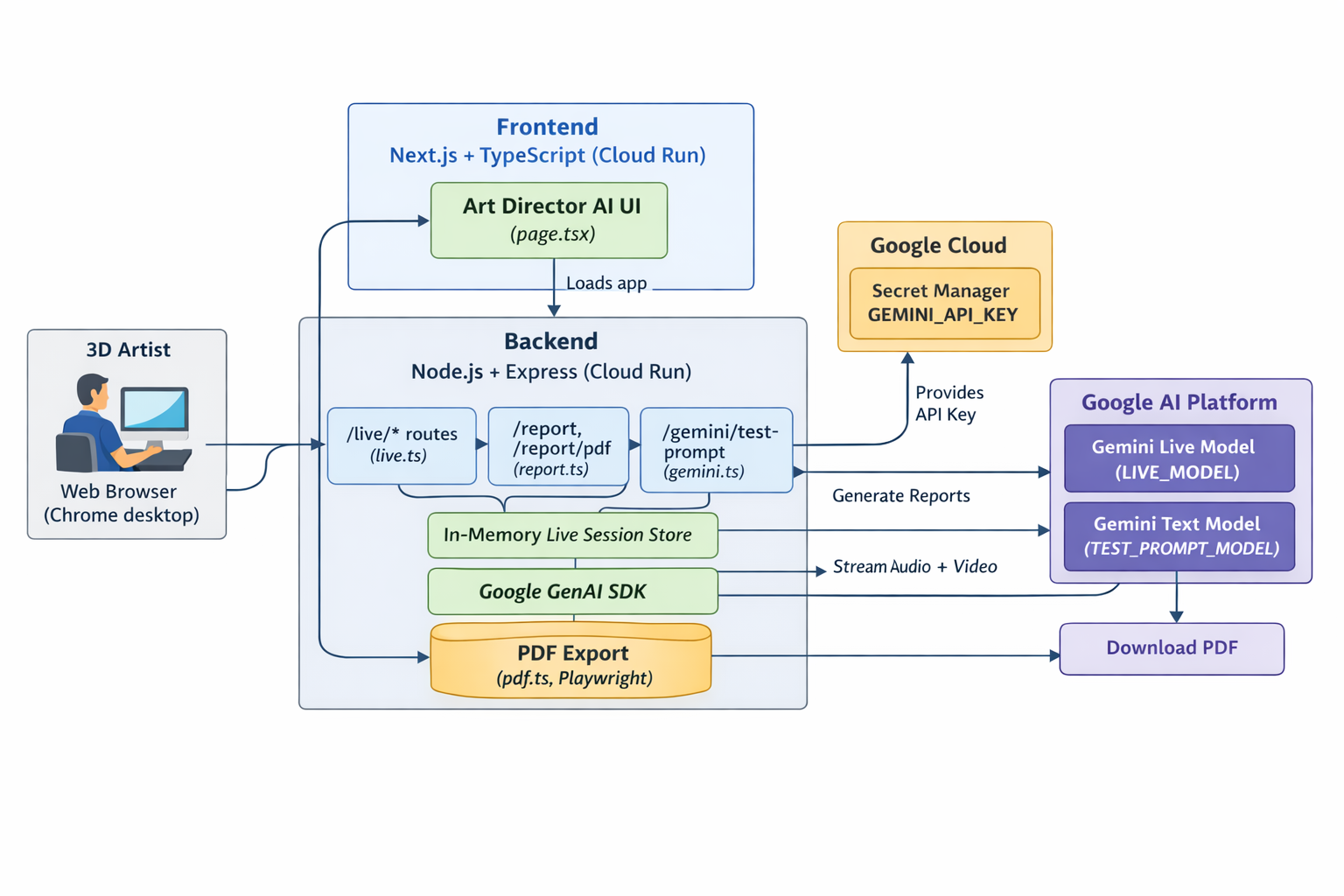
Architecture diagram
Inspiration
3D Artists often work alone during the hardest stage of the process: polish.
When refining a prop, feedback is usually slow, inconsistent, or unavailable. You either wait for a Senior Artist, post work online and hope for useful comments, or spend too long second-guessing your own decisions after staring at the same asset for hours.
That problem inspired Art Director AI.
I wanted to build something that feels less like a chatbot and more like a live creative review. Instead of uploading a screenshot and waiting for text output, a 3D Artist can share their screen, talk naturally, rotate the asset, zoom into materials, and get immediate spoken feedback while working.
The goal was to make art-direction style critique more accessible, more interactive, and available at the exact moment it is needed.
What it does
Art Director AI is a real-time AI Art Director for 3D artists.
It reviews 3D props through live voice + screen sharing and gives feedback on:
- texture quality
- material realism
- composition and presentation
- storytelling details
- overall visual polish
During a session, the user shares a screen or app window and speaks naturally. The AI responds with spoken critique in real time and can guide the review by asking the user to rotate the asset, zoom into a specific area, or show another angle.
At the end of the session, the app generates a structured report of the key issues, why they matter, and what to improve first, including useful links to tutorials.
How I built it
I built Art Director AI as a web-based multimodal review tool.
Stack
- Frontend: Next.js + TypeScript
- Backend: Node.js + TypeScript
- AI: Gemini Live API + Google GenAI SDK
- Hosting: Google Cloud Run
- Storage: Google Cloud Storage
- UI: Tailwind CSS
Workflow
- The user starts a live review session in the browser.
- The browser captures microphone input and a shared screen or application window.
- The frontend streams this context to the backend.
- The backend manages the session and connects it to the Gemini Live API.
- Gemini analyzes the live visual context together with the user’s spoken requests and returns spoken critique in real time.
- After the session, the transcript and session context are used to generate a structured feedback summary.
A big part of the build was designing the AI behavior so it feels like a focused reviewer rather than a generic assistant. I shaped the prompts so the agent stays concise, asks for better angles when needed, prioritizes the biggest visual problems first, and gives practical feedback instead of vague comments.
Challenges I ran into
One of the biggest challenges was building around live creative feedback, not static image analysis.
A screenshot reviewer would have been much easier, but much less interesting. I wanted the AI to react to the work as it was being shown live and say things like:
- “Rotate it a bit more.”
- “Pause there.”
- “Zoom into that material.”
- “Show me the back side.”
That meant the UX, prompting, and session flow all had to support a back-and-forth review instead of a one-shot answer.
Another challenge was making the critique actually useful. Generic feedback is not helpful for artists. The system needed to point out specific issues like flat roughness variation, weak detail hierarchy, unconvincing material breakup, or presentation choices that reduce readability.
I also had to stay disciplined with scope. I avoided deep DCC integrations and focused on live voice + screen sharing, which made it possible to build a working and compelling core experience during the hackathon timeframe.
What I learned
This project taught me that the real strength of multimodal AI is not just handling multiple inputs. It is creating a workflow that feels natural.
I learned that:
- voice + vision can create a much more intuitive creative tool than text alone
- prompt design matters a lot when the goal is expert-style critique
- narrowing scope makes the product stronger
- AI feels much more valuable when it participates in a real workflow instead of acting like a one-shot generator
Why this matters
High-quality creative feedback is hard to access consistently, especially for independent artists, freelancers, and small teams. But that feedback is often what pushes an asset from decent to convincing.
Art Director AI explores a workflow where critique becomes immediate, conversational, and always available. It is not meant to replace artists or senior reviewers. It is meant to help creators spot weak points earlier, iterate faster, and make stronger visual decisions while they are still actively working.
What’s next
- before/after comparison mode
- specialized review modes for props, materials, and product renders
- richer feedback summaries and exports
- stronger session memory
- better multi-angle and turntable review flows
Built With
- TypeScript
- Next.js
- Node.js
- Tailwind CSS
- Google GenAI SDK
- Gemini Live API
- Google Cloud Run
- Google Cloud Storage
Built With
- geminiliveapi
- googlecloudrun
- googlecloudstorage
- googlegenaisdk
- next.js
- node.js
- tailwindcss
- typescript

Log in or sign up for Devpost to join the conversation.