Inspiration
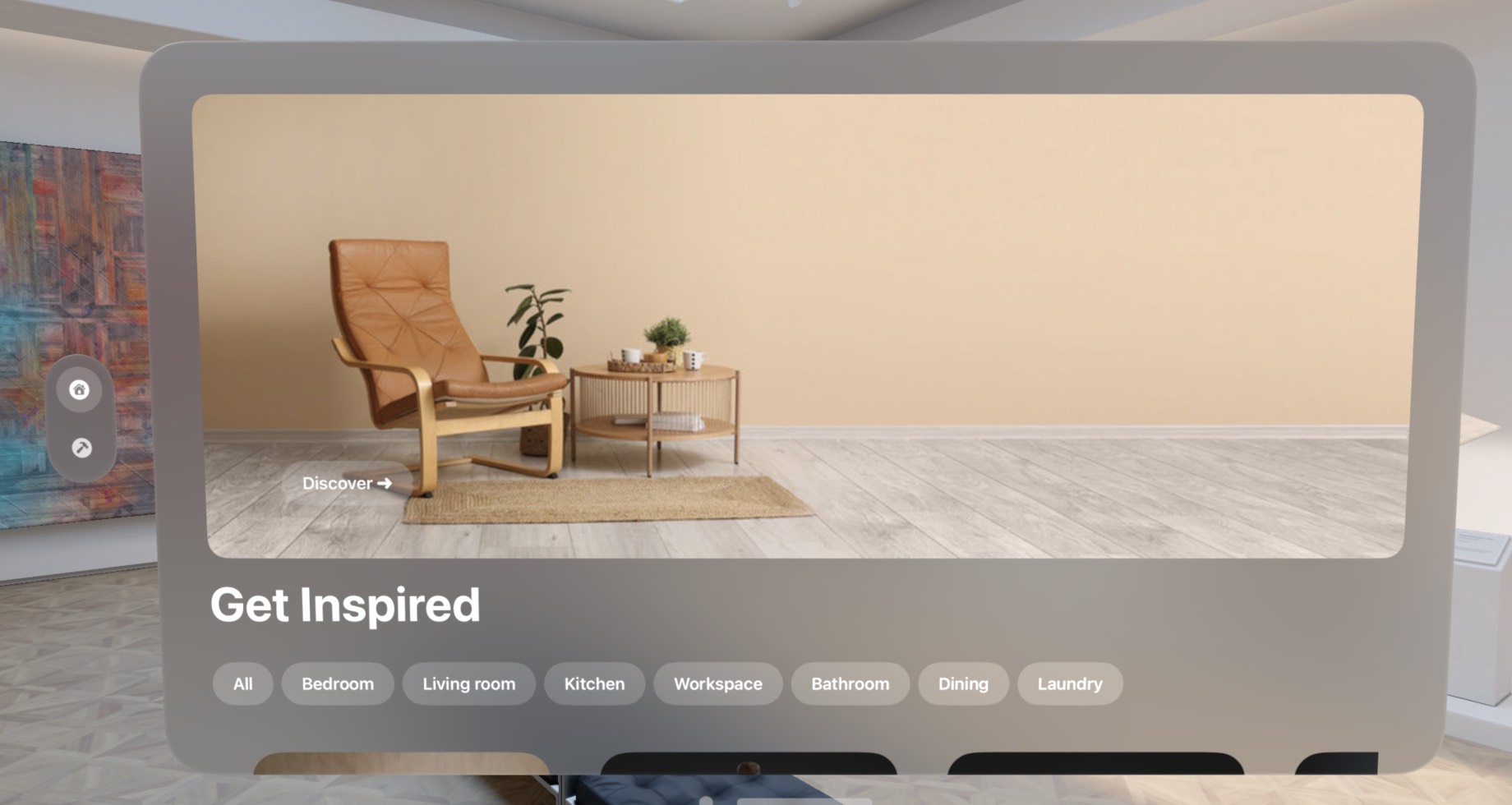
Nobody wants to drive to a furniture store, buys a couch, and loads it home, only to find out that it's not a fit. Then begin another trip... Moreover, wouldn't it be nice to get inspired by a community of users to get the best interior design ideas? Our app ARrange is here to bring millions of furniture pieces to life through the lens of Apple Vision Pro.
What it does
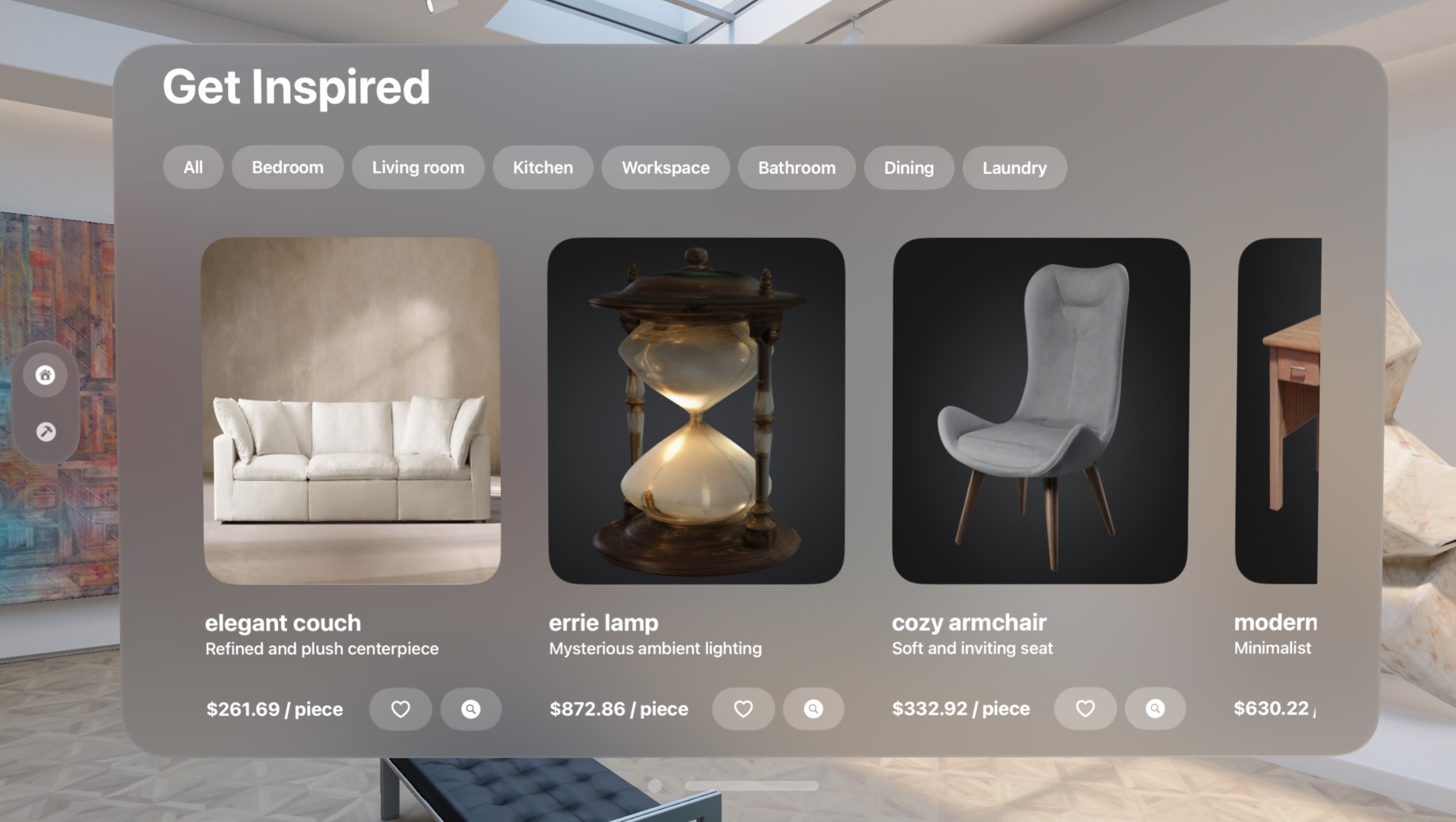
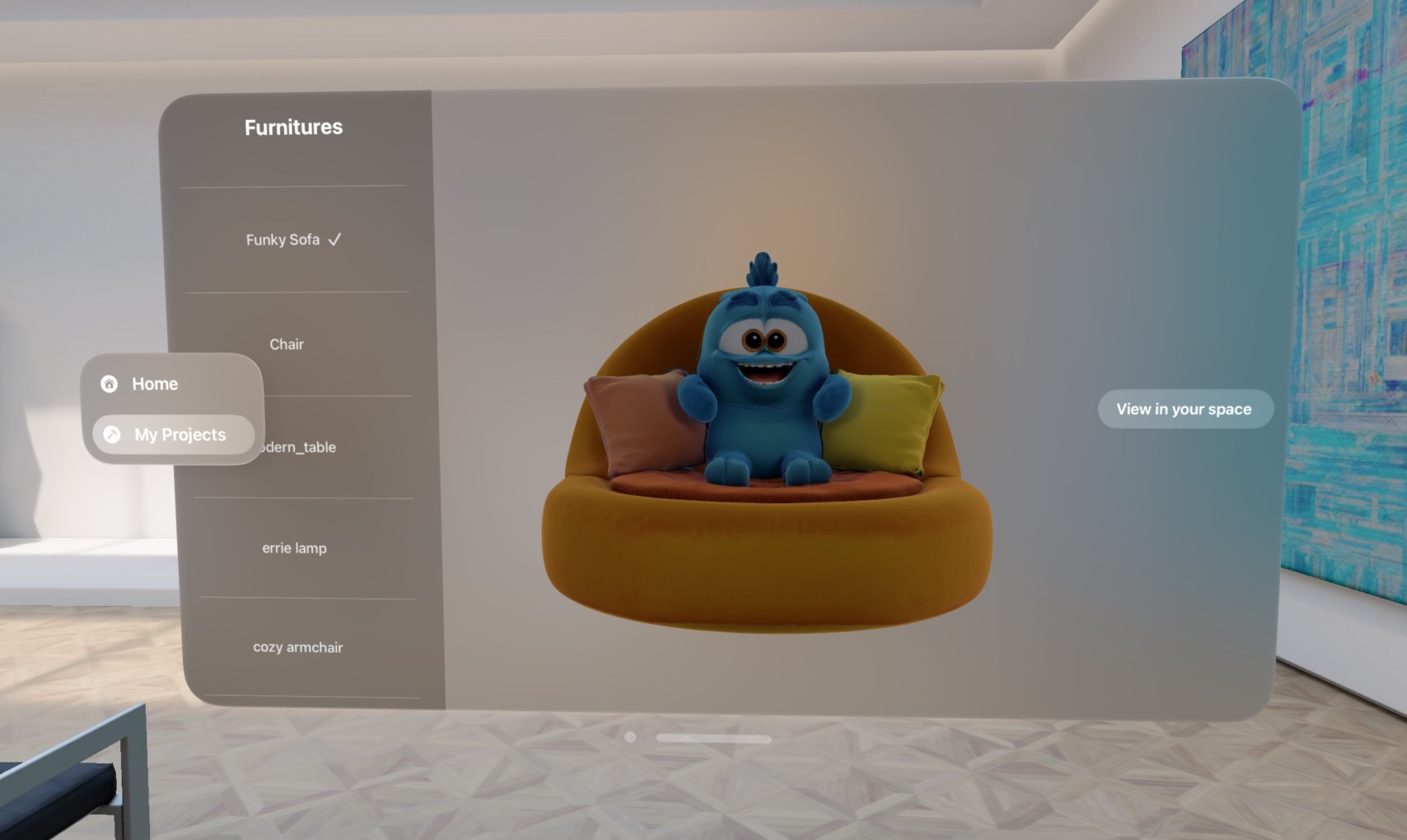
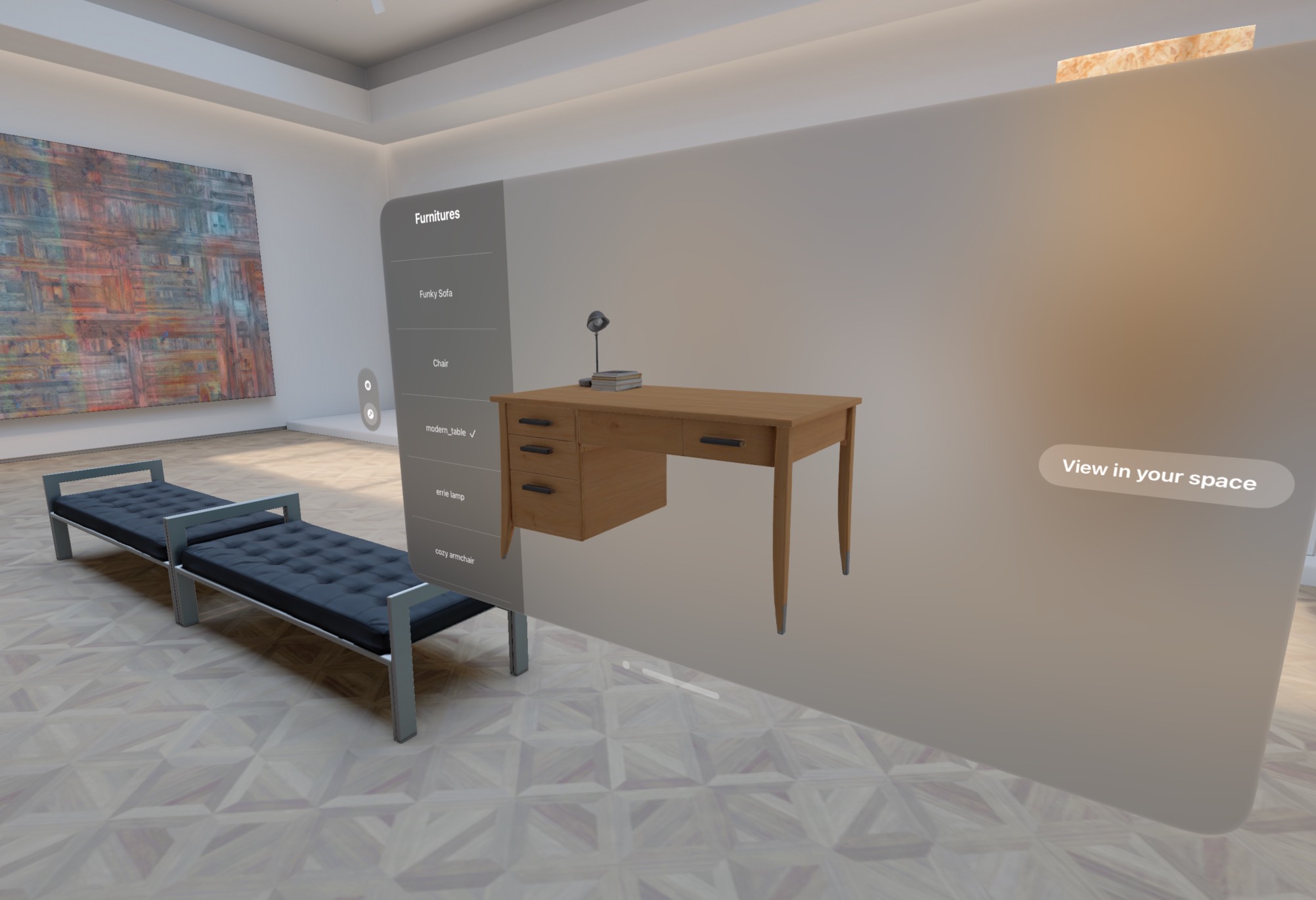
- ARrange lets users visualize and arrange virtual furniture in their real-world space using Apple Vision Pro.
- Key features:
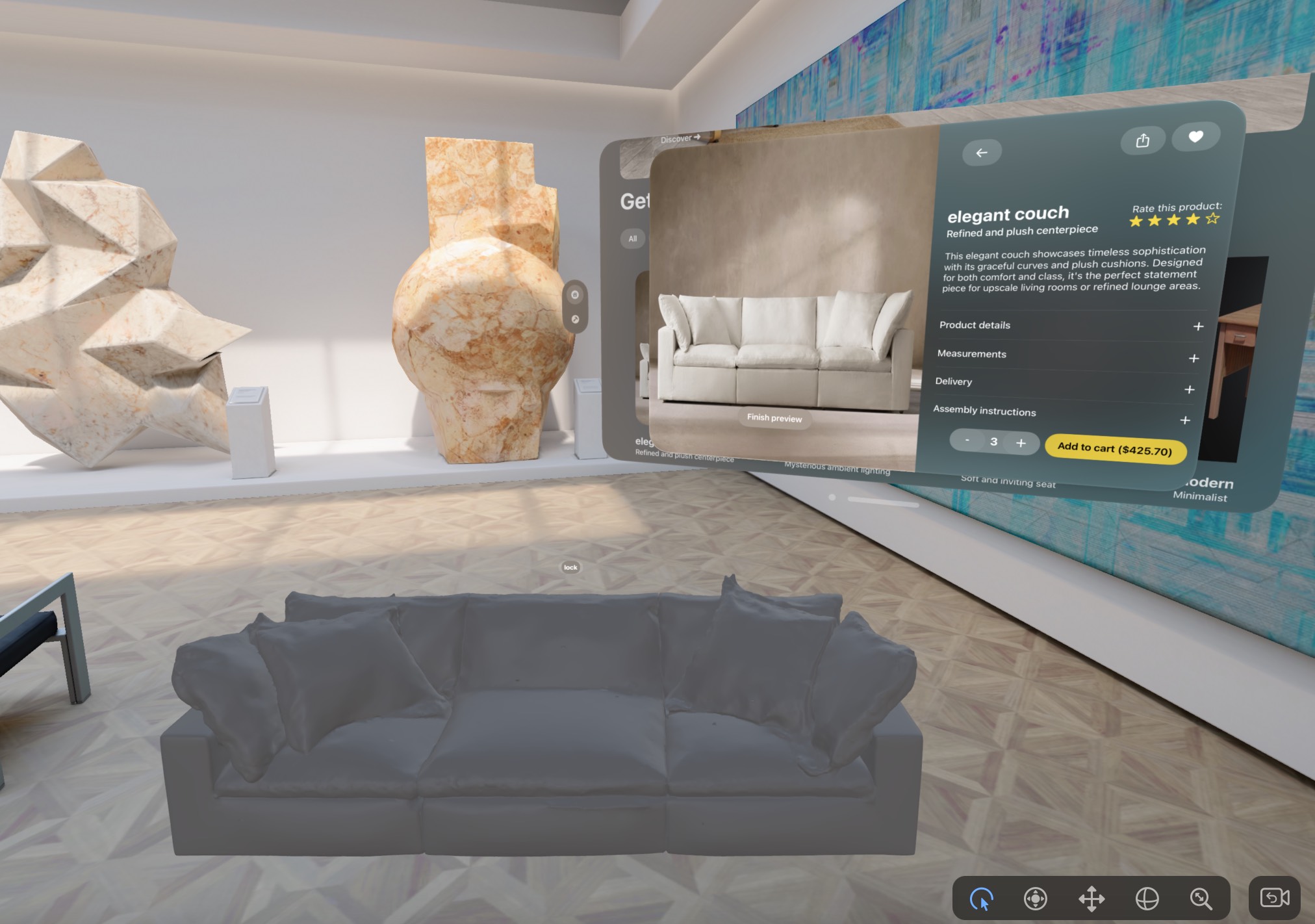
- AR Placement: Choose from a library of 3D furniture and place it into your actual room with lifelike scale, lighting, and shadows.
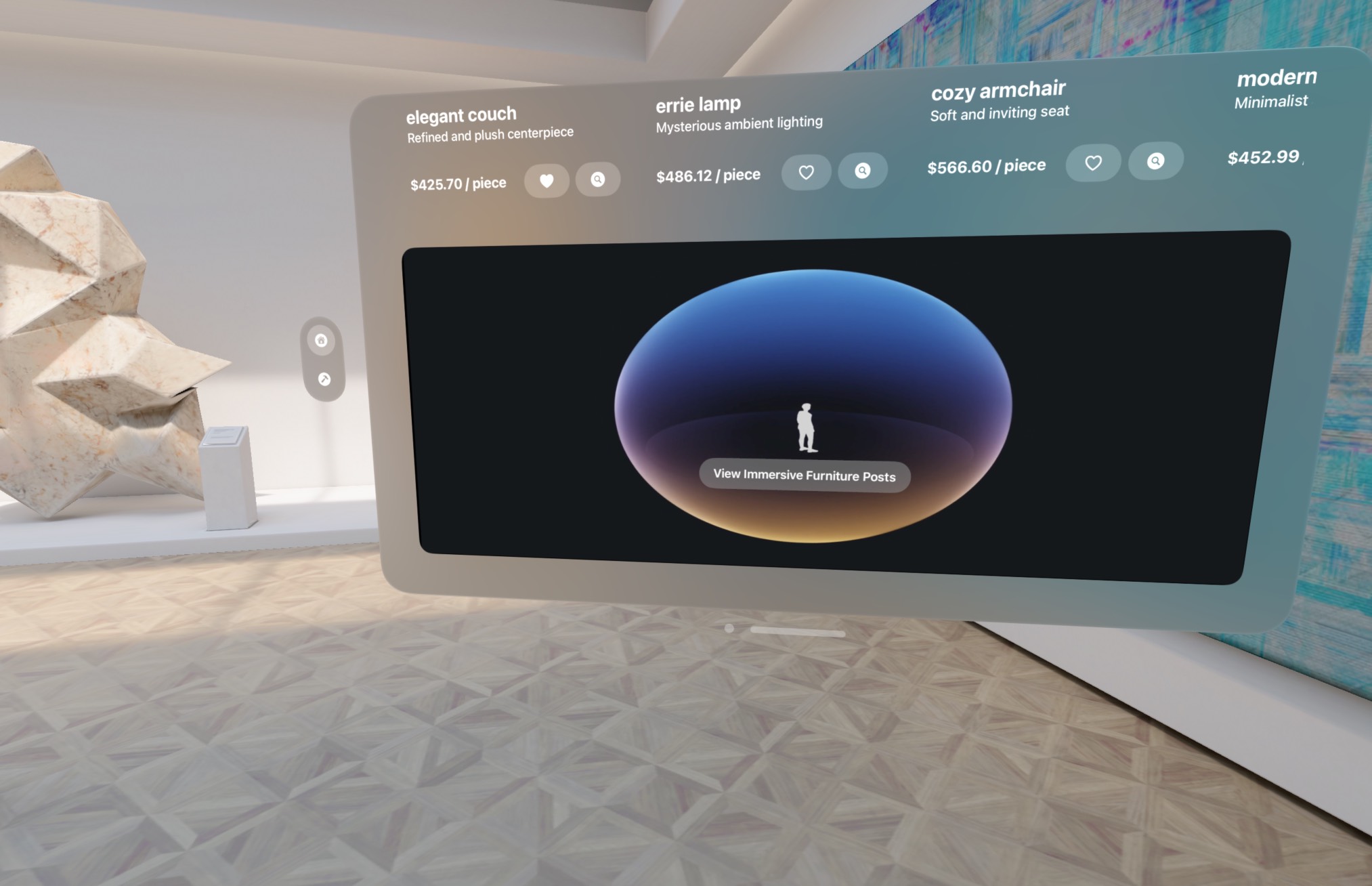
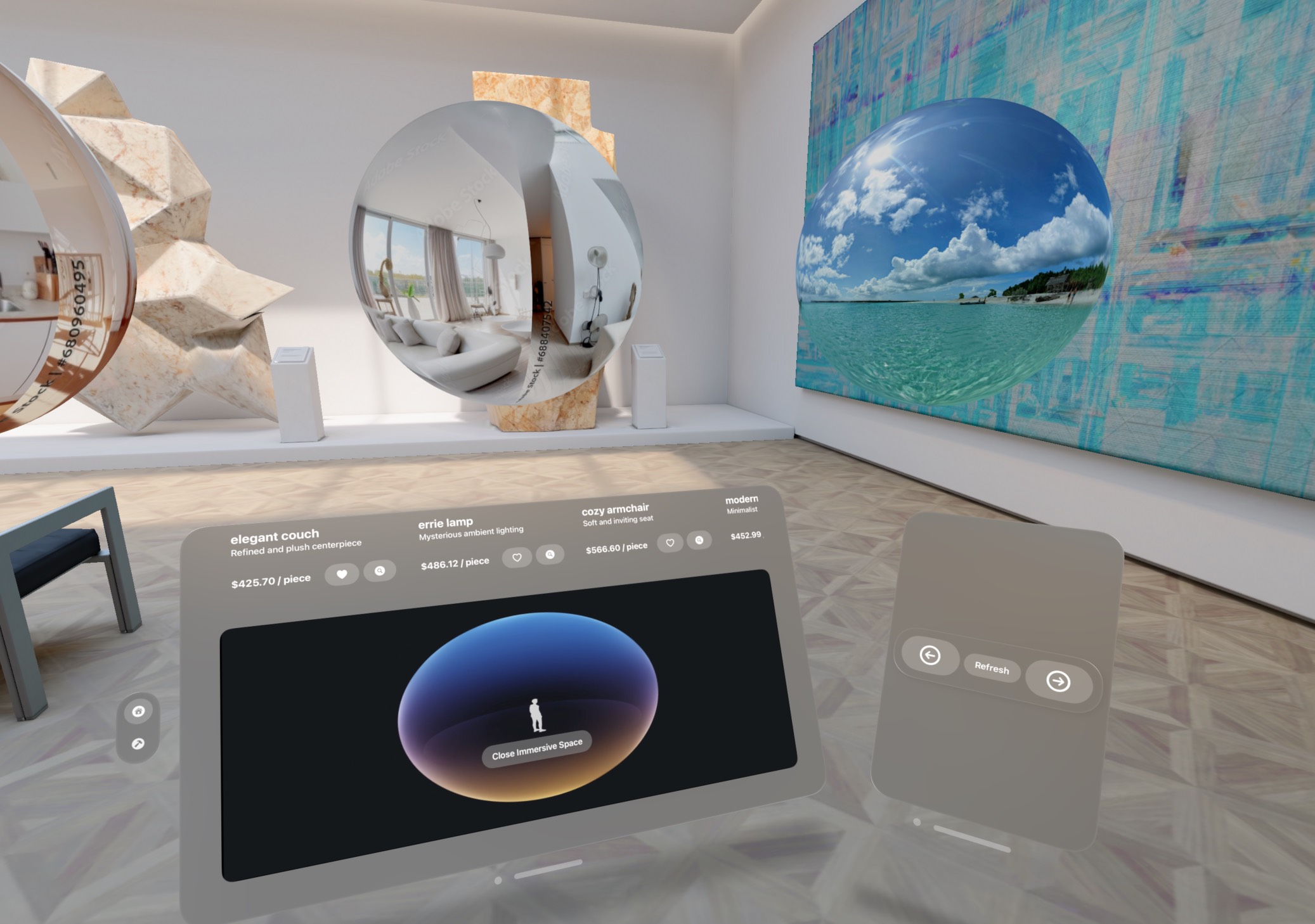
- Innovative immersive skybox social media feed : See how others have styled their spaces by fully immersing yourself into their post, literally.
- Complimentary utility mobile app that allows you to upload any panoramic photo to the Vision Pro app in real time, so that other people can see your interior design.
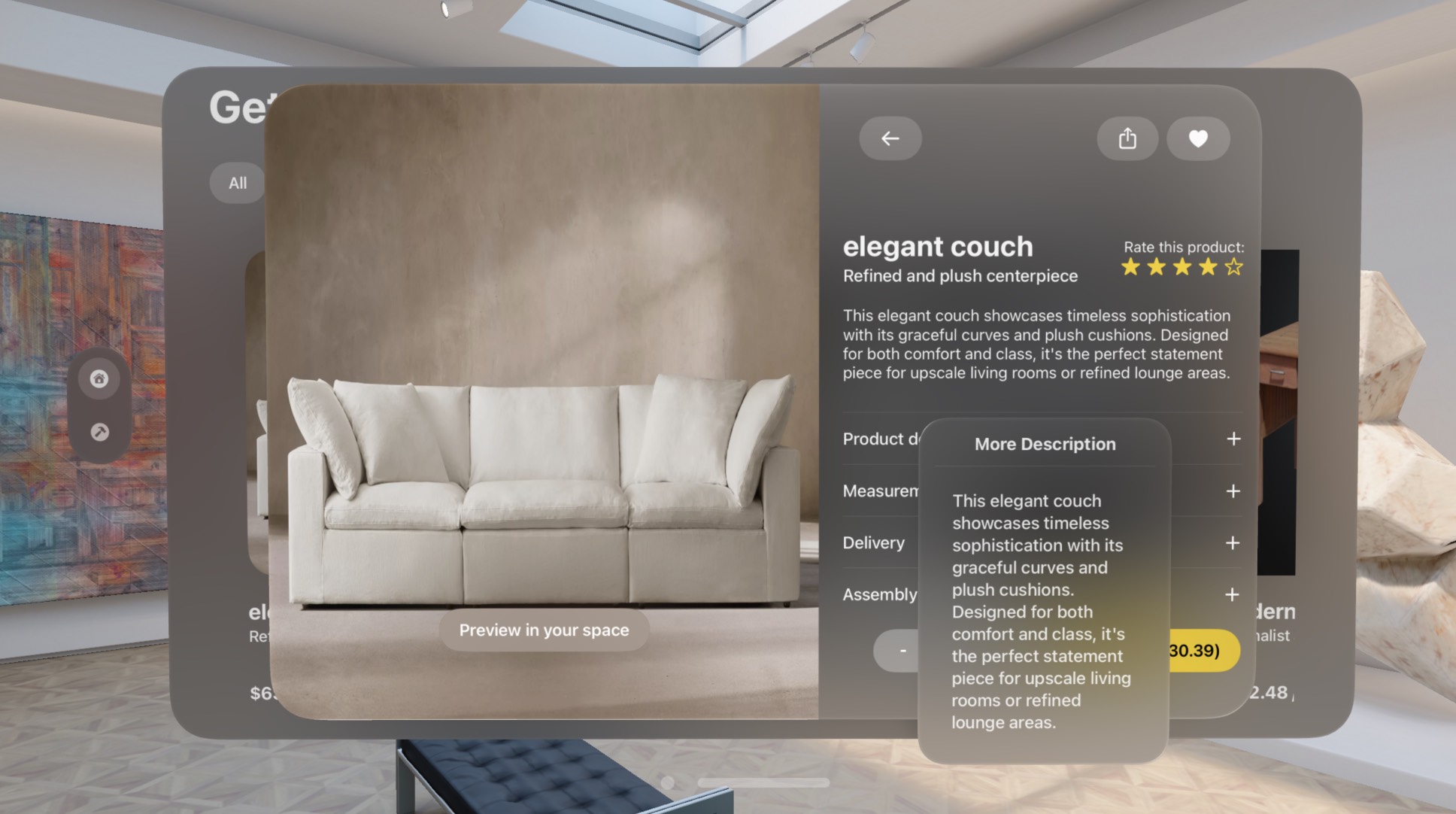
- Product Info & Links: Tap on furniture to learn more, view prices, and get direct purchase links.
How we built it
- We used Swift as the programming language to build the entire platform, leveraging a variety of APIs such as PhotosUI, SwiftUI and RealityKit for real-time image compression, efficient GPU rendering pipeline, and photorealistic shading and lighting.
- We built a single-purpose utility iOS app, in addition to the main visionOS app, that allows the user to take a panoramic photo and uploads it to our Firebase database for real-time sharing
- We built our apps using a modular mindset, composing the architecture incrementally in MVVM design pattern to abstract business logic out of UI.
Challenges we ran into
- Dealing with 3-dimensional affine transformations was a pain, as we had to learn from scratch the APIs and the Entity-Component-System architecture of RealityKit
- Building the utility app was actually harder than we thought, as we initially wanted to include panoramic photo capturing within our app, but it was quite impractical on iOS due to the protection Apple provides for user privacy reason, which would've involved us doing feature matching and image stitching to reconstruct the 360-degree photo from a stream of discrete photos.
- Debugging Firebase was hard, as we had to coordinate the communication between the mobile utility app and the database as well as that between the visionOS app and the database, ensuring synchronization across devices.
Accomplishments that we're proud of
- We're extremely proud that we pulled this off, finishing up a full-stack visionOS app and an iOS app.
- We're extremely proud that we learned so many things and applied them to our app, enriching the user experience and fully immersing the user into the world of Imagination.
- We're extremely proud that we debugged countless of frustrating bugs by tracing the call stack.
What we learned
- We learned that there were so many possibilities in the world of XR and that so many problems are arising that XR can offer a hand to help with.
- We learned that at its heart, a technology is for people and whatever we're building, we should keep the people we are building the app for at heart.
What's next for ARrange
- We are going to furnish UI, mature the backend, and launch our app into the App Store! Stay tuned!

Log in or sign up for Devpost to join the conversation.