-
-
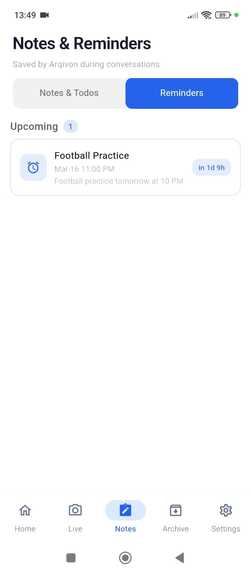
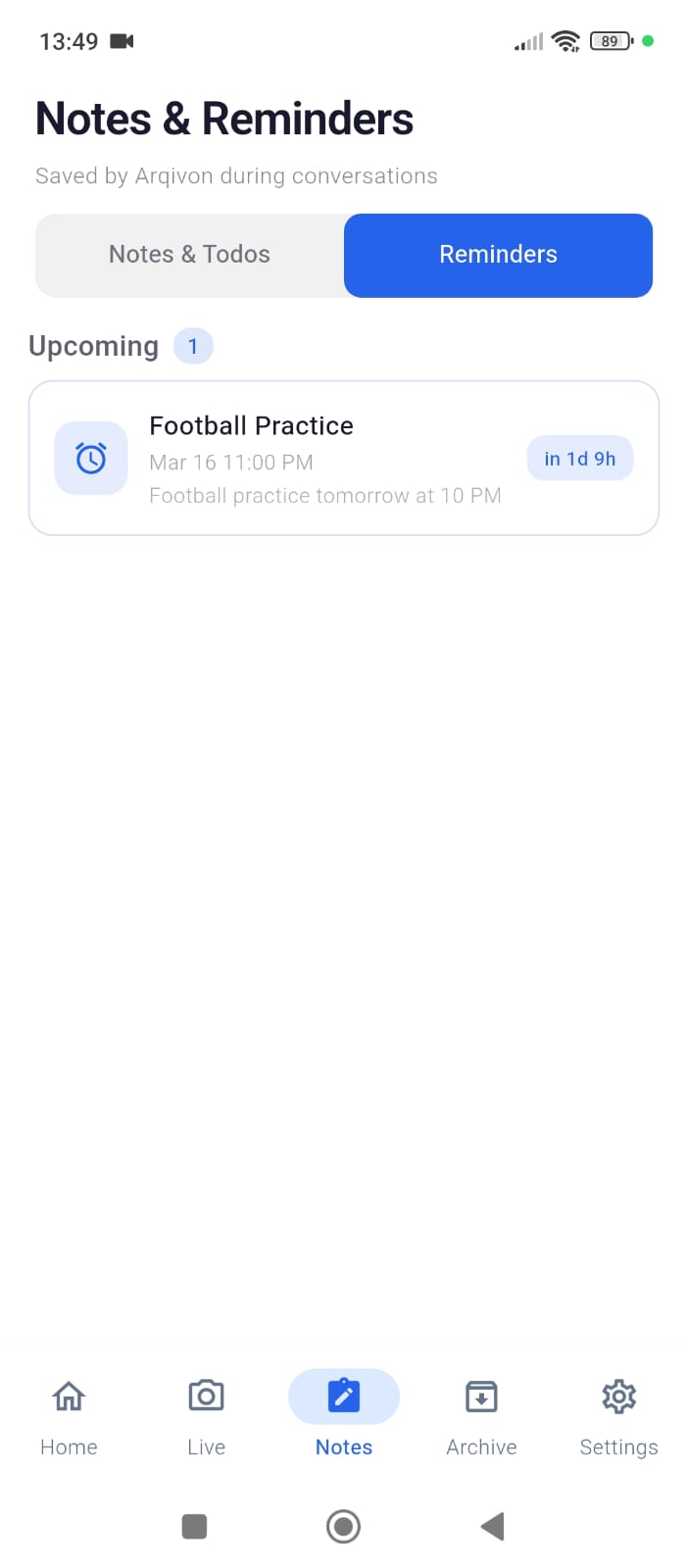
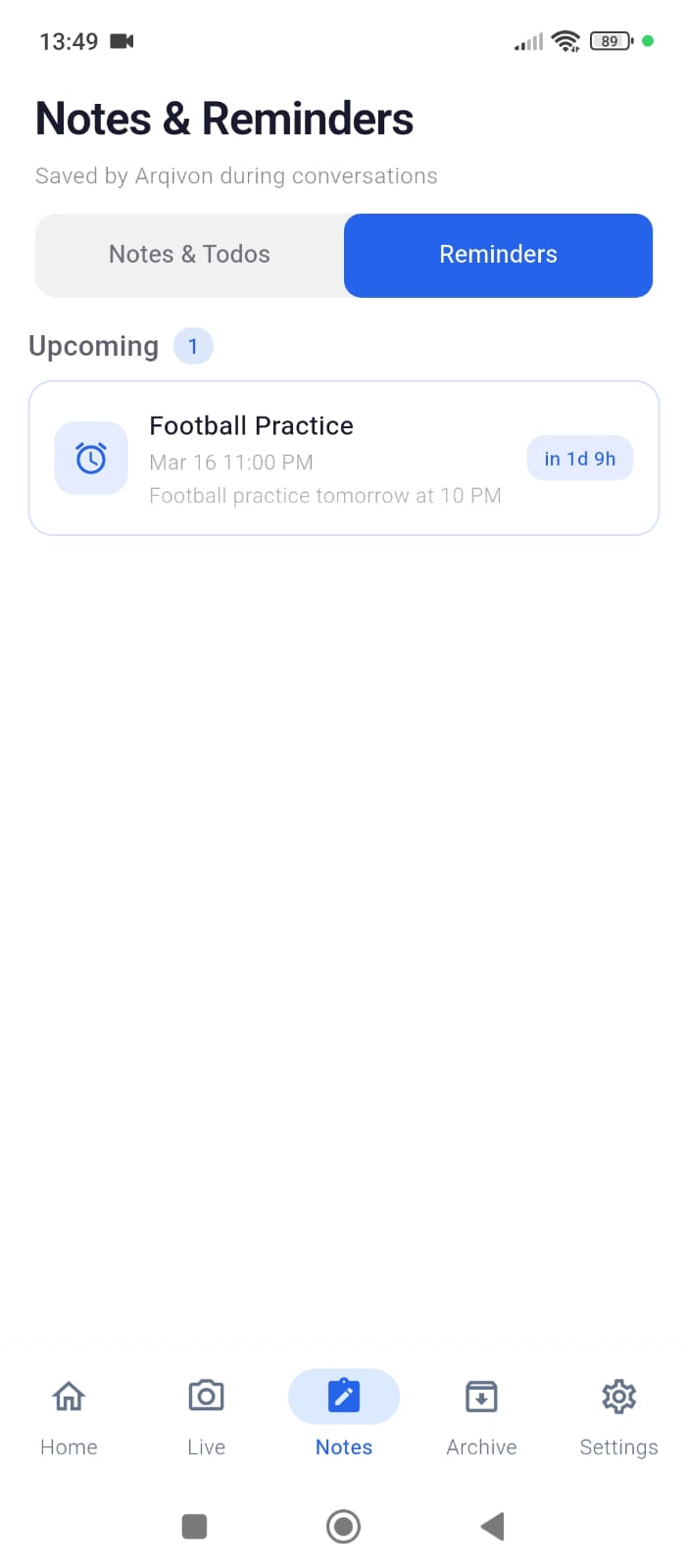
Reminder_Arqivon
-
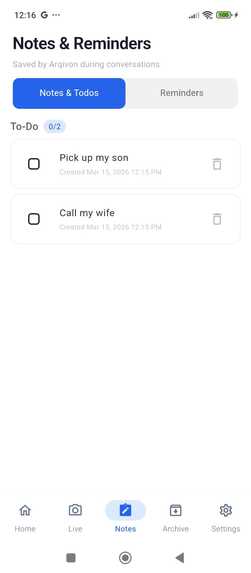
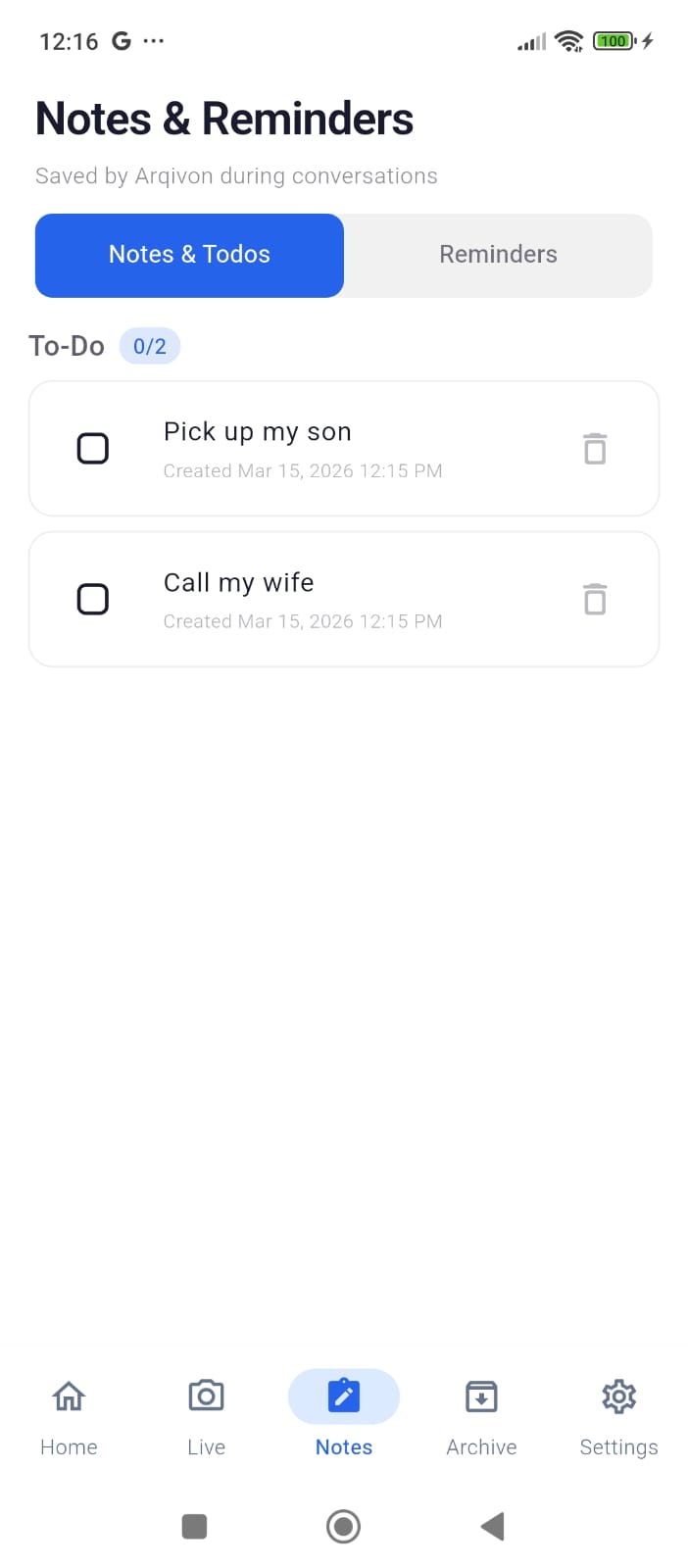
Todo_Arqivon
-
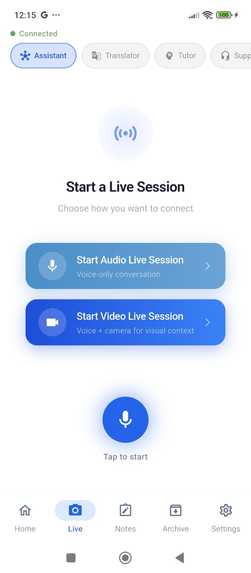
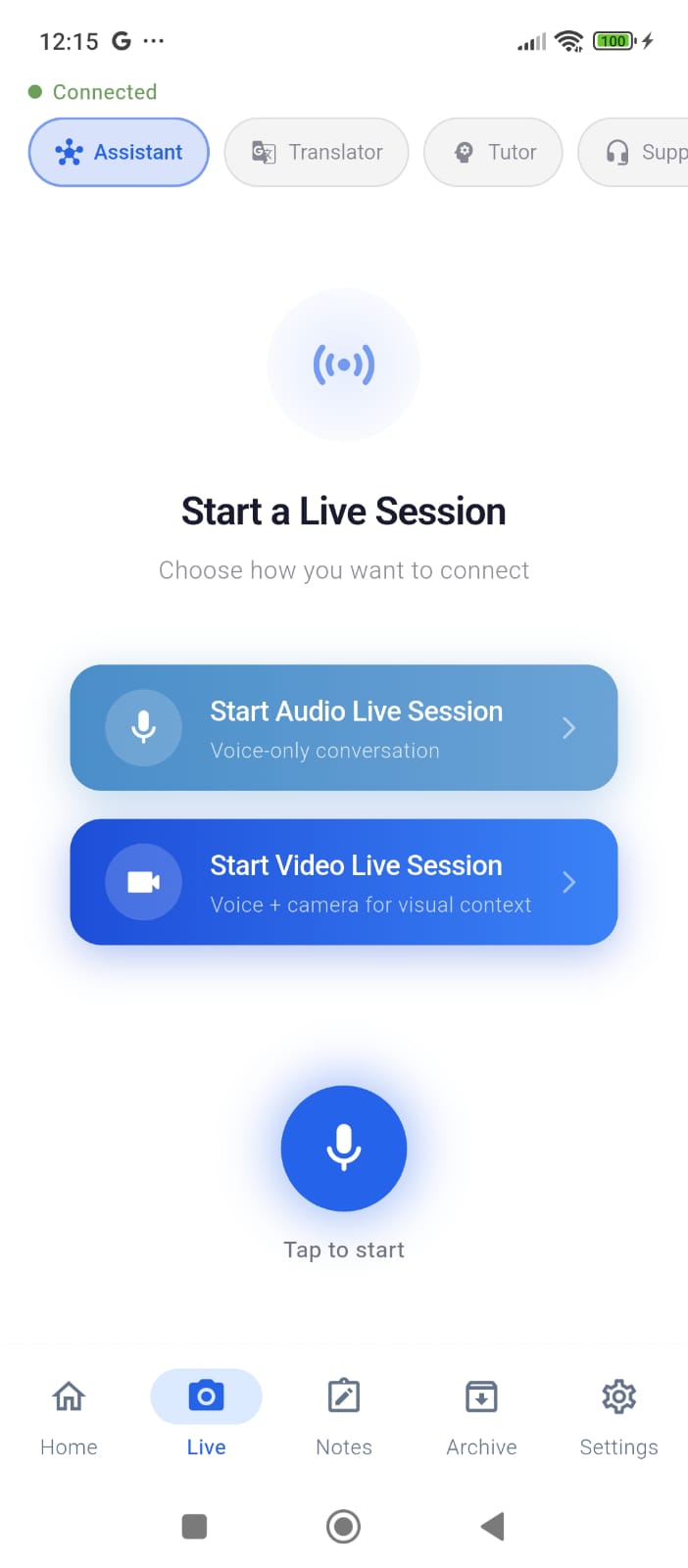
Live_start_screen.Arqivon
-
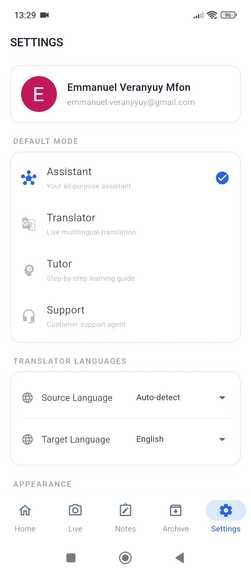
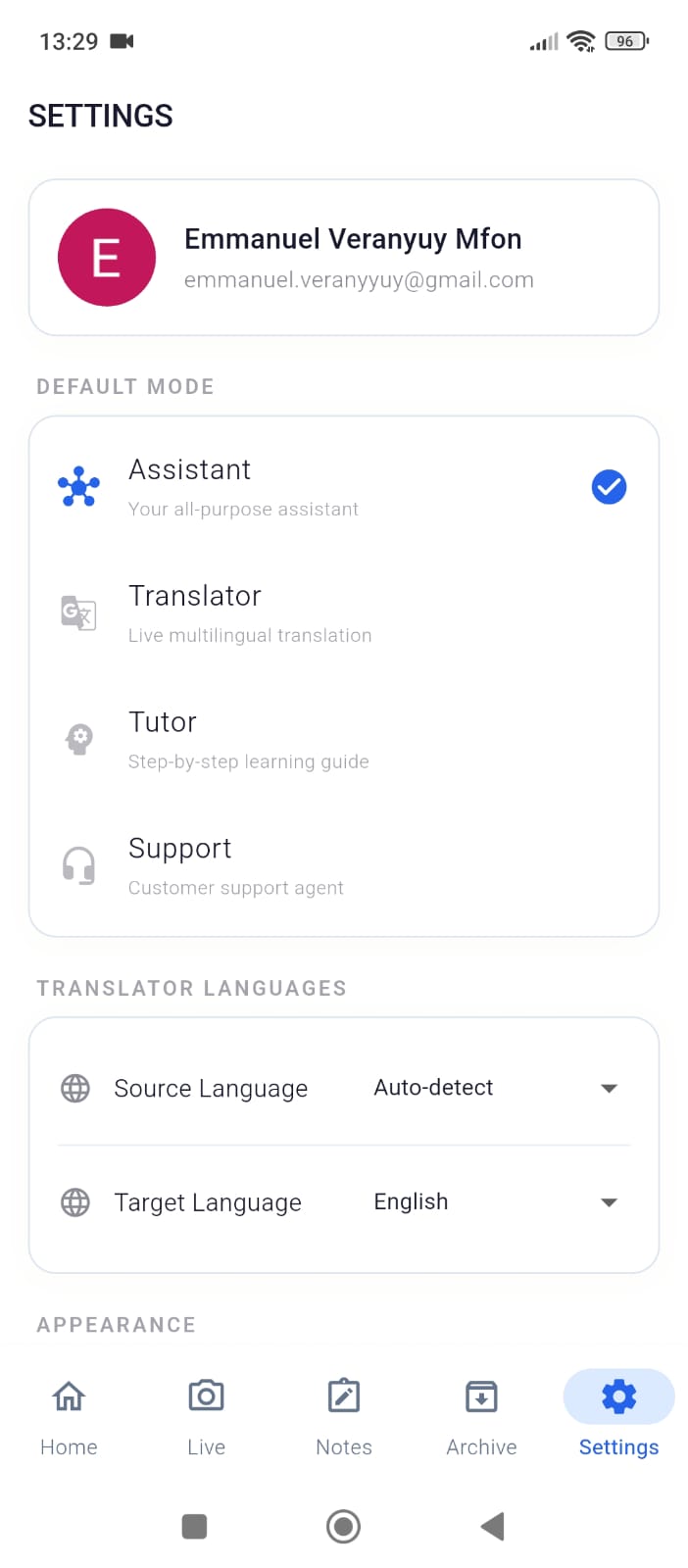
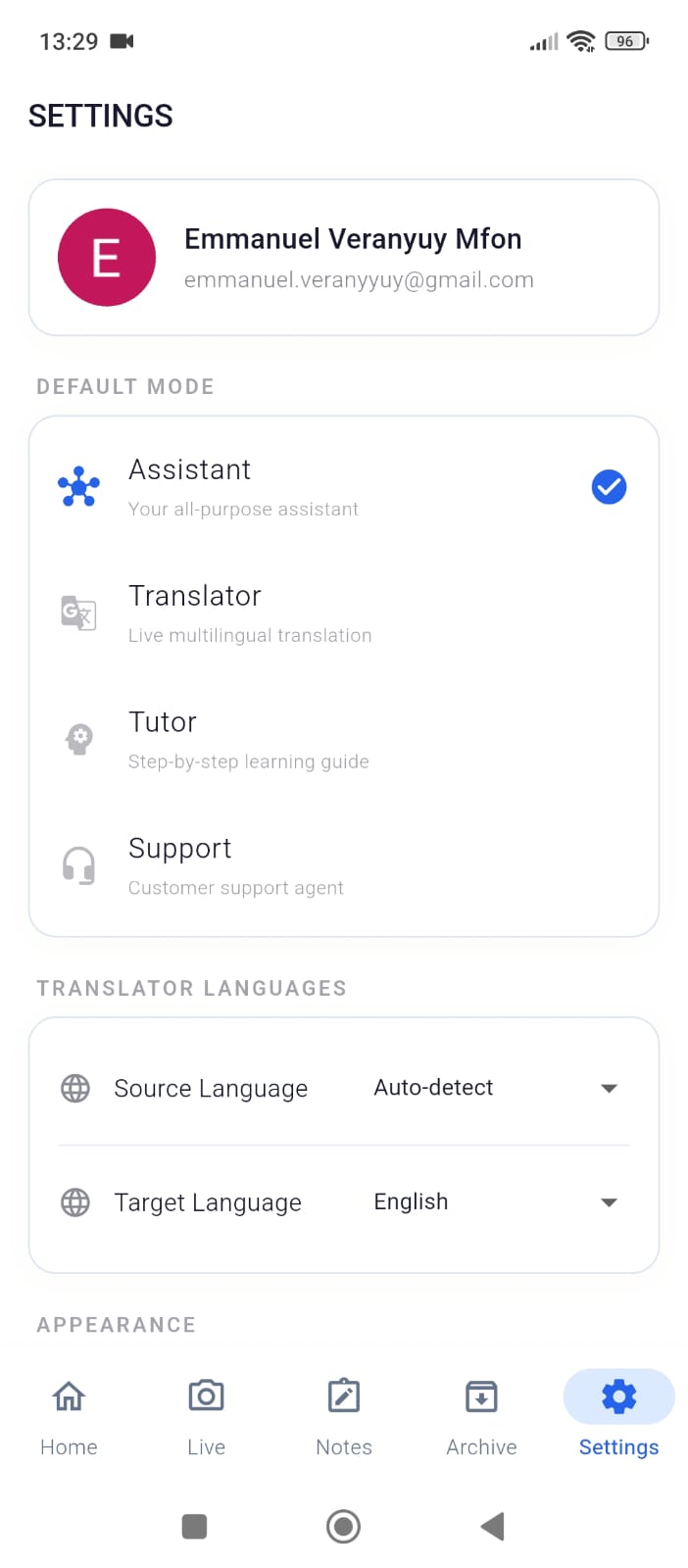
Settings_Arqivon
-
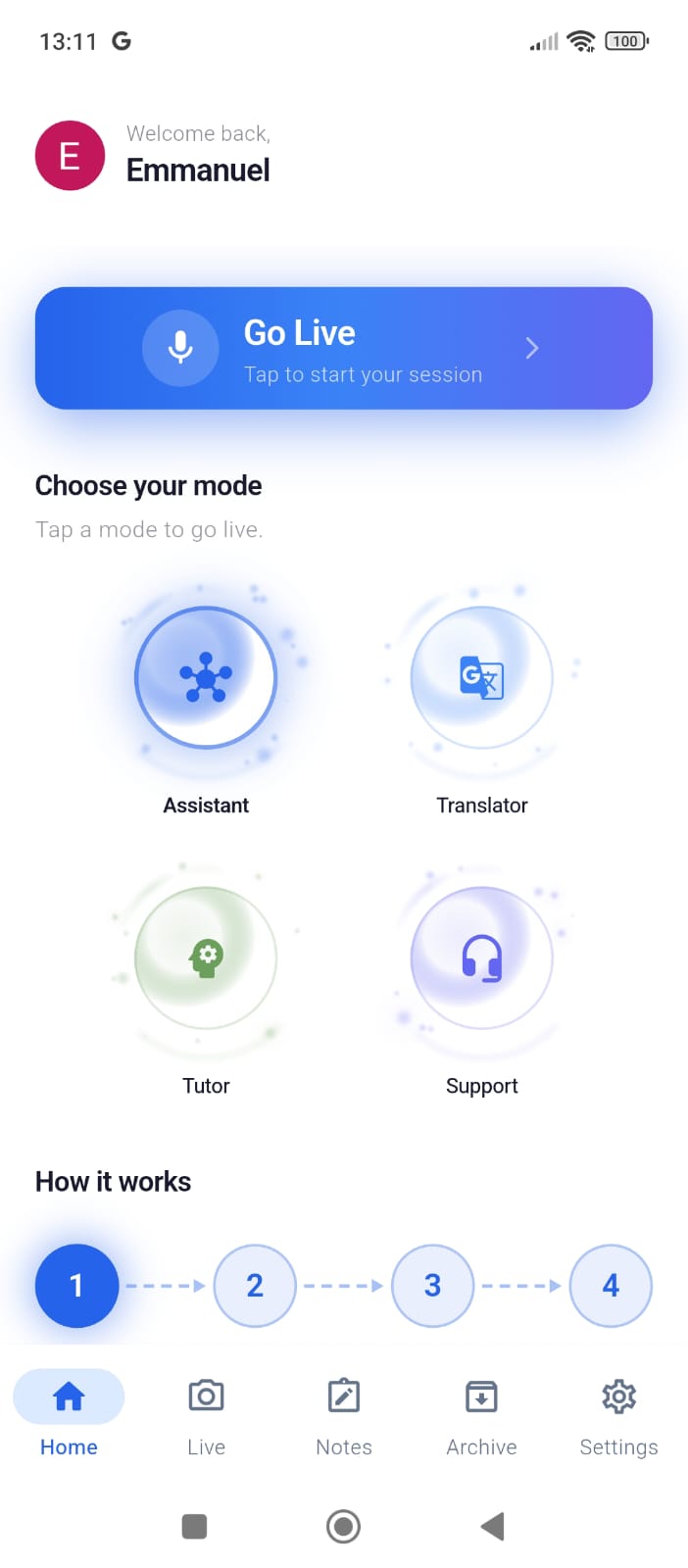
Home2_arqivon
-
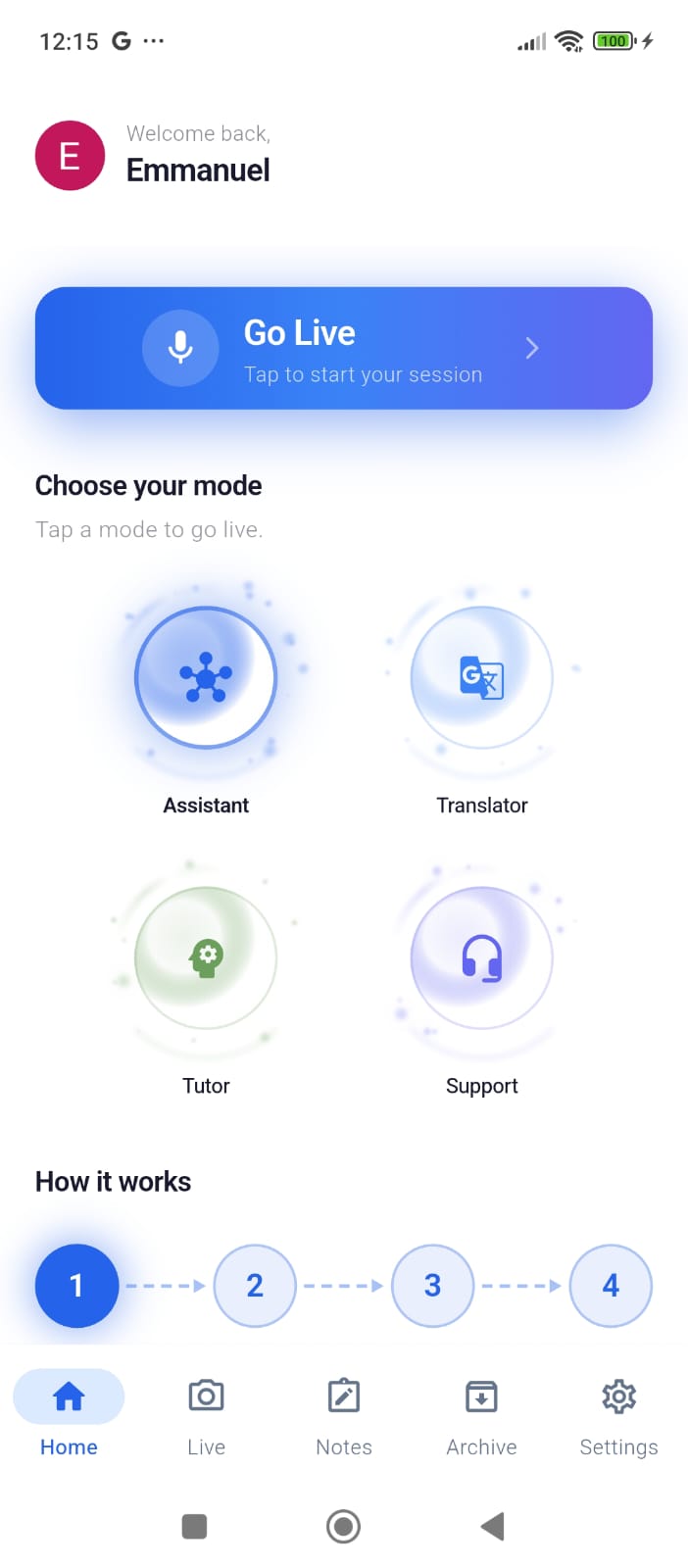
Home_Arqivon
-
-
-
-
-
-
Inspiration
Current AI assistants are trapped behind a text box. You type, wait, read. But real life doesn't pause for you to type — you're holding groceries while reading a foreign menu, staring at a math problem on a whiteboard, or troubleshooting a device with both hands full. The world is multimodal; your AI assistant should be too.
We realized that every AI tool treats interaction like a chess game — turn-based, text-first, one sense at a time. But human communication uses voice, vision, and context simultaneously. A student pointing at a whiteboard equation shouldn't have to photograph it, open a chat app, type a question, and wait. They should just ask while pointing their phone at it — and get an answer in real time.
That gap — between how AI works today and how humans actually need help — is what inspired Arqivon. We wanted to build an AI agent that sees what you see, hears what you hear, and responds instantly, with no typing and no waiting. When we discovered the Gemini Live API's native bidirectional audio and vision capabilities, we knew we could finally close that gap.
What it does
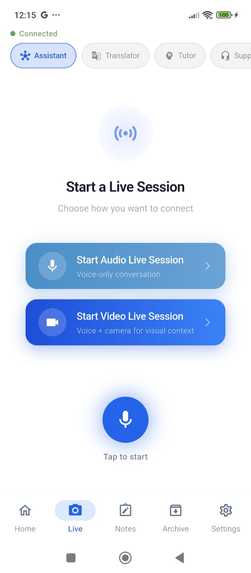
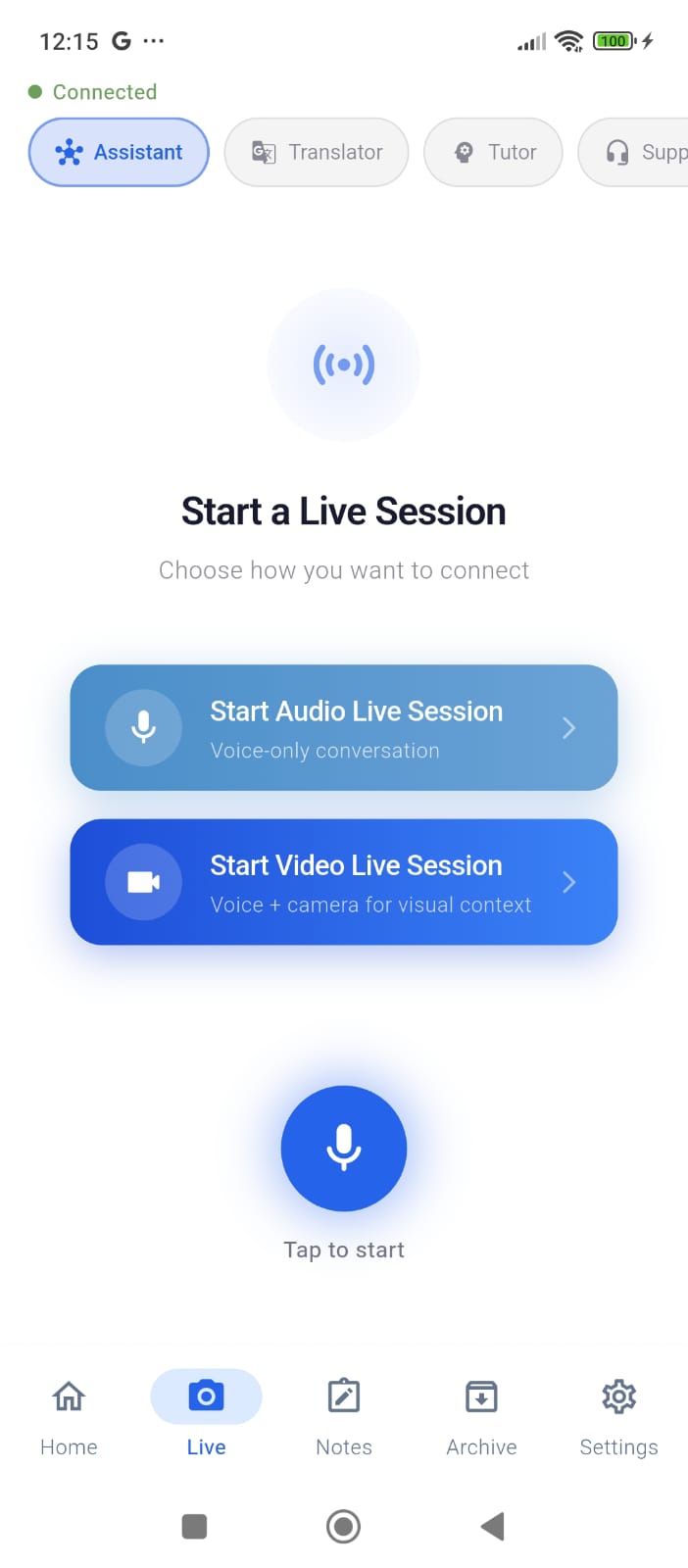
Arqivon transforms your phone into an intelligent Living Lens. Point your camera at anything — a document in another language, a math problem, a broken appliance — and Arqivon simultaneously processes your live video feed (1fps JPEG) and continuous voice (16kHz PCM) through the Gemini Live API. It doesn't just describe what it sees; it takes action through 17 agentic tools and responds with natural speech that you can interrupt mid-sentence, just like talking to a real person.
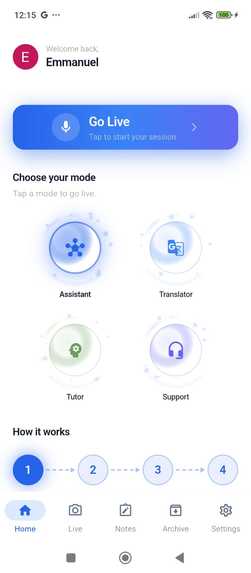
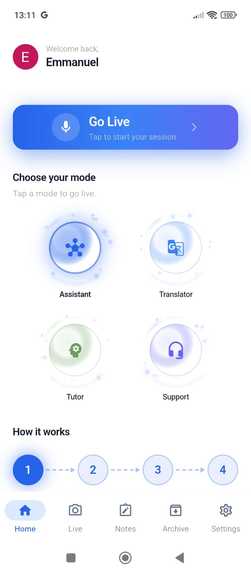
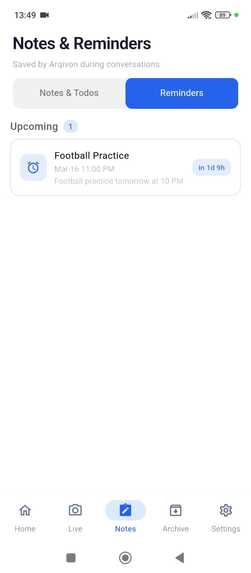
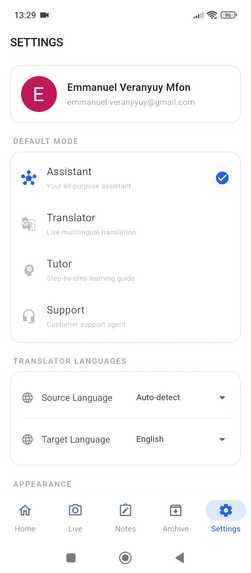
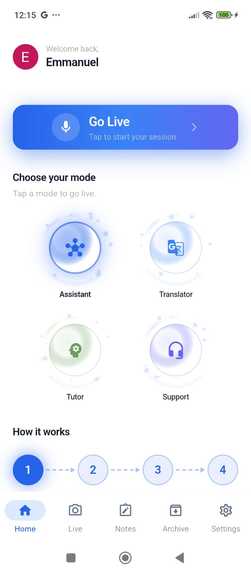
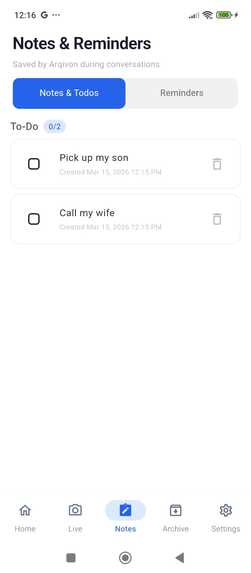
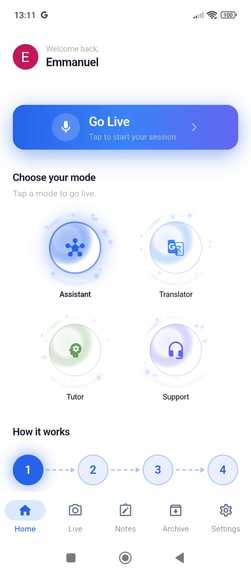
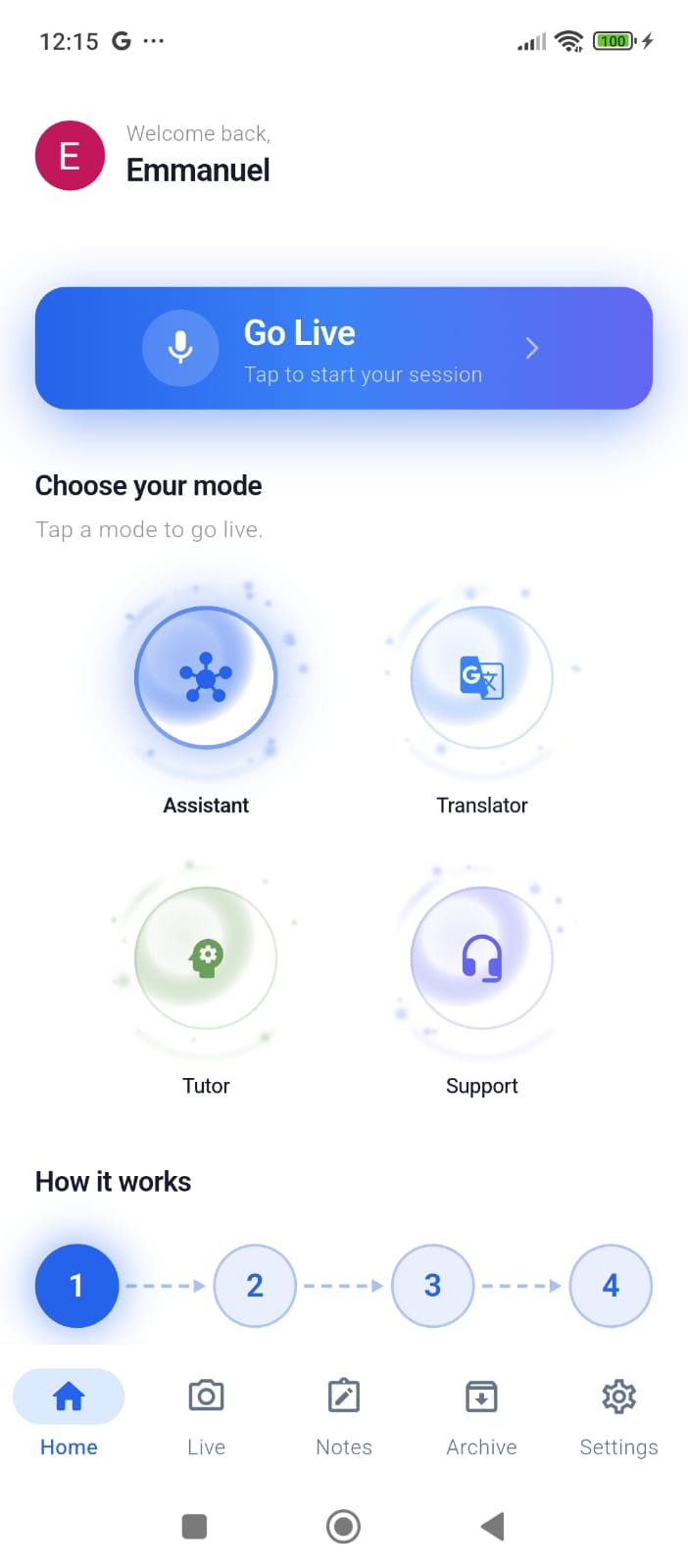
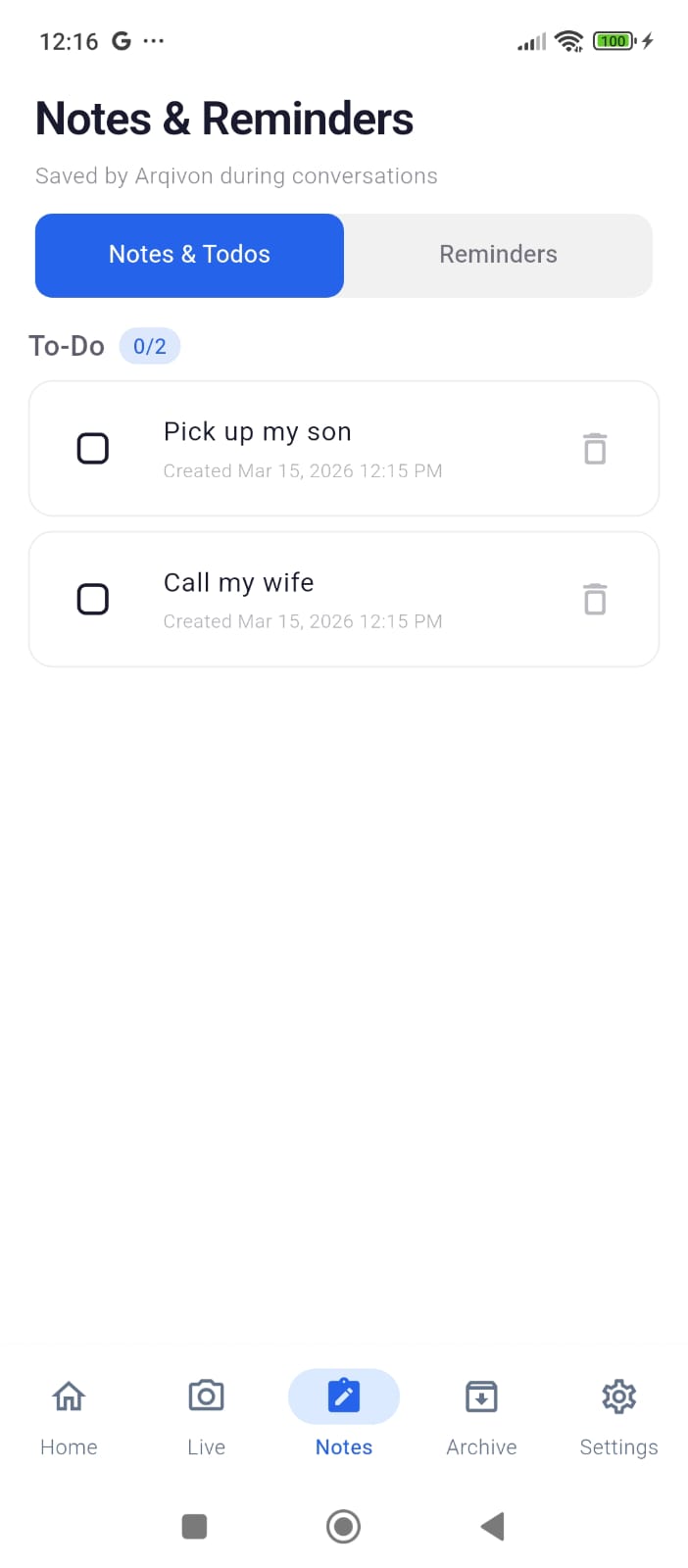
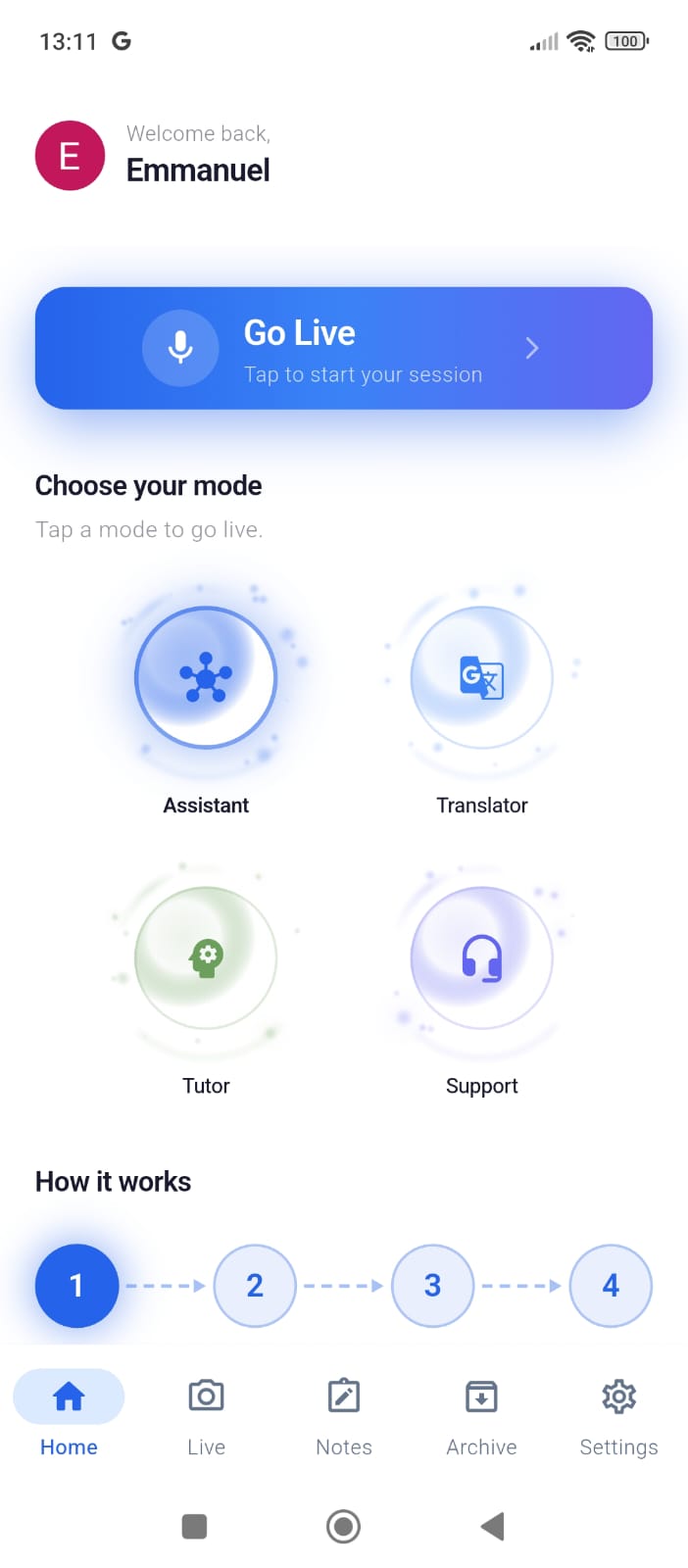
The app offers 4 specialized agent modes, each with its own persona, system prompt, and dedicated tool set: Assistant — A proactive multimodal helper that analyzes your camera feed, saves notes, sets reminders, captures photos, and creates Smart Action Cards. Translator — Real-time translation across 100+ languages with subtitle overlays, flashcard generation, language detection, and exportable PDF documents. Tutor — A vision-enabled genius tutor that analyzes homework through the camera, solves problems step-by-step, provides hints without giving away the answer, grades student work, and exports study materials. Support — An intelligent support agent that tracks conversation topics, escalates unresolvable cases, logs resolutions, and generates support documentation.
Key capabilities:
Barge-in interruption: Interrupt the AI mid-sentence and it immediately stops, re-focuses, and addresses your new input — powered by Gemini's native Voice Activity Detection. Mode switching mid-session: Switch between modes without disconnecting — the live stream continues seamlessly. Persistent memory: Arqivon remembers facts about you across sessions via Firestore, so your next conversation picks up where you left off. 6 selectable AI voices: Choose from Aoede, Puck, Charon, Kore, Fenrir, or Leda — each with Gemini's natural prosody (not TTS).
How we built it
Architecture: Arqivon uses a WebSocket relay pattern, the Flutter mobile app connects to a FastAPI backend on Cloud Run, which in turn connects to the Gemini Live API. This relay solves three problems: API key security (keys never touch the client), server-side tool dispatch, and session management with Firestore persistence.
Frontend (Flutter/Dart, ~13,800 LOC): => camera + record packages for simultaneous 1fps JPEG frames and 16kHz PCM audio capture Riverpod for state management across live session lifecycle => Custom CustomPainter orb visualizer driven by real-time RMS amplitude from raw PCM data just_audio with ConcatenatingAudioSource for gapless streaming playback of Gemini's 24kHz audio responses => Mode-colored UI theming (Indigo/Amber/Emerald/Blue) with typed UI action cards rendered from tool results
Backend (Python FastAPI, ~3,200 LOC):
google-genai SDK's aio.live.connect() for bidirectional Gemini sessions with send_realtime_input() for audio/video and send_client_content() for text context LatencyTracer class tracking every hop (audio_in → gemini_send → gemini_first_token → tool_dispatch → audio_out) with P50/P95/P99 logging every 30 seconds InputQueue with priority scheduling — audio gets highest priority; video uses latest-wins deduplication; barge-in flushes pending video but preserves audio.
Frame Throttle prevents overloading Gemini by dropping frames arriving faster than 1-second intervals 4 complete system prompts with a shared REALTIME_CONVERSATION_POLICY enforcing short bursts (2–4 sentences) and sub-1-second first-word latency Exponential backoff with jitter for reconnection: min(base × 2^attempt, cap) + uniform(0, delay×0.1) Google Cloud Services (9):
Gemini Live API (gemini-2.5-flash-native-audio-latest) — bidirectional audio + vision Google GenAI SDK — session lifecycle, tool response handling Cloud Run — min 1 instance (zero cold starts), 1-hour WebSocket timeout, CPU always-on Cloud Firestore — sessions, memories, translations, solutions, exports Firebase Auth — Google, Apple, and email/password sign-in Secret Manager — GEMINI_API_KEY injection Artifact Registry — Docker image storage Cloud Storage — exported documents and media FCM — push notifications with AI-generated session summaries
Challenges we ran into
The Android Audio Focus Bug — This was our biggest and most frustrating challenge. On Android, when our audio player starts playing Gemini's response, the OS can silently kill the microphone recorder without firing any callbacks. The _isCapturing flag stays true, the platform stream is dead, and there's no onDone, no onError — just silence. The user keeps talking but nothing reaches Gemini. We solved it with ensureRecording() — a function that force-restarts the recorder after every AI turn completes, guaranteeing the mic is always live regardless of what Android's audio focus system did behind the scenes.
Audio Pipeline Buffering — Gemini sends audio as raw PCM-16 at 24kHz in small chunks. We had to buffer these into temporary WAV files with proper RIFF headers and feed them into a ConcatenatingAudioSource playlist for gapless playback. Too few buffers and you get choppy audio; too many and latency balloons. We settled on a ~250ms flush interval.
Video Frame Rate vs. Latency — Sending camera frames at 3fps overwhelmed Gemini's context window, pushing gemini_first_token latency to P95 of 13.8 seconds. We instrumented end-to-end latency tracing and discovered video volume was the bottleneck. Reducing to 1fps with server-side FrameThrottle brought latency back to acceptable levels while preserving visual context quality.
SDK Migration — Mid-development, the google-genai SDK deprecated session.send() in favor of session.send_realtime_input() and session.send_client_content(). This required restructuring the entire input pipeline to distinguish between fire-and-forget media streams and turn-based text conversation history. Barge-In Coordination — Making interruption feel natural required precise coordination: the client must stop playback instantly, the backend must flush queued video frames but preserve the new audio, and Gemini must receive the interruption context cleanly. Getting all three layers synchronized took significant iteration.
Accomplishments that we're proud of
True real-time multimodal interaction — Simultaneous 1fps camera + 16kHz microphone streaming with natural voice responses, not turn-based chat. Users can literally point and ask.
Barge-in that feels human — You can interrupt the AI mid-sentence and it immediately stops, acknowledges your interruption, and re-engages with the new context. No lag, no stale responses, no awkward overlap.
17 agentic tools across 4 specialized modes — Each mode has a distinct persona, dedicated tools, and per-mode system prompts. The Translator sees 4 tools; the Tutor sees 7; the Support agent sees 5. This prevents tool confusion and makes each mode genuinely specialized.
Production-grade reliability — 5-attempt reconnection with exponential backoff and jitter, 12-second heartbeats, graceful Gemini session recovery, Android audio focus workarounds, and a 22-case manual stress-testing protocol covering 20-minute sustained sessions.
End-to-end latency observability — Our LatencyTracer measures every hop from audio-in to audio-out, logging P50/P95/P99 every 30 seconds. This let us find and fix the 3fps video bottleneck that was causing 13.8-second P95 response times.
~10,600 lines of production code across 44 source files with 122 automated tests — built from scratch for this challenge.
What we learned
Native audio output is transformative. Gemini's native audio has natural prosody, emphasis, and pacing that TTS simply cannot match. Setting response_modalities=["AUDIO"] instead of generating text and converting it to speech was the single biggest UX improvement.
VAD sensitivity is everything. Setting both start_of_speech_sensitivity and end_of_speech_sensitivity to HIGH made the difference between an AI that cuts you off too early and one that wait patiently for you to finish thinking.
Frames per second is a latency knob, not a quality knob. 1fps gives Gemini plenty of visual context. 3fps just triples the input volume and balloons response times. Less is more.
The WebSocket relay pattern is the right abstraction for mobile + Gemini Live. It keeps API keys server-side, enables server-side tool dispatch without client round-trips, and lets us inject session context from Firestore before connecting to Gemini.
Android audio focus is adversarial. The OS can and will silently kill your microphone when another audio source starts, with zero notification. You must defensively verify and restart recording — you cannot trust the state flags.
Instrument first, optimize second. Building LatencyTracer early in development paid for itself many times over. Without per-hop P50/P95/P99 metrics, we never would have identified that video frames (not network latency, not model speed) were causing our latency spikes.
What's next for ArQiVon
iOS release — Finalize TestFlight distribution and submit to the App Store. Web client — Bring the full multimodal experience to browsers using WebRTC for camera/mic access. Multi-turn memory graphs — Move beyond flat key-value memories to a structured knowledge graph that captures relationships between facts, enabling richer context recall across sessions. Collaborative sessions — Multiple users joining the same live session for group tutoring, multilingual meetings, or team support scenarios. Offline mode — On-device fallback for basic translation and note-taking when connectivity is unavailable. Plugin ecosystem — Open the tool registry so third-party developers can add domain-specific tools (medical reference, legal lookup, cooking assistant) without modifying the core backend. Proactive agent behavior — Arqivon should notice things before you ask — detecting a foreign language sign in the camera and offering to translate, or recognizing a math problem and switching to Tutor mode automatically.
Built With
- api
- artifact
- auth
- cloud
- crashlytics
- dart
- docker
- fastapi
- firebase
- firestore
- flutter
- gemini
- genai
- hosting
- live
- manager
- messaging
- python
- registry
- riverpod
- run
- sdk
- secret
- storage
- websockets

Log in or sign up for Devpost to join the conversation.