-
-
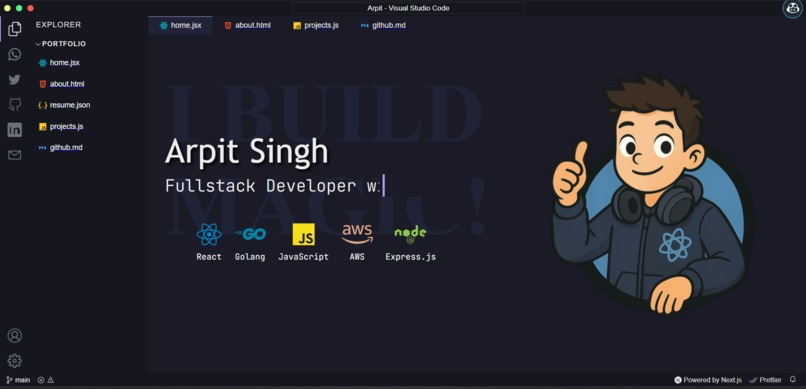
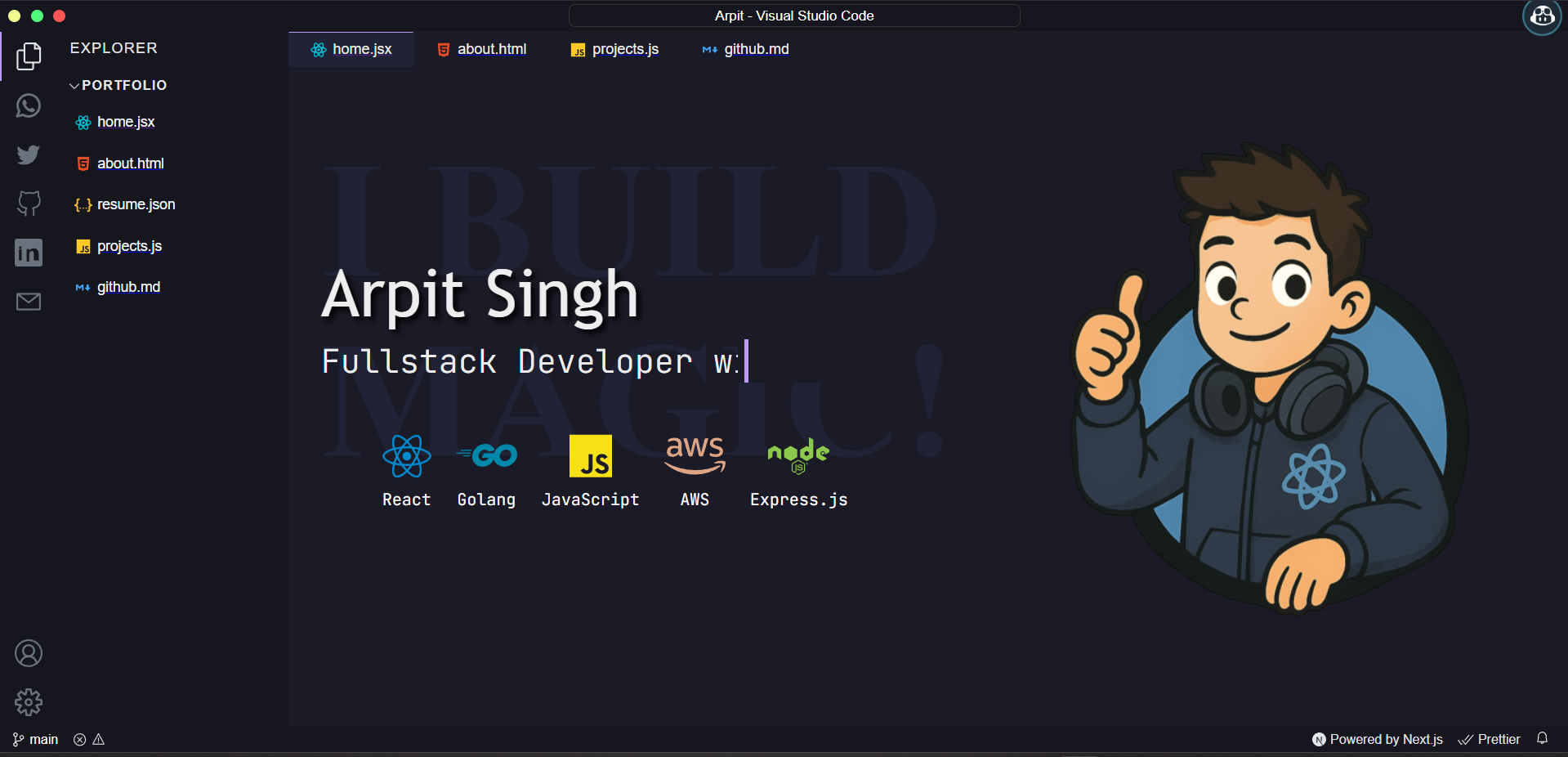
Landing Page
-
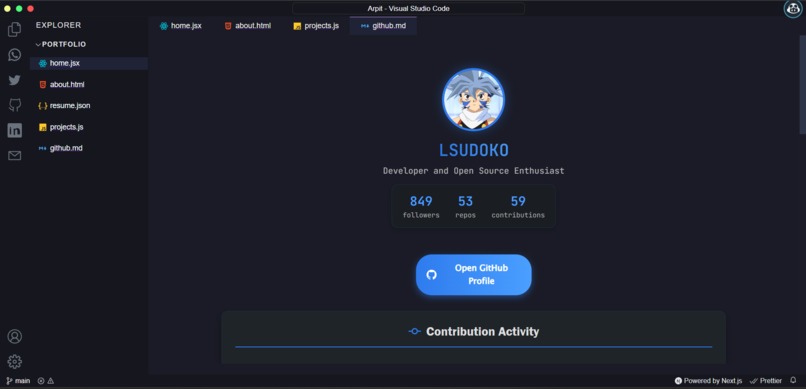
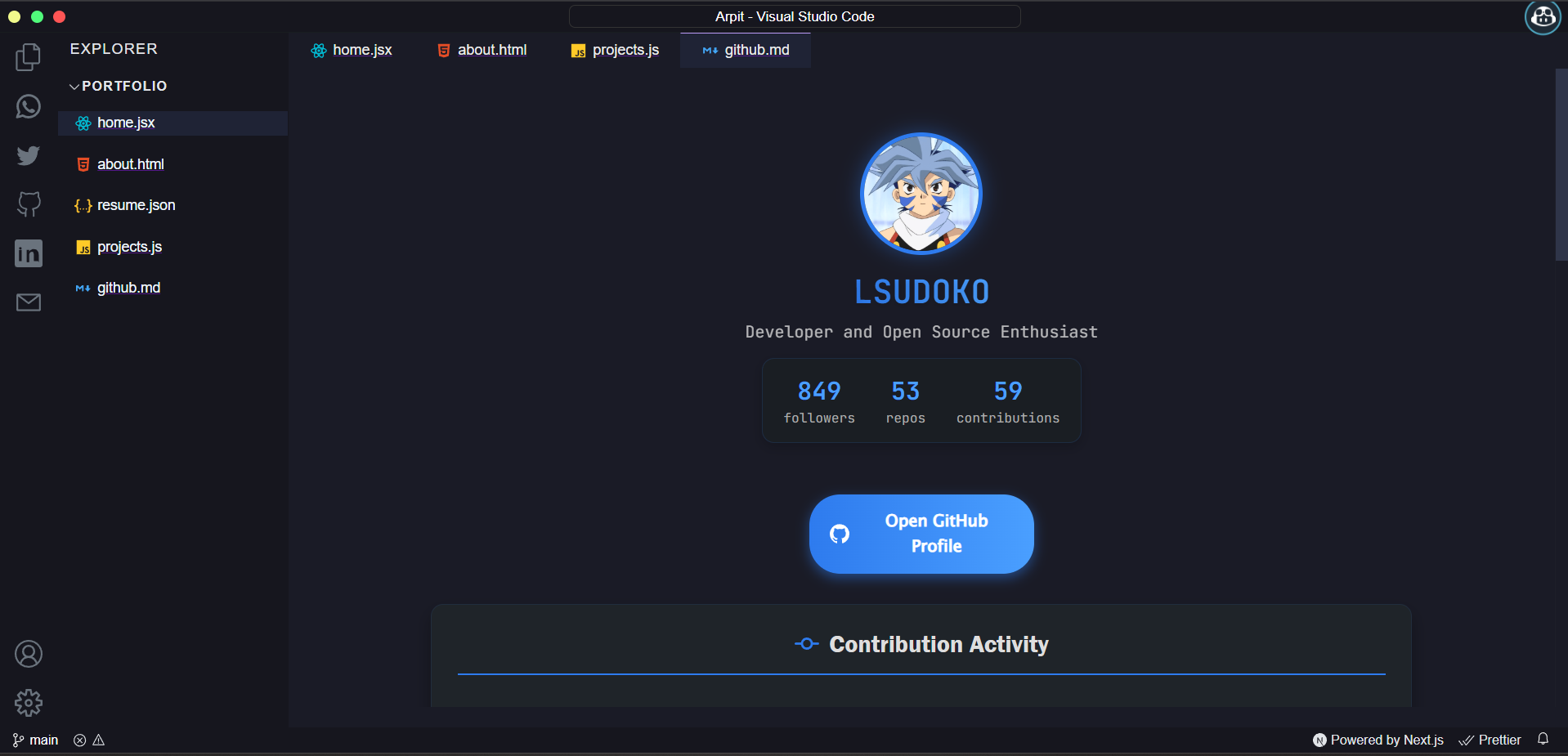
Github Page
-
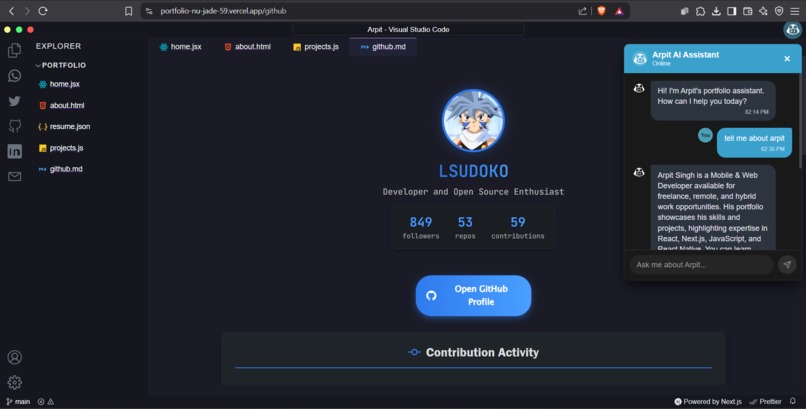
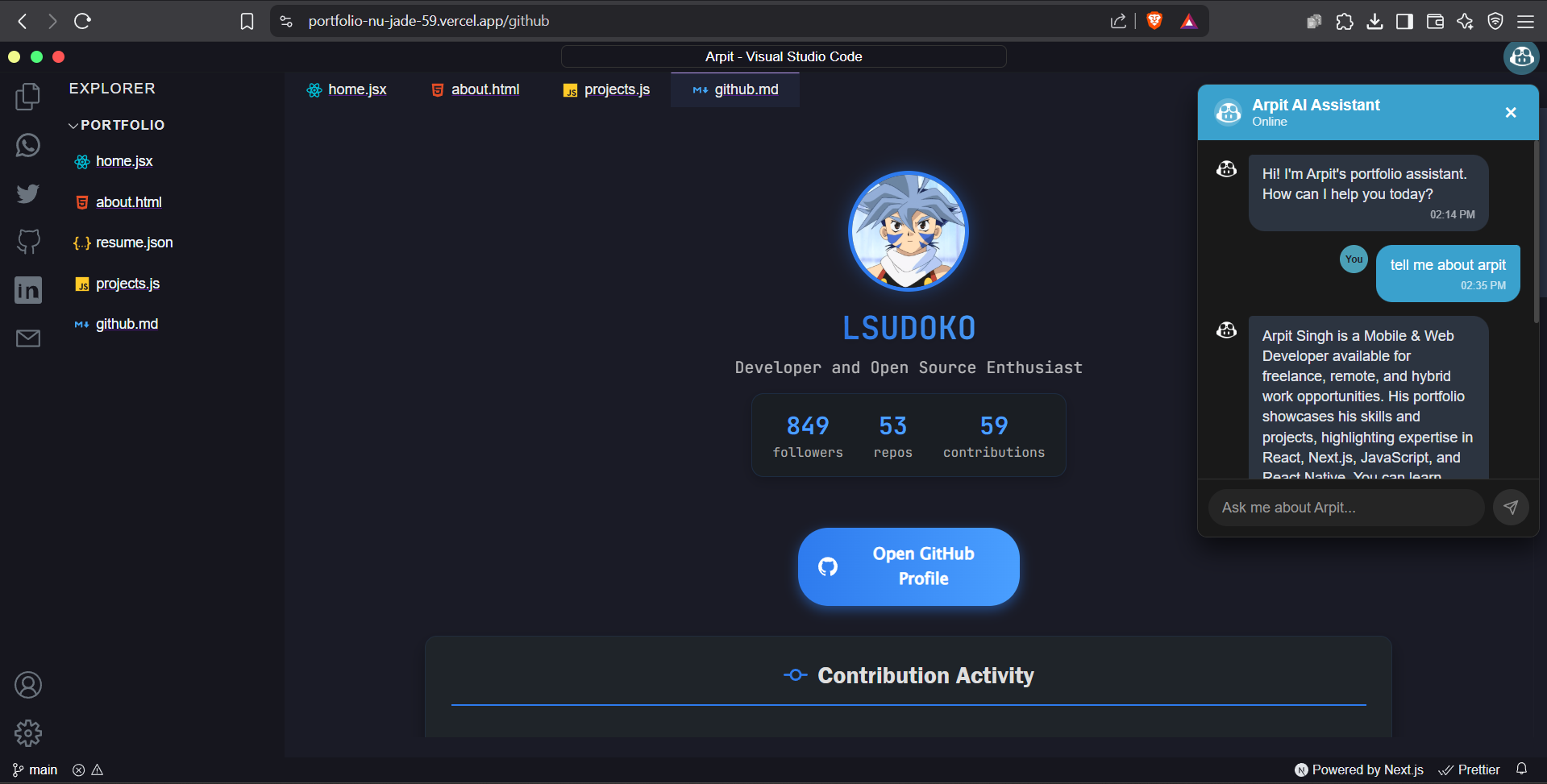
Ai assistent
-
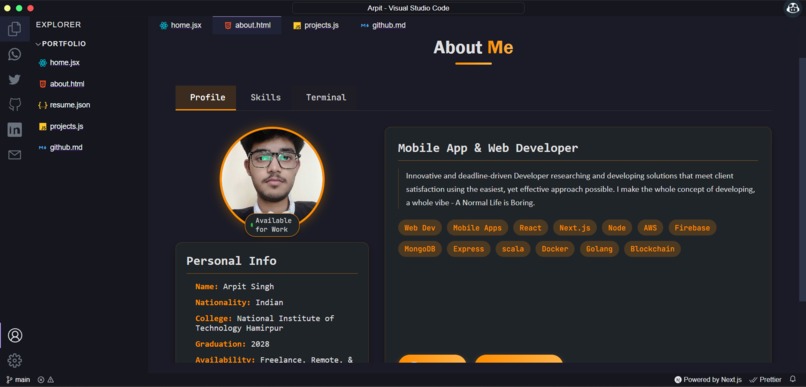
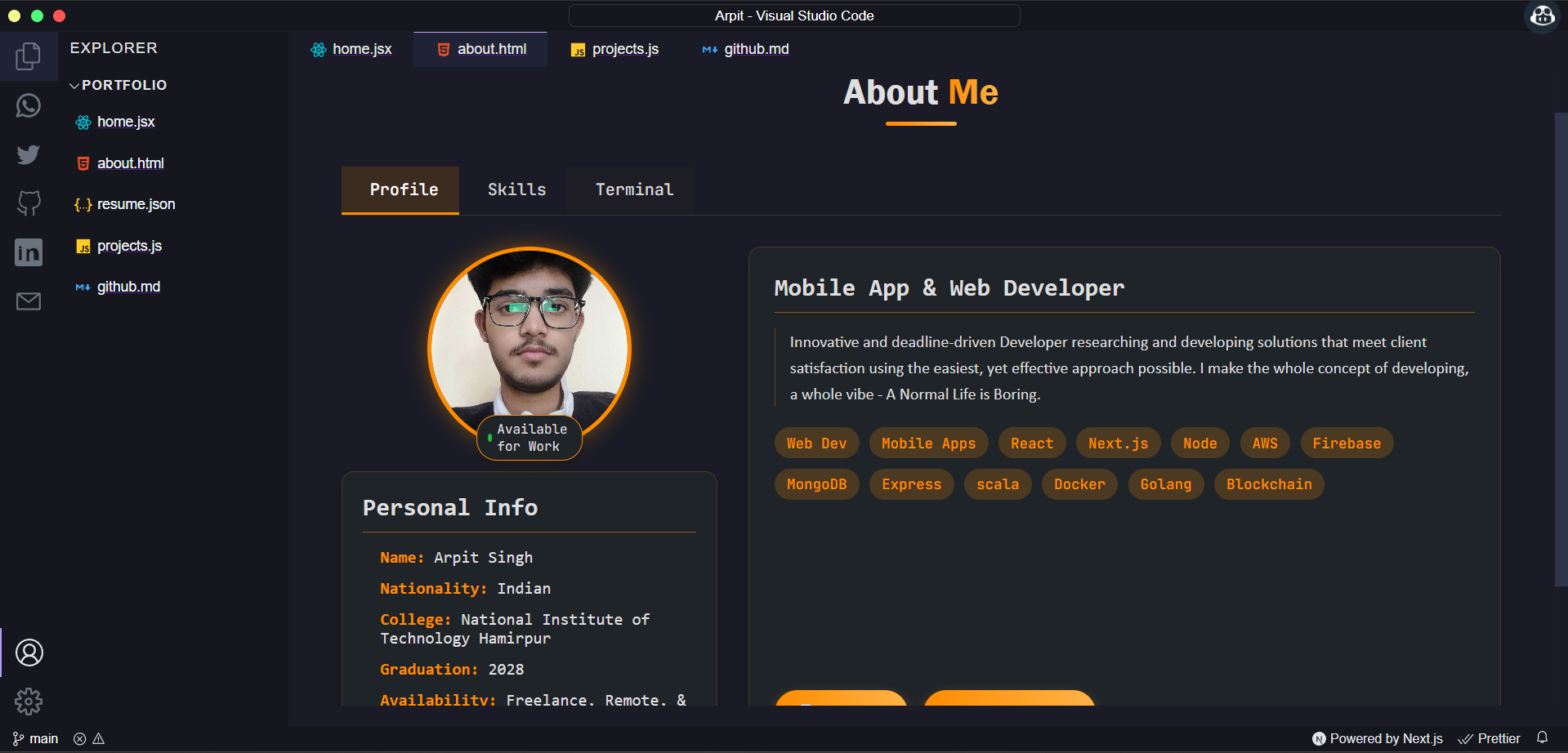
about me
-
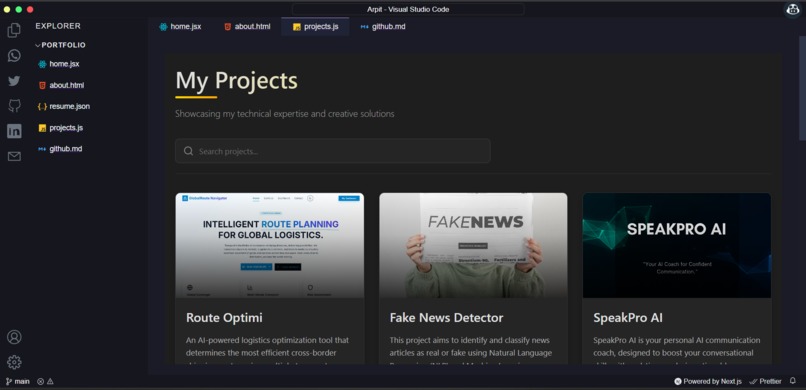
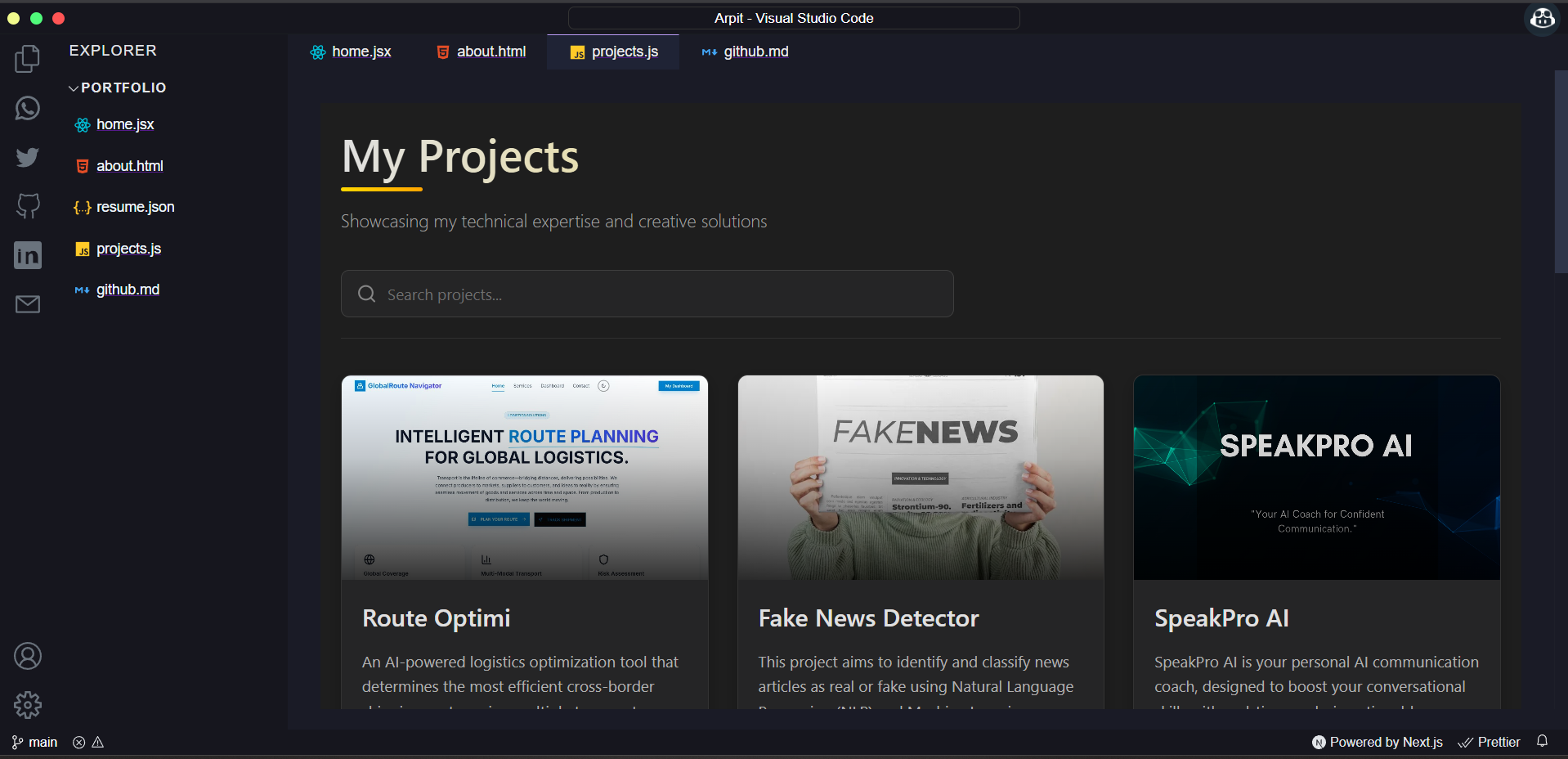
my projects
Arpit Portfolio
Inspiration
The inspiration for this portfolio came from my desire to create a unique developer experience that showcases my work in a familiar environment. As I spend countless hours in VS Code, I realized that an IDE-themed portfolio would not only highlight my technical skills but also demonstrate my attention to detail and creativity. The clean, organized structure of VS Code provides the perfect framework to present my projects and skills in a way that resonates with other developers and tech recruiters.
What it does
This portfolio transforms the VS Code interface into an interactive resume and project showcase. It features a functional sidebar navigation, tabbed browsing experience, and syntax highlighting - all elements familiar to developers. Visitors can explore my projects, skills, experience, and contact information through an interface that mimics the coding environment where these projects were created.
How we built it
The portfolio was built using Next.js as the foundation, leveraging its powerful features for server-side rendering and static site generation. The tech stack includes:
- React for component-based UI development
- CSS Modules for styled components
- JavaScript/TypeScript for functionality
- GitHub API integration for displaying repositories
- Responsive design principles for cross-device compatibility
- Custom theme implementation mimicking popular VS Code color themes
Challenges we ran into
Creating a faithful recreation of the VS Code interface presented several challenges:
- Implementing the tab system with proper state management
- Ensuring responsive design while maintaining the VS Code aesthetic
- Balancing visual appeal with practical usability
- Optimizing performance while including interactive elements
- Creating a navigation system that feels intuitive yet resembles an IDE
- Implementing theme switching without causing layout shifts
Accomplishments that we're proud of
Throughout this project, I'm particularly proud of:
- Creating a pixel-perfect recreation of the VS Code interface that functions as an effective portfolio
- Implementing a fully responsive design that works seamlessly across all devices
- Building an intuitive navigation system that mimics IDE functionality while being accessible to all users
- Successfully integrating real-time GitHub data to showcase current projects
- Receiving positive feedback from both technical and non-technical visitors
What we learned
This project provided valuable learning experiences in:
- Advanced React patterns and state management
- Next.js optimization techniques
- CSS architecture for complex UI systems
- UX design principles for technical interfaces
- Performance optimization for interactive web applications
- Creating accessible interfaces that maintain visual complexity
What's next for Arpit Portfolio
Moving forward, I plan to enhance the portfolio with:
- More interactive coding demonstrations
- A functional terminal with executable commands
- Additional VS Code-inspired features like extensions and settings
- Blog integration for technical writing
- Dark/light theme toggle with more theme options
- Improved accessibility features
- Integration with more external services and APIs


Log in or sign up for Devpost to join the conversation.