
Inspiration
Watching a subscription on a TV is still painful: typing passwords with a remote, players that stutter on cheap TV sticks, apps that only work on one kind of device, and no way to see or control which devices use your account. I wanted one service that feels the same on a laptop, a phone, an Android TV box and a Fire TV Stick, and that respects the people using it (their language, their devices, their privacy).
What it does
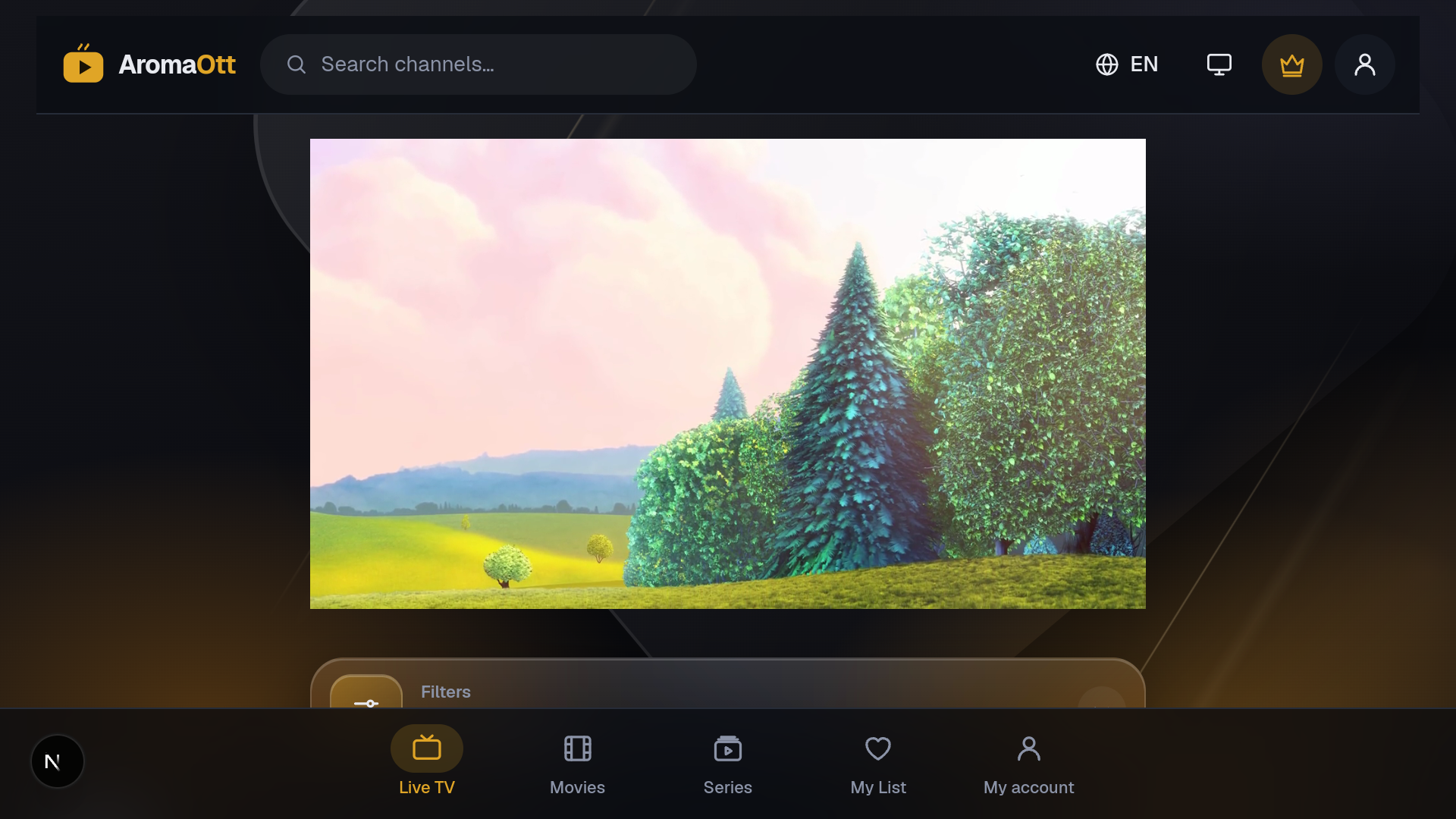
AromaOtt is a subscription TV platform with a web app and an Android app (phones, Android TV, Fire TV):
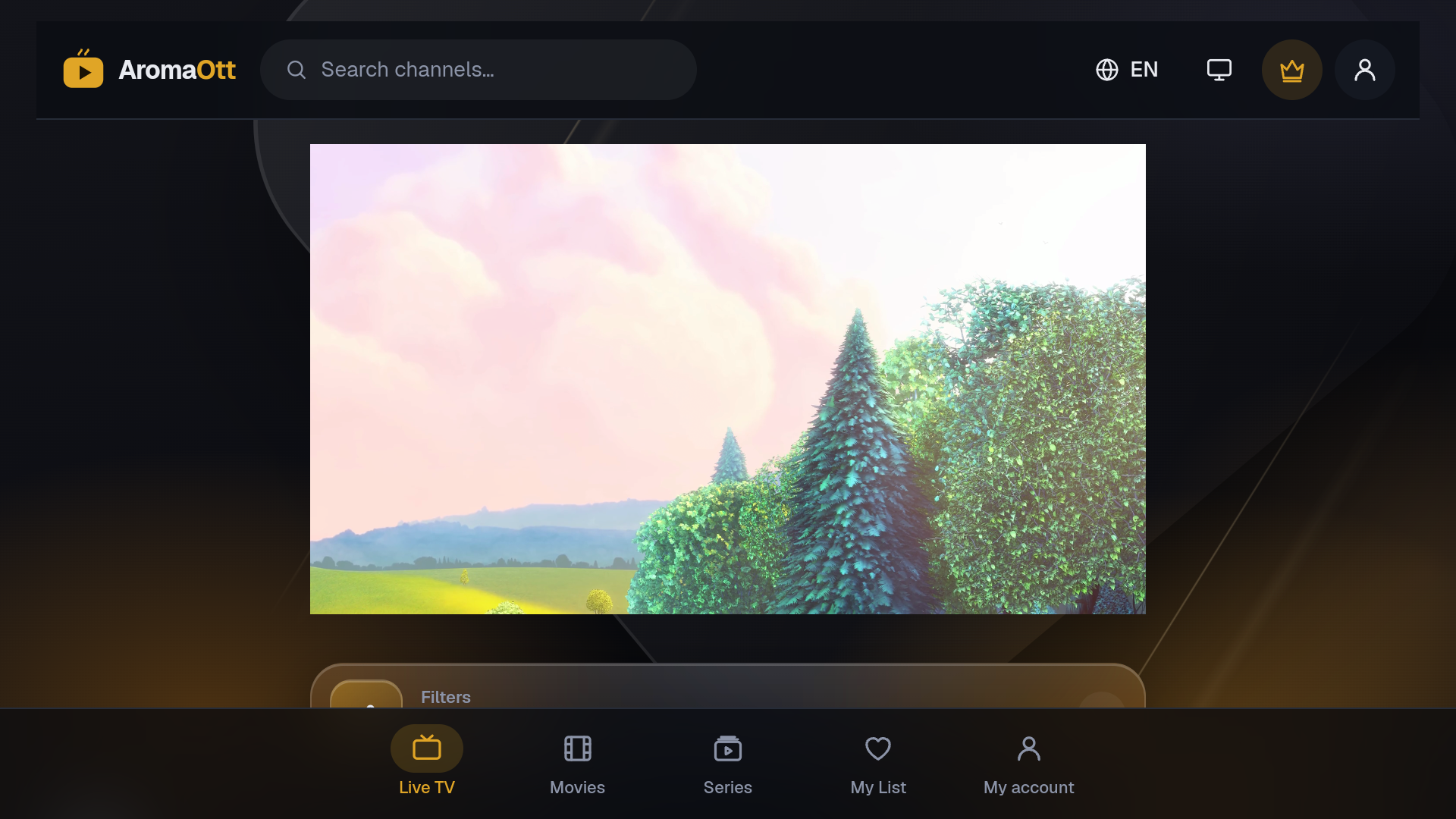
- Watch anywhere: live channels, movies and series in the browser or the Android app.
- Built for the big screen: a TV mode with full remote-control navigation (arrows, OK, Back, play/pause, channel up/down) that switches on automatically on TVs.
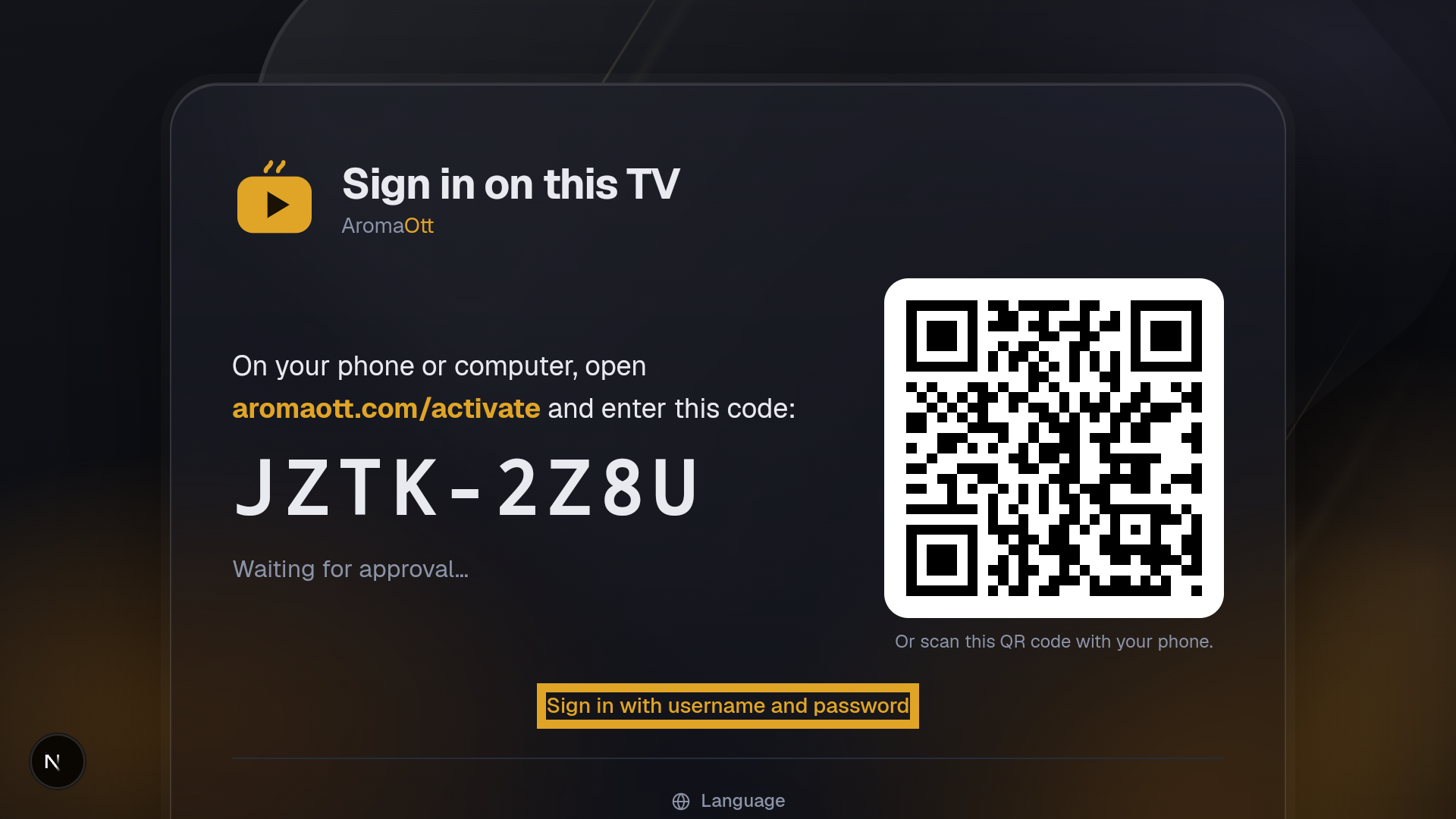
- Sign in on a TV with a code: the TV shows a short code and a QR code; you approve it on your phone. No password typing with a remote.
- Native player in the app: video plays through Android's Media3 ExoPlayer with hardware decoding, behind a transparent web interface, so the app keeps the site's controls, guide and menus.
- Pick up where you left off: resume for movies and episodes, watched / in-progress marks on every episode, and a next-episode countdown.
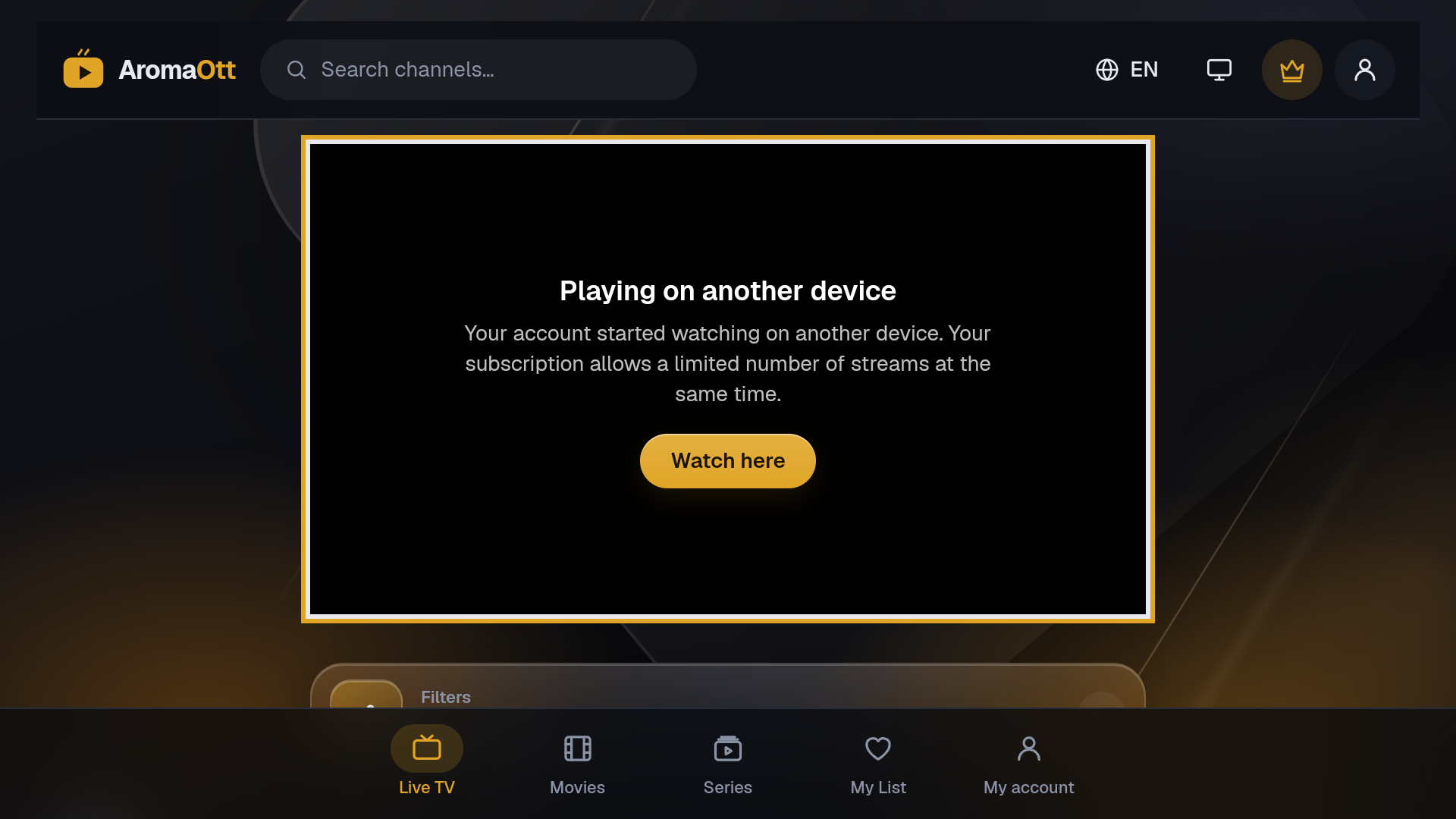
- Fair, transparent device rules: each plan has a device limit and a simultaneous-stream limit. If you start watching on a second device, the newer one takes over and the first shows "Playing on another device" with a Watch here button.
- 9 languages, including full right-to-left Arabic, chosen automatically and easy to change.
- Self-updating Android app: distributed directly from the site, checks for updates daily, verifies every download (SHA-256) before installing.
- Admin panel: members, plans, devices, live viewers, capacity and activity, plus security (2-step login, session revocation, "sign out everywhere").
How we built it
- Web: Next.js 16 (App Router, Server Components, Server Actions), React 19, TypeScript, Tailwind CSS.
- Data: PostgreSQL with Prisma ORM 7.
- Playback on the web: hls.js and mpegts.js through an encrypted, session-bound stream proxy, so provider addresses and credentials never reach a device.
- Android: a native Kotlin shell around the web app with a JavaScript bridge to a Media3 ExoPlayer engine, one APK for phones, Android TV and Fire TV.
- TV navigation: a small in-house spatial-navigation library (focus memory per row, Back handling, TV key codes for Fire TV, Android TV, Samsung and LG).
- Security: TOTP 2-step login, Cloudflare Turnstile, rate limits, session versioning for instant sign-out, strict CSP, SSRF protection on every outbound fetch.
- Infrastructure: Docker Compose on a VPS behind nginx and Cloudflare.
- Built with AI assistance: much of the code was written and tested together with Claude Code (Anthropic), with every change reviewed, type-checked and tested on emulators before release.
Challenges we ran into
- Video on many devices: Android WebView claims it can play HLS natively but fails on proxied playlists, so the app falls back to hls.js or the native player automatically.
- Making a web UI work with a remote: hidden player controls kept "trapping" focus; spatial navigation had to learn to skip invisible elements and wake the controls on the first key press.
- One provider connection, many viewers: movies need one upstream connection per viewer, so we built a connection pool with fallback copies and a calm "getting your movie ready" screen instead of an error.
- Right-to-left layout: small details (a hidden form field at -9999px, numbers inside Arabic sentences) broke Arabic pages in surprising ways.
- Updating an app outside a store: safe self-updates needed hash checks, the right Android install-permission flow on every version, and a release key that can never be lost.
Accomplishments that we're proud of
- One code base that runs on the web, phones, Android TV and Fire TV.
- Signing in on a TV in seconds without typing a password.
- A privacy page that is generated from what the code actually stores, in 9 languages.
What we learned
- TVs are a different medium: focus, distance and the remote matter more than layout.
- Native playback plus a web interface gives the best of both worlds.
- Small accessibility and RTL details decide whether an app feels finished.
What's next for AromaOtt
- Samsung Tizen and LG webOS apps (the playback engine is already pluggable).
- Desktop apps for Windows and macOS.
- An electronic programme guide (EPG) and picture-in-picture in the native player.
Built With
- android
- android-tv
- cloudflare
- docker
- exoplayer
- fire-tv
- hls.js
- kotlin
- media3
- mpegts.js
- next.js
- nginx
- node.js
- postgresql
- prisma
- react
- tailwindcss
- totp
- turnstile
- typescript
- webview

Log in or sign up for Devpost to join the conversation.