-
-
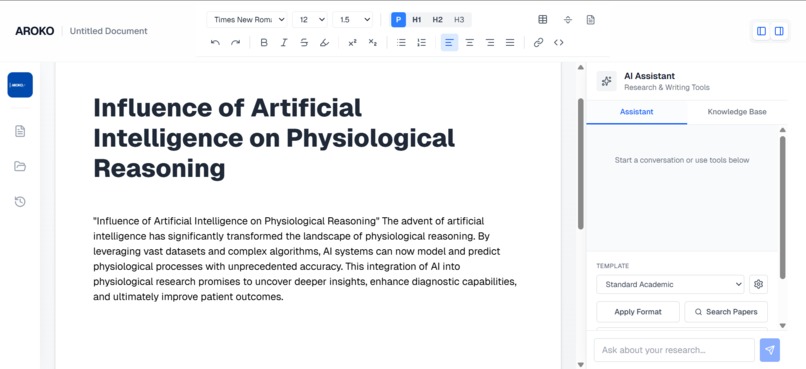
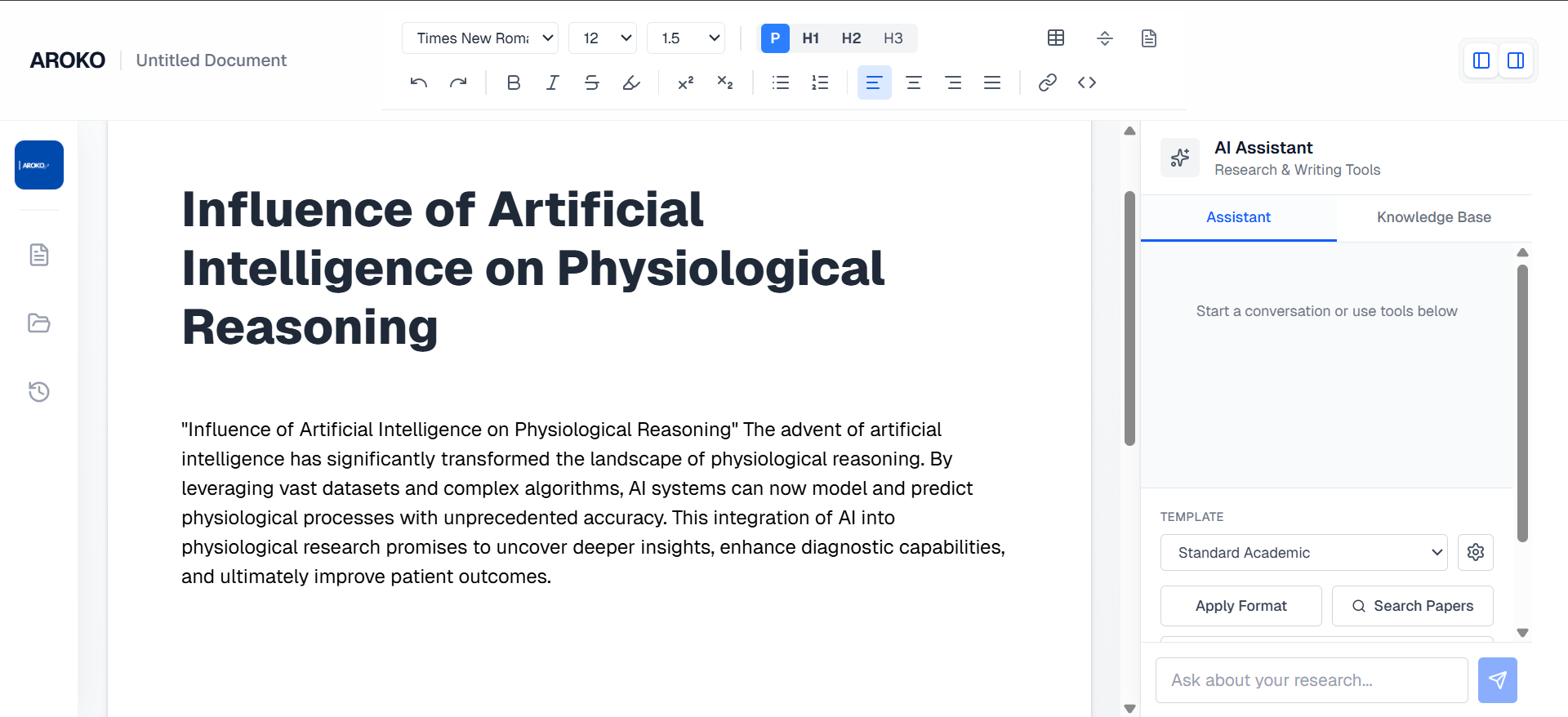
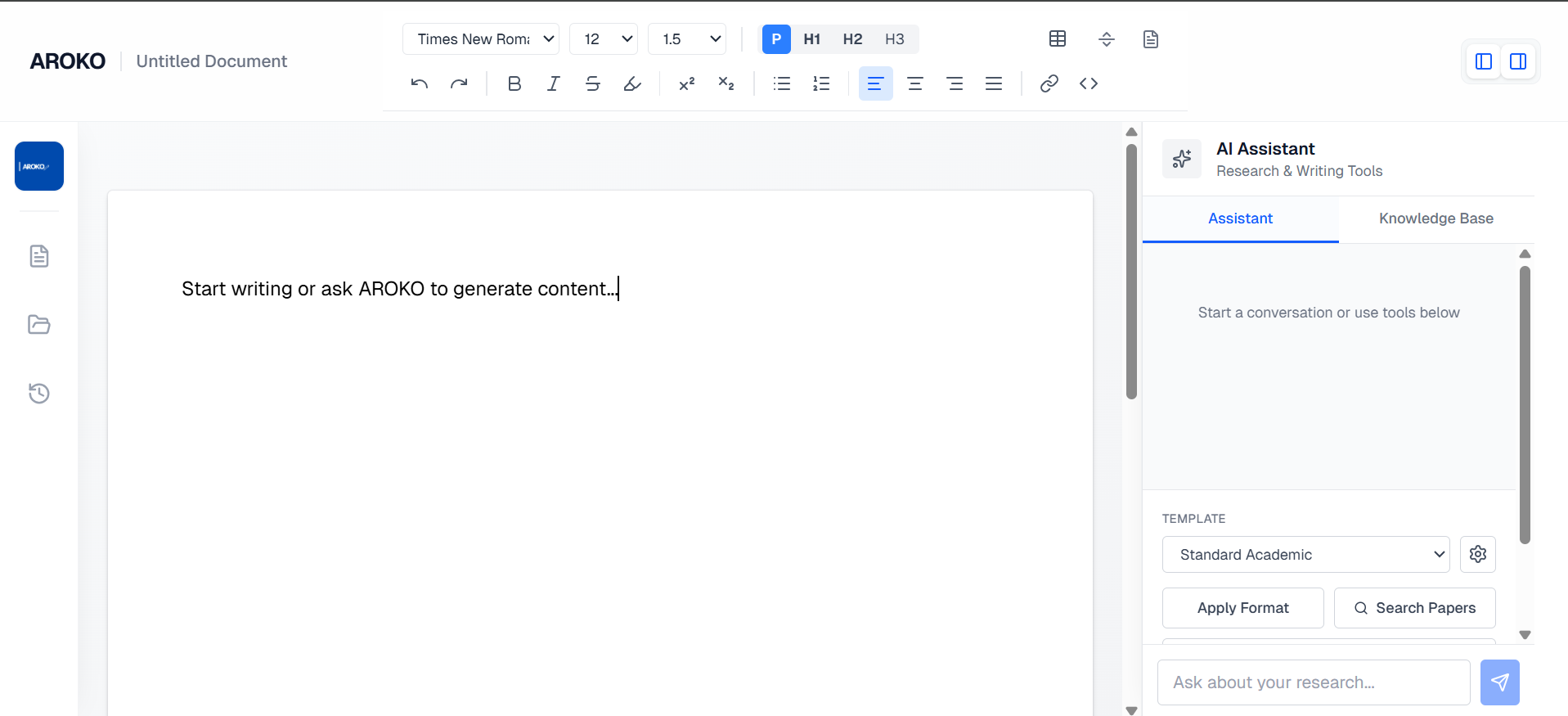
word editor when using AI to generate
-
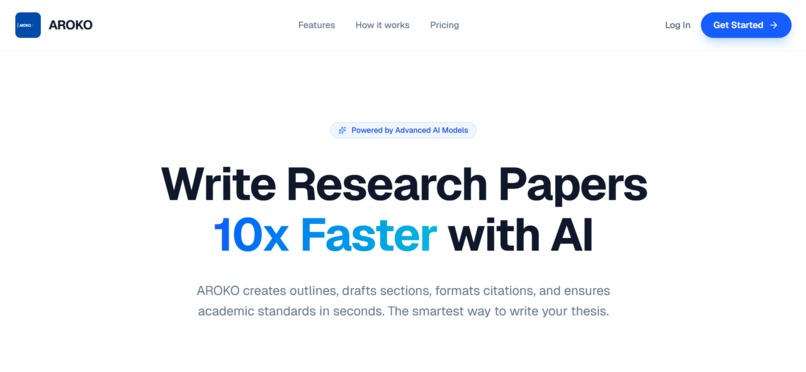
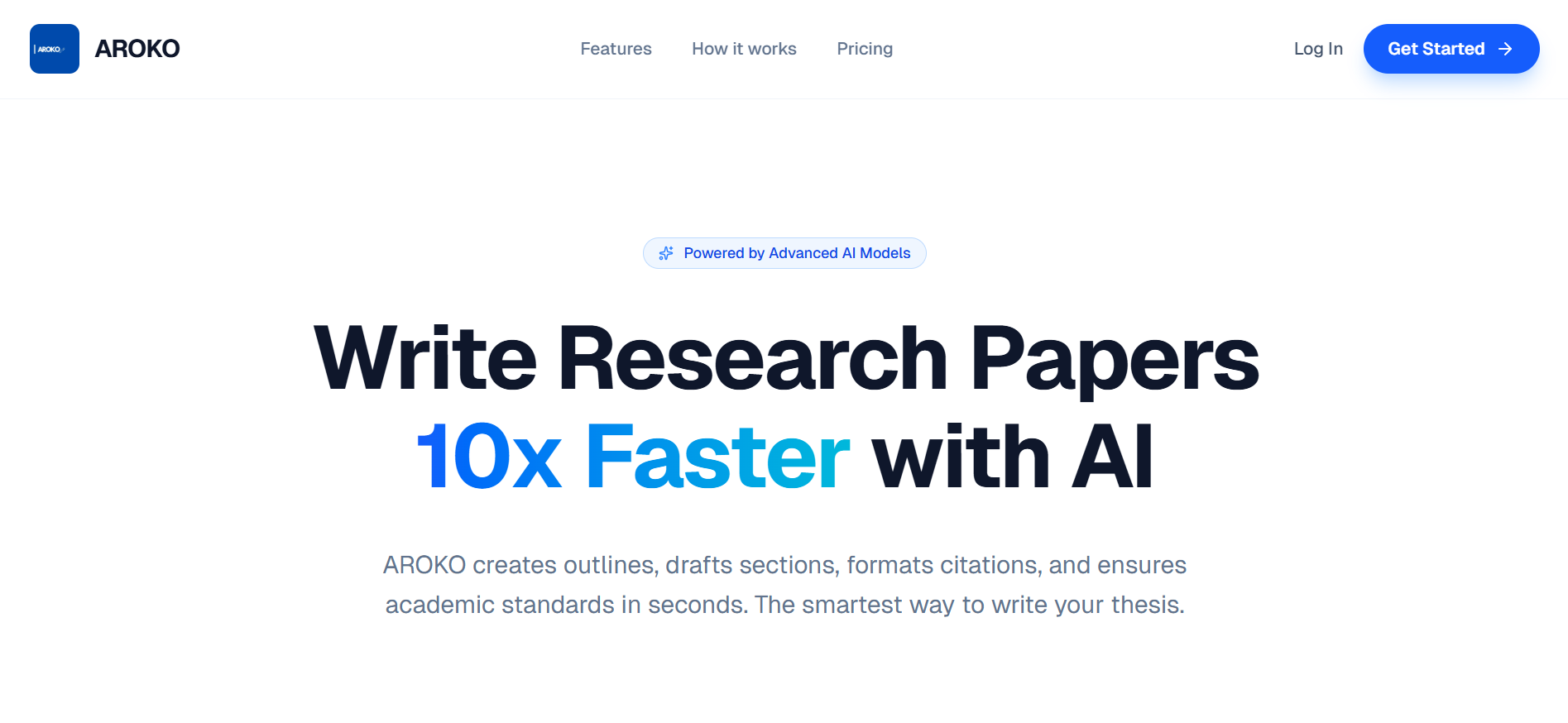
Landing page
-
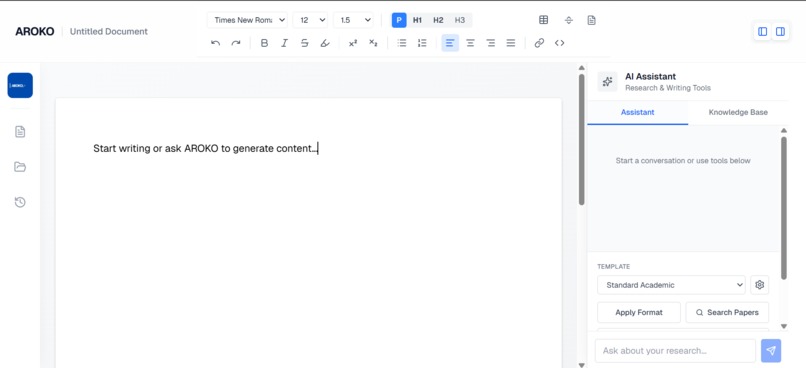
clean page
Inspiration
Academic writing is incredibly difficult, not just because of the research involved, but because of the rigid formatting, strict citation rules, and the constant context-switching between reading PDFs, analyzing data tables, and writing prose in a word processor.
When I looked at existing AI writing tools, I noticed a glaring problem for students and researchers: hallucinations. Generic AI chatbots confidently invent fake academic papers and authors ((Smith, 2021)), making them completely unreliable for serious academic work. I realized that to truly help students, an AI editor needed strict guardrails, zero hallucination tolerance, and deep context awareness and also integrated Text Editor. That realization birthed AROKO.
What it does
AROKO is an AI-powered academic workspace designed specifically for university students and researchers, built natively around Amazon Nova foundation models. It brings the power of AI directly into the text editor, allowing users to:
Context-Aware Writing: Highlight any sentence or type / to instantly have the AI expand, paraphrase, or improve the text. AROKO dynamically reads the nearest section heading and the preceding 500 characters so the AI perfectly matches the user's specific context and tone. Zero-Hallucination Citations: Users upload their PDFs into the Knowledge Base. When the AI writes, it is strictly sandboxed to only cite from the uploaded papers using a custom Citation Registry. It formats the references perfectly and refuses to invent fake sources. Smart Data Visualization: Researchers can paste raw markdown/HTML data tables into the editor, and AROKO will use AI to instantly parse the data and generate interactive, editable React charts (Bar, Line, Pie, Scatter) seamlessly inside the document.
How we built it
AROKO was built using a modern, scalable tech stack:
Frontend: Next.js 15 (App Router), React, and Tailwind CSS. Text Editor: We used the Tiptap headless editor framework to build a completely custom rich-text experience with interactive "Bubble Menus" and floating AI command bars. AI Engine: We chose AWS Bedrock as our exclusive AI provider, routing strictly through the Vercel AI SDK.
Models Used:
We rely on Amazon Nova Lite for our rapid, in-line text transformations (like paraphrasing a sentence) because its blazing-fast latency makes the editor feel instantaneous and highly responsive. We step up to Amazon Nova Pro for heavy lifting—specifically parsing complex data schemas when converting raw tables into structured JSON for our chart generator, and for deep contextual reasoning when referencing multiple uploaded PDFs.
Challenges we ran into
Our biggest challenge was "taming" the AI. Foundation models genuinely want to be helpful, which means if you ask them to write an academic paragraph but don't give them sources, they will happily invent fake sources to make the paragraph look professional!
We spent significant time refining our prompt engineering and building a robust context-parsing engine. We had to build logic that dynamically swaps out the system prompts based on whether the user's Knowledge Base is empty or populated, ensuring that the word "citation" is completely hidden from the AI when no sources exist, while enforcing strict adherence to real metadata when sources do exist.
Accomplishments that we're proud of
I am incredibly proud of the clean, seamless UI/UX. The fact that a user can highlight text, tweak a paragraph with Amazon Nova, paste a table, generate a beautiful React chart, and then chat with a research mentor all without ever leaving the document editor feels like a massive step forward for academic tools.
What we learned
I learned that speed and cost matter immensely in AI applications. By routing high-frequency, smaller tasks to Amazon Nova Lite, we achieved a snappy, responsive text editor that doesn't break the bank—proving that you don't always need the heaviest, most expensive model for every single interaction. Proper model selection and targeted prompt engineering are far more effective than brute-forcing tasks with massive models.
What's next for AROKO
The next steps for AROKO include adding real-time collaborative editing for group projects, implementing a persistent backend database (like PostgreSQL) for saving user workspaces across devices, and integrating direct API access to university library databases to instantly pull full-text papers into the Knowledge Base.
Built With
- amazon-bedrock
- amazon-web-services
- css3
- next.js
- react
- typescript
- vercel

Log in or sign up for Devpost to join the conversation.