-
-
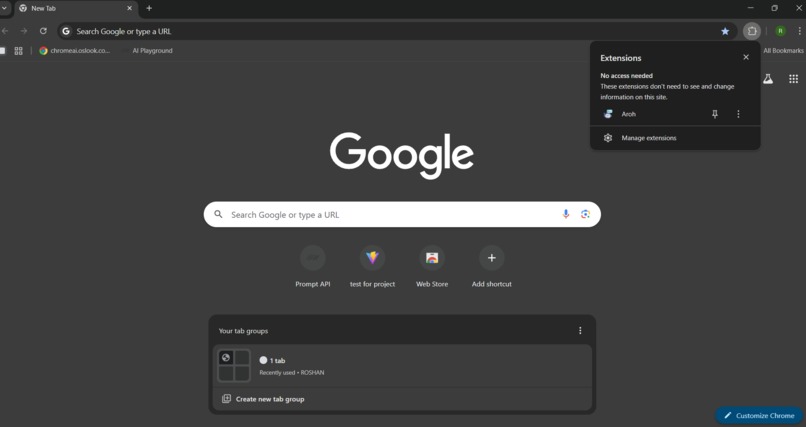
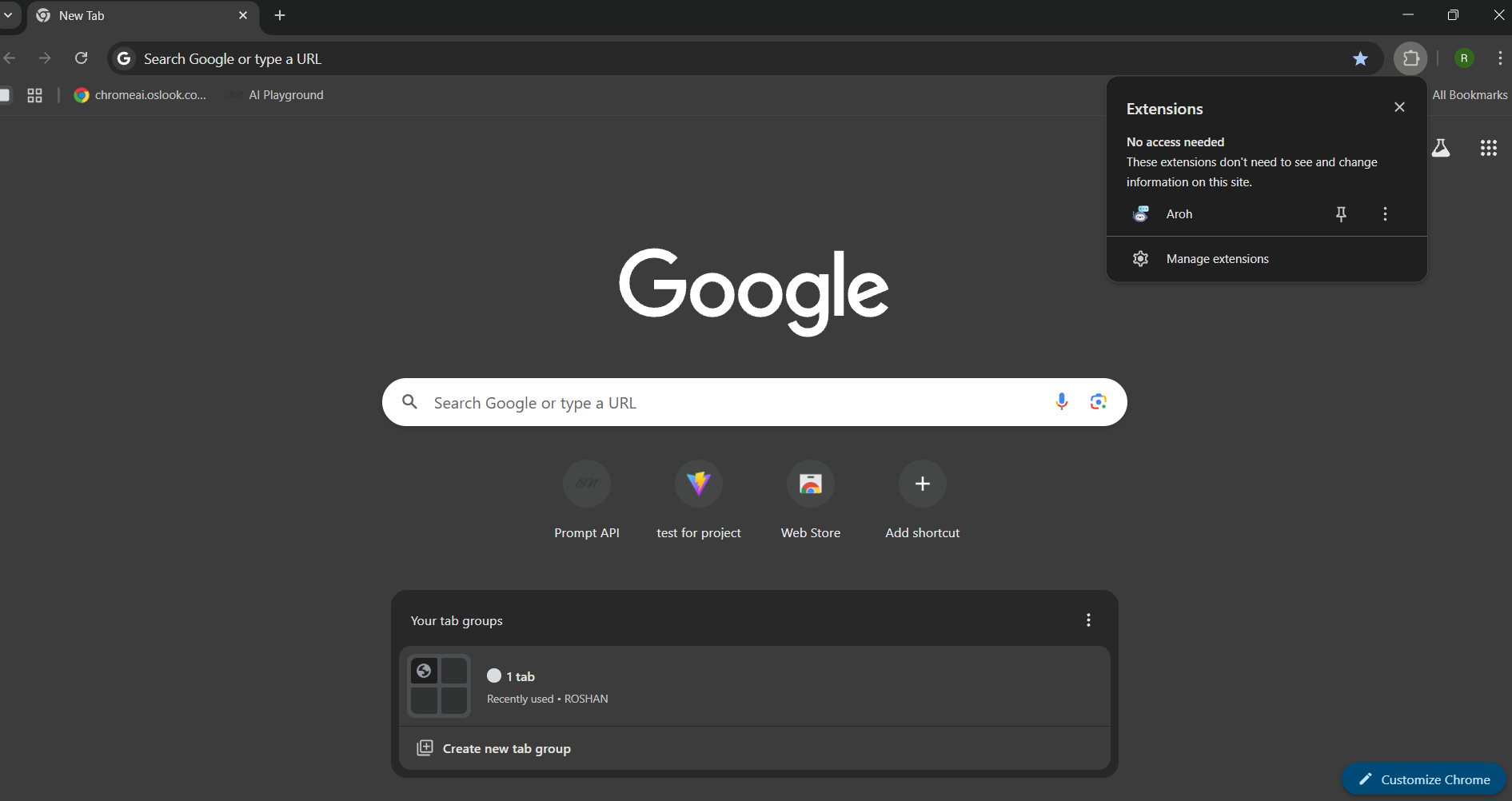
This is what Aroh chrome Extension look like in chrome , it has a good logo of itself.
-
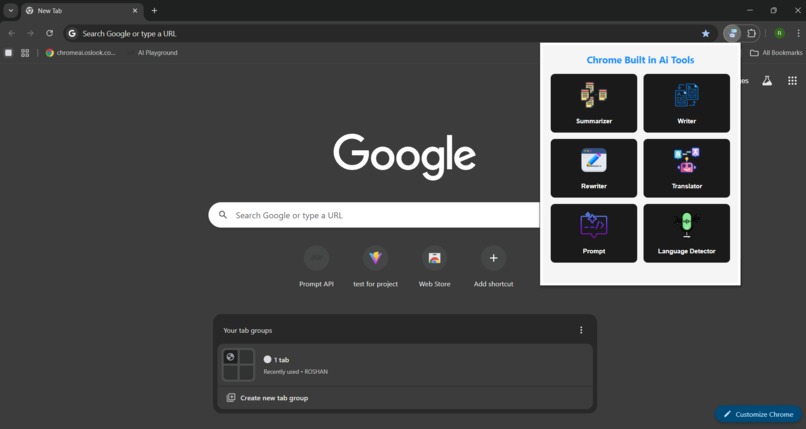
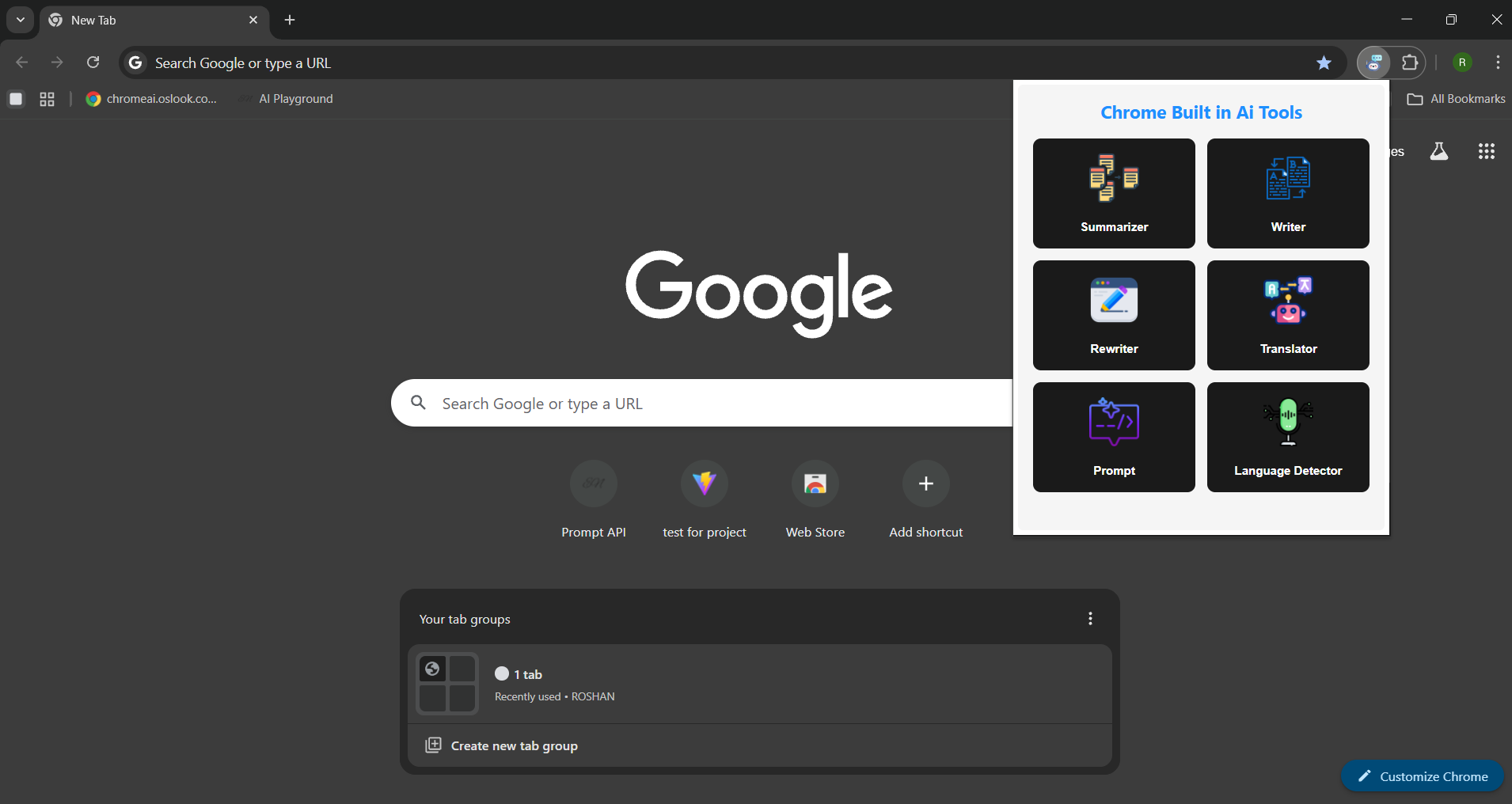
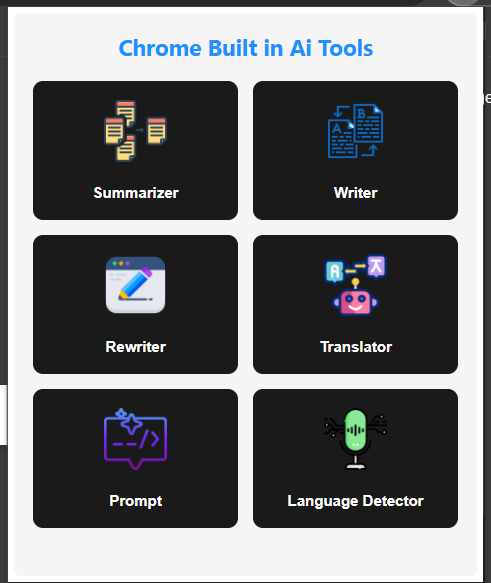
his is the popup ui of Aroh , simple and elegent for user to use.
-
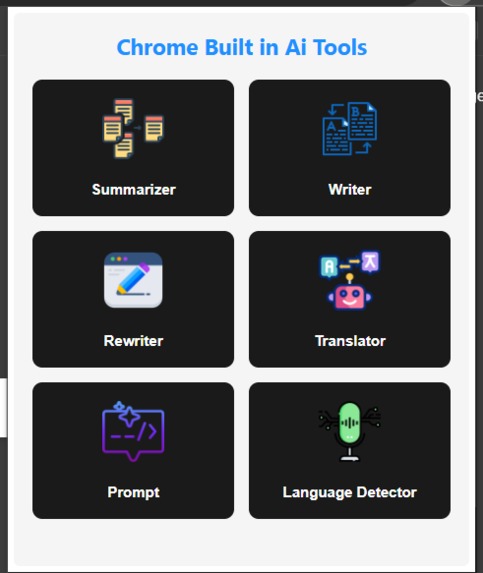
Aroh has 6 options Summarizer, translator, languague Detector, writer, rewriter and translator Api
-
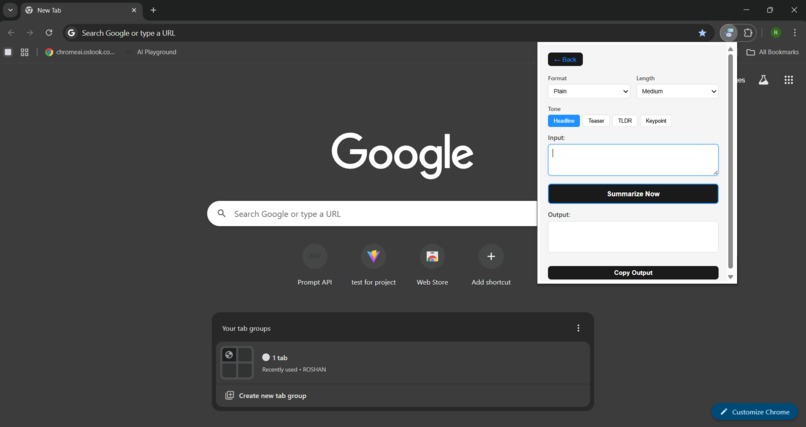
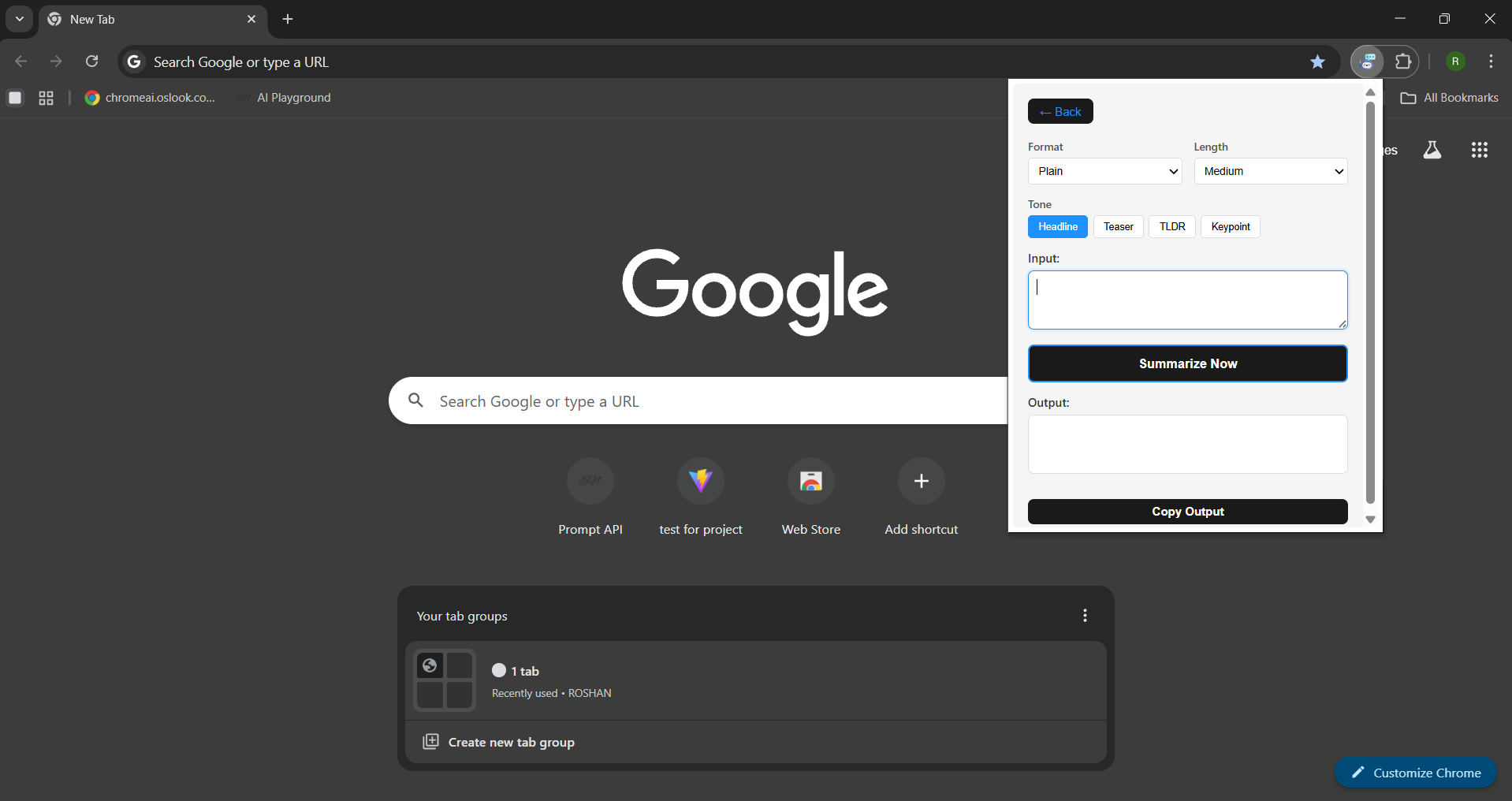
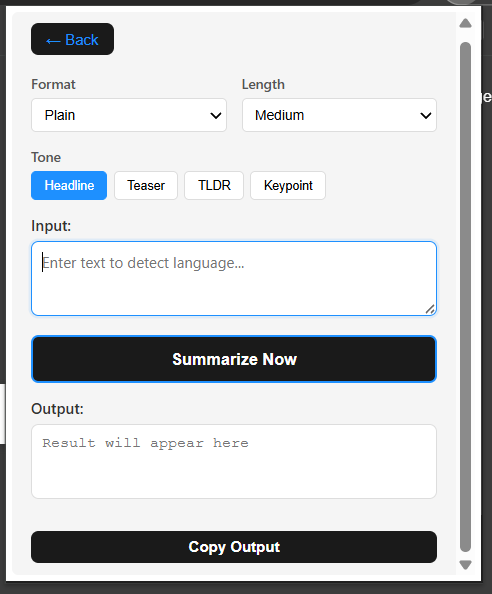
This is the script ui that do all the backend operation, i try to make it simple and smooth to use.
-
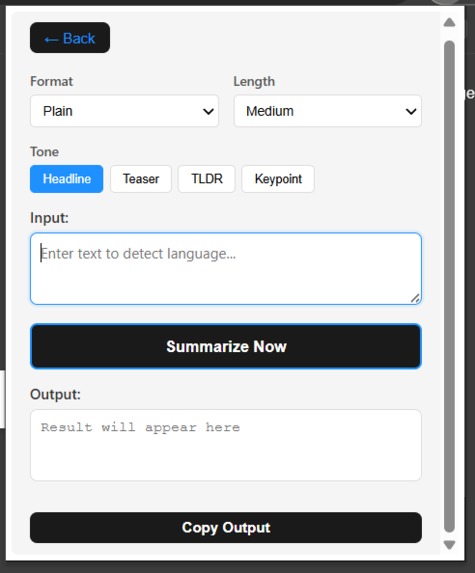
As we can see user have more customization in the every api .and they get their output in their desired way.
-
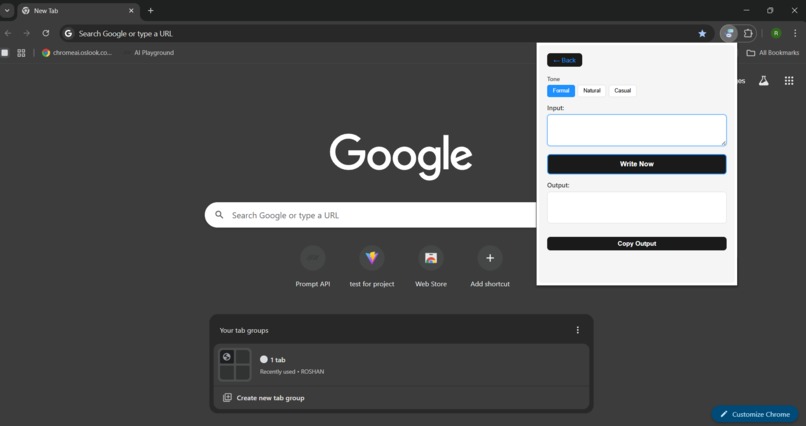
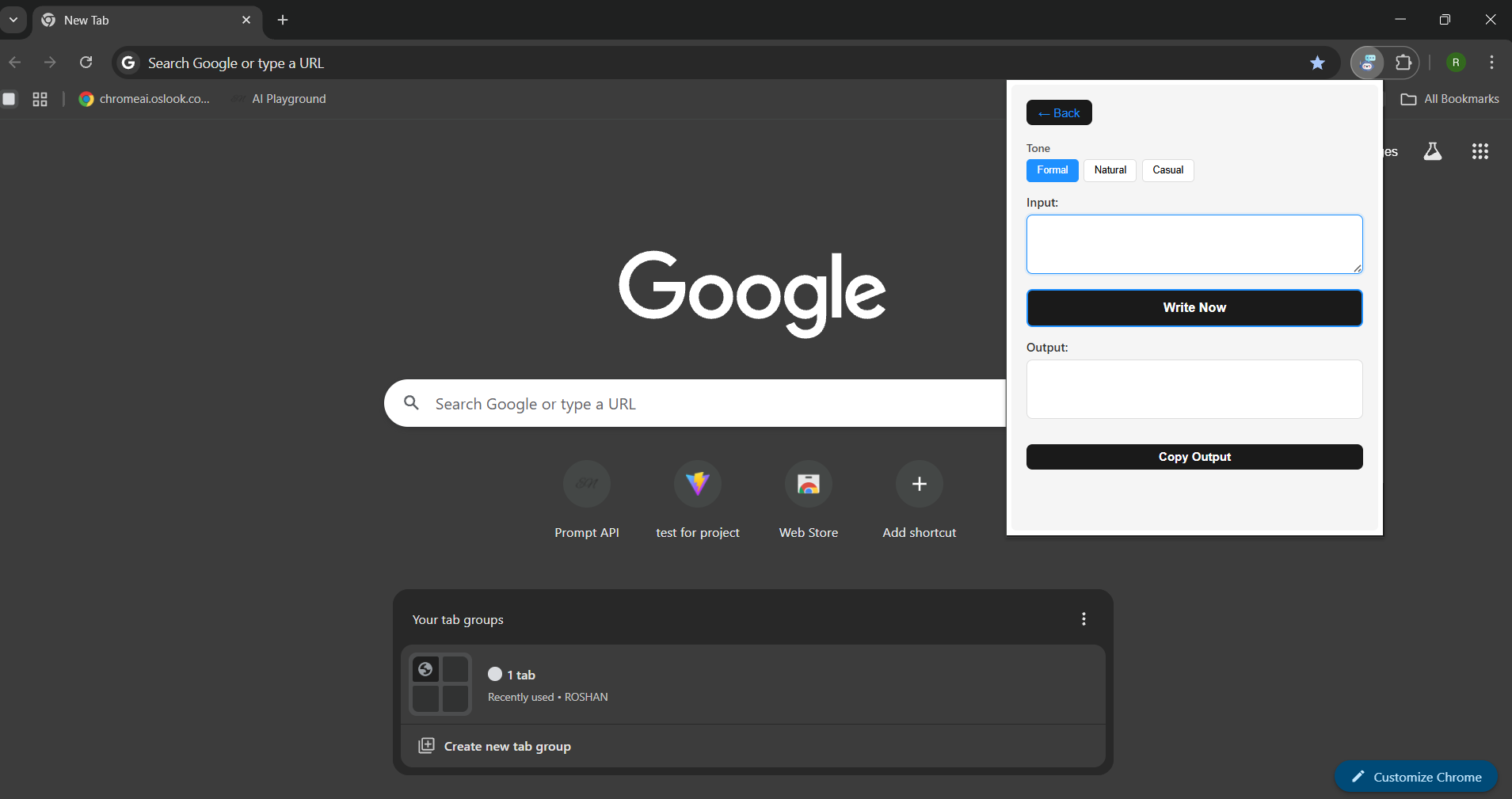
This is the writer Api with ui and it has options to get desired output from built in Ai.
-
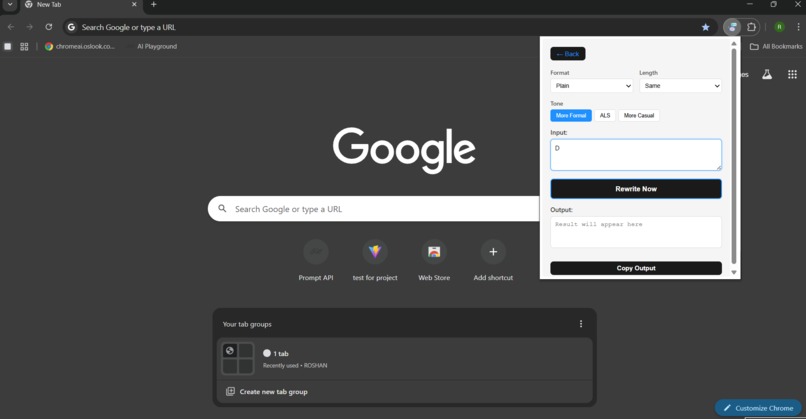
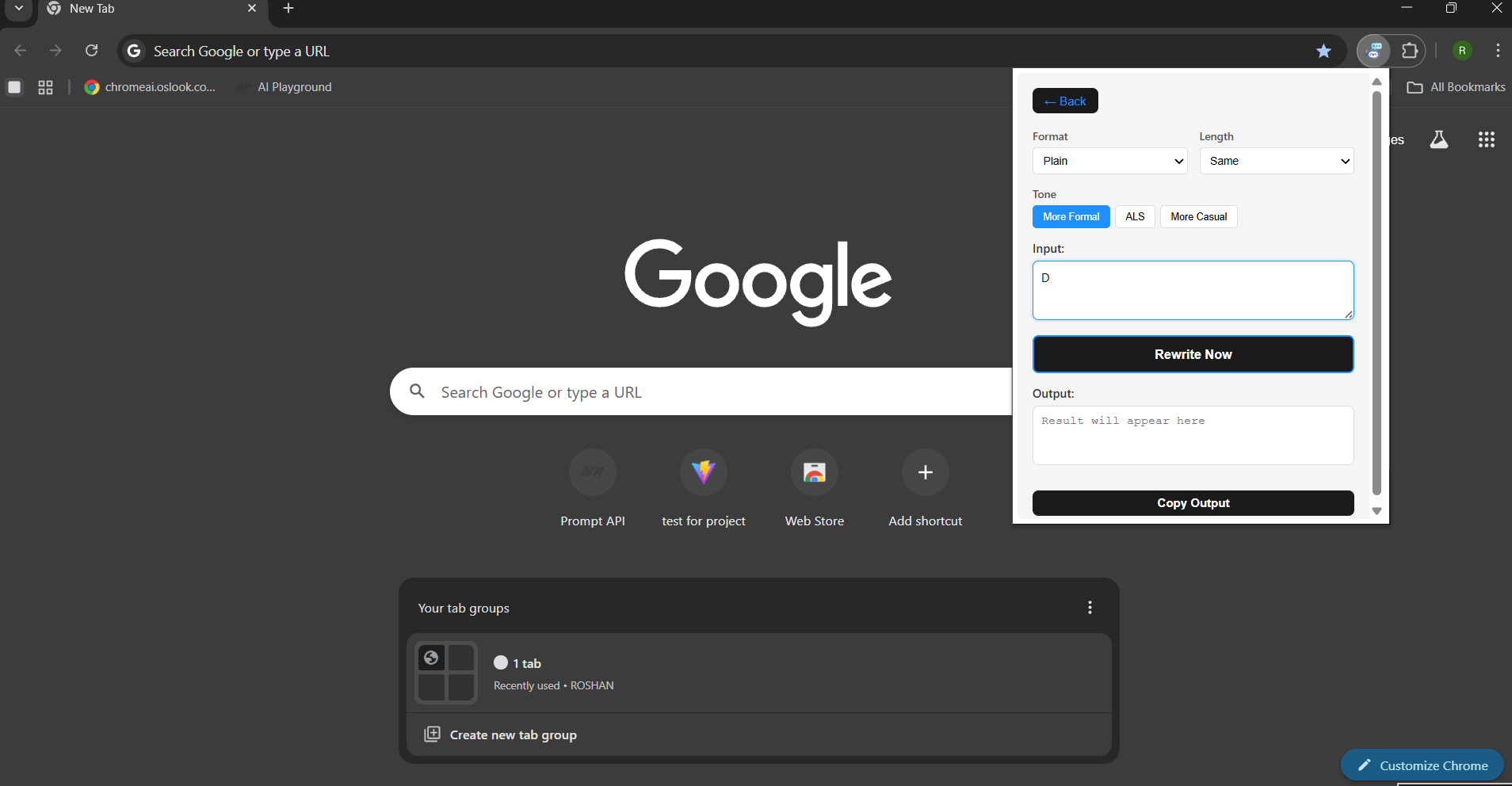
This is the rewriter Api with ui and it has options to get desired output from built in Ai.
-
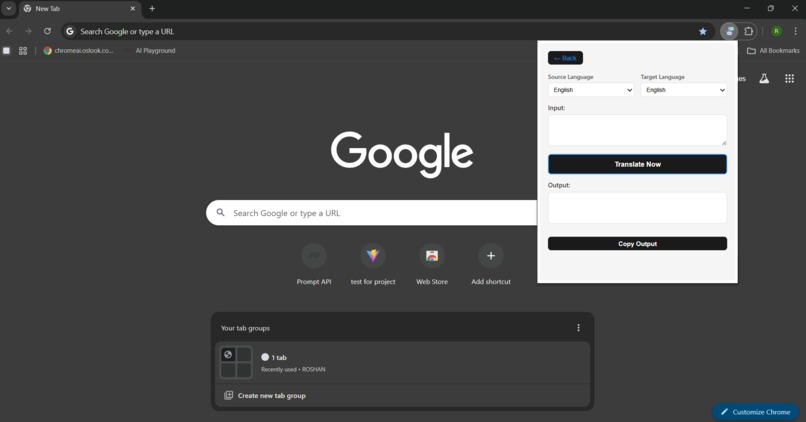
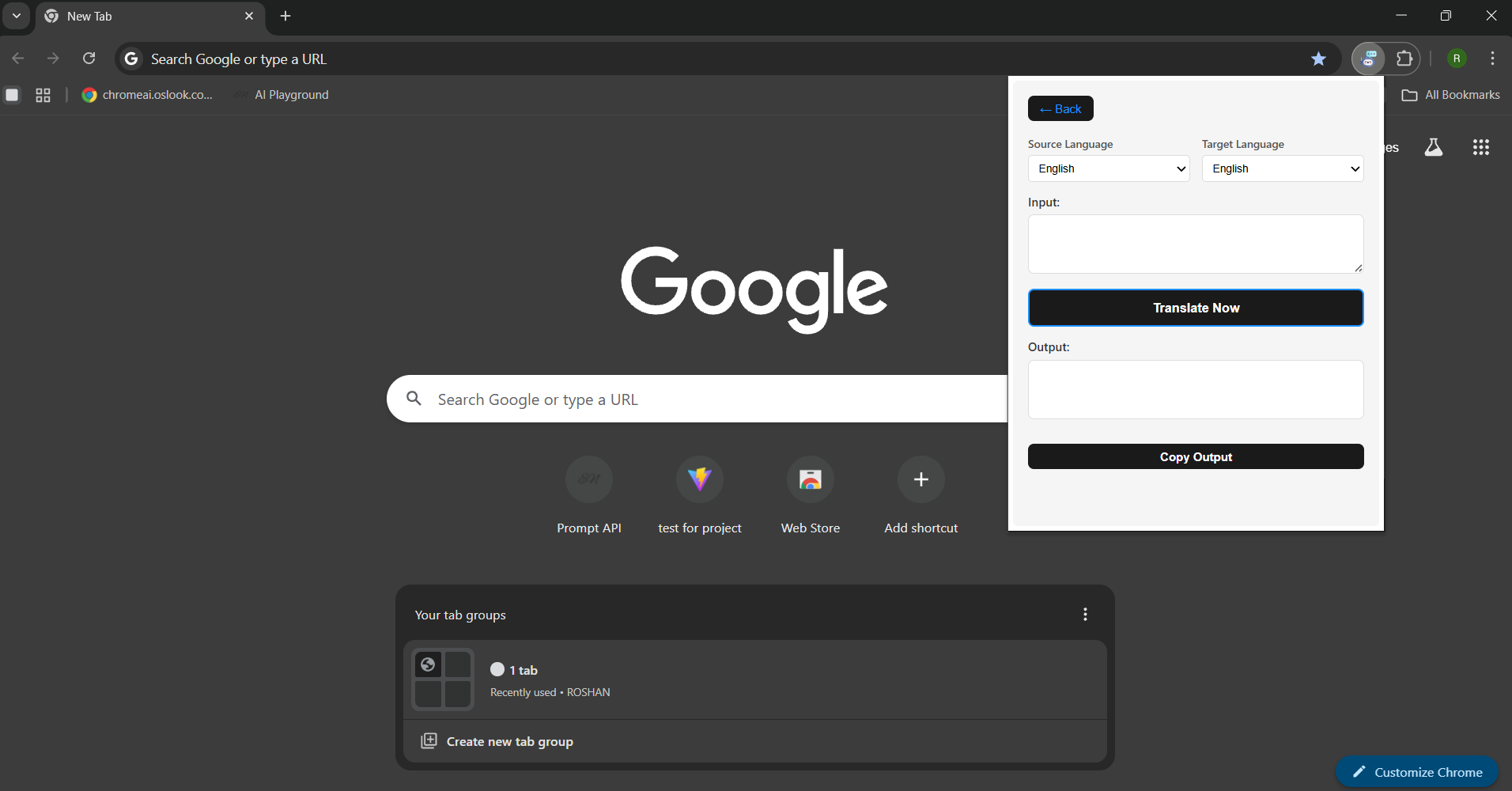
This is the translator Api with ui and it has options to get desired output from built in Ai.
-
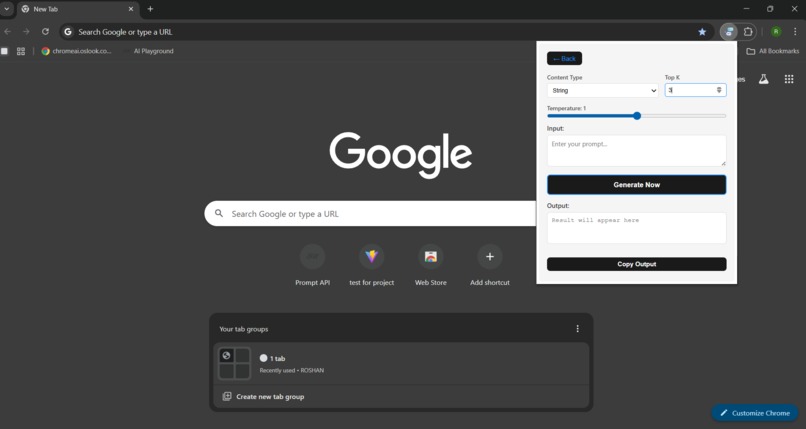
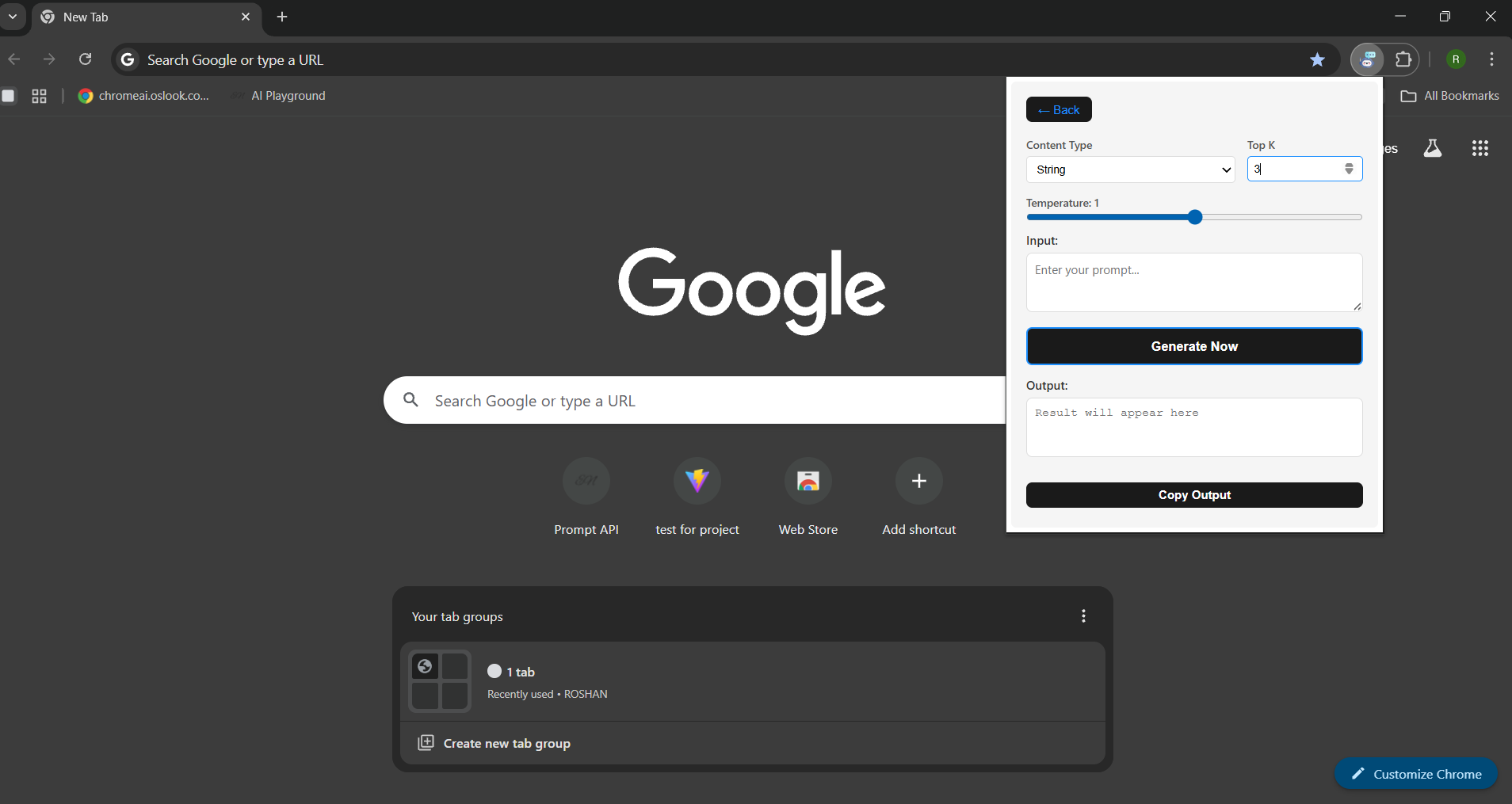
This is the Prompt Api with ui and it has options to get desired output from built in Ai.
-
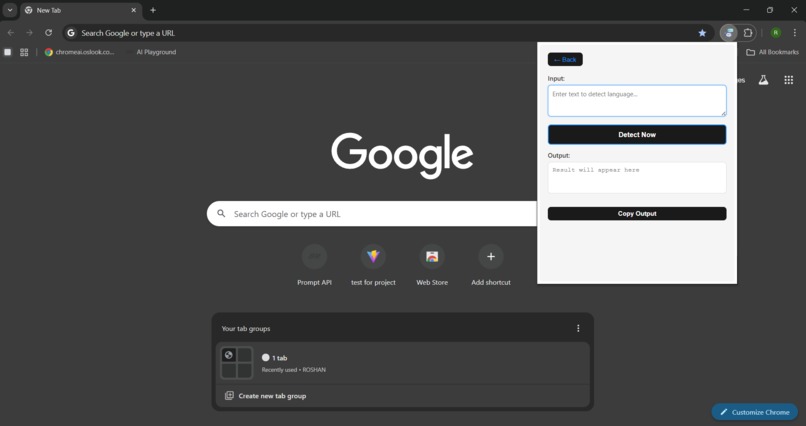
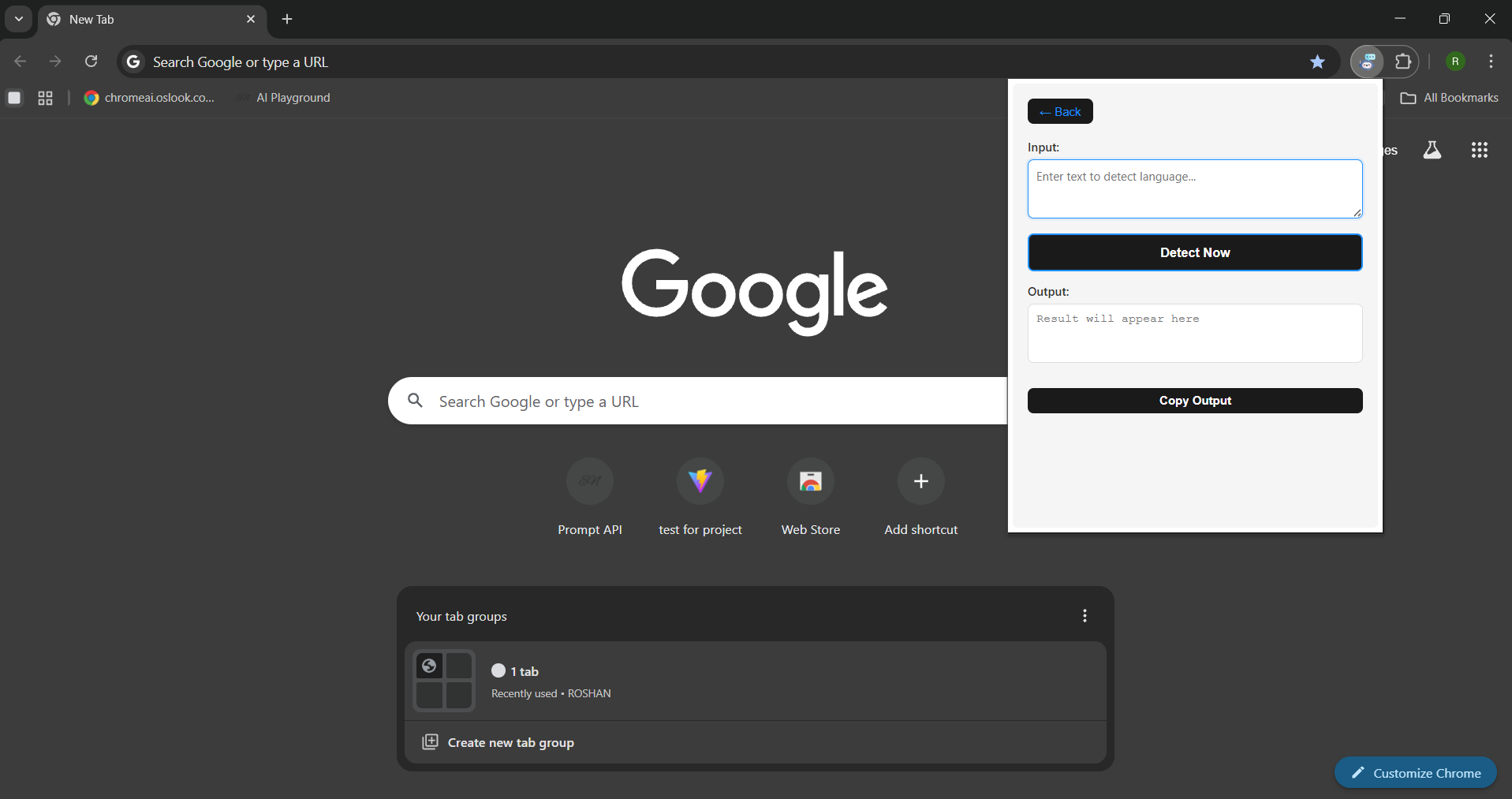
lastly, This is the language detector Api with ui and it has options to get desired output from built in Ai.
Inspiration
The inspiration for Aroh came from the new Gemini Nano model built directly into Chrome. I wanted to explore how on-device AI could help users perform daily language-related tasks like summarization, translation, rewriting, and language detection — all without using external APIs or sending data to the cloud. My goal was to make an extension that’s fast, private, and easy to use, powered purely by Chrome’s built-in AI.
What it does
Aroh is a simple Chrome extension that allows users to:
-> Summarize any text or content instantly.
-> Translate text between multiple languages.
-> Detect the language of any selected text.
->Write and rewrite content using Gemini Nano.
All these operations happen on-device, which means no external API calls — ensuring speed, privacy, and reliability.
How we built it
At first, I built Aroh’s UI using React + Vite, but then realized that Chrome’s built-in AI APIs (window.ai) currently work only inside HTML/JS contexts, not through React’s bundling system.
So, I redesigned the project using HTML, CSS, and Vanilla JavaScript for the UI, and connected it directly with Gemini Nano through the window.ai APIs.
I used the Chrome Developer Documentation to understand how to enable AI features via chrome://flags, test API accessibility, and make sure everything worked smoothly within the extension environment.
Challenges we ran into
->Learning how to access and use Chrome’s experimental AI APIs for the first time.
->Handling AI model enablement through Chrome flags.
->Building a smooth, minimal UI without React while keeping it user-friendly.
->Ensuring privacy and on-device execution for all AI features.
These challenges taught me a lot about both extension architecture and AI integration inside browsers.
Accomplishments that we're proud of
->Successfully using Gemini Nano (on-device AI) inside a working Chrome extension.
->Making all AI operations — summarize, translate, write, and detect — fully local and private.
->Creating a clean, efficient, and smooth user experience with minimal resources.
->Overcoming the challenge of moving from React to plain HTML/JS while keeping functionality intact.
What we learned
I learned:
-> How Chrome’s on-device AI model works and how to access it with JavaScript.
-> The internal structure of Chrome Extensions and how to integrate AI APIs into them.
-> The importance of privacy-first AI development.
-> How to debug and test experimental web APIs using Chrome flags and developer tools.
What's next for Aroh
In the future, I want to:
-> Add more customizable options for users (tone control, length selection, etc.).
-> Integrate chat-based sentiment analysis and emotion-aware replies.
-> Improve the UI design and make it more interactive.
-> Expand Aroh’s abilities to assist directly on webpages — summarizing or rewriting selected content in real time.
The long-term goal is to make Aroh a full AI companion inside Chrome, helping users communicate, create, and learn efficiently.
Built With
- css
- html
- javascript
- manifest

Log in or sign up for Devpost to join the conversation.