-
-
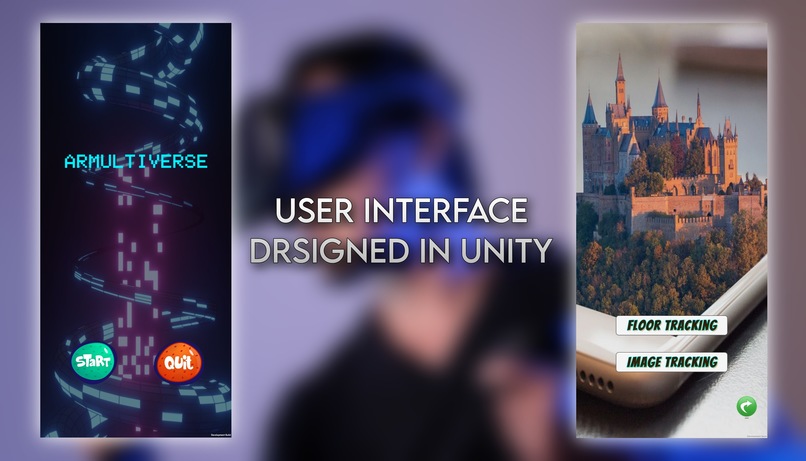
ARMULTIVERSE UI DESIGN
-
-
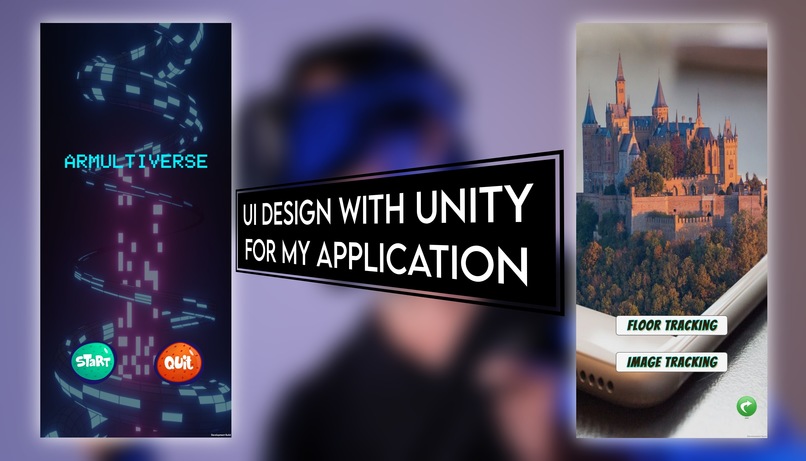
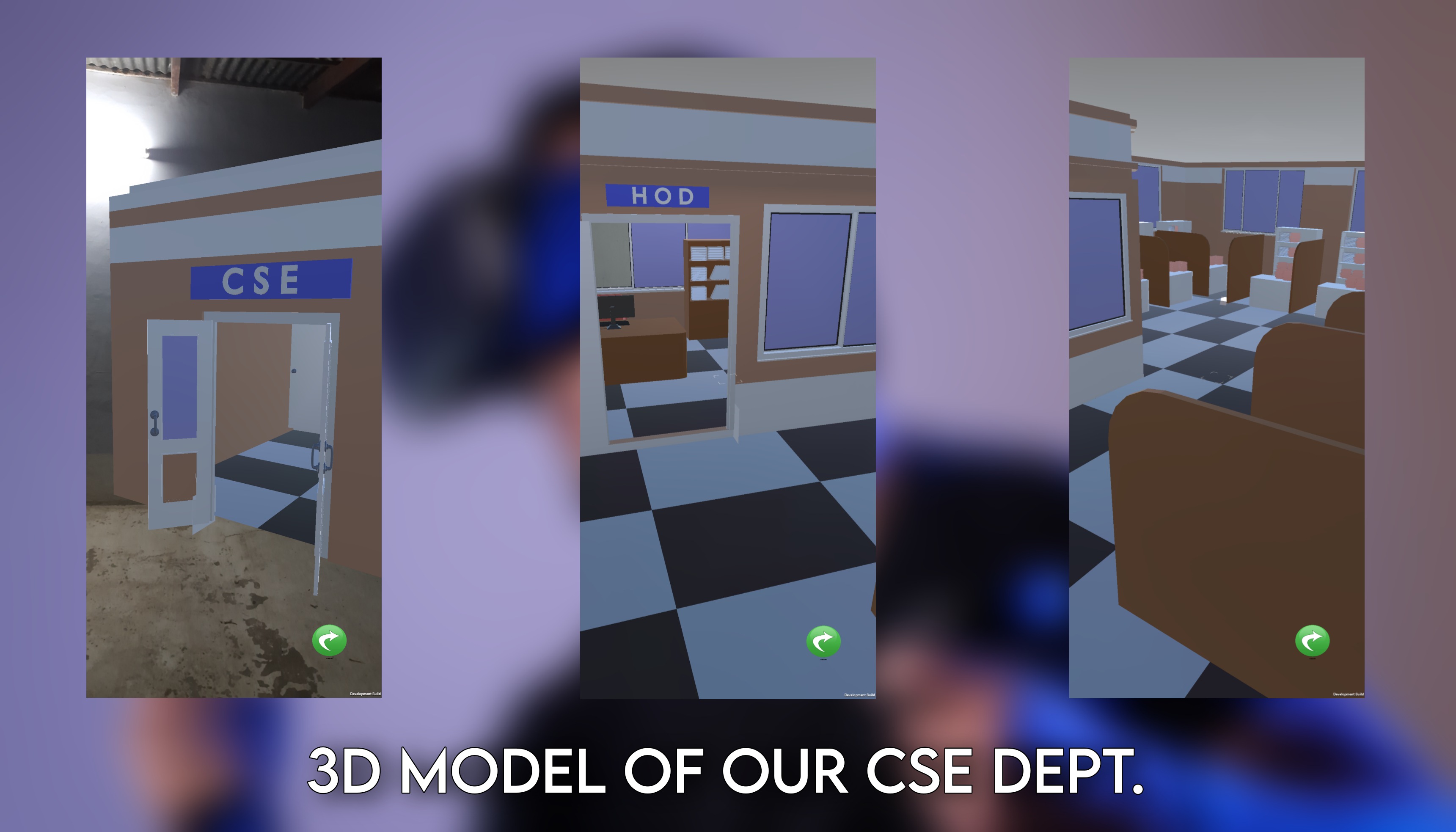
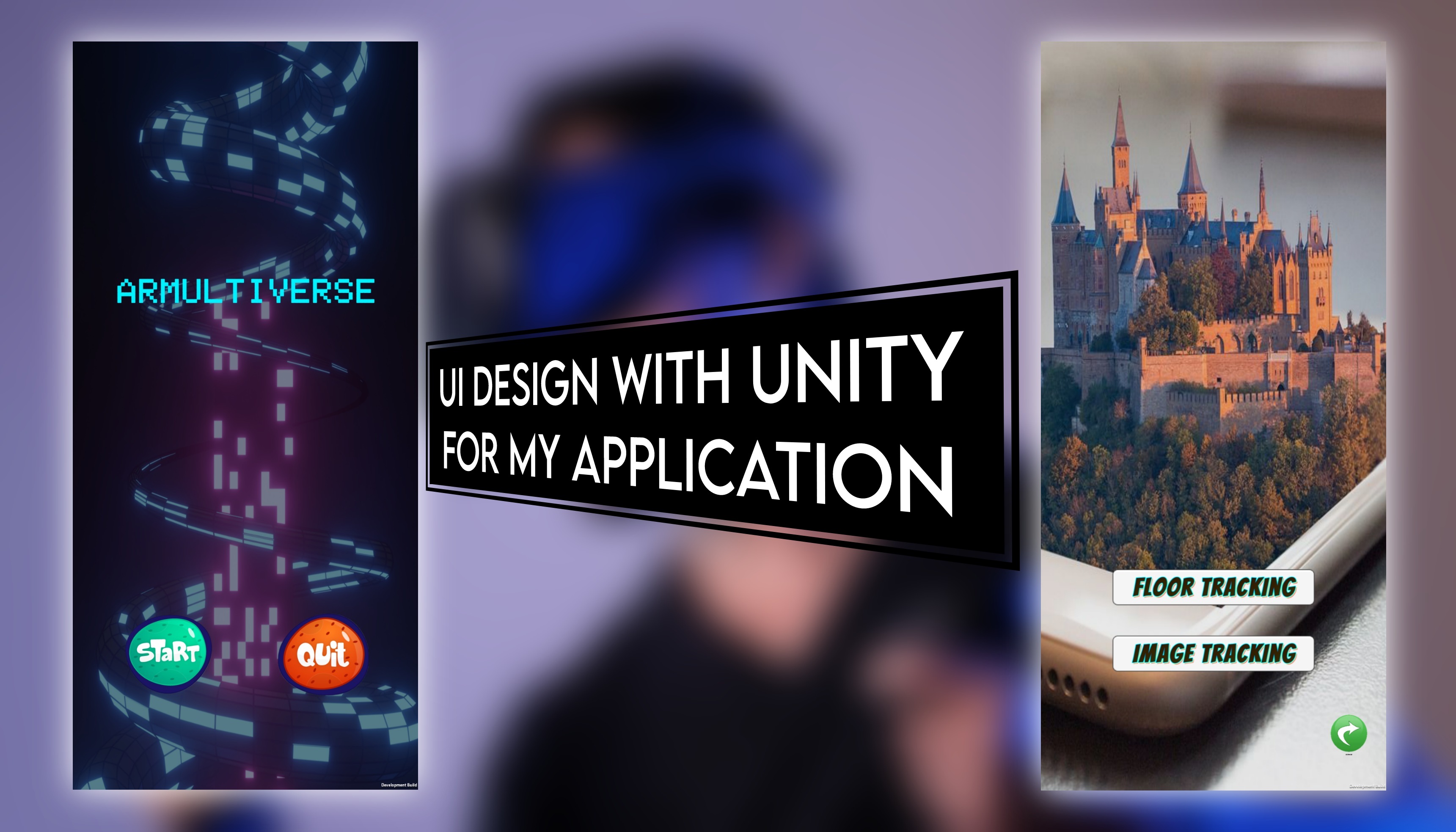
AR Multiverse seamlessly integrates virtual 3D models into real-world environments using Augmented Reality (AR) technology.
The working process involves:
Environment Scanning: The app scans the user's physical environment, recognizing surfaces like floors and walls.
Model Placement: Users select a 3D model from the app's library or upload their own. They position and scale the model within the scanned environment.
Floor and Image Tracking: Floor tracking ensures the model aligns accurately with the surface, and image tracking anchors the model to specific markers or objects.
Real-time Interaction: Users can walk around the model, view it from different angles, and interact with it using gestures or touch.
Cloud-based Storage: The app may employ cloud storage to save and retrieve user-created models and AR experiences.
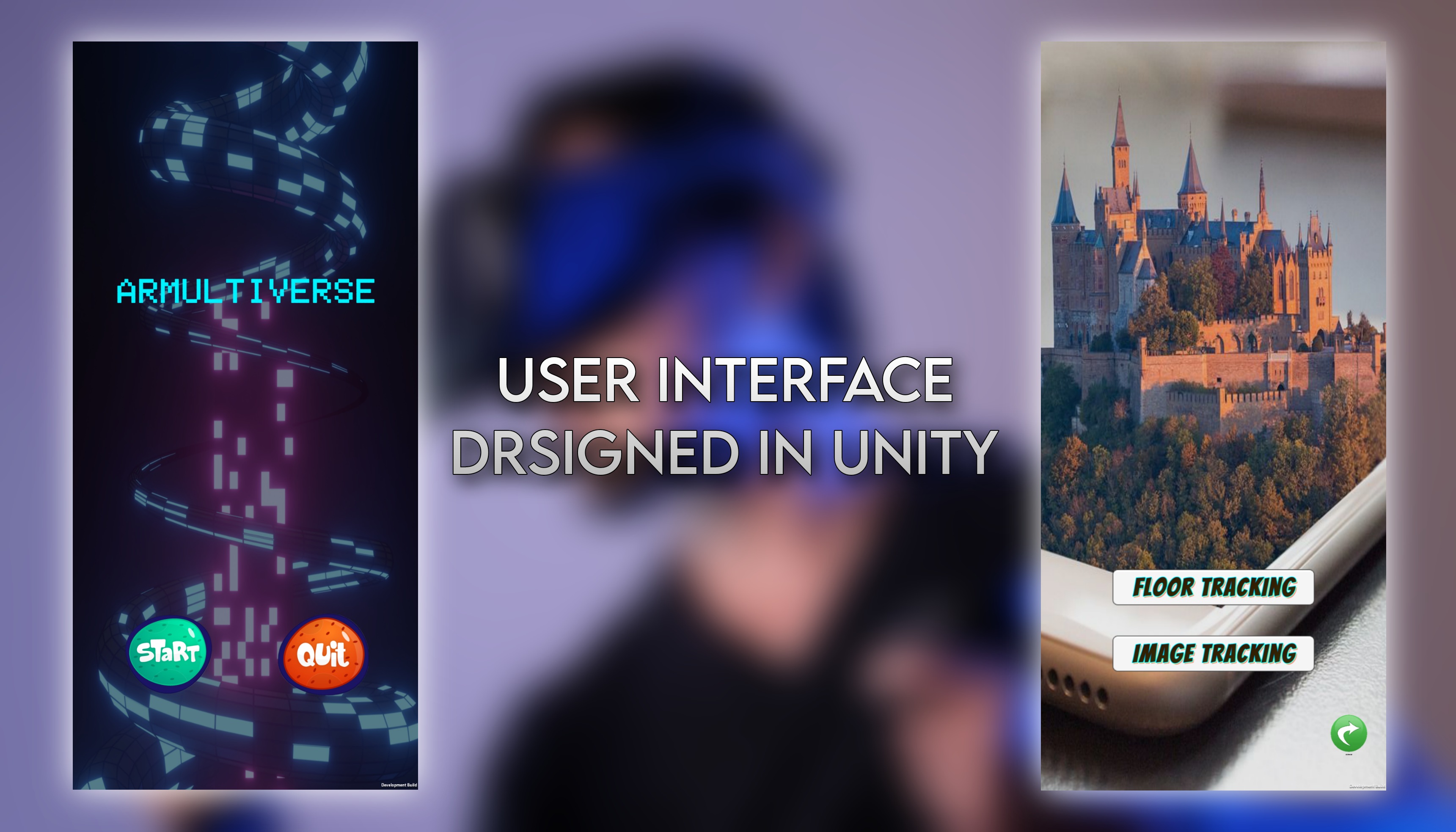
User-friendly Interface: The app's intuitive interface allows users to easily select, place, and manipulate models, enhancing the AR experience.
The result is a seamless blend of virtual and real elements, enabling professionals to visualize architectural designs in real-world contexts, improving collaboration, and streamlining decision-making processes in construction, design, and various other industries.

Log in or sign up for Devpost to join the conversation.