About the Project
Inspiration
Most campuses already have the resources students need — tutoring, health services, and career support — but they’re often hard to find, confusing to navigate, or simply not available when students need them.
We were inspired by the idea that access to help shouldn’t depend on understanding complex systems or waiting for office hours. Students should be able to get support instantly, in a way that feels natural.
What We Built
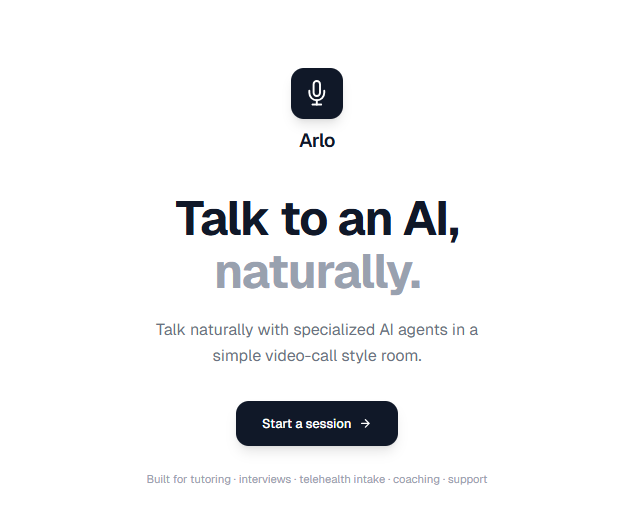
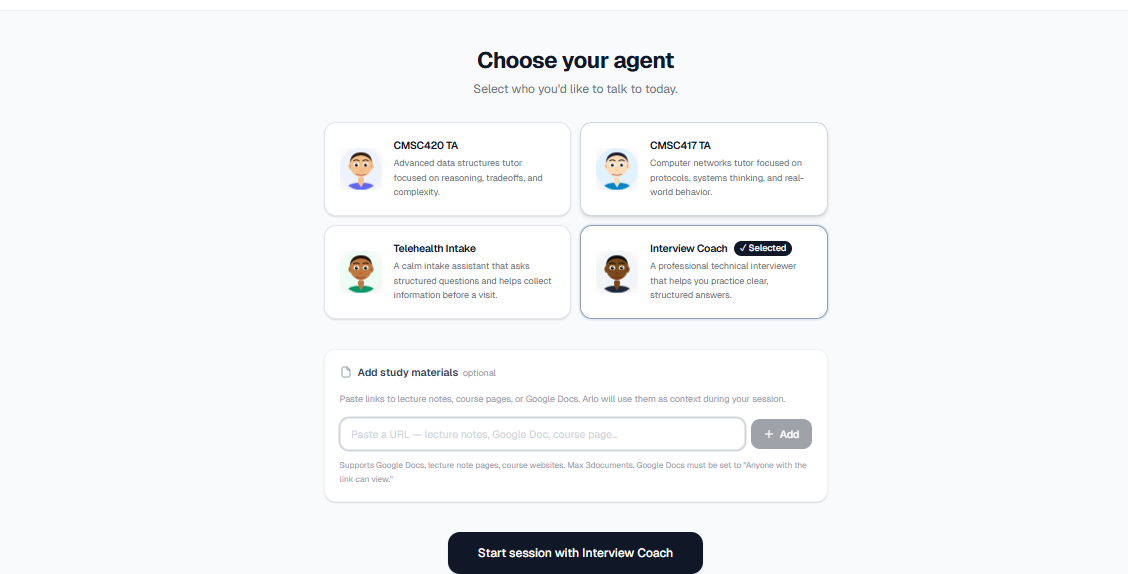
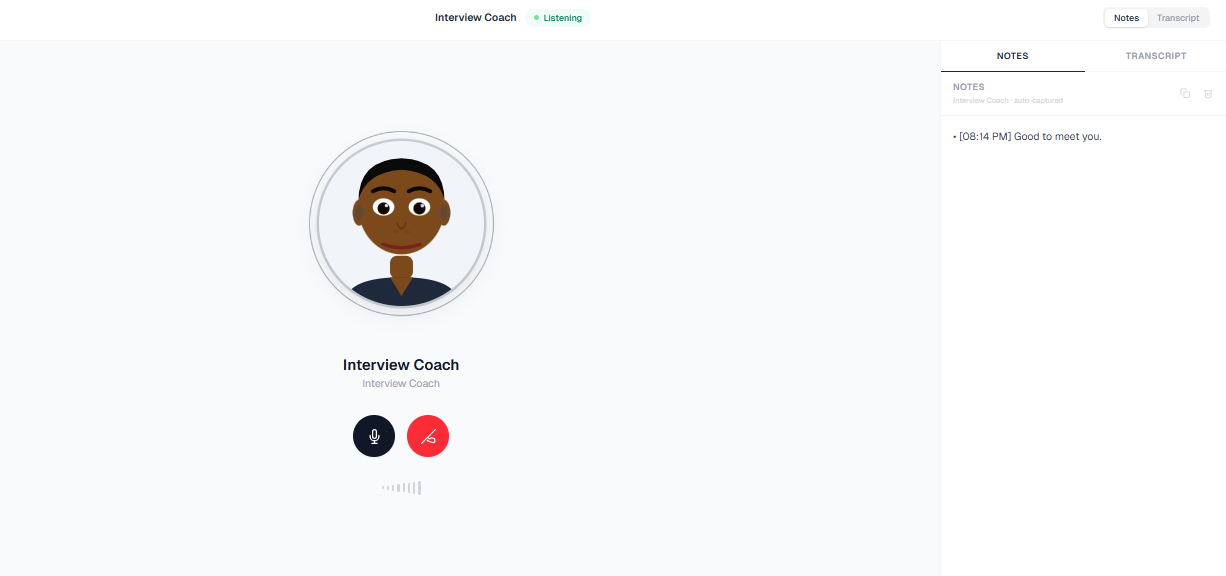
We built a voice-first AI interface that lets students talk directly to specialized agents through a simple, call-style experience.
Instead of searching through websites or portals, users can just speak naturally, and AI agents — such as a TA, telehealth intake assistant, or career coach — respond in real time through a visual avatar.
The system focuses on:
- Natural, conversational interaction (not chatbot-style)
- Personalized responses based on student needs
- 24/7 availability
- A minimal, intuitive UI inspired by real call experiences
How We Built It
We focused on creating a clean, functional MVP:
- Frontend: Next.js with Tailwind CSS for a minimal, Apple-inspired UI
- Backend: Lightweight API routes to handle requests and manage conversation flow
- AI: Claude API to generate persona-based, conversational responses
- Voice: Browser Speech Recognition (speech-to-text) and Speech Synthesis (text-to-speech)
We also implemented a simple turn-taking system, where the AI waits for a natural pause before responding, making the interaction feel more human and less interruptive.
Challenges We Faced
1. Natural Conversation Flow
Designing when the AI should respond was challenging. We needed to avoid interrupting users while also not making the system feel slow. We solved this with pause detection and simple heuristics based on how people naturally speak.
2. Balancing Simplicity and Usability
We aimed for a minimal, Apple-style interface, but still needed to include key elements like transcripts, controls, and status indicators. Finding the right balance between clean design and usability took iteration.
3. Real-Time Voice Interaction
Handling speech input and output in the browser while keeping the experience smooth and responsive required careful coordination between listening, processing, and speaking states.
What We Learned
- Small UX details, like timing and responsiveness, have a huge impact on how “human” an AI feels
- Simplicity is harder to achieve than adding features
- Voice interfaces can make AI significantly more accessible, especially for users who may not know what to search for
What’s Next
If we had more time, we would:
- Integrate real campus systems (health center, tutoring services, career portals)
- Improve personalization based on student history and context
- Add better voice models and more expressive avatars
- Expand into more domains like mental health support and academic planning
Final Thought
Support shouldn’t depend on office hours or system knowledge — it should be available whenever students need it, in the most natural way possible.
Built With
- anthropic-claude
- deepgram
- elevenlabs
- next.js
- tailwind-css
- typescript
- vapi.ai

Log in or sign up for Devpost to join the conversation.