Inspiration
Creating professional mockups and product shots usually means switching between multiple tools, uploading sensitive screenshots to heavy cloud editors, or spending hours manually aligning images into scenes. Arkida was built to make that process instant, powerful, and privacy focused. The goal was simple: give creators, developers, marketers, and designers a fast way to transform ordinary screenshots into stunning presentation assets without the usual complexity.
What it does
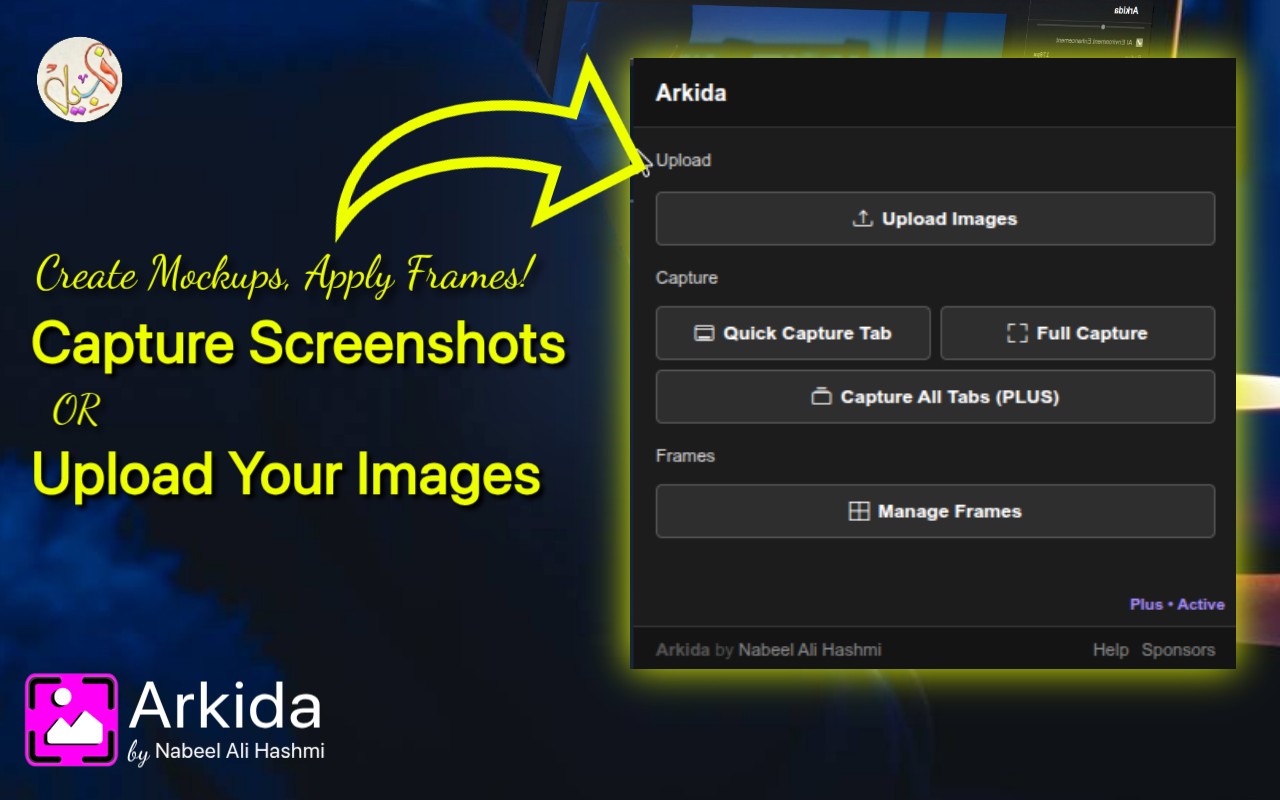
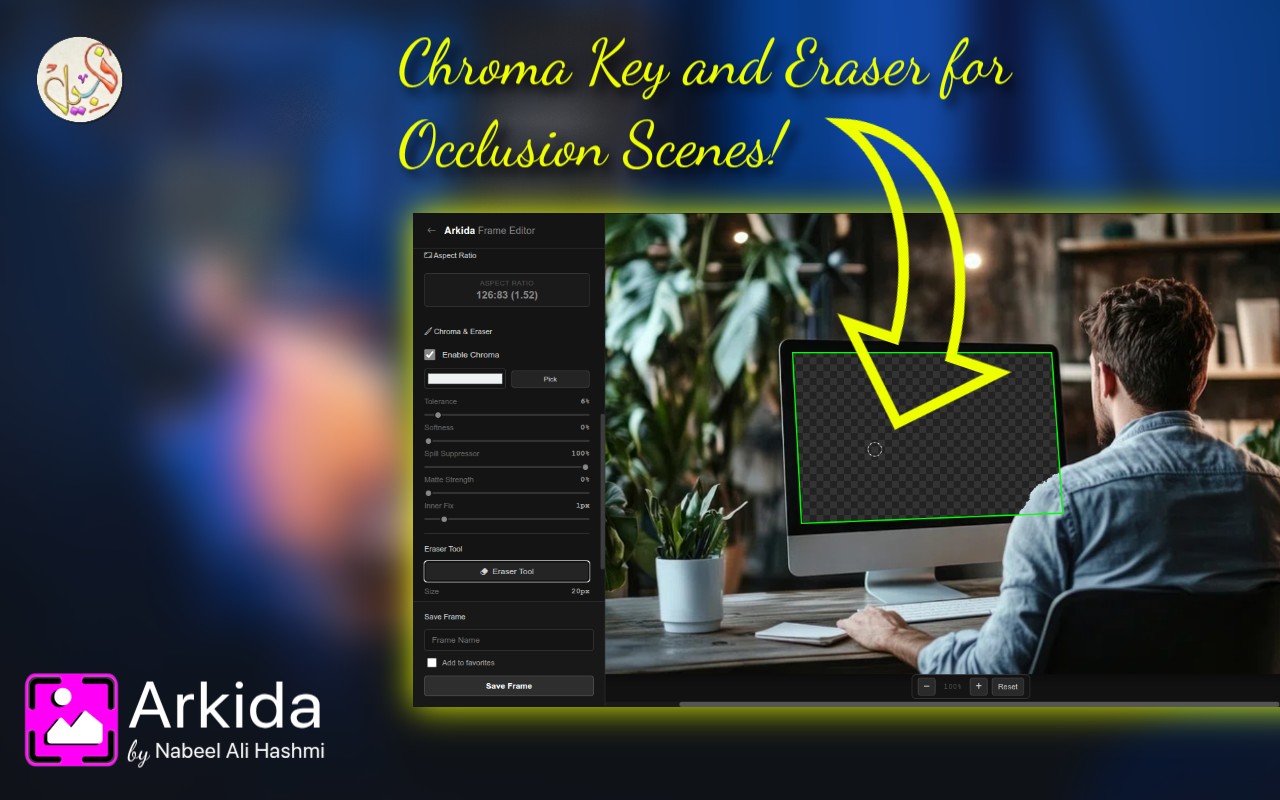
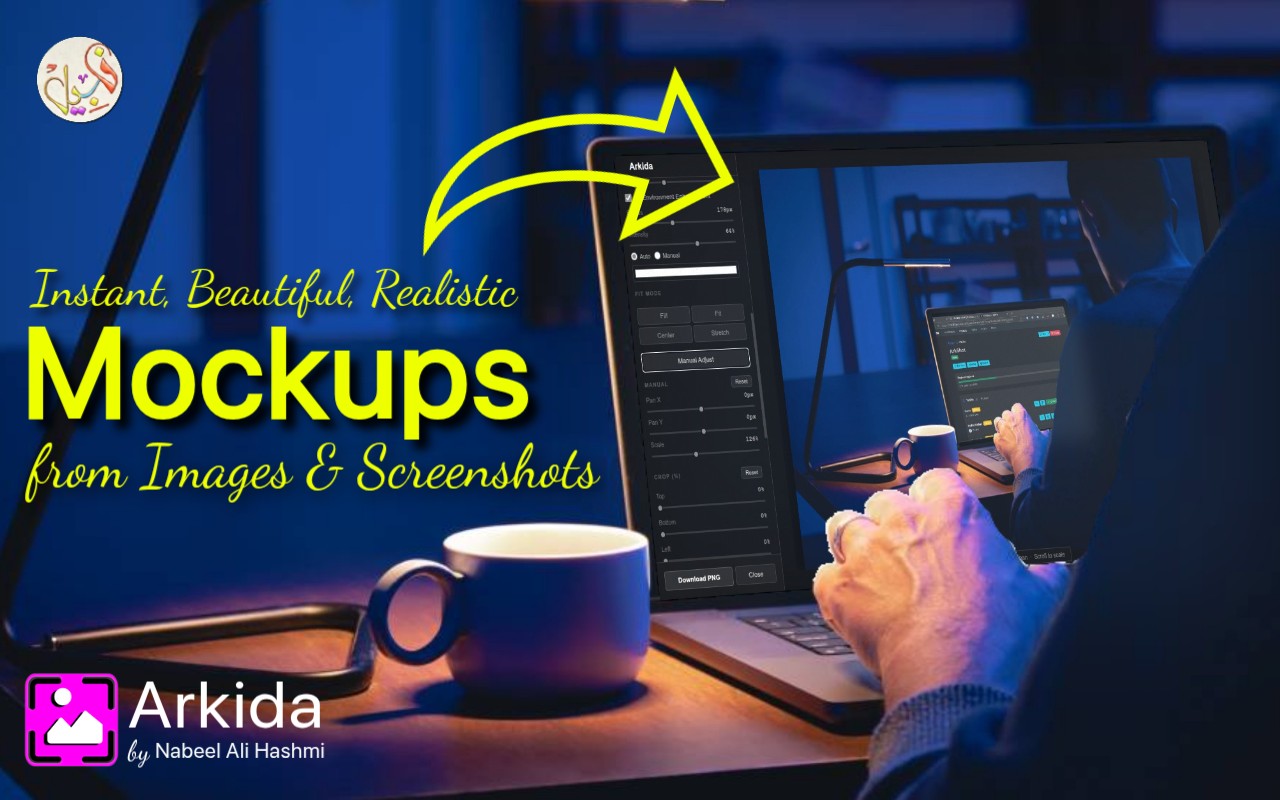
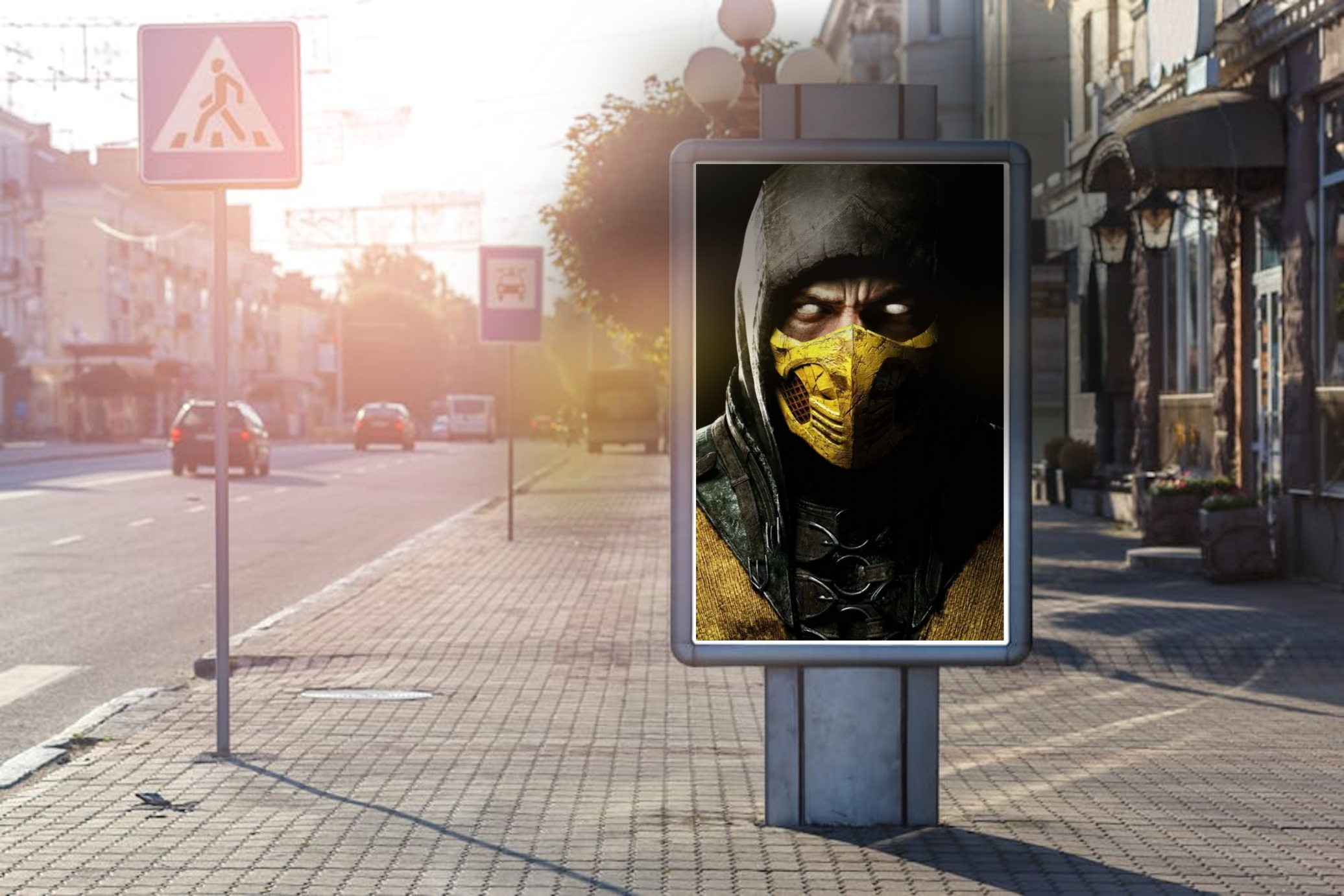
Arkida turns screenshots and images into realistic product shots and scene mockups in seconds. It supports advanced 4 point perspective warping, realistic scene placement, object occlusion, filters, and batch processing, making it far more flexible than traditional mockup tools.
It is perfect for:
- App Store and Play Store screenshots
- SaaS and website presentations
- Social media marketing content
- Product listings
- Pitch decks and portfolios
Key features include:
- Privacy first workflow
- Advanced 4 point perspective editing
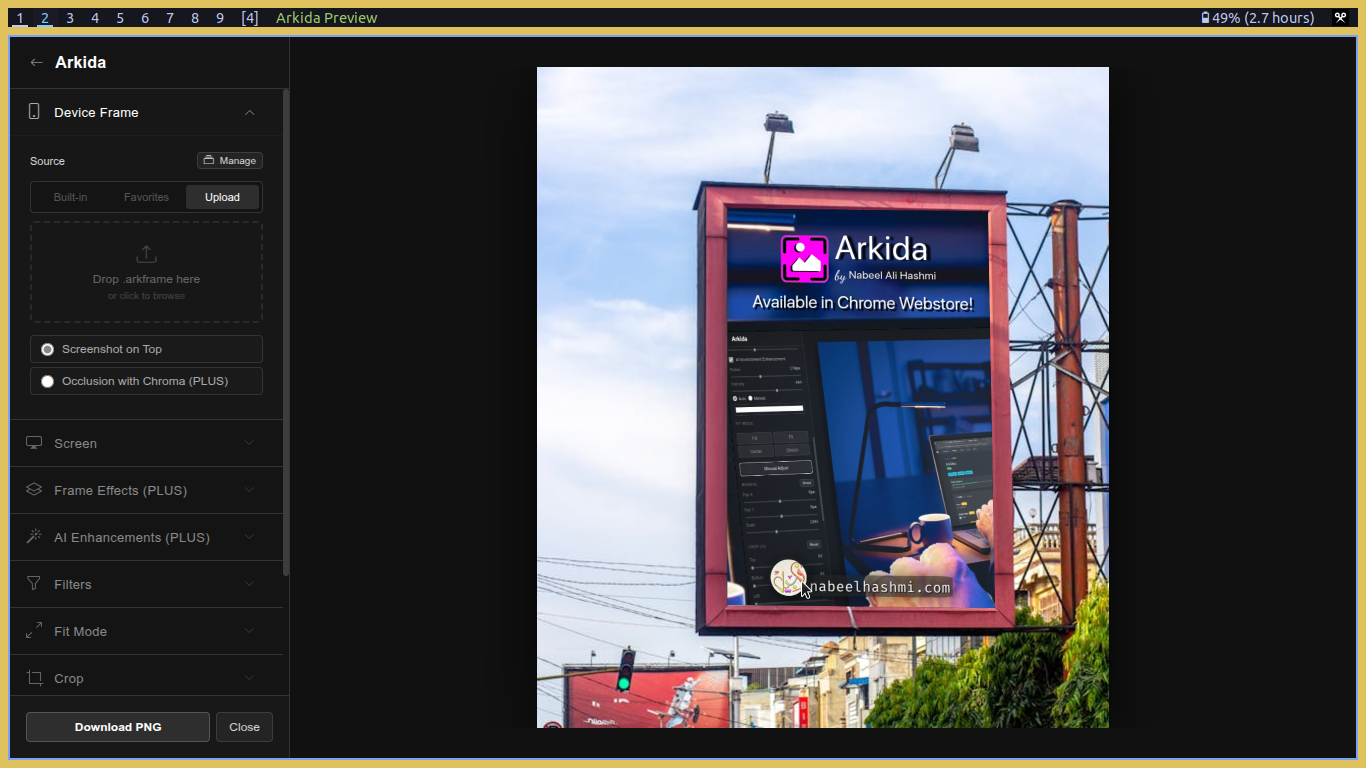
- Scene occlusion for placing screenshots behind real objects
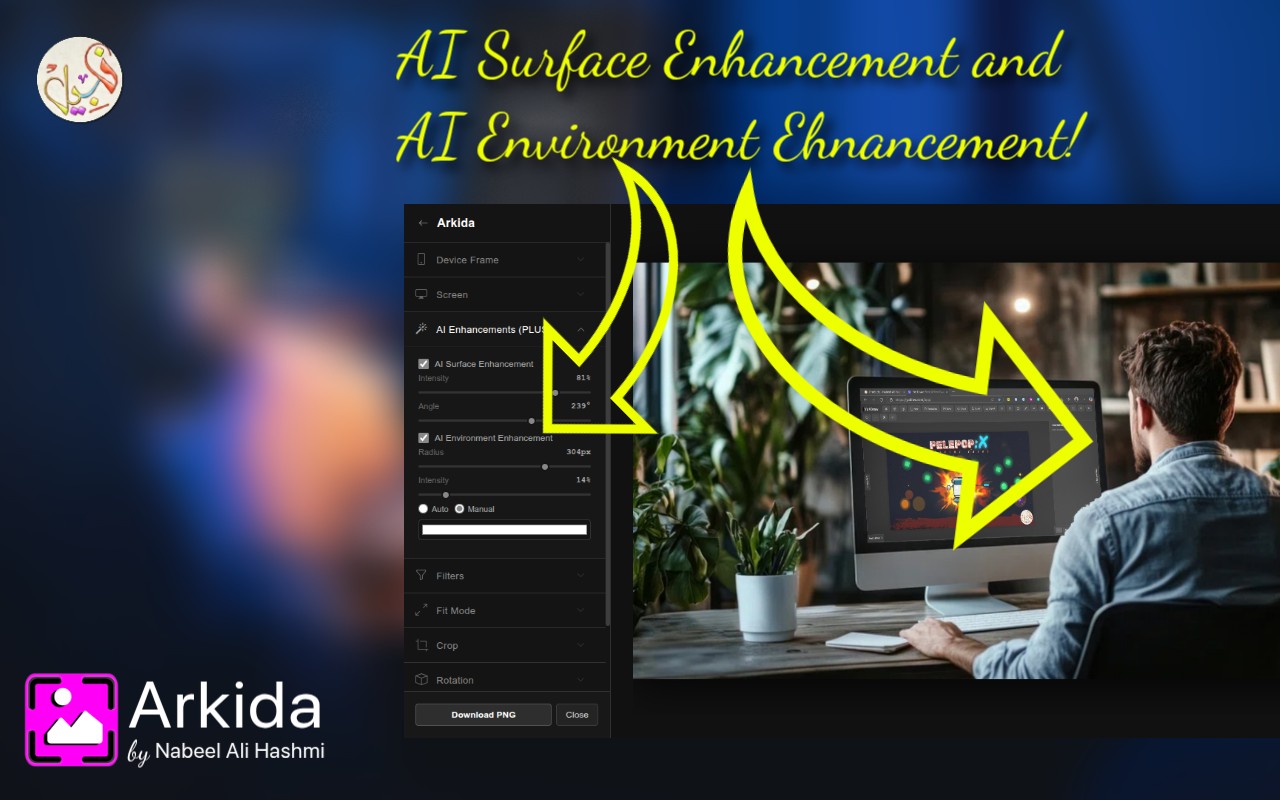
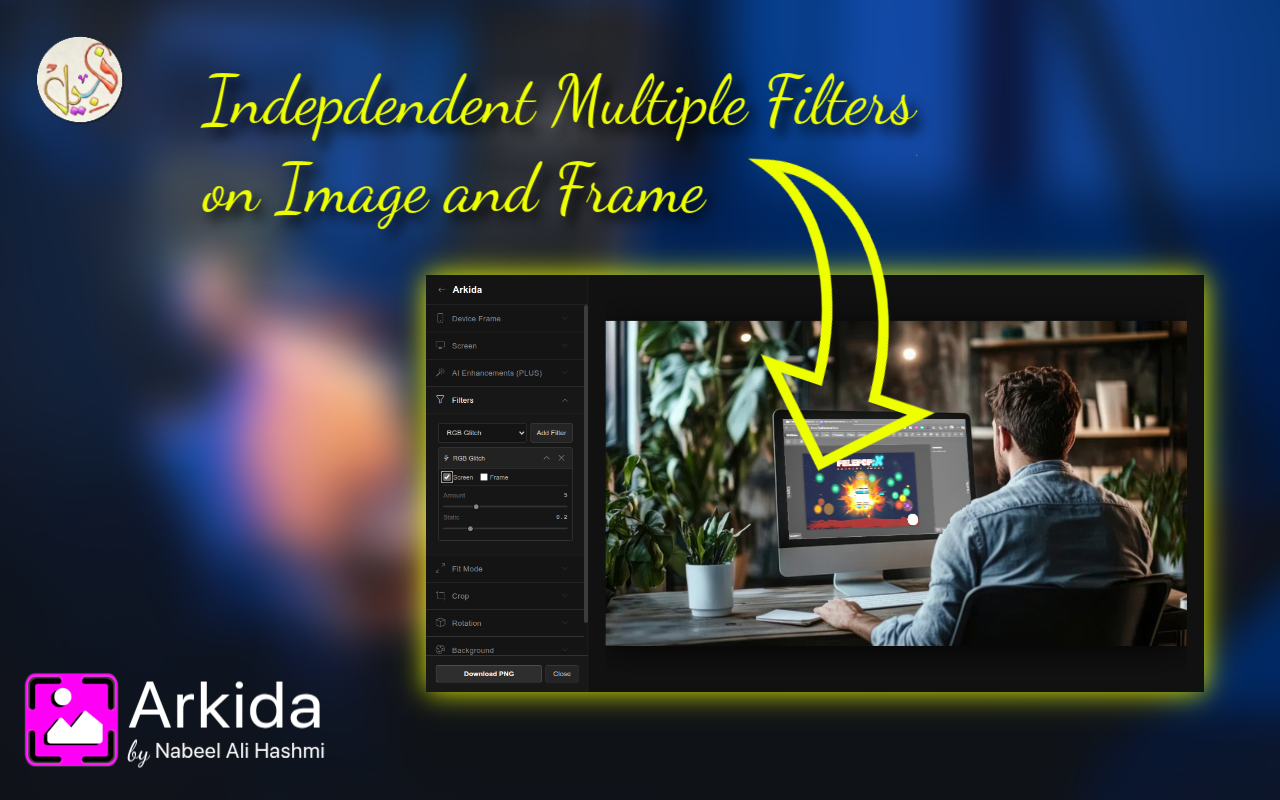
- Built in filters and enhancements
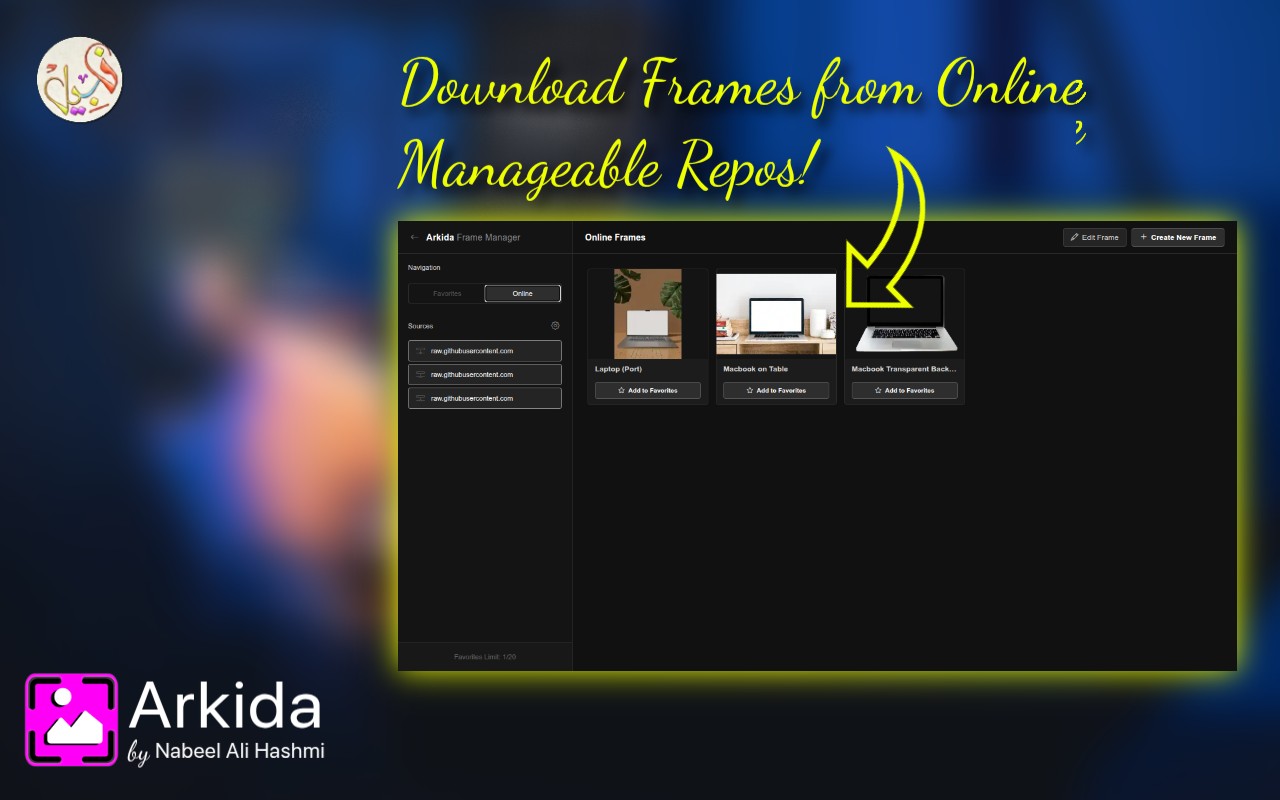
- Online frame repositories
- Integration with Unsplash, Pexels, and Pixabay
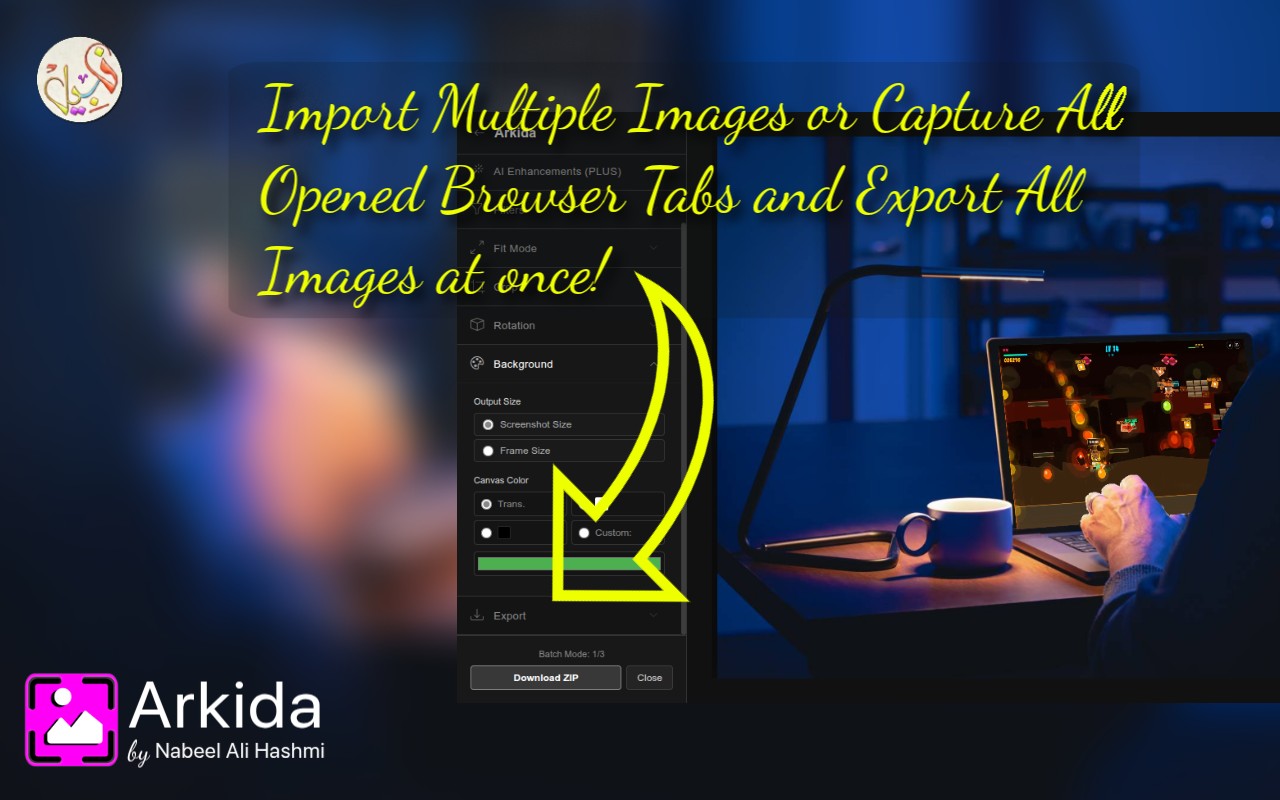
- Instant batch processing
- One click capture for all open browser tabs
How I built it
Arkida is built as a chrome extension focused on performance, flexibility, and ease of use. The editor is designed to provide easy to use interfact to handle complex actions directly in the browser while keeping interactions smooth and responsive.
The project combines:
- Advanced canvas rendering
- Real time image manipulation
- Batch processing pipelines
- External media integrations
- Browser based screenshot capture tools
- Smart layering and masking systems for occlusion effects
A major focus during development was creating an interface that is simple and efficient.
Challenges I ran into
Handling batch processing efficiently without slowing down the browser also took significant optimization work. Integrating multiple external image providers while maintaining a seamless workflow added another layer of complexity.
Accomplishments that I'm proud of
I am especially proud bringing ease of use and efficiency in building advanced mockup editing features that normally require desktop software directly into a browser experience. The scene occlusion system and perspective tools give users a level of realism rarely found in online mockup platforms.
I am also proud of:
- Creating a privacy focused workflow
- Making batch processing fast and practical
- Designing a clean and easy to use editing experience
- Supporting professional quality outputs for marketing and app store assets
- Building powerful browser based screenshot capture tools
What I learned
Many things!
What's next for Arkida
Future plans include:
- Maybe a simple image editor integration.
- A timeline/reel to individually editor images settings in batch mode.
