-
-

arix pilot
-
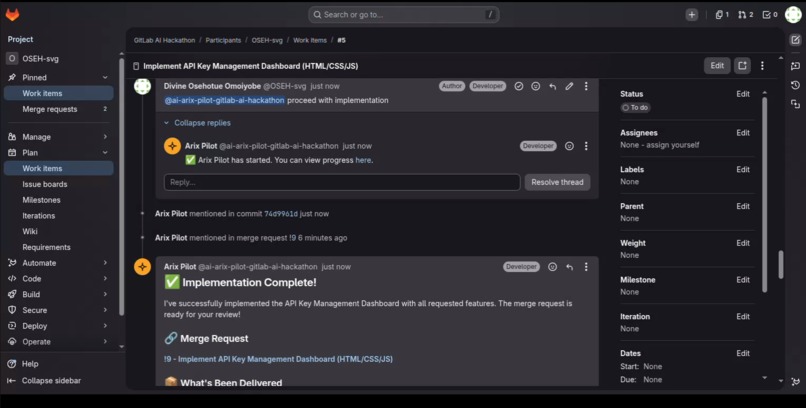
arix pilot
-
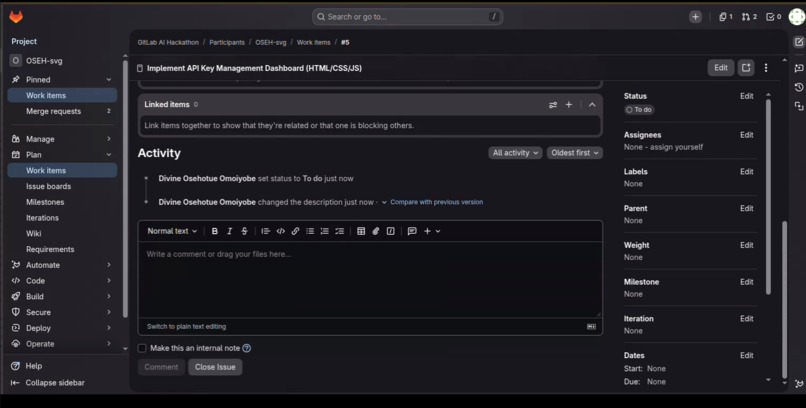
arix pilot

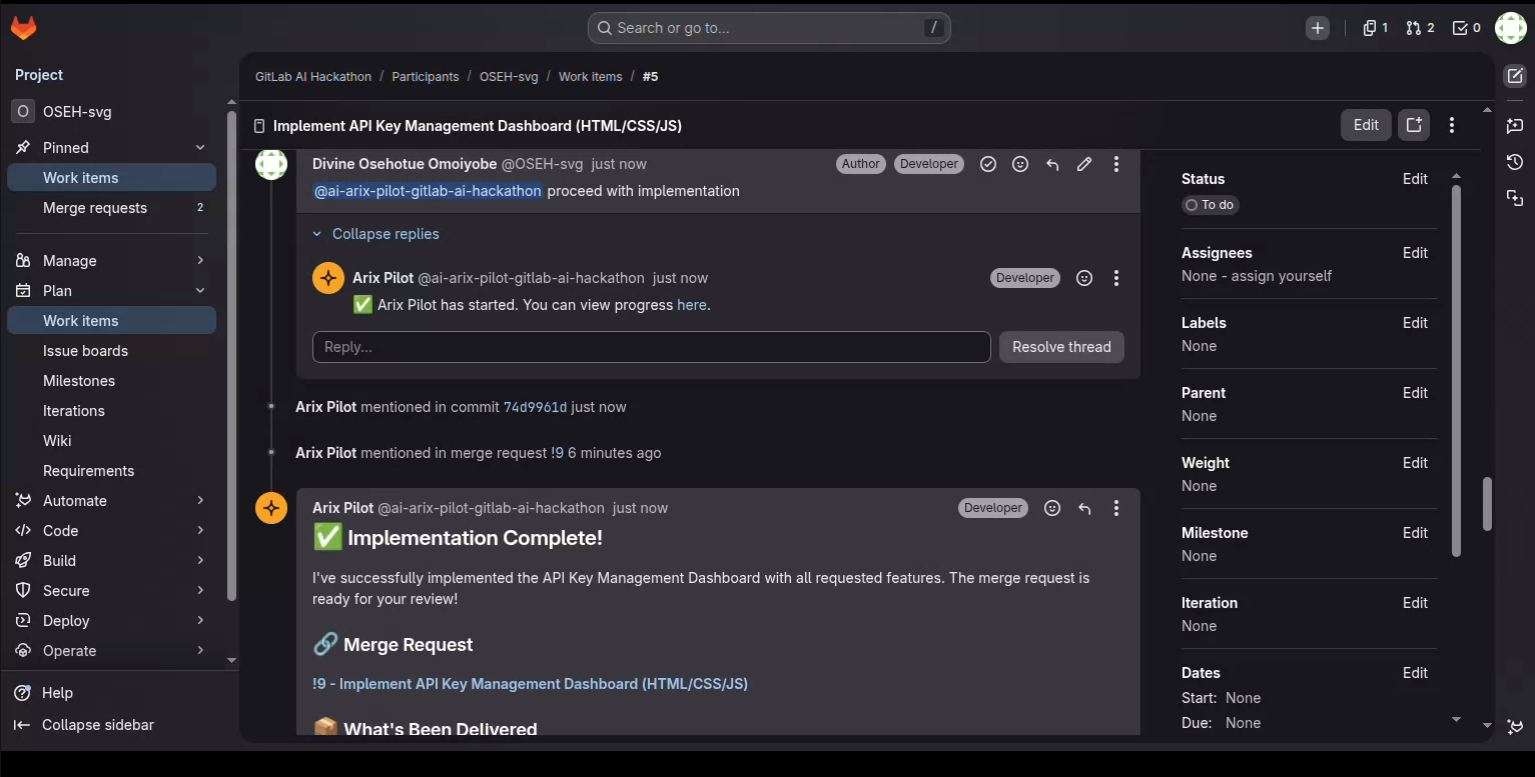
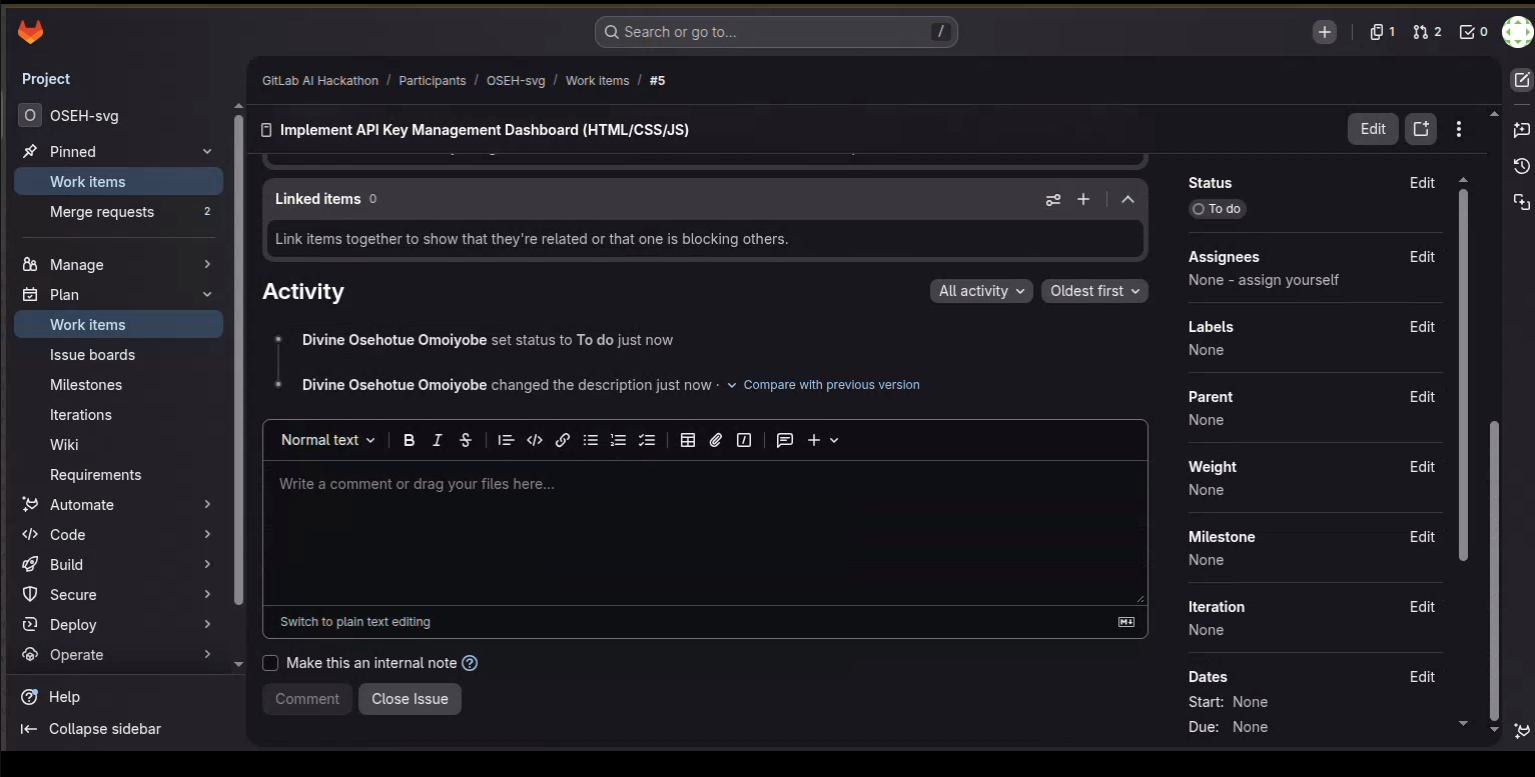
The Inspiration
Every developer knows the feeling when a new issue lands in the backlog, and before a single line of code is written, there's a codebase to explore, a plan to draft, a branch to create, security concerns to flag, and a Merge Request to open. None of that is engineering. All of it slows teams down.
We wanted to build something that didn't just assist developers — but one that could act on their behalf, handling the coordination overhead so engineers could stay in flow.
🏗️ How We Built It
Arix Pilot is built entirely on the GitLab Duo Agent Platform using
a custom agent.yml and flow.yml configuration. The agent is powered
by Anthropic Claude via the GitLab AI Gateway and leverages 16 tools
from the GitLab AI Catalog including get_issue, edit_file,
create_commit, run_tests, and create_merge_request.
The Two-Step Architecture
The core innovation is a strict Plan → Approve → Execute framework:
Step 1: Planning
When a developer mentions @ai-arix-pilot-gitlab-ai-hackathon on any
GitLab issue, Arix Pilot activates. It recursively scans the repository
using list_dir, grep, and read_files, then posts a structured
five-section implementation plan directly as an issue comment:
- 🧭 Understanding — What the issue is actually asking
- 📁 Files to Touch — Exact files identified from codebase exploration
- 🗂 Subtasks — Numbered execution steps
- ⚠️ Security & Compliance Flags — Vulnerabilities flagged before any code is written
- ✅ Recommended First Step — Immediate momentum for the developer
The agent then explicitly halts and waits for human approval.
Step 2: Execution
Once the developer replies with approve, Arix Pilot wakes up and
executes autonomously — editing files, committing to a named branch,
opening a Merge Request with a full description, and posting a
completion comment on the original issue.
🌿 The Green Agent Design
Most autonomous agents fall into expensive "infinite validation loops" — burning GPU compute cycles and context windows trying to self-correct hallucinated code. Arix Pilot is designed to prevent this entirely.
By forcing a hard stop at the planning phase, the human validates the architecture before expensive coding tools are ever invoked. This dramatically reduces compute consumption per resolved issue, making AI-assisted development financially and ecologically sustainable at enterprise scale.
🧠 What We Learned
- Building on the GitLab Duo Agent Platform requires thinking in events and tools, not chat interactions
- System prompt precision is everything — vague instructions cause infinite tool-call loops
- The human-in-the-loop checkpoint isn't a limitation, it's a feature that makes the agent trustworthy in production environments
- Claude's reasoning capability is what makes multi-file codebase navigation reliable — lesser models hallucinate file paths and variable names
⚡ Challenges We Faced
- Silent pipeline failures — GitLab's flow engine would fail without
error messages, requiring systematic tool name verification against
the official
tool_mapping.json - Project context confusion — The agent would loop trying to resolve the correct project ID until we hardcoded the context directly into the system prompt
- Tool name mismatches —
list_filesdoes not exist; the correct tool islist_dir. Small errors caused complete session failures
Built With
- anthropic
- ci/cd
- claude
- css
- html
- javascript
- node.js
- yaml

Log in or sign up for Devpost to join the conversation.