-
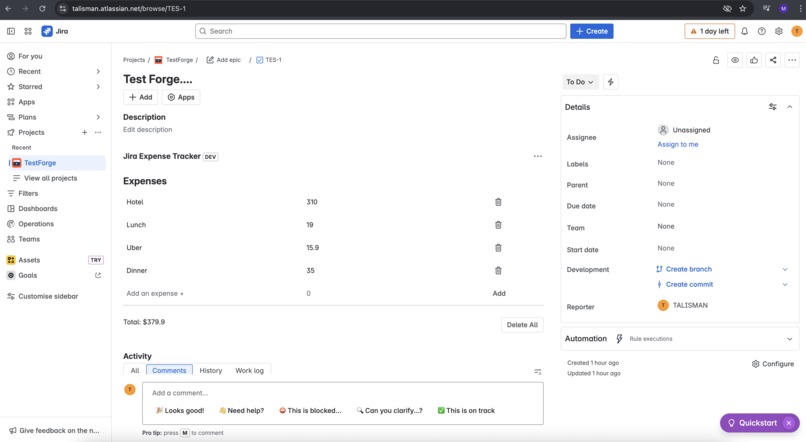
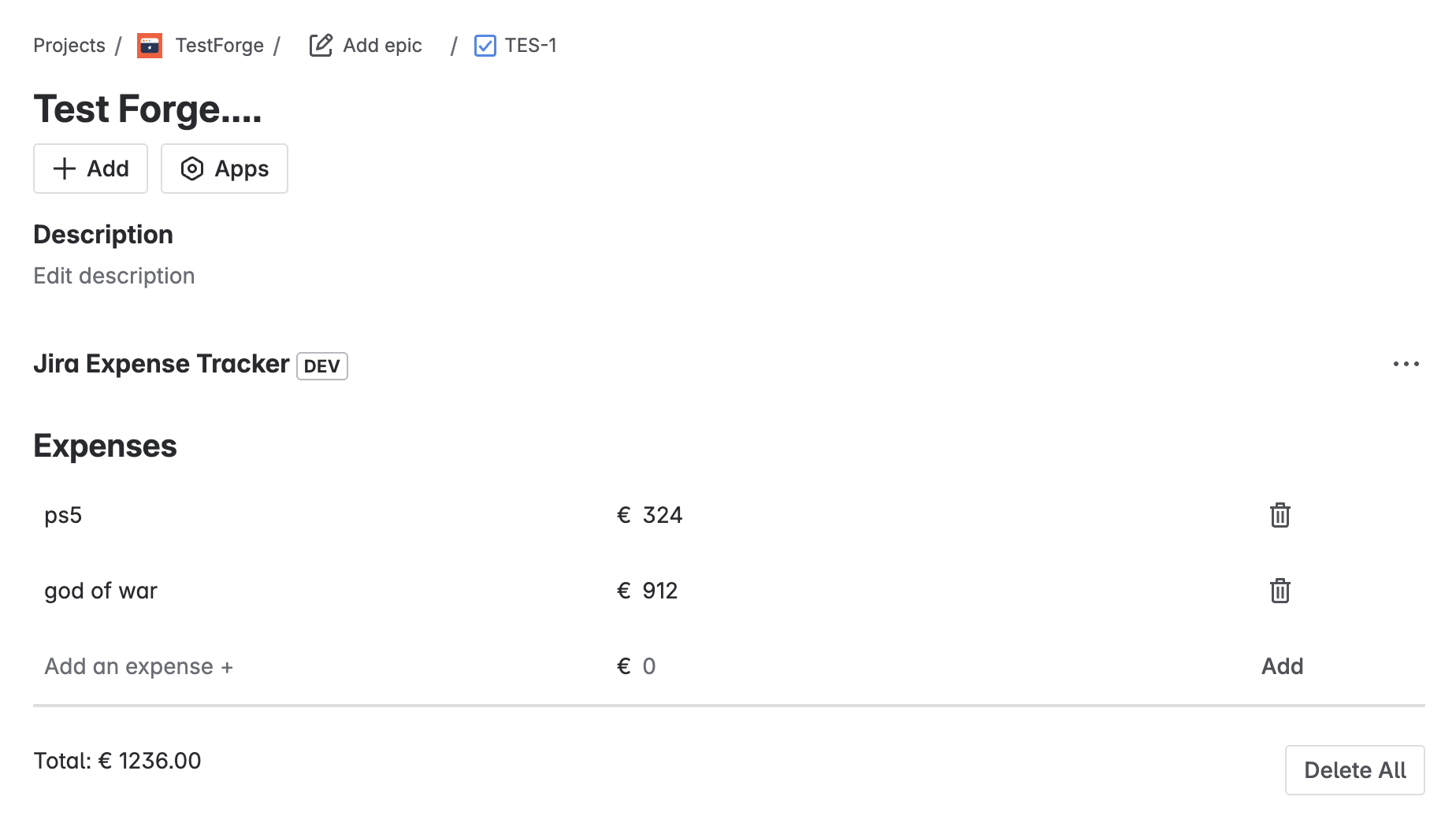
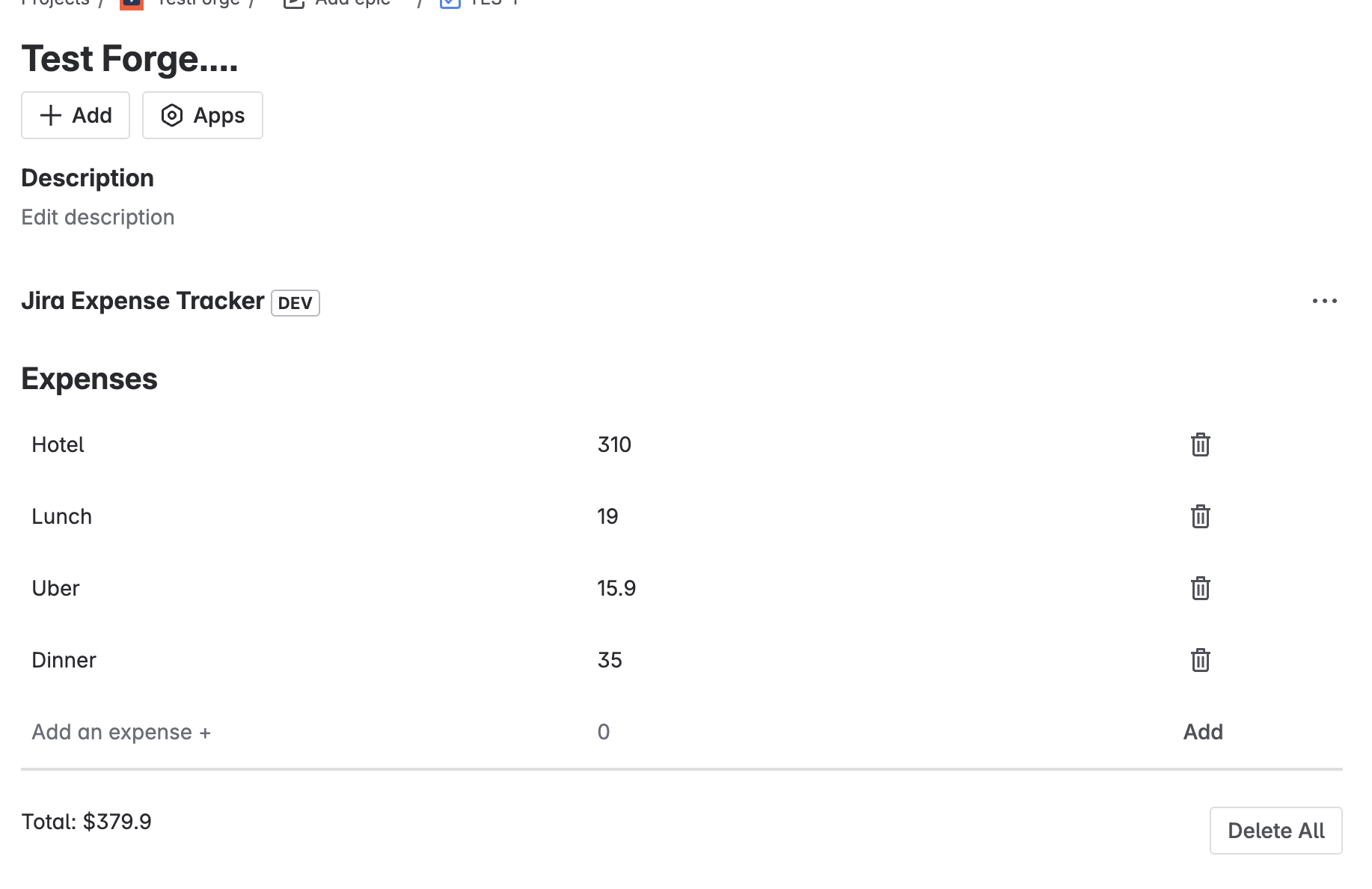
Front end of the app
-
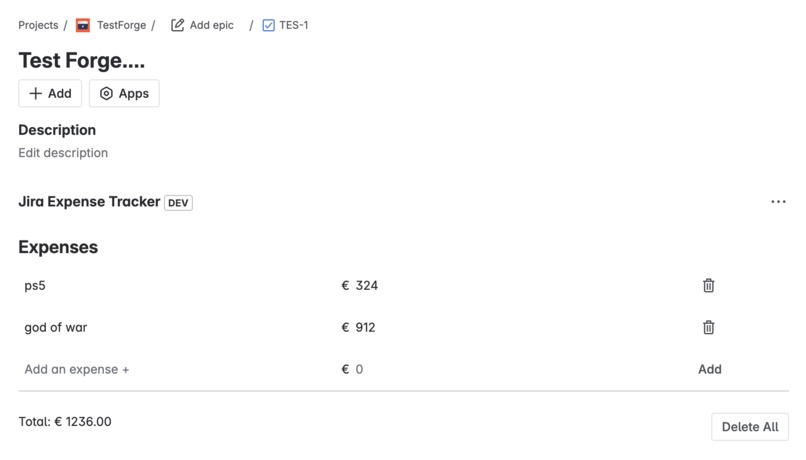
Front end of the app
-
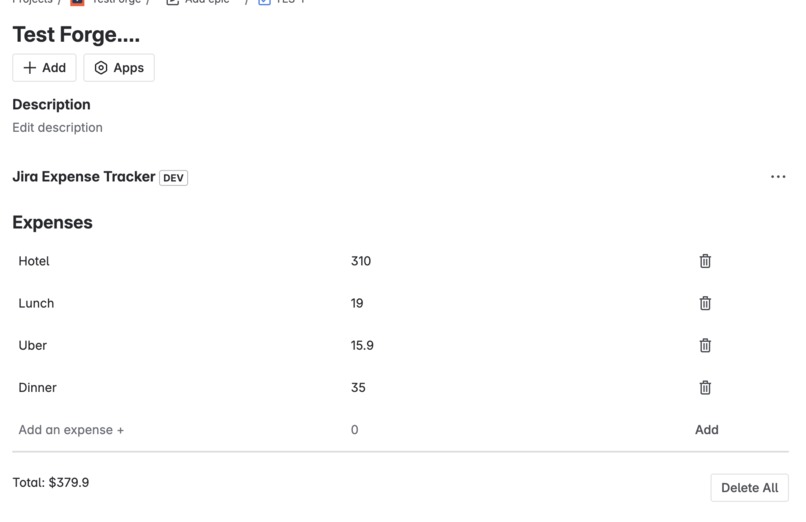
Front end of the app
About the Project
Inspiration
I wanted to explore Atlassian Forge and learn how to build full-stack cloud apps within the Jira environment. Tracking expenses is a practical use case, so I decided to create an expense tracker that integrates directly into Jira issues. This project helped me get hands-on experience with Forge’s storage, resolver functions, and React-based frontend components.
How I Built It
- Frontend: Built with React using
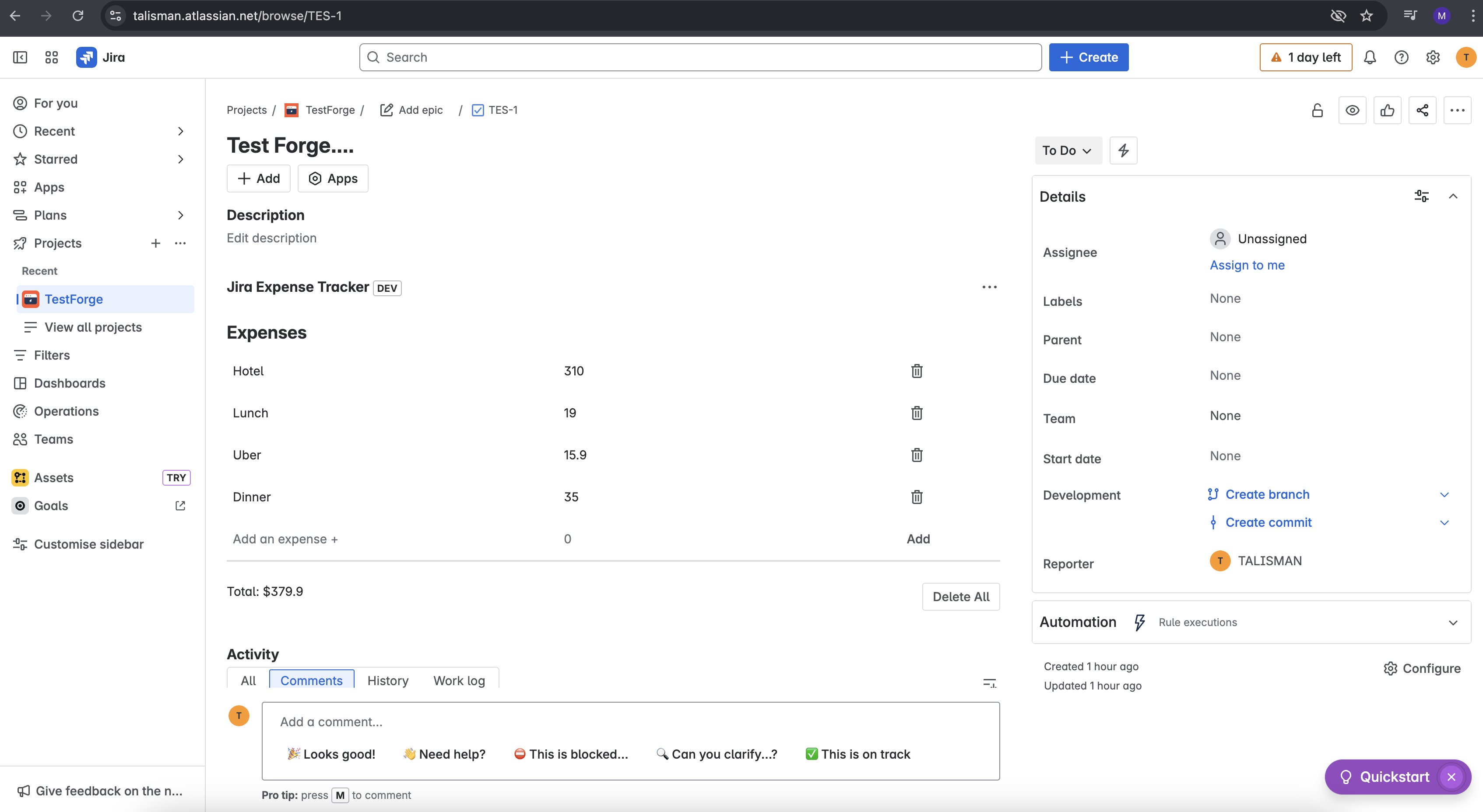
@forge/reactcomponents. It dynamically displays the list of expenses and allows users to add, edit, and delete expenses. The UI communicates with the backend throughinvoke()calls to resolver functions. - Backend: Implemented with Forge’s resolver API and persistent storage. Resolver functions handle CRUD operations (create, read, update, delete) for expense data scoped to the Jira issue context.
- Manifest: Configured the Jira Issue Panel module to embed the app within Jira, setting permissions for app storage access.
What I Learned
- How to set up an Atlassian Forge app with frontend and backend components.
- Using
@forge/reactfor building UI inside Jira. - Managing persistent data with Forge Storage API scoped to issue context.
- Connecting frontend and backend using resolver functions with
invoke(). - Handling asynchronous state updates and validation in React.
- Working within the constraints and deployment model of Forge apps.
Challenges
- Understanding the flow of context data between Jira, frontend, and backend.
- Debugging state synchronization between frontend inputs and backend storage.
- Implementing robust validation for numeric input within Forge’s UI framework.
- Navigating Forge’s permission model and deployment structure.
- Optimizing the UI/UX within the limited Forge runtime and resource environment.
Built With
- atlassianforge
- javascript
- node.js
- react


Log in or sign up for Devpost to join the conversation.