-
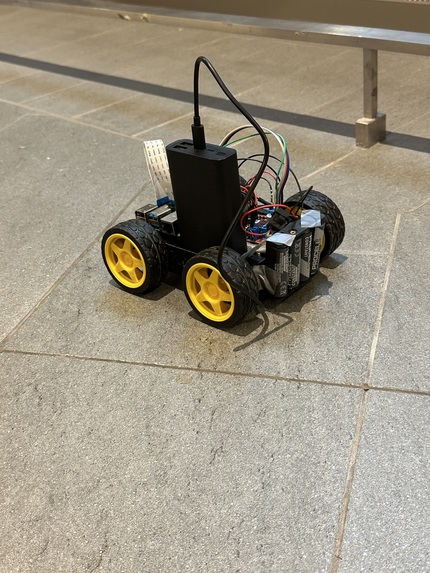
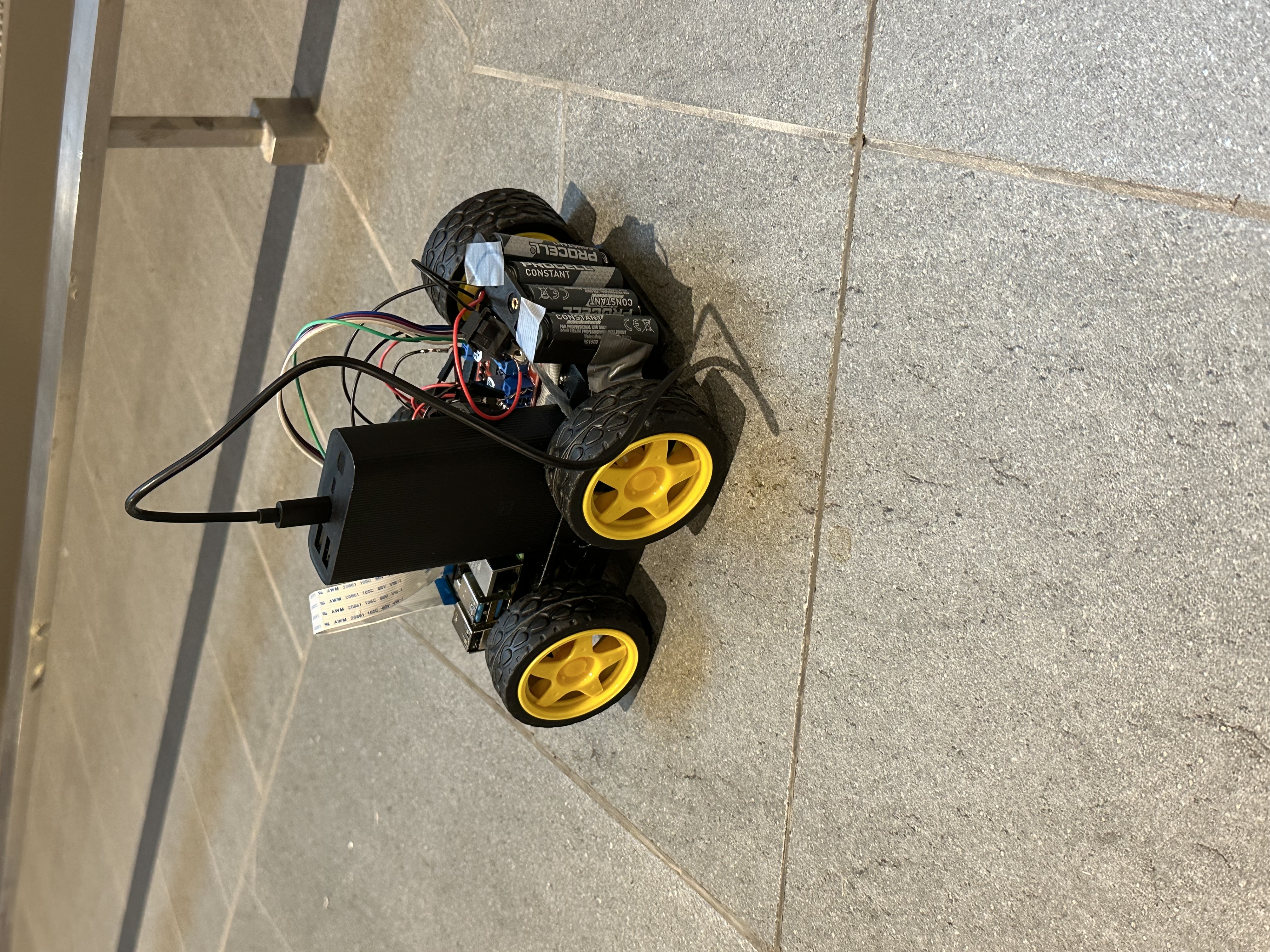
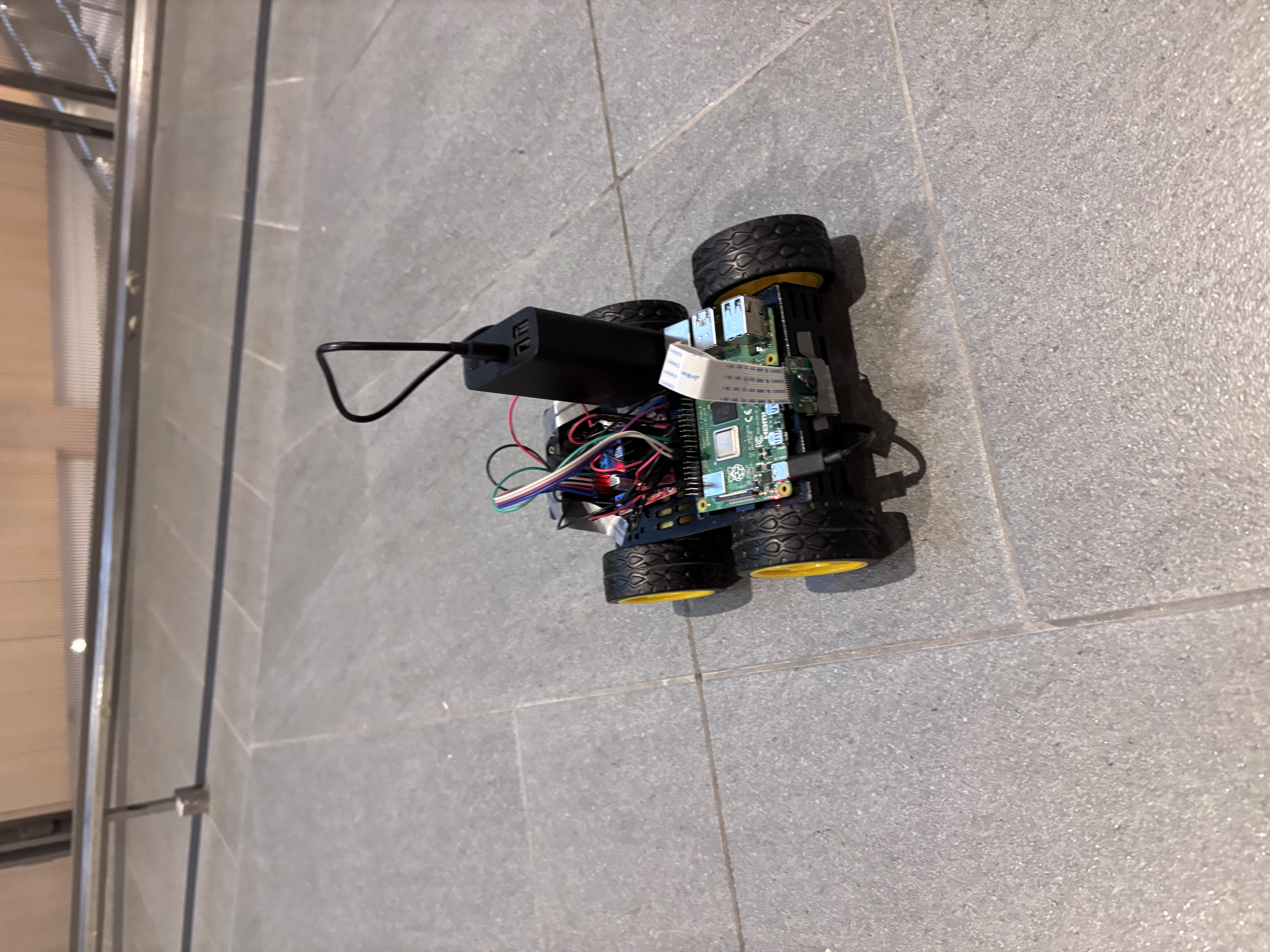
Final product of the completed robot.
-
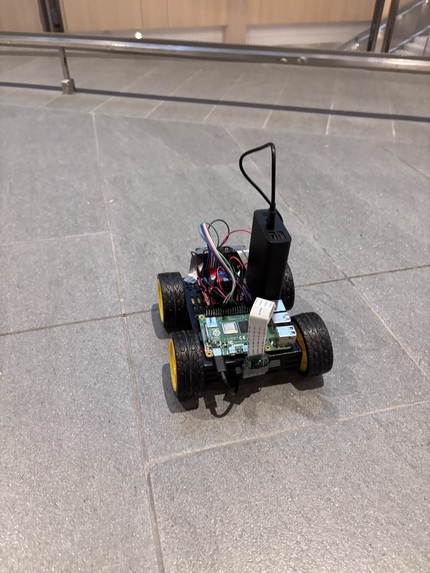
Final Robot.
-
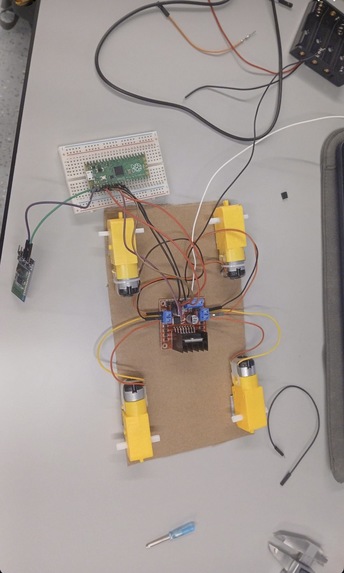
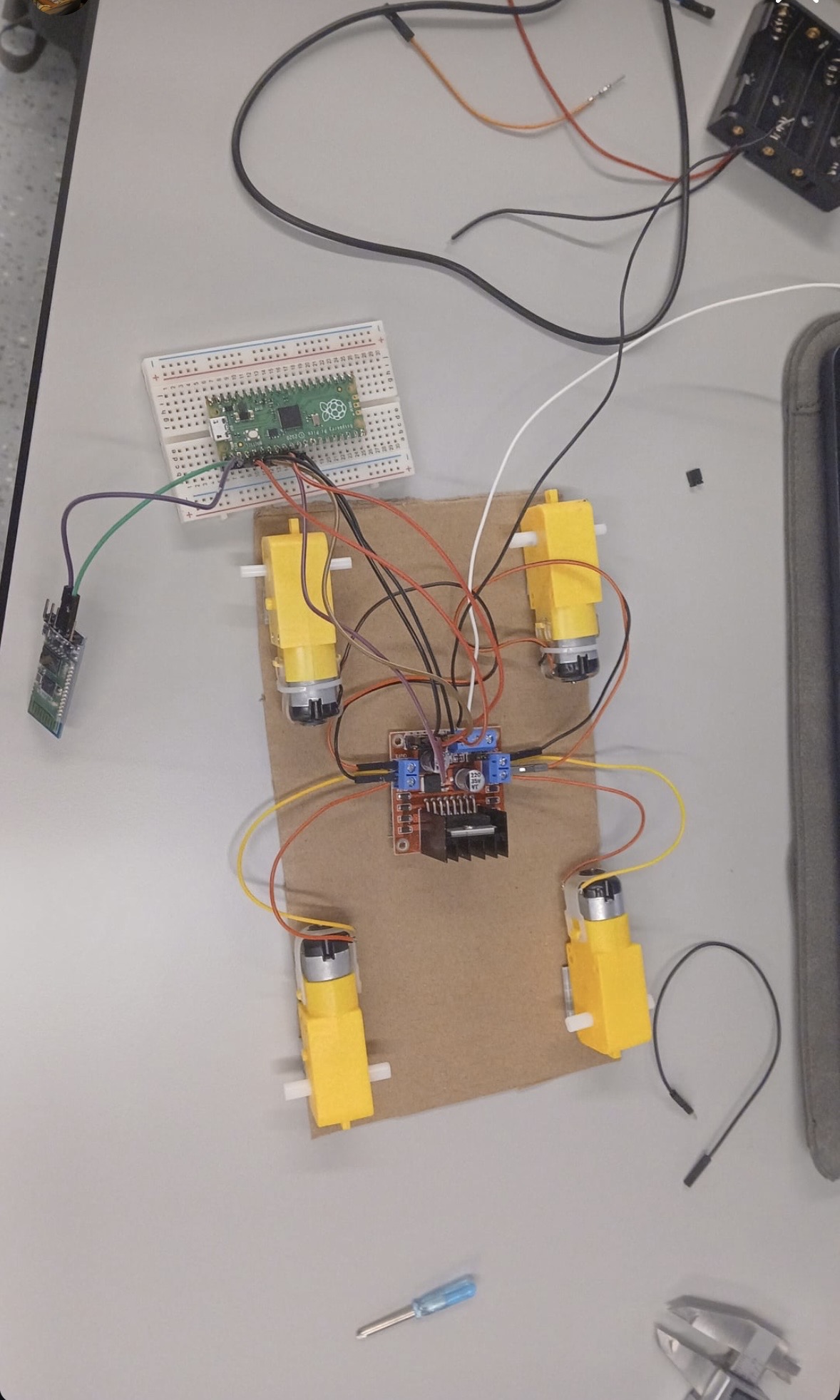
Stepper Motors, Motor Driver, Pico, Breadboard, Bluetooth
-
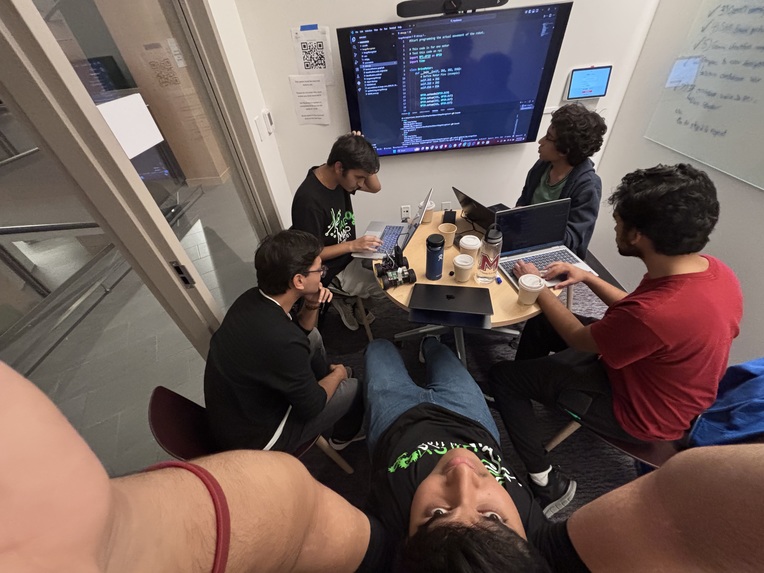
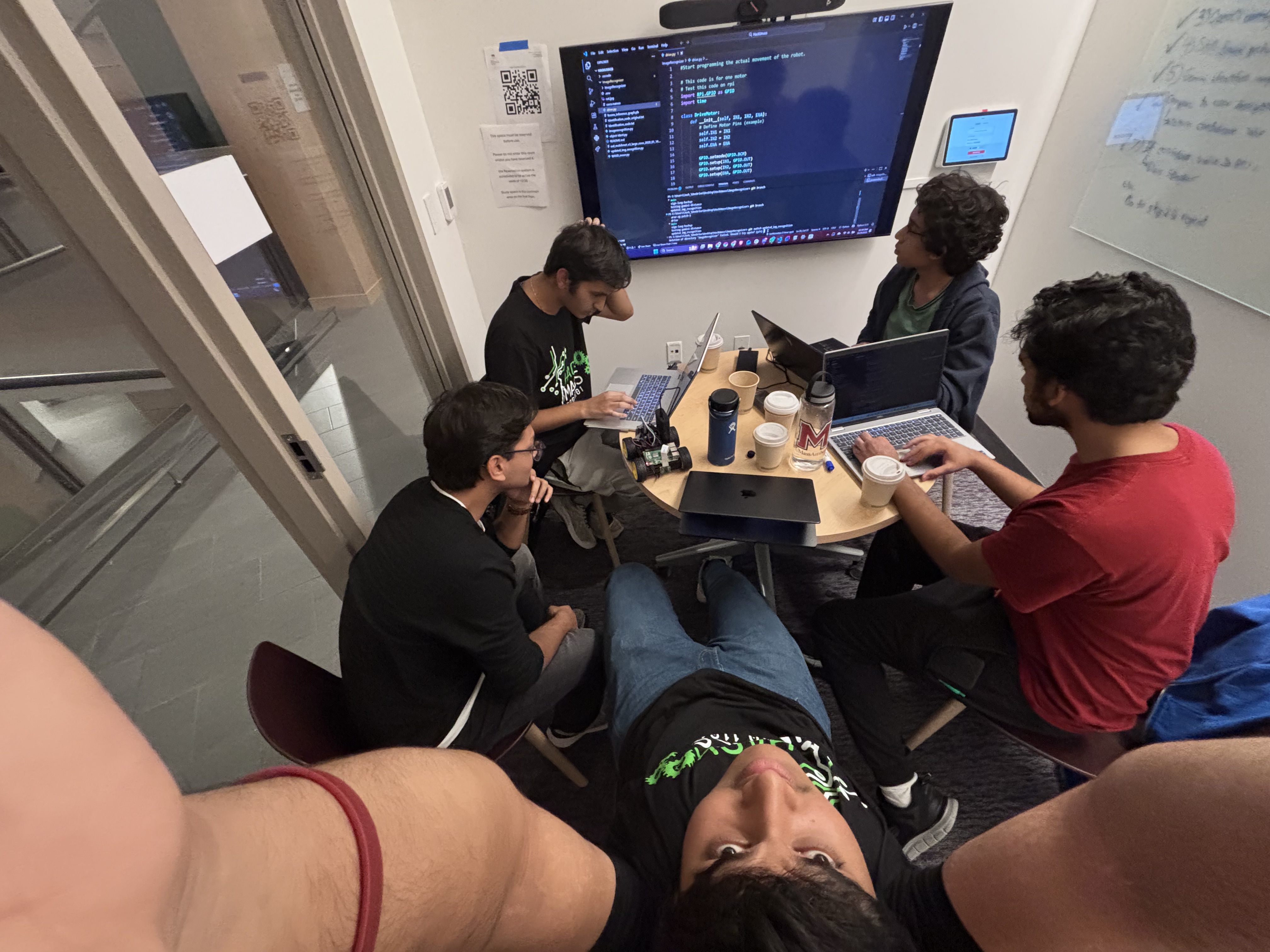
Merging hardware and software
-
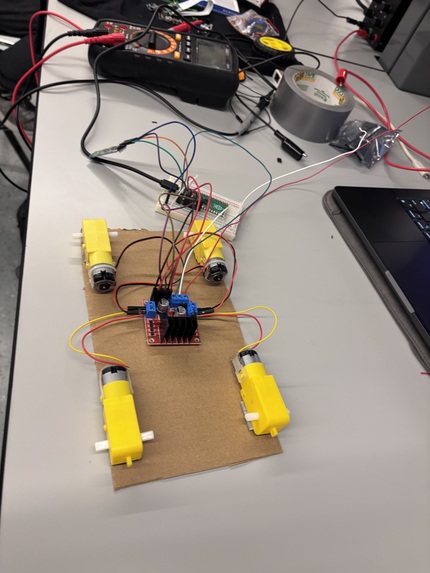
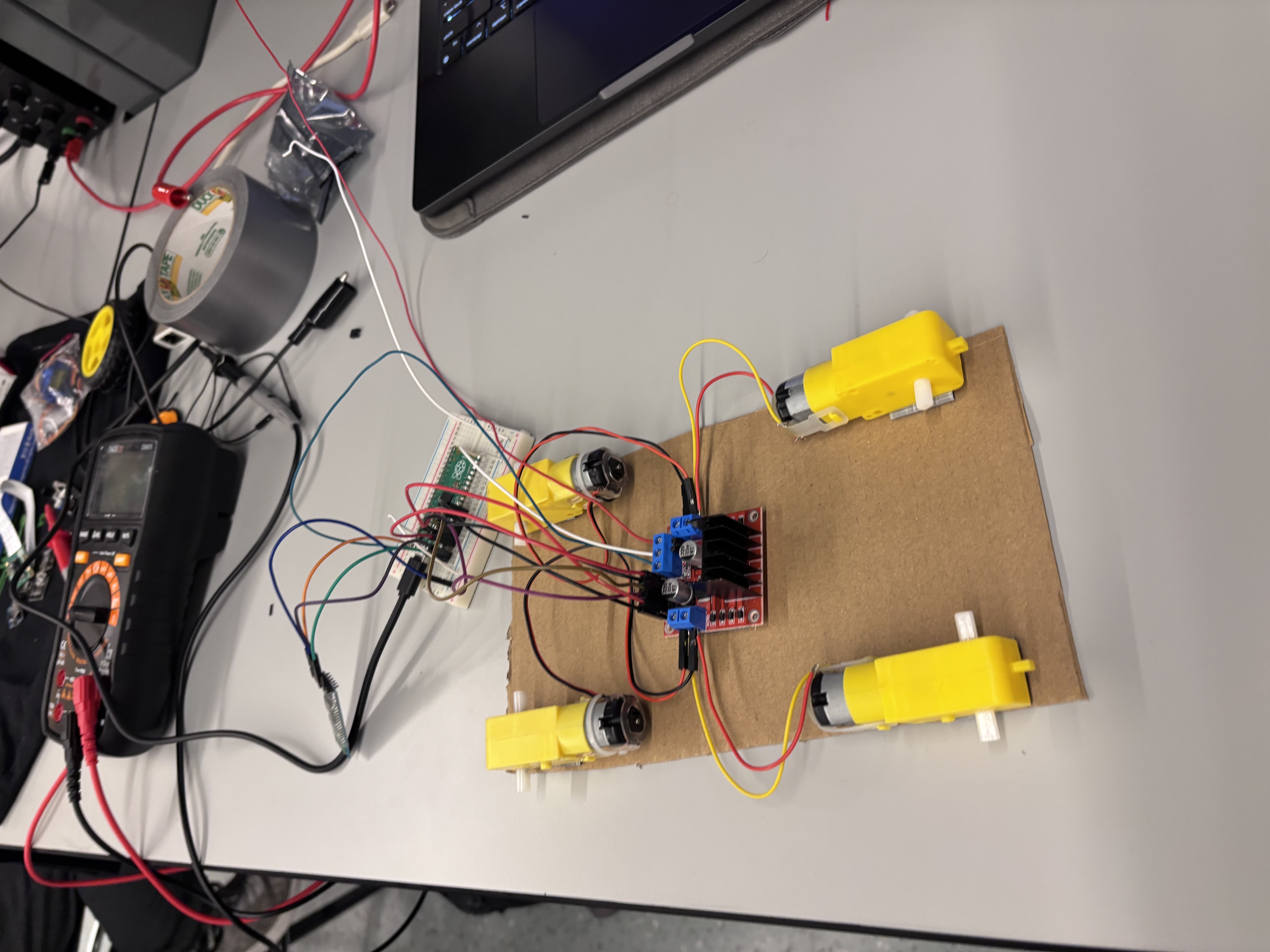
First robot prototype day 1
-
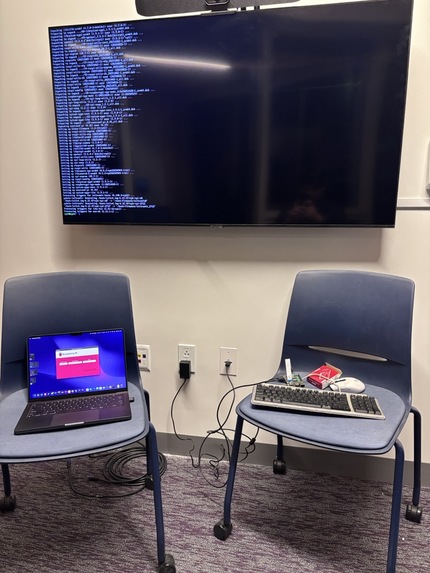
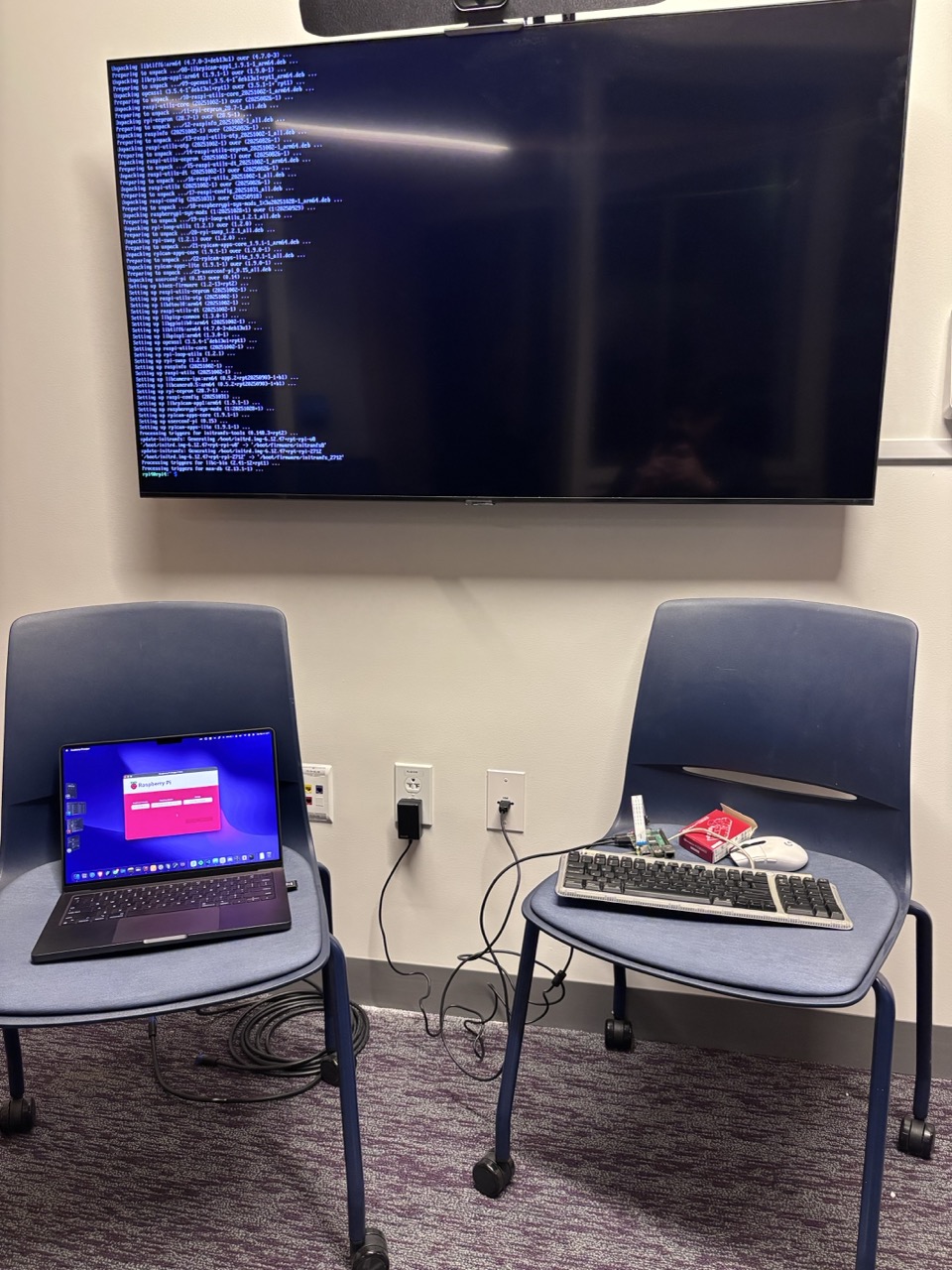
Trouble Shooting Raspberry Pi, 3 hours in.
Inspiration
We wanted to create a system that bridges human language and robotic perception — something that can understand what you’re looking for and help you find it. From losing keys at home to searching for tools in a workspace, the idea of a robot that can visually locate objects based on a natural-language description felt both futuristic and genuinely useful. That’s how ARGUS was born — an intelligent vision assistant powered by AI.
What it does
ARGUS allows users to describe an object in natural language — like “a silver watch”, “my blue water bottle”, or “a set of keys” — and then uses a camera feed to look for it. The system processes live images through Google Gemini, identifies visible objects, and compares them to the user’s description with a match confidence score.
The goal is to integrate this capability into a mobile robot, enabling it to physically scan its environment and navigate toward the desired object. In future versions, ARGUS will combine computer vision, robotics, and natural language understanding to make object-finding both intuitive and autonomous.
How we built it
Frontend/UI: Built in Streamlit for a clean and interactive interface, supporting both webcam capture and photo upload.
Backend & AI: Uses Google’s Gemini 2.5 Flash model via the google-generativeai library for visual analysis and matching.
Environment Handling: .env + python-dotenv for secure API key management.
Image Processing: Pillow (PIL) for handling captured frames.
Robotics Integration: Raspberry Pi with cameras and sensors for movement and pathfinding, enabling the robot to actively search for and approach target objects.
Challenges we ran into
- Getting Gemini to interpret vague or abstract object descriptions accurately.
- Integrating AI-generated confidence scores with visual feedback in real time.
- Handling environment variables across devices and operating systems (especially with Streamlit).
- Designing the system architecture so that it can easily connect to a future robotic platform for movement and vision alignment.
- Configuring the Raspberry Pi ~ 3.5hrs
- Assembling the chassis, motors, motor driver, Raspberry Pi, camera, and battery packs into one machine. ~7hrs
- Translating camera pictures from Raspberry Pi into movable actions through decision-making using Gemini. ~6hrs
Accomplishments that we're proud of
- Built a working prototype that can visually recognize and evaluate real-world objects using a natural-language description.
- Created a stable Streamlit interface that combines camera capture, image upload, and AI-powered detection.
- Established a scalable framework ready for robotics integration.
- Learned how to optimize prompts for more consistent Gemini responses.
- Troubleshooting the Raspberry Pi.
- Connecting motors via motor drivers and controlling them through the Raspberry Pi
What we learned
How to leverage multimodal AI models (like Gemini) for real-time computer vision tasks.
How to design a software pipeline that’s future-proof for robotic hardware.
The importance of prompt clarity and consistency when using generative AI for structured outputs.
How to use Streamlit for rapid prototyping of AI tools.
How to utilize GPIO pins on Raspberry PI to control motors and motor drivers
Writing software to control hardware devices.
What's next for ARGUS
Integrate with a mobile robot that uses ultrasonic sensors or computer vision for navigation.
Implement object localization — drawing bounding boxes or heatmaps around detected items.
Add voice command input and audio feedback for a hands-free experience.
Train or fine-tune a model for specific object categories to improve accuracy.
Deploy on a Raspberry Pi or Jetson Nano for fully portable AI vision.


Log in or sign up for Devpost to join the conversation.