-
-

Logo
-
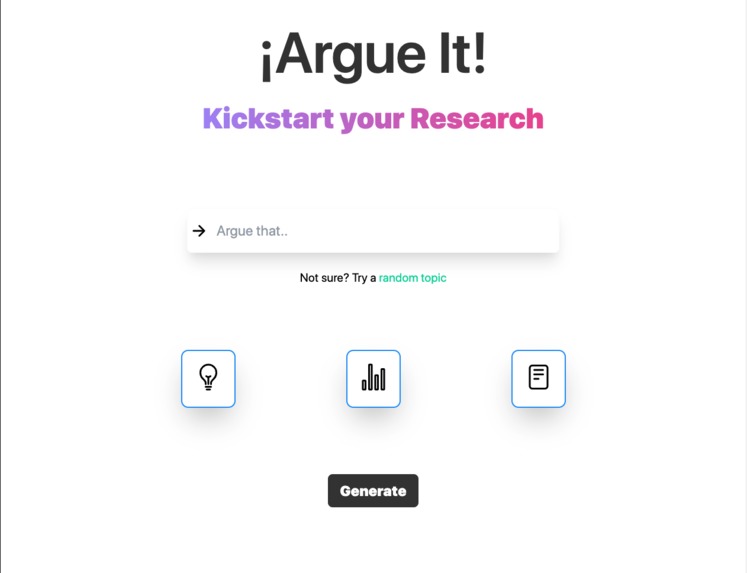
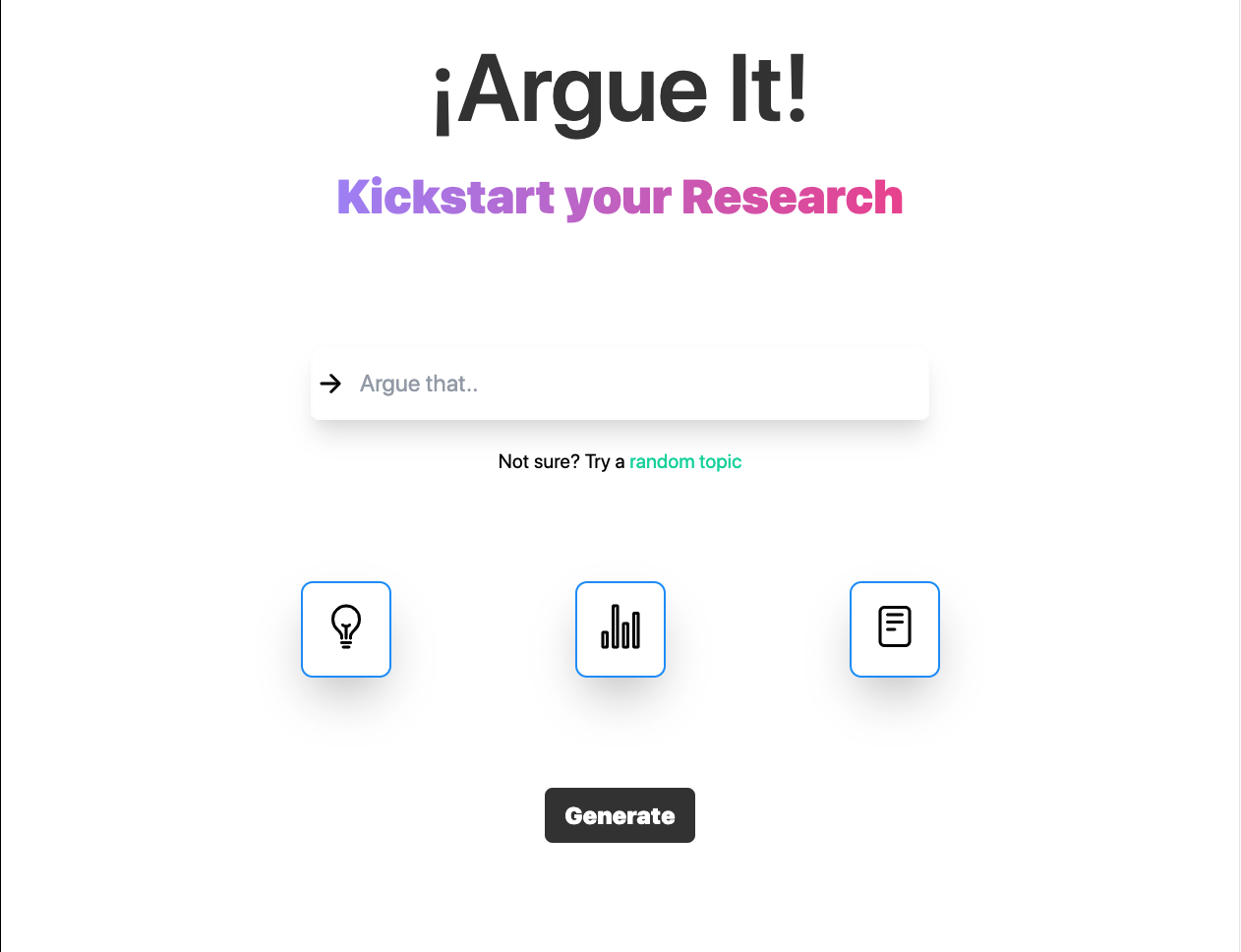
Front Page
-
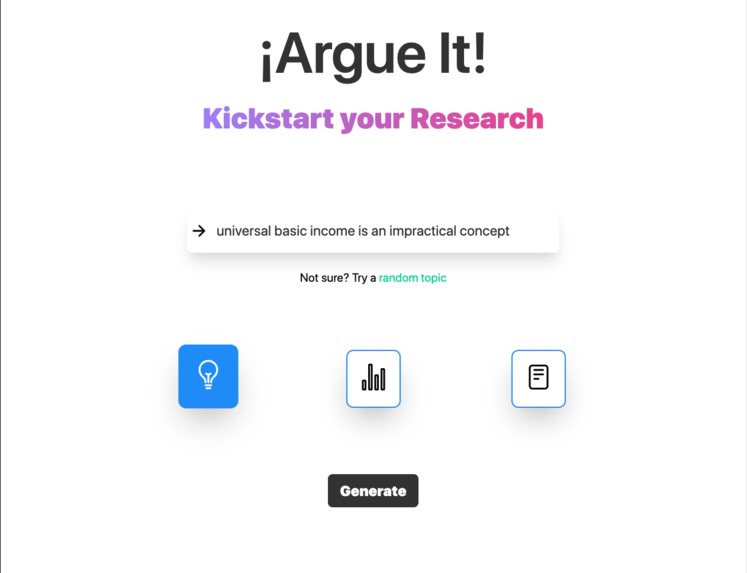
Selecting Mode
-
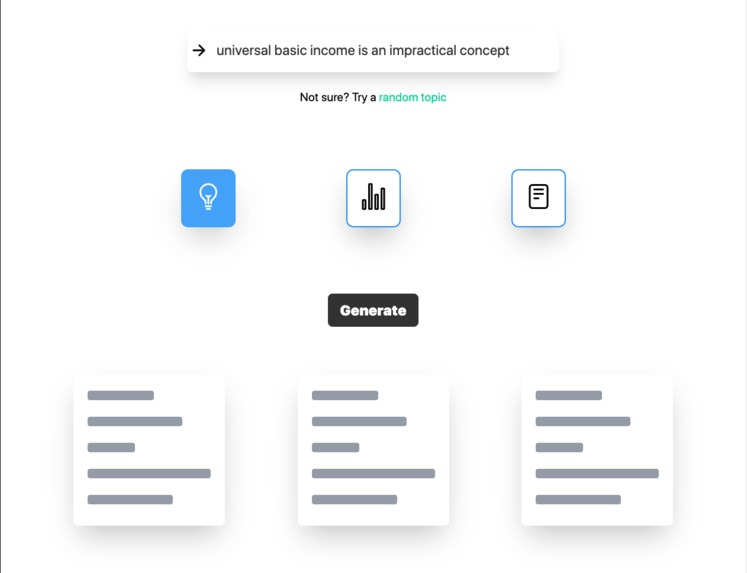
Response Loading
-
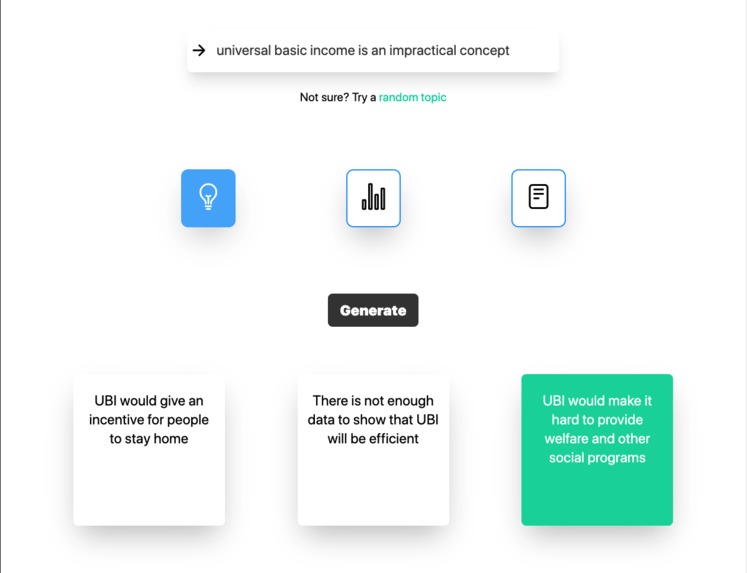
Idea Mode generates Ideas + hovering to copy
-
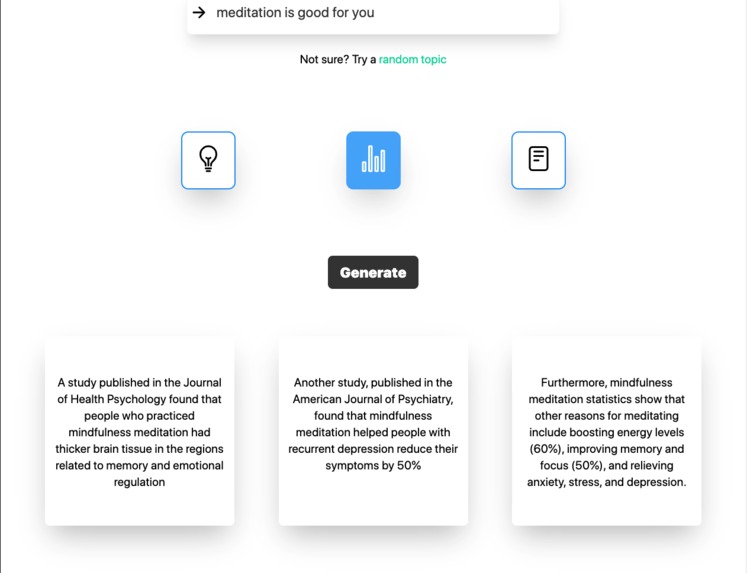
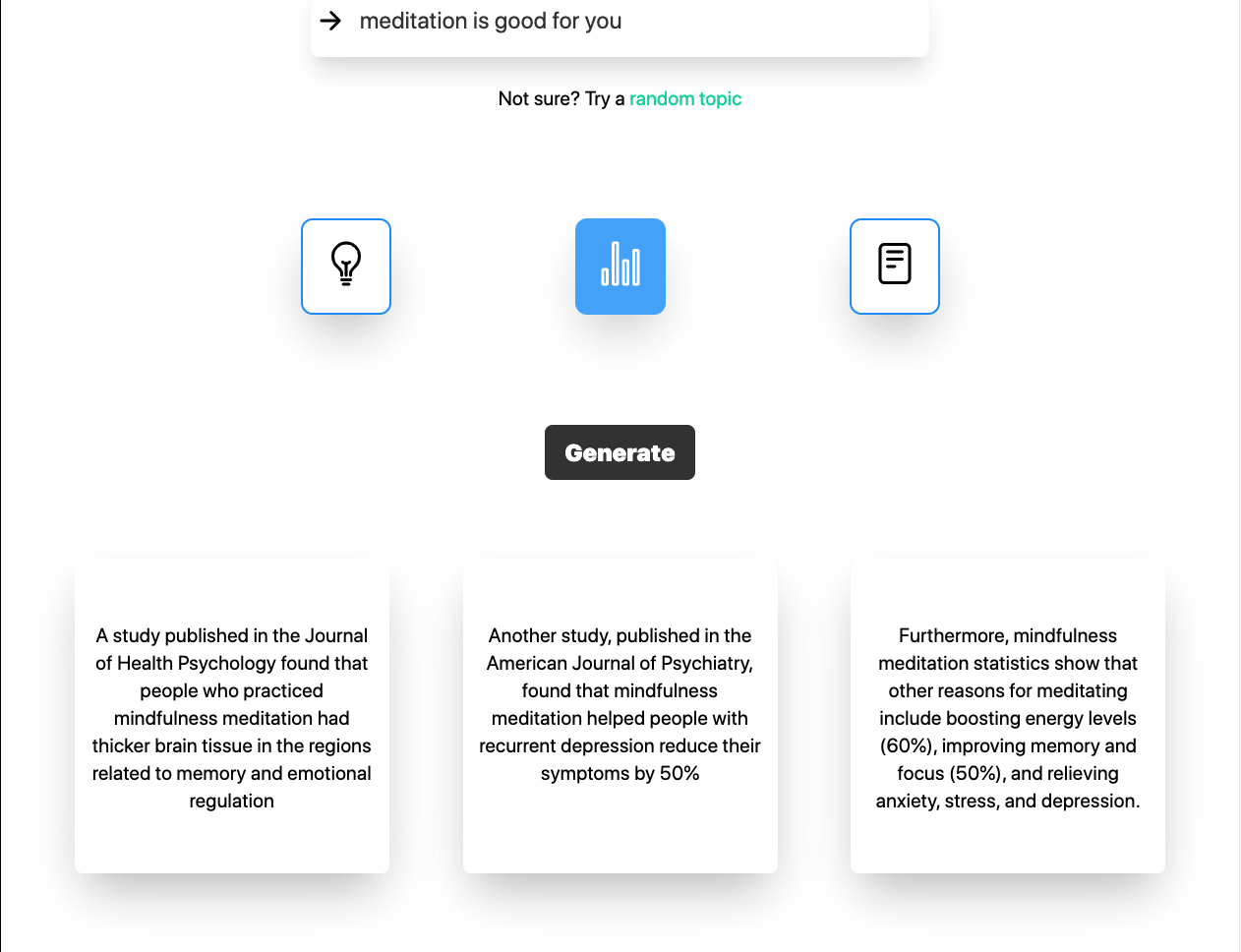
Statistical Mode returns Data
-
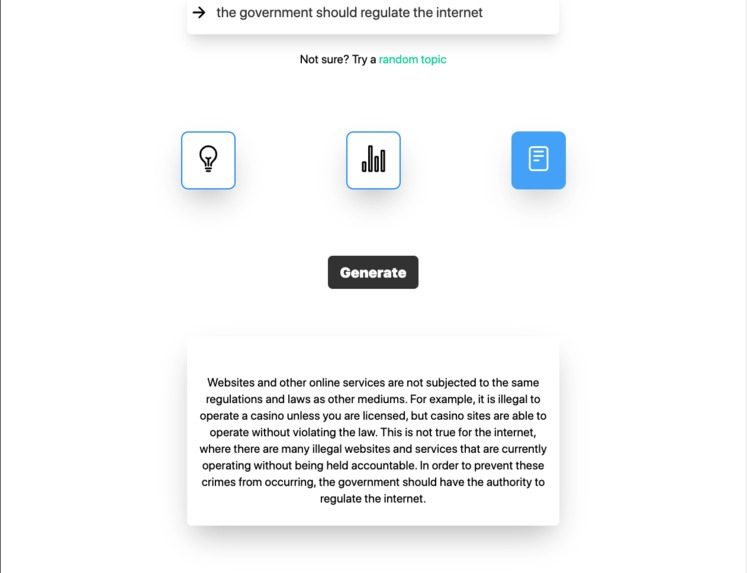
Text Mode develops Paragraph discussing and supporting opinion




Inspiration 💡
I recently needed to conduct research on a niche topic for an upcoming school project, and noticed how difficult and time-consuming the researching process could be; moreover, it's sometimes tough to even know which direction one should be going in. Therefore, I knew that I, as well as all students around the globe, would benefit from a tool that would simplify the researching process, plus break it down into the core components of a strong argument (ideas + statistics), in order to give you a "kickstart" in your research.
What it does ⚙️
Hence, I created ¡Argue It!. The core of ¡Argue It! is the OpenAI API (GPT-3) and the website operates in 3 separate modes: ideas, statistics, and text. To use the website, the user simply needs to enter an argument or opinion on a topic (e.g. "philantropy is ineffective"). Subsequently, the user must select one of the 3 aforementioned modes, and finally click the "Generate" or arrow button.
Idea Mode: As the name suggests, in this mode ¡Argue It! will return 3 main ideas that support your claim which you can then build up on and immediately use for your research. As an example, the query "universal basic income is an impractical concept" might return "There won't be an increased standard of living in the long run because of inflated prices due to the increase in demand for goods and services", and 2 other main points/ideas. The AI-generated results are all displayed as separate blocks, and the user can even copy an individual idea or statistic directly to their clipboard by clicking on the respective block. Furthermore, an extremely beneficial feature of ¡Argue It! to note is that a query will always yield unique results, no matter if it's an identical query.
Statistics Mode: Similar to the Idea Mode, the Statistics Mode will also return 3 outputs, however they will purely be statistical data, results from surveys or experiments, and quantitative & qualitative observations. Together, the Idea and Statistics Modes comprise all the research one needs; major ideas that are backed by evidence in the form of statistics or observations.
Text Mode: Finally, Text Mode will provide a paragraph that incorporates elements from both Idea Mode and Statistics Mode, intending to show the bigger picture. Text Mode is where the AI has the most freedom and flexibility, meaning the outputs are often times very insightful and interesting. Overall, the purpose of Text Mode for research is to show the structure of the individuals ideas and pieces of evidence, and give you an overview of the topic, as well as to illustrate what data and evidence backs which points.
How I built it 🧱
Tech Stack => JS + HTML + Tailwindcss | Node.js + Express.js + Browserify | GPT-3 for AI
I used Node.js to communicate to the AI, which was GPT-3, and Express in addition to Browserify to run Node in the browser. I used vanilla HTML and Tailwindcss (for the 1st time 🎉) for the front-end, JS for the interactivity and making the API calls as well as formatting the API responses. The foundation of generating accurate and relevant responses relies on several training examples I created which have 2 components each: the "Argument" which is always an opinion on a particular topic, and for each of the 3 different searching modes there would be an appropriate "Ideas/Statistics/Text" component which would store responses to the corresponding Argument as strings that I developed myself. This home-made training data is subsequently passed along with the new user prompt to the backend AI; there, the AI provides a suitable and relevant output (developed using the scraped sources, like Wikipedia, that it stores and refers to), which is lastly sent back to the front-end where it gets formatted with JS and ultimately displayed for the user to see and copy.
To clarify regarding the example Argument + Response pairs, this is what they look like for the Idea Mode (1 argument always has 3 outputs except for text mode where there is 1 paragraph):
Argument: we should keep the death penalty
Ideas: The death penalty gives closure to the victim's families who have suffered so much. It creates another form of crime deterrent. It gives prosecutors another bargaining chip in the plea bargain process, which is essential in cutting costs in an overcrowded court system.

Argument: universal basic income is an impractical concept
Ideas: There won't be an increased standard of living in the long run because of inflated prices due to the increase in demand for goods and services. Free income may not incentivize people to get jobs, and could make work seem optional. Universal Basic Income (UBI) takes money from the poor and gives it to everyone, increasing poverty and depriving the poor of much needed targeted support.

Argument: Philanthropy doesn't work
Ideas: Philanthropy can't keep up with the money that's being taken from the economy. Philanthropy is usually about funding certain groups while excluding others. Philanthropies are often criticized for not being transparent enough or having a conflicts of interest
Challenges I ran into 🚧
Given it was my first time using Tailwindcss, I often had a lot of trouble styling certain elements, and the naming convention of the utility classes took some getting used to. Moreover, frequently the event listeners for particular elements that were styled with Tailwind classes didn't work when the function called is in the JS file, so the solution was to add the event listener in a script tag yet then call a global function in the JS file. Lastly, refining the consistency, accuracy, and relevancy of the AI's results was a continuous analyzing & debugging effort: I constantly needed to notice what recurring issues the AI made then act on it by adding new data that, for instance, uses a sentence structure the AI isn't familiar with or giving it an example response to an opinion on a topic it didn't quite understand; ultimately this repetitive process enabled me to fine-tune my AI model especially well.
Accomplishments that I'm proud of 🍾
For one thing, I'm always very proud when I manage to create something I would personally use on a daily basis; it's one thing to be able to make a product you yourself don't have much interest in, but it's a completely different scenario when you've actually successfully resolved an issue you yourself were facing. To add on, in retrospect I am certainly happy to have stepped out of my comfort zone by deciding to learn Tailwindcss at the beginning of the hackathon; at the time I felt worried I wouldn't grasp an understanding of all the utility classes and how the Tailwind Config file works fast-enough. However, I eventually managed to incorporate almost all of the utility classes in my website, and even implement Tailwind's prebuilt animations for my loading skeleton cards and transitions for my buttons and input field. Overall I was very satisfied to have simultaneously learnt so much about and have extensively used a new framework AND produced an extremely useful and valuable service to a high degree of quality.
What I learned 🤔
As I already mentioned, I primarily learnt a lot about Javascript (using for past ~5months) and TailwindCSS (using for past ~24 hours). Here's a comprehensive list of everything I've learned throughout AngelHacks 2021:
Javascript
- Window. prefix to make functions global
- Ternary operator for conditionals
- proper naming convention for functions (i.e. handleX())
- scrollIntoView() method to scroll to element via JS
- Learnt more about the nature of async functions and how responses obtained from API cannot be accessed outside of the scope of the function
- split() method to separate string into individual substrings that each come before or after the delimiter (e.g. "," for comma separated values would be delimiting character) and return them as array
- pop() method to remove last element of array (used it in C++ for vectors before, had no idea it was in JS too 😃)
CSS
- scroll-behavior: smooth;, when applied to html selector, makes the scrolling on the website less rigid and more smooth
Tailwindcss
- Text => colour, size, strength/boldness, gradients on text, letter spacing, aligment
- Positioning and Display => relative, absolute, flex, justify-X, width (w-), height (h-), margin (m-), padding (p-), top-, left-, right-
- Miscellaneous => gradients, backgrounds (bg), disable select (select-none), disable cursor (cursor-pointer), remove button outline (outline-none & focus:outline-none), focus:, hover:, transition, pulse-animation, borders width + colour, opacity-, border-radius (rounded-X), adding custom colours in Tailwind Config file, styling your own classes with Tailwindcss utility classes using the "@apply" directive
What's next for ¡ Argue It ! 🔮
From here on out, there are 3 main long-term goals:
1) Consistently refining and ameliorating the accuracy, consistency and relevancy of the results of the AI. This will be achieved by continuously providing more example training data and diversifying the topics of the data even more, as well as varying minor details like sentence structure and words used to expose the AI to several more different queries.
2) Conducting qualitiative interviews and research to determine what the target market and customer is, and to subsequently market the website and redesign the UI & UX accordingly to the preferences of the specific target market and customers.
3) Ultimately deploy ¡ Argue It ! and hopefully maintain it as a free resource for all students across the world with access to the internet!
Built With
- css3
- express.js
- gpt-3
- html5
- javascript
- node.js
- tailwindcss


Log in or sign up for Devpost to join the conversation.