-

-
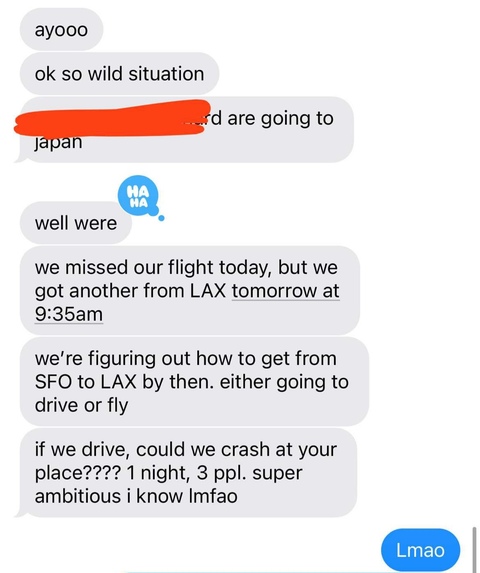
Use case 1: Nate's friend missing his flight to Tokyo and rapidly looking for backup options
-
-

Use case 2: Shrey being FaceTimed into his own birthday party because all flights into Detroit were canceled that weekend :(


flightcooked.lol
Inspiration

we all have that one trip that we've been looking forward to.
and sometimes, even when flights are delayed or cancelled, we're looking to make the trip happen at all costs...
as a team, we've personally navigated adhoc backup travel methods of our own (and with many friends enduring missing/cancelled/delayed flights).
we decided to build flightcooked.lol to ensure that you make it to your exciting travel plans no matter what.
when a flight is missed or delayed, the possible alternatives to reach the destination are very open-ended, and traditional travel search engines don't offer cost-effective or creative solutions.
in case of a missed/delayed flight, our AI-agent model is the best solution for making it your exciting travel plans.
flightcooked.lol is a dynamic tool that devises possibilities to your destination such as booking flights from neighboring airports, taking public transit, or even modifying your overall destination to somewhere nearby.
What it does
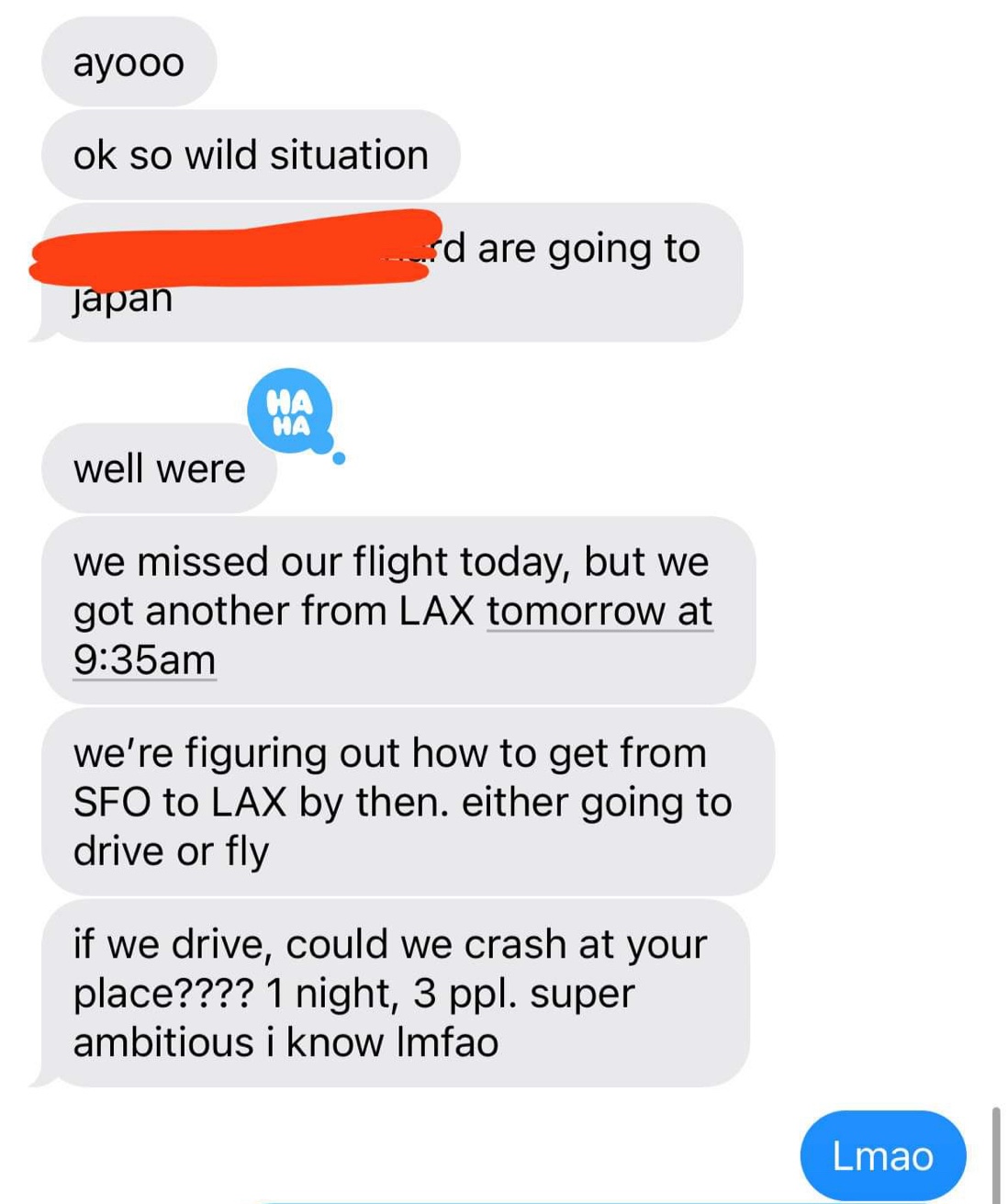
 flightcooked.lol is a web app that enables users to simply input their flight number, and receive an output of potential alternative travel itineraries in order to reach their desired destination.
a typical user of flightcooked.lol just recently missed their flight. they will:
- Enter their flight number
- This calls fetch.ai's DELTA-V Chat API with the prompt in
cloud-cooked/convex/actions.ts - Given agents that we've already set up on fetch.ai's agentverse, we ask DELTA-V to respond to our prompt, finding you alternative routings for your flight including buses, trains, public transit, etc. There is no coding needed on our end besides the prompt — DELTA-V automatically determines the best agents to complete the task, then queries the APIs it needs to come up with a plan.
- Agent code is in
agents/folder
- The alternate plan is displayed to the user.
- If the user likes the alternate plan, we have another prompt that is sent to DELTA-V which allows the user to book all the tickets (stretch goal).
How we built it
- fetch.ai to determine which agents to use
- Convex to keep track of fetch.ai DELTA-V chatbot sessions on a per-tab basis
- Next.js/Vercel for hosting
- Figma to design the frontend
- Tailwind to style the frontend
Challenges we ran into
- Finding good APIs for data
- Dealing with DELTA-V API expiration
Accomplishments that we're proud of
- Very nice looking frontend, with design files in Figma
- We were able to write a relatively stable wrapper around the DELTA-V API with nice abstractions to make accessing messages easier
- Diverse set of agents able to complete a wide variety of tasks
- Well-engineered prompt for DELTA-V
What we learned
- Prompt engineering
- Advanced Tailwind classes
- Convex and fetch.ai concepts
What's next
- Getting flight delay prediction working with a weather/airport delay agent
- Getting non-flight alternatives working with a public transit/train agent
For developers
Getting started
- Install dependencies:
bun install - Start Next.js dev server:
bun dev - Start Convex dev server:
bunx convex dev
Debugging
- If the call to fetch.ai fails, you probably need to get a new authentication token. Log out and log back into the fetch.ai API docs, then copy the JWT and replace the
FETCH_AI_AUTH_TOKENenvironment variable in Convex (in thedevenvironment)
Built With
- convex
- fetch.ai

Log in or sign up for Devpost to join the conversation.