-
-
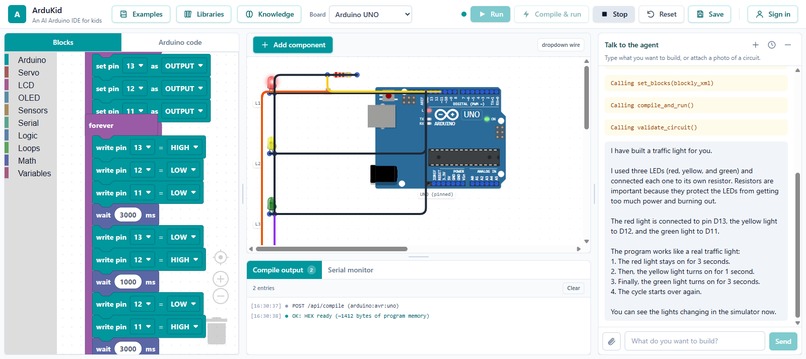
Traffic Llight Circuit
-
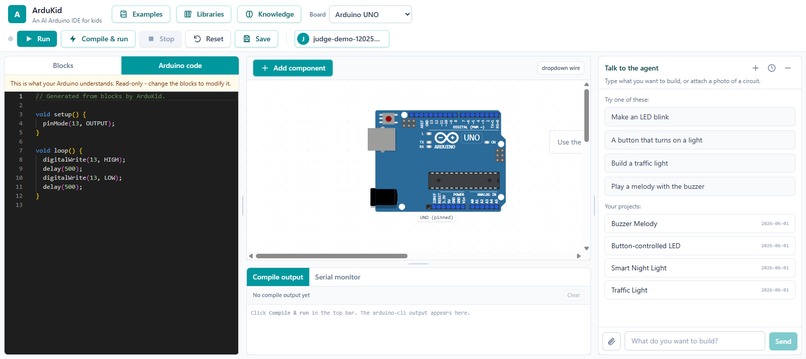
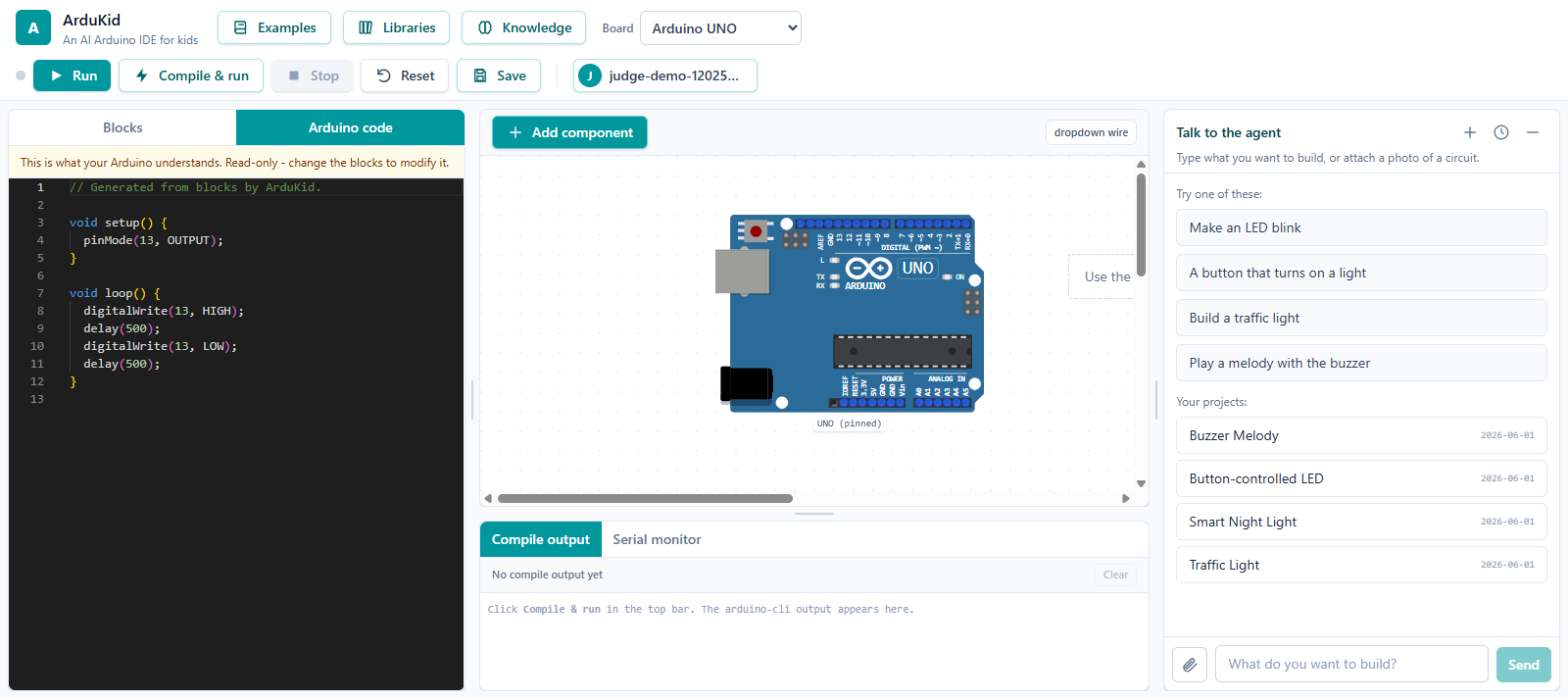
Arduino Code View
-
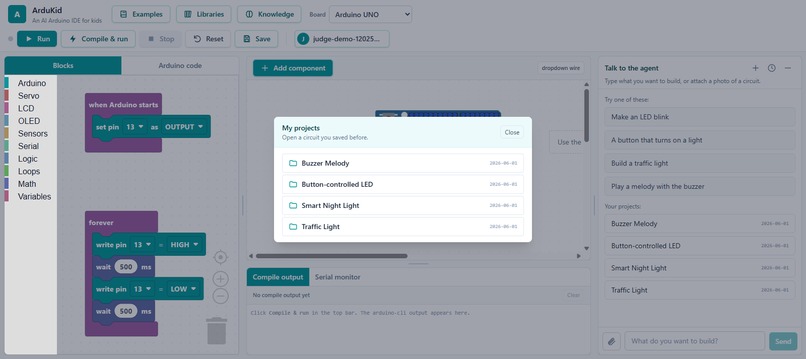
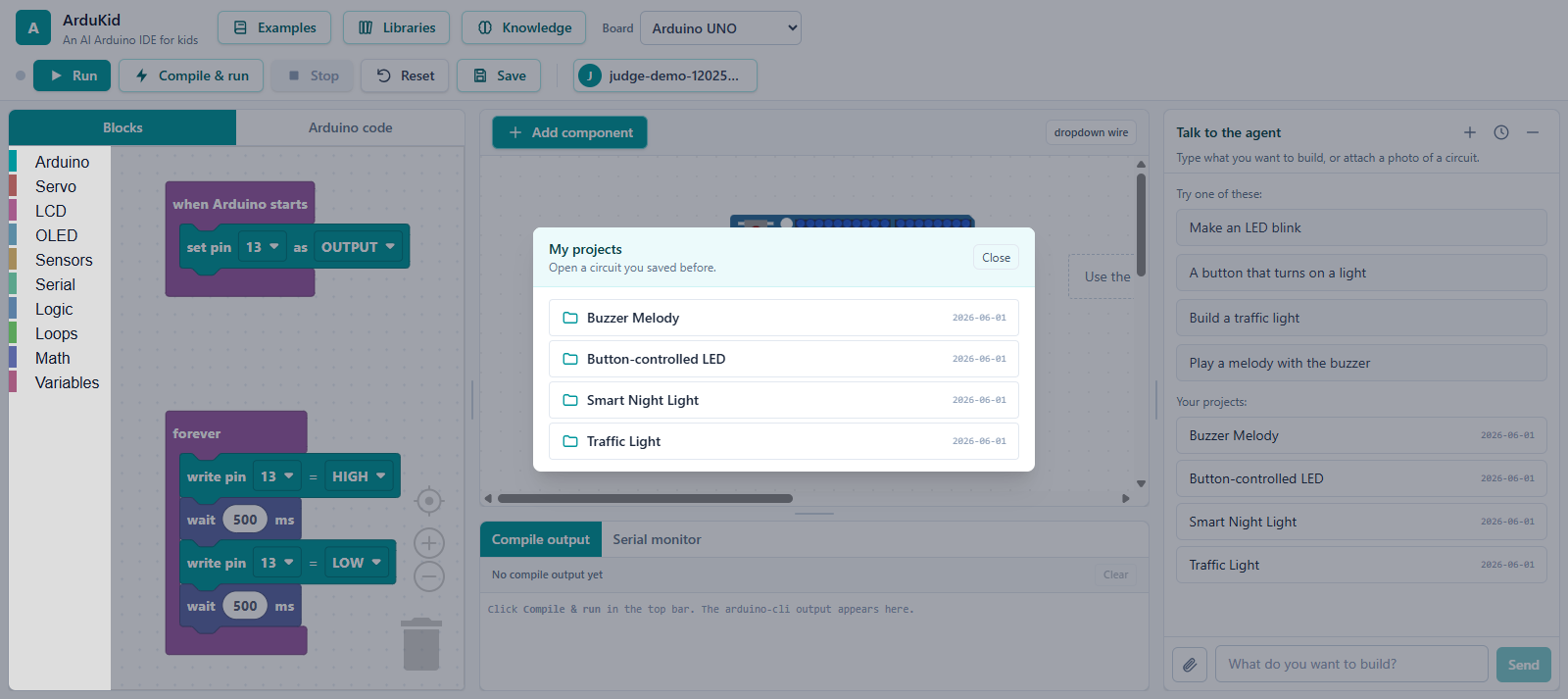
Projects
-
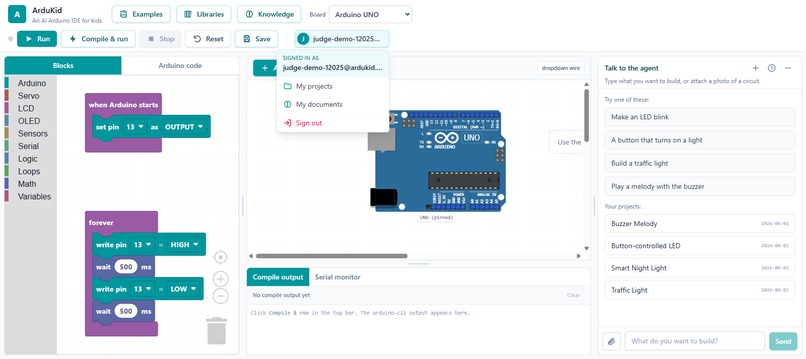
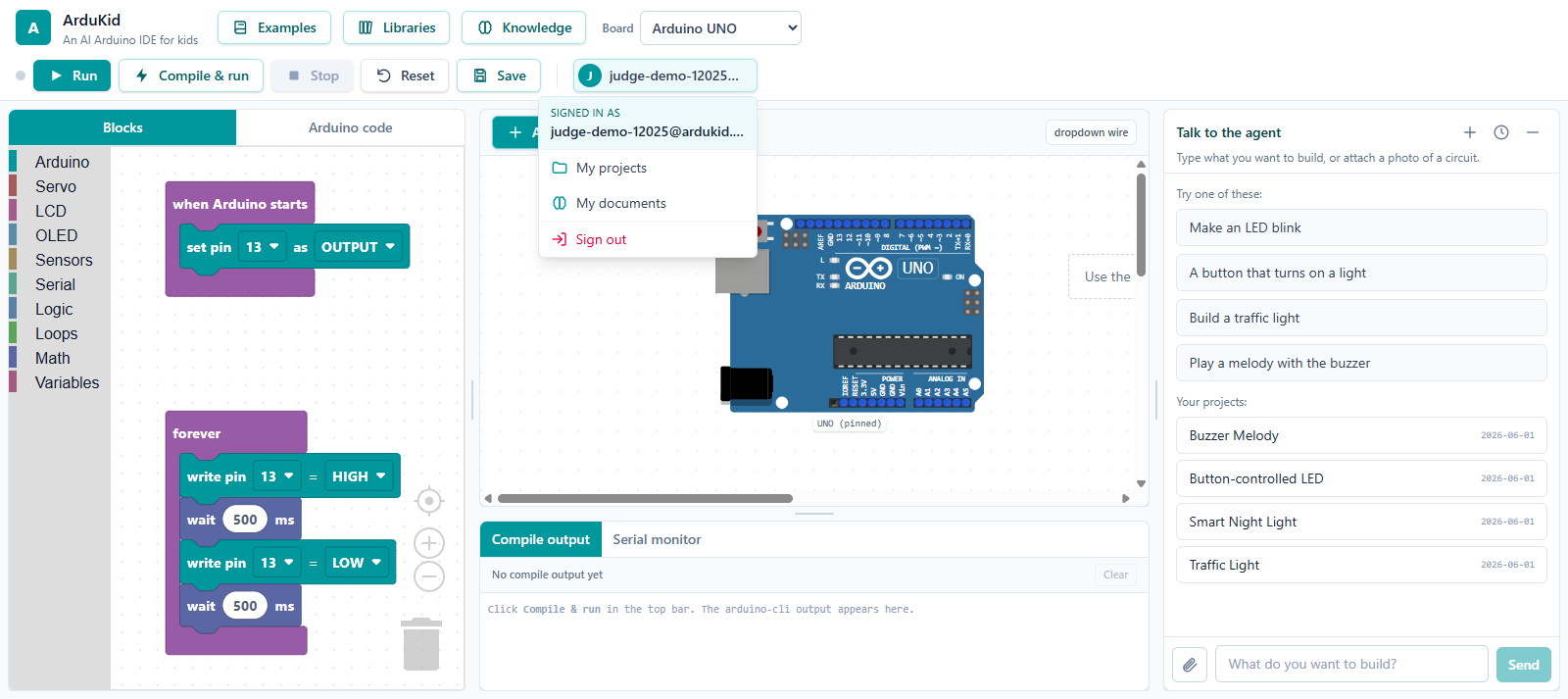
User profile
-
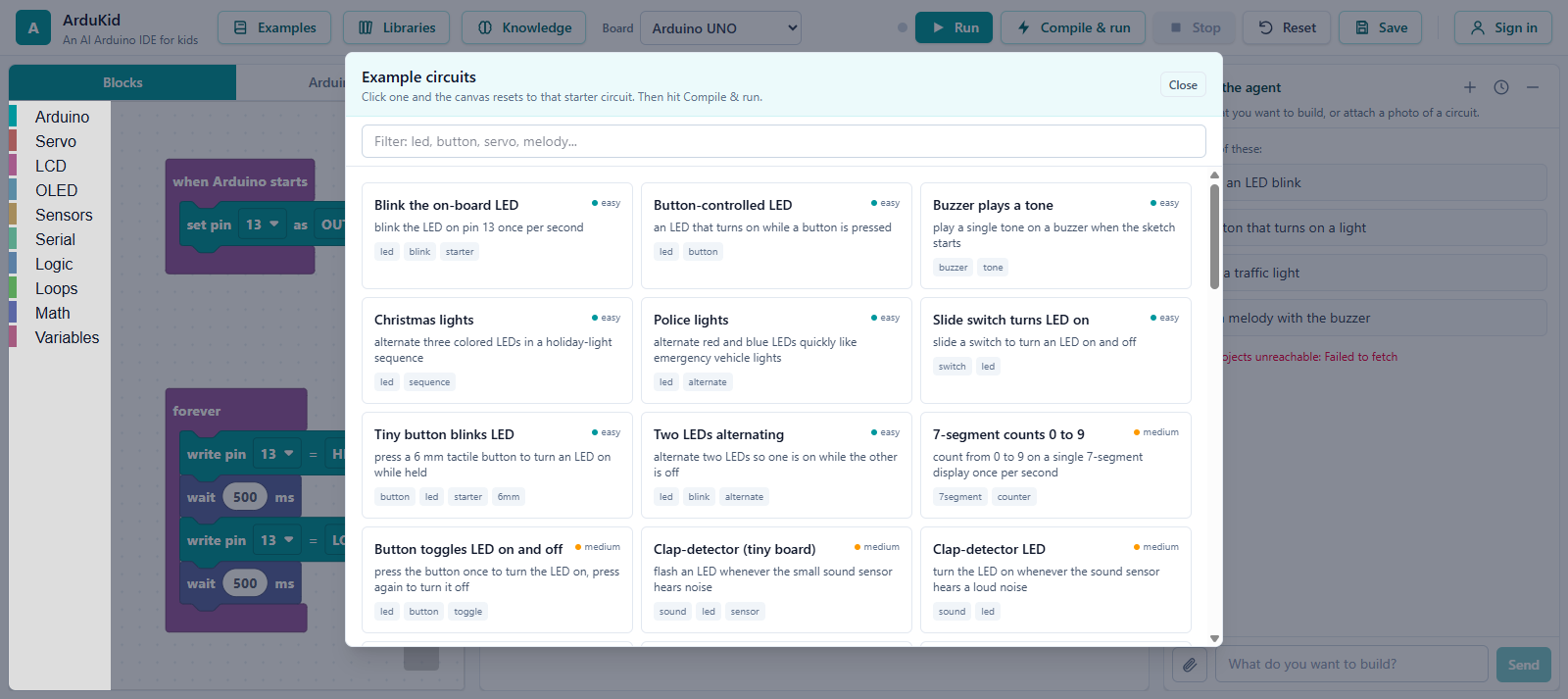
Example
-
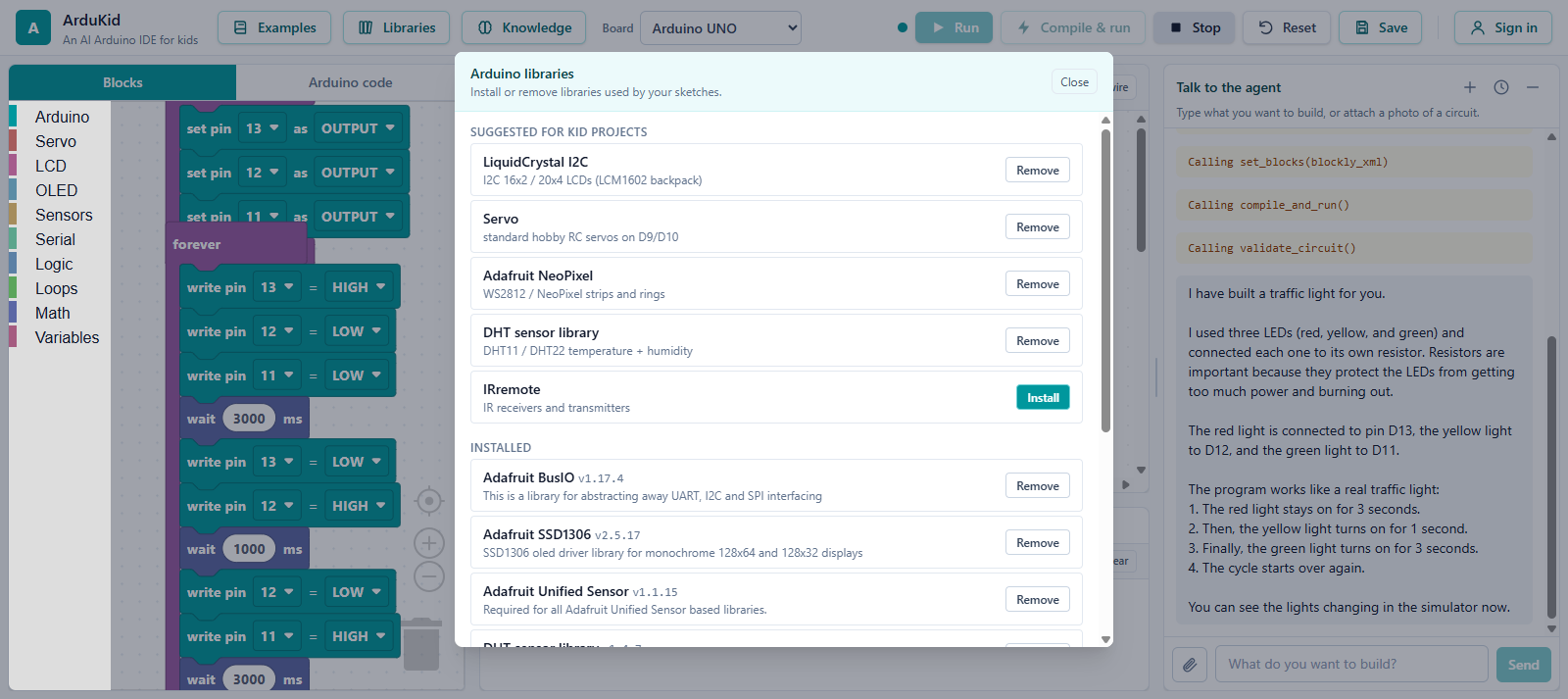
Libraries
-
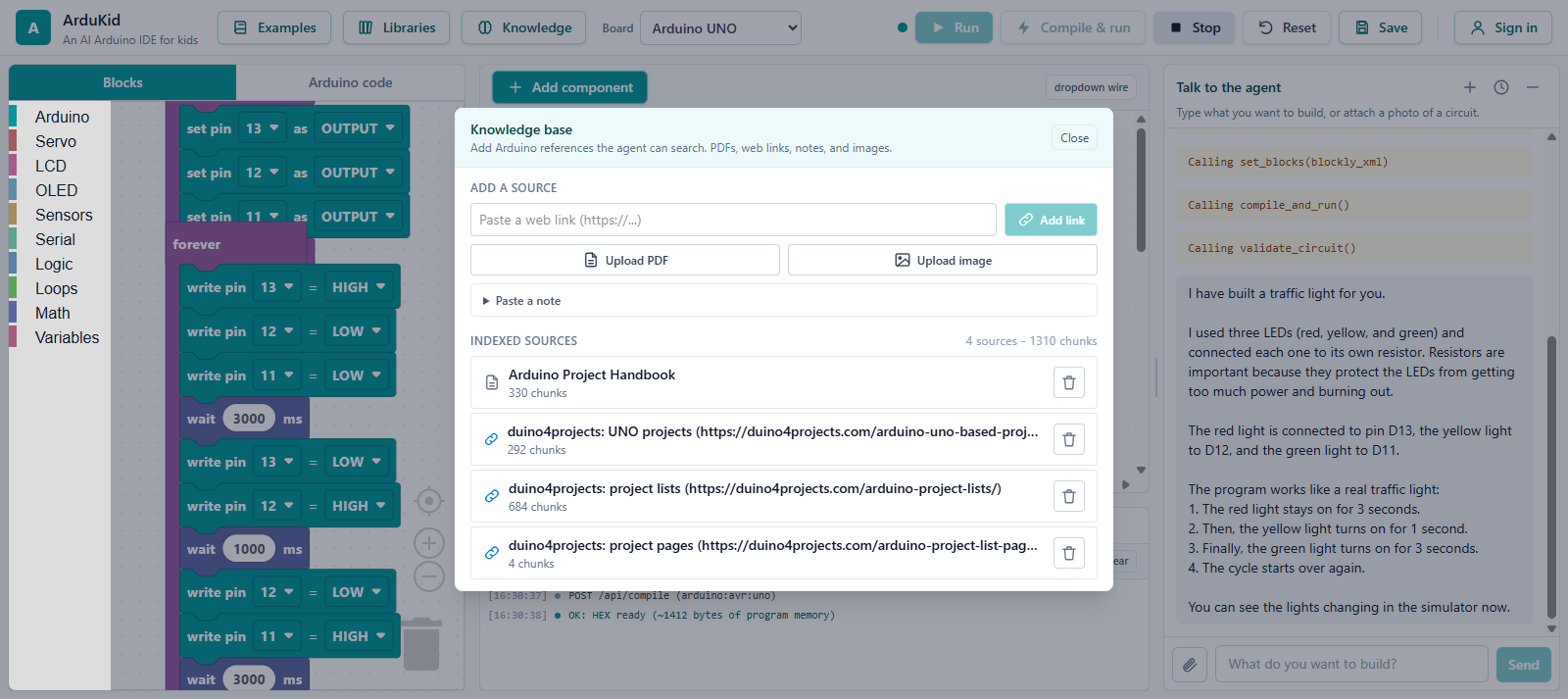
Knowledge
ArduKid - Project Story
This is the text for the Devpost "About the project" field. Images are served from the public GitHub repo (raw.githubusercontent.com) so they render on Devpost.
Inspiration
Kids who want to learn electronics hit two walls at the same time: they need physical parts they usually do not have, and they need to read schematics and write C++ before anything ever lights up. We wanted an 8 to 14 year old to be able to say "I want a traffic light" in their own words and then watch a real Arduino circuit appear, get wired, get programmed, and actually run, all in a browser, with no hardware and no syntax to memorize. The goal was to turn the blank-page intimidation of electronics into a friendly conversation.
What it does
ArduKid is a web mini-IDE where an AI agent builds and simulates Arduino circuits from a child's plain-language description.
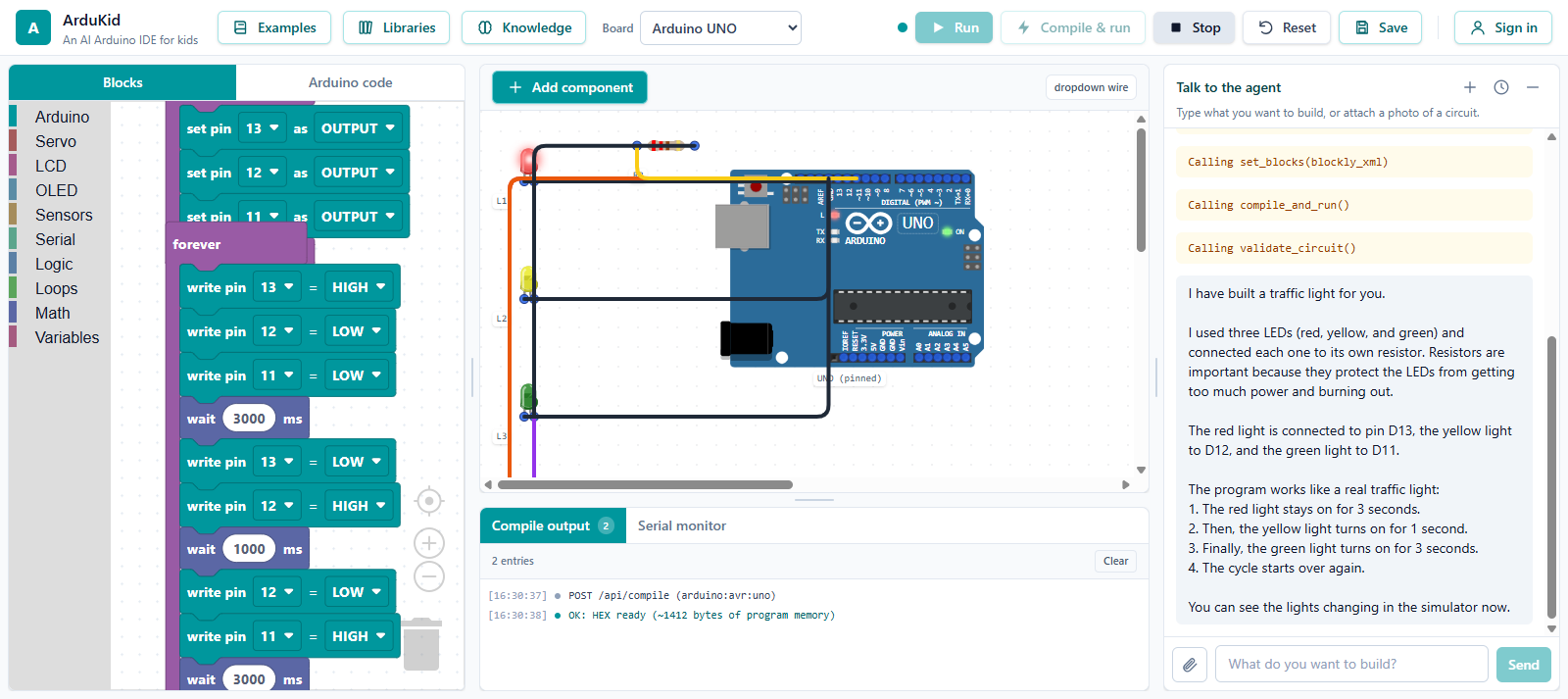
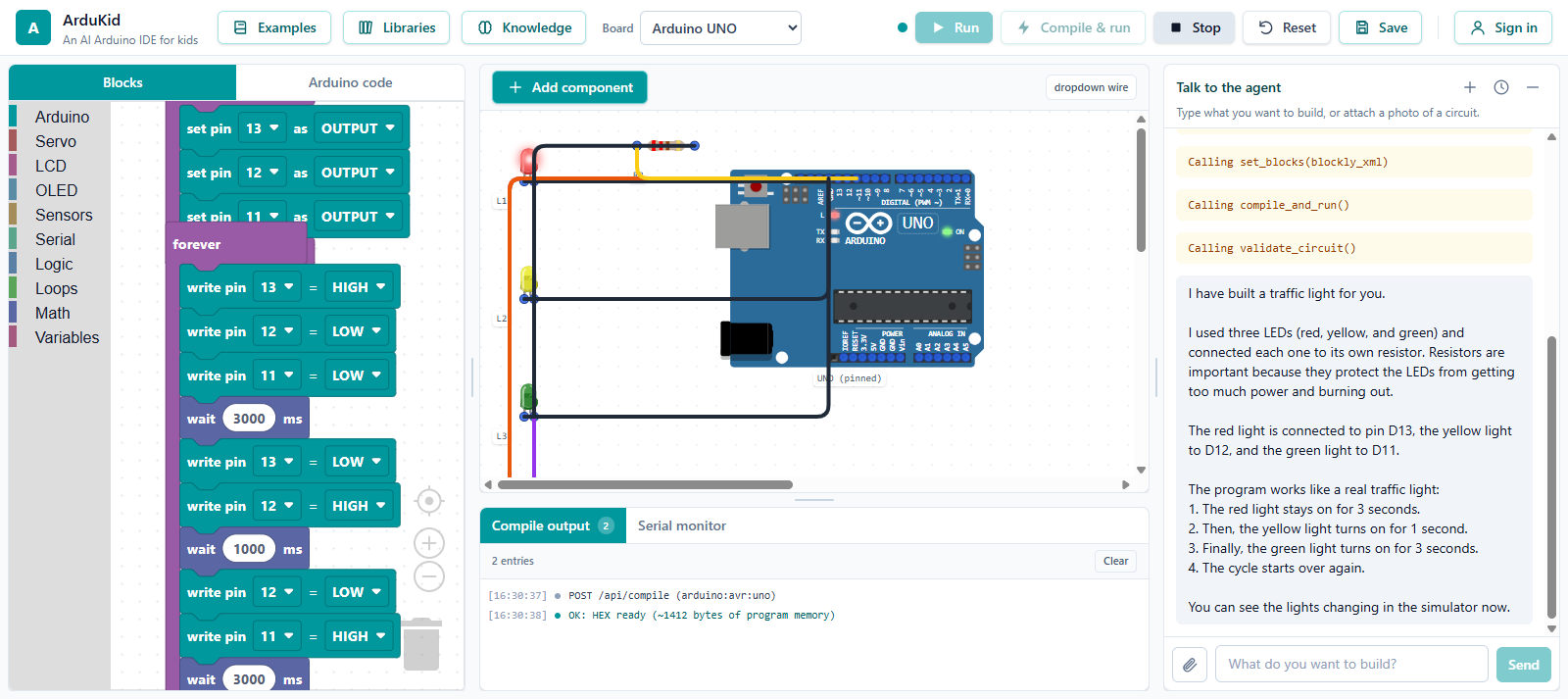 The child typed "Build a traffic light". The agent added three LEDs through resistors, wired them, wrote the blocks, compiled to a HEX, and started the simulation. The red light is on and the cycle is running.
A kid types what they want to build. The agent then, in a single turn, picks the components, places and wires them on a canvas, writes a block-based program, translates it to real Arduino C++, compiles it with arduino-cli, and runs it on an in-browser AVR simulator, so the LEDs blink, the buzzer plays, and the LCD prints. It validates the circuit (a missing ground, an LED without a resistor, a short) and fixes problems before telling the child it is ready.
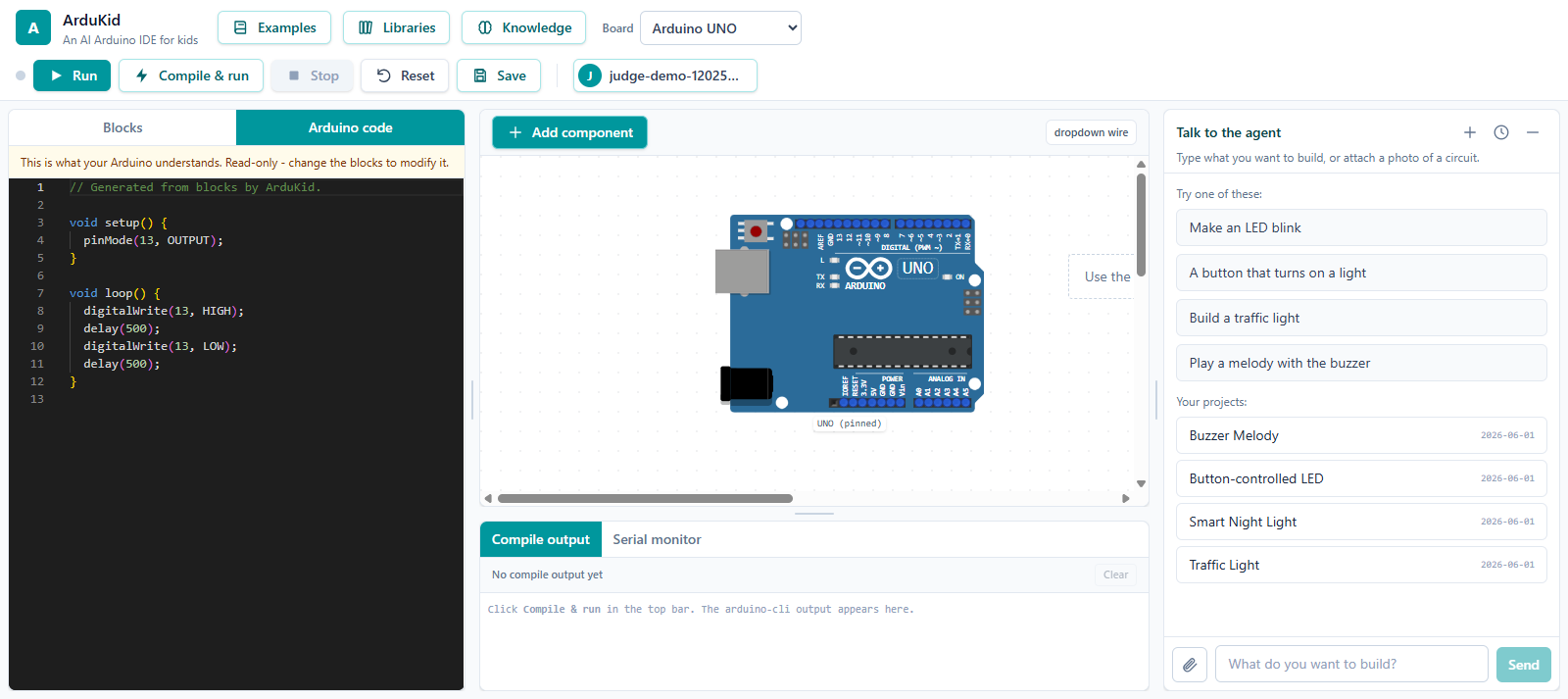 The block program is translated to real Arduino C++ and shown read-only, so children can see exactly what their blocks become.
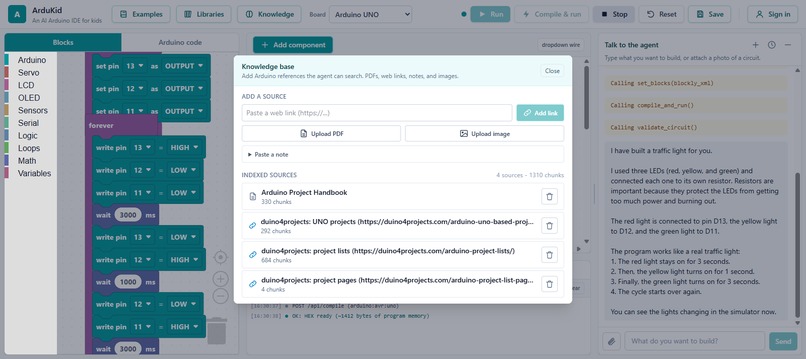
From there the kid can iterate in plain words ("make it blink faster", "add a buzzer"), attach a photo of a real circuit, or add their own reference PDFs and web links to the agent's knowledge base. Three boards are supported: Arduino UNO, Nano, and Mega 2560.
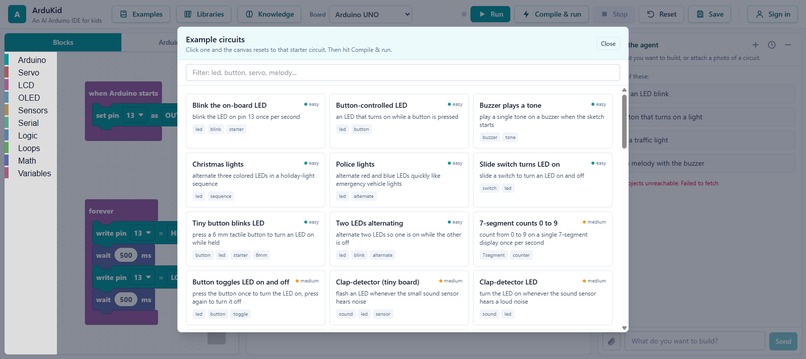
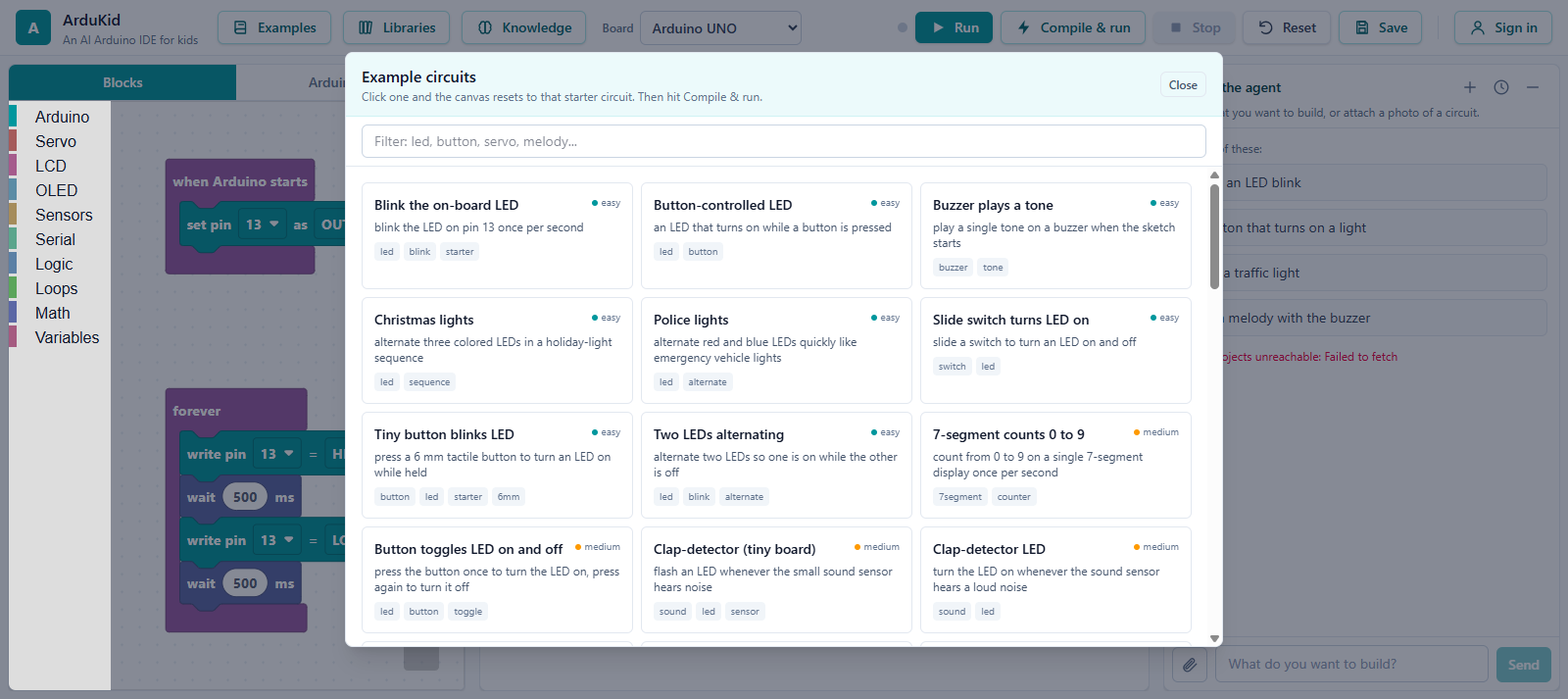 Over fifty ready-made starter circuits, sorted by difficulty, that a kid can load and then ask the agent to change.
How we built it
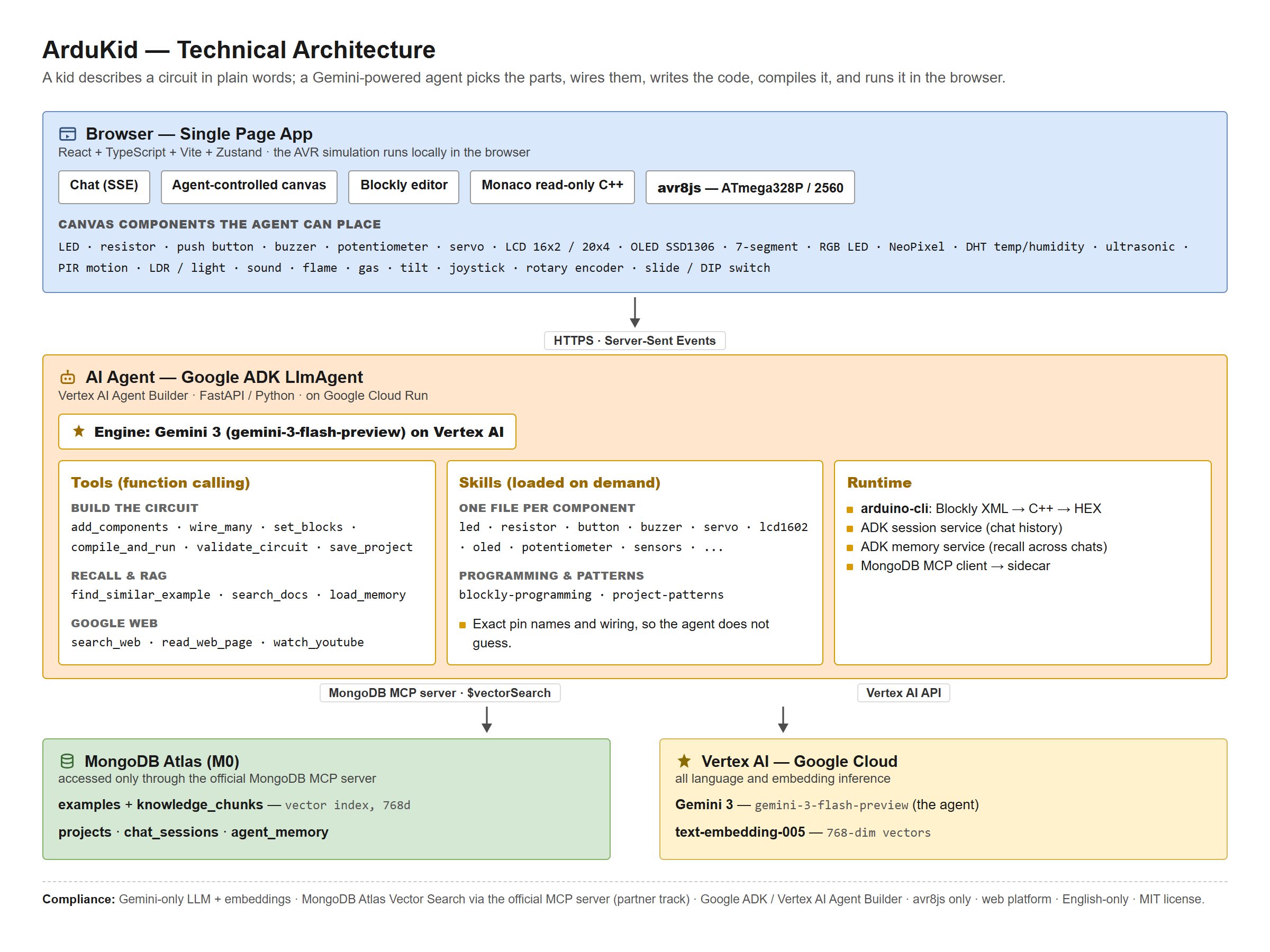 The full stack: a React single-page app with an in-browser avr8js simulator, a Google Cloud Run service running the Google ADK agent on Gemini 3 with arduino-cli, and the official MongoDB MCP server in front of MongoDB Atlas Vector Search.
- Agent: a single LlmAgent on Google Cloud's Vertex AI Agent Builder using the Agent Development Kit (ADK), powered by Gemini 3 on Vertex AI.
- Partner integration: the official MongoDB MCP server over MongoDB Atlas Vector Search for example recall and documentation RAG. Query vectors are Gemini embeddings (768 dimensions); no third-party embedding provider is used.
- Tools and skills: the agent drives the canvas through structured tools (add and wire components, set_blocks, compile_and_run, validate_circuit, save_project), plus recall tools, Google-native web tools, and filesystem "skills", one per component, so it uses exact pin names and correct wiring instead of guessing.
- Memory and sessions: chat history and cross-session memory are persisted in MongoDB Atlas through custom ADK session and memory services, so the agent remembers a child across separate chats.
- Simulation: avr8js runs the compiled HEX locally on an emulated ATmega328P (UNO and Nano) or ATmega2560 (Mega).
- Frontend: React, Vite, Zustand, Blockly, Wokwi web components, and Monaco for the read-only C++ view.
- Backend and deployment: FastAPI with arduino-cli, deployed as a single Google Cloud Run service that also serves the single-page app, with the MongoDB MCP server running as a sidecar container.
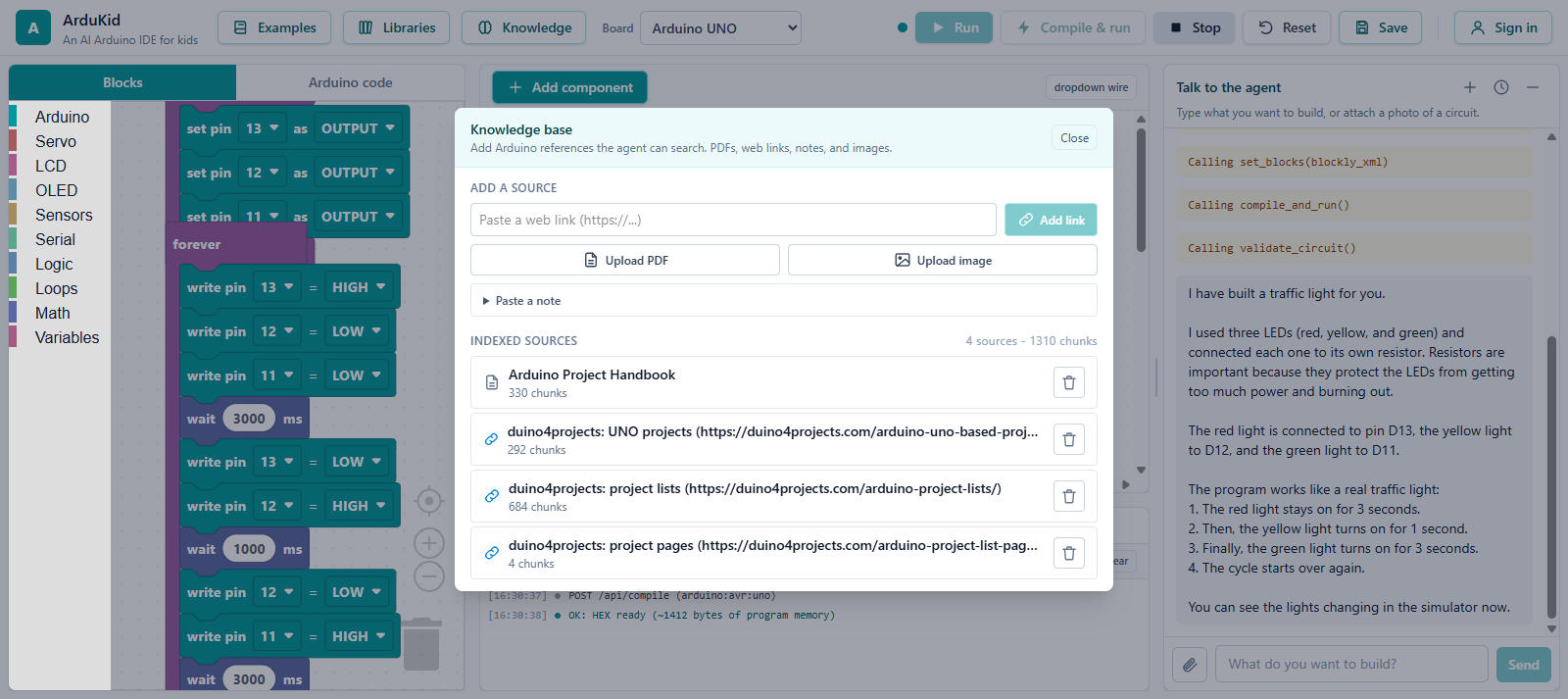 Multimodal RAG: PDFs, web links, notes, and images are chunked, embedded with Gemini, and stored in MongoDB Atlas for the agent to search.
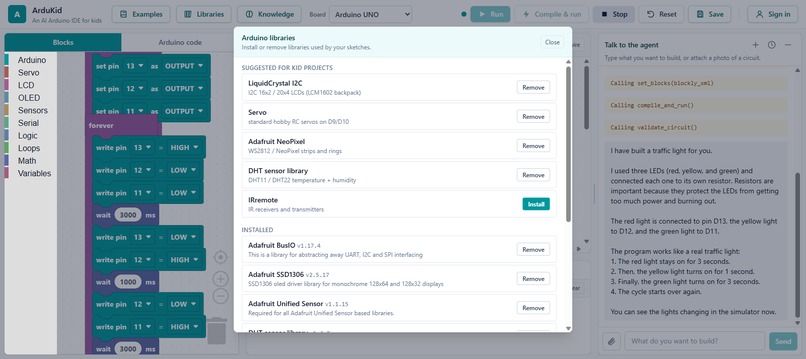
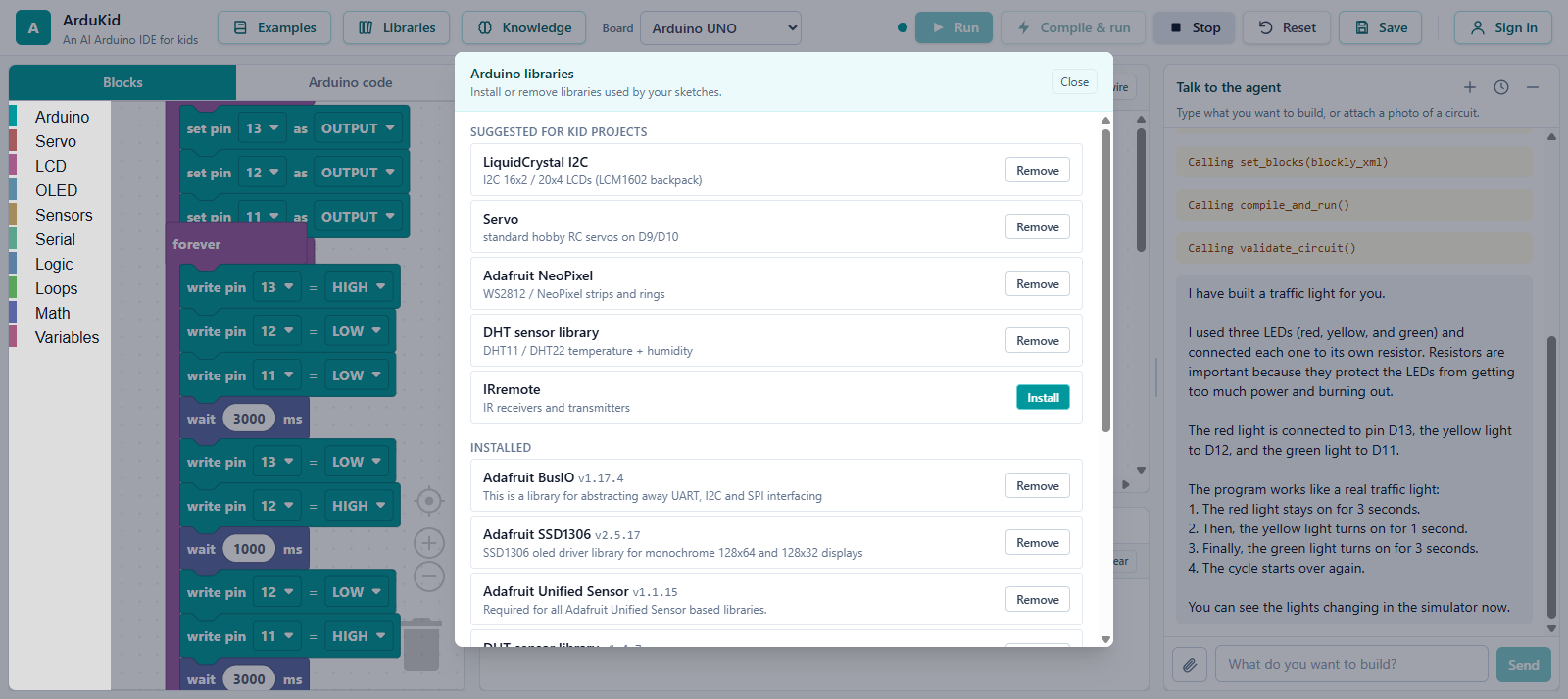 arduino-cli runs inside the backend container with the libraries the kid-level examples need, so sketches that use an LCD, a servo, or NeoPixels actually compile.
Challenges we ran into
- Multi-board simulation. avr8js ships first-class support for the ATmega328P. Bringing up the Mega's ATmega2560 meant defining the correct timer interrupt vectors and a full pin-to-port map by hand.
- Keeping the agent fast. A child is waiting, so we taught the agent to build from its skills in a handful of tool calls instead of over-researching the web. That was the difference between a build that finishes and one that times out.
- The free-tier vector limit. MongoDB Atlas M0 caps the number of search indexes, so agent memory ranks with an in-Python cosine over Gemini embeddings, while examples and documentation use Atlas $vectorSearch.
- Web components in React. Custom elements coerce boolean and numeric live properties inconsistently, and wires had to render above pins that live inside each component's shadow DOM.
Accomplishments that we're proud of
- An agent that reliably turns a ten-component request (LEDs, resistors, a potentiometer, a buzzer, a button, an LCD) into a wired, compiling, validated, running circuit end to end.
- A genuinely kid-friendly experience: no schematics, no syntax, plain English, and the program shown three ways at once - as blocks, as Arduino C++, and as a live simulation.
- A clean, fully compliant Google Cloud and MongoDB architecture: Gemini-only, ADK on Vertex AI, the official MongoDB MCP server with Atlas Vector Search, and avr8js for simulation.
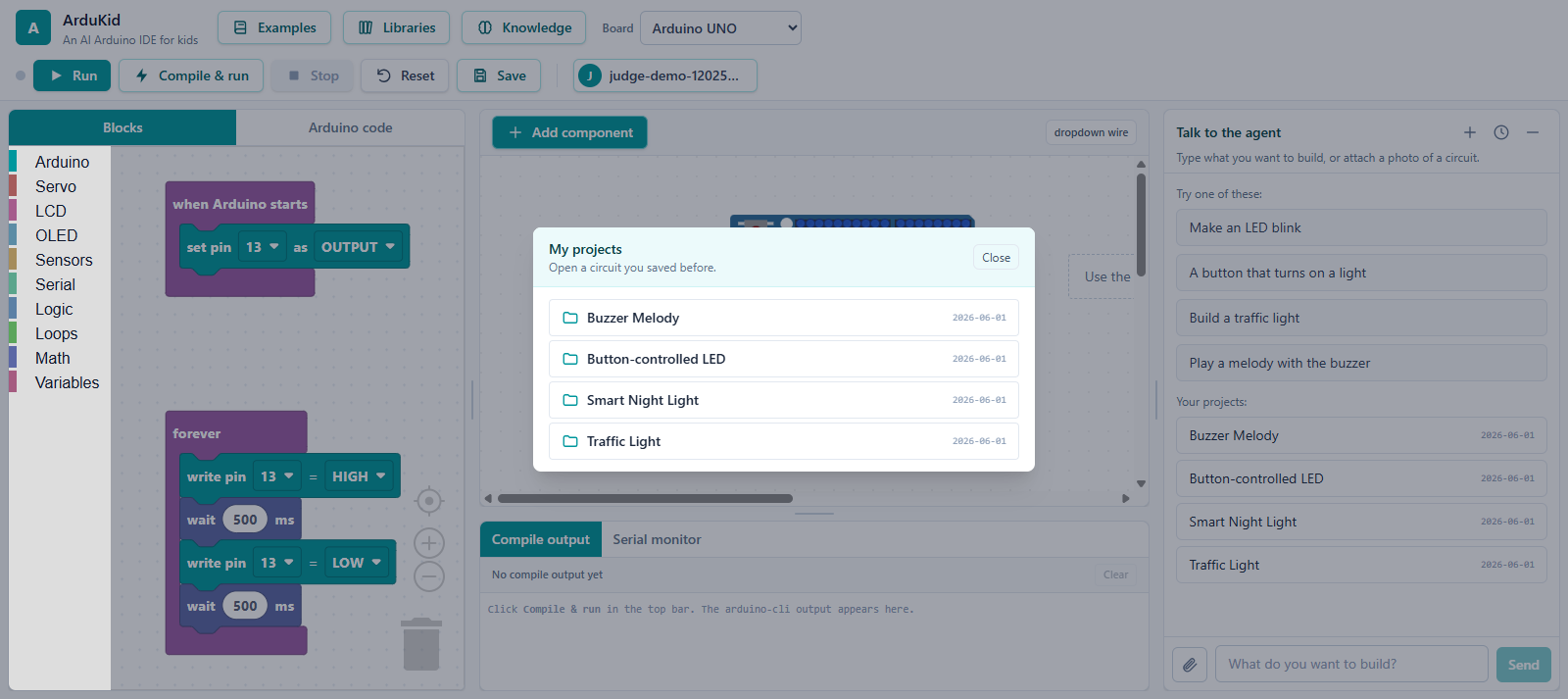 Optional accounts let a kid save projects and pick them up later; the agent also remembers them across chats.
What we learned
- Skills beat raw prompting. Giving the agent small, authoritative reference files per component made its wiring and code far more reliable than asking a larger model to simply "know" the answer.
- MCP is a clean seam. Routing all recall and RAG through the MongoDB MCP server kept the data layer swappable and the agent logic simple.
- For an audience of children, speed and a working result matter more than cleverness. Constraining the agent to act decisively improved the experience the most.
What's next for ArduKidAI
- More boards and parts (ESP32, additional sensors and actuators) and richer per-pin simulation.
- A "why" mode where the agent explains each design choice at a chosen reading level.
- Classroom features: teacher dashboards, shareable projects, and guided step-by-step lessons.
- Exporting a finished design to a real wiring diagram and parts list, so a child can build it for real.


Log in or sign up for Devpost to join the conversation.