-
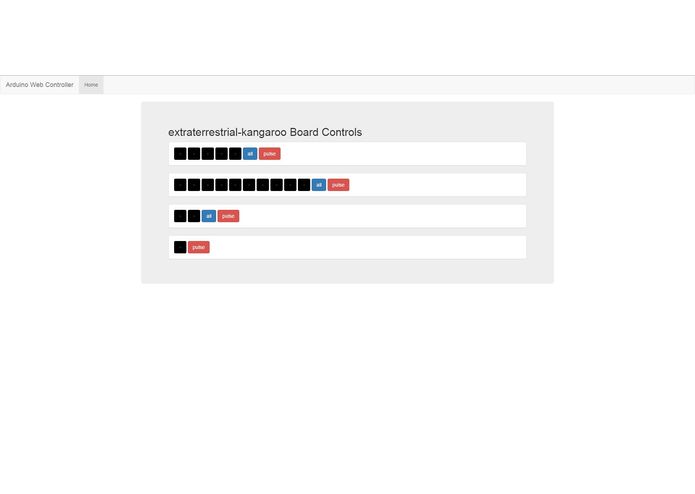
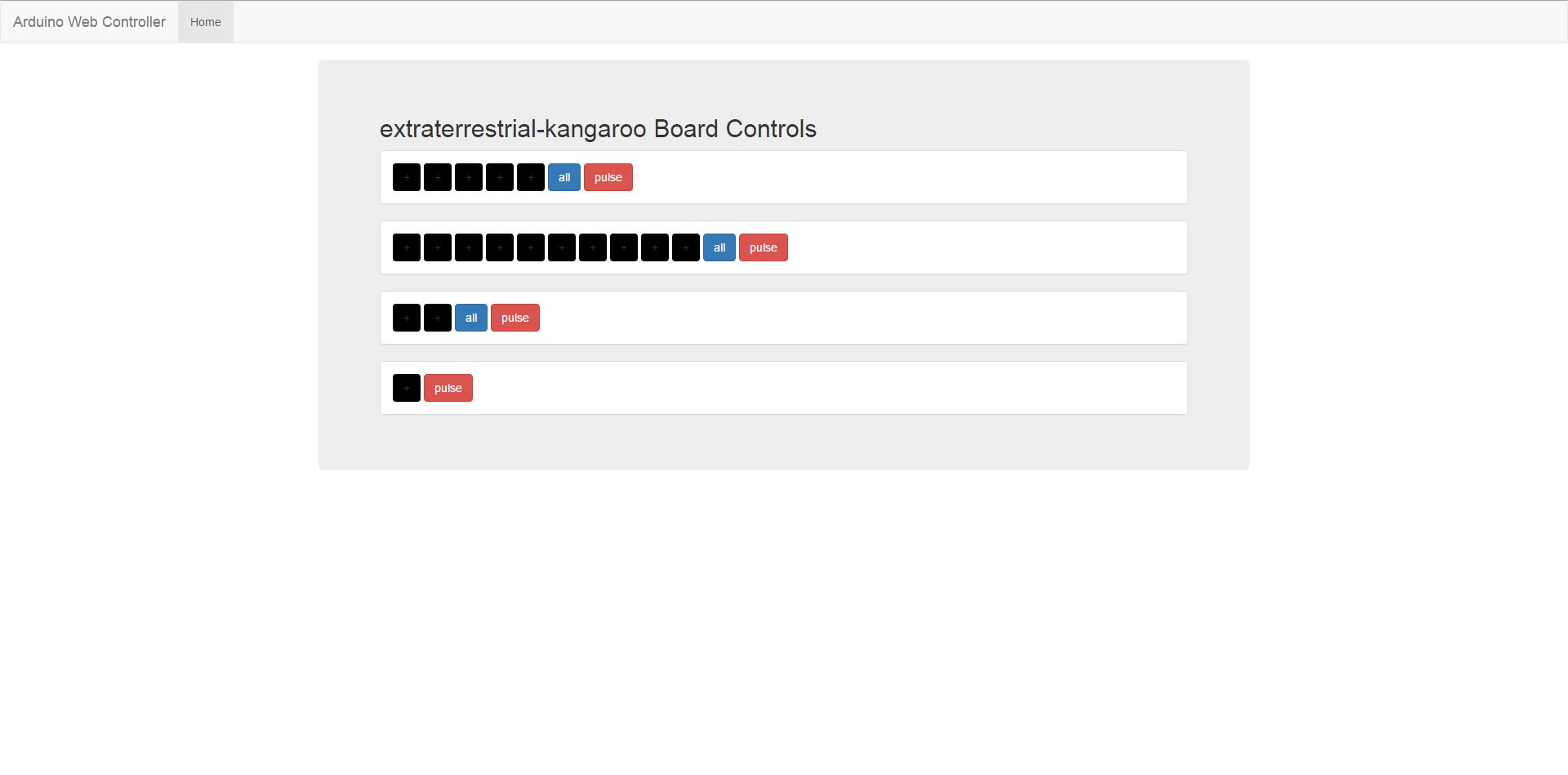
The web controller for a newly created Arduino board-design
-
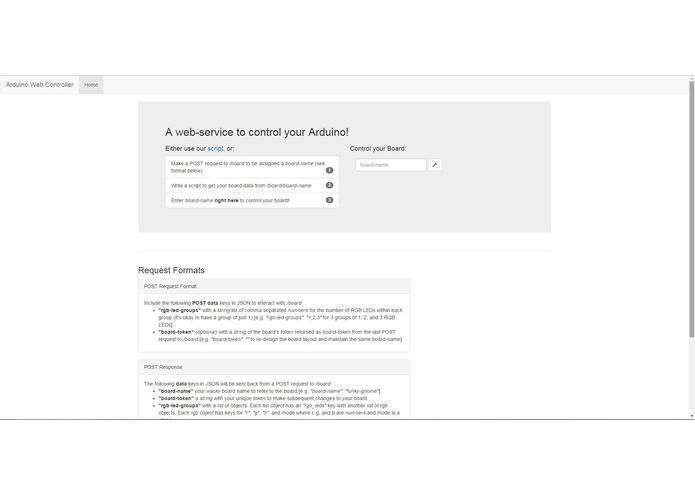
The home page of the Arduino Web Controller. The bottom shows instructions and explanations for using the software.

arduino-web-controller
Hacking together Arduino components is often tedious and requires a lot of hassle. People who like hardware find that they must write many scripts to do the most simple tasks. Software people often want to control the hardware from the web or even their phones. Our project aims to solve both of these problems through an intuitive web service to control your Arduino components on the web based on your Arduino code. People can collaboratively control these boards and more exciting features could be implemented from the use of this project.
Running the server locally
cd serversudo pip install -r requirements.txtpython app.py- Open the website in a browser at
http://localhost:5000
Running the arduino client with arduino
- Install Adafruit NeoPixel Library
- Load script onto arduino following client protocol for defining outputs (see
test-arduino-scripts/TestArduinoScript/TestArduinoScript.ino) - Plug in arduino
cd arduino-clientsudo pip install -r requirements.txtpython arduino_client.py com_port [token][e.g.python arduino COM8, Note: token is used to re-use the same name without creating a new board and having to navigate to the new name on the website]- Go to
http://localhost:5000/and enter the assigned board-name to start controlling the outputs!
Arduino protocol
- Make sure Adafruit NeoPixel Library has been installed
- Open
test-arduino-scripts/TestArduinoScript/TestArduinoScript.ino - Edit
LONGEST_STRIPto the number of LEDs in your longest strip - Edit
noStripsto the number of LED strips you have - Define
WS_LEDs[#][0]for how many LEDs in strip number - Define
WS_LEDs[#][1]for which pin the strip is on
Running the test client for checking server requests
cd test-server-clientsudo pip install -r requirements.txtpython client.py

Log in or sign up for Devpost to join the conversation.