-
-
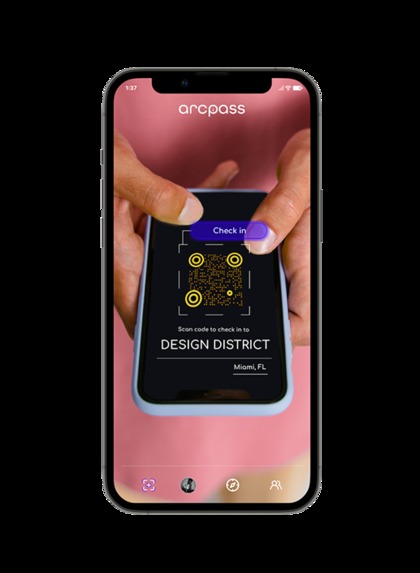
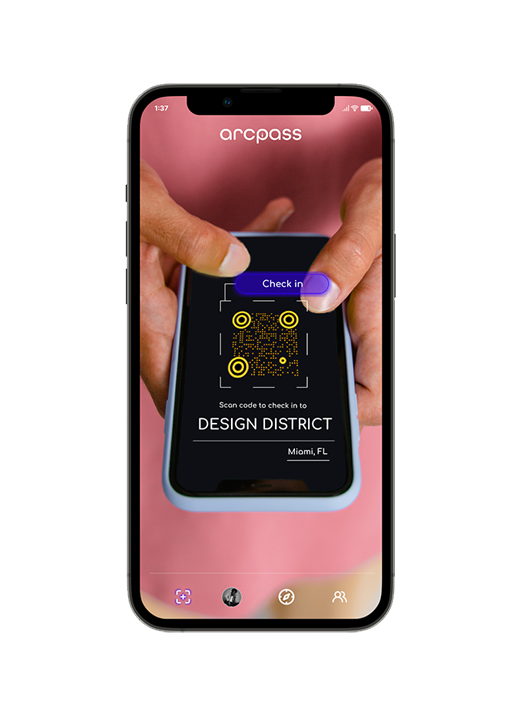
Camera View
-
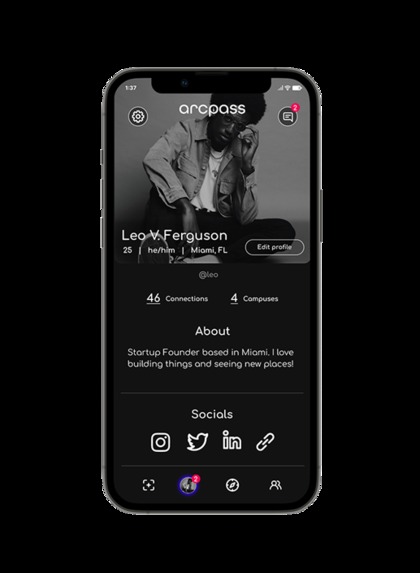
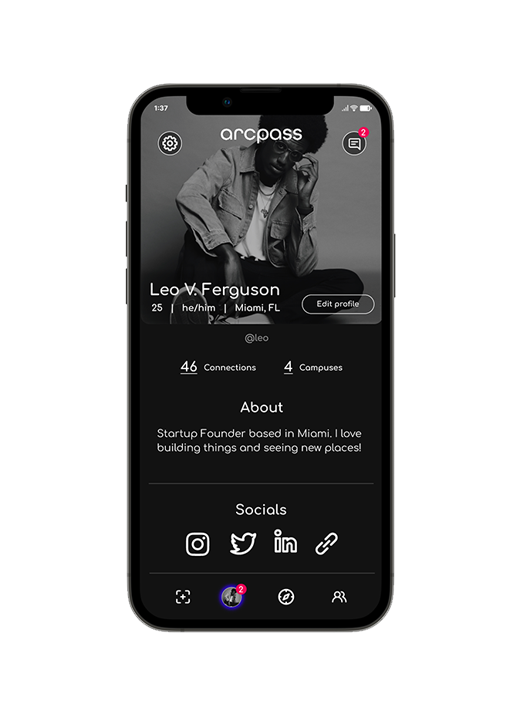
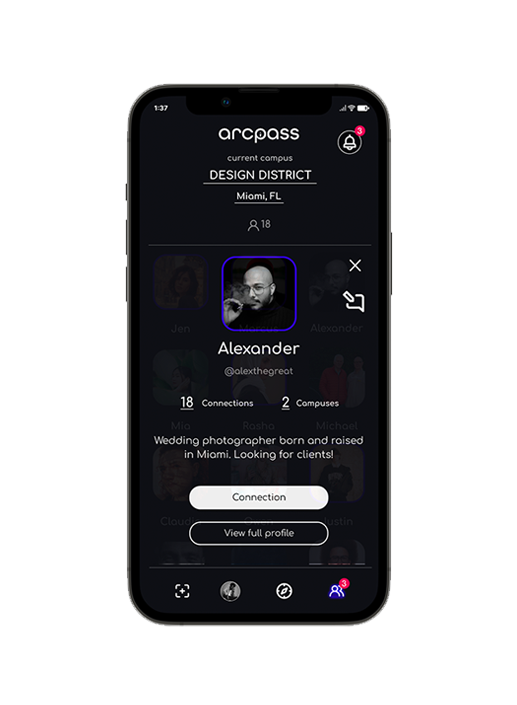
Profile View
-
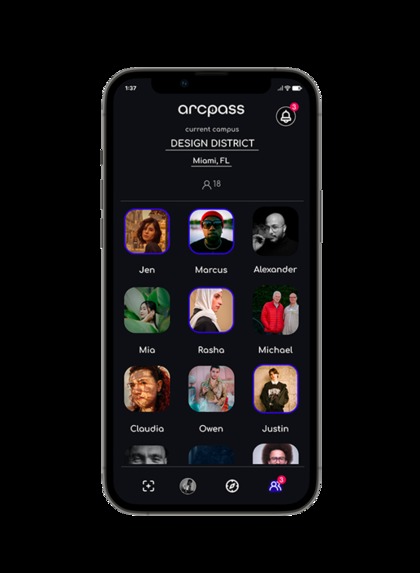
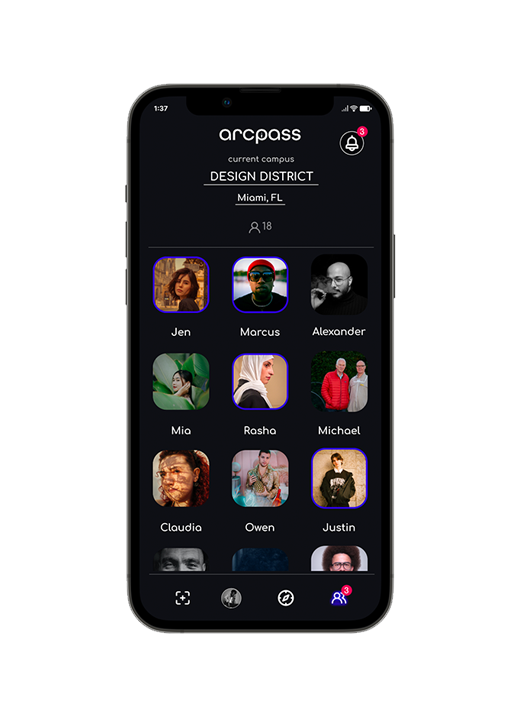
Locals View
-
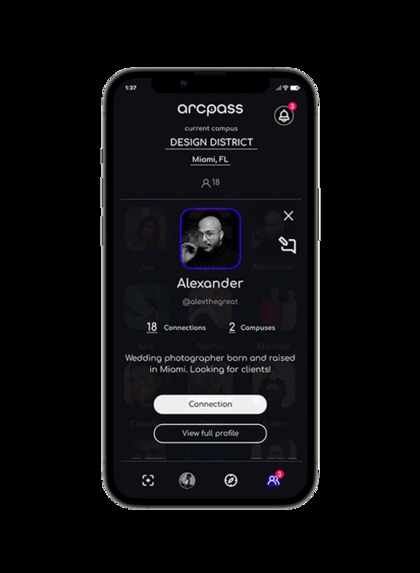
Connection View
-
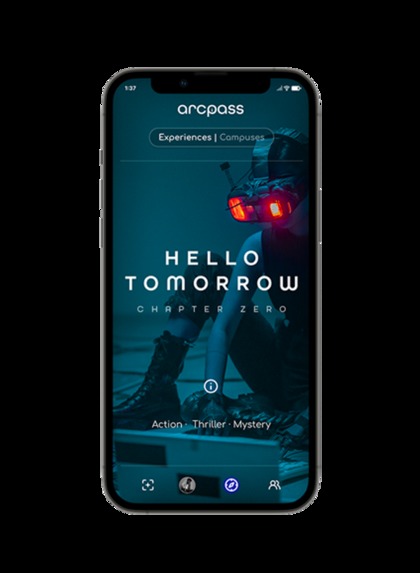
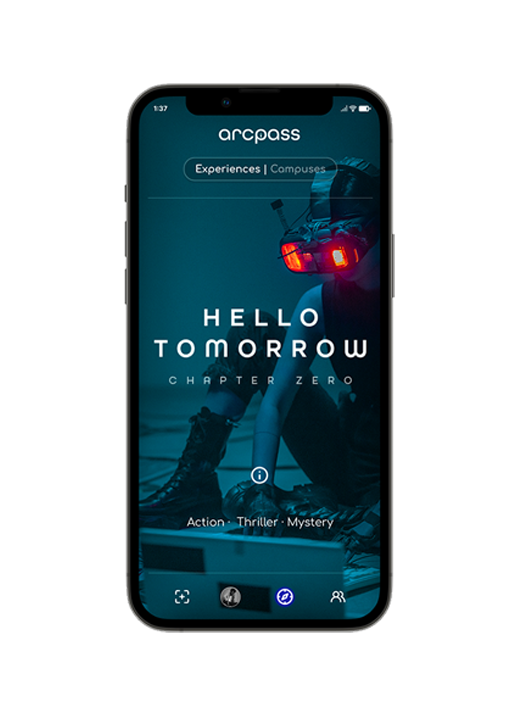
Experience View
-
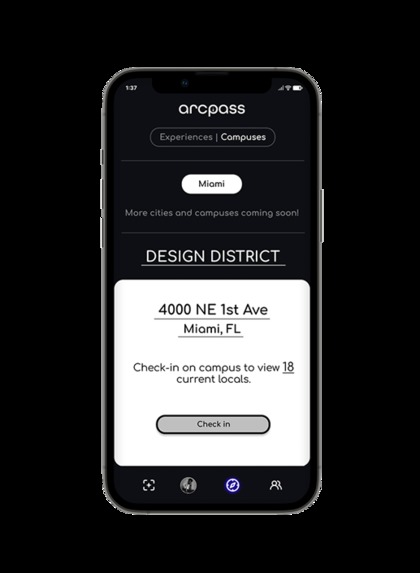
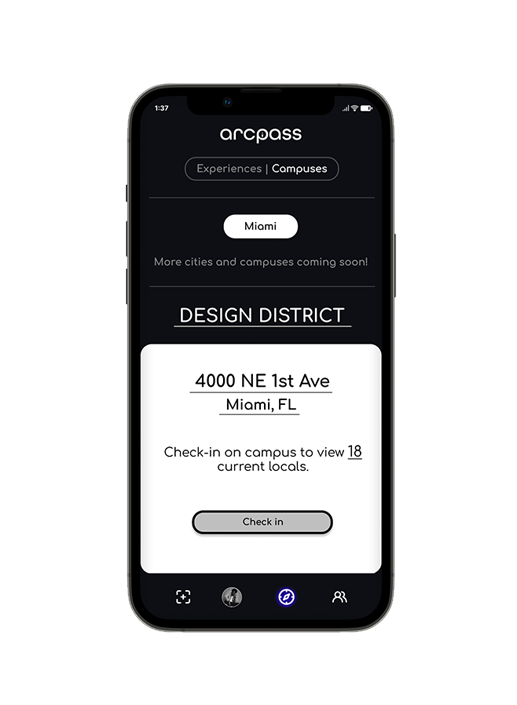
Campus View
Inspiration
It all started when I was watching Ready Player One one day and wondered to myself... "Why is no one building something like this?" That moment sparked into motion a process of researching, prototyping, and building what would eventually turn into what Arcpass is today.
What it does
Arcpass enables users with the ability to check-in to any partnered IRL business location, connect with other users also on the premises, and interact with business specific experiences, products, services, and assets in AR.
How we built it
The prototype was built using Figma. Image assets were created with Adobe Photoshop and Illustrator, and icons were sourced from free Figma community files. The MVP of the app is being built primarily with Swift/SwiftUI, ARKit, RealityKit, MongoDB, Figma, Adobe Photoshop, and Adobe Illustrator.
Challenges we ran into
We found it difficult to find a UX flow that incorporated all of the core functionality of the app while also remaining simple and intuitive for both B2C and B2B users.
Creating data models that conformed to the MongoDB document schema in order to provide the foundation for cross-platform and cross-device data synchronization was another challenge we faced.
Accomplishments that we're proud of
Completing a functional prototype with an interface that is simple and intuitive to B2C and B2B users, while also delivering on the core functionality that we wanted to retain within the app.
Creating the MongoDB document based data models for the app.
What we learned
Methods for connecting a MongoDB Realm/Atlas backend with a Swift/SwiftUI frontend leveraging a (M)Model-(V)View-(I)Intention data structure.
Deeper knowledge in NoSQL data structures and querying.
What's next for Arcpass
- Fundraising
- Launching the MVP with IRL social networking.
- Executing on user and partner acquisition strategies.
- Releasing and iterating interactive AR experiences, as well as business specific experiences, products, services, and assets in AR.
Built With
- adobe-creative-suite
- figma
- mongodb
- swift
- swiftui


Log in or sign up for Devpost to join the conversation.