-
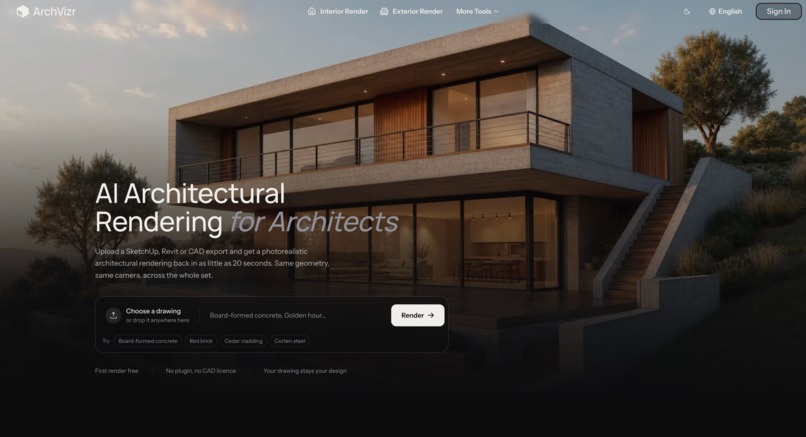
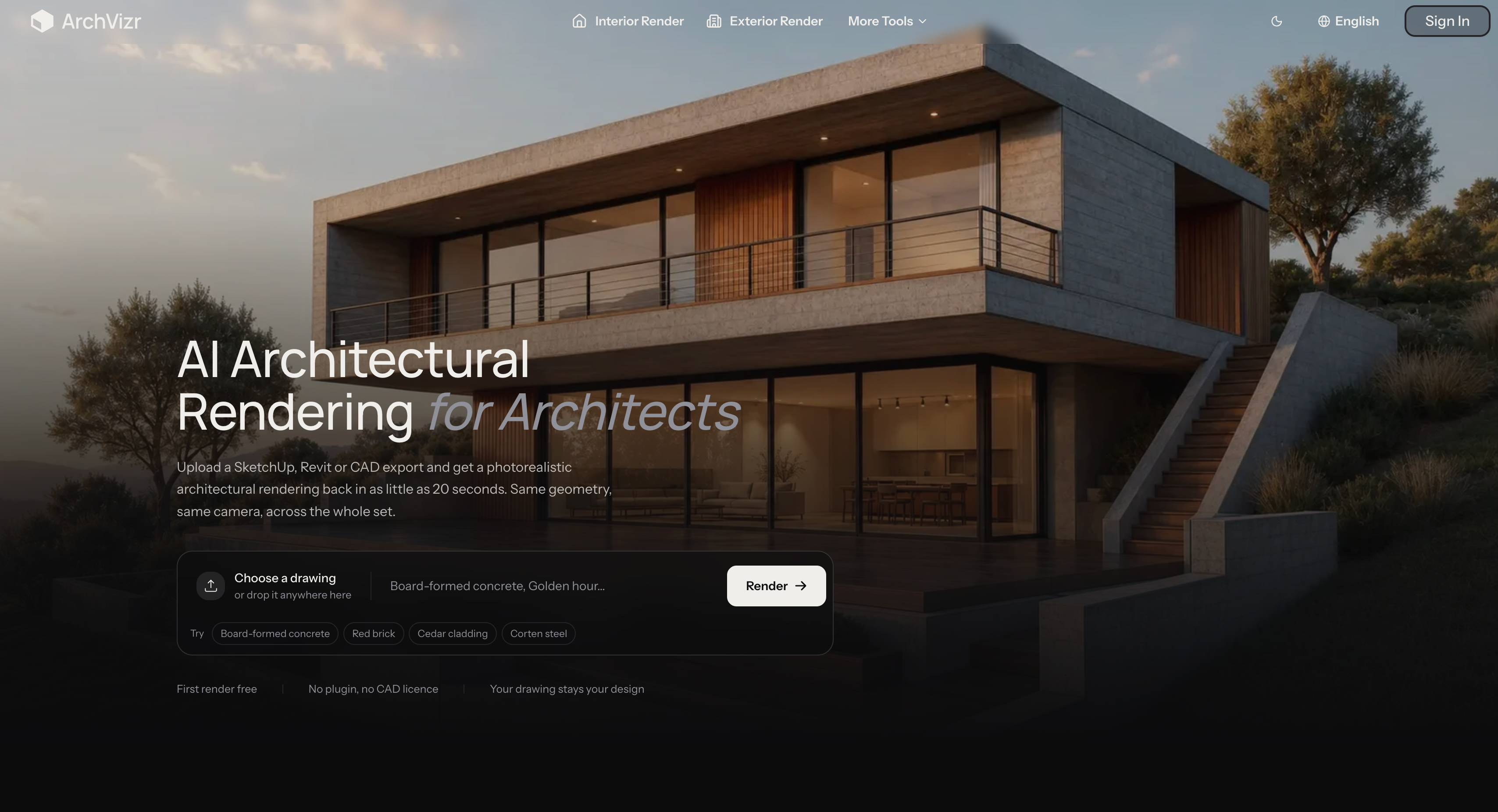
ArchVizr.com home page
Inspiration
Architectural rendering can take days, require specialized software, or cost hundreds or even thousands of dollars per image.
But the hardest part is not always creating one beautiful image. For an architect, the real challenge is often producing a consistent set of images from the same design.
A client may want a daytime exterior, a golden-hour view, a night view, an interior, and a landscape view. Traditionally, keeping all of those images consistent can require a lot of manual work.
We wanted to explore whether AI could make this process much faster without changing the underlying architectural design.
That idea became ArchVizr.
What it does
ArchVizr turns existing architectural drawings into photorealistic visualizations.
Users can upload:
- SketchUp hidden-line exports
- Revit elevations
- CAD drawings
- Rhino screenshots
- Massing-model views
- Hand-drawn architectural sketches
They can then describe materials, lighting, season, atmosphere, or architectural style and generate a photorealistic render.
The important part is that the AI is intended to render the design rather than redesign it.
Walls, windows, massing, roof lines, camera position, and framing are kept consistent while materials, lighting, landscaping, and atmosphere can be transformed.
How I built it
I built ArchVizr as a web-based AI architectural visualization workflow.
The application takes an architectural drawing or sketch together with a natural-language rendering brief and sends them through an AI image-generation pipeline.
The workflow is designed around architectural constraints rather than treating the source drawing as simple inspiration.
The system also supports generating multiple views from the same source drawing, allowing users to create a consistent set of architectural renders instead of generating every image independently.
For example, the same building can be rendered at golden hour, during the day, and at night while maintaining the same underlying geometry and camera.
The product also includes workflows for exterior rendering, interior rendering, landscape visualization, style transfer, and different lighting conditions.
Challenges I ran into
The biggest challenge was controlling what the AI should and should not change.
A general image-generation model is naturally creative. That is useful for generating attractive images, but it can be problematic for architecture.
A model might move a window, change the number of floors, alter the roof line, or modify the camera angle.
For architectural visualization, those changes can make the render unusable because the output no longer represents the architect's actual design.
I therefore had to focus heavily on preserving geometry, framing, and architectural structure while still giving the model enough freedom to generate realistic materials, lighting, landscaping, and atmosphere.
Another challenge was consistency across multiple images.
A single beautiful render is relatively easy to evaluate. A complete presentation might contain six or more views, and those views need to look like the same building with the same material palette.
Accomplishments that I'm proud of
I'm most proud of building a workflow where one architectural drawing can become an entire consistent rendering set.
Instead of treating every render as a separate generation, ArchVizr can use the same source design to explore different lighting conditions, materials, exterior treatments, landscapes, and interior views.
I'm also proud of how quickly the workflow can turn an existing drawing into a presentation-ready visualization.
The first render can be generated in roughly 20 seconds in the fast mode, making it practical for situations where an architect needs to explore an idea quickly rather than wait for a traditional rendering workflow.
Most importantly, the project is built around a principle that matters for architectural work:
The AI should visualize your building, not quietly redesign it.
What I learned
I learned that AI image generation for architecture is fundamentally different from generic image generation.
Visual quality is only one part of the problem.
For an architectural tool, fidelity, consistency, and controllability can be even more important than producing the most visually impressive image.
I also learned that AI works particularly well as an accelerator for existing workflows.
Architects do not necessarily want to replace SketchUp, Revit, Rhino, or CAD. They already have those tools and already have their designs.
What they often need is a faster way to turn those designs into convincing visualizations.
That changed the way I approached the product: instead of asking users to create something new, ArchVizr starts with the work they already have.
What's next for ArchVizr
The next step is making architectural visualization even more consistent and controllable.
I want to improve geometry preservation, multi-view consistency, material continuity, and the ability to generate complete presentation sets from a single architectural source.
I also want to expand the workflow around planning submissions, landscape visualization, interior visualization, and different stages of architectural development.
The long-term goal is simple:
Take the drawing you already have and turn it into the complete visual story of the building — without changing the building itself.
Try ArchVizr: archvizr.com
Built With
- claude
- nextjs
- railway
- stripe

Log in or sign up for Devpost to join the conversation.