-

Landing page
-
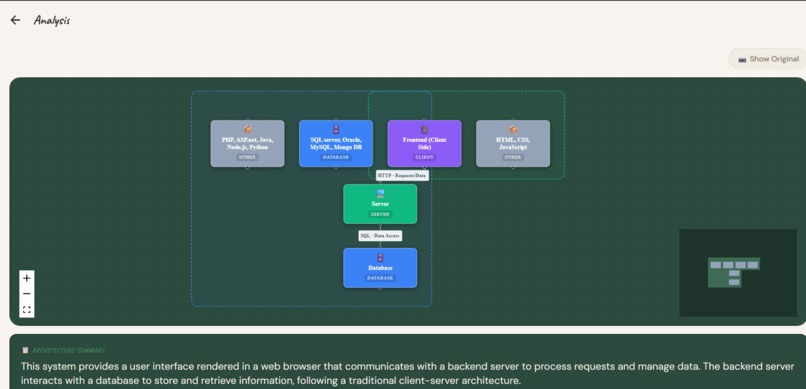
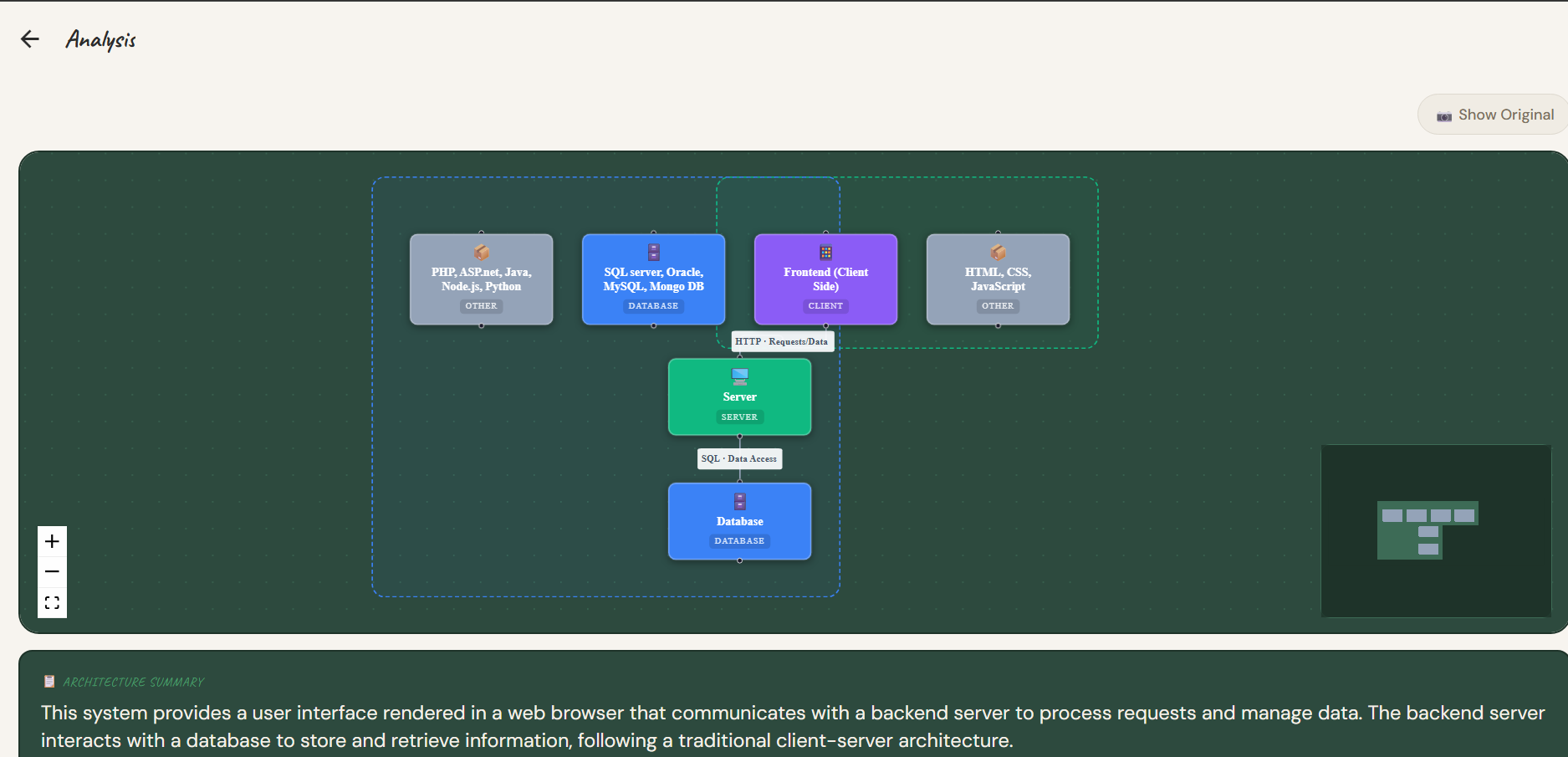
React Flow diagram of architecture
-
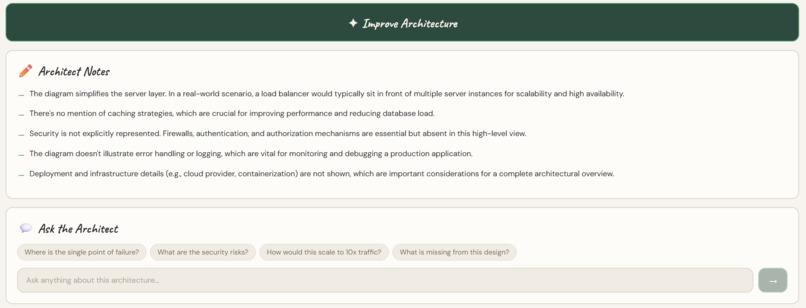
Feedback

ArchLens
What if a whiteboard system design could instantly become an interactive architecture diagram?
ArchLens bridges physical brainstorming and modern system design workflows using AI — converting whiteboard architecture diagrams into interactive, editable system designs.





Inspiration
Preparing for technical interviews exposed us to a recurring challenge: system design questions are almost always done on a whiteboard. After finishing the discussion, those diagrams often disappear — erased, forgotten, or difficult to convert into structured digital designs.
We noticed the same problem in our Computer Science courses, especially Software Engineering classes, where we frequently created UML diagrams and system designs on whiteboards and then manually recreated them digitally for homework submissions.
That question became ArchLens.
What It Does
Users can:
- Upload an image of a whiteboard system design
- Automatically detect components and relationships
- Convert the diagram into an interactive architecture graph
- View nodes, connections, and annotations visually
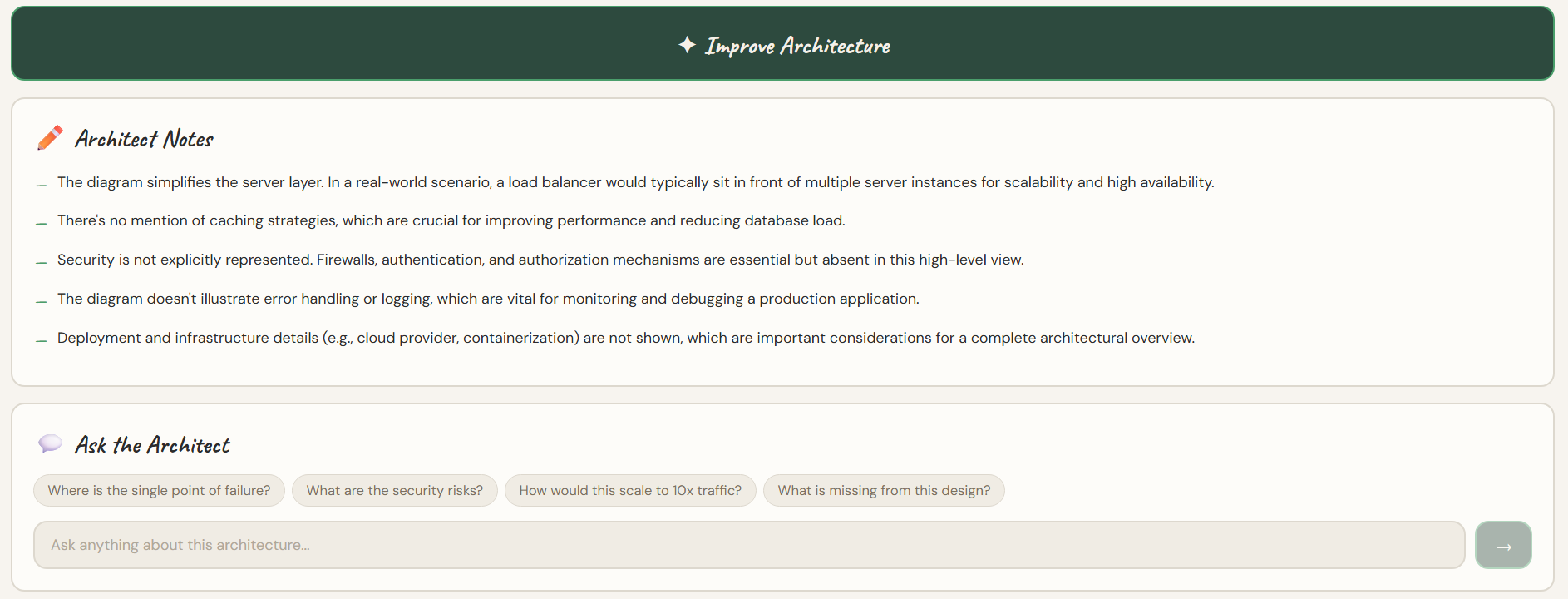
- Generate AI-powered architecture improvements
- Save and revisit previous designs through history tracking
The goal is simple: capture ideas instantly and turn them into professional system architecture.
How We Built It
Tech Stack
| Layer | Technology |
|---|---|
| Frontend | React Native (Expo) + React Flow |
| Backend | FastAPI |
| Database | MongoDB Atlas |
| AI | Google Gemini models |
| Image Processing | OpenCV |
| Cloud | Cloudinary |
| Dev Tools | VS Code + GitHub |
Key Libraries & Tools
- Pydantic, Beanie, Motor — MongoDB modeling
- Thunder Client — Backend API testing without needing the frontend
secrets.token_urlsafe— Secure shareable design links
Team Workflow
Our team of four used an Agile-style workflow:
- Each developer worked on their own Git branch
- Features were merged through Pull Requests
- Continuous integration happened through frequent merges into
main
Responsibilities split across the team:
| Area | Focus |
|---|---|
| Architecture & Repo | Planning and coordination |
| AI & History | AI improvement features and history tracking |
| Backend | MongoDB modeling and database integration |
| Frontend | UI/UX and interactive node visualization |
Challenges
AI Integration
Gemini SDK compatibility caused runtime errors and failed executions. We had to pivot approaches multiple times before achieving stable model integration.
API Cost Optimization
We attempted to minimize AI API costs by optimizing requests, but several strategies failed before landing on a workable solution.
Computer Vision
OpenCV processing and attempts at CNN validation introduced unexpected complexity.
Team Infrastructure
No authentication or rate limiting was implemented due to time constraints. Coordinating four developers simultaneously required learning proper Git workflows quickly.
Frontend
Implementing movable, animated note popups for nodes required significant UI debugging. Ensuring smooth interaction across devices was harder than expected.
Accomplishments
- Clean, modern, color-coded interactive UI
- Successfully converting whiteboard diagrams into structured architecture graphs
- Smooth node animations powered by React Flow
- AI-generated architecture improvement suggestions
- Fully functioning MongoDB Atlas integration
- Persistent history tracking of system designs
- Strong team collaboration and coordinated Git workflow
Most importantly — we turned a hackathon idea into a working end-to-end AI product.
What We Learned
Team
- How to truly collaborate under time pressure
- Agile-style development in a fast-paced environment
- Better Git workflows, pull request practices, and merge coordination
- The importance of presentation and storytelling in hackathons
Technical
- Full-stack development (first exposure for some teammates)
- FastAPI, MongoDB, React Expo, and modern backend architecture
- Python tools: Pydantic, Motor, and Beanie
- API testing with Thunder Client
- Debugging large systems collaboratively
- Cloud asset management with Cloudinary
- Secure link generation with
secrets.token_urlsafe
For many of us, this was our first hackathon, our first large team project, and our first experience building a production-style AI system together.
What's Next
| Feature | Description |
|---|---|
| 🤝 Real-time collaboration | Multiple users editing architectures together |
| 📱 Mobile support | Improved responsiveness across devices |
| ⚡ Auth & rate limiting | Proper authentication and API protection |
| 🕘 Version history | Revert to previous designs after AI improvements |
| 🔄 Editable shared projects | Move beyond view-only shared links |
| 💡 Smarter AI feedback | Better architecture validation and suggestions |
Our vision is for ArchLens to become a true system design workspace — where ideas move seamlessly from whiteboard brainstorming to collaborative engineering.
Built With
- beanie
- cloudinary
- expo.io
- fastapi
- gemini
- mongodb
- react-native
- reactflow


Log in or sign up for Devpost to join the conversation.