-
-

landing page
-

login page
-
dashboard
-
project
-

Architech


Architech - Build System Design Architecture Visually
Inspiration
- Wanted to make things more visual and easy to understand
- We were inspired by the gap between traditional diagramming tools and modern development workflows. We wanted to create something that combines the visual power of Figma with the technical precision needed for system design.
What it does
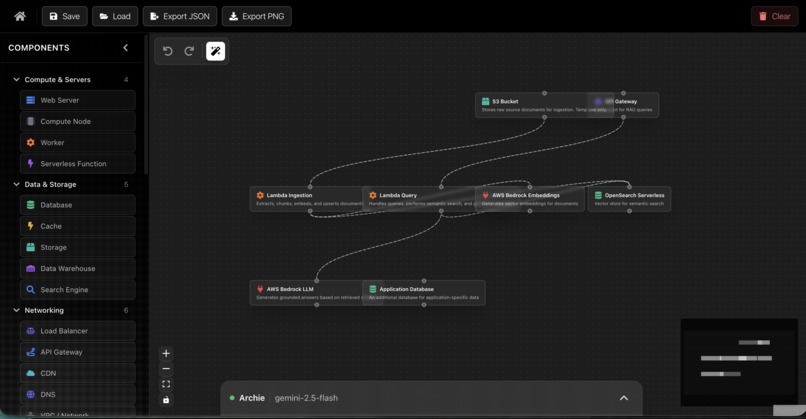
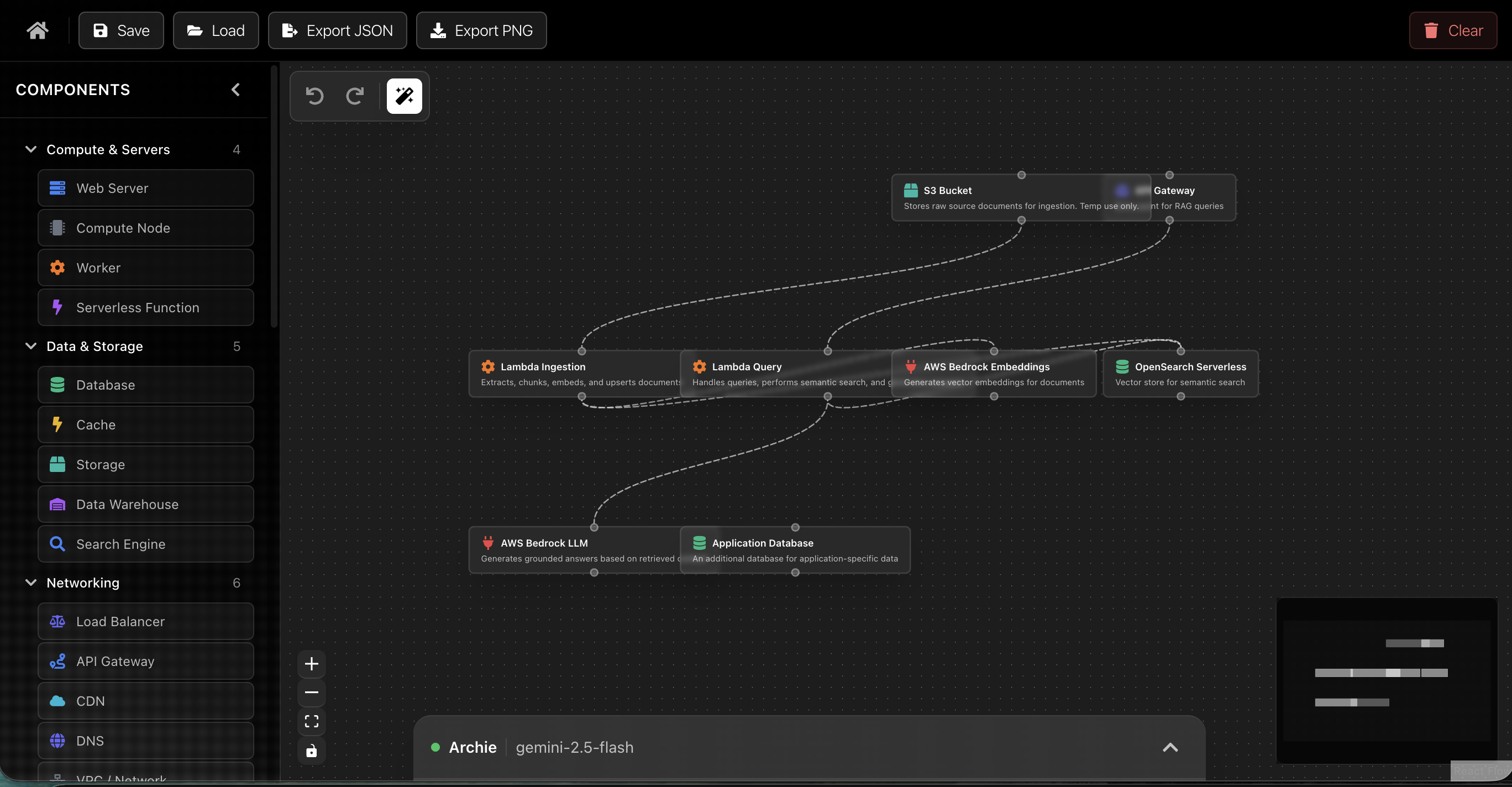
Architech is an AI-powered visual system architecture editor that makes creating system diagrams as easy as describing what you want to build.
Key Features:
- Interactive Canvas - Drag and drop components onto a zoomable, pannable canvas powered by React Flow
- AI Chat Assistant (Archie) - Describe your architecture in natural language and watch it come to life. Archie uses Google Gemini to understand your diagram context and generate components, connections, and modifications
- 40+ Component Types - Pre-built nodes for web servers, databases, load balancers, CDNs, message brokers, and more
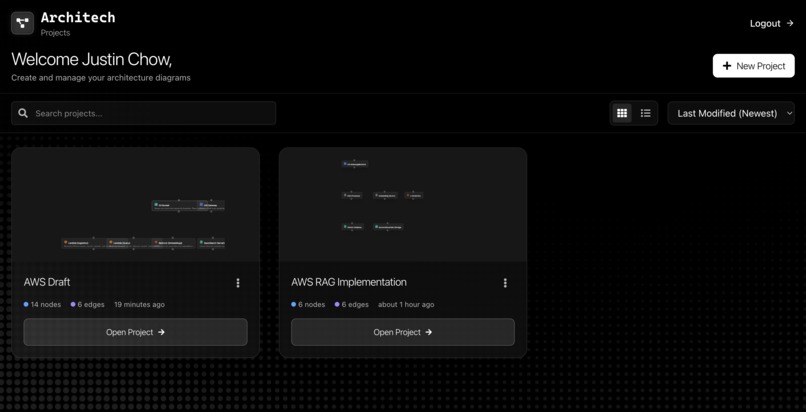
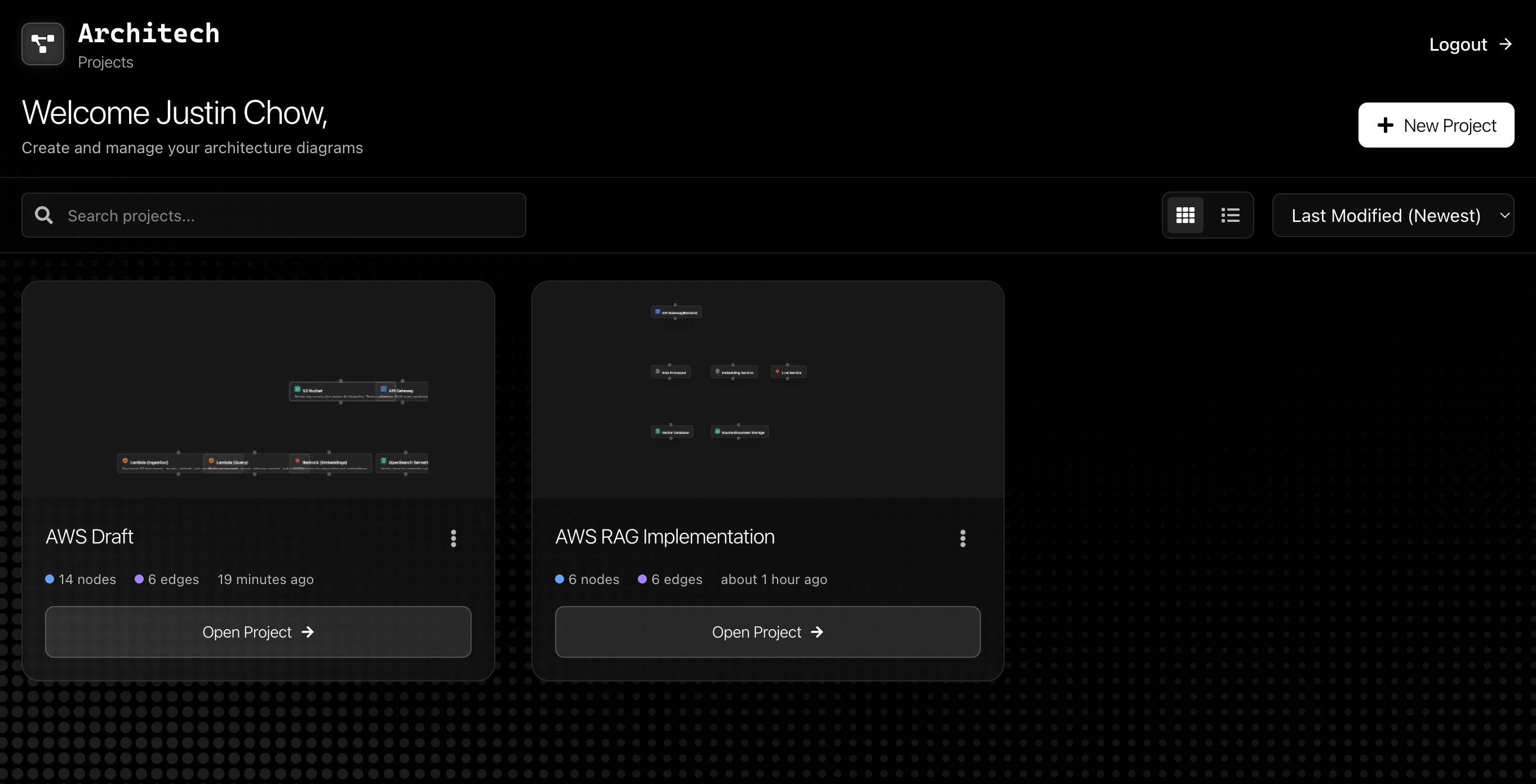
- Project Dashboard - Manage multiple diagrams with search, sorting, and grid/list views
- Template Gallery - Start from pre-built templates for common architectures (web apps, microservices, e-commerce, data pipelines)
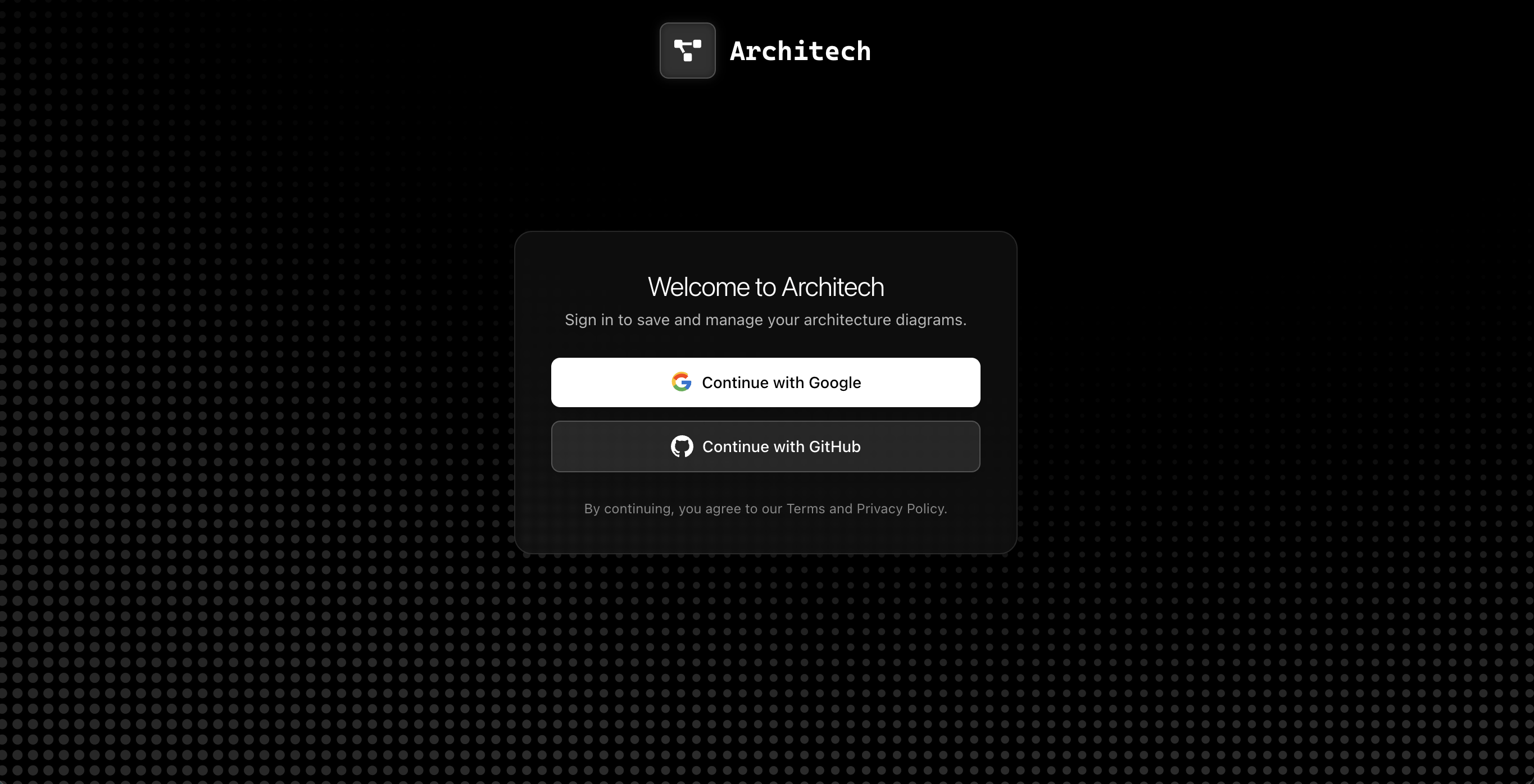
- Cloud Sync - All projects automatically sync to Supabase so you can access them anywhere
- Export Options - Download your diagrams as PNG images or JSON files
- Real-time Collaboration Ready - Built with a scalable architecture that supports future real-time features
How we built it
Frontend:
- React 18 + TypeScript for type-safe UI development
- React Flow (@xyflow/react) for the interactive diagram canvas
- Vite for fast development and building
- TailwindCSS for styling
- Supabase JS for authentication and database
- Shadcn UI components for a polished interface
Backend:
- FastAPI (Python) for the REST API
- Google Gemini API for AI-powered diagram generation
- Supabase (PostgreSQL) for project storage and chat history
- Railway for backend deployment
- Uvicorn as the ASGI server
Architecture:
- Monorepo structure with separate frontend and backend
- Frontend deployed on Vercel
- Backend deployed on Railway
- Real-time diagram syncing to Supabase as you edit
Challenges we ran into
- Deployment - Ensuring everything worked together both front and back end. Getting CORS configured correctly, environment variables set up properly, and making sure the frontend could communicate with the backend API was trickier than expected
- Session handling for projects - Managing project IDs, ensuring projects are created in Supabase when needed, and handling the transition from local storage to cloud storage required careful state management
- Gemini conversation chat history saving - Getting chat history to persist correctly per project, handling project switching without mixing conversations, and ensuring messages are saved with the correct project associations took several iterations
Accomplishments that we're proud of
- Visual components - Using React Flow as it was a new thing to all of us. Learning how to work with nodes, edges, and the coordinate system was challenging but rewarding
- First time using Railway for backend deployment - Successfully deploying a FastAPI backend with environment variables and database connections
- Structuring prompts for Gemini to output system diagrams - Creating detailed system prompts that guide Gemini to generate valid JSON operations for adding nodes, creating edges, and modifying diagrams. Getting the AI to understand diagram context and produce consistent, structured outputs required lots of prompt engineering
What we learned
- React Flow is powerful but has a learning curve - understanding how nodes, edges, and the viewport coordinate system work together
- Railway makes backend deployment straightforward once you get the environment variables right
- Prompt engineering for AI is an art - structuring prompts for Gemini to output valid JSON operations required careful iteration and testing
- Supabase makes authentication and database management much easier than building from scratch
- Coordinating frontend and backend deployments requires careful attention to CORS, environment variables, and API endpoints
What's next for Architech
- External API connections for nodes - Allow nodes to connect to real APIs and show live data/status
- Real-time collaboration - Multiple users editing the same diagram simultaneously with live updates
- Deployment from the diagrams - Generate infrastructure-as-code (Terraform, CloudFormation) directly from your diagrams
- Image to diagram converter - Upload a screenshot of an architecture diagram and have Archie convert it into an editable Architech diagram
Built With
- fastapi
- gemini
- react
- supabase
- typescript


Log in or sign up for Devpost to join the conversation.