-
-
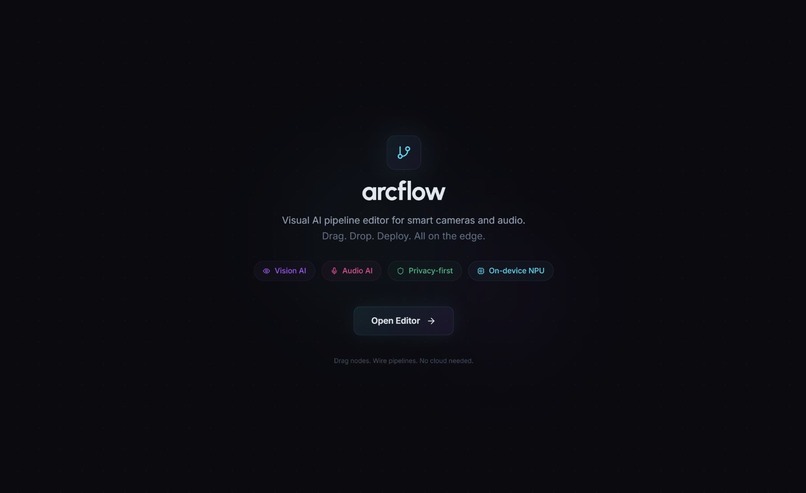
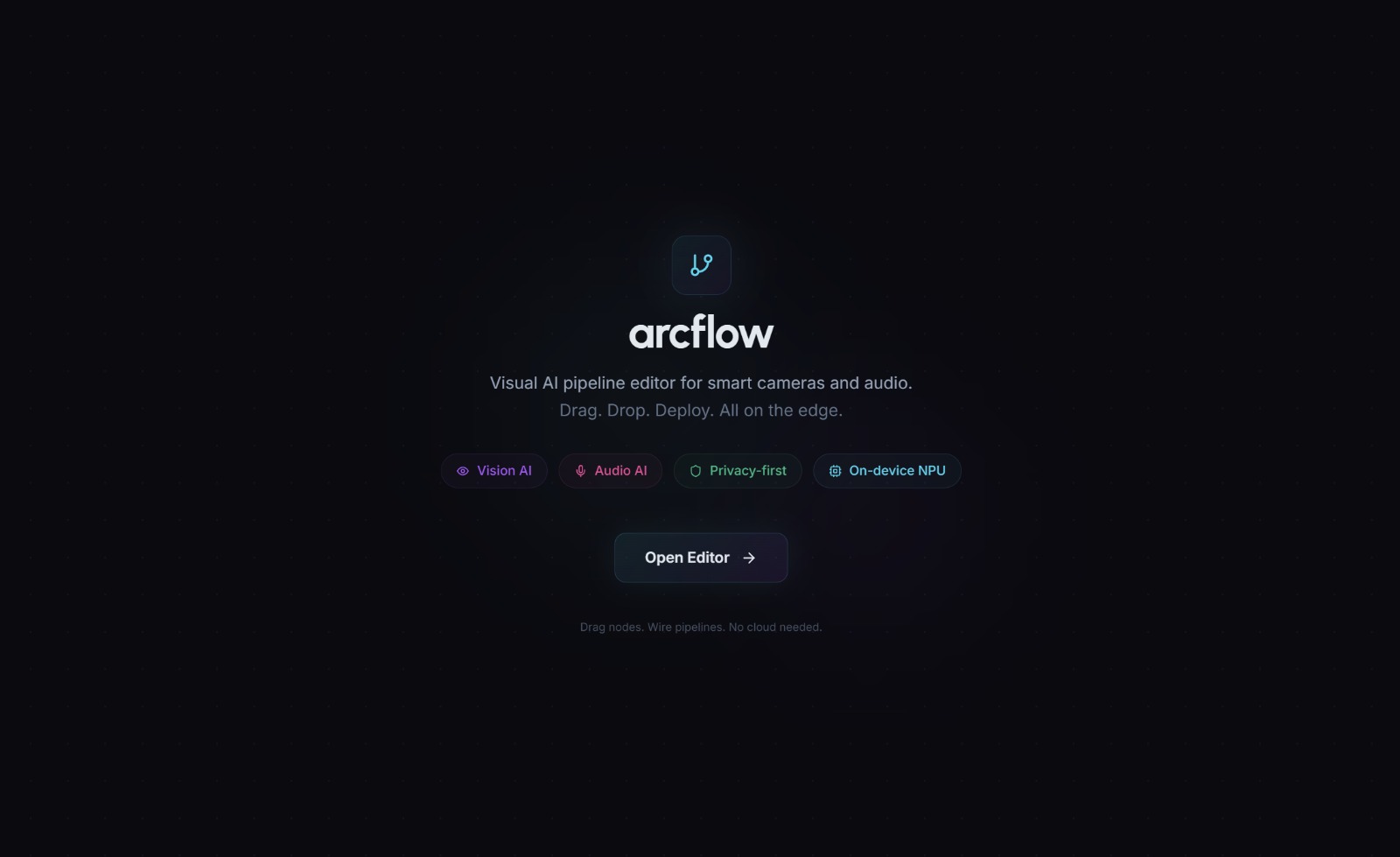
Landing Page
-
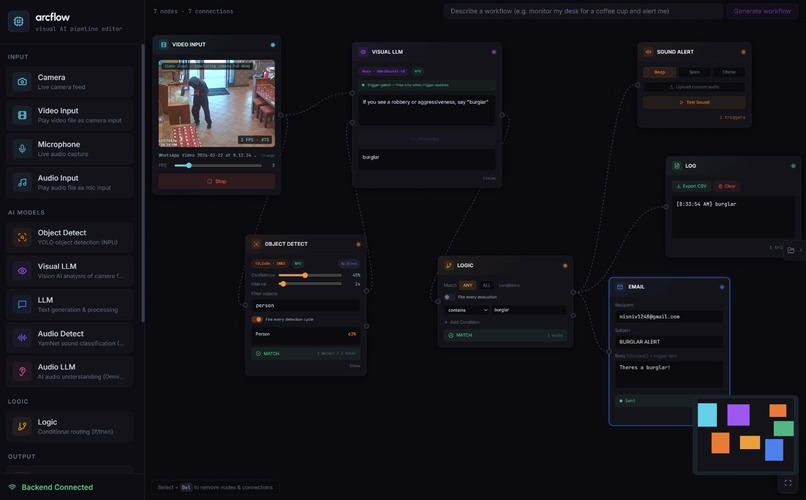
Workflow
Inspiration
Building AI pipelines that do useful things like detecting objects in a camera feed or classifying sounds currently requires developer skills and a cloud setup, which creates both a big learning curve and privacy concerns because you end up sending live camera or microphone data to a remote server. We wanted to make it possible for anyone to build these kinds of workflows visually on their own machine, and when we saw what the Qualcomm Snapdragon platform could handle locally, it became clear that the cloud wasn't necessary for this.
What it does
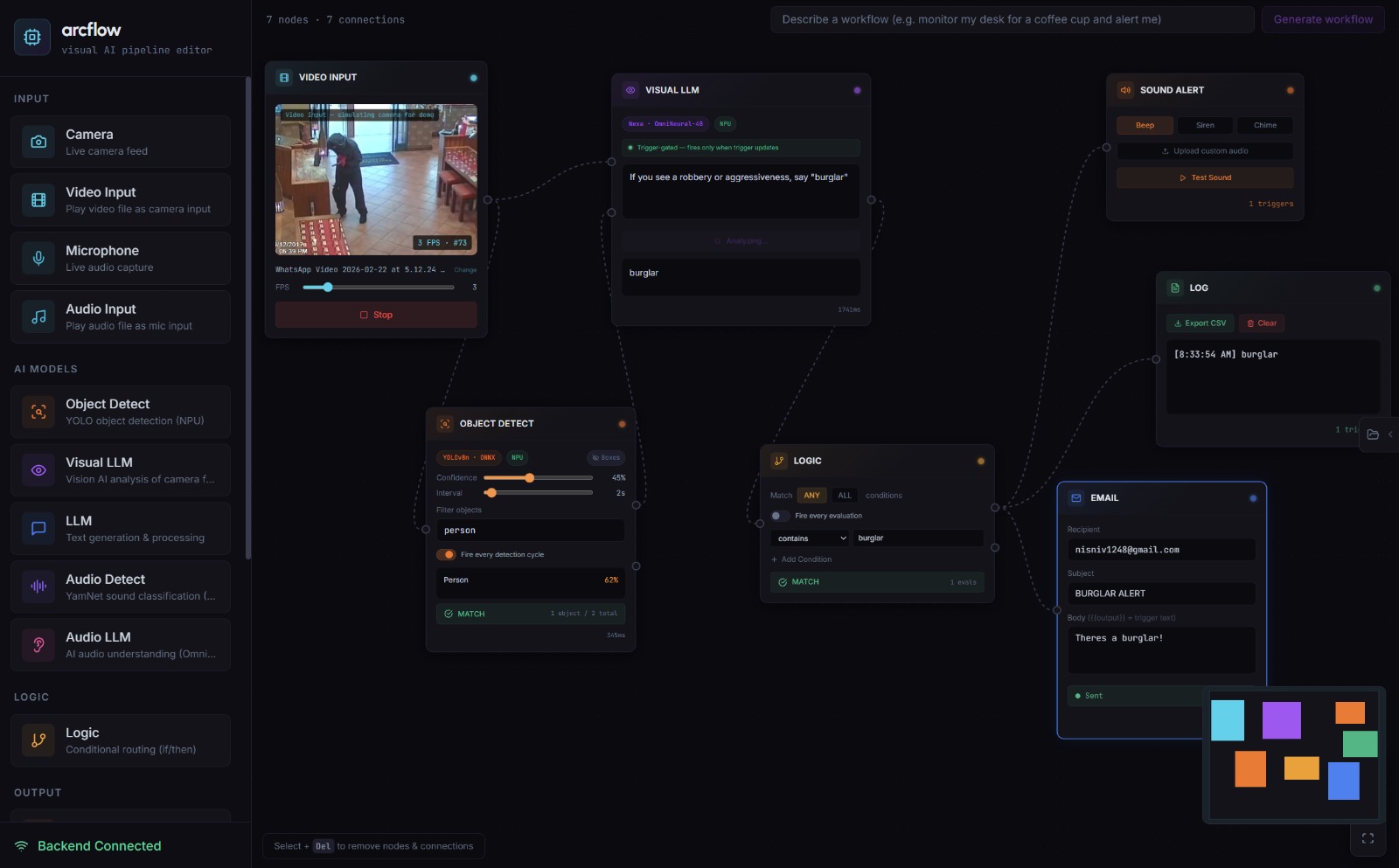
arcflow is a desktop application where you build AI-powered workflows by dragging and dropping nodes onto a canvas and connecting them together. You can wire a camera node into an object detection node, feed that into a logic gate like "if a person is detected," and then connect it to an action like sending a desktop notification or firing a webhook. There are also audio nodes, so you could set up a pipeline that listens for specific sounds like a dog barking or glass breaking and triggers an alert based on that. It also supports natural language generation, so you can type something like "Monitor my desk for a coffee cup and alert me" and arcflow will automatically build the entire node graph for you. You can combine vision, audio, and LLM nodes in the same workflow, which means you can build multi-modal pipelines that would normally take a lot of engineering effort. Everything runs completely locally on your machine using Qualcomm's NPU with zero cloud dependency.
How we built it
The frontend is an Electron app built with NextJS, using React Flow for the drag and drop canvas and Zustand for state management to handle the constant stream of camera and microphone data. Each node type has its own live UI elements, so camera nodes show a preview of the feed, audio nodes display a waveform, and detection nodes show what they're currently identifying along with the inference latency in milliseconds. The backend is an async FastAPI Python server that routes inference requests to local ML models including YOLOv8n for vision, YamNet for audio classification, and OmniNeural-4B for LLM tasks, all running on the Snapdragon NPU through ONNX Runtime and the Nexa SDK. The frontend and backend communicate over WebSockets on port 8000, which lets us stream data between nodes without any noticeable delay.

Challenges we ran into
We encountered many technical challenges, mainly when it came to building and running the OmniNeural-4B model specifically on the NPU. Also, optimizing the YOLOv8 and YamNet models from the Qualcomm AI Hub to process data in real time proved to be difficult. We spent a lot of time scouring the documentation to figure out the exact parameters needed to hit our performance goals in the end.
Since this was our first time running these models locally, there was a steep learning curve, but we loved developing on the Qualcomm laptops and learned a massive amount about the Windows for ARM ecosystem in the process :). Finally, designing the node-based UI to actually feel intuitive and handle the complexity of the pipeline was a major design challenge, but we were thrilled to get it working smoothly in the end.
Accomplishments that we are proud of
We got YOLOv8n, YamNet, and OmniNeural-4B all running simultaneously on-device through the Snapdragon NPU without any cloud compute. We also built latency trackers directly into the UI nodes so users can watch inference speeds in milliseconds, and the natural language to graph generation allows someone to type a simple English command and watch a full AI pipeline build itself on its own.
What we learned
Deploying ONNX models to an NPU has a lot of specific nuances around hardware acceleration that we had to figure out as we went. Managing state in a visual node-based environment is also very different from a standard web app since routing base64 images and audio chunks through WebSockets required careful timing. Small UI details like live audio meters and millisecond latency readouts on individual nodes turned out to build a lot of user trust as well.
What's next for arcflow
We want to add more advanced logic gates and build smart home integrations so users can trigger IoT devices based on local AI detections. We would like to turn this into a actual product for both hobbyists and enterprise teams/corporations or for government usecases.
Built With
- fastapi
- nexa-ai-sdk
- next.js
- onnx-runtime-qnn
- python
- qualcomm-ai-hub
- react-flow
- tailwind-css
- typescript
- yamnet
- yolov8


Log in or sign up for Devpost to join the conversation.