-
-
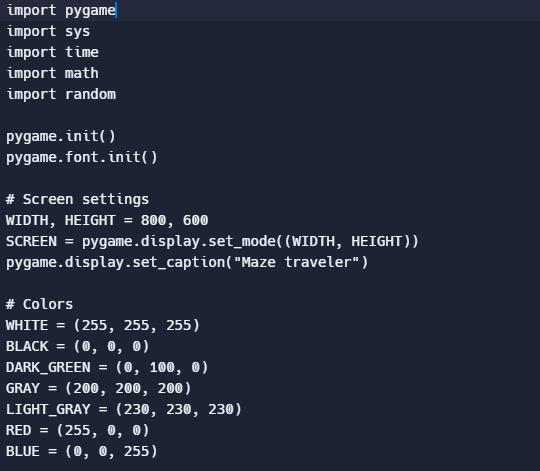
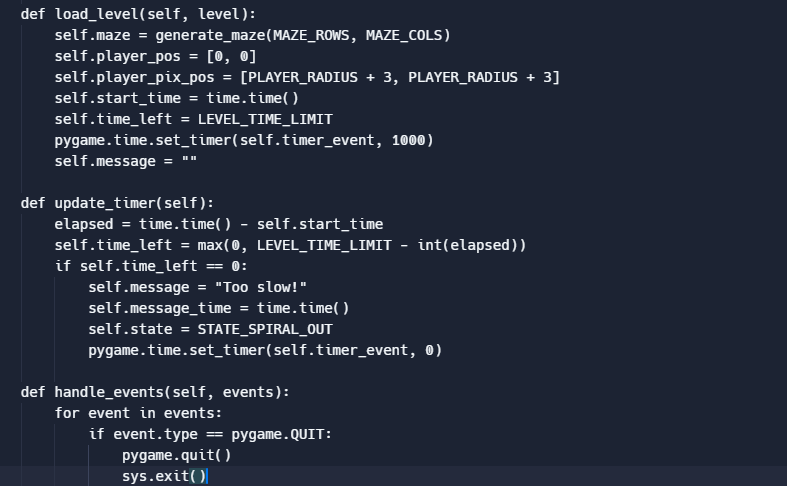
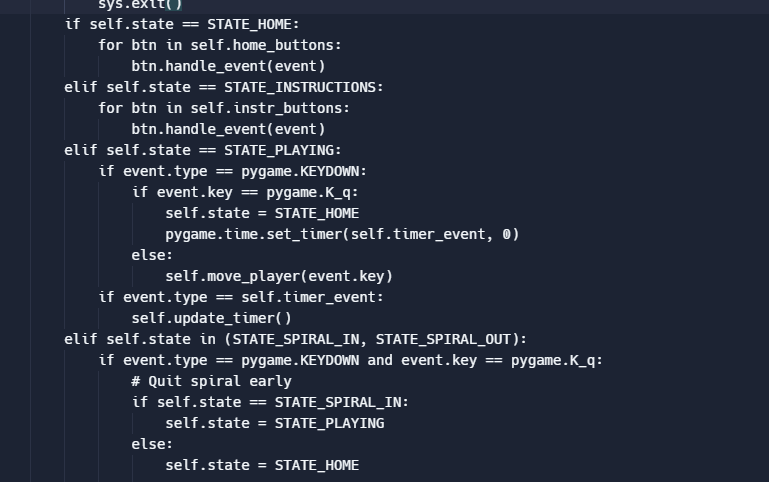
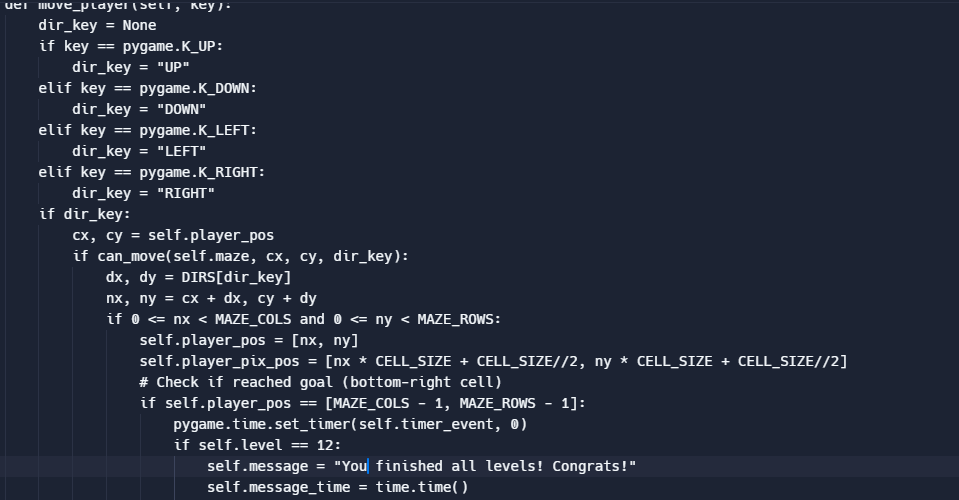
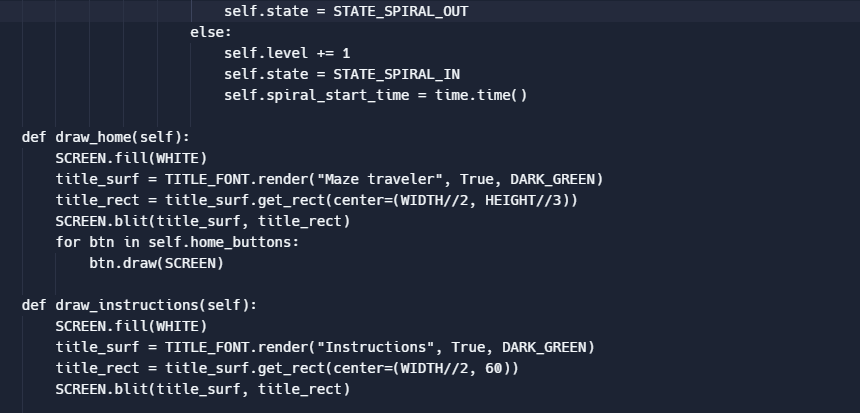
beginning of code (1)
-
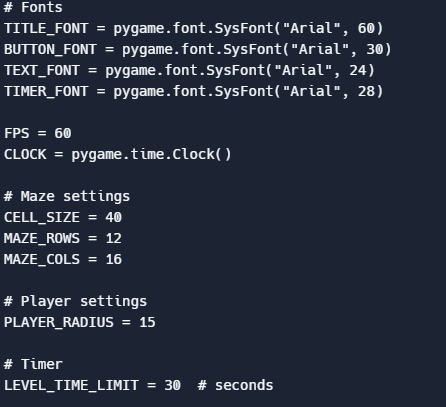
2
-
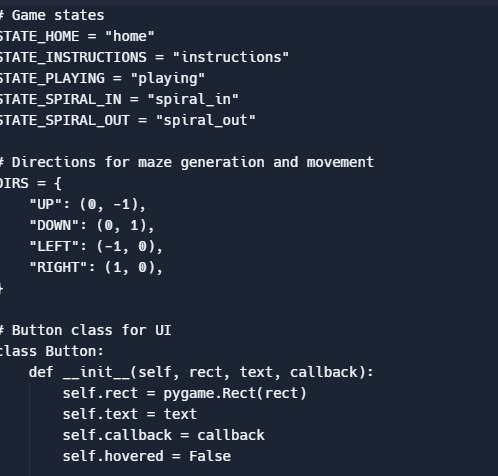
3
-
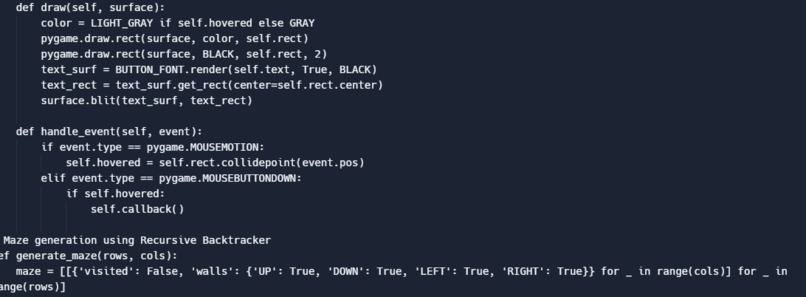
4
-
5
-
6
-
7
-
8
-
9
-
10
-
11
-
12
-
13
-
14
-
15
-
16
-
17
-
18
-
end of code (19)
Inspiration
Our inspiration was an arcade style project we both did in the beginning of the school year in our computer science class.
What it does
The game lets the user complete 12 levels of mazes and each time you complete a level it loops you into the next round/level. If you want to exit out of the game, you will press "Q" on your keyboard.
How we built it
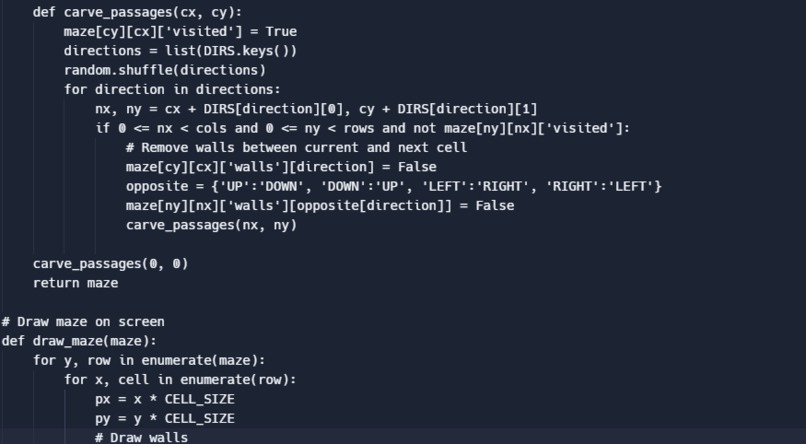
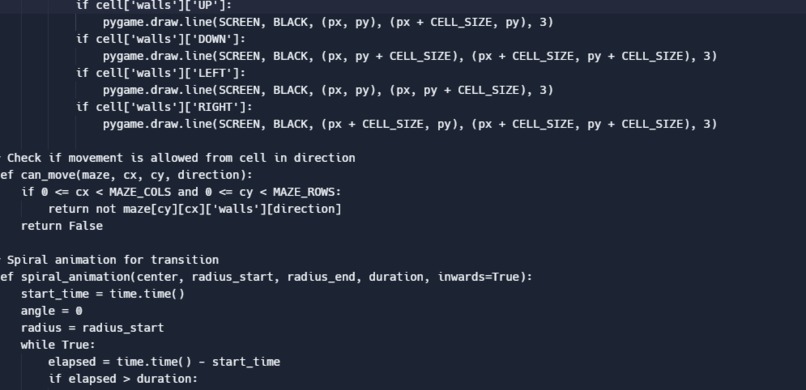
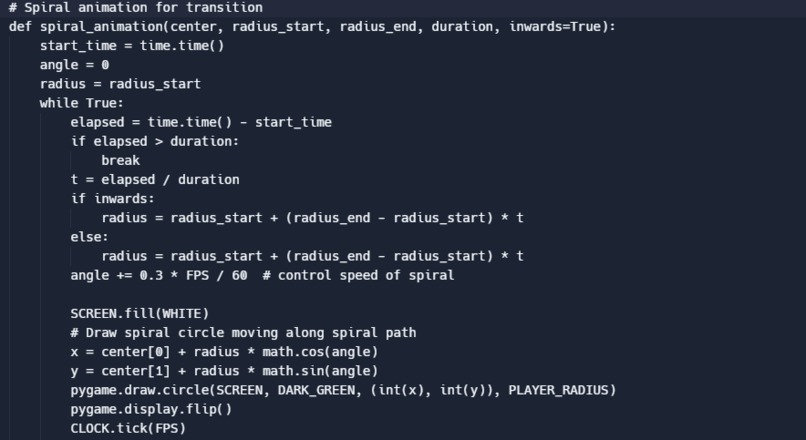
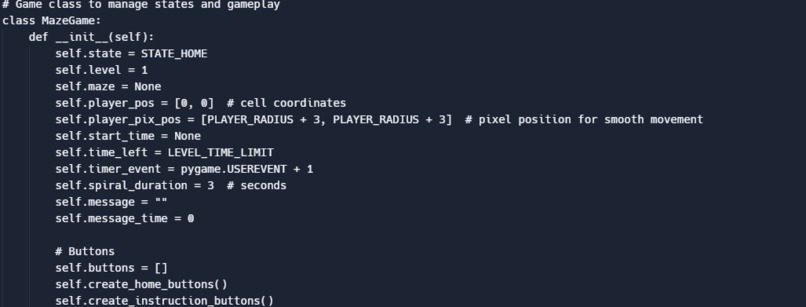
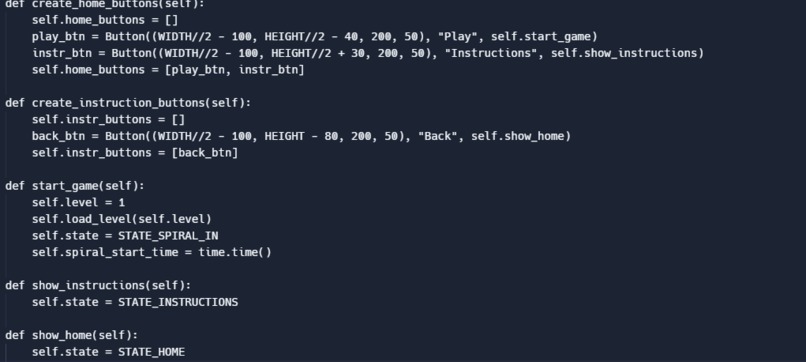
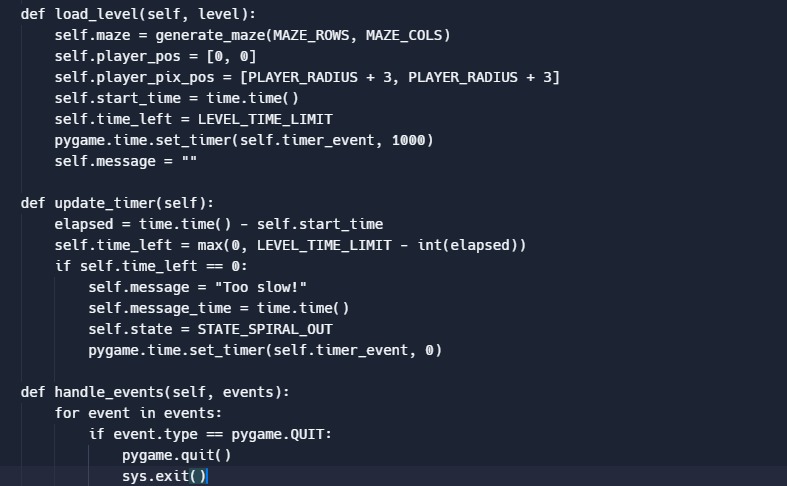
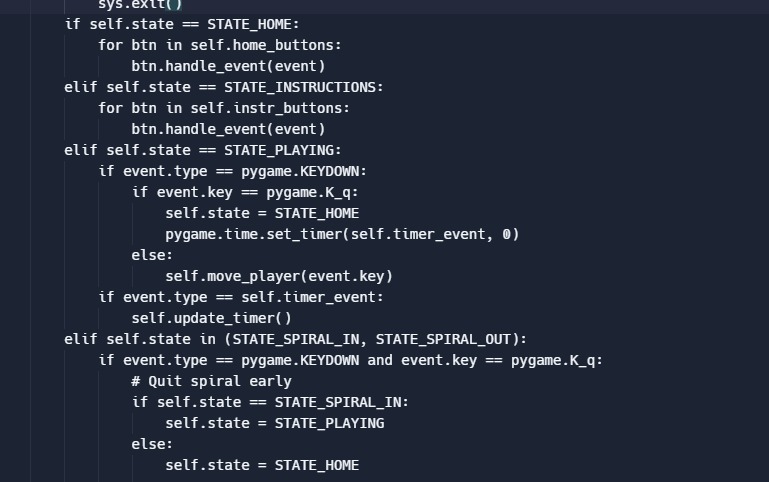
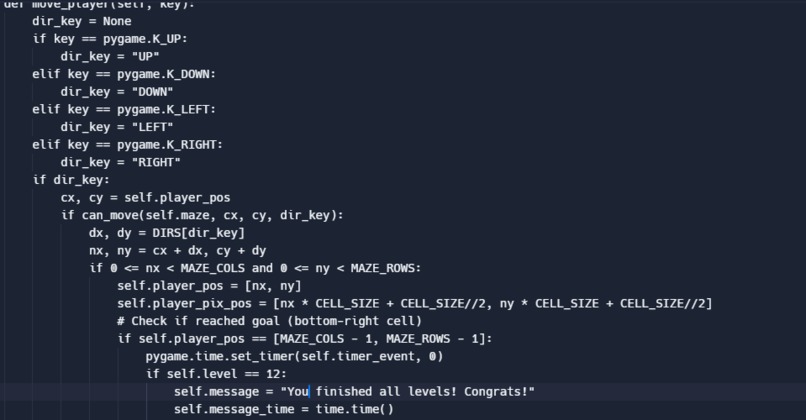
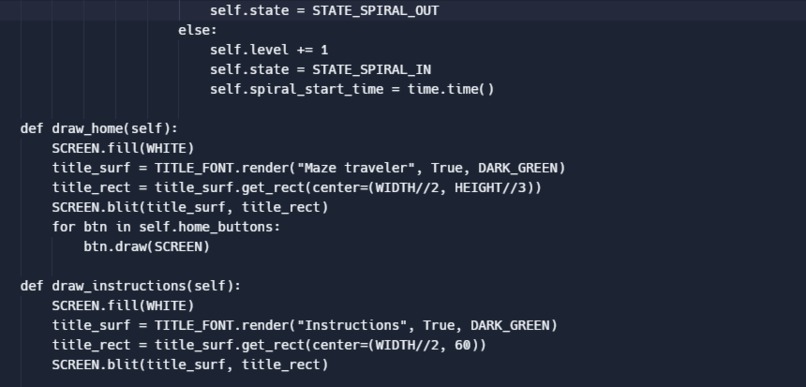
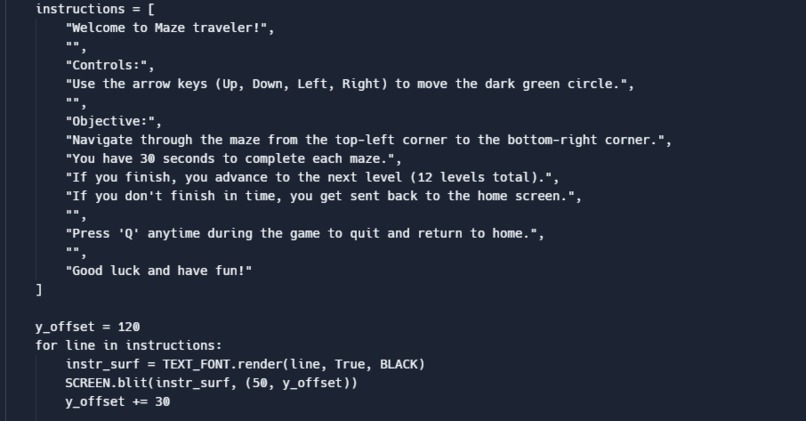
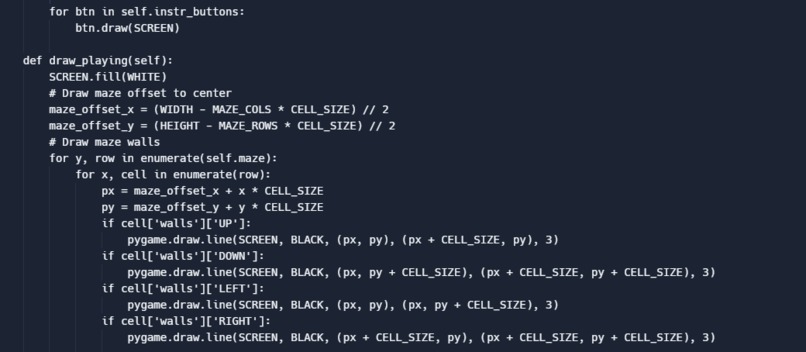
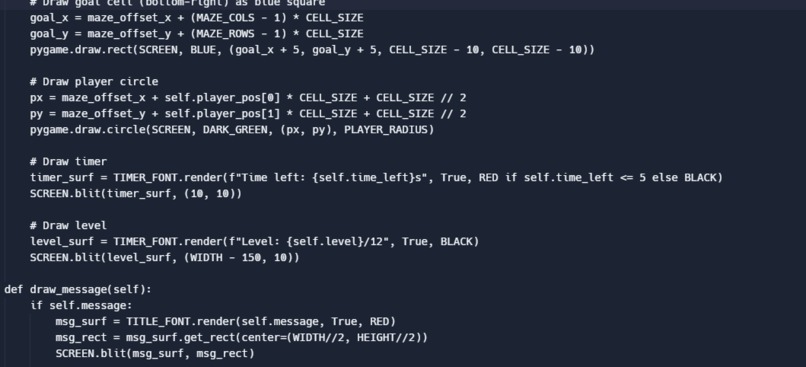
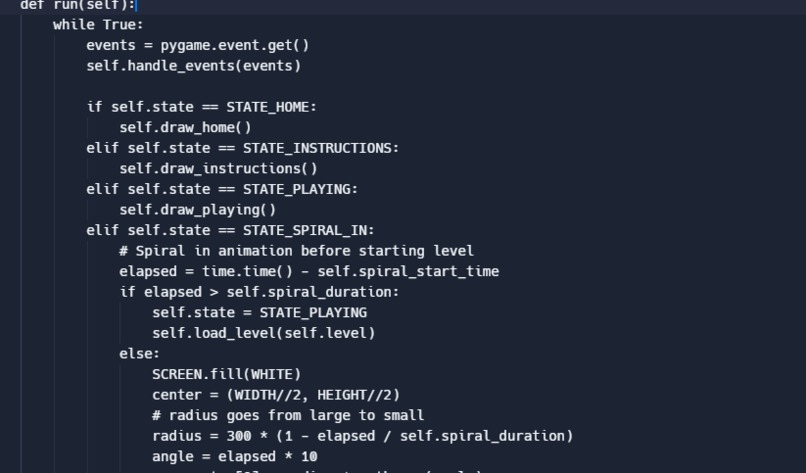
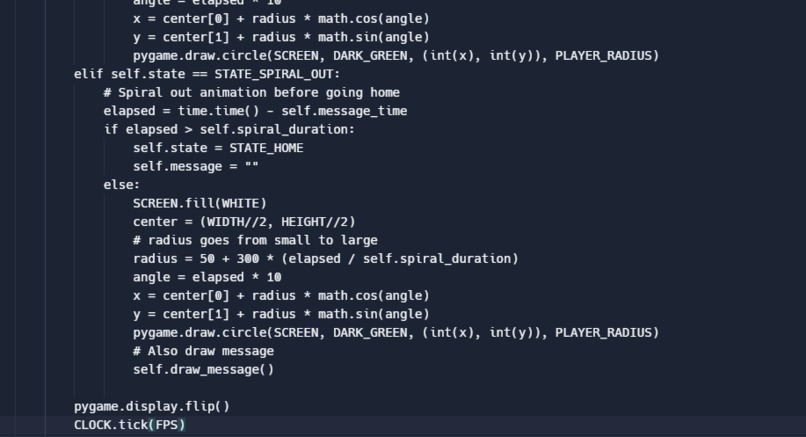
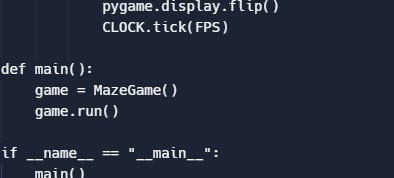
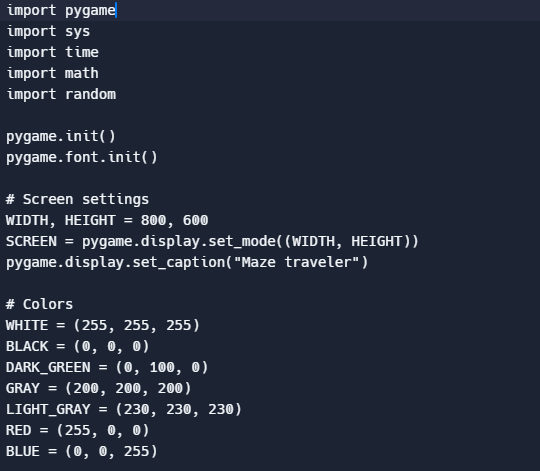
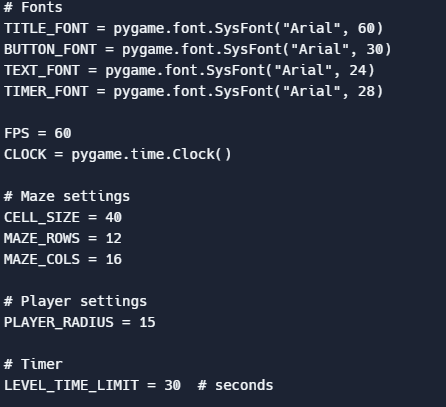
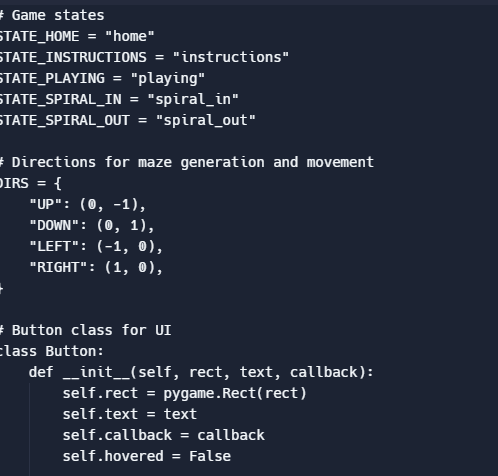
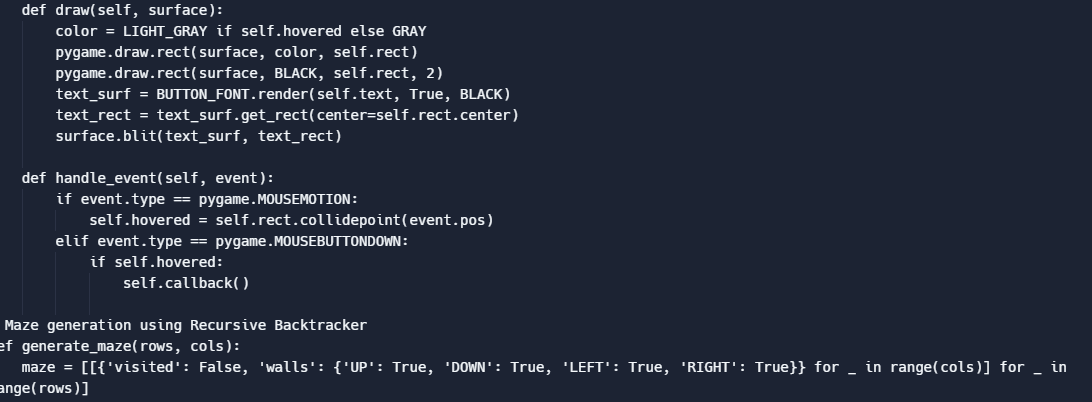
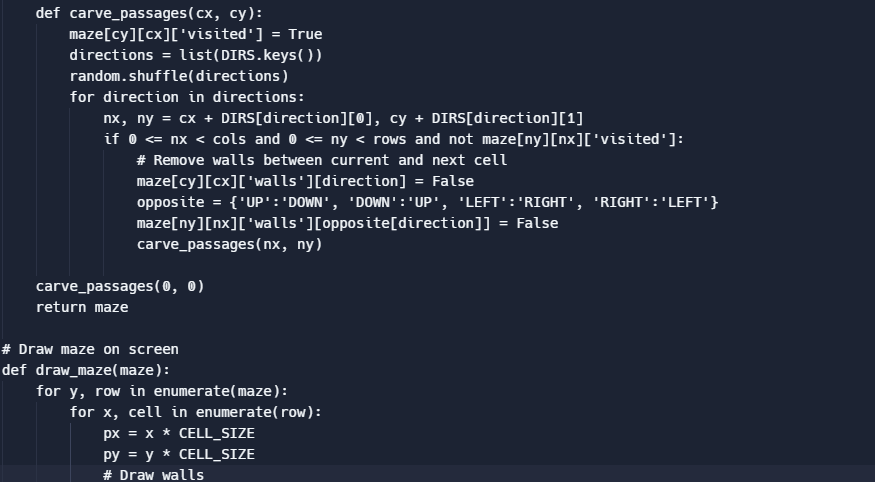
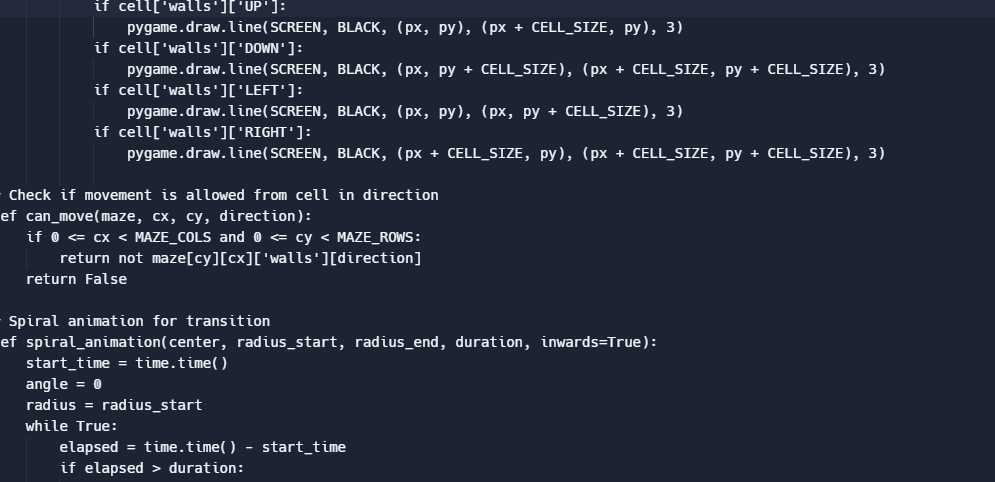
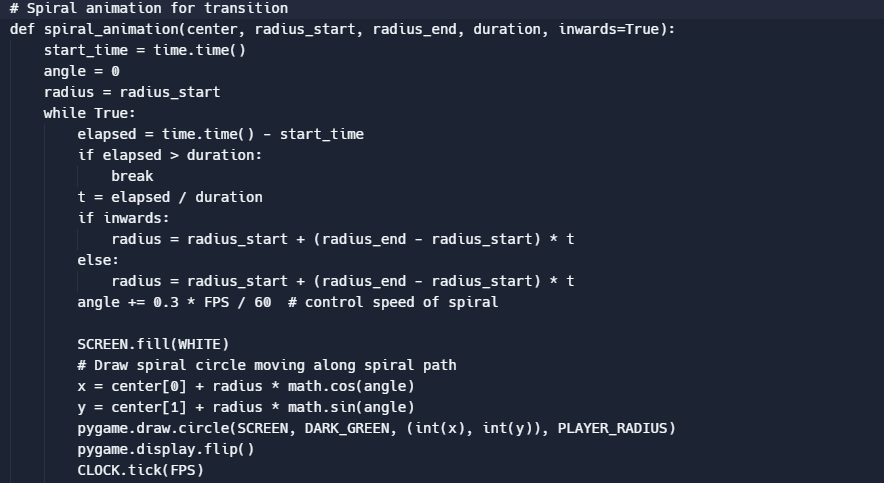
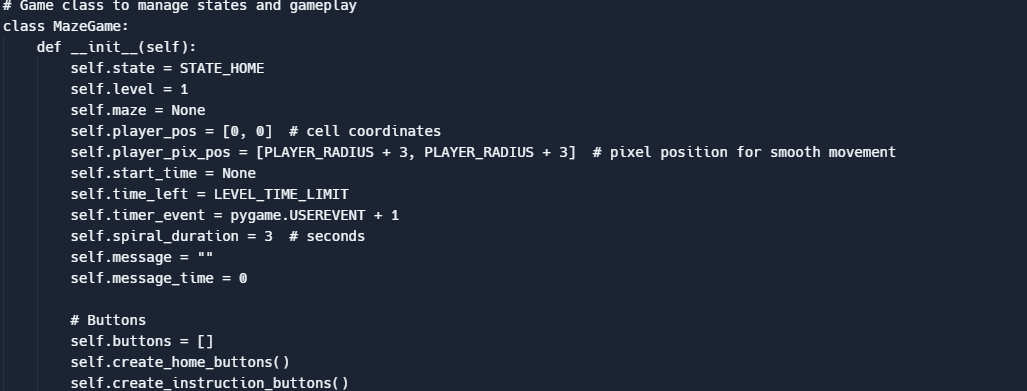
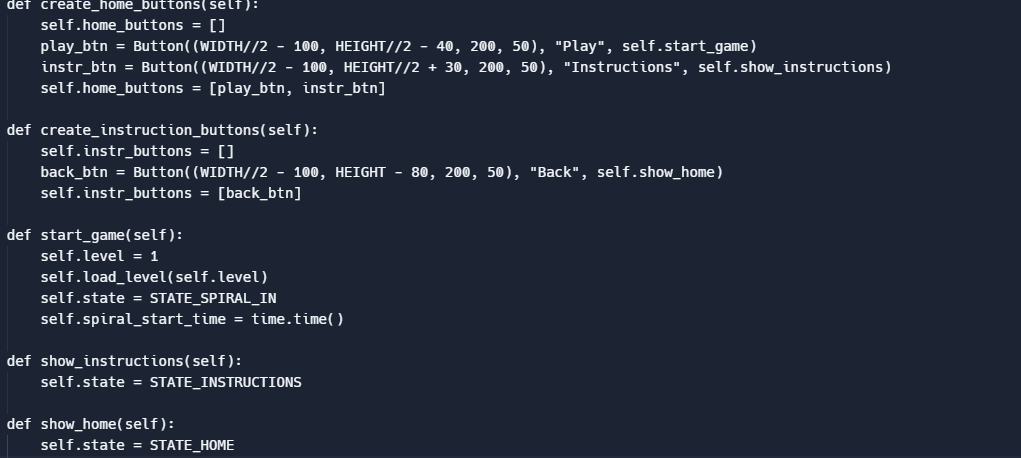
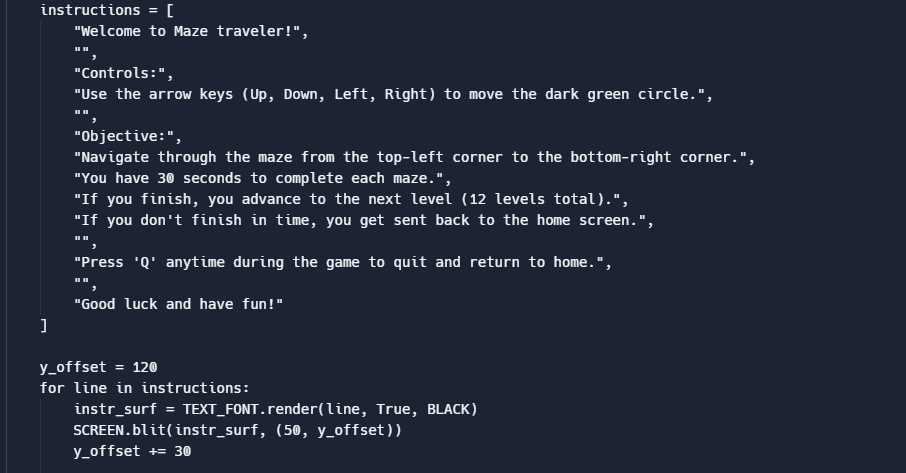
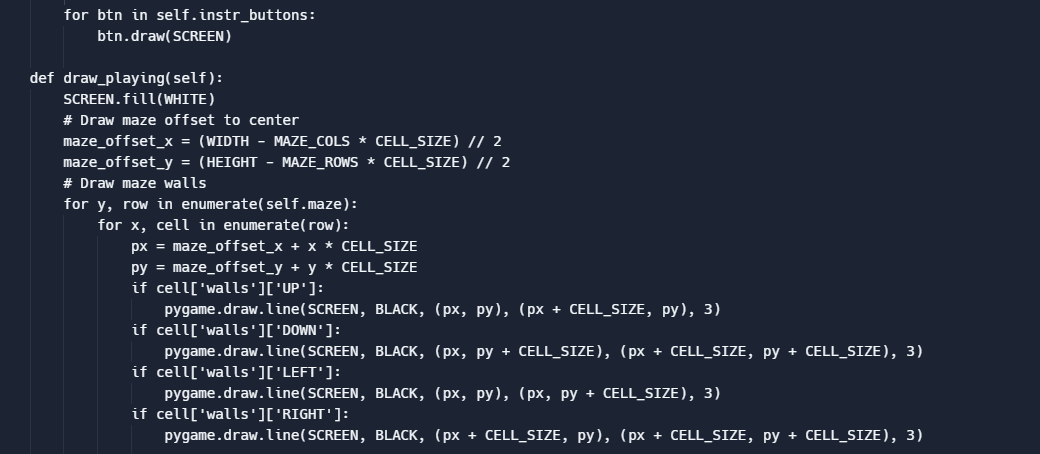
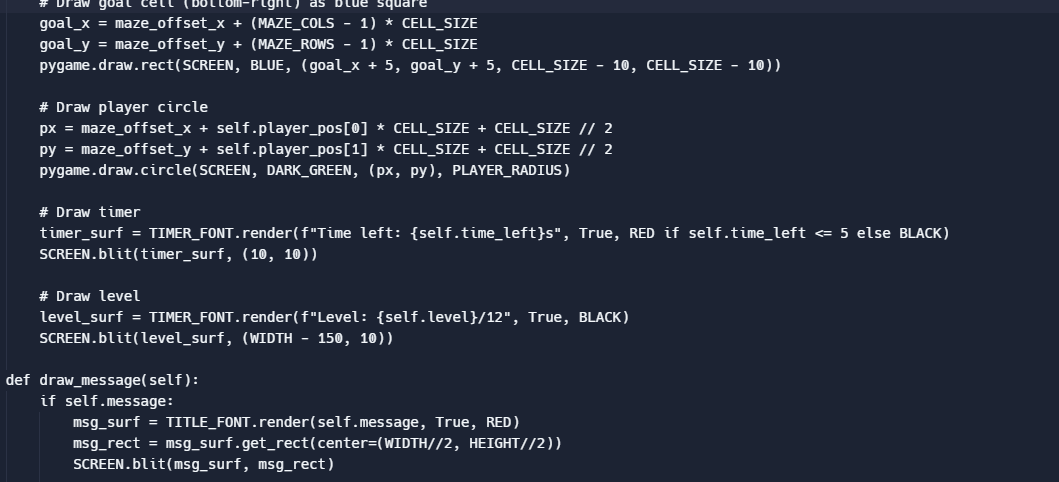
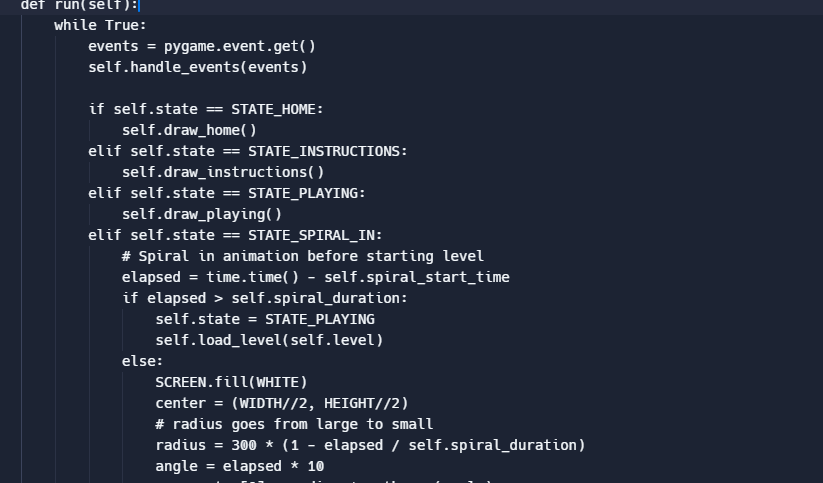
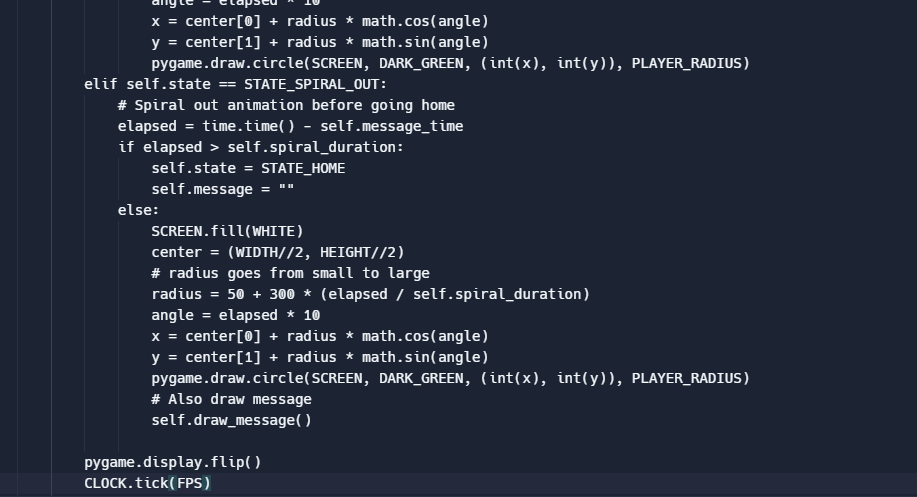
I built it using the apps repit, one compiler, and Visual Studio Code. I first downloaded an advanced pygame to our laptops and made sure the different imports worked. Then I started working on the home screen. I first set up the width and height of the screen, then the colors and fonts. After, I set up the time limit (30 seconds). I then started working on the hardest part of the project..the maze building. For starts, I set up the movements and buttons used to actually play the game. Then I used a Recursive Backtracker to form the maze shapes. Since the code understood the mazes, it was time to project them on the screen. After it finally showed up on the screen, I made sure that the directions the user could go were correct (If you only had one way to go, let's say left and you went down it wouldn't go over the border or cause a problem in how the game works) Then, I worked on the transition between mazes. I made sure that the coordinates were correct, the pixel movements were smooth, and the amount of time the spiral/portal would spin wasn't too long or too short. (3 seconds) I then worked on the buttons. I first created the home button, instructions button, and then the play button. I then had the code run each button individually to make sure they worked (took a hot minute) I then made the buttons for the movement in the game. (UP, DOWN, LEFT, and RIGHT) I then once again ran the code to make sure the movements worked. After quite some time, it loaded and moved correctly. Since the maze and movements were finally correct, I added the level boosts and the code it would run if you finished all 12 levels (You finished all levels! Congrats!) and the code it would print if you didn't finish in time (Too slow!). I then edited the home and instructions buttons. I just added details, colors, and made sure the screen popped up when running the game. For the instructions button, I added the instructions and made sure it ran. Same for the play button. I then drew the maze walls, the player circle, timer, and level. I added the code for all of the buttons and made it to be if it was pressed it would show on the screen. Finally, I added the spiral out animation and made the radius go from out to in.
Challenges we ran into
A Challenge we ran into was the process of making the code for the loop and maze itself. The code for the portal wouldn't go the correct direction or it would just be a big black dot covering the screen. The maze was just a pain to get to maze-ify.
Accomplishments that we're proud of
We're proud that we learned from our mistakes and used that to our advantage to make our code even better compared to how it was before. Were also proud we improved our communication and teamwork skills.
What we learned
We learned how to do more complex code and communicate better with each other.
What's next for Maze Traveler
In the future, we hope we can improve maze runner and make it a bit more complex. For now, though, this will most likely just stay a project.
Built With
- python
- replit
- visual-studio

Log in or sign up for Devpost to join the conversation.