-
-
image
Inspiration
I wanted a faster way to scan walls and make 3D models, because measuring by hand takes time and can be boring. I thought people like me—students, designers, or anyone—could use an AI tool that just works in the browser and gives instant results.
What it does
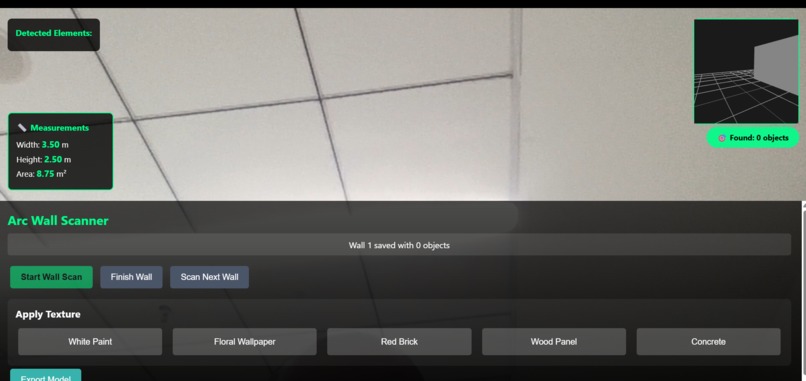
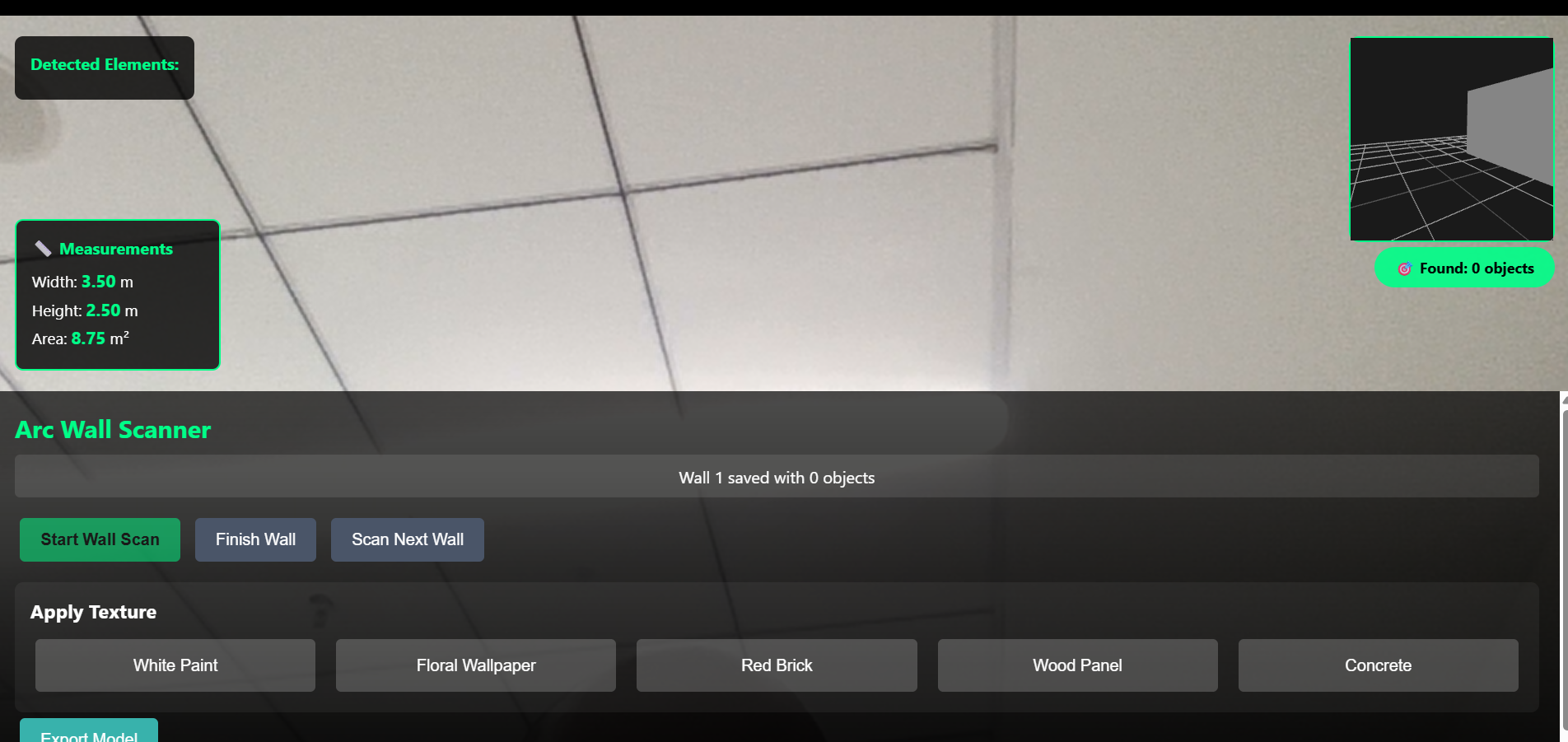
My tool lets anyone use their phone or laptop camera to scan a wall. It finds outlets, switches, windows, and doors right away and builds a 3D model of the room, where you can change wall textures and download your design.
How we built it
I used HTML, CSS, and JavaScript for the website. For 3D models, I used Three.js, and for AI object detection I used TensorFlow.js with a COCO-SSD model. All the code runs in the browser, so it’s quick and needs no install.
Challenges I ran into
It was tricky to get object detection working well, especially when there were shadows or messy backgrounds. Making the walls stitch together nicely in the 3D model also took extra effort. I also had to test a lot to make sure the app worked on many different devices.
Accomplishments that I'm proud of
I built a working demo that scans, detects, and models a full room in real time. Everything is packaged as a simple web app anyone can try. Exporting room data and getting measurements is easy and works every time.
What I learned
I learned about AI models for images, 3D graphics for the web, and how to get camera access working in browsers. Debugging real-time computer vision and building user-friendly web apps was new for me, but I enjoyed figuring it out.
What's next for Arc - Image-to-model tool
Next, I want to add detection for more things and support curved or sloped walls. I also want users to save rooms and maybe try AR features. I’ll keep making it better for real-world design and sharing.
Built With
- coco-ssd
- css
- html
- javascript
- tensorflow.js
- three.js

Log in or sign up for Devpost to join the conversation.