-
-
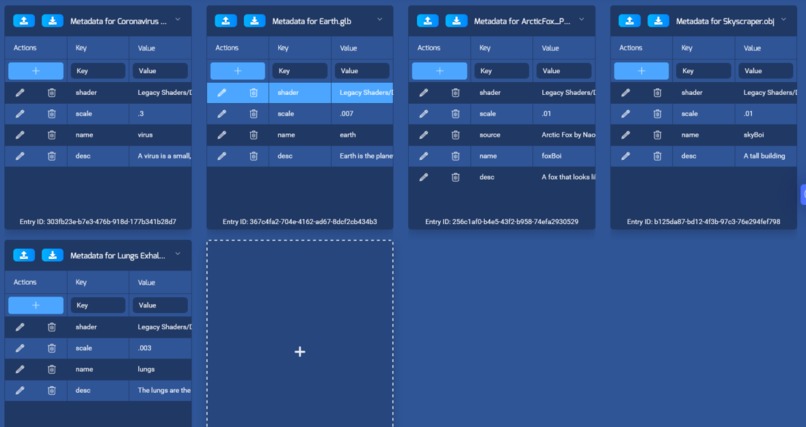
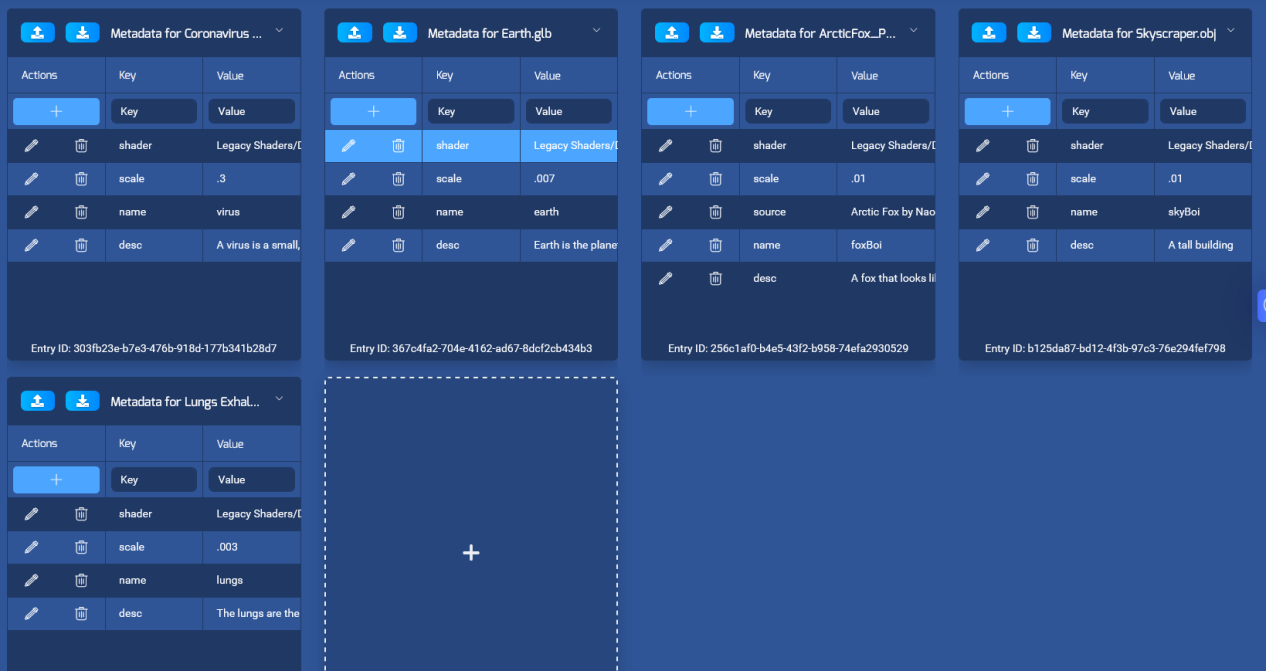
echoAR Metadata
Inspiration
We initially wanted to make an AR board game, like chess, but quickly realized that it was more fun to play around with the 3D models then actually play the game. This, combined with issues with the Unity Editor (as well as our passion for education), lead us to change our project to an education app with AR features.
What it does
Kids can point their device at an image in their classroom (for example, the planet, or human lungs), and the app will project a 3D visualization of that object. Students can then play around with the 3D model by stretching and rotating it. The model will be present even if the user moves away from the source image. Lastly, a short description is provided in a side panel of the object they are viewing.
How we built it
We used Unity3D, C#, and echoAR.
Challenges we ran into
One of our biggest problems during this hackathon was image tracking. We originally wanted to make a chess game in augmented reality as a way to have fun with friends in the midst of a pandemic situation. However, we quickly realized that Unity does not track multiple objects very well, and a chess game requires 16 objects.
Accomplishments that we're proud of
We learned a lot about echoAR and augmented reality in general. We're also proud to have made a project that could potentially help teachers in real world situations.
What we learned
We learned and really pushed the limits of our machines in order to test image tracking in augmented reality. We also learned the importance of documenting our code and formatting properly, for the sake of other collaborators in the project.
What's next for Ed-AR-cation
We want to add more 3D models to the library as well as add support for teachers to add their own models and descriptions.
Note: Here are the worksheets we used for the demo https://docs.google.com/document/d/1ZrglLWk52cvyne2NChlAZoMgfCisHzaRhBGqwSwLNkA/edit#


Log in or sign up for Devpost to join the conversation.