-
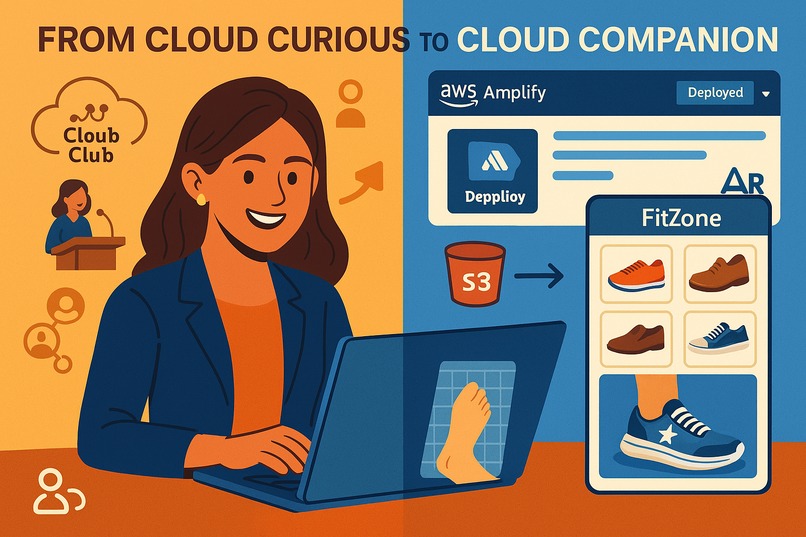
When Business and Tech Meets!!
-
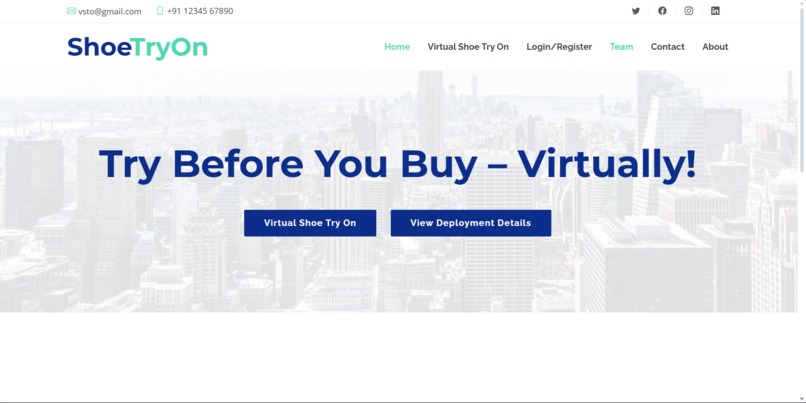
Shoe Virtual Try-On UI
-
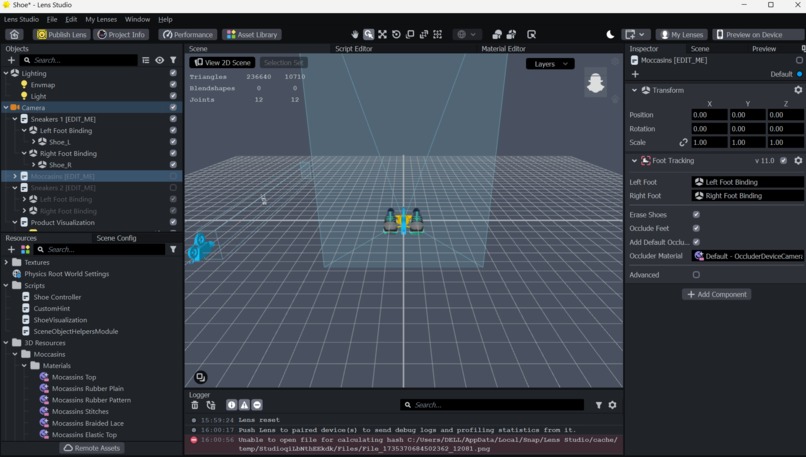
Lens-studio for 3D modeling & foot tracking with Lense creation using AR
-
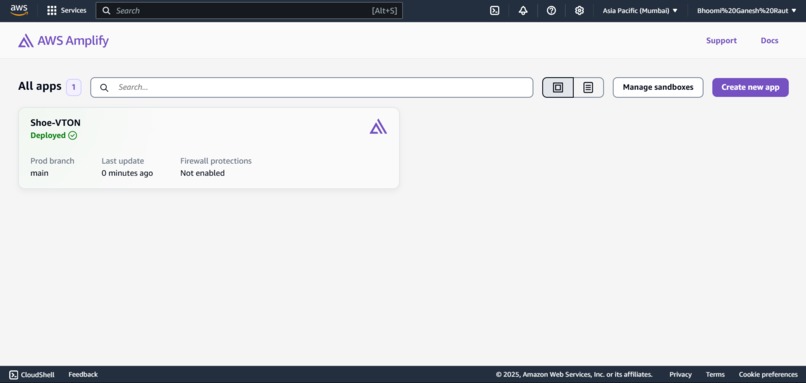
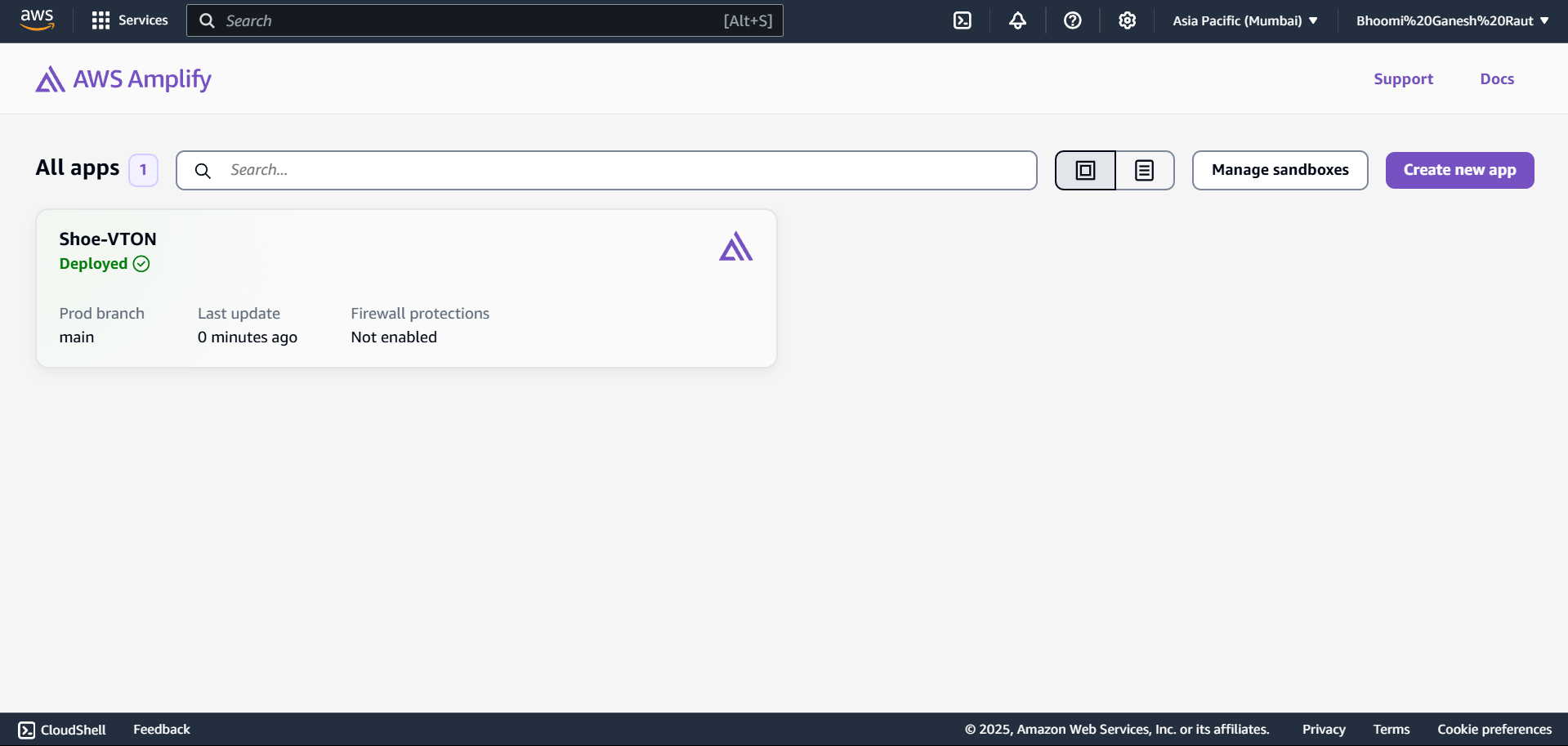
AWS Amplify Console with successful App Deployed
-
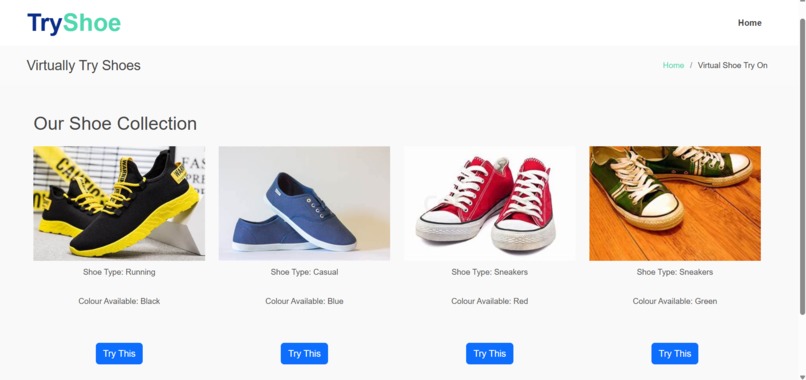
Virtual Shoe Gallery for Virtual Try-On



Inspiration
As an AWS Cloud Club Captain and one from a tech background with curiosity in AR, I’ve always been excited by the idea of blending immersive tech with scalable cloud infrastructure. Coming from a strong foundation in business roles, from customer engagement to brand positioning, I often approach projects through a product-thinking lens. While exploring ways to make online shopping more inclusive, the idea struck: “Why not build a virtual shoe try-on experience using AR and host it on AWS?”
This project isn’t just a tech experiment, it reflects how my business mindset and technical skills complement each other. AWS, with its optimistic smile beneath the logo, made me realize that my hybrid background isn't a weakness in the tech world; it’s a rare strength.
What it does
The project allows users to try on different shoe models virtually using augmented reality directly from their browser, with no app download required. It offers: -A responsive shoe gallery -Real-time try-on experience using AR -Feedback form integration -Smooth hosting with CI/CD pipeline support This is wrapped in a simple, interactive interface built to work on both desktop and mobile.
How I built it
Frontend: HTML, CSS, JS. The AR shoe experience was crafted using Lens Studio with third-party lens creation, allowing realistic and responsive try-on capabilities. Hosting: Initially deployed via Amazon S3 for static hosting, later migrated to AWS Amplify for seamless CI/CD integration, custom domain support, and improved development agility. Domain & SSL: Managed using Amazon Route 53, with automatic free SSL certificate provisioning. Project Management: Tools like Canva (thumbnails), Figma (UI prototypes), Google Tasks (task management), and social media (community validation and feedback) ensured both execution and visibility.
Challenges I ran into
While Amazon S3 was an excellent starting point for hosting static assets, it soon became limiting for a fast-moving project like ours. We ran into several challenges:
- No CI/CD: Every code change required manual re-upload of files, slowing down development.
- Routing Issues: In S3, our single-page WebAR experience often ran into 404 errors on page refresh or direct links due to a lack of client-side routing support.
- Custom Domain Setup: Setting up a custom domain with SSL needed extra configuration.
- Limited Version Control: Managing versions and rolling back wasn’t straightforward.
These limitations led me to migrate to AWS Amplify, which offered:
- Seamless CI/CD integration with GitHub
- Automatic routing and build setup for single-page apps
- One-click custom domain + free SSL via Route 53
- Faster deployments and smoother team collaboration Amplify transformed my workflow from static hosting to a dynamic, cloud-native experience.
Accomplishments that're proud of
-Created a working AR experience using web-only tools. -Shifted from basic hosting to Amplify, implementing CI/CD for faster iteration. -Built a strong brand presence around this project via social posts and community discussions. -Successfully balanced technical implementation with business storytelling and presentation.
What I learned
- From Student to Captain to Speaker: My journey started with curiosity as a student exploring AWS. It evolved when I became the AWS Cloud Club Captain, leading cloud events and mentoring peers. Eventually, I stepped onto the stage as a speaker and trainer, delivering hands-on AWS workshops. Each role deepened not only my technical skills but also my leadership and communication capabilities.
- Cloud in Action: I got real-world experience with AWS services like S3, Amplify, and Route 53 — learning their strengths and trade-offs through actual deployment scenarios. I moved from manual S3 hosting to CI/CD with Amplify, understanding the importance of automation, routing support, and version control in professional-grade front-end hosting.
- Tech + Business Synergy: Coming from a strong brand promotion and community-building background, I leveraged those skills to present the project compellingly — be it to faculty, externals from Barclays, or broader student communities. This mix of technical execution with strategic storytelling helped the project stand out.
- Design & Experience Matter: Using tools like Lens Studio for AR, Figma for UI, and Canva for assets, I learned that a product’s success lies in its user experience, especially with immersive tech. Design, usability, and performance go hand-in-hand.
- Holistic Project Management: Managing tasks via Google Tasks, validating ideas through community, and juggling tech with presentation timelines taught me end-to-end execution, from ideation to deployment and, finally, to impact.
What's next for AR Meets AWS: Hosting My Virtual Try-On Experience
- Add authentication via Amazon Cognito
So users can sign in securely, save favorites, and enjoy a personalized AR experience. - Enable user uploads & previews
Let users upload images of their shoe collections to try them on virtually using WebAR. - Launch MVP for independent shoe brands
Partner with small or indie footwear businesses to let them showcase products without the cost of physical inventory, helping them stand out with immersive tech. - Expand to malls & retailers
Enable malls to reduce showroom investment by offering virtual try-ons at kiosks. Plan to integrate real-time foot size estimation to minimize size-based return rates.
Built With
- 3d
- ai
- amazon-web-services
- amplify
- cdn-delivery
- cloudfront-&-amplify-?-for-static-hosting
- css
- foot-tracking
- footwear-models
- html
- javascript
- lense-studio
- s3
- snapml
- webcam-integration

Log in or sign up for Devpost to join the conversation.