
📚🙋♂️Domain📚🙋♂️
Domain.com-imagination-without-boundaries.tech
GoDaddy-imagination-without-boundaries.us
💡Inspiration
- We always have been seeing the world around us in 2 dimensions, won't it be fascinating we could explore them in your world. Ar experience is there to help
- Always viewing images in 2D, everything is changing why not change this too.
- It's always better to know things when they are in 3D
⚙️ What it does
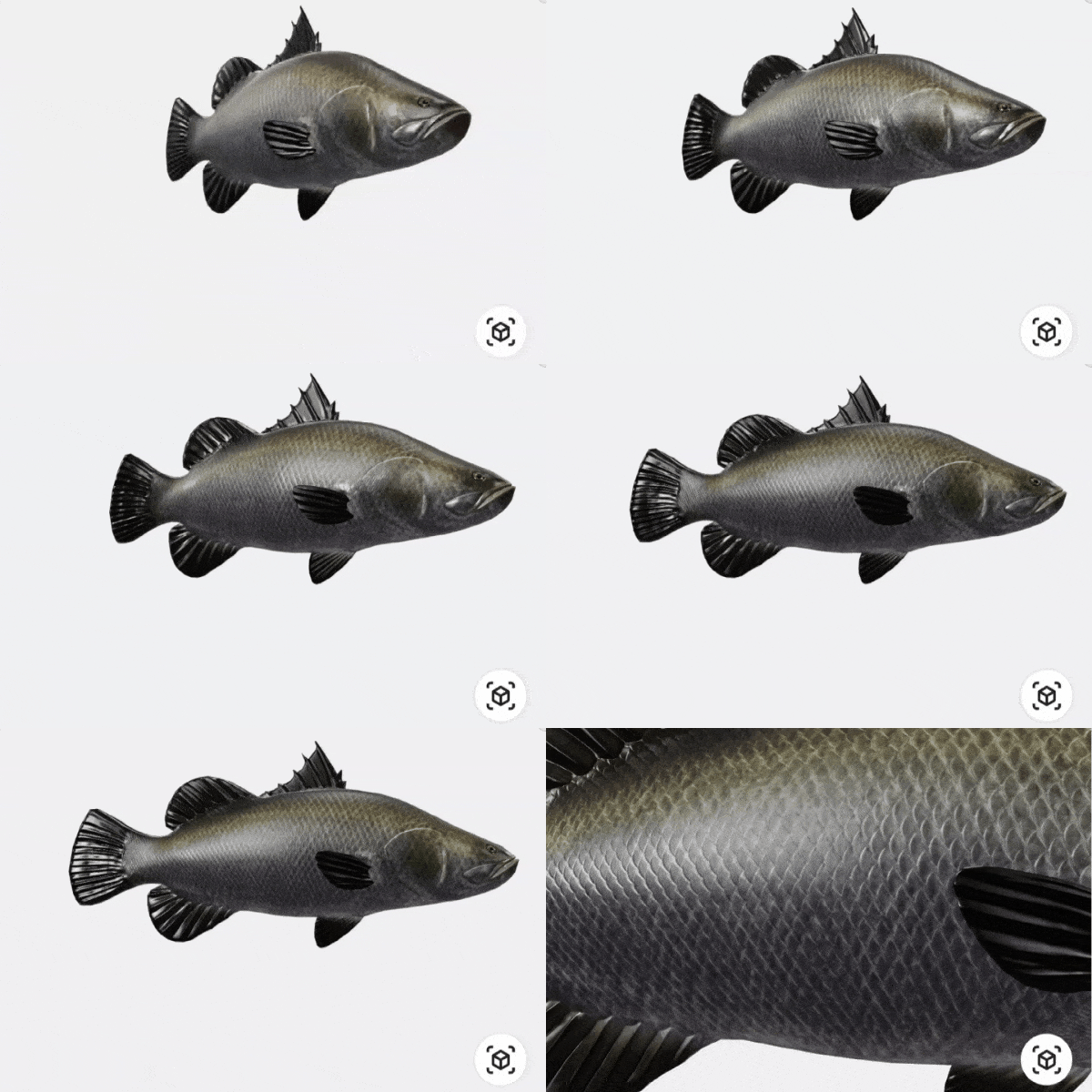
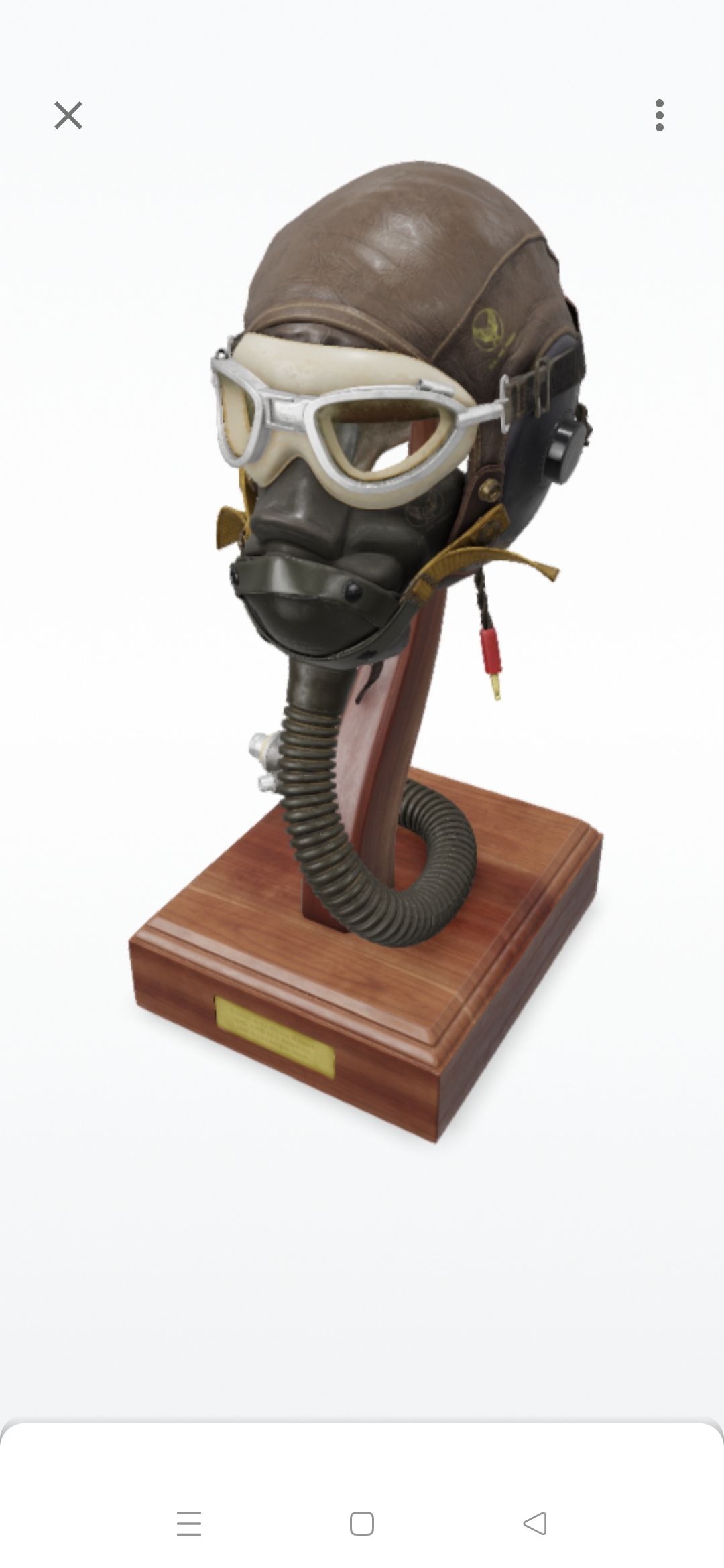
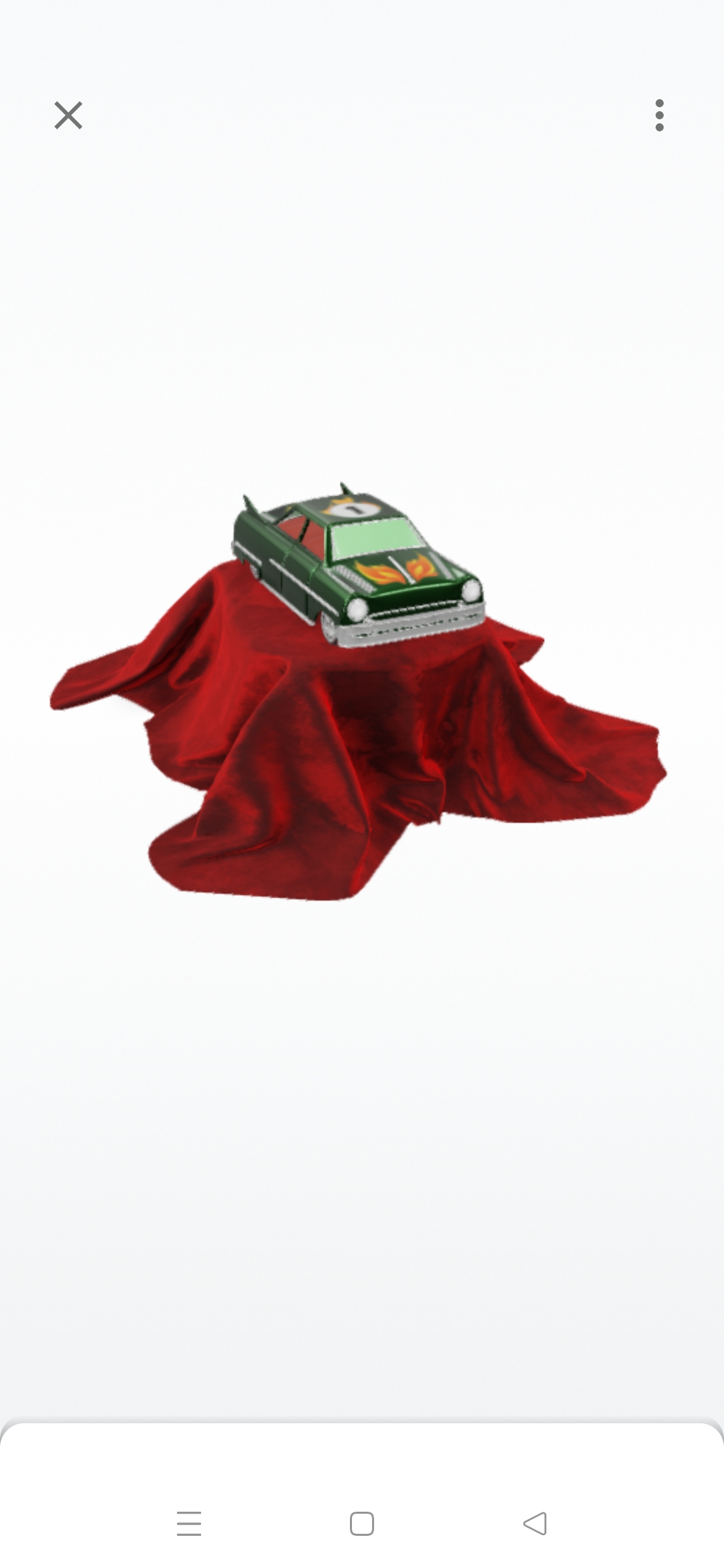
- Bored of always seeing pictures in 2d, Dive in and see the objects and animals come to life
- Want to get yourself some immersive experience and something exciting, Ar experience is there to help
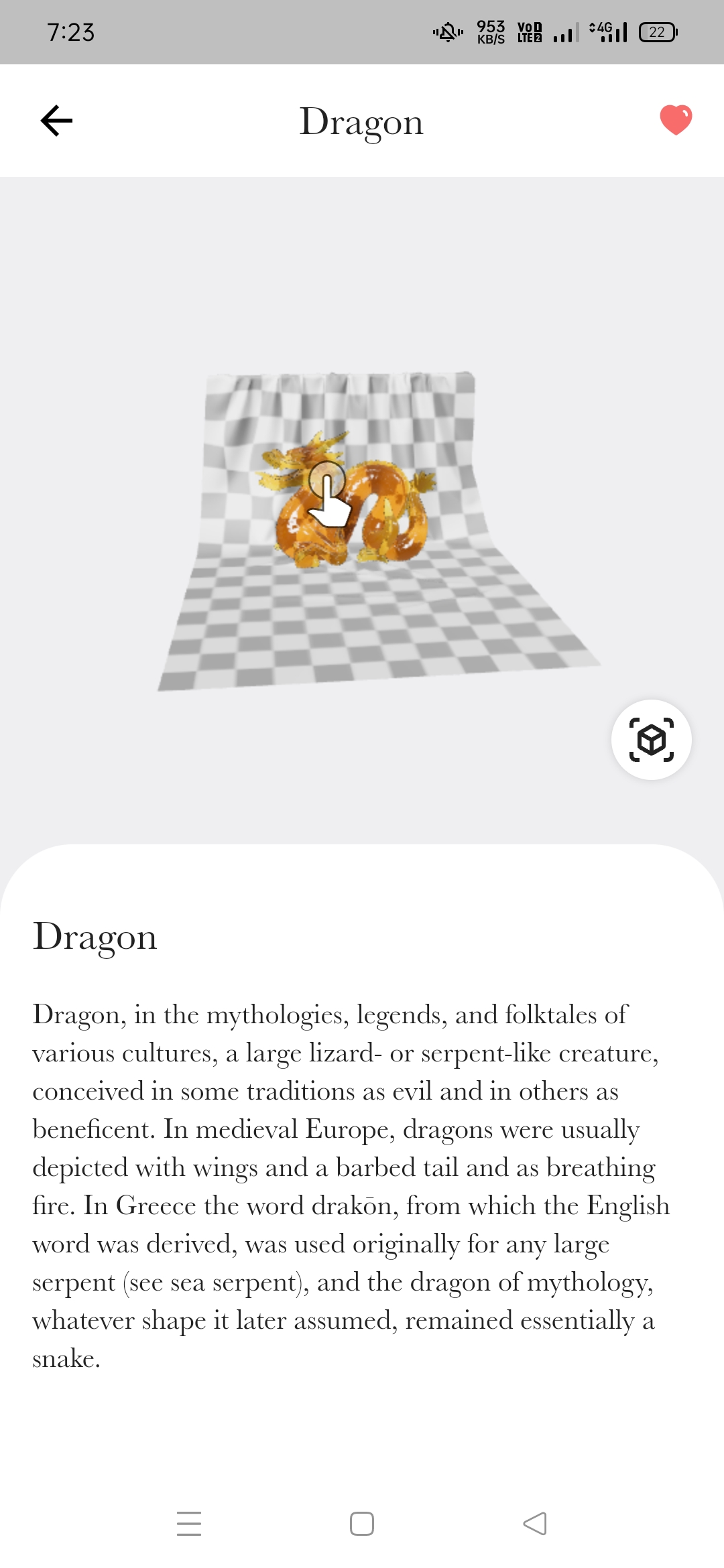
- Let you interact with 3D objects, zoom in, zoom out, rotate them, etc.
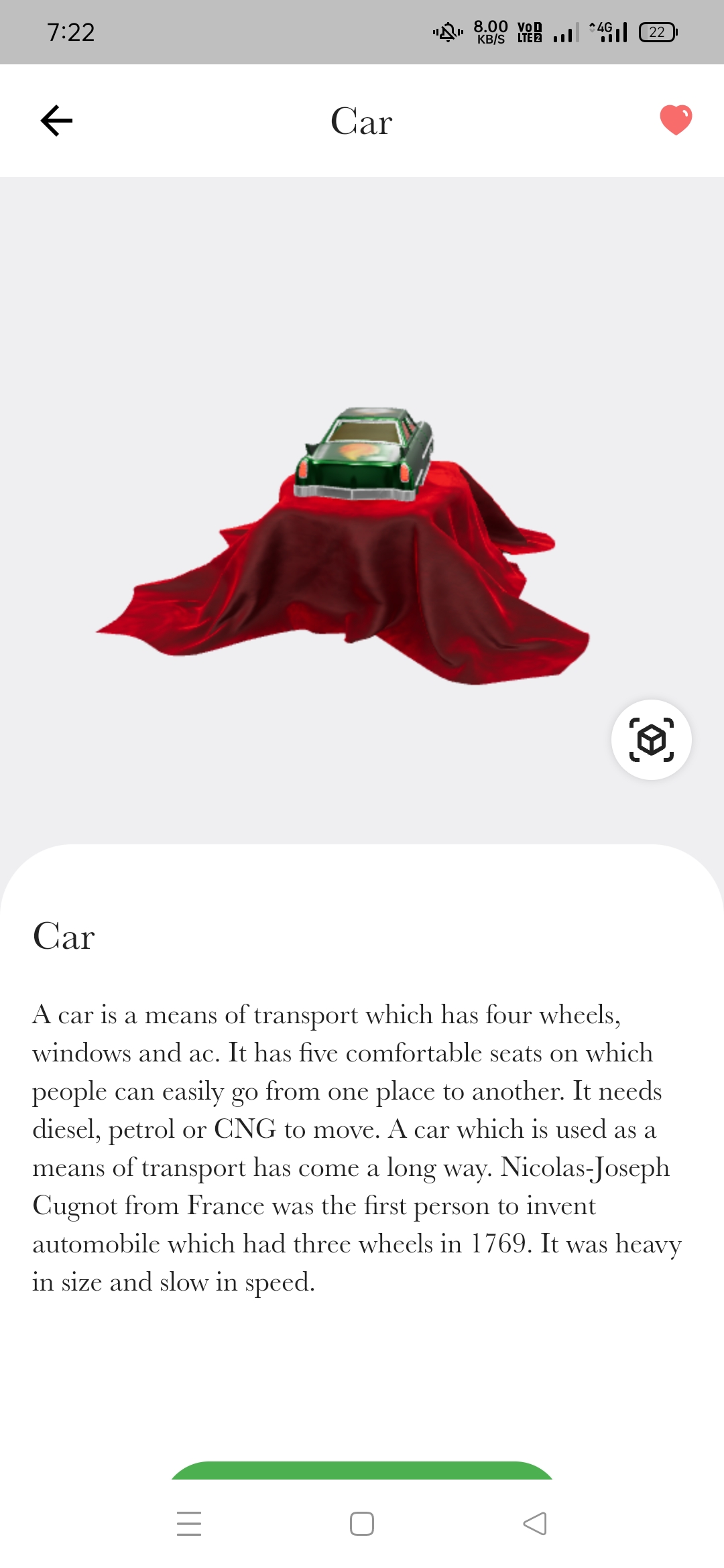
- Get a brief detail about the project as well
🛠 How we built it
- To get started with the app, we first tried to get the app to render some 3D objects.
- We used gltf files to show them in the app
- We implemented the 3D rendering in the app through model_viewer_plus
- We then redesigned the whole UI to make it better and usable
- To add more fun we did the option to see the app in real space through Augmented Reality (Needs android 10+ devices for now)
- Then we refactored the code to let it load more 3D models to explore
- The user can interact with 3D objects, rotate them, zoom them, shrink them, etc.
- Build the release version so as to ship the app
🙅🏻♀️ Challenges we ran into
- Not from the same region, time zone was a big problem for us.
- There was quite less time for something like this that we had not done before
- It was quite difficult to find ways to view 3D models in AR
- Coding a scalable thing so as to expand the app for more objects in it
- Figuring out app development as we went on
📌 Accomplishments that we're proud of
- At the end of the day we were able to pull off the deal and get a working app
- For most of us, learning entire languages and/or frameworks in less than 36 hours
( We wasted our initial 6 hours) 😔
- Making a solution that is scalable and easy to expand
- Made the app interesting by including the option to view things in AR
📚 What we learned
- Teamwork makes the dream work, for sure. 🌈
- Creating a full-fledged Flutter App
- Communicating with teammates(Soft skills)
- App development through flutter
- Making use of AR toolkits to show apps in AR
- Coding Scalable code so as to expand it later on
- Making a website with HTML CSS
🗓 What's next for Ar Experience
- Add more categories and objects to the app, the code is written scalable so as to add further categories and products would be easy as a piece of cake.
- Expand the app to let users scan and import their objects into it.


Log in or sign up for Devpost to join the conversation.