-
-
1
-
2
-
3
-
4
-
5
-
6
-
7
Inspiration
We were inspired by the different phone apps that tracked your water intake and measurement conversion apps, but we also wanted to provide other services like comparing your actual water intake to your recommended. Another one of our big inspirations for this project was buzzfeed spirit animal quizzes.
What it does
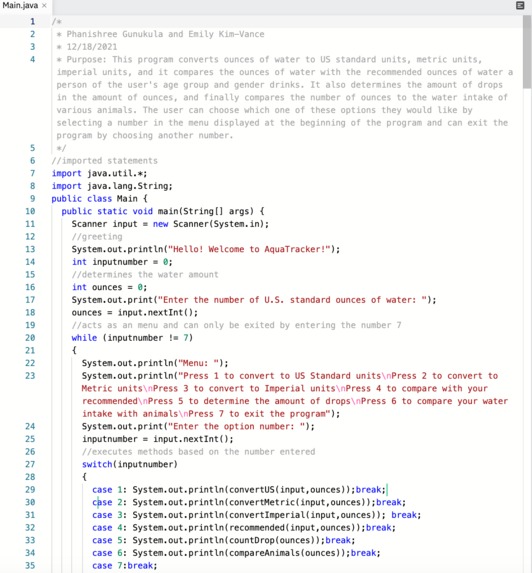
This program asks the user for their water intake and provides the user with a menu filled with different options that provide different services such as converting ounces of water to US standard units, metric units, imperial units or comparing the ounces of water with the recommended ounces of water a person of the user's age group and gender drinks. The other options are determining the amount of drops in the amount of ounces, comparing the inputted water intake to the water intake of various animals and exiting the program.
How we built it
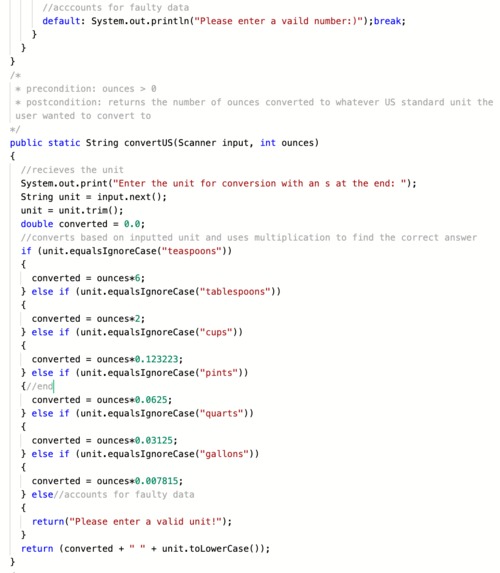
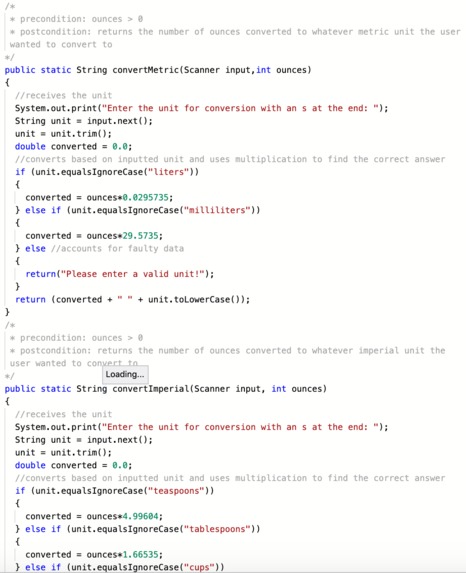
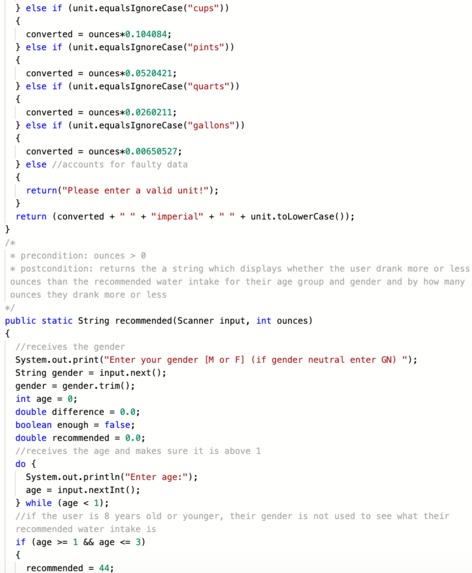
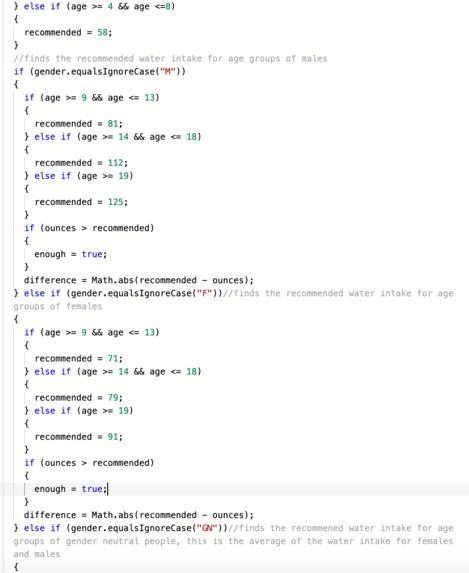
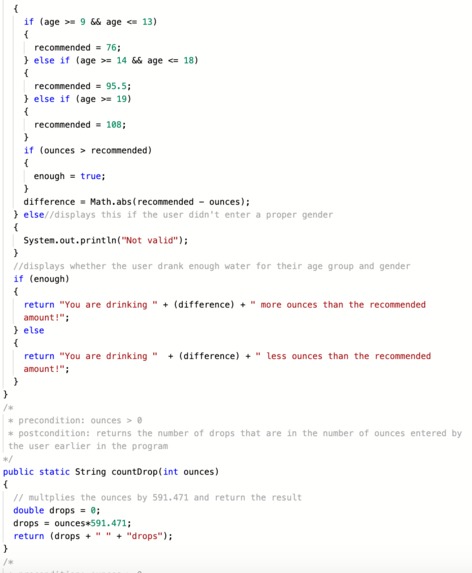
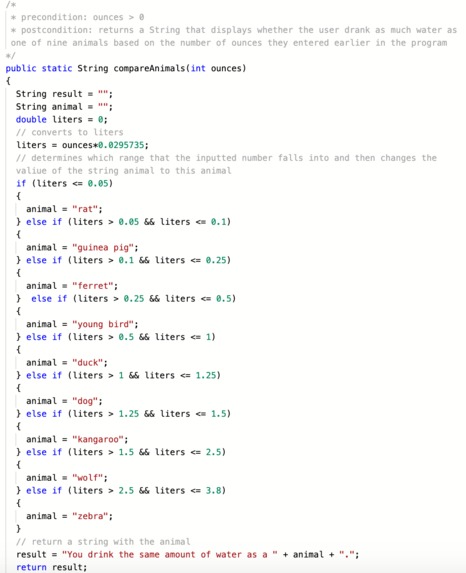
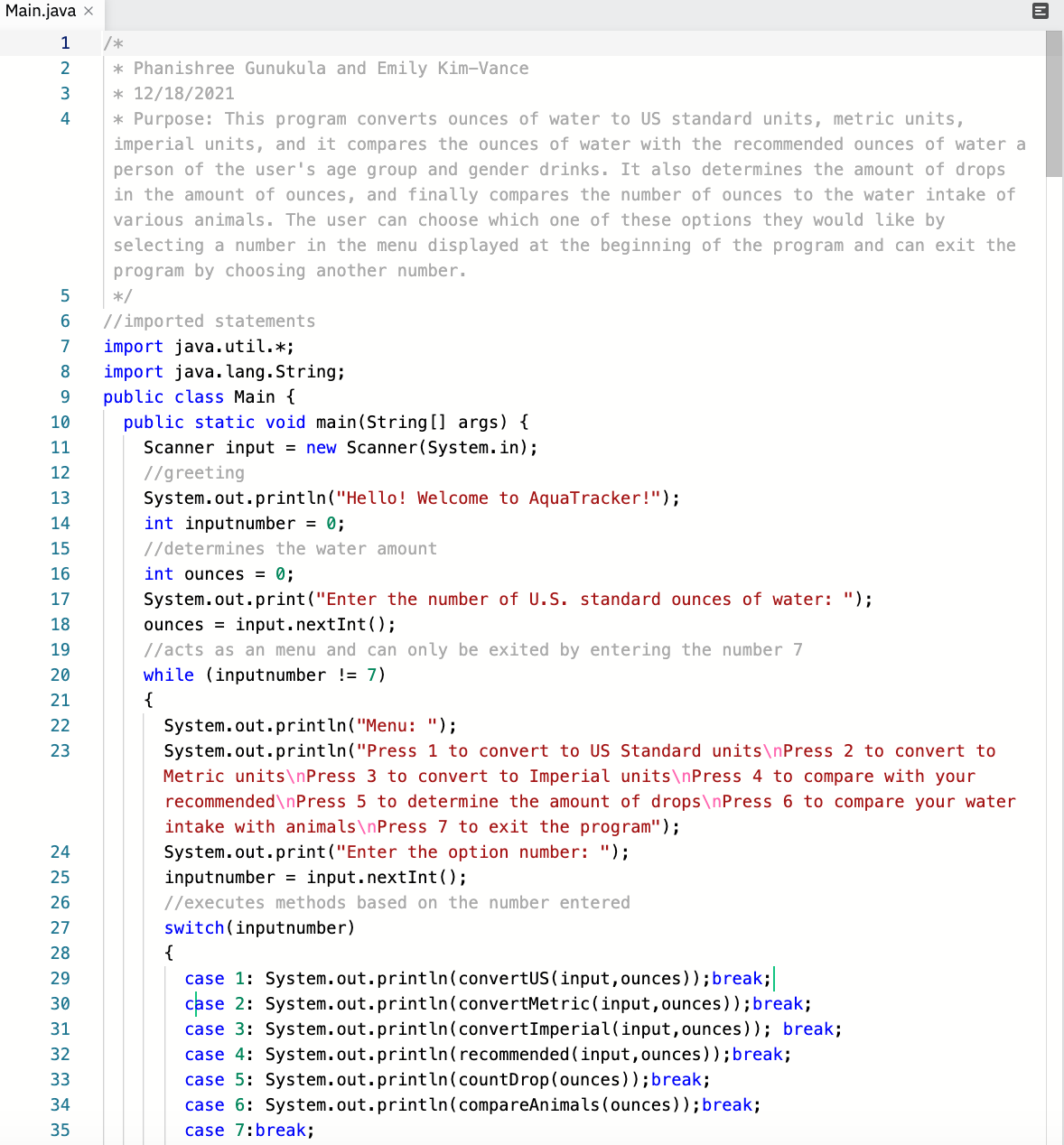
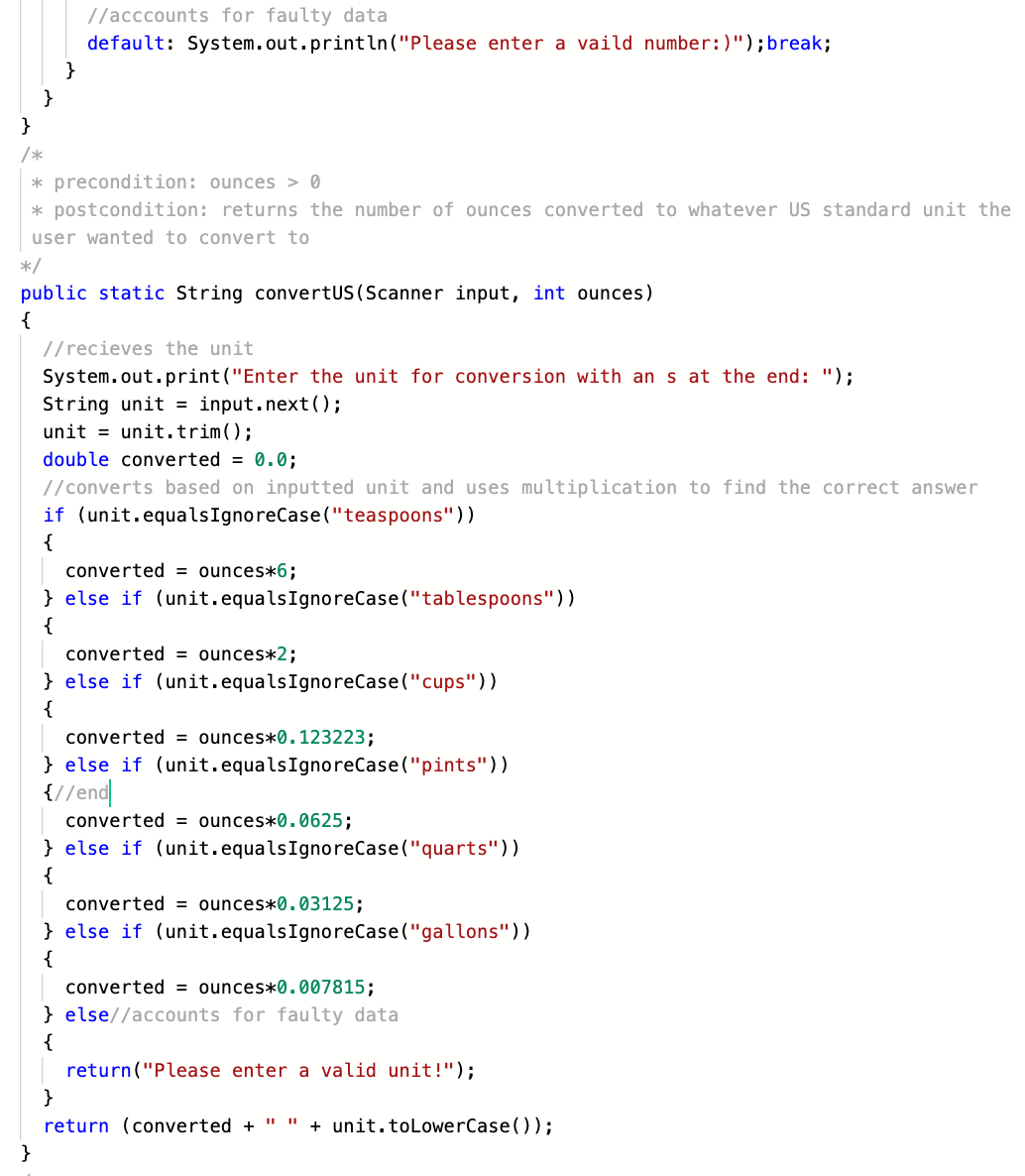
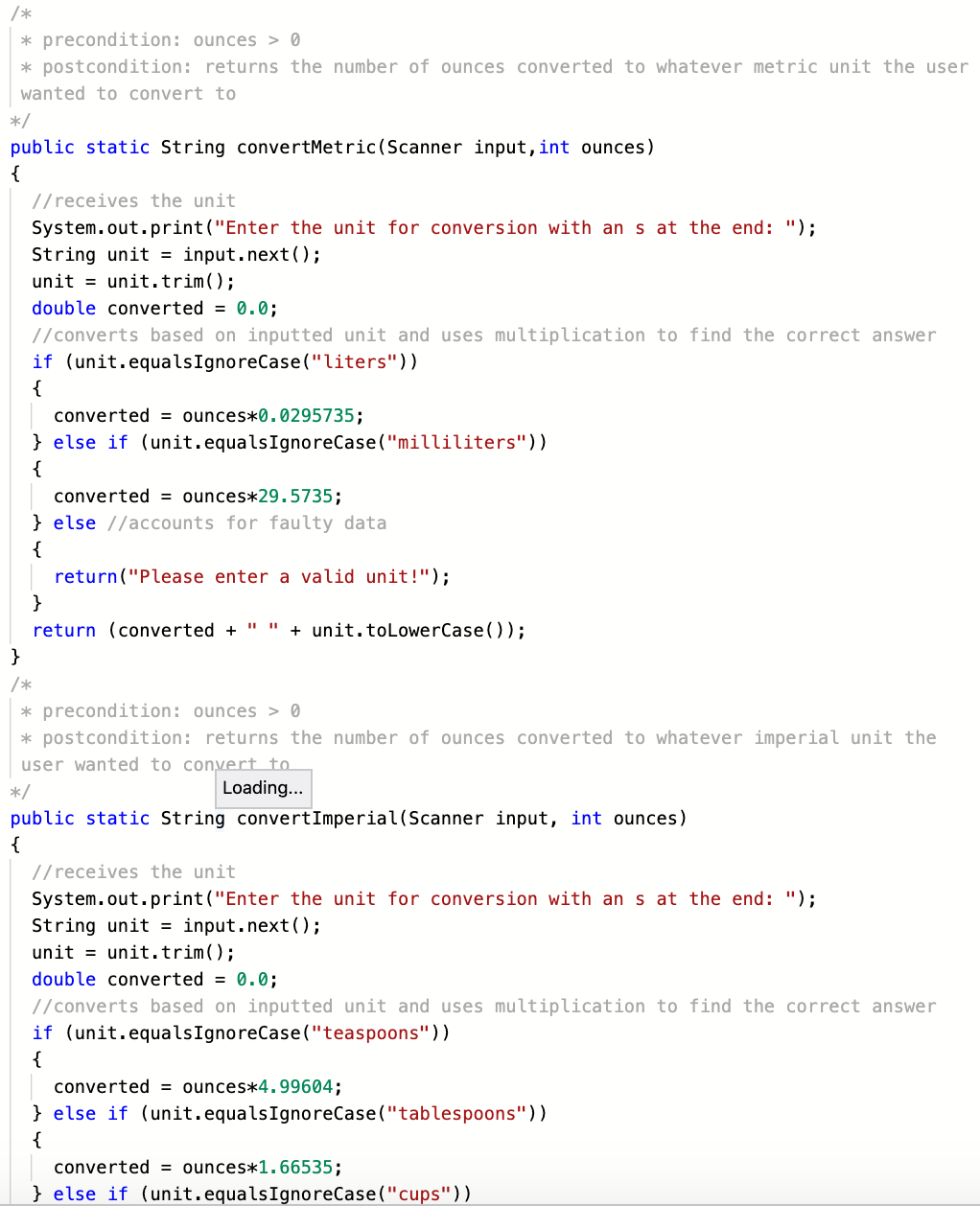
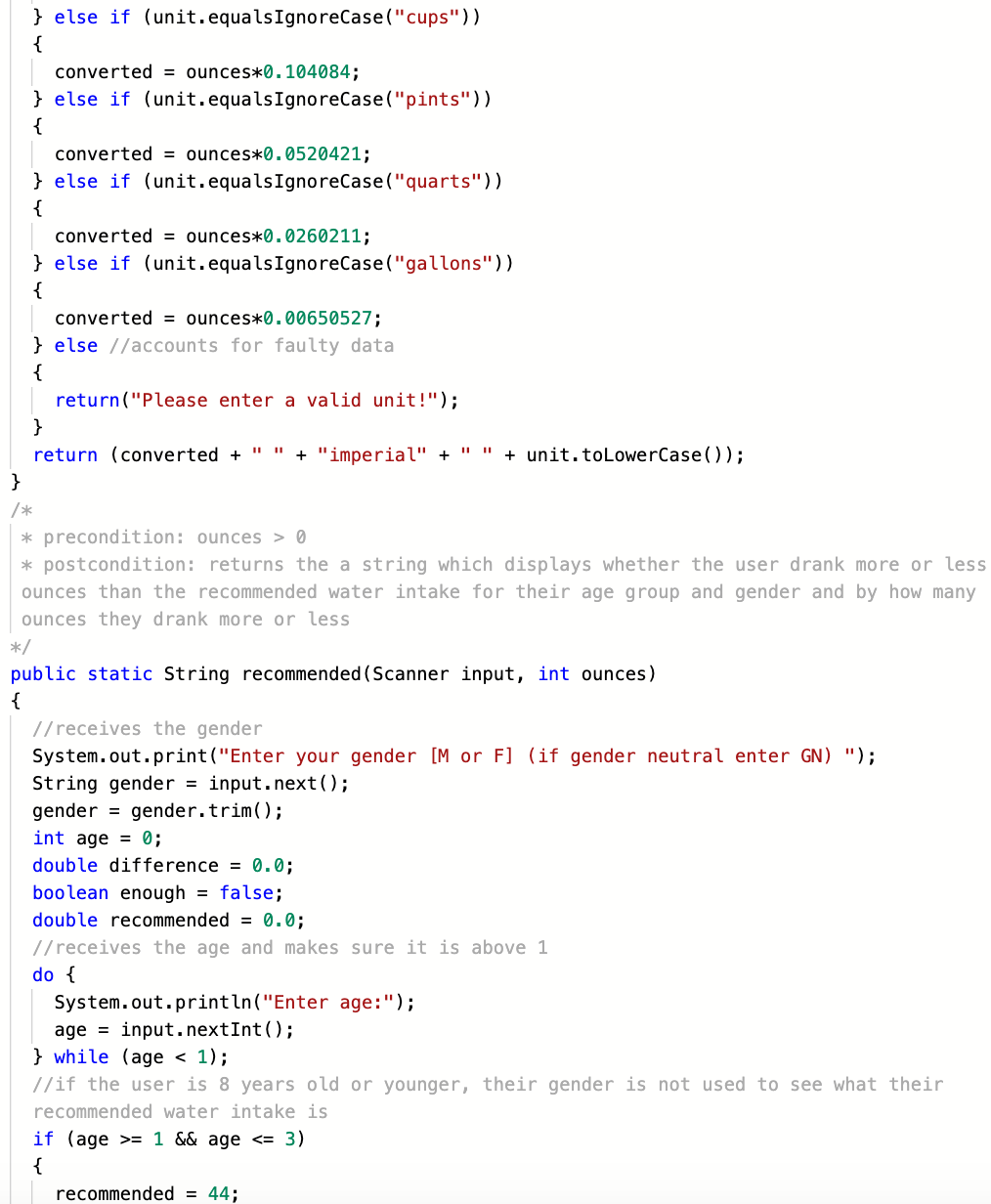
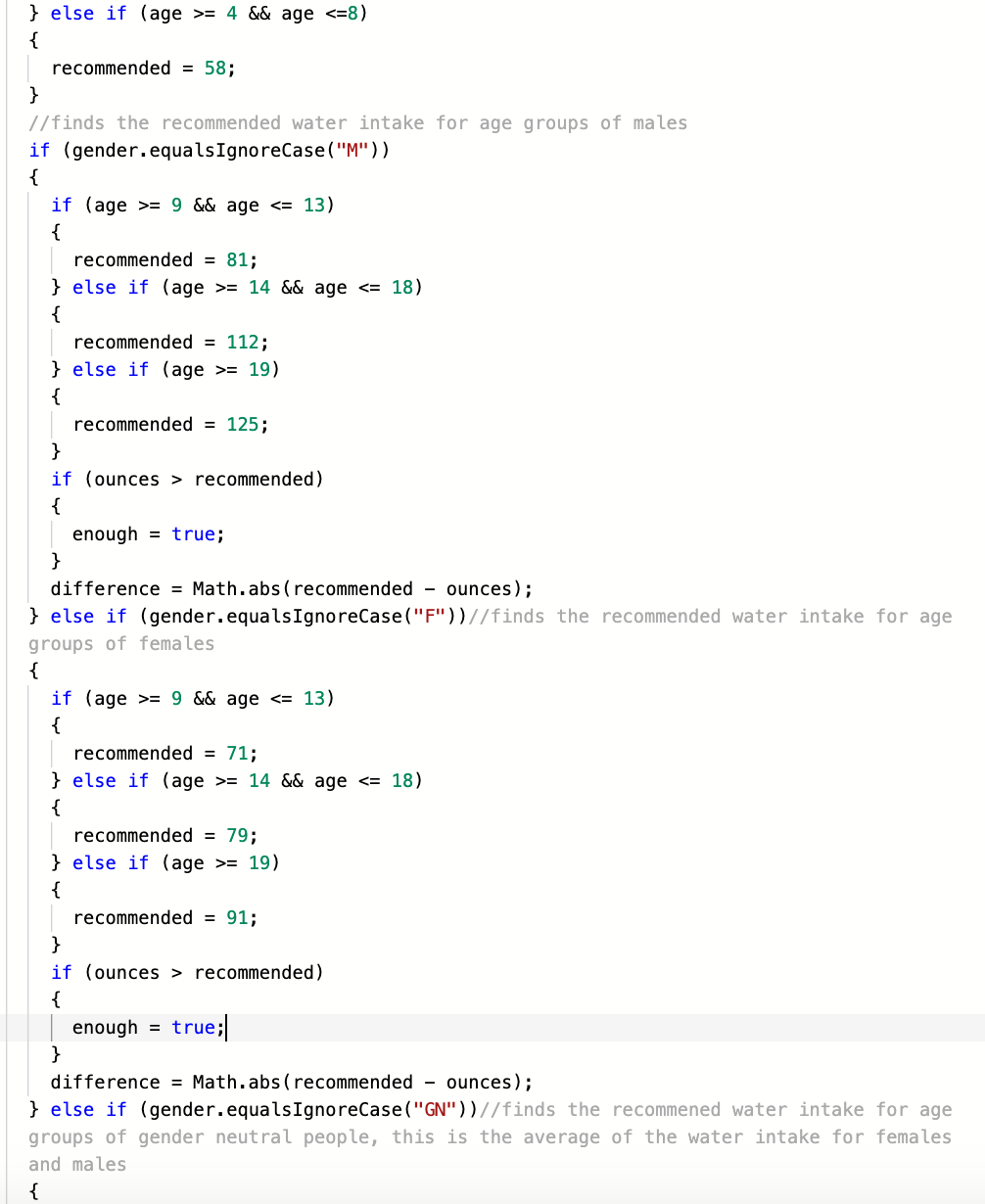
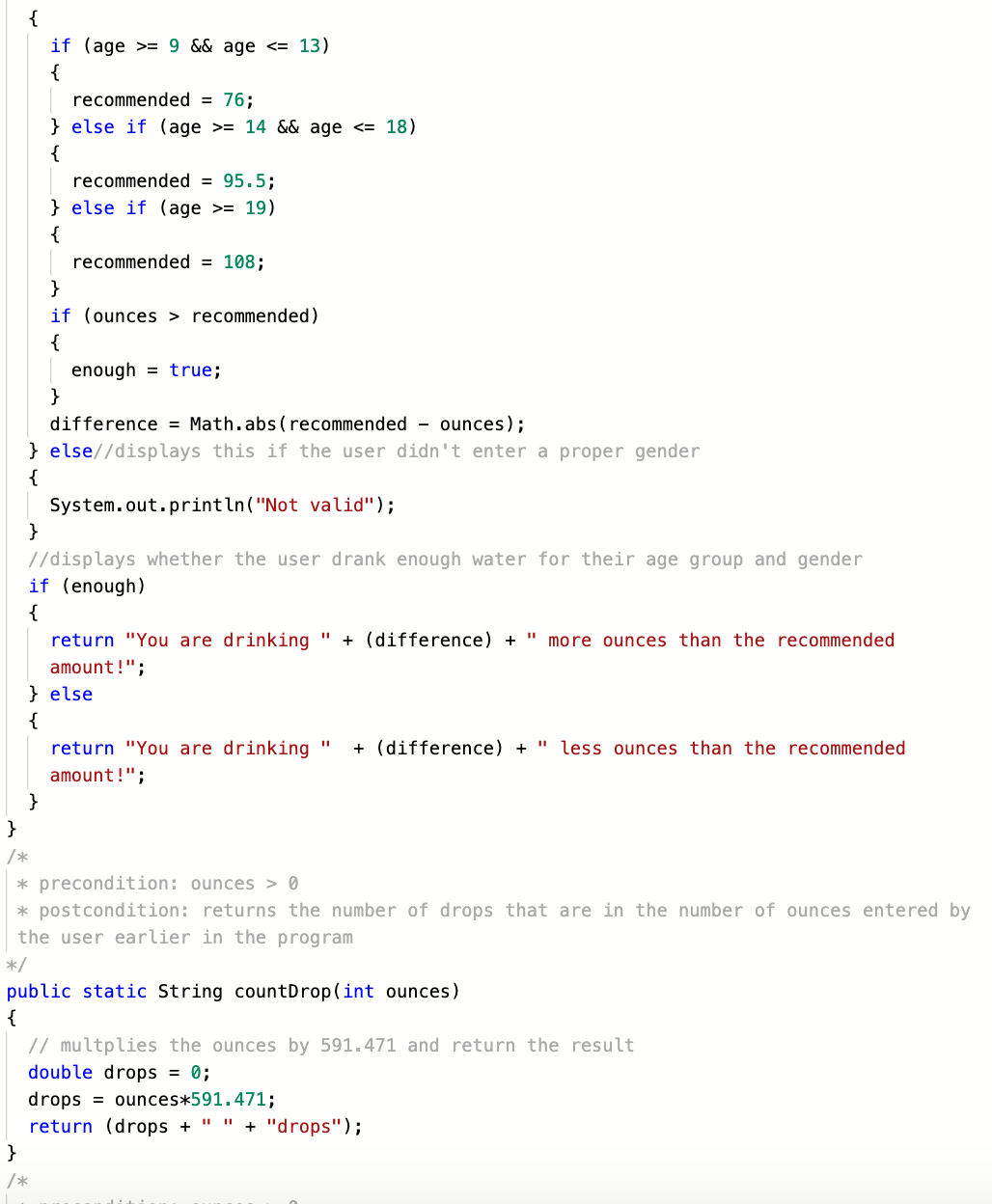
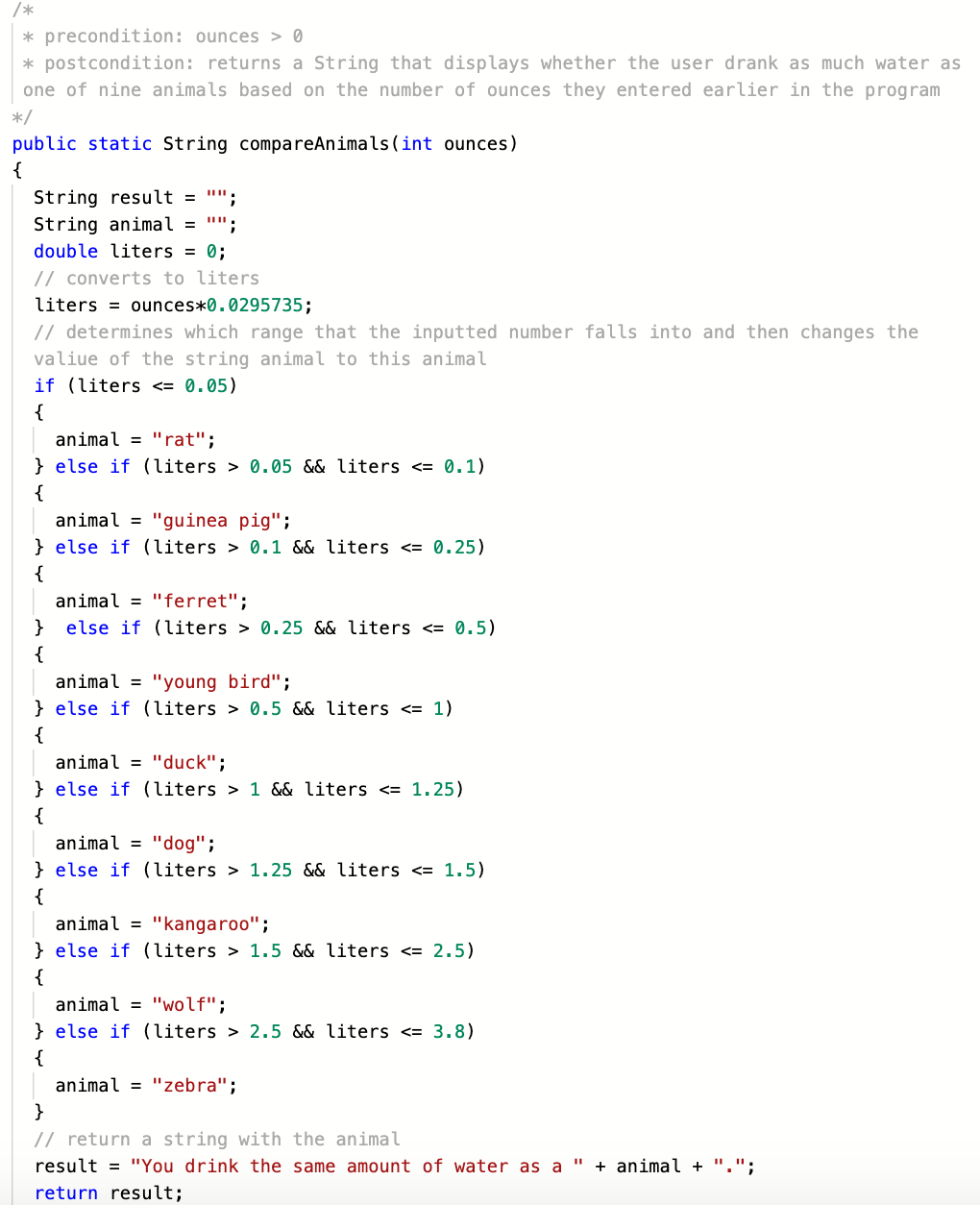
We first created a plan for the methods and the main methods. For the main method, we first asked the user for the amount of ounces they drank and displayed the menu where the user was prompted for a option number. We then created a switch statement that allows a method to be executed based on the inputted user number and then repeated the process until the number 7 was selected for the user. For the first method, we allowed the user to enter a US standard unit and then if it was a correct method, the number of ounces would be converted through the use of multiplication and a string with the converted number and the units would be returned. This was the same with the second and third methods except they used different units as the second only allows metric and the third imperial. For the fourth method, we first asked the user what their gender was and then we asked the user for their age which had to be above 0. If their age was between 1 and 8 inclusive, their gender was not used in finding their recommended water intake. We used a website which showed the water intake for various ages to collect our data. For the other age groups, we found their recommended water intake based on their gender from the same website. If the user was gender neutral, we averaged the recommended water intake for females and makes of that age group. After finding the recommended water intake, we returned whether the user drank enough. For the fifth method, we converted the number of ounces into drops using multiplication and returned the number. For the final method, we used if statements to determine what range of water intake the number fell between and then return a string with the animal.
Challenges we ran into
We struggled with the animal method because at first the program would say that every water intake would be equivalent to that of a rat which had the smallest water intake of 0.05 liters. This couldn't possible be true because 0.05 liters is only equal to 1.7 ounces. Then, we ended up struggling with the equal than signs as we added too many of them and they began to overlap, but we adjusted the signs.
Accomplishments that we're proud of
Our animal method that we struggled with now works. Moreover, we are especially proud of our recommended method as finding the data and entering the right conditionals are a bit challenging.
What we learned
We learned the recommended water intakes for children and adults. We also learned how crucial equal signs are and the correct placement for them in a conditional statement.
What's next for AquaTracker
We plan on adding more features to the program like an option to input your weekly intake of water and an option to figure out what fraction of an average lake that you consumed.
Built With
- java
- replit

Log in or sign up for Devpost to join the conversation.