-
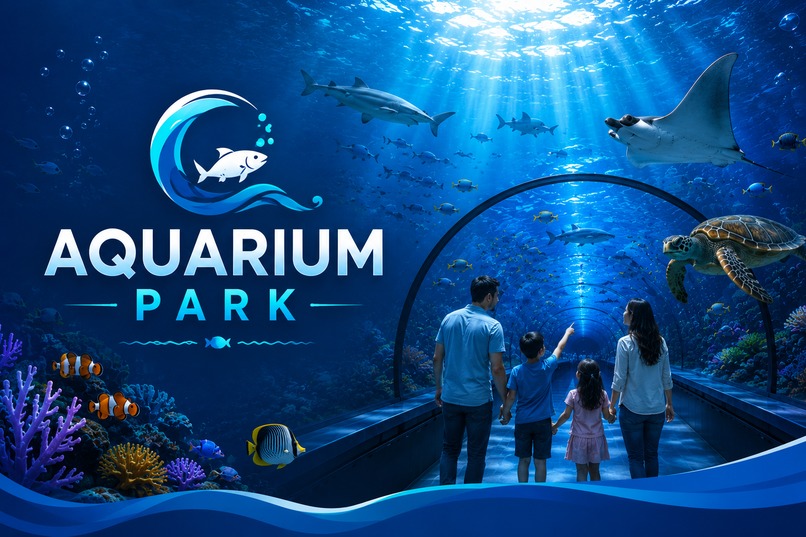
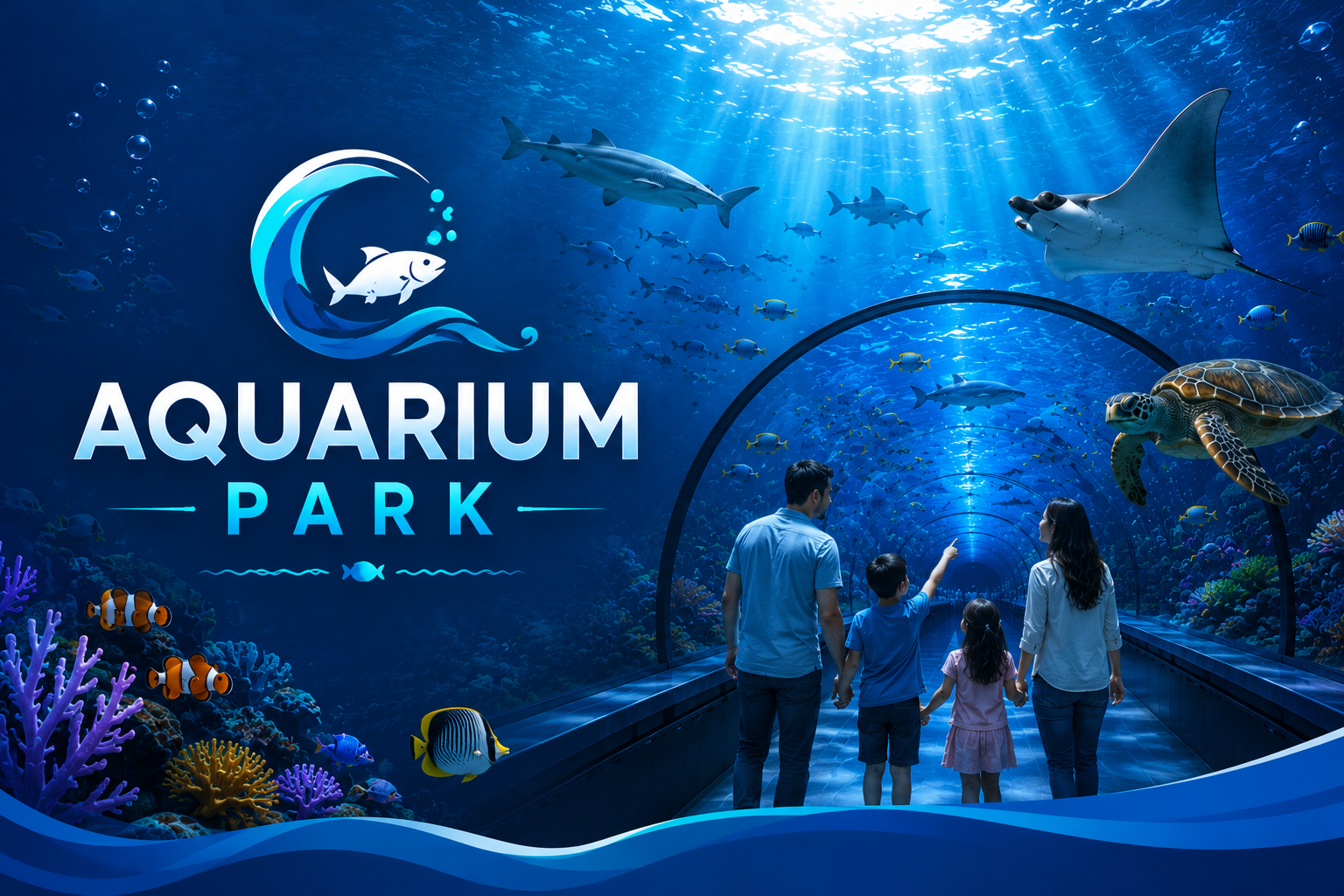
Feature Image
-
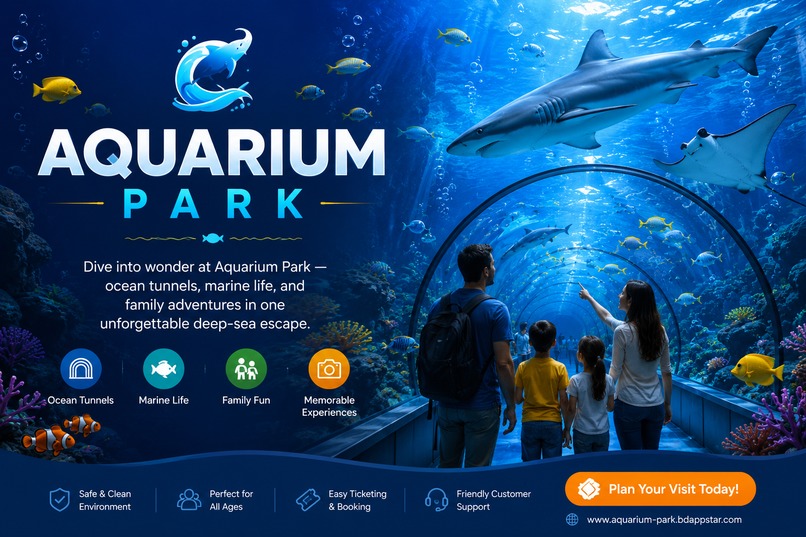
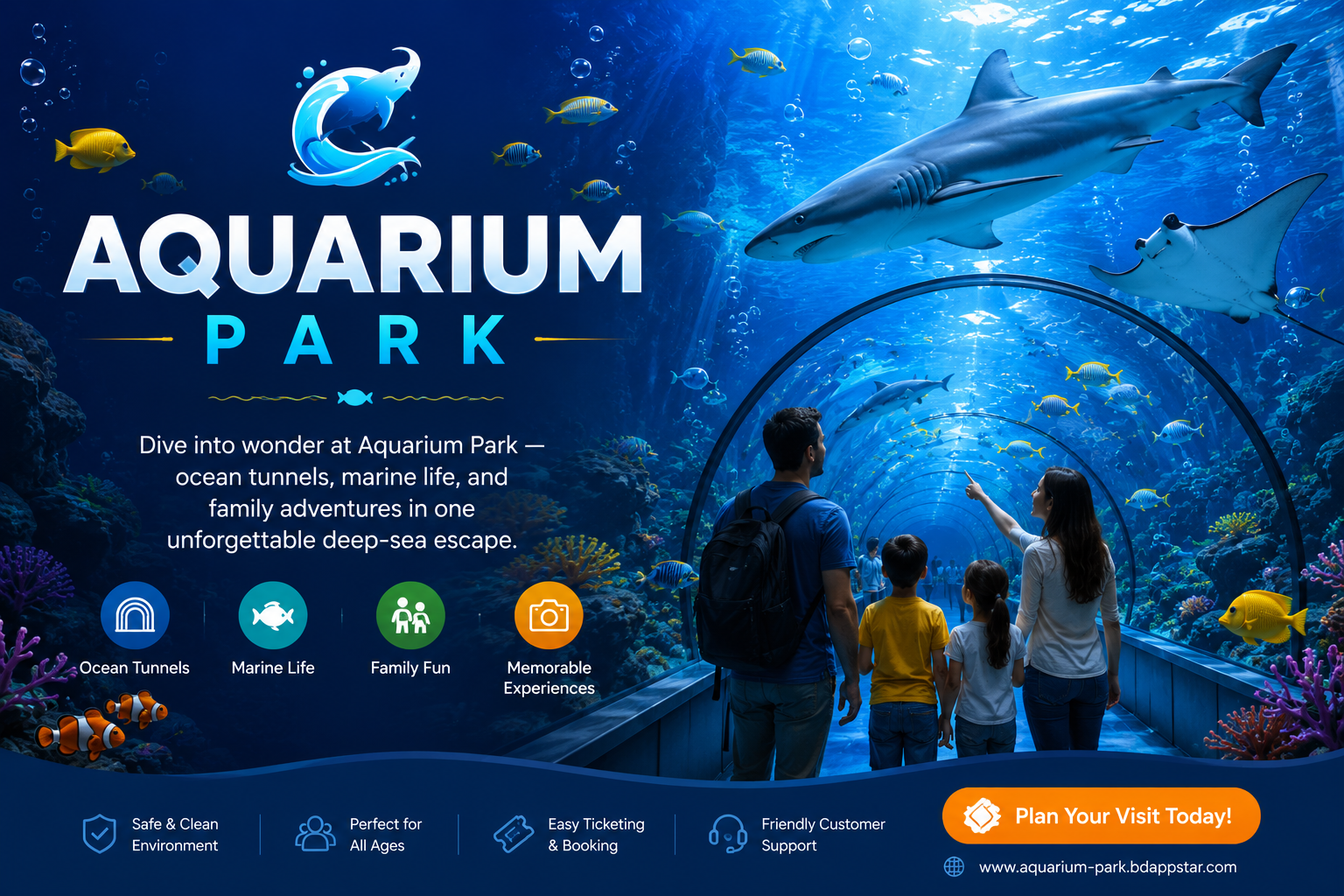
Feature Image 2
-
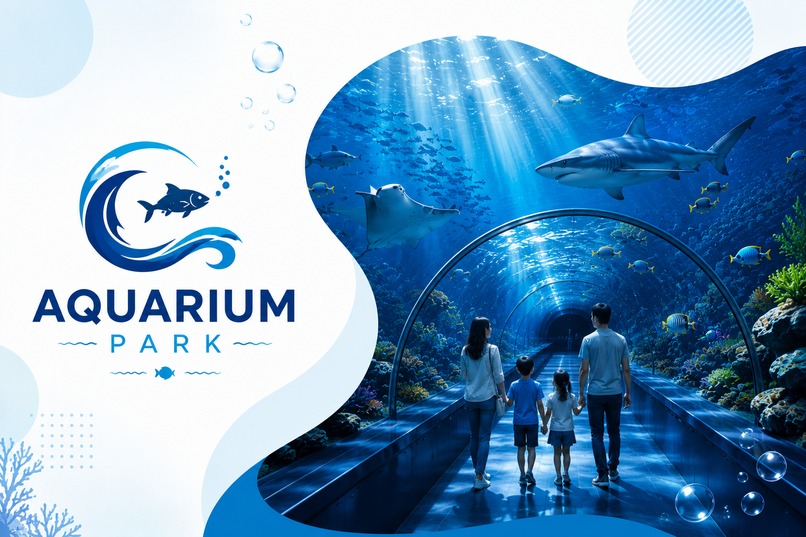
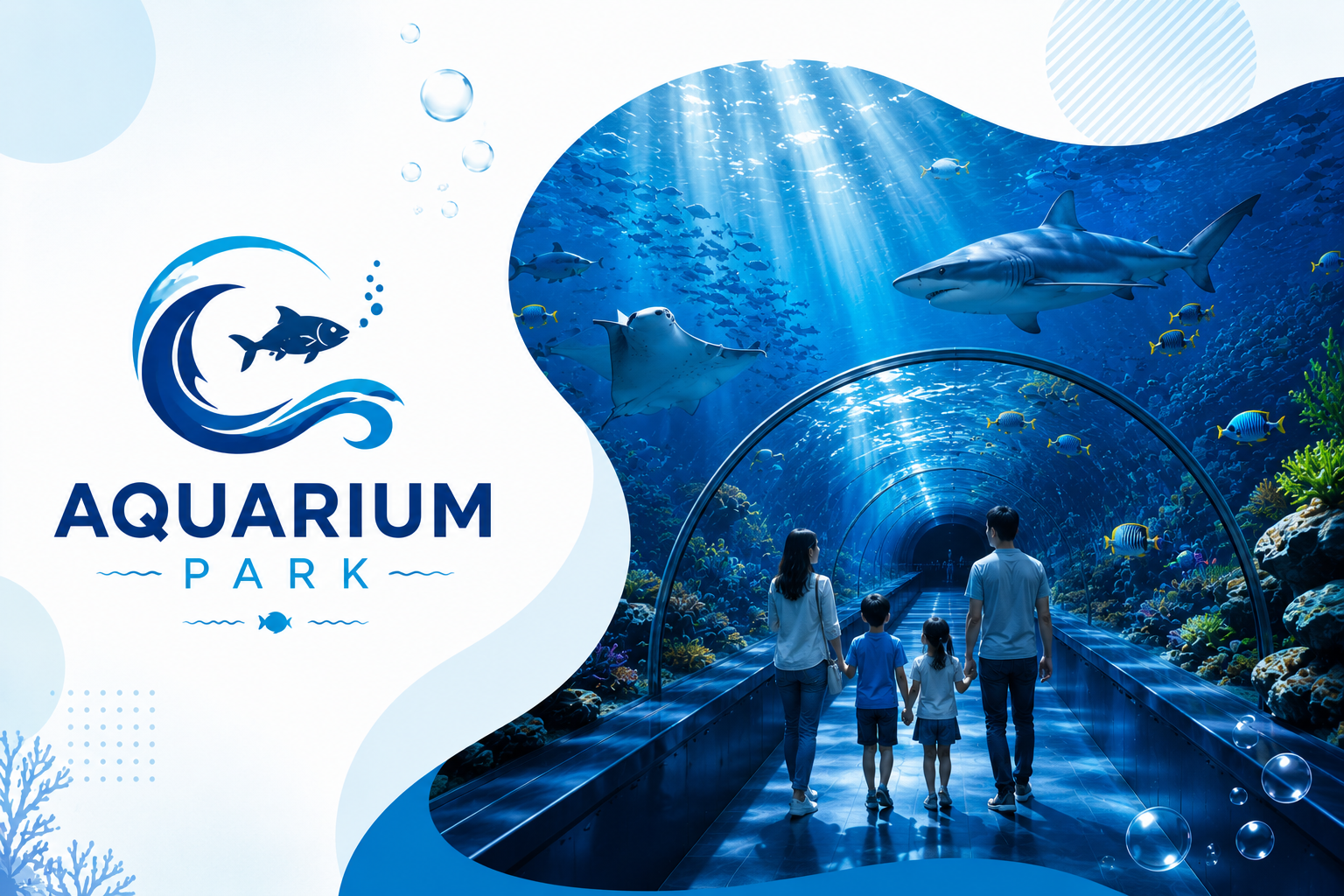
Feature image 3
-
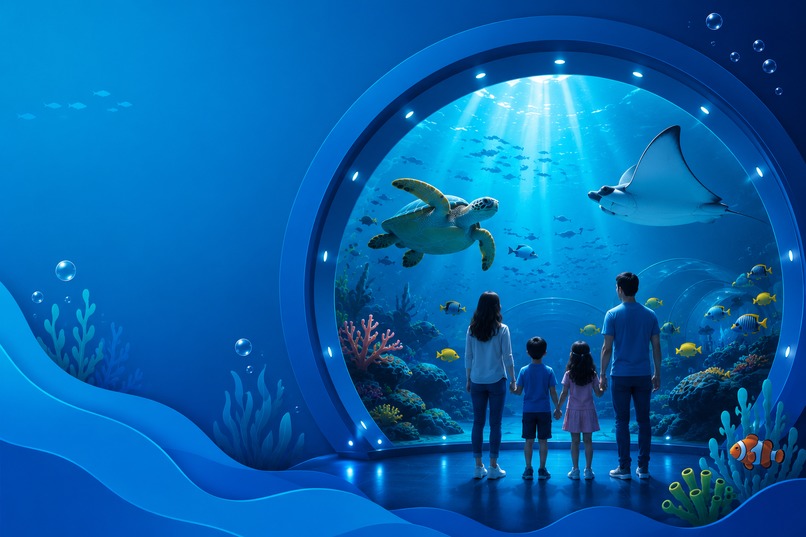
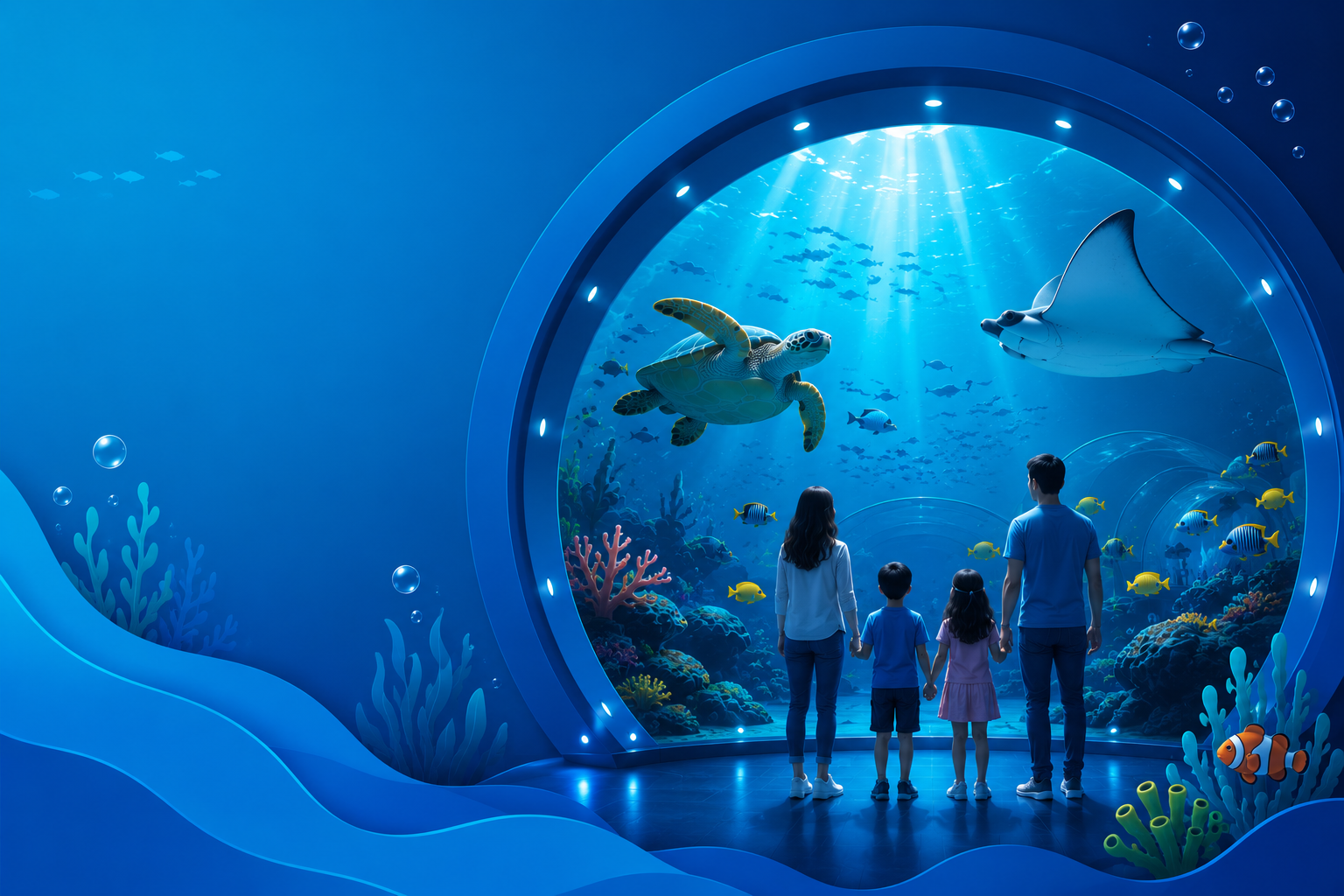
Feature image 4
About the Project
What inspired me
Aquarium Park began as a desire to turn a generic multi-page template into a place that feels underwater — calm blues, soft motion, and a story visitors can follow from tickets to tunnels to photo albums. The inspiration was simple: if a family walked into the site the way they walk into a park entrance, the first viewport should already feel like a deep-sea escape, not a portfolio demo.
I wanted branding strong enough that removing the nav still left “Aquarium Park,” and a visual system coherent enough that About, Gallery, Visit, and Attraction pages felt like one ocean, not separate templates glued together.
What I learned
- Design systems beat one-off polish. Shared tokens (
--cp-navy,--cp-ocean,--cp-aqua) and reusable patterns (hero waves, glass cards, gallery grids) made every new page faster and more consistent. - Preserve behavior, upgrade meaning. Keeping carousels, accordion image swaps, Fancybox, and form flows intact while rewriting content/UI taught me how to redesign without breaking interactions.
- Motion needs restraint. Bubbles, fish drift, ken-burns, and marquee color flows work best when they support hierarchy — and when
prefers-reduced-motioncan turn them off. - Responsive is structural. A 4→2→1 gallery grid, sticky sidebars that become static on tablet, and full-bleed top bars matter more than decorative tweaks.
- Static sites still need engineering discipline: cache busting (
style.css?v=…), semantic landmarks, SEO meta, and accessible labels are part of the craft, not extras.
How I built it
The project is a static multi-page site (HTML + CSS + existing JS plugins), themed for Aquarium Park:
- Foundation — Preserved the template stack (Bootstrap, jQuery, WOW, Fancybox, Owl, wowslider) and layered Aquarium Park styles in
assets/sass/style.cssplus color presets. - Global UX — Unified header/footer, Explore links, Park Gallery, newsletter, and a full-width top bar so the chrome feels intentional site-wide.
- Page redesigns
- Gallery (
gallery.html) — album index with filters, cards, and Load More - Album details (
gallery-single.html) — info card, photo filters/sort/view modes, lightbox - Attraction details (
service-single.html) — underwater hero, highlights, timeline, sidebar CTAs - About (
about.html) — mission storytelling, pillars, video, marquee, testimonials
- Gallery (
- Content alignment — Replaced placeholder agency copy with marine care, learning, and family-adventure language while keeping existing links and JS hooks.
- Polish loop — Scoped CSS overrides, hover/scroll animations, and responsive checks across desktop, tablet, and mobile.
Challenges I faced
- Template debt: Many pages still said “portfolio / insurance / UI-UX” while the brand was already Aquarium Park. The hard part was rewriting meaning without orphaning scripts that depended on class names and DOM shape.
- Theme coherence vs. page freedom: Ocean backgrounds look premium until white cards, black text, and parallax need to coexist. Solving that meant section-level backgrounds (e.g., transparent pillars over
parallax-bg) instead of one blanket color. - CSS specificity wars: Bootstrap and old template rules (especially
.read-more::beforearrows and container max-widths) fought new button and top-bar layouts. Overrides had to be precise, not global nuclear!importantspam. - Motion balance: Underwater effects can become noise quickly. Staggered timings, medium marquee speed, and reduced-motion fallbacks kept the UI premium rather than busy.
- Cross-page consistency: Renames like
portfolio.html→gallery.htmlandportfolio-single.html→gallery-single.htmlrequired careful redirects and nav updates so old paths didn’t break.
Closing
Aquarium Park is less a “template skin” and more a narrative UI system: every page should feel like another zone in the same park. The work taught me that polished static sites succeed when brand, structure, motion, and accessibility move together — not when visuals are added last.

Log in or sign up for Devpost to join the conversation.