-
-
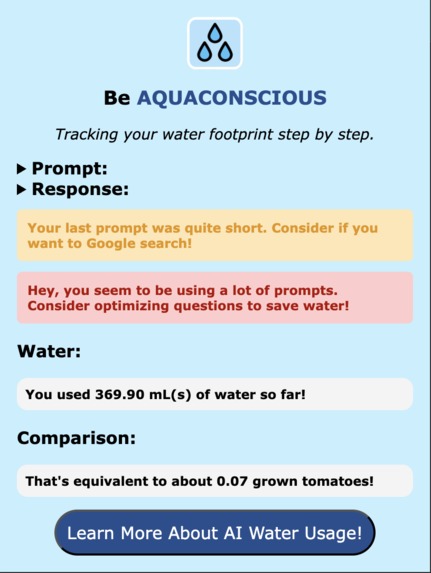
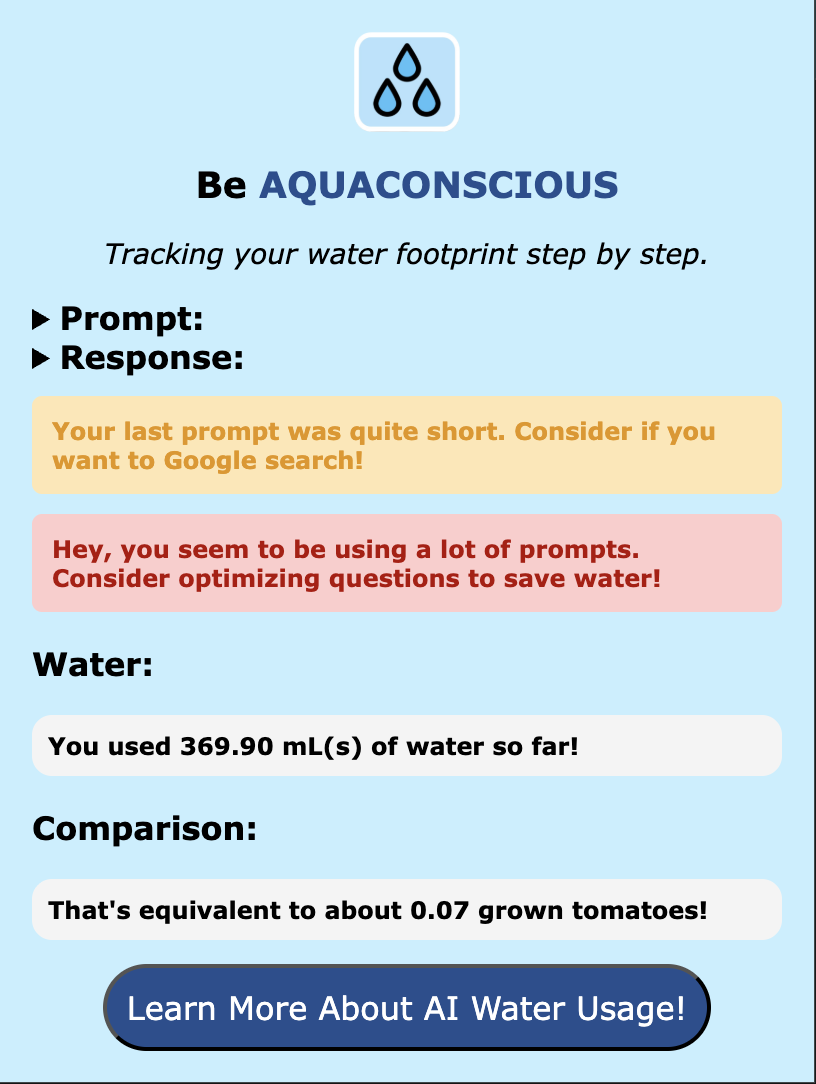
When the user enters 10 or more prompts
-
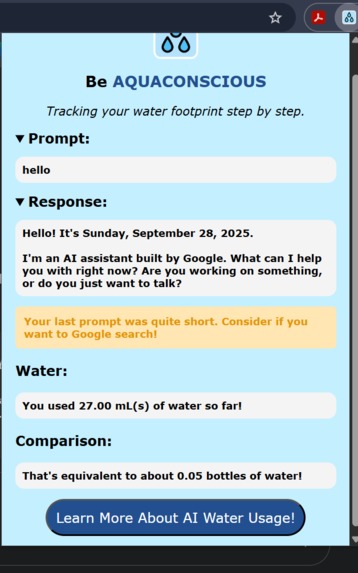
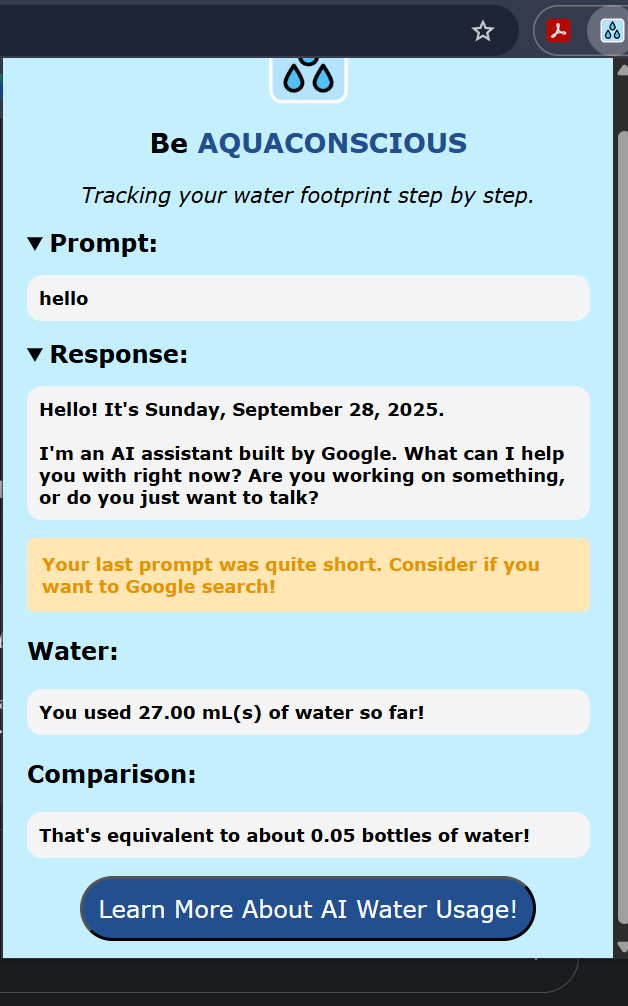
When the user's prompt is 40 characters or less
-
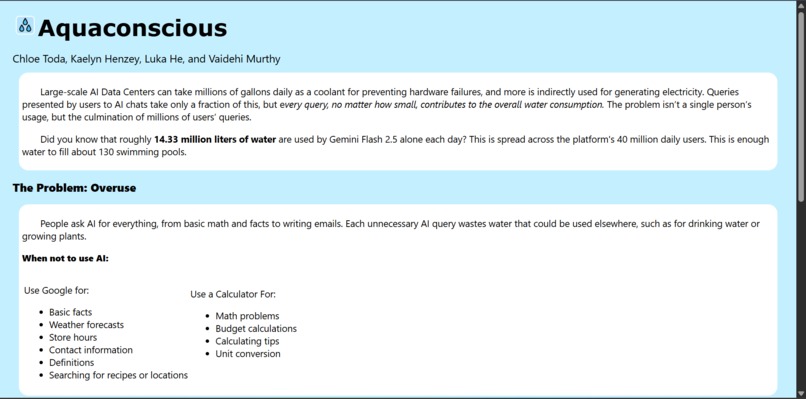
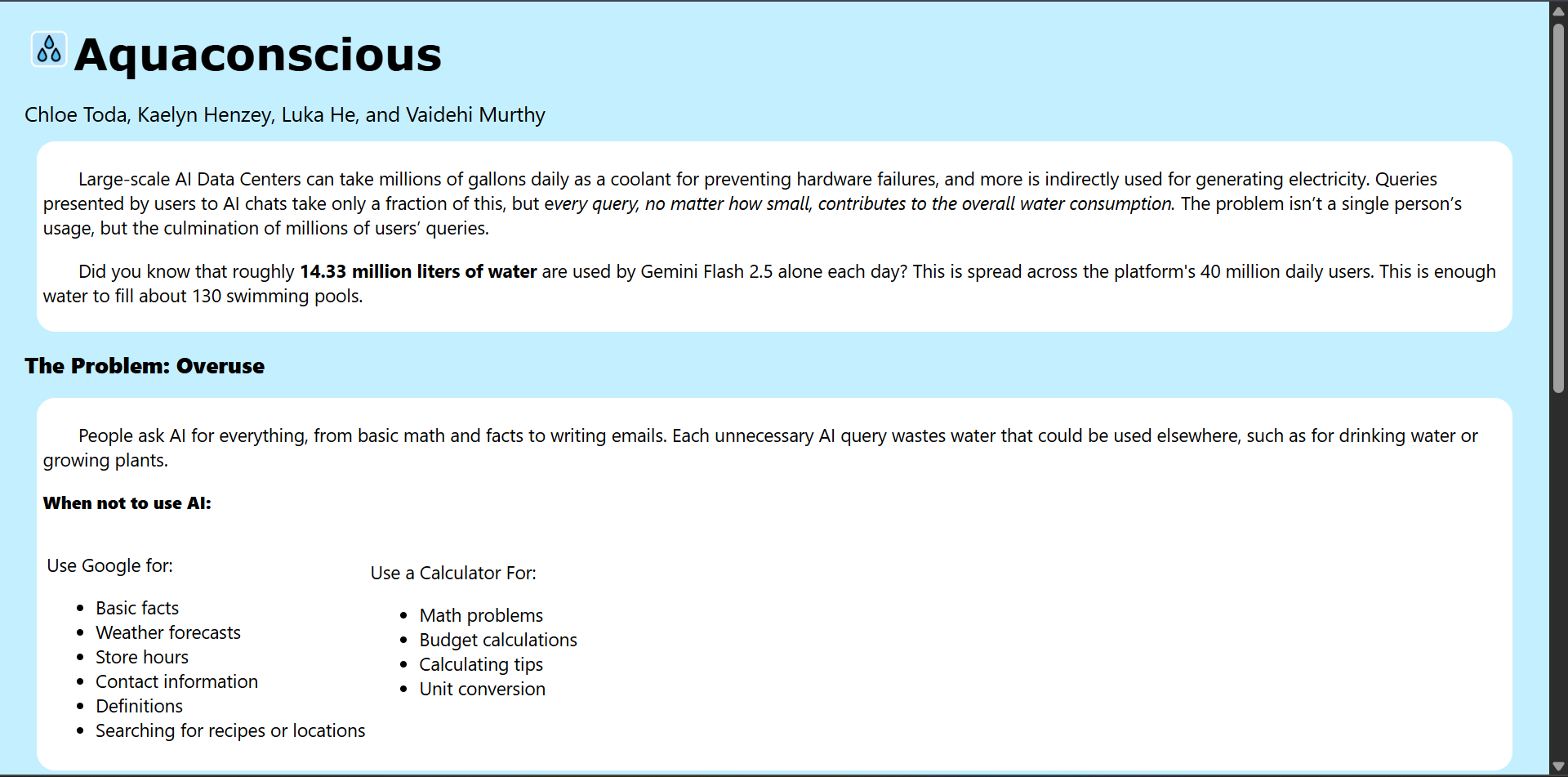
Additional webpage to learn more about AI and water usage
-
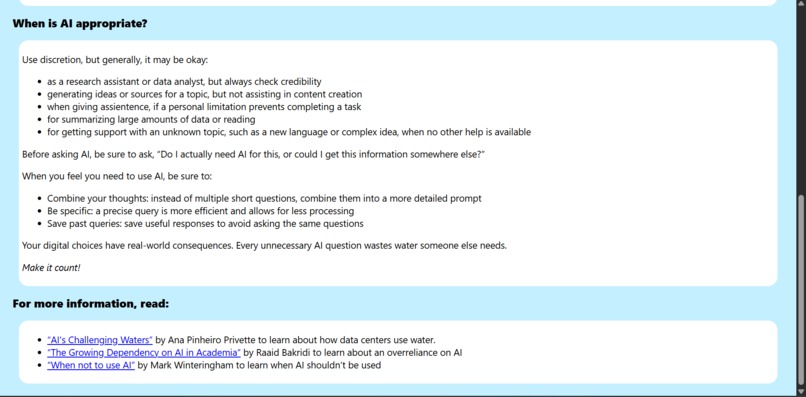
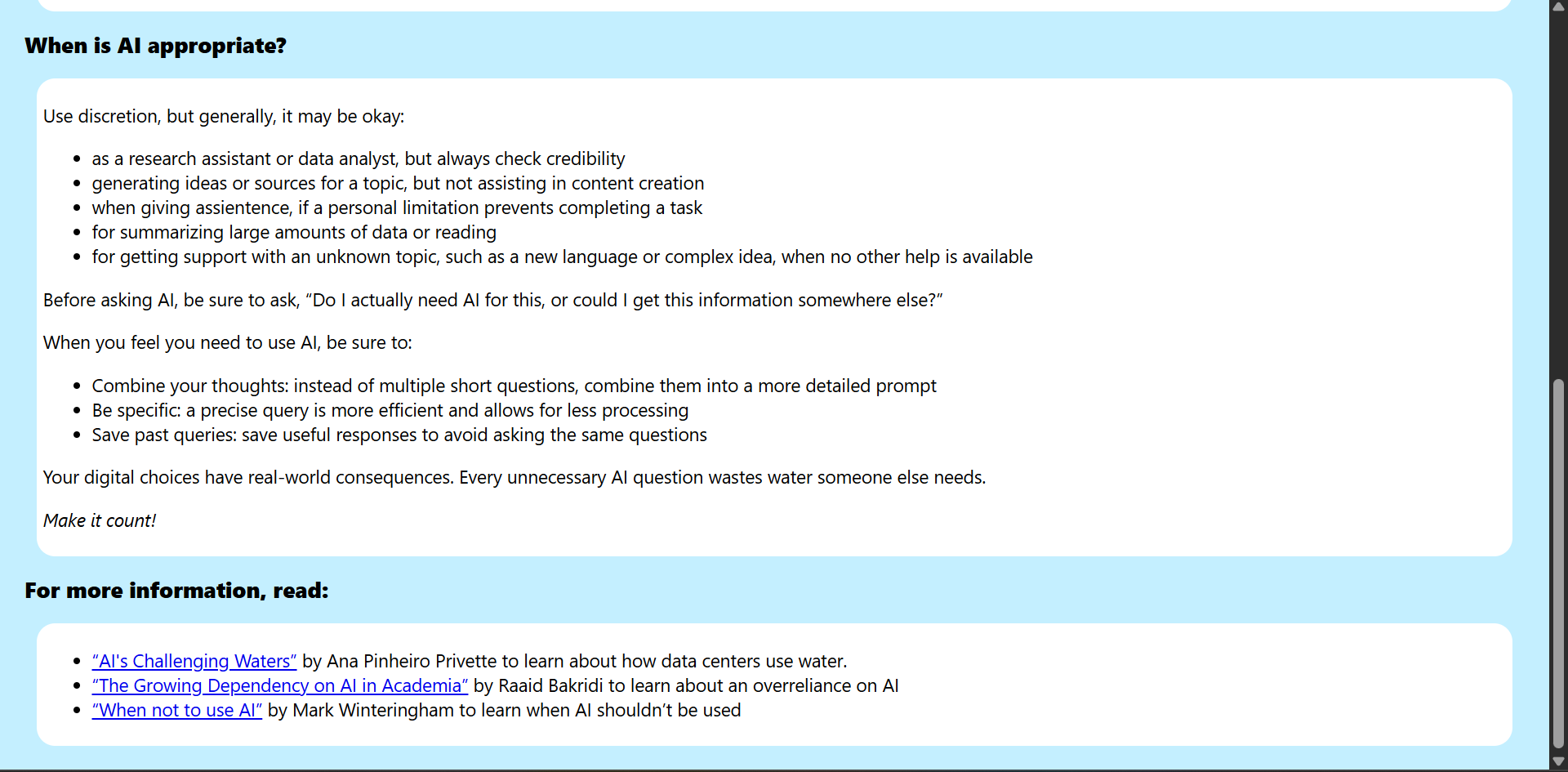
Additional webpage to learn more about AI and water usage (cont.)
-
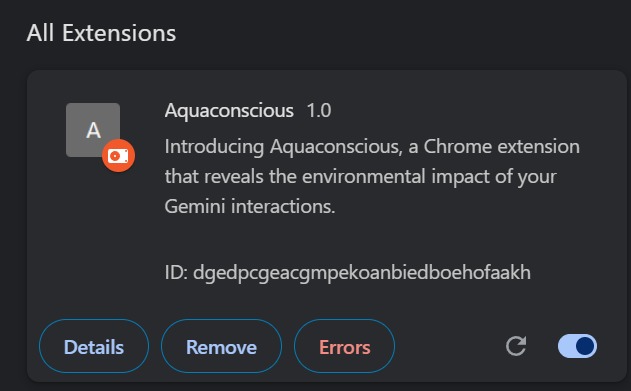
How it appears on the Chrome extensions website
Inspiration
As of June 2025, large data centers can consume 5 million gallons per day, which is equivalent to the water use of a town populated by 10,000-50,000 people, according to the Environmental and Energy Study Institute. Based on figures like these, we were inspired to find a way to educate people on how their use of AI contributes to the incredible water usage by data centers. This inspired us to make Aquaconscious as a way to inform users about how they participate in a larger issue by using AI for unnecessary queries.
What it does
Aquaconscious is a Chrome extension linked to Google's Gemini AI chatbot. After you prompt Gemini, you can open the extension to see your water footprint. Aquaconscious displays how many milliliters of water your prompt used. It will keep track of a user’s water usage within a specific conversation, adding to the total amount as long as the chat is open. It also compares that water usage to alternative uses, such as water used to fill a water bottle, to grow a tomato, or to make a plastic bag. If the prompt is under forty characters, Aquaconscious will recognize the short query and suggest using a Google search instead. If the user writes ten or more prompts, Aquaconscious will remind the user to optimize their questions. The extension also includes a link to a site with more information about how overusing AI impacts water resources, when to and not to use it, and links to scholarly articles for further reading.
Features
- Is a Chrome extension and can be downloaded by any Chrome user
- Only functions on a Gemini AI tab
- Shows the current prompt and response in Gemini AI
- Counts the number of prompts submitted by the user and calculates the approximate cumulative water usage in each session
- Compares the amount of water usage to several objects’ respective water usage, including tomatoes!
- Reminds the user to avoid AI if their prompt is simple enough to find answers through a Google search instead
- Reminds the user to optimize their question if they use 10 or more prompts
- Has a button to learn more about AI water usage
- Has a neat color!!!
- Has a cute logo!!!
How we built it
First, we brainstormed different ways that we could begin to create Aquaconscious’ functionality. We also researched the topic of AI and water usage so that we could figure out what conversions to make through our pop-up. Then, we made a sketch of what we wanted the pop-up to look like. We began working on the code; we drew from multiple different sources, from online tutorials to AI chats. This was our first time creating a Chrome extension, so it was all pretty new to us! After building the baseline code, we began fine-tuning the additional features we wanted to add, such as an additional webpage that we could link on the pop-up for people interested in AI and water usage. Finally, we did more research and put together our pitch.
Challenges we ran into
We ran into a lot of roadblocks while building the code. Some examples are that:
- We didn’t know how to make an extension.
- We didn’t know how to make the extension read and input the prompt that we had written on Gemini AI.
- We didn’t know how to make the extension read a new prompt each time we pressed the “send” button on Gemini AI.
- The water count increased even when no new prompts were entered in Gemini AI. We eventually figured out how to fix these issues, but they were definitely time-consuming to fix.
Accomplishments that we're proud of
We successfully made the Chrome extension that we wanted to create. Along the way, we also learned a lot about JavaScript, HTML, and CSS needed to make a good Chrome extension. We're also proud that we were able to show the impact of AI usage on water in a way that's easily understandable to an average consumer.
What we learned
We learned how to create Chrome extensions, which none of us have had previous experience with. We also became more proficient with using GitHub to collaborate on the coding aspects. Finally, we learned how to use AI to increase our efficiency while coding.
What's next for Aquaconscious
As of now, Aquaconscious only works with Gemini AI. However, we’d like to do more research and extend it to other commonly used generative AI websites, such as Claude and ChatGPT. We’d also like to introduce more comparisons in the “comparison” section of the pop-up since there are currently only three analogies for water usage.


Log in or sign up for Devpost to join the conversation.