
I wanted broadcast‑quality animated titles — without After Effects, a designer, or another AI subscription. So I built one.

Why I actually built this
Open any "new projects" feed and it's the same thing on repeat: an AI wrapper. A thin UI over someone else's API, a "Generate ✨" button, a waitlist. I didn't want to ship another generic AI SaaS that I'd never open again.
I wanted to build something I genuinely wanted to use — a real tool, with real engineering under it, that solves a problem I kept running into myself.
The problem I kept running into
I love the bold, editorial animated titles you see on great brand and creator channels. But making one is gatekept. It means a day in After Effects — dozens of panels, hundreds of keyframes — or hundreds of dollars for a motion designer. For a creator, a founder, a student, that's out of reach. So most ideas never become motion.
So I built the tool I wished existed
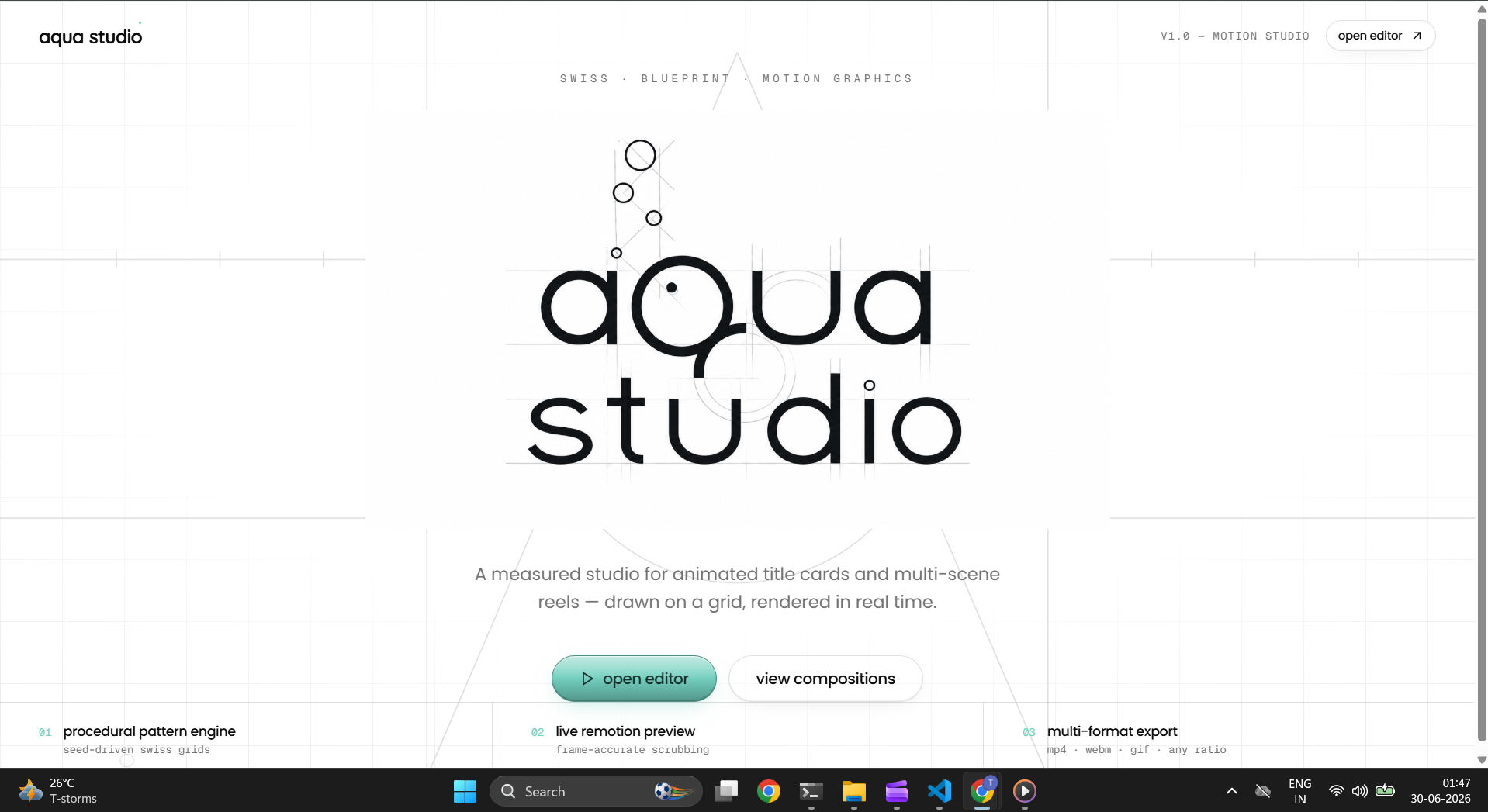
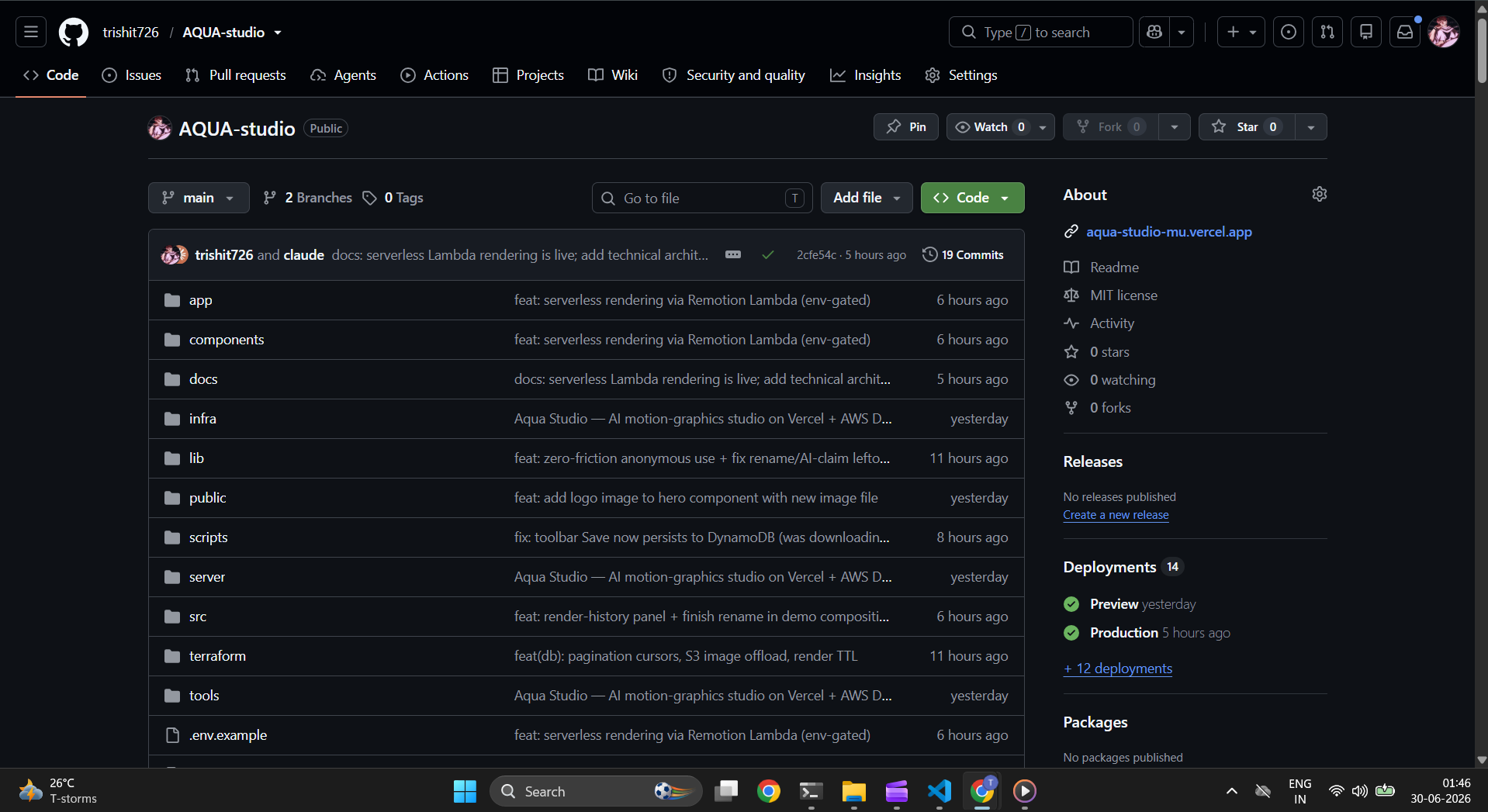
Aqua Studio is a procedural motion studio that runs entirely in the browser. A deterministic, seeded engine lays heavy condensed type on a grid and scatters geometric shapes around it — the live preview matches the exported MP4 frame‑for‑frame. Everything is editable: drag the title, tune density and motion, pick a palette, drop in music. One click renders a real H.264 MP4.

The actual editor — a title designed on a grid, right in the browser. No prompts, no "AI magic," just a fast engine you control.

A "flood" intro — geometric tiles sweep in to fill the frame, in time with the music.
One engine, endless range
The point isn't templates — it's a system. The same engine produces wildly different title cards depending on type, palette, density, and motion:
 |
 |
 |
 |
Four completely different cards — same engine, no templates, no prompts.
The part I'm proudest of — the data layer
This is a database hackathon, and the database isn't an afterthought here — it's the spine.
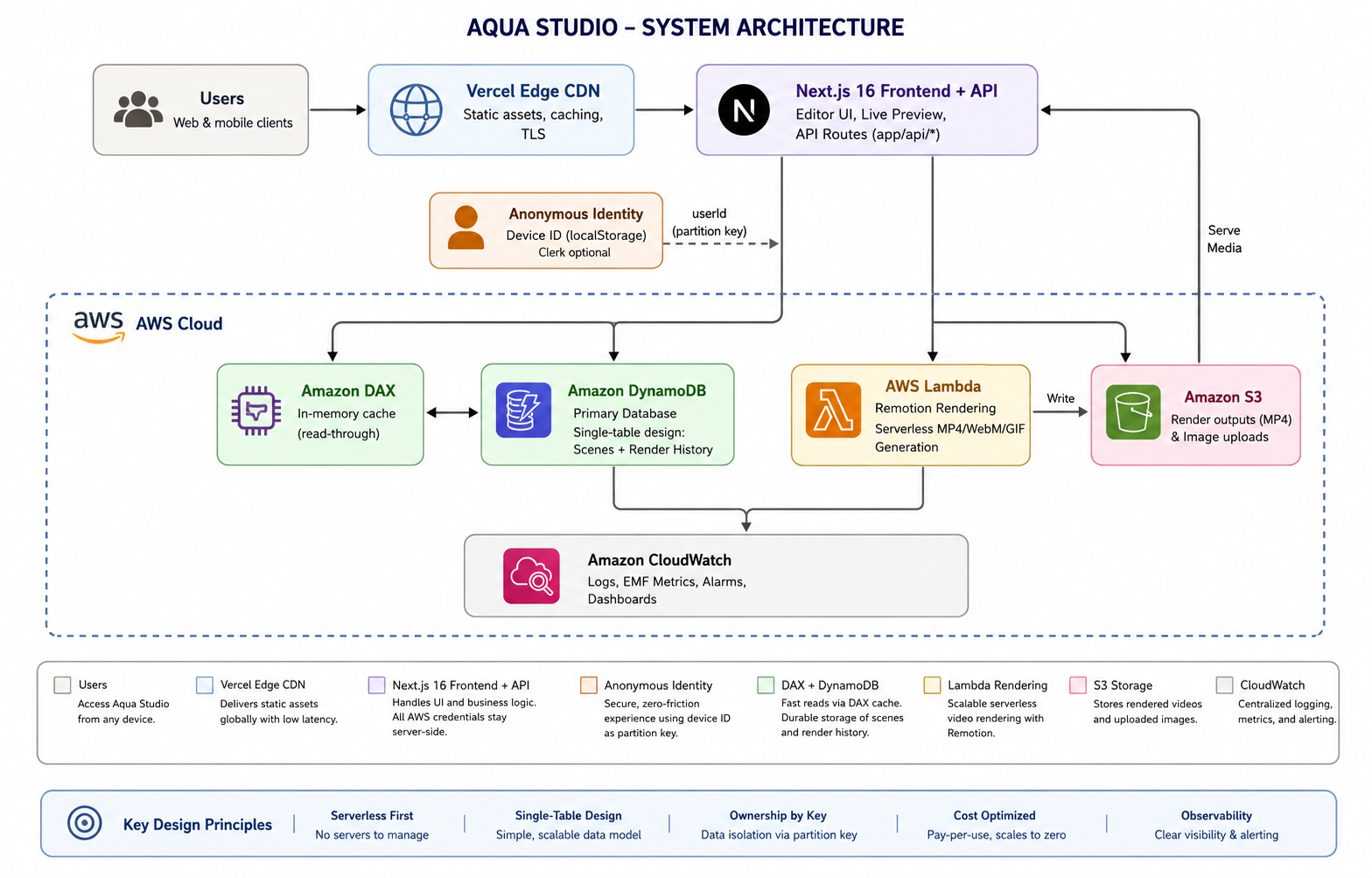
I chose Amazon DynamoDB because every read in this app is the same question — "give me everything one user owns, newest first." That's a single‑partition, single‑digit‑millisecond query with no Scans, ever — and because ownership is enforced by the partition key itself, the app needs no sign‑in.
It's a single‑table design: one item collection per user (USER#<id>) holds both their saved scenes and their render history, told apart by the sort key. A sparse GSI lists scenes by most‑recently‑edited; render events carry a TTL so the time‑series side stays bounded. Reads are paginated cursors — never a table Scan.

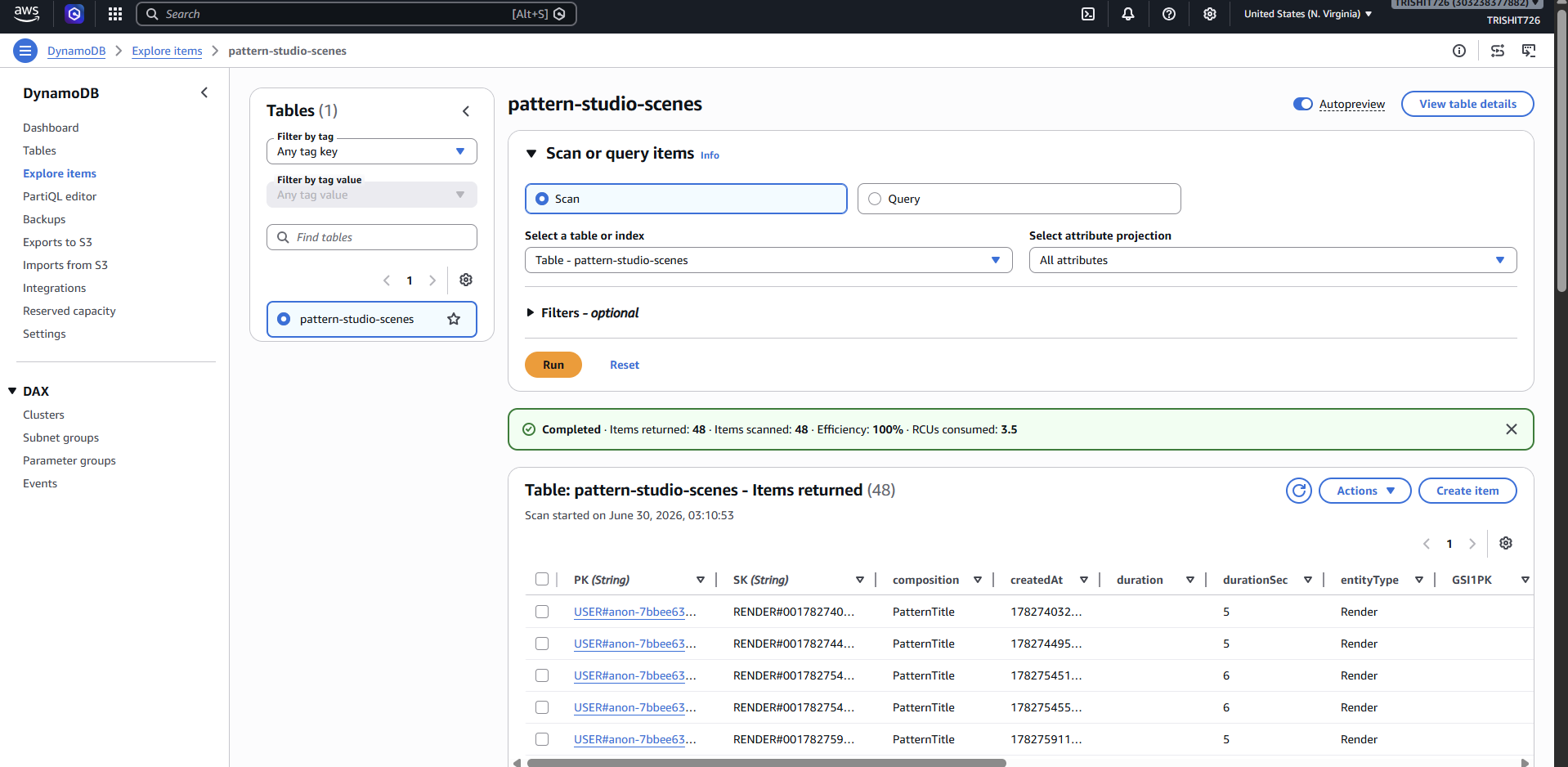
The same table in the AWS console — real USER#… / RENDER#… rows, one partition per user. Not a diagram; the live data.
How it's built
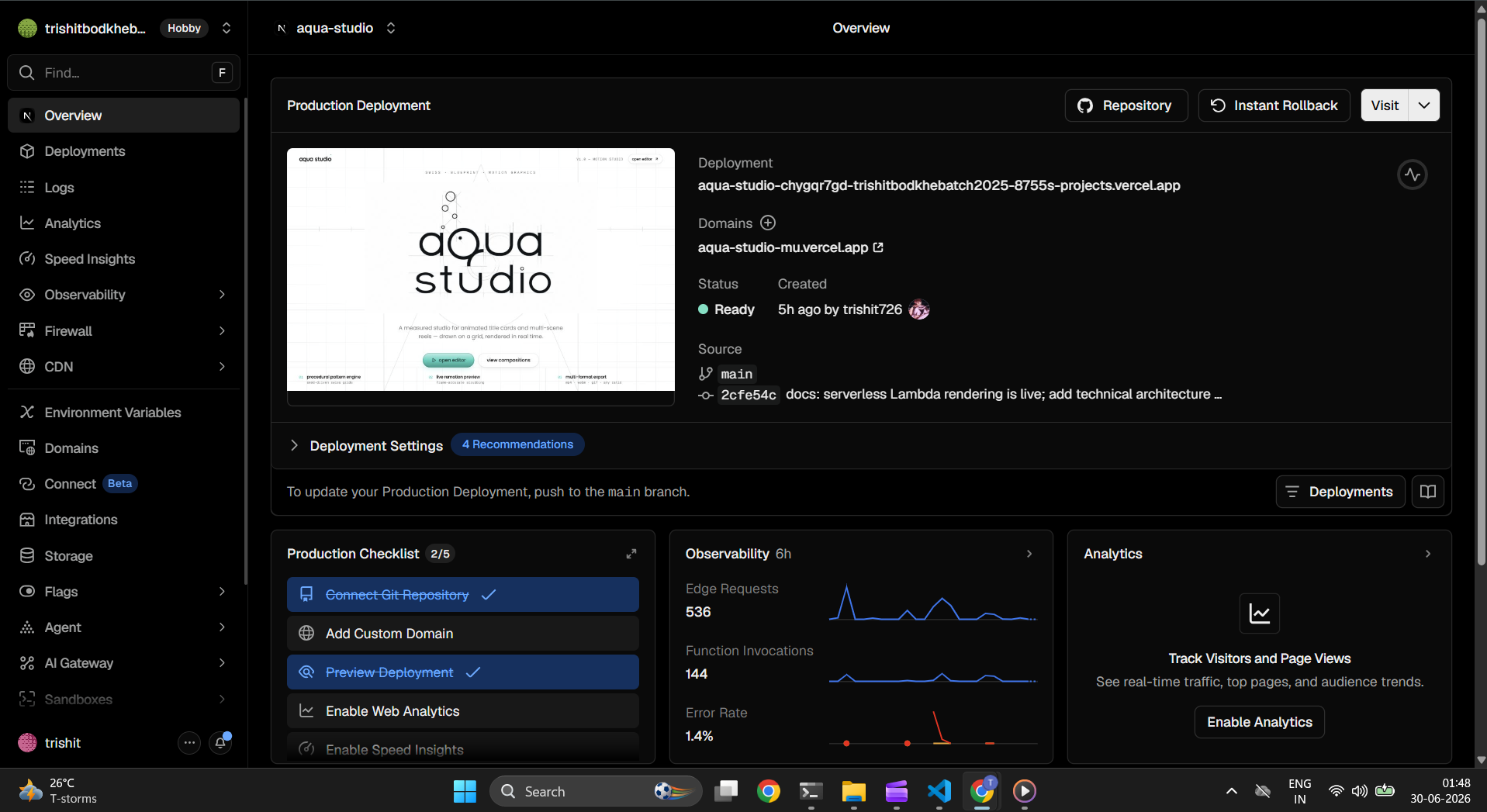
- Front end — Vercel: Next.js 16 + React 19 with a live Remotion preview. Every API route runs server‑side, so AWS credentials never touch the browser.
- No sign‑in: identity is an anonymous device‑id that is the DynamoDB partition key. Open the app and you're already "you" — your browser is your key.
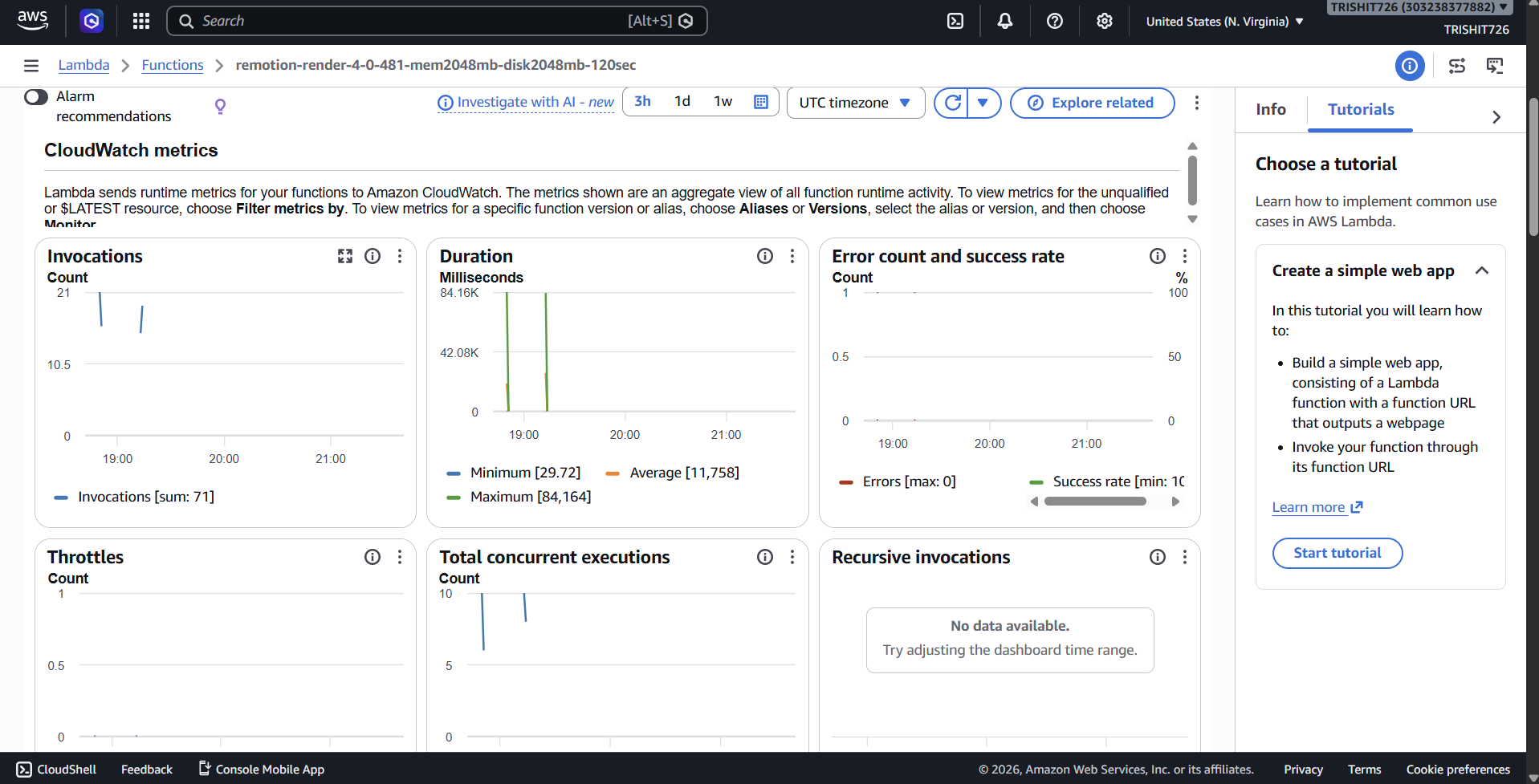
- Serverless rendering — AWS Lambda: Remotion + headless Chromium + ffmpeg can't run in a Vercel function, so rendering runs on Lambda and writes the MP4 to Amazon S3.
- Observability + IaC: CloudWatch EMF metrics; the whole stack defined in Terraform.

 |
 |

Live on AWS: Lambda renders (71 invocations, 0 errors), MP4 outputs in S3, and a CloudWatch dashboard tracking render latency + DynamoDB capacity.
What it took to make it real
- Rendering can't live on Vercel. Headless Chromium + ffmpeg run for tens of seconds — over a serverless function's limits. Moving rendering to AWS Lambda (trigger + poll → S3) made it work on the live site with no server to babysit.
- A data model that doesn't move. I wanted the database to scale from one user to millions without re‑architecting. Per‑user partitioning is the natural shard key; the single‑table design keeps every read O(one user), never O(table).
- Removing the friction. Sign‑in is the first thing that makes people bounce. Enforcing ownership with the partition key let me delete login entirely while keeping every user's data fully isolated.
Built with — Next.js · React · TypeScript · Remotion · Tailwind CSS · Amazon DynamoDB · AWS Lambda · Amazon S3 · Amazon CloudWatch · Terraform · Vercel · FFmpeg
Built With
- amazon-cloudwatch
- amazon-dax
- amazon-dynamodb
- amazon-web-services
- aws-lambda
- aws-sdk-for-javascript
- clerk
- localstorage
- next.js-16
- node.js
- react-19
- remotion
- tailwind-css-4
- terraform
- typescript
- vercel


Log in or sign up for Devpost to join the conversation.