-
-
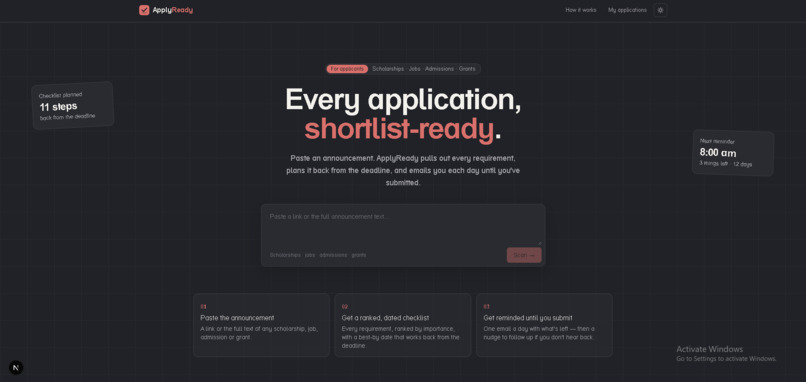
Landing page
-
Logo
-
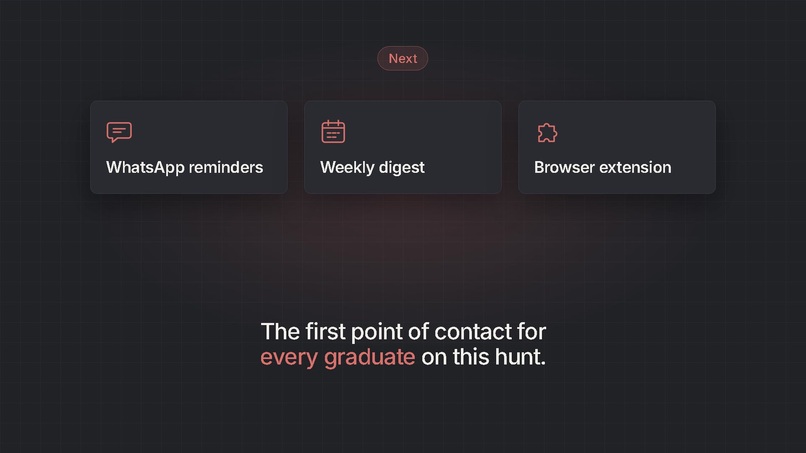
What's Next
-
-
End Card
-
Chatbot vs ApplyReady
-
Email 9 left
-
Email 6 left
-
Submitted
-
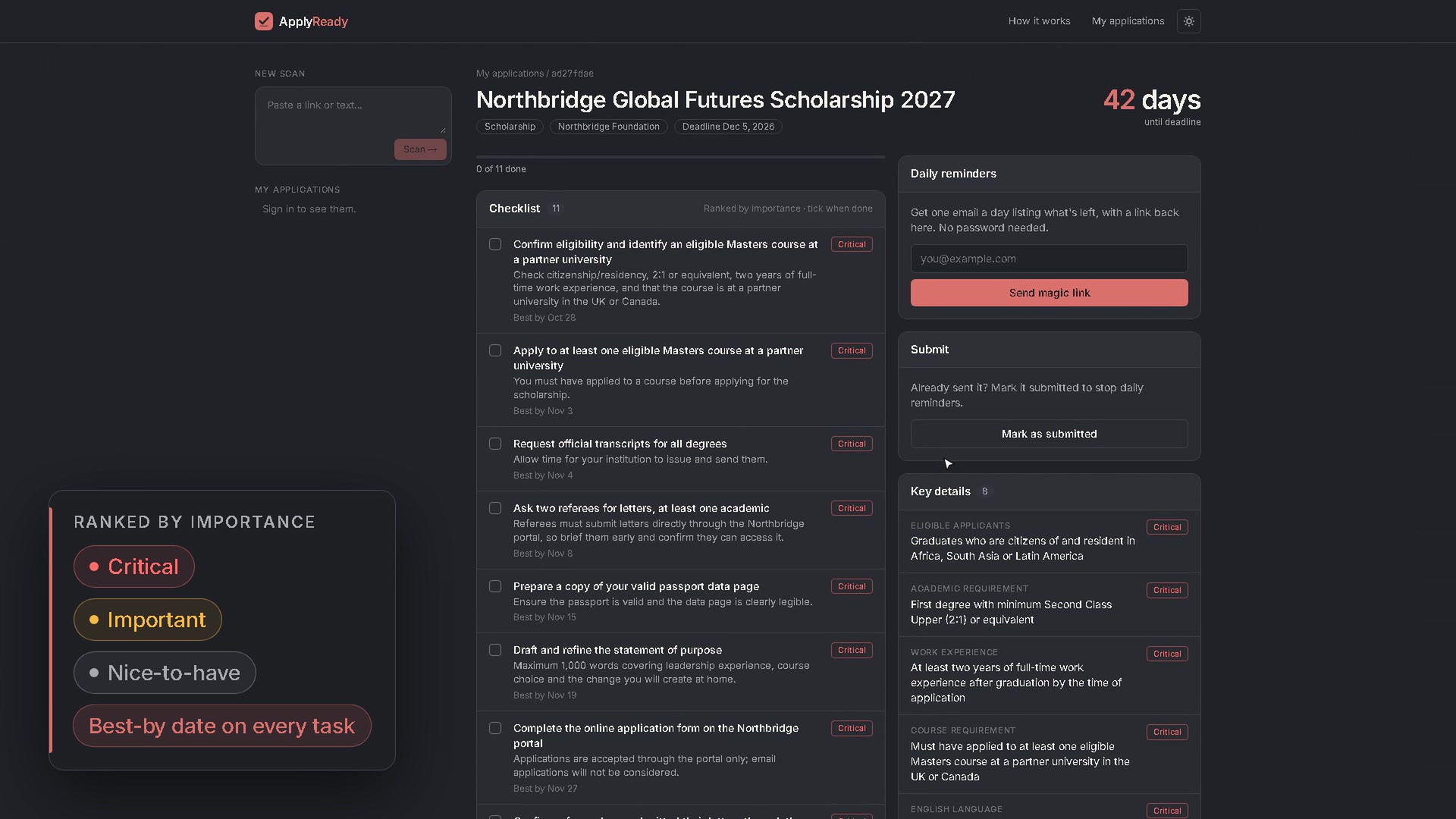
Ranked plan
-
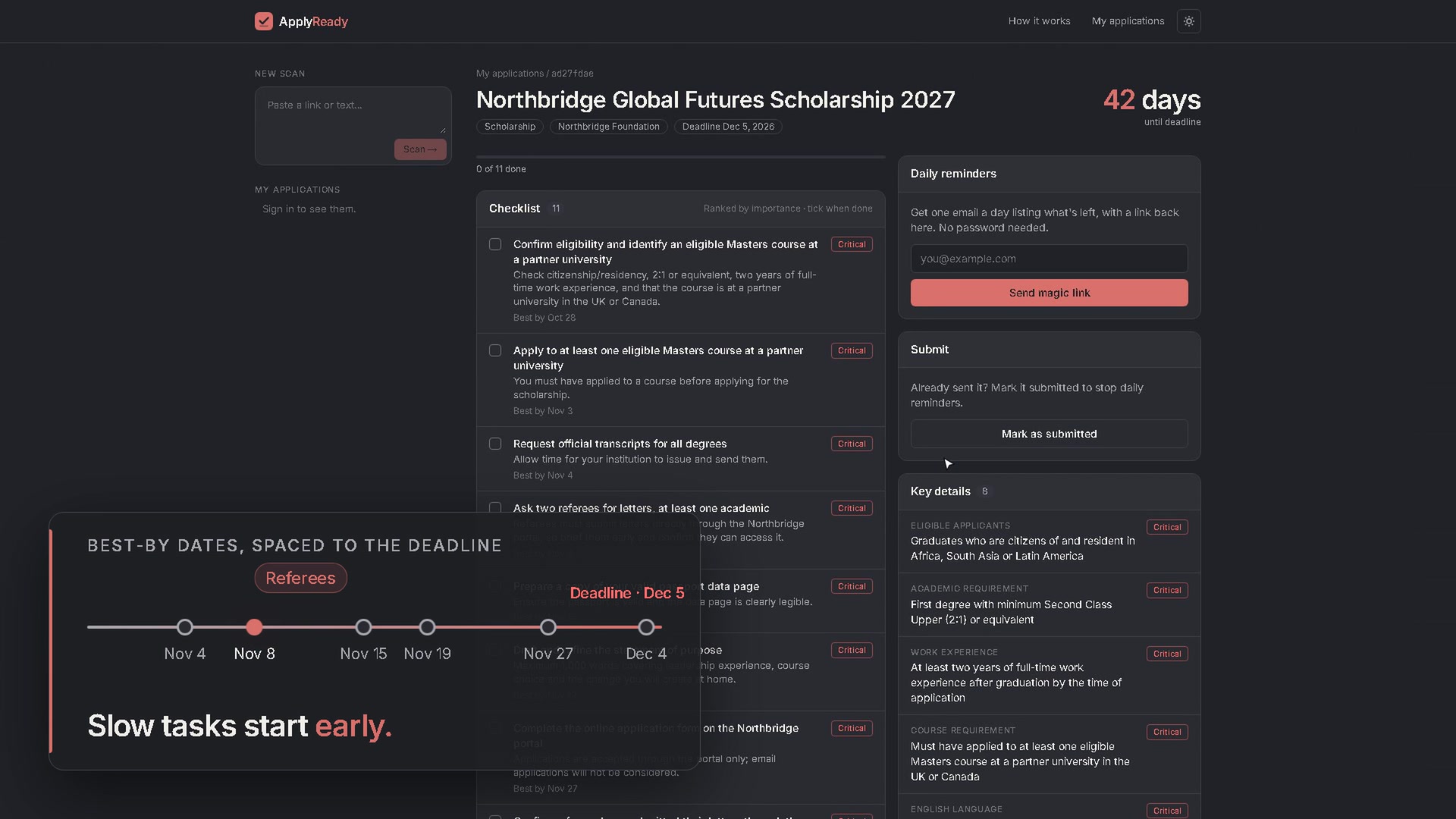
Best by date
ApplyReady
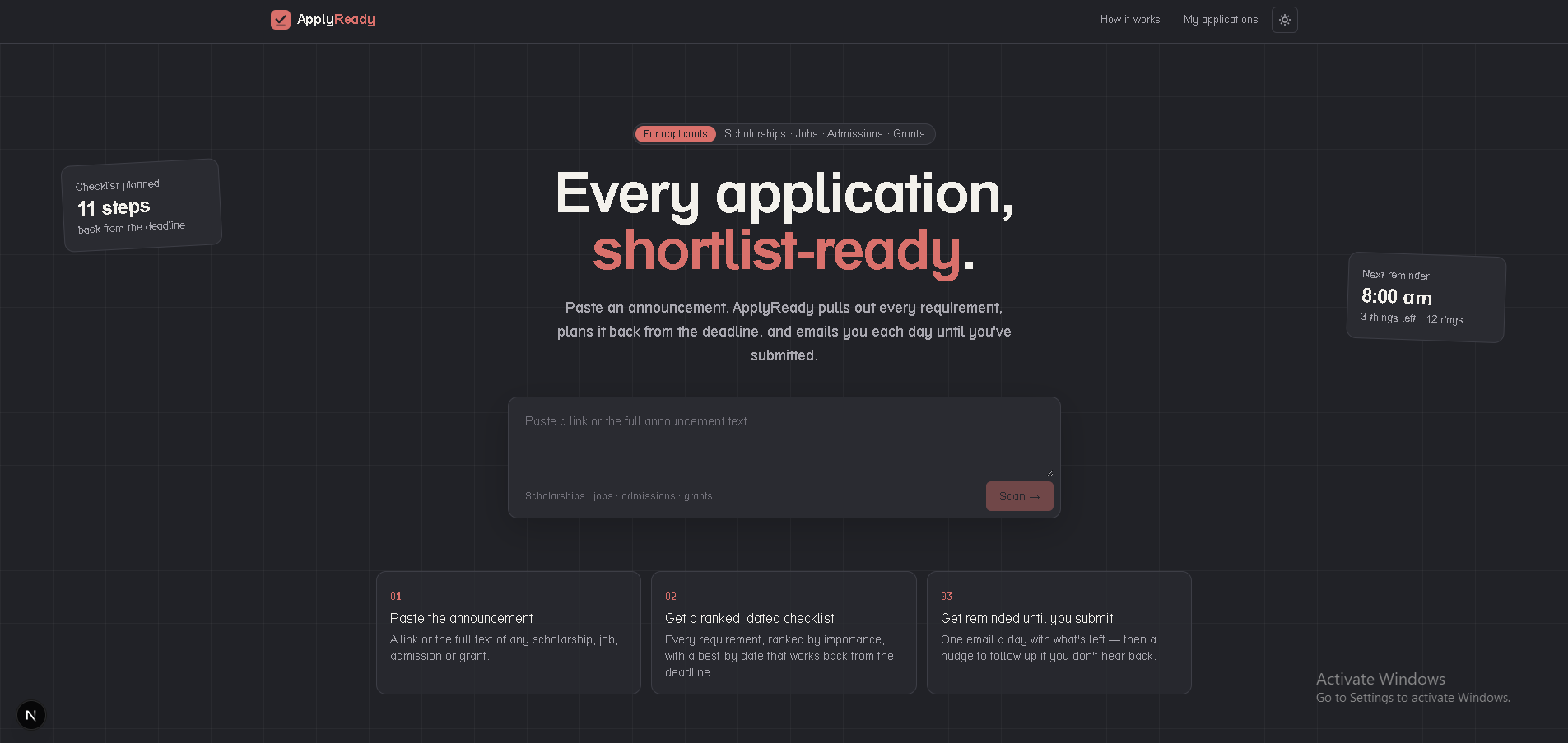
Paste any scholarship, job, admission or grant announcement. ApplyReady turns it into a ranked plan with best-by dates, then emails you every day with only what’s left until you submit.
Inspiration
As a graduate, I have been struggling with being consistent with my job and scholarship applications. Oftentimes I forget and miss out on some because I couldn’t put essays together, gather the needed documents and plan the whole application properly.
I don’t have trouble finding opportunities. I lose them in execution: the essay isn’t drafted in time, the documents aren’t gathered, there’s no plan for the weeks before the deadline, and there’s no follow-up after I submit. Like a lot of graduates, I kept it all in my head or in scattered notes, then fell back on bulk-applying. I didn’t want more applications. I wanted each application I send to be worthy of being shortlisted.
What it does
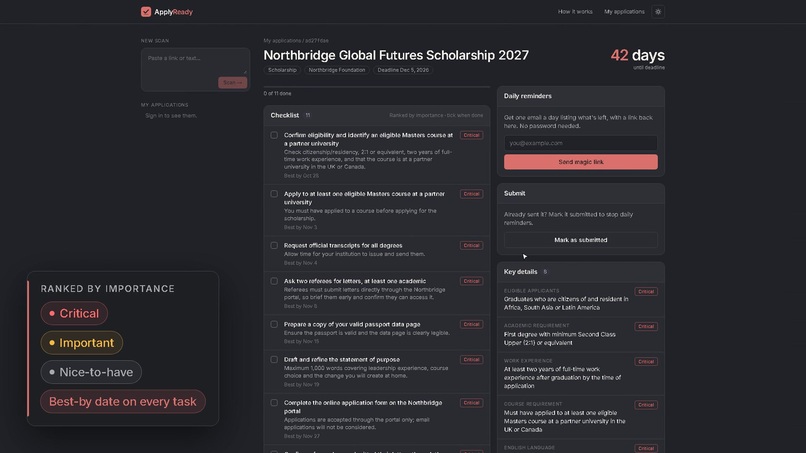
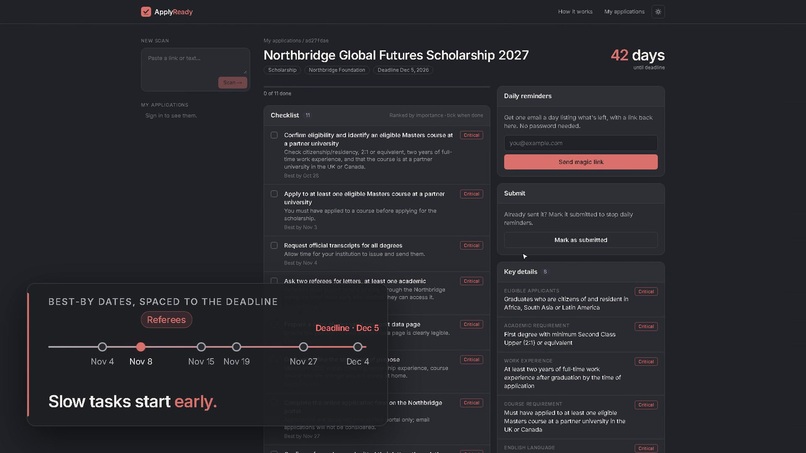
- Paste an announcement, get a plan. Paste a link or the full text. ApplyReady pulls out every requirement, the deadline, the documents and the eligibility rules. It ranks each task as critical, important or nice-to-have, and gives it a best-by date worked back from the deadline. If the text isn’t an application at all, it rejects it instead of inventing a checklist.
- Guidance, not ghostwriting. It tells you what your statement of purpose, essays and CV should cover, including word limits. The writing stays in your own voice.
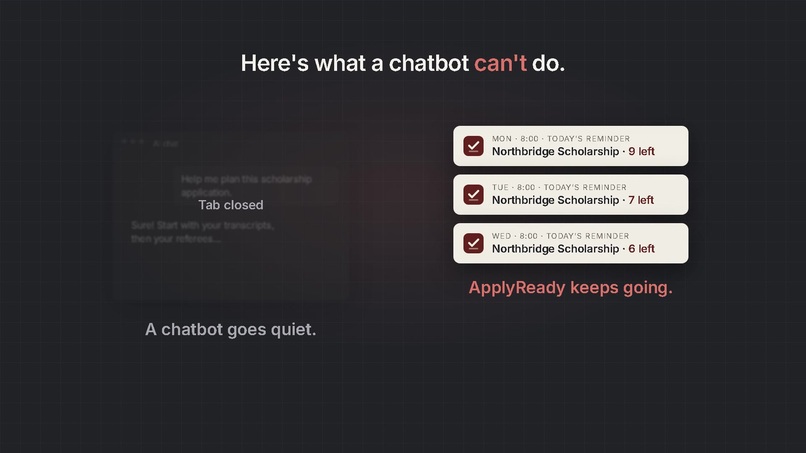
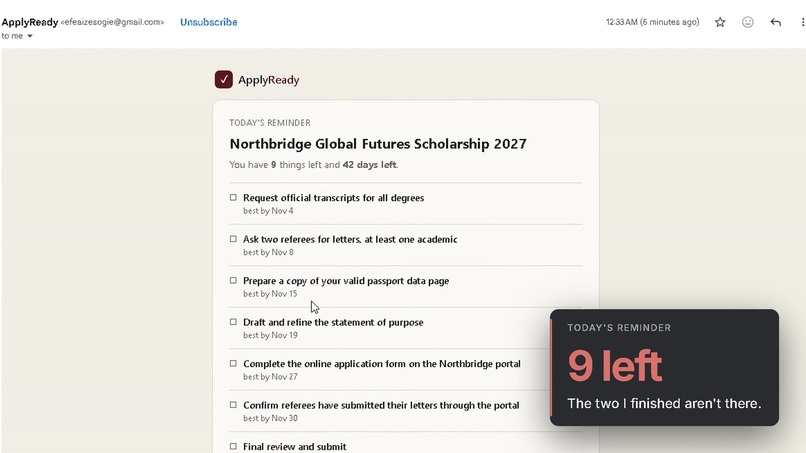
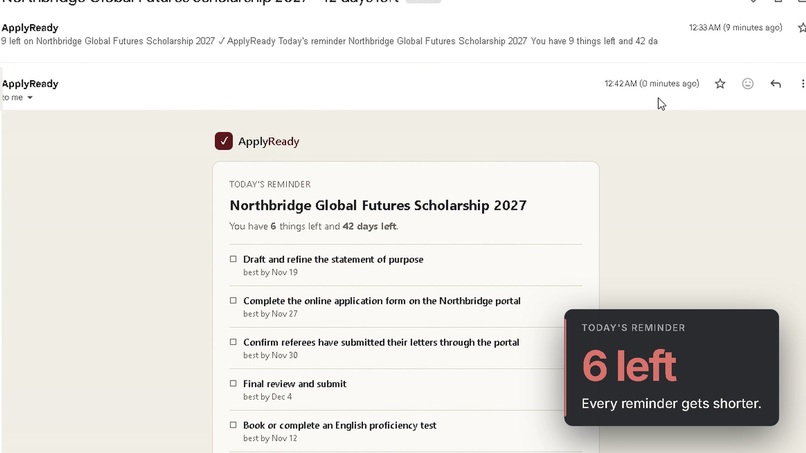
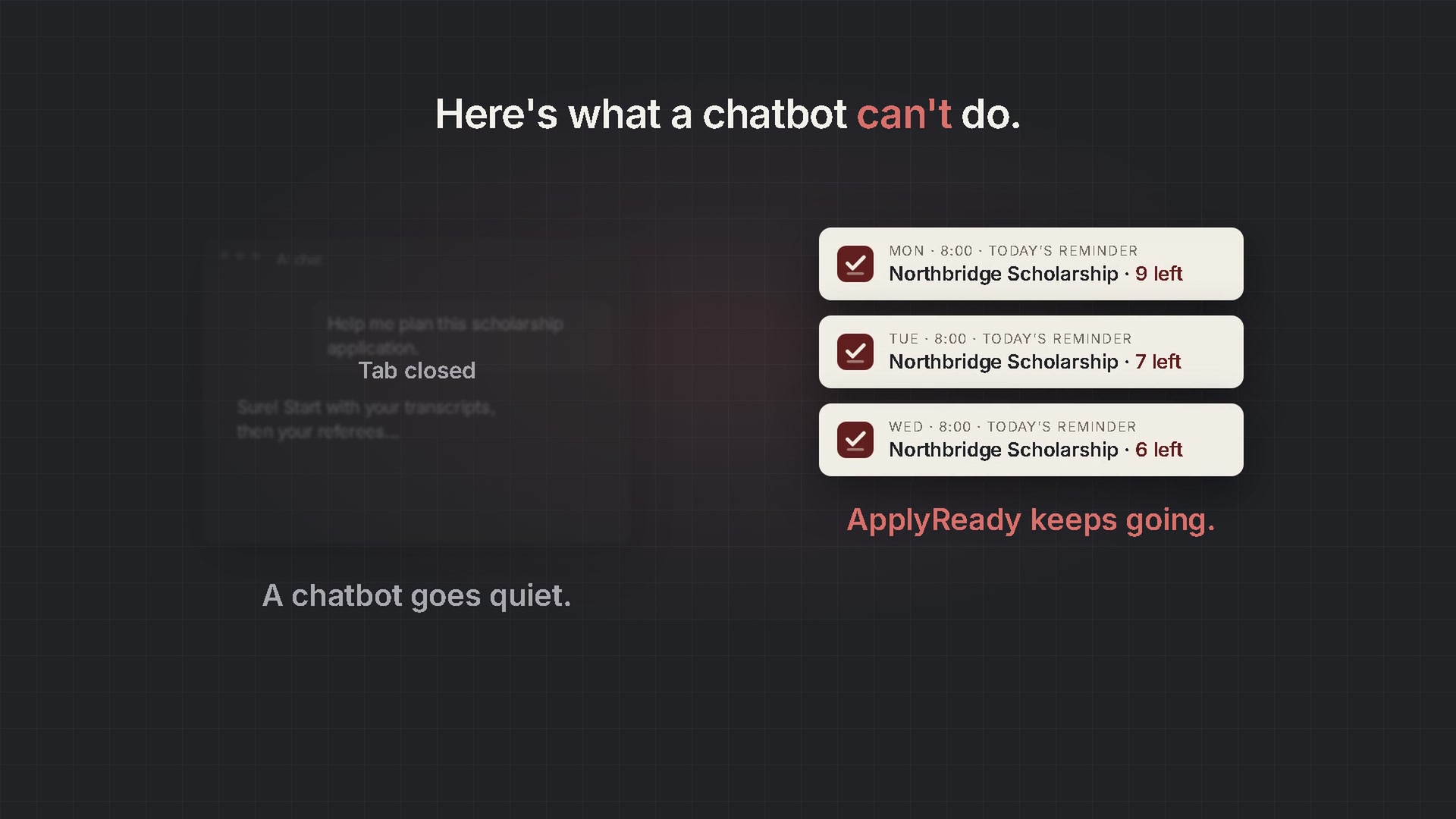
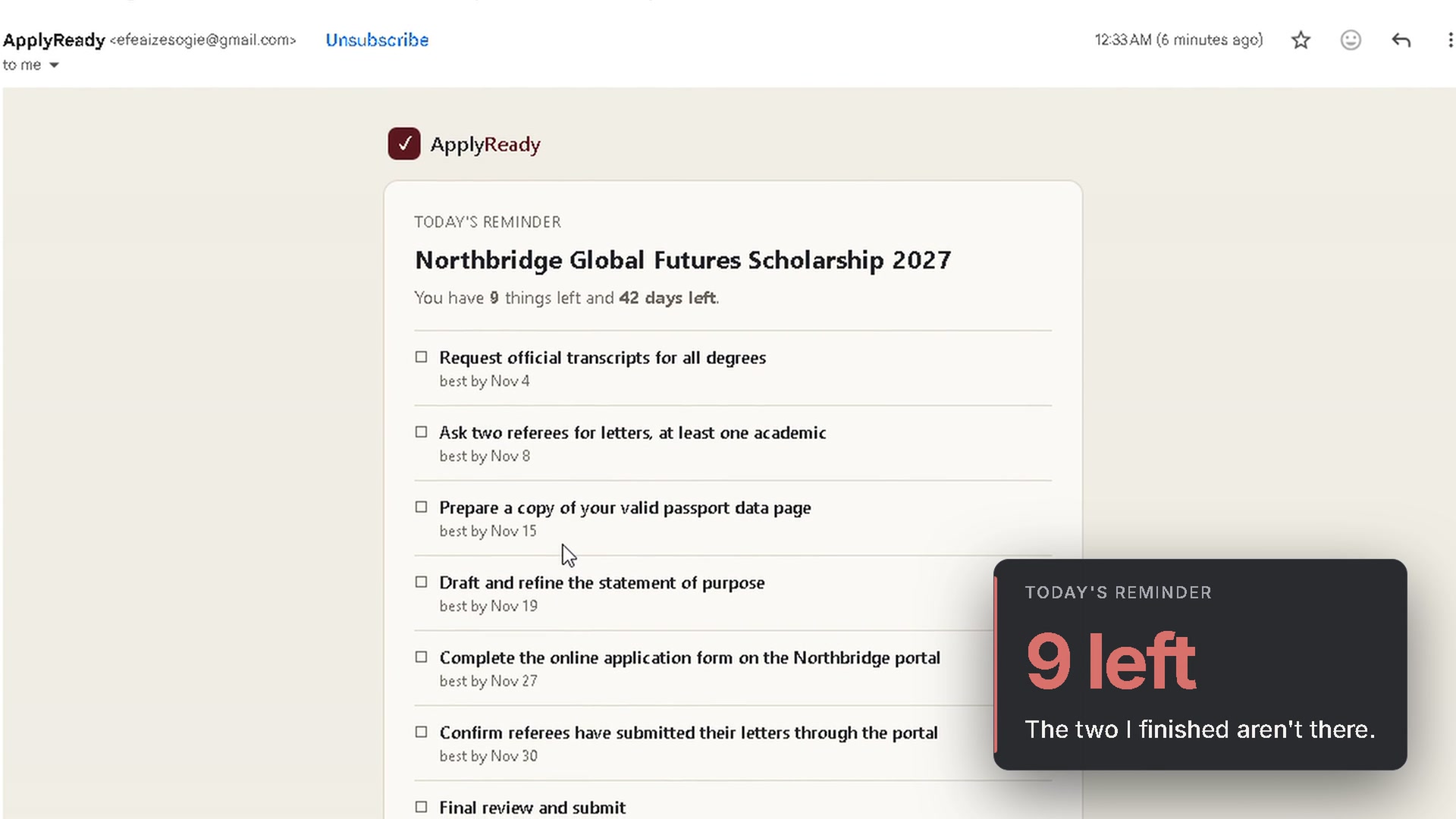
- It keeps chasing you. Confirm your email with a magic link (no password), and every morning you get one email listing only what’s still unticked, how many days are left, and a link back to exactly where you stopped. A chat answer goes quiet once you close it; ApplyReady keeps reminding you until you submit.
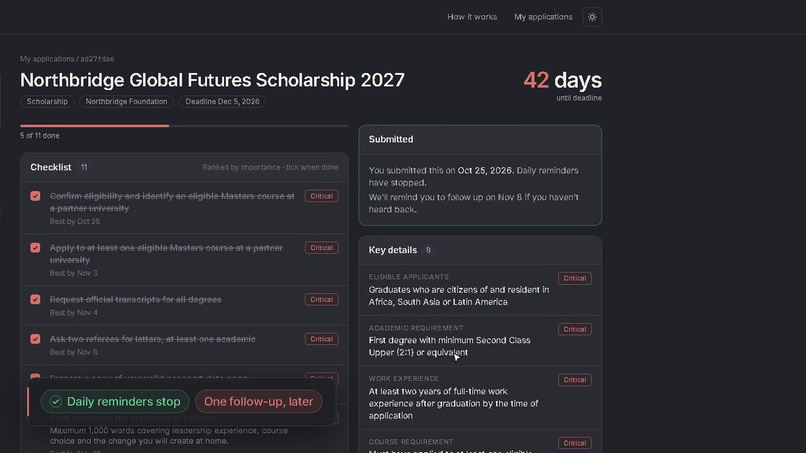
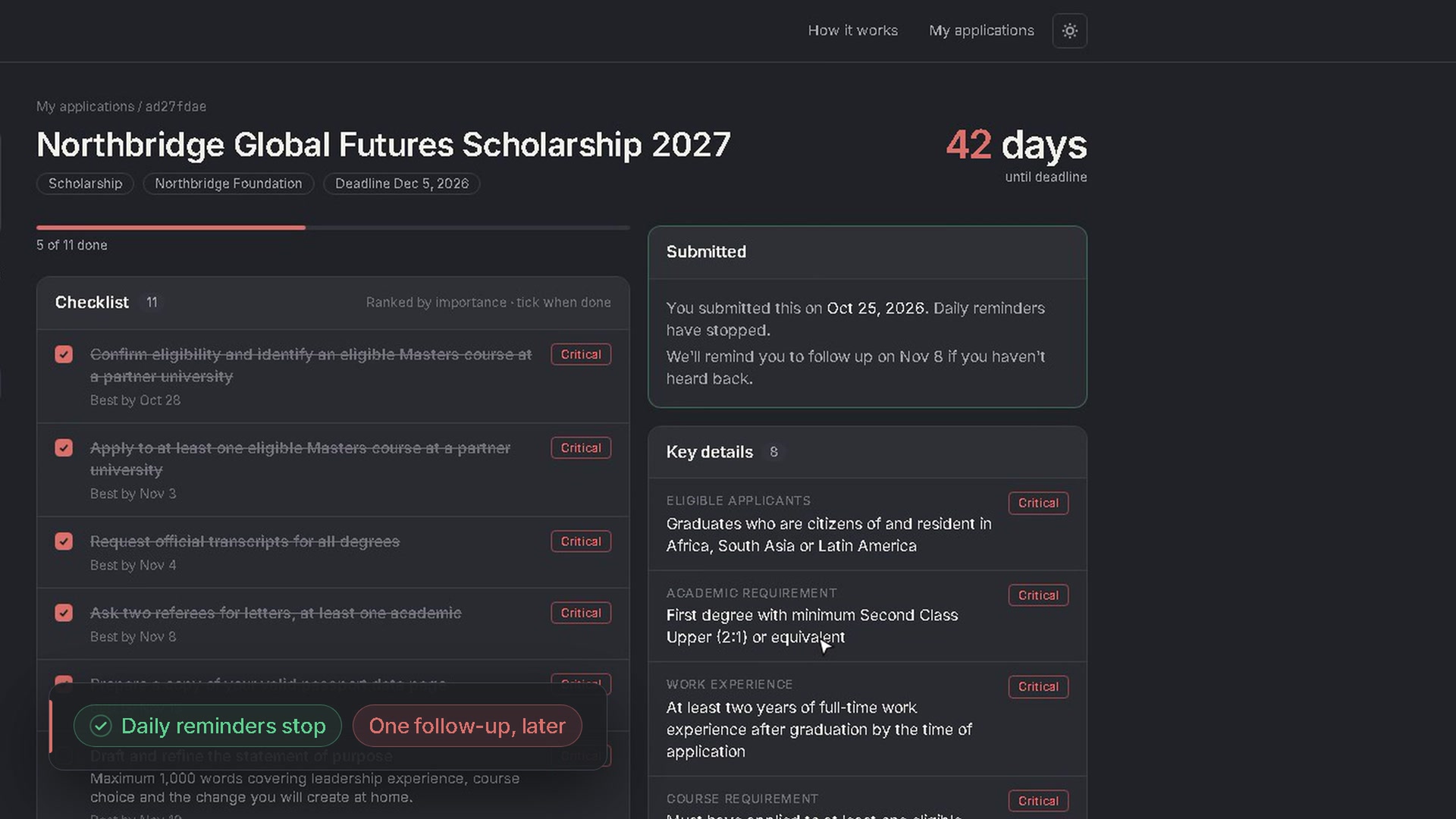
- It closes the loop. Mark an application as submitted and the daily reminders stop. ApplyReady then schedules one follow-up nudge in case you haven’t heard back.
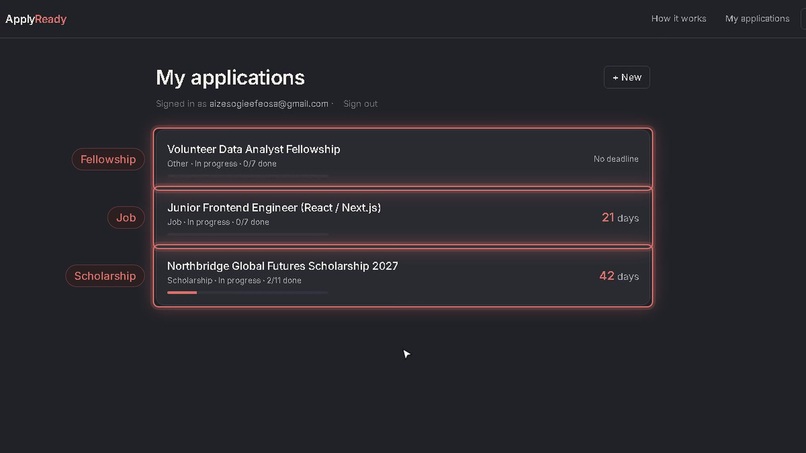
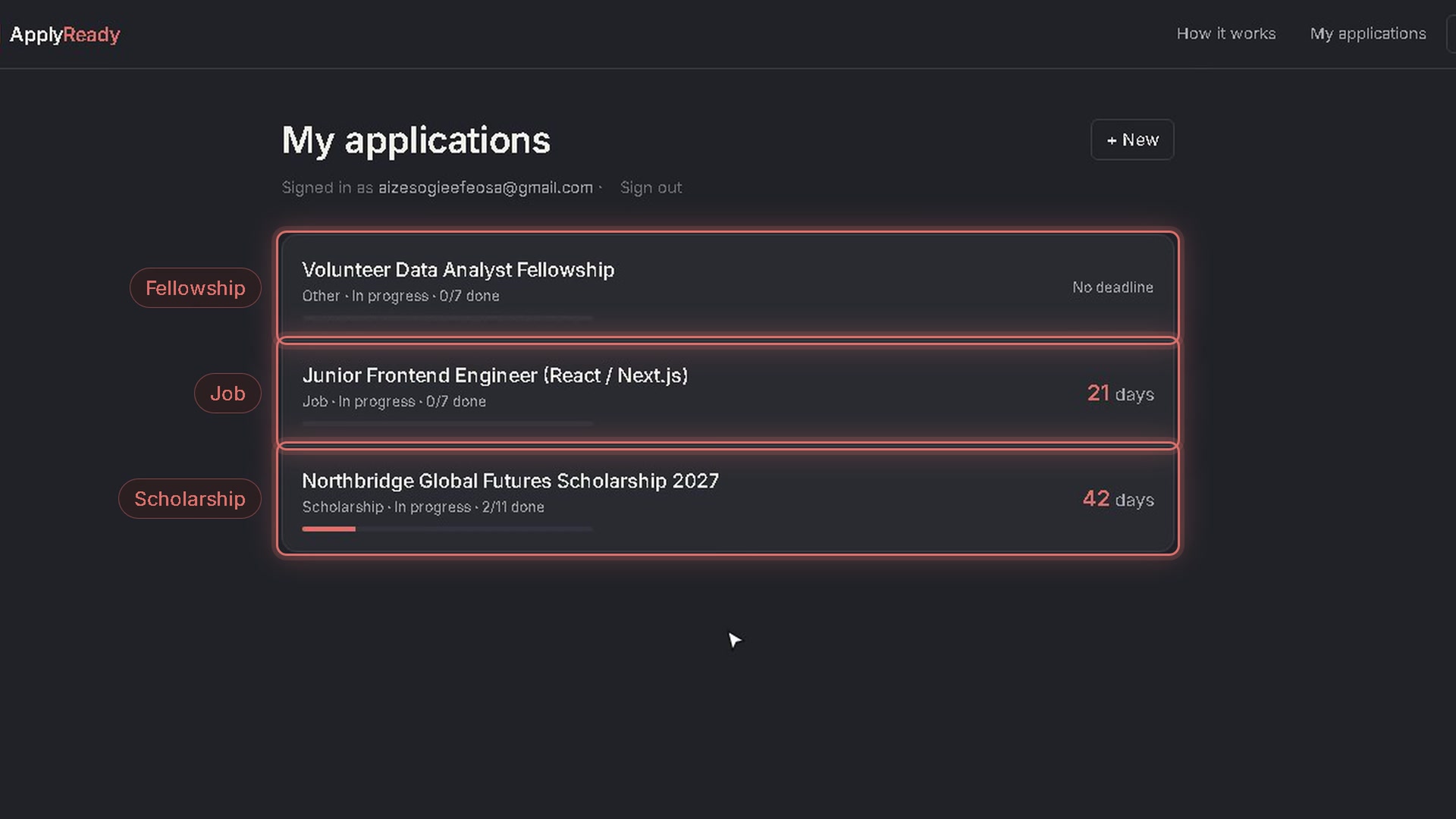
- Everything in one place. My applications shows every scholarship, job and fellowship tied to your email, each with its progress.
How I built it
- Next.js 16 (App Router, TypeScript, Tailwind CSS), deployed on Vercel.
- AI extraction: an LLM turns the announcement into JSON, and a Zod schema checks it before the app trusts it. It retries once, and fails over automatically from the main gateway (Oxion, Gemini) to a second provider (River, DeepSeek).
- The planner is plain code, not AI. The AI proposes what needs doing and how important it is. My code works out the best-by dates from the deadline, because LLMs are unreliable at calendar maths.
- Supabase stores applications and checklist items, and handles magic-link sign-in.
- Email goes through my own SMTP mailbox, with Resend as a backup. Vercel Cron triggers the daily send.
- Plan first, then build. I worked with a coding agent through a plan-first workflow: scope → PRD → spec → a build checklist of six slices, each verified before moving on.
Challenges I ran into
- The AI gateway went down mid-build. Oxion returned 503 for every model during the first slice, so I added automatic failover to River.
- Real data broke the planner. Running three real announcements through it showed an 11-task scholarship with 42 days left wrongly flagged as tight, because real tasks overlap. I changed the planner to space tasks evenly and pinned the fix with a test.
- Sign-in links got rate-limited. Supabase’s built-in mailer blocked my magic links, so I now generate them on the server and send them through my own mailbox. That also makes them work across browsers.
- Reminders landed in spam. I reworded the emails, added one-click unsubscribe, and added spam-folder hints in the app.
Accomplishments that I’m proud of
- It’s live and works end to end, with real emails arriving in a real inbox.
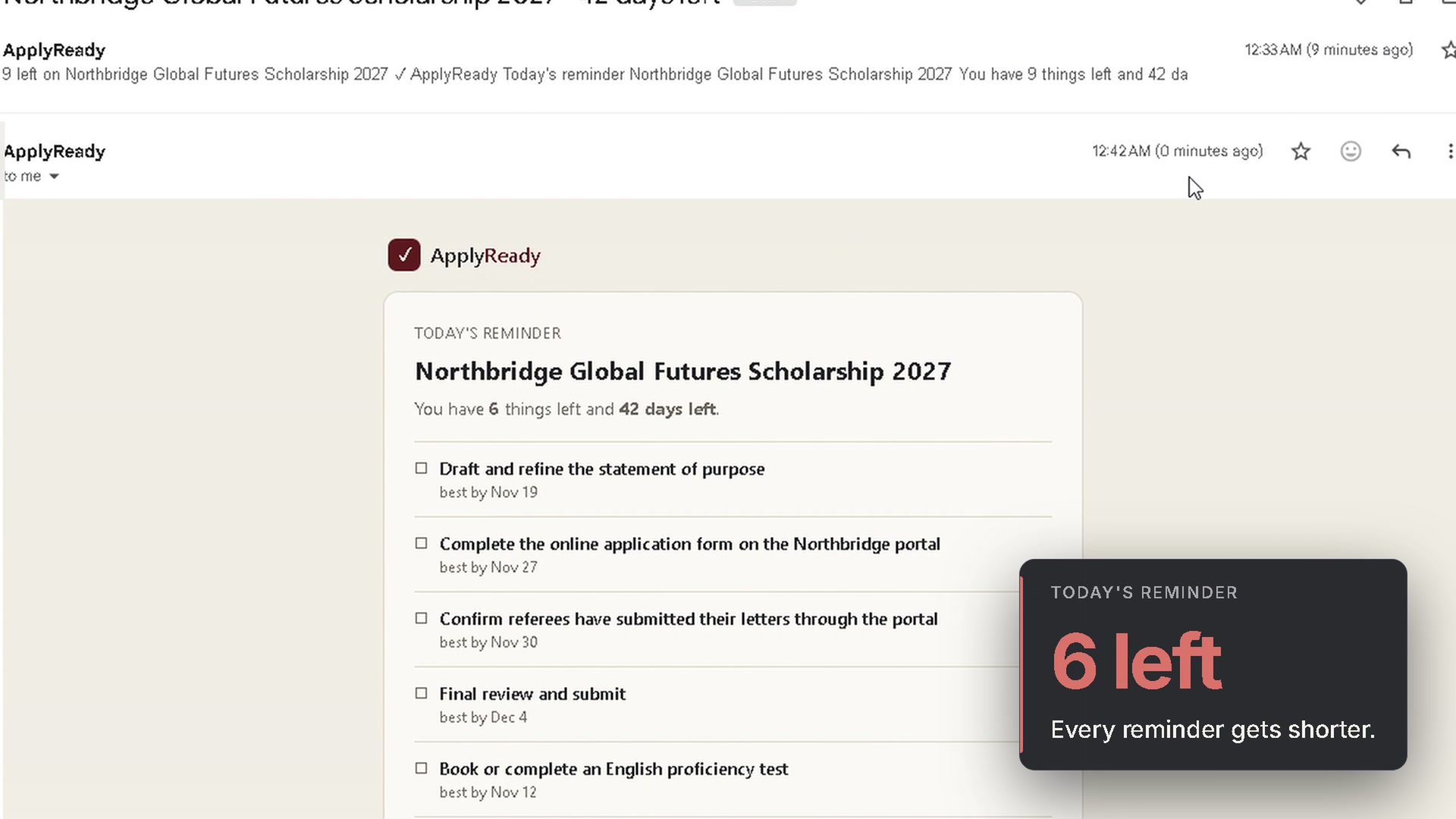
- Finished items drop out of each reminder (11 → 9 → 6), so every email is shorter than the last.
- The design is calm and consistent, inspired by Linear and Notion: organised, not a nagging alarm.
What I learned
I came in wanting to learn how winners ship. The biggest lesson was a habit: run real inputs through the core early, and turn each surprise into a test. That habit caught both the false tight flag and the gateway outage before I’d built on top of them. I also learned what a passing test does and doesn’t prove. It proves the behaviour I decided on, not that the decision is right for real applicants.
What’s next for ApplyReady
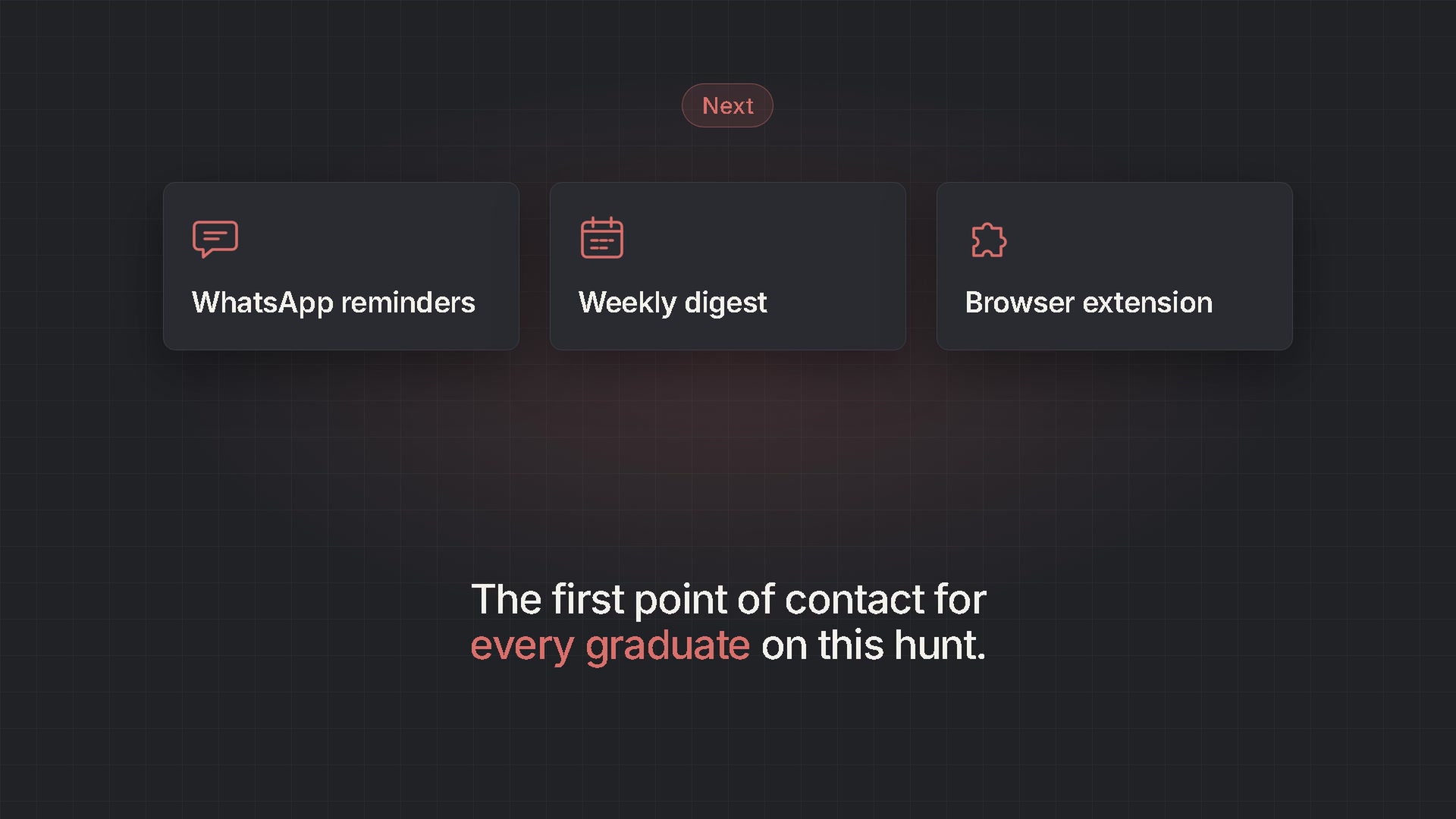
- WhatsApp reminders
- A weekly digest across all applications
- A browser extension, so you never copy and paste
- Sharing it with friends on the same job and scholarship hunt, as their first point of contact


Log in or sign up for Devpost to join the conversation.