-
-
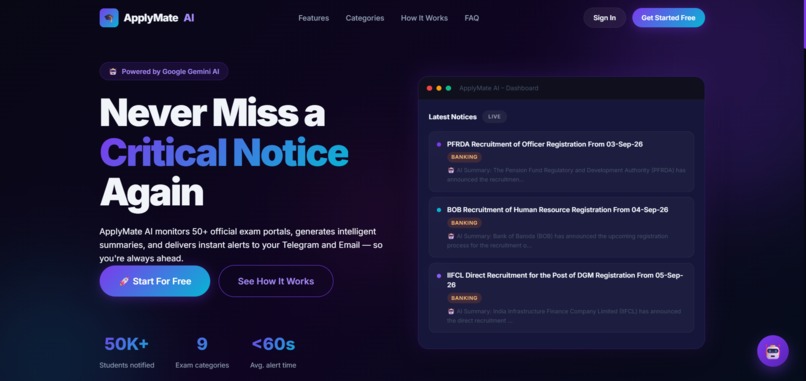
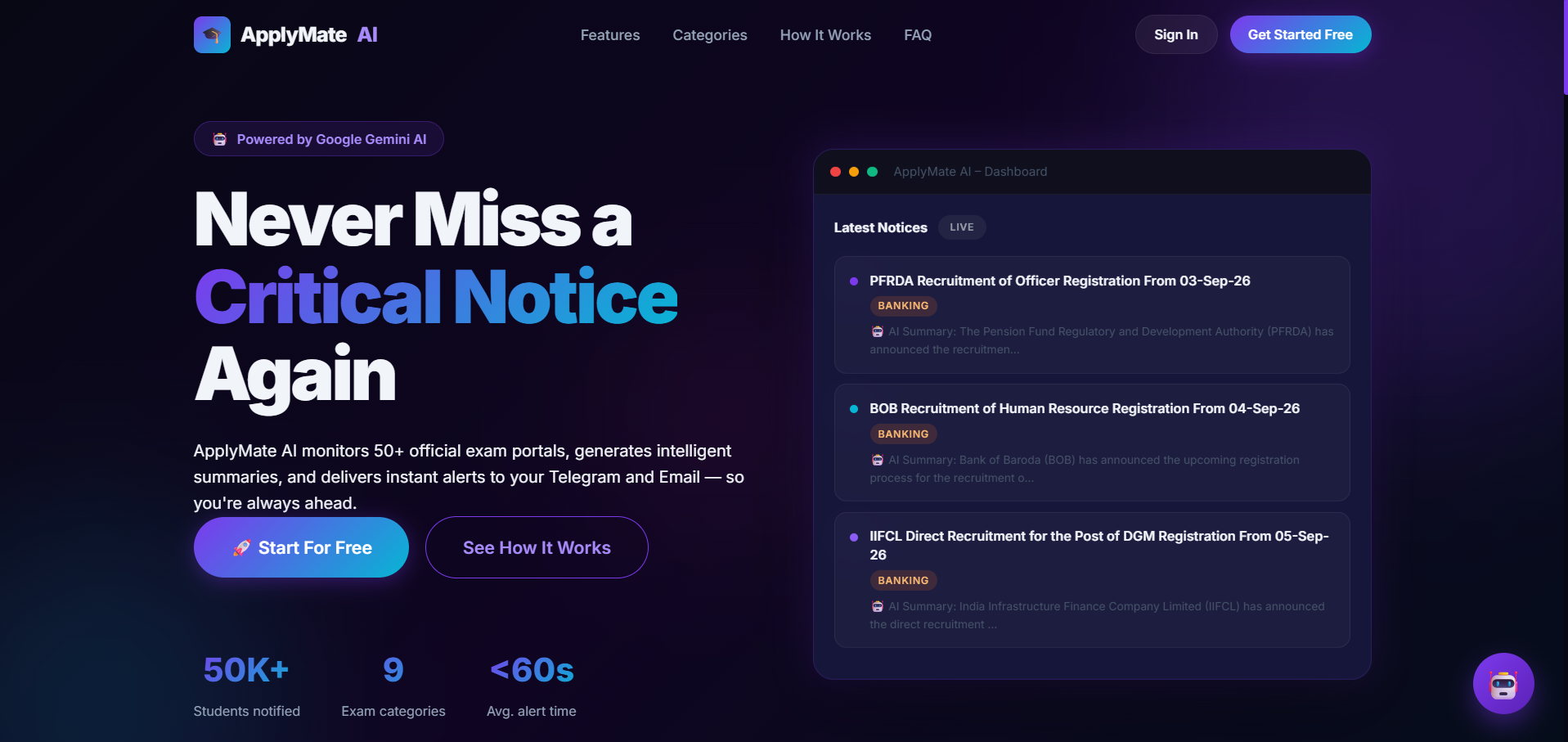
Main page
-
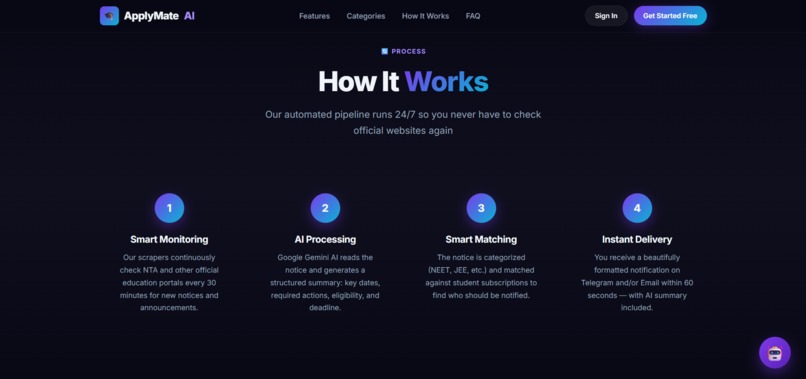
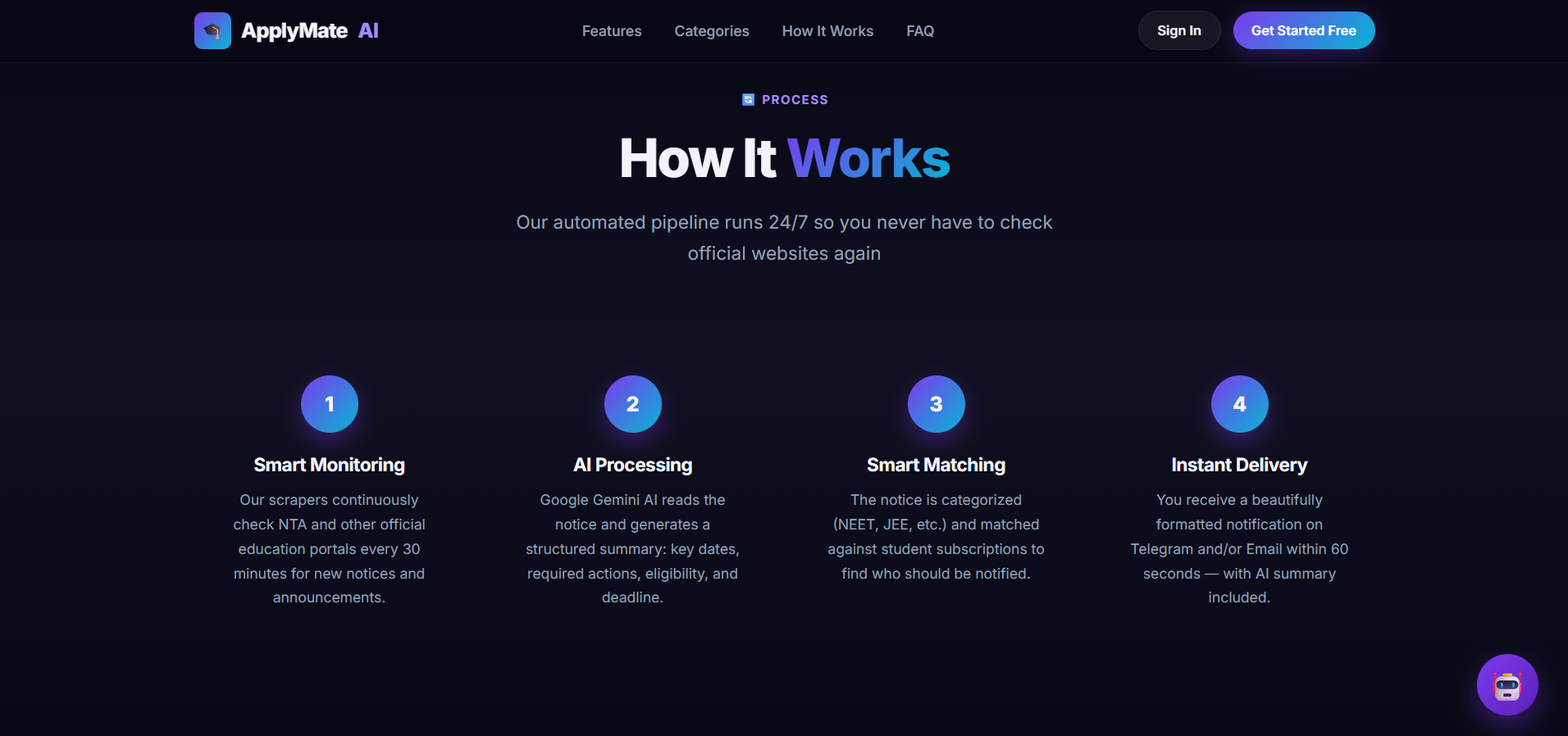
Workflow
-
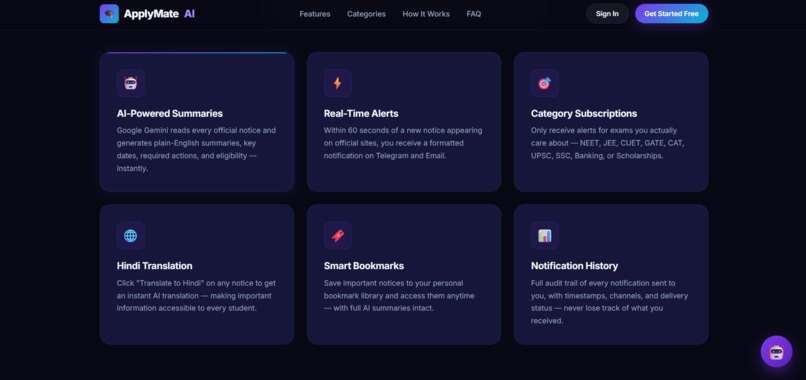
-
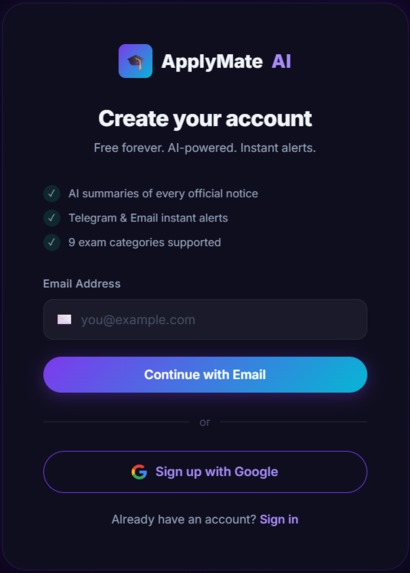
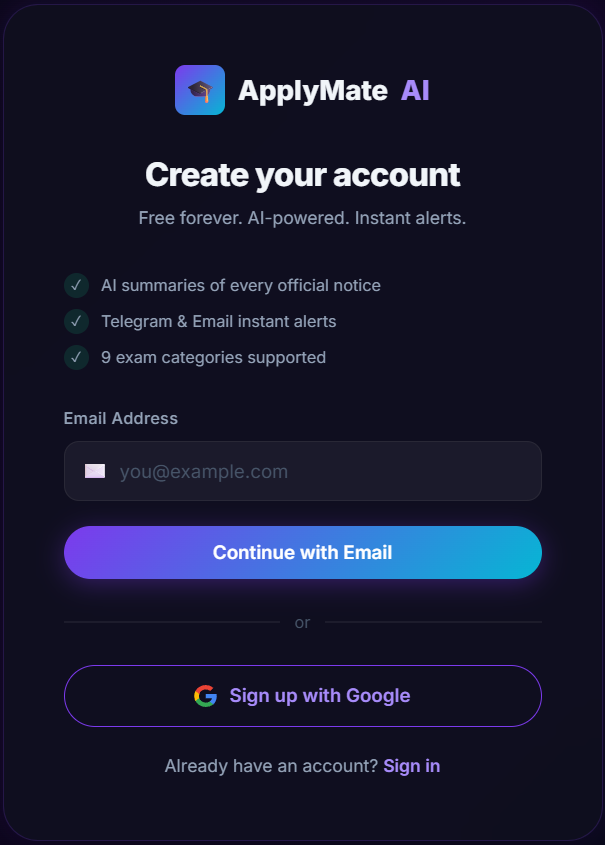
Signup page
-
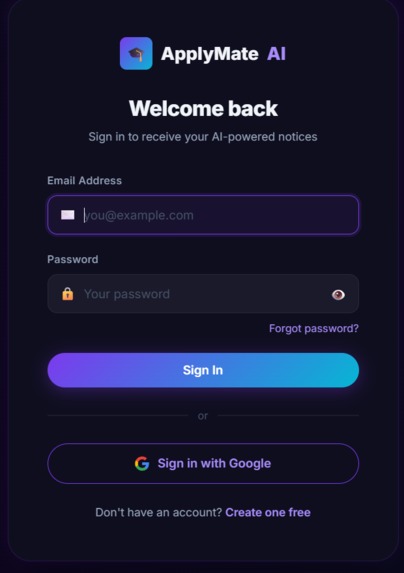
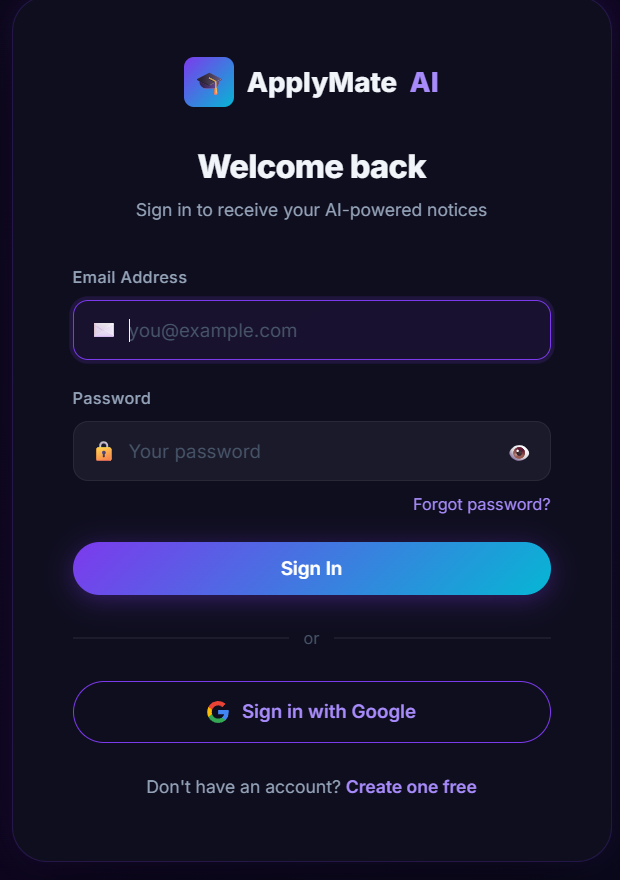
Login
ApplyMate AI 🎓
Never miss a critical educational notice again. ApplyMate AI is a production-ready web application that helps Indian students track official notices from NTA and other exam portals.
It uses Google Gemini AI to generate intelligent summaries and automatically notifies you via Telegram and Email.
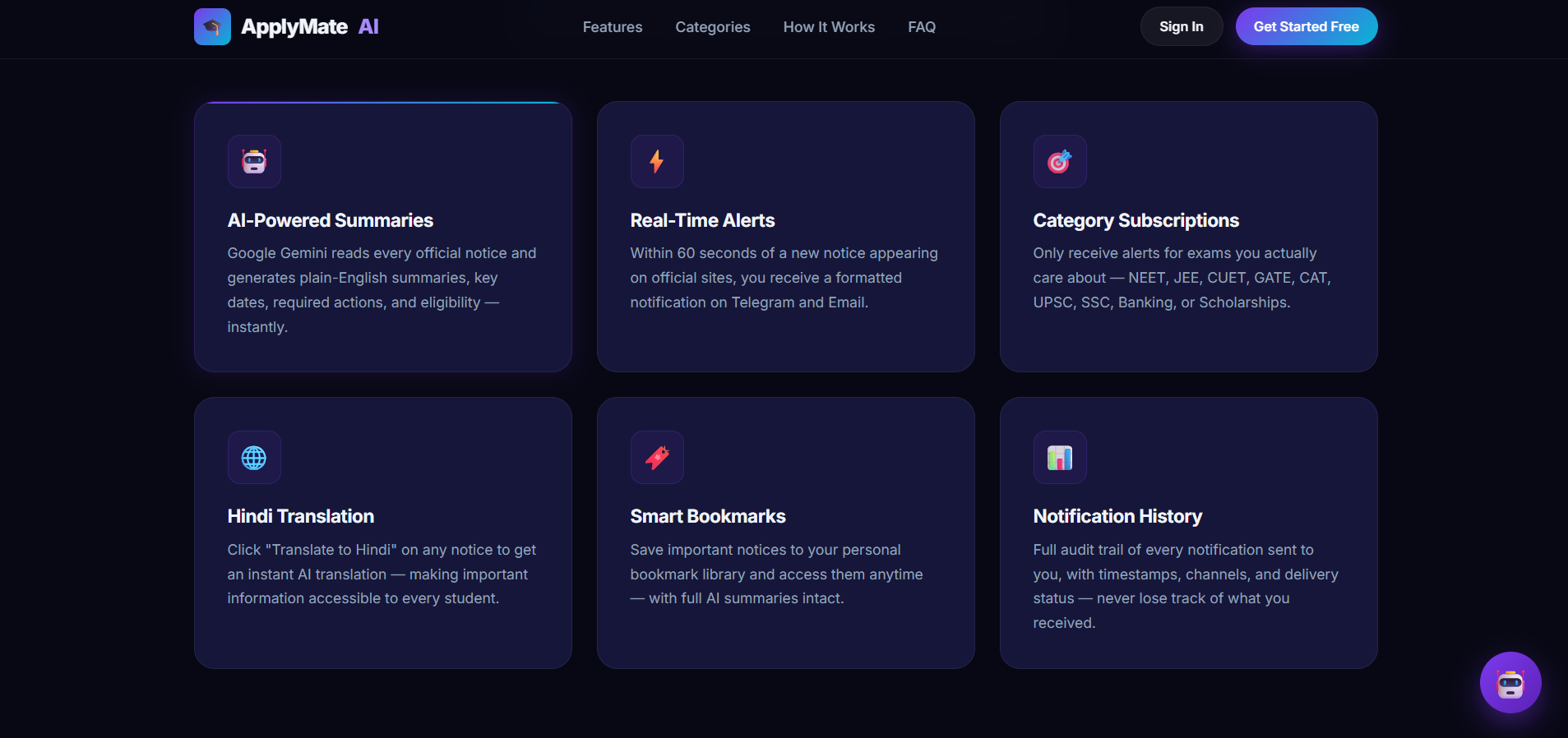
Features
- Automated Monitoring: 24/7 scraping of NTA and other official websites.
- AI-Powered Summaries: Google Gemini generates concise explanations, extracts deadlines, and outlines eligibility.
- Instant Alerts: Receive notifications via Telegram and Email within 60 seconds of a new notice.
- Smart Categorization: Subscribe to specific categories like NEET, JEE, CUET, GATE, UPSC, SSC, and Banking.
- Multi-lingual Support: Instant AI translation to Hindi.
- Modern Dashboard: Responsive, dark-mode ready UI for managing preferences and bookmarks.
Tech Stack
Backend:
- FastAPI (Python)
- PostgreSQL + SQLAlchemy 2.0 (Async) + Alembic
- APScheduler (Background jobs)
- Google Generative AI (Gemini)
Frontend:
- Vanilla HTML5 / CSS3 / JavaScript
- Responsive & Modern UI
Deployment Ready:
- Backend: Railway
- Frontend: Vercel
Local Setup
1. Backend
cd backend
python -m venv .venv
# Activate virtual environment (Windows: .venv\Scripts\activate, Linux/Mac: source .venv/bin/activate)
pip install -r requirements.txt
Create a .env file based on .env.example:
cp .env.example .env
Fill in the DATABASE_URL (PostgreSQL), GEMINI_API_KEY, TELEGRAM_BOT_TOKEN, and BREVO_API_KEY.
Run database migrations:
alembic upgrade head
Start the FastAPI server:
uvicorn main:app --reload --port 8000
2. Frontend
The frontend consists of static HTML files. You can serve them using any local server, for example:
cd frontend
python -m http.server 3000
Open http://localhost:3000 in your browser. Ensure the backend is running on port 8000, as configured in frontend/js/config.js.
Deployment
- Backend: Connect the repository to Railway. The
Procfileandrailway.tomlare pre-configured. Ensure all Environment Variables from.envare set in the Railway dashboard. - Frontend: Deploy the
frontendfolder to Vercel. Avercel.jsonis included for basic configuration.
License
This project is proprietary and built for ApplyMate AI.
Built With
- css
- html
- javascript
- mako
- procfile
- python


Log in or sign up for Devpost to join the conversation.