-
-
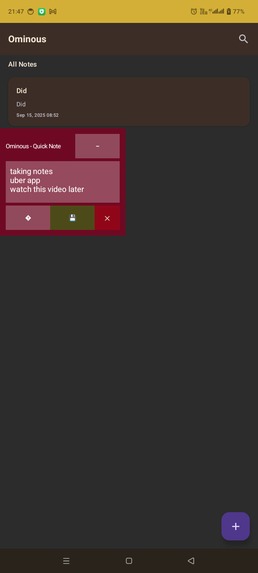
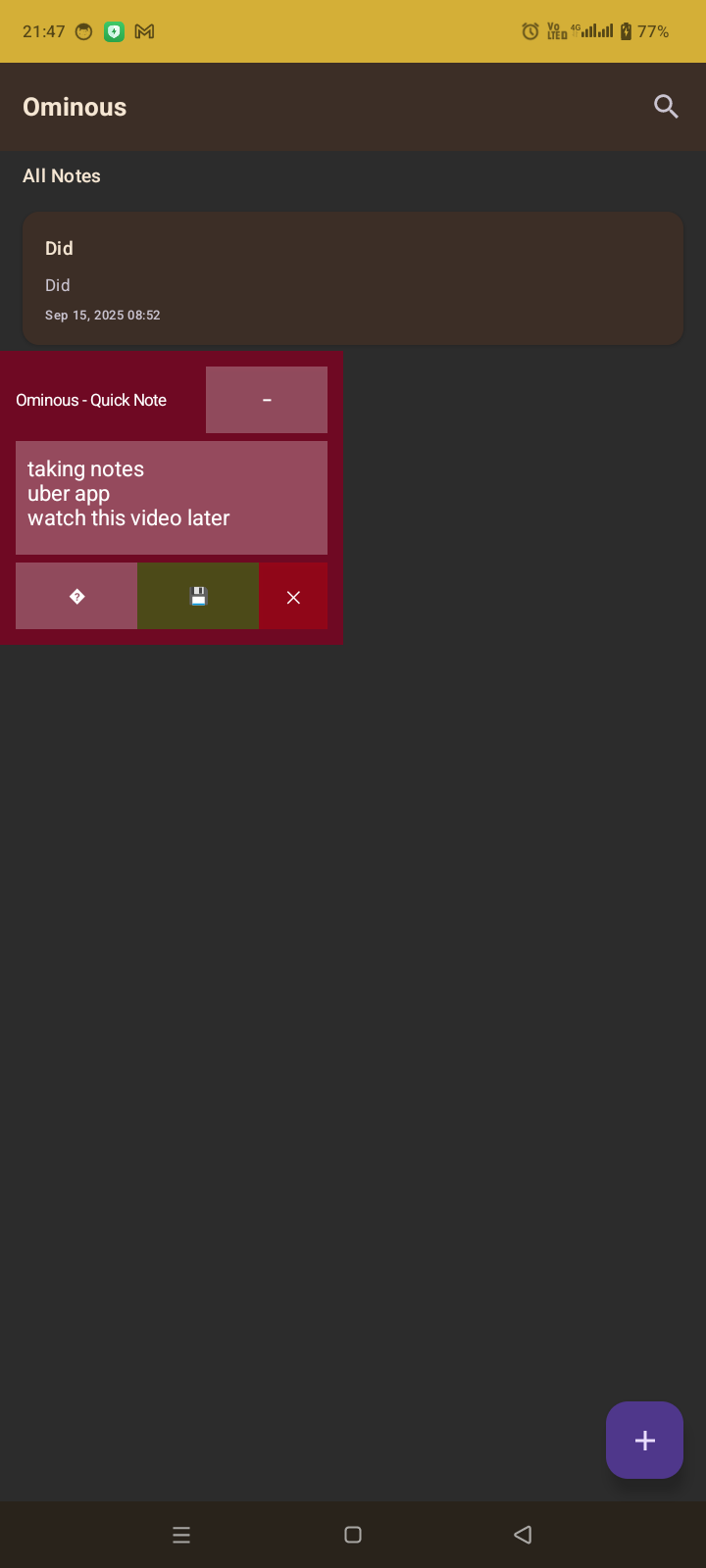
Floating overlay launched
-
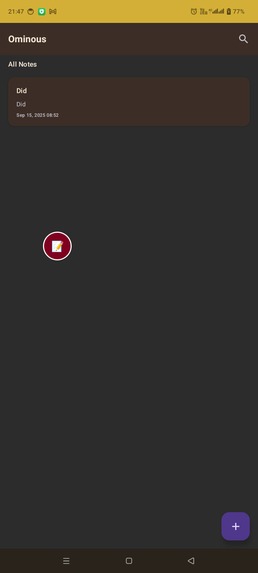
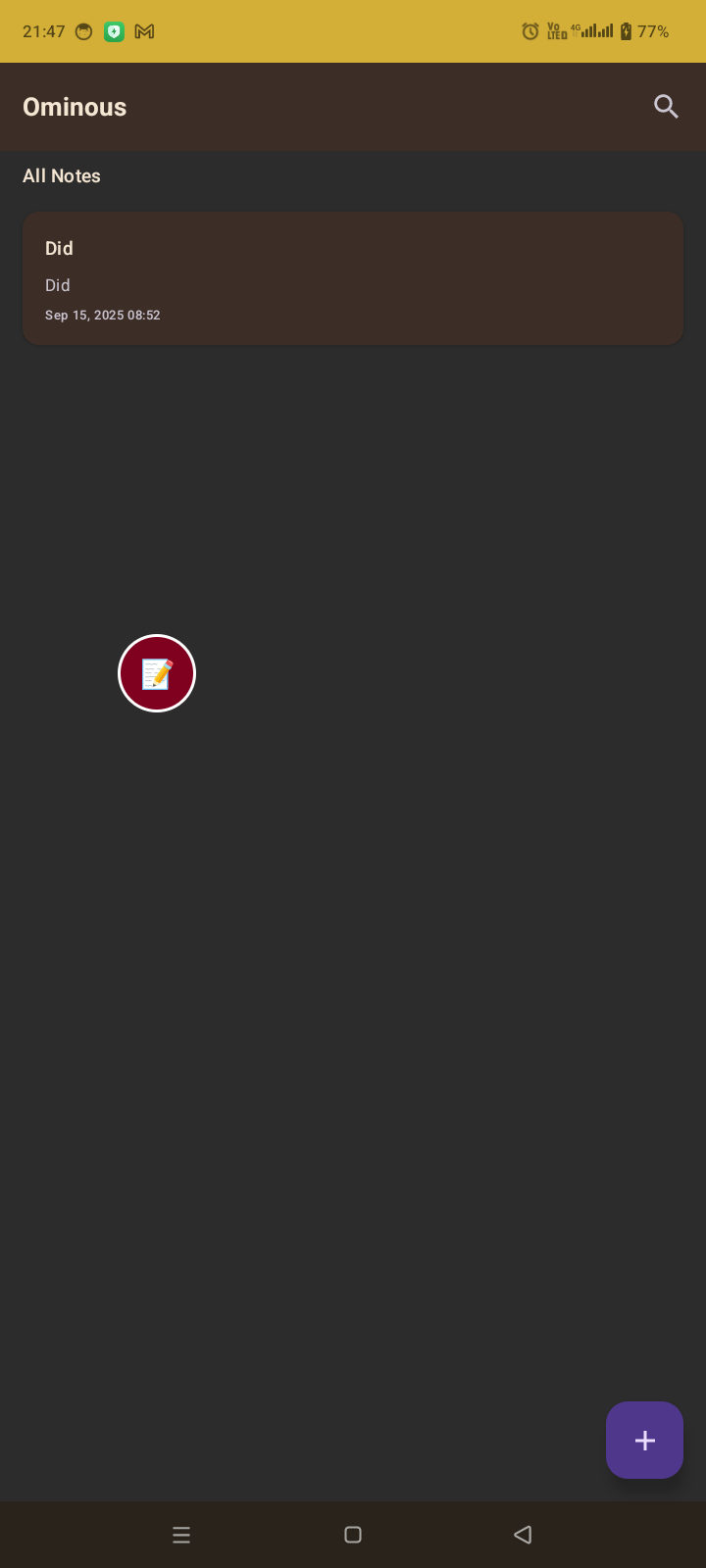
Minimized floating overlay
Inspiration
The idea for Ominous came from a recurring frustration I experienced while using my phone—having to switch between apps just to jot down a quick note or take a screenshot. Whether I was referencing an article, debugging something, or simply wanted to save an idea, the constant app switching disrupted my flow. I wanted a way to capture thoughts or visuals without breaking context. That’s when I decided to build a floating, always-available tool that would feel like a natural extension of the Android experience.
What it does
Ominous is an Android application that lets me take notes and capture screenshots through a persistent floating overlay. The overlay can sit on top of any app, and I can move or minimize it as needed. It’s always there when I need it, without requiring me to leave the app I’m currently using. Notes and screenshots are saved locally and linked together, making it easy to manage them later in the main app interface.
How I built it
I built Ominous using Kotlin and Jetpack Compose for a modern, responsive UI. The overlay is powered by a foreground service using Android’s WindowManager API, which allows me to draw a floating interface on top of other apps. I followed the MVVM architecture, with a Room database handling local persistence for notes and screenshots. I used the MediaProjection API to take screenshots, hiding the overlay just before capture and bringing it back afterward. To stay compliant with Android’s background execution policies, I included a persistent notification to control the service.
Challenges I ran into
- Overlay UI behavior was one of the most complex parts—handling drag, resize, and minimizing while keeping it intuitive and bug-free.
- Timing the screenshot capture perfectly so the overlay doesn’t appear in the image took a lot of fine-tuning.
- The permission flow (especially for
SYSTEM_ALERT_WINDOW) added onboarding friction, and I had to ensure users understood why those permissions were needed. - Preserving the overlay's state (position, size, and minimized/expanded state) across app restarts was harder than expected, but critical for a seamless experience.
Accomplishments that I'm proud of
- I built a floating tool that feels like a natural part of the OS—lightweight, fast, and always available.
- I implemented an auto-save system so that no note gets lost, even if the app is closed unexpectedly.
- I created a clean separation between quick actions in the overlay and detailed note management in the main app.
- The screenshot logic works smoothly, with the overlay disappearing and reappearing automatically around the capture process.
What I learned
- Android’s overlay and background service mechanisms are powerful but complex, especially across different OS versions and manufacturers.
- Building a non-intrusive UX is about subtle decisions—timing, animations, layout behaviors—that make the tool feel seamless rather than distracting.
- Persisting UI state and handling screen orientation changes requires extra care when working outside of standard activities and fragments.
- A strong architecture like MVVM made it much easier to manage data and UI interactions, especially with Compose and Room.
What's next for Ominous
-Export Integration: Enable exporting notes to popular diary and note-taking apps for seamless cross-platform access.
- Cloud Syncing: Add an option to back up and sync notes and screenshots using Google Drive or another provider.
- Voice Notes: Let users record quick audio memos directly from the overlay.
- Rich Text Formatting: Support basic formatting options like bold, bullet points, and check boxes.
- Tagging System: Add tags or folders to organize notes more effectively.
- OCR Support: Automatically extract text from screenshots and include it in the note content.
- Customization Options: Allow users to change overlay size, opacity, and theme.
- Accessibility Improvements: Make the overlay more usable with screen readers, voice input, and larger text settings.
Built With
- android-studio
- jetpack
- kiro
- kotlin
- sqlite


Log in or sign up for Devpost to join the conversation.